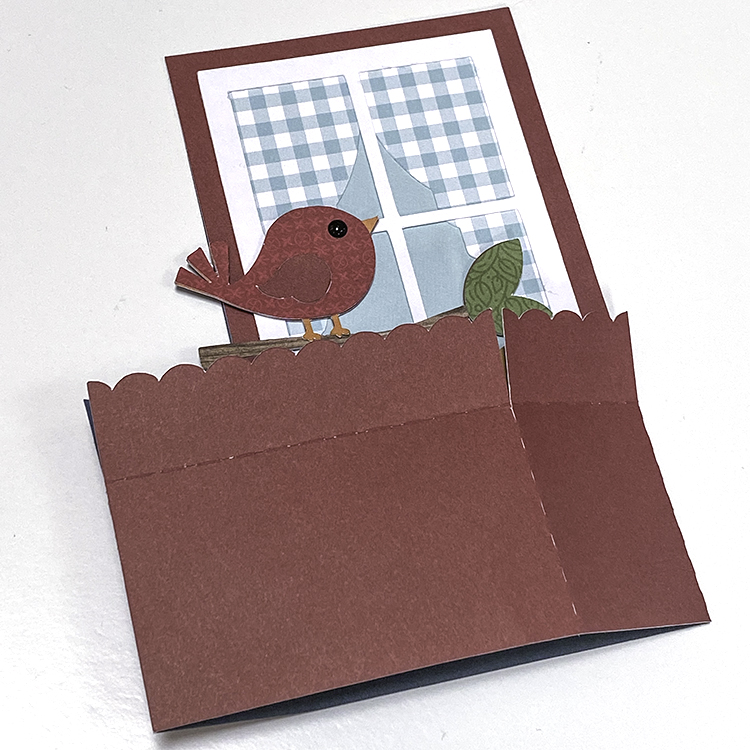
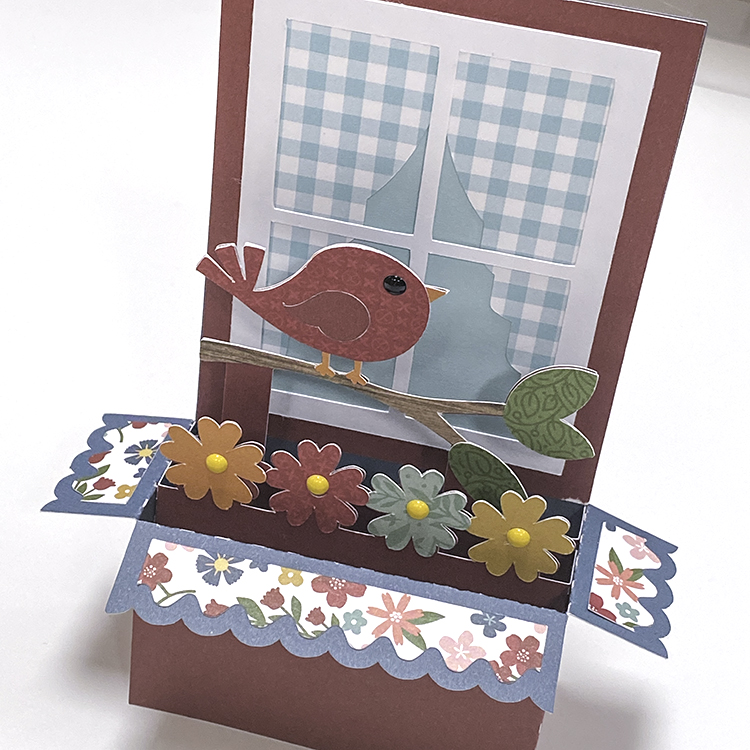
Pop Up Box Card School Bus Tutorial

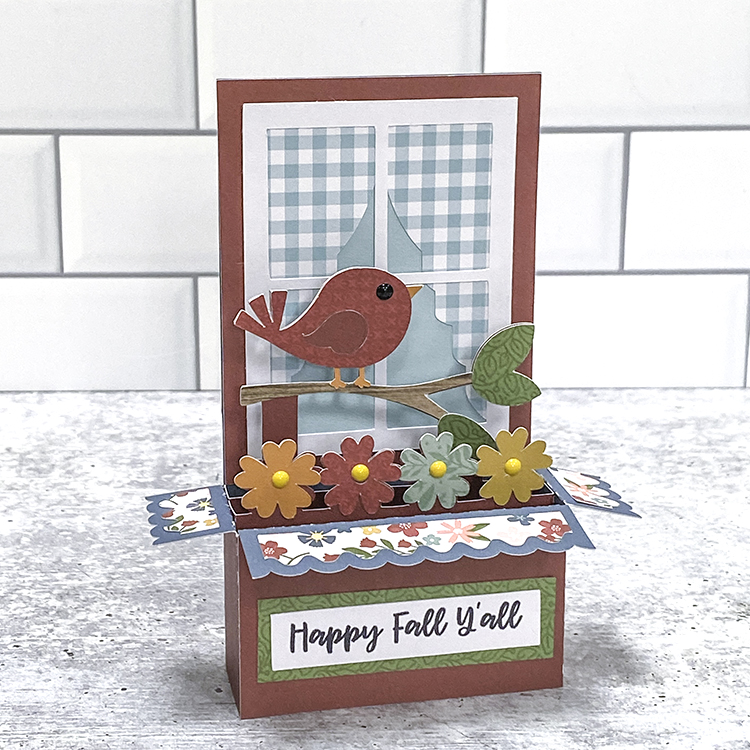
Hi everyone!  I have a fun card to share with you today, just a few simple steps and you will have a card that pops up and delights your recipient.  There are lots and lots of these pop-up box cards to choose from in Lori’s Shop and in the Silhouette Online Design Store.  You can find the card here in Lori’s Shop or here in Silhouette Design Store. You can find the video assembly tutorial HERE.
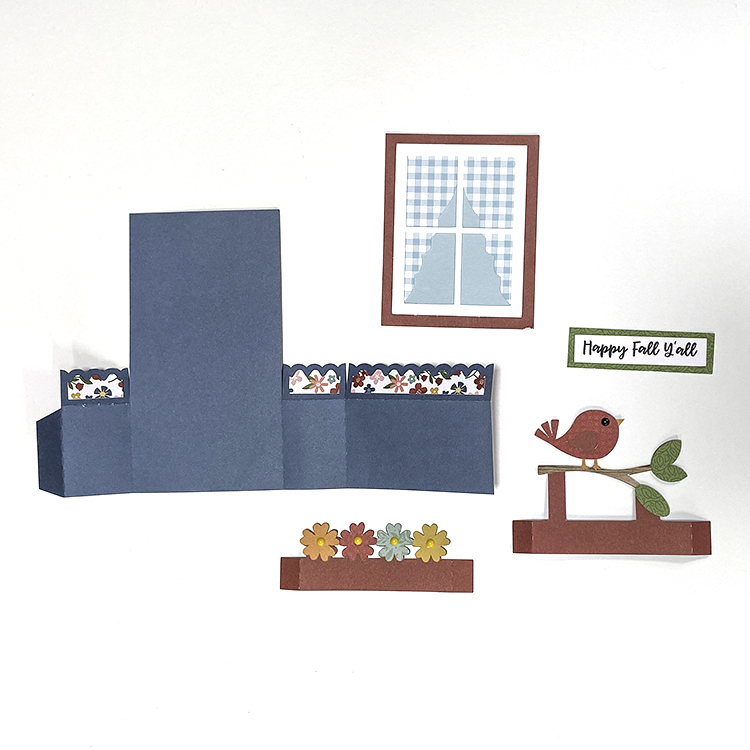
The first thing that I like to do with Lori’s files is separate everything by color.  She colors all of her files and it just makes it just so dang simple.  So, I just take a few seconds to ungroup the file and sort my pieces by color for ease of cutting and then it is easier to assemble everything.  Once you’ve got it all cut out, we are ready to assemble.
First, start with your red card base and do one peak and one valley fold.
It will look like this.
Next, add your blue panels.
Now it’s time to add the gray road, this is the piece that makes your card pop up.  You are going to fold on the two score lines.
You can take a few minutes here to create your embellishments of the bus, apple, and pencil. I just used a glue pen to assemble these smaller detail pieces.
Glue your bus onto the gray road piece.
Now, we are ready to add our road to our card base.  Remember, we want this to pop up….so we are only going to put adhesive on the left side and right sides…just like in the picture below.  Just those two spots of adhesive.
Now you have your road added, you can see that the pop-up and where we are going to add are to other elements of the pencil and apple.  Just fold the tabs on each and add adhesive.  Here’s a link to Lori’s video on these pop-up cards on YouTube.  Pop Card You Tube


With the adhesive on each tab, you can add both the little pop-ups in just seconds.
And bam, just like that…you have the cutest little bus card.  Now I did leave the back-to-school saying out and added a little sun sticker that I had, just because it’s not back-to-school time.  Thought my granddaughter might enjoy the little sun!
Thanks for checking out this tutorial!
Cathy

4×4 Accordion Envelope Mini Album

Hello friends! Traci here and today, I’m sharing a tutorial on how to make this fun envelope-style mini album! I love creating small scrapbooks so when I’m looking for a new idea, I know Lori will always have something awesome. For this project, I used her SVG cutting file called  Silhouette4×4 Accordion Envelope Mini Album

Dog scrapbook mini album Tutorial with envelopes


I wanted this to have a dog theme so I chose the super cute Echo Park Pets Collection (also designed by Lori). I used the 6×6 paper pad, both sets of die-cut ephemera, and the 12×12 sticker sheet. 

Dog scrapbook mini album Tutorial with envelopes


Here’s what this accordion-style mini looks like opened up. On one side there are envelopes where you can store photos and small memorabilia. On the back side, there are mats so you can add more pictures. 

Here’s how I made it …

Scrapbook mini album Tutorial with envelopes

First, I cut out all of the pieces. There are 4 envelopes, 3 hinge pieces, 2 covers, and the pattern papers for embellishing. I used cardstock for everything except the cover pieces. I used chipboard for those.

Now that everything was cut, I created each envelope by folding the 2 sides in and the bottom piece up. I added
double-sided adhesive to the bottom portion to seal everything together, then adhered the colorful embellishment piece to the flap.

Scrapbook mini album Tutorial with envelopes

Next, I attached the 4 envelopes to each other using the 2.25″ x 4″ hinge pieces to create a row. Be sure to leave about 1/8″ in between the envelopes so that there’s room for the fold.

Scrapbook mini album Tutorial with envelopes


Now, it’s time to add the cover pieces to the first and last envelopes. Again, leave a little space in between for the pages to bend. 

Once all of the album’s base pieces are adhered together … fold it, making sure to alternate the direction of each page to create the accordion shape. Now, it’s time to embellish!

Dog scrapbook mini album Tutorial with envelopes

On the cover I layered the stripe, polka dot, navy blue print, and the 3×3 card on
top of each other. These are all from the 6×6 paper pad. 

Dog scrapbook mini album Tutorial with envelopes

Inside for the envelope pages, I added cute stickers from the 12×12 sticker sheet and die cut
pieces from both packages of ephemera.

Dog scrapbook mini album Tutorial with envelopes


 Dog scrapbook mini album tutorial

For the other side of the envelopes, I created photo mats for lots of cute puppy dog pictures. I added colorful pattern papers and more embellishments.

 Dog scrapbook mini album tutorial

Lori has a great tutorial that shows you how to put everything together here:


This would make a great mini album for your pet’s photos or a sweet gift for
ANY pet parent. The Echo Park Pets Collection even has options for
cats, birds, hamsters, guinea pigs, lizards, fish, and rabbits!

Thanks for stopping by the blog today. I hope you’ll try this cutting file and wonderful paper line for your next project. Have a great day!

Blog * Facebook * Instagram * Pinterest


Vinyl Application Tutorial on a Travel Mug

Happy Thursday Everyone:

Anita here with a tutorial on the application of vinyl to a travel mug.  I wanted to make this for one of my friends for Valentine’s Day as one of her true loves is coffee.  I used Lori’s SVG called I Only Need Coffee on Days with “Y” (SVGSilhouette).  I used some Cricut silver matte vinyl for my project.  I selected matte vinyl for my cutting surface.  You do not need to mirror the design when using regular vinyl on a project.

Here are the materials that I used for my project.  You will want to pick up some transfer tape if you don’t have any as it makes these vinyl projects so much easier.

Here is the design cut out and that is my weeding tool from Cricut which is next to the design.  It has a hook on the end which makes fishing out those tiny little pieces so easy.  You can use a pin and I have used a seam ripper in the past too.  You are going to want to remove all of the pieces of design that you don’t need to be there.  I started in one corner and slowly peeled the excess away from my design.  If there are fine elements to your design you might need to hold onto the design with one hand as you pull the excess away so that your design doesn’t tear.

Here is what my design looked like after I peeled away all of the excess piece which came off in one piece,  Next, I needed to go in and grab those extra little bits to help define my design more.  I used my weeding tool for this.  You can use a pin as well.

.

My design is now all weeded and ready for the transfer tape to be applied directly on top of the design.  I cut a piece of transfer tape a little larger by 1/2″ or so around your design.  Then I peeled off the white piece on the transfer paper leaving the sticky side exposed and then stuck that down on top of my design.  I leave my design on my mat through these steps as it is easier to work with.  At this point, you need to burnish the transfer tape onto your design.  Essentially you want the tape to pick up just the vinyl from the backing paper so that you can adhere it directly to your mug and see exactly where it will go.  I used my Cricut scraper that I bought but you can certainly use a popsicle stick for this step.  Check to see if you successfully got the vinyl to adhere to the transfer tape.  If not, continue to burnish until it all comes off the backing paper.

This photo shows the transfer tape on and the tool that I used to burnish the vinyl onto the transfer tape. And my well-loved mat, lol.

Lastly, I placed my transfer tape onto the mug.  I started carefully at one edge laying it on and let it gently fall where it wanted to given that the cup is rounded.  I then used my fingers to smooth out the transfer tape.  Once I was happy with the placement, it was time to again burnish the design to get it to adhere to the cup.  It came out great and I’m sure that she will love it.

Thanks for looking and have a great day.

Hugs,

Anita


A2 Card Envelope Box Tutorial

Hello everyone! Marcia here today. I have an A2 card storage box tutorial to share with you today.  This A2 Card Envelope Box (SVGSilhouette) cut file can be found in Lori’s store along with many other varieties of boxes. I used some pretty pattern papers from Lori’s new Day In The Life collection as well as coordinating cardstock from my stash.


Let me show you how easy this box is to put together.

1. Choose your papers and cut out two box bottom pieces and two box top pieces. The cut file contains only one of each so be sure to cut everything twice. Adhere the panels to the cardstock base. Using cardstock for the base pieces will ensure a sturdy box.


2.  Working with the bottom of the box first, adhere the two sides of the box together.


3.  Turn the box upside-down and adhere the tabs to the box bottom. Then fold the last flap over the bottom and glue it down.


4.  Now let’s work on the box top. Adhere the front to the back by gluing the rectangular piece with pattern paper over the same size rectangular piece with no pattern paper.  Fold the sides in making sure the side with pattern paper is on the outside, tucking the tabs in. Adhere the sides and then the tabs.

5.  Place the last rectangular pattern paper piece on the inside of the lid.

6.  There are stamp cut file pieces that you can use to adorn your box making it look like a stamped envelope. I also placed a journal card on the front so I can use that space when gifting my box full of cards to someone. Or if it is just too pretty to give away, to write what kind of cards I have stored inside.

These boxes would be great for storing your Valentines too.
Thanks so much for stopping by. Be sure to check out Lori’s Store for more amazing cut files.

~
Marcia

Altering the Size of the Candy Box File

Hello Everyone:
Anita here with a quick tutorial on taking one of Lori’s Candy Box SVGs and resizing them to fit the candy bar size that I need.  I used Candy Box 6 Candies (SVGSilhouette).  I used Lori’s two Echo Park Paper collections including Our Little Princess and All About a Girl.
I wanted to make my own chocolate bars for Valentine’s Day given that there are food allergies in our family and wanted a pretty box to put them in.  I picked this box as it seemed like it would fit the candy bar mold that I have.  This file comes in two parts, Part 2 is for the box and part 1 is for the scalloped inserts.  I used Part 2.  When I imported my file into Silhouette Studio I used the grid lines on my mat on the screen to determine the size of the unaltered file.  I knew what size I needed to fit my candy bar and with the file still grouped together I dragged the corner until the dimensions were what I needed them to be.  Be sure that you don’t ungroup them before doing the resizing.  As you can see from the photo above I did a pretty good job of getting my box to fit my candy bar.

These are the cut file pieces for my box.  I opted to use the decorate overlay around the inner edge but you wouldn’t have to if you were short on time.  I often put an acrylic sheet over the opening when making boxes but decided that the chocolate bar looked better with the hole open.

These are the box pieces assembled and ready for my chocolate bar. That’s it for me.  Be sure to check out all of Lori’s Valentine’s Day files.

Hugs,

Anita