3D Christmas Barn

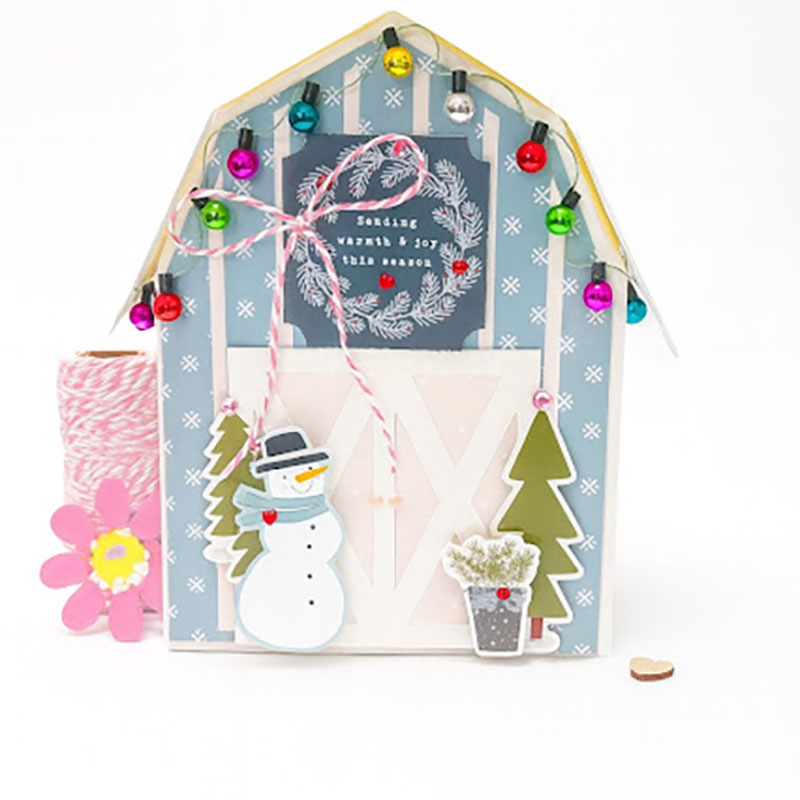
 Hi everyone!  Welcome to the Christmas crafting season and Wow does Lori have tons and tons of new files to create with.  I fell in love with this little barn the moment she posted it.  You can find it here in Lori’s Shop or here in the Silhouette Design Store

I used Lori’s new Echo Park Winter Fun Bundle.  I adore this collection with the blues and pinks and all the adorable little details…the snowmen, the little bear, fox and so many fun elements.  It is just so perfect.

And as it is one of my favorite things to do with Lori’s collections, I used elements from the bundle!  Snowman,  tree stickers and a ephemera piece above the barn doors.  I added a string of miniature lights that I had in my stash.  I just used glue dots to attach those.  So this little box is about 5×7, and on one side of the roof, I did not attach it completely…I can open that little flap and add a gift to give for a special someone.
Thank you for joining us today!
Cathy


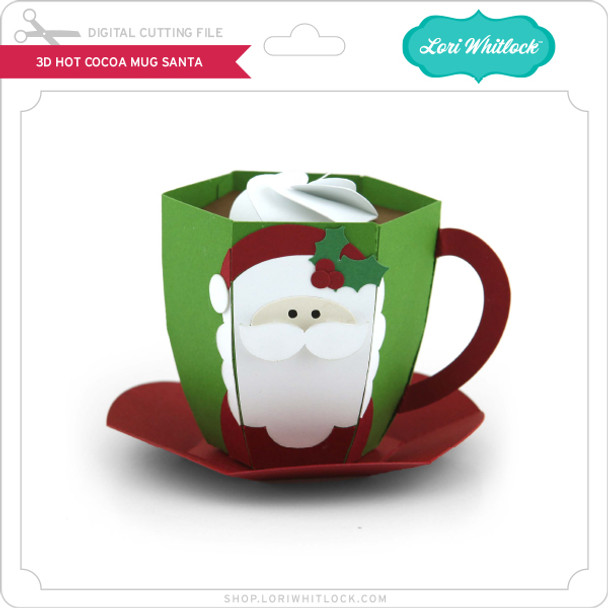
3D Hot Cocoa Mug Santa

Hello crafty friends!

Today I’m excited to share a festive 3D project that is perfect for holiday decorating, gifting, or displaying on a cozy winter tray. I’ll be walking you through how I assembled the adorable 3D Hot Cocoa Mug – Santa file from Lori Whitlock’s shop. It’s a fun and simple project that comes together beautifully with just a few supplies.

Let’s get started!

Supplies Needed

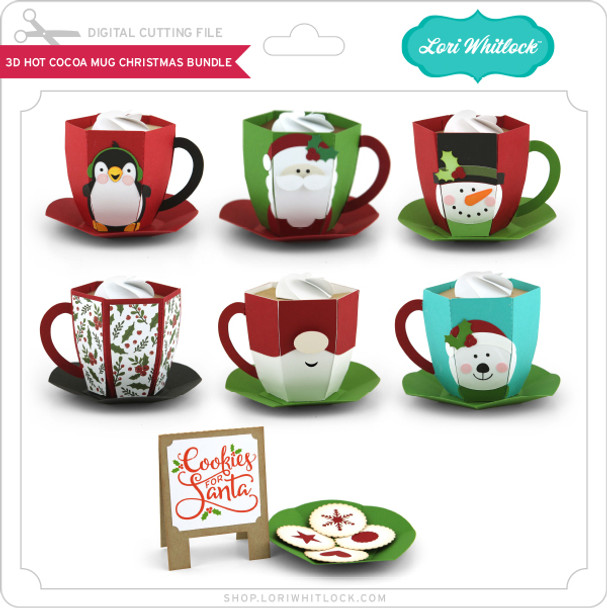
  • 3D Hot Cocoa Mug – Santa SVG file  SVG  / SVG BUNDLE or SILHOUETTE
  • Electronic cutting machine (Cricut, Silhouette, Siser etc.)

  • Cardstock in red, white, black, skin tone, and accent colors or design paper.

  • Adhesive (liquid glue or tape runner)

  • Foam tape (optional for dimension)

  • Ink or markers for light shading (optional)

Step 1: Upload & Organize the File

After downloading the SVG from the shop, I uploaded it into my cutting software.
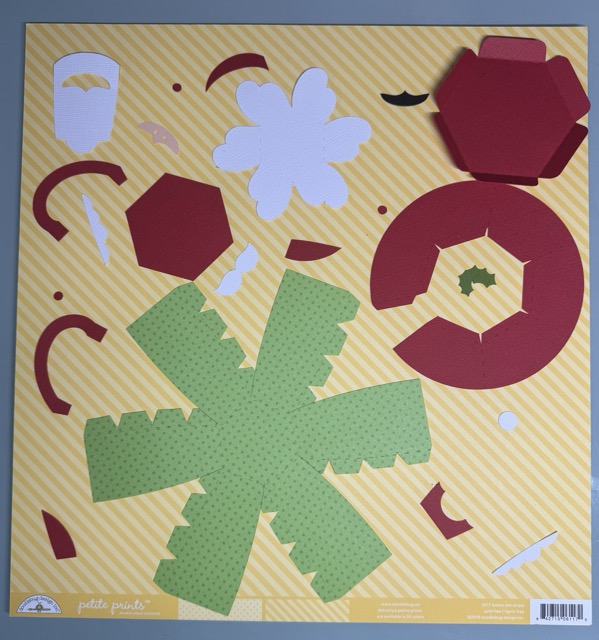
The file comes in clearly labeled pieces, so I grouped by color to make cutting easier:

Step 2: Cut All Cardstock Pieces

I selected cardstock colors that matched the traditional Santa palette:

  • Bright red for the hat, berries and saucer

  • Black for the eyes

  • design paper voor de mug

  • Skin tone for Santa’s face

  • White for beard, moustache, and whipped cream

  • green for the leaves on the hat

After cutting, I grouped all the small Santa pieces so nothing got lost.

Step 3: Build the Mug Base

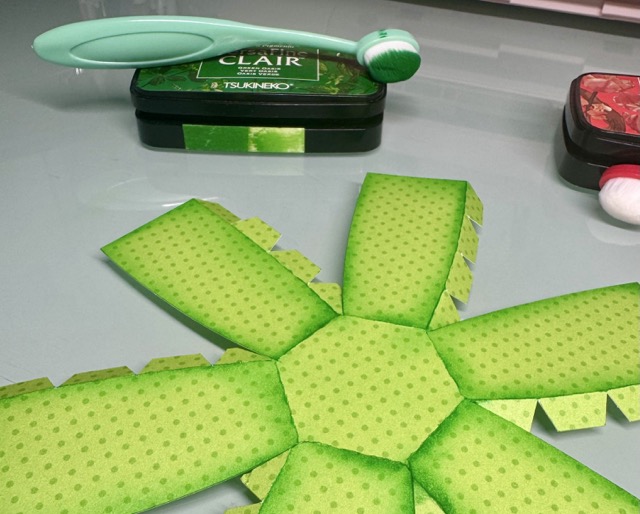
The mug structure is made from designpaper.

  1. Fold all score lines to give the cardstock flexibility.

  2. Add ink for shades.

  3. Form the mug into a cylinder shape and the glue tabs together.

  4. Glue together the circular base piece (saucer).
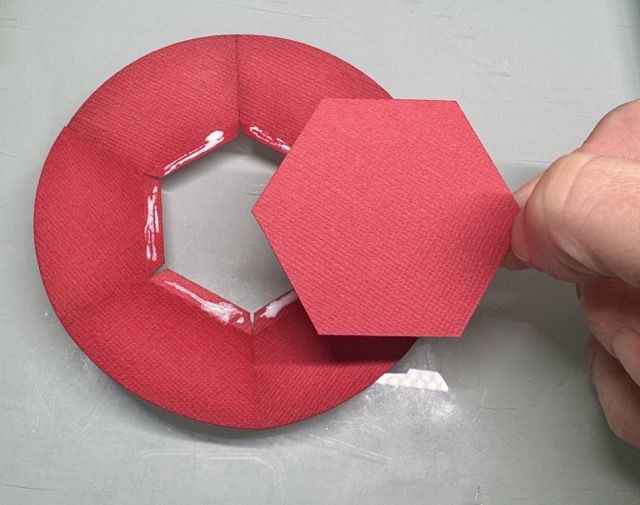
The structure comes together surprisingly easily—just take your time with the curved edges.

Step 4: Assemble Santa’s Face
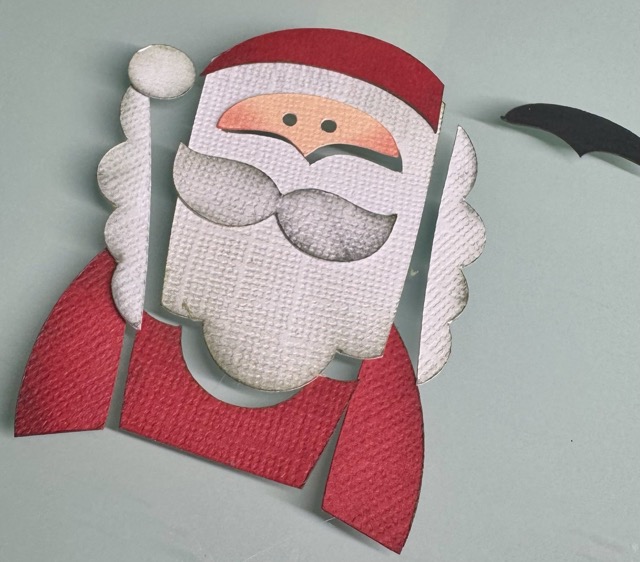
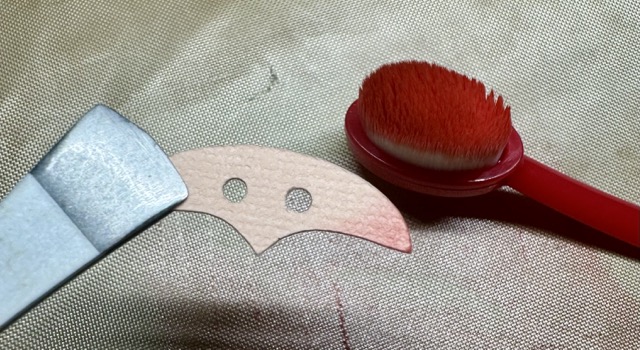
I always start with inking the edges for shade
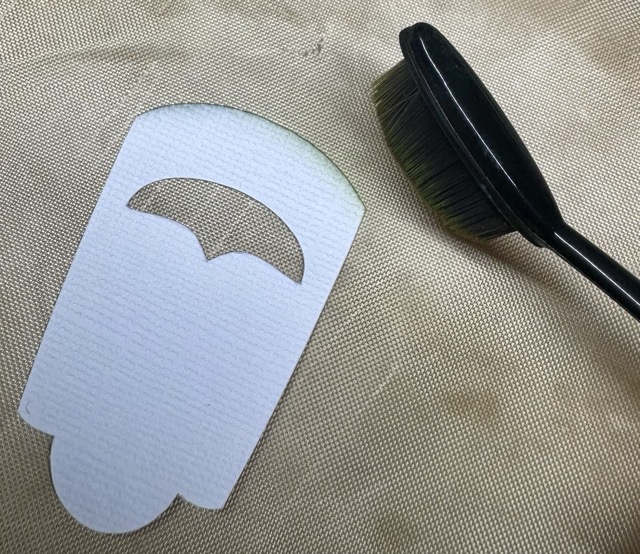
  1. Glue the face layer with the black piece behind it in the hole in Santa’s beard.

  2. Attach the moustache with foam tape on top.
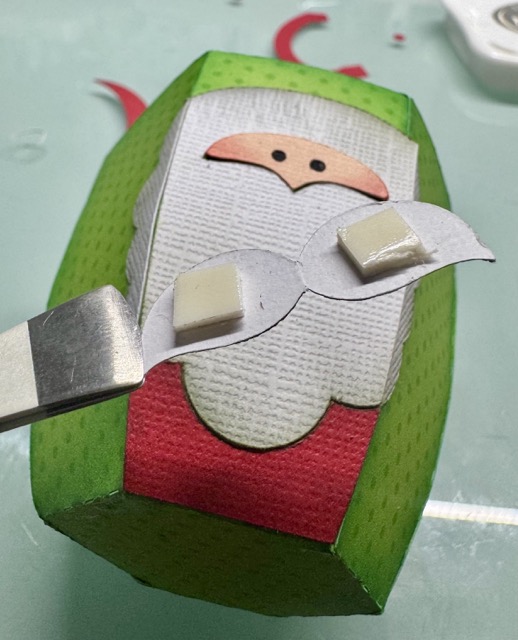
  3. Add the hat and pom-pom.

This layered section gives the mug its adorable Santa look and is best assembled while the pieces are flat.

Step 5: Attach the Handle

The mug handle is made from two layered pieces for stability.

  1. Glue the handle layers together.

  2. Curve it gently with your fingers.

  3. Attach it to the mug.

A good tip is to hold each glued area for a few seconds to help it set firmly.

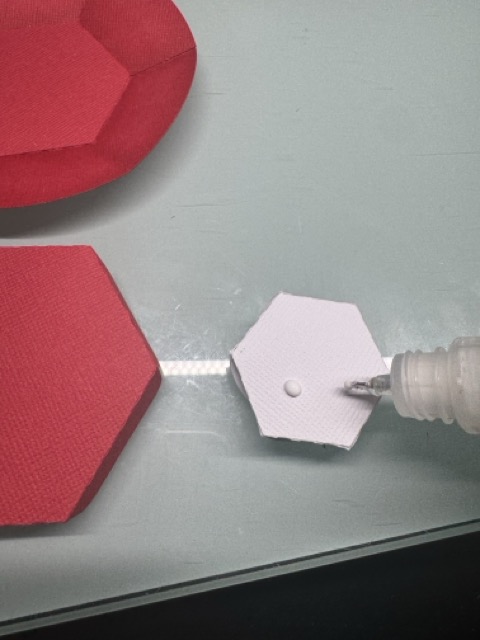
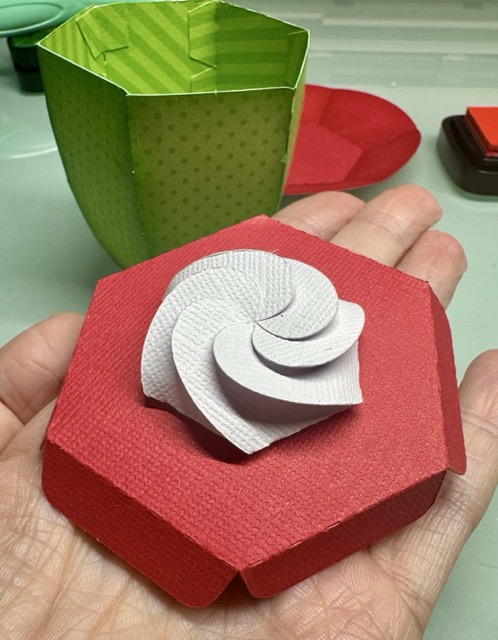
Step 6: Add the Cocoa & Whipped Cream Top

To create the “hot cocoa” look:

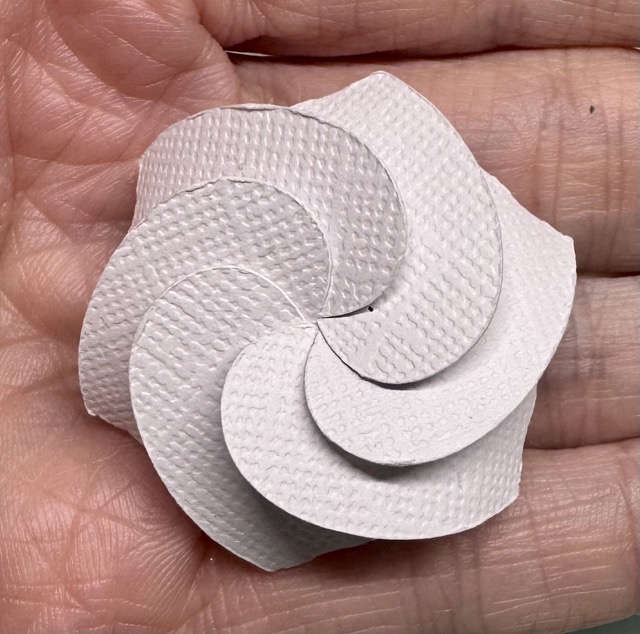
  1. Glue the cocoa layer into the rim of the mug.

  2. Add the whipped cream layer on top.

I used glue under the whipped cream to attach it.

Finished Project
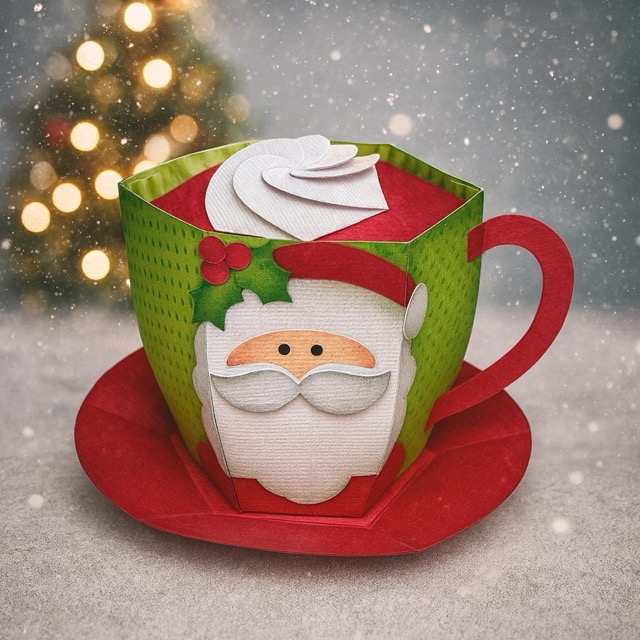
And that’s it! Your whimsical 3D Santa Hot Cocoa Mug is complete. It looks adorable on a Christmas shelf, or you can fill it with wrapped candies or a small LED tealight for a cozy glow.

I am going to add some chocolate inside the mug and gift it to my youngest sons teachers.

I hope this tutorial helps you feel confident assembling your own festive mug. Happy crafting, and be sure to check out Lori’s shop for more holiday 3D projects!

XO Tamara

Miniature Christmas House Craft

Hi there friends!

Today I am sharing a cute snow globe craft I put together with the Miniature Christmas House for Snowglobe (SVG, Silhouette). This project is perfect for a kid’s craft. It uses very few supplies, comes together quick and is very lightweight.  It also makes a darling Christmas or Winter decoration. I used papers and stickers from the Winter Fun collection by Echo Park Paper. I found the DIY snow globe and fake snow at the dollar store a few years ago but they are also available on Amazon.

Thanks for stopping by today and happy crafting!

Brandie

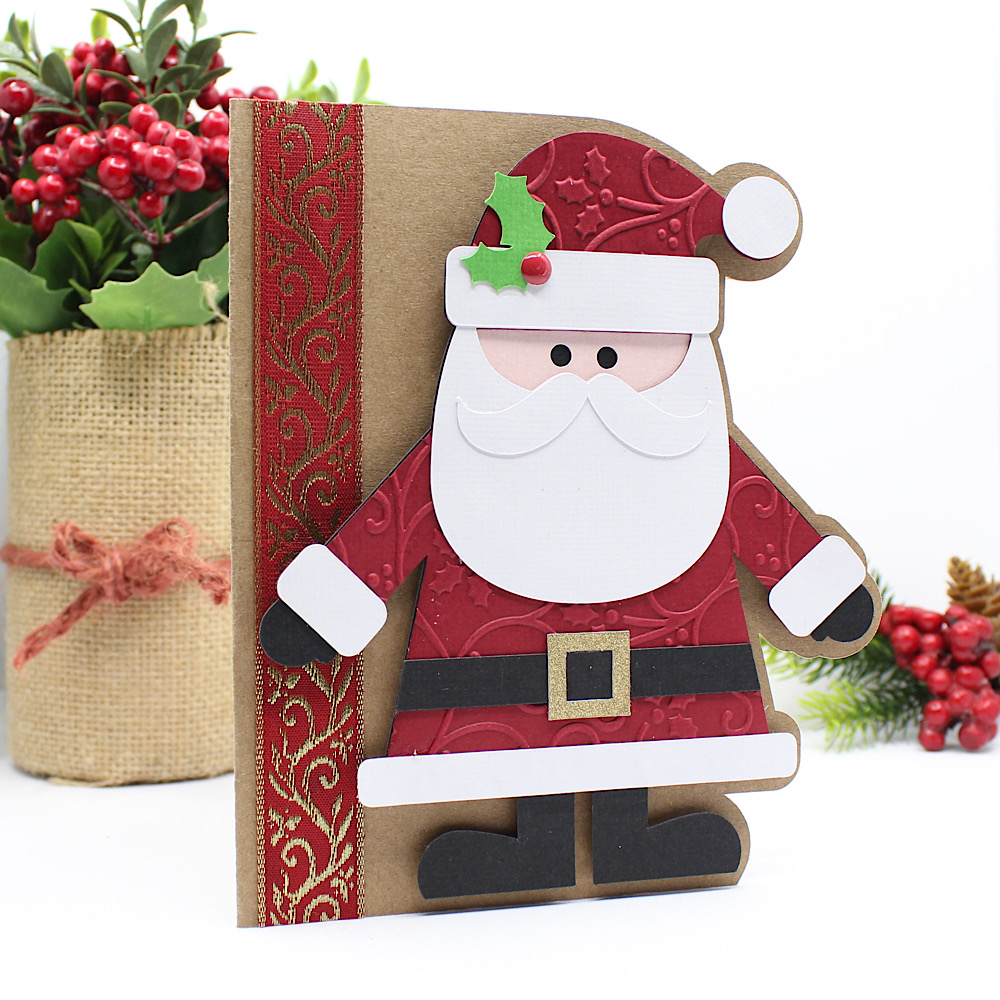
A2 Santa Claus Card

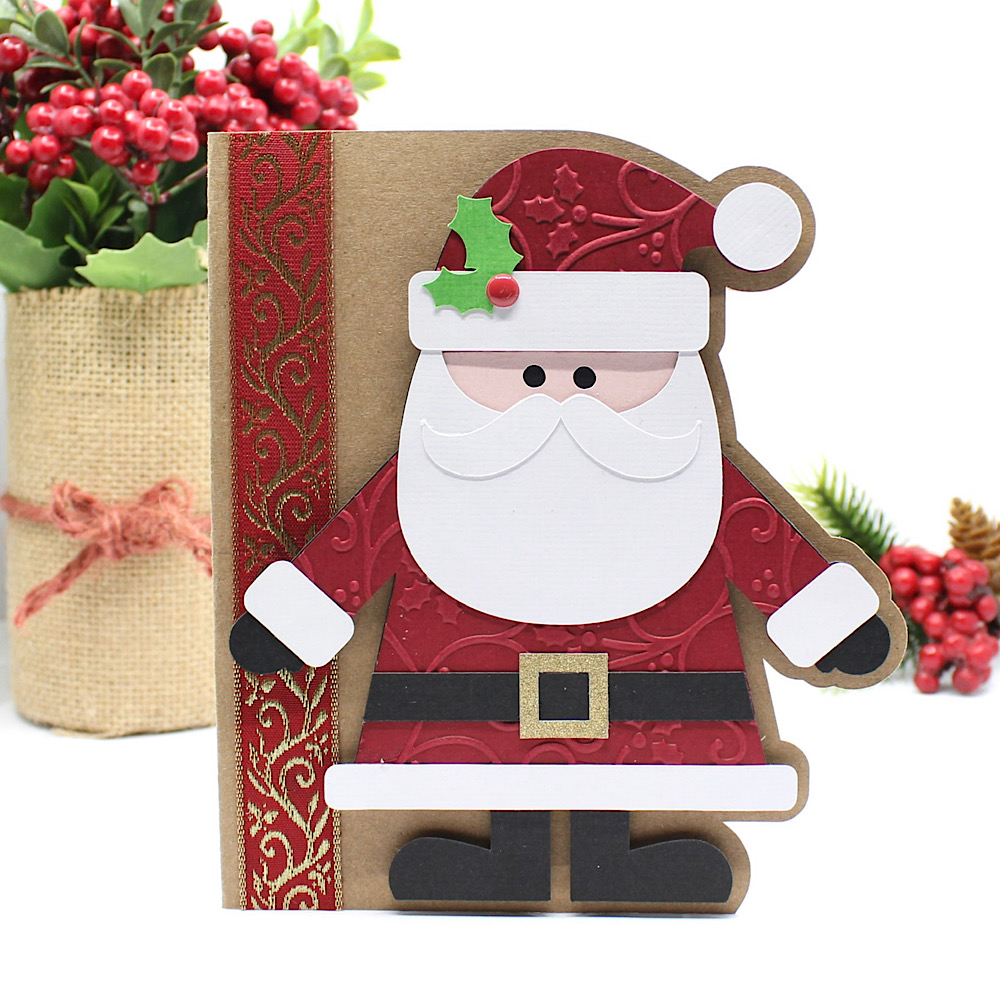
Hello crafty friends, Noelene here today! I want to share with you a cute Christmas card from the Lori Whitlock file called A2 Santa Claus Card ( SVG, Silhouette). This is such a cute fun card to make.
Once I cut all my pieces I embellished the red layer (including his hat and suit) with a Christmas holly swirl embossing folder. This was a simple step, but effective I think. Then I glued my pieces in place. I cut a strip of gold & red Christmas ribbon & glued it down onto the base of my card. Lastly, I glued everything into place, and used foam squares to pop Santa up for some fun dimension.

For more inspiration, check out my Instagram!

Thanks for stopping by!
Hugs,
Noelene 🙂

New A2 Box Card Mail Box Cards

 Lori Whitlock Monday Inspiration

Today, it’s my turn to share a bit of holiday inspiration. Such cute new files!

A2 Box Card Mailbox Christmas Bundle


A2 Box Card Mailbox Reindeer (Lori WhitlockSilhouette)

A2 Box Card Mailbox Birds(Lori WhitlockSilhouette)

A2 Box Card Mailbox Presents(Lori WhitlockSilhouette)

I used a fun cobblestone stencil from Hero Arts on the outside of each mailbox and added a few glittery berries to the all of the wreaths for an extra bit of bling.

I hope you enjoyed my projects today!

💕Sue Kment