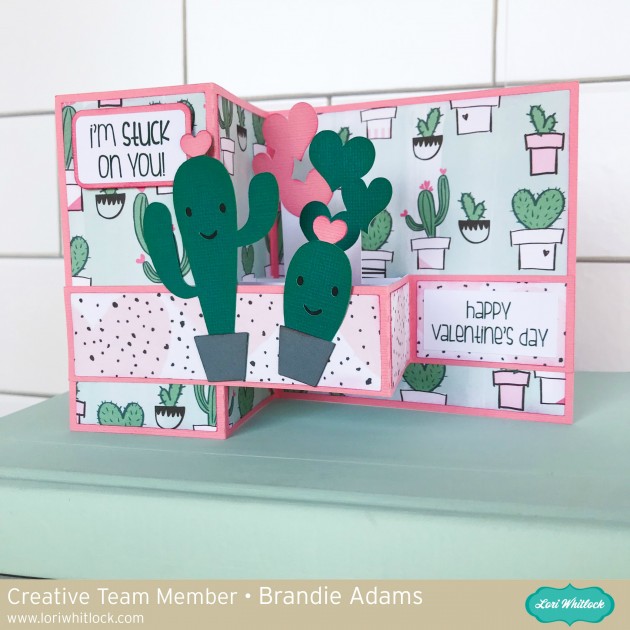
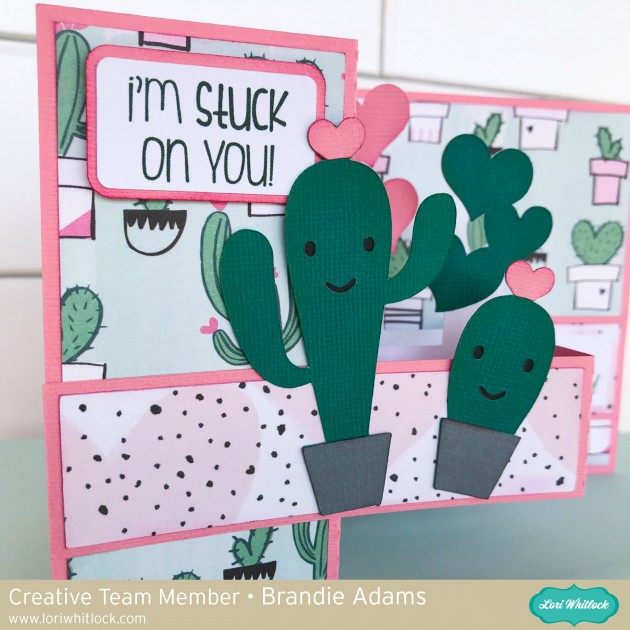
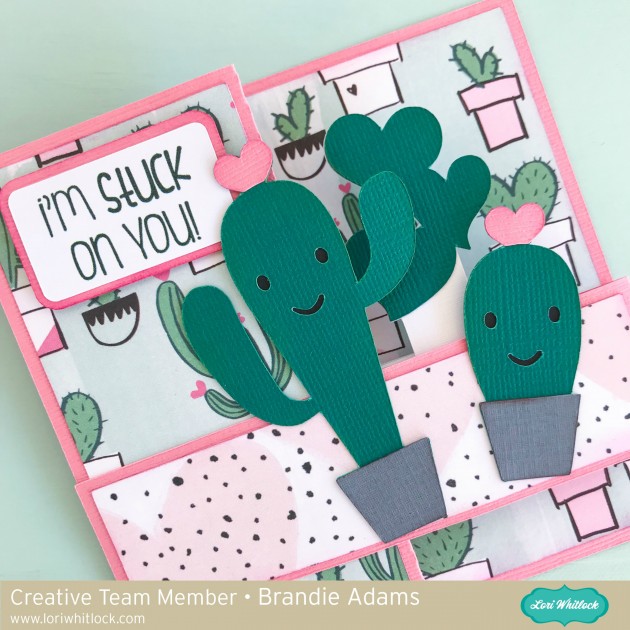
Hi there Crafty friends! Brandie here sharing this Pop Up Box Card Valentine Cactus. You can find it here in Lori Whitlock’s site and here in the Silhouette store.
Thanks for stopping by for a look!
Brandie

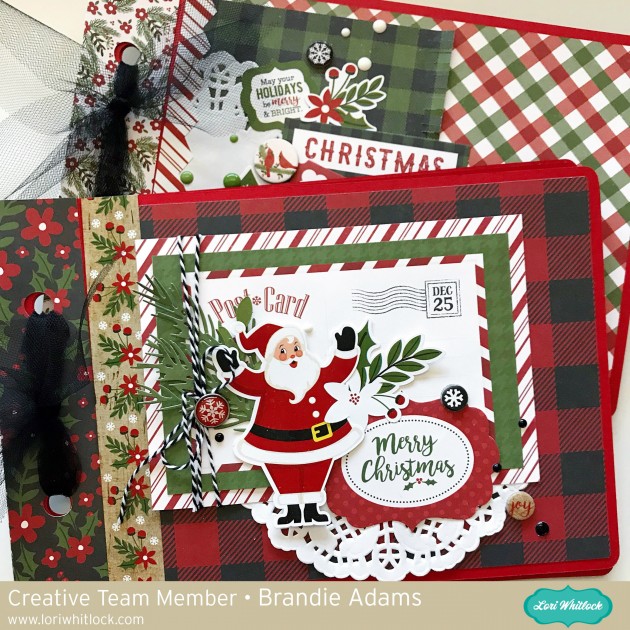
Hi there! Brandie here with a tutorial on how I made this mini album for my Christmas cards. I have been wanting a cute way to display the Christmas cards I get every year and this little album will do the trick. I used the Mini Album Rounded Corners file you can find it here in Loris shop and here in the Silhouette Store.
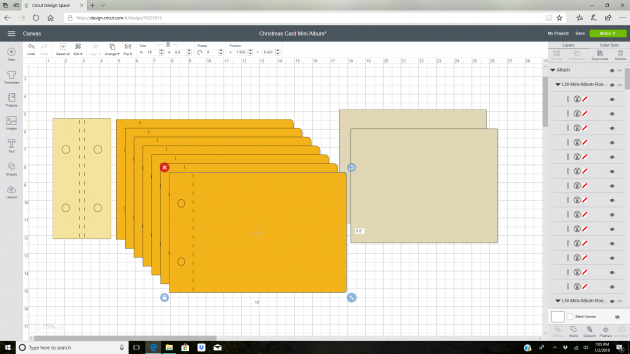
After I uploaded the file to Cricut Design Space I resized everything so that my largest cards would fit. For this album it is 6.8 inches tall by 10 inches wide. To get the correct proportions for all the pieces select all then use the arrow corner to enlarge everything.
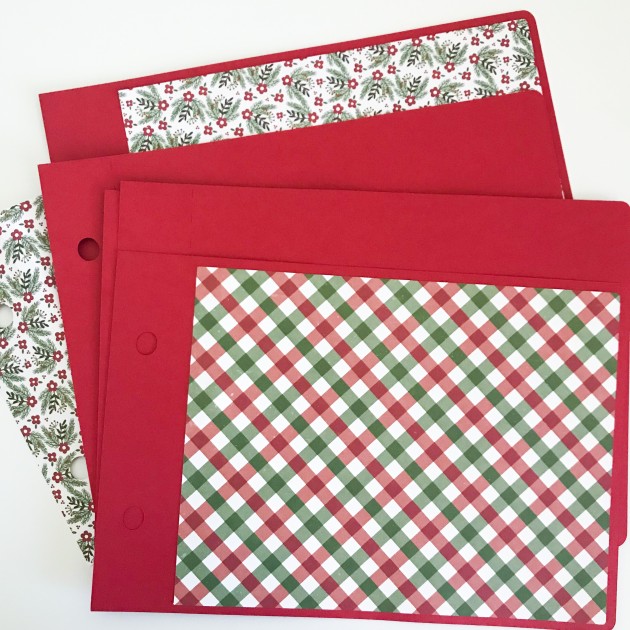
Once I had everything cut I added my decorative panels. I also decorated the fronts of my albums with the papers and embellishments from Echo Park’s A Perfect Christmas collection.
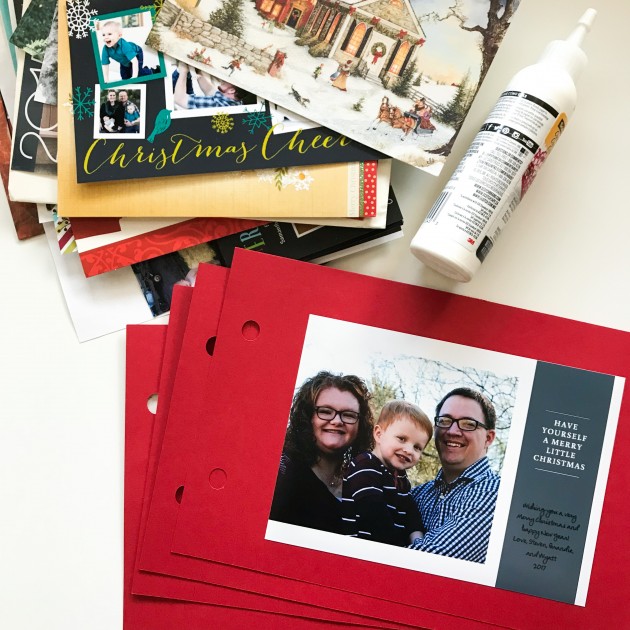
Then I glued my Christmas cards to the pages.
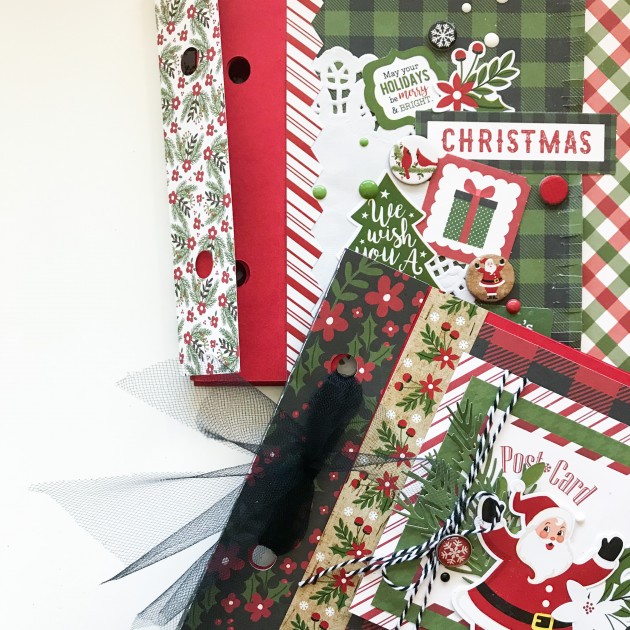
I placed the binding cover and tied them with tulle.
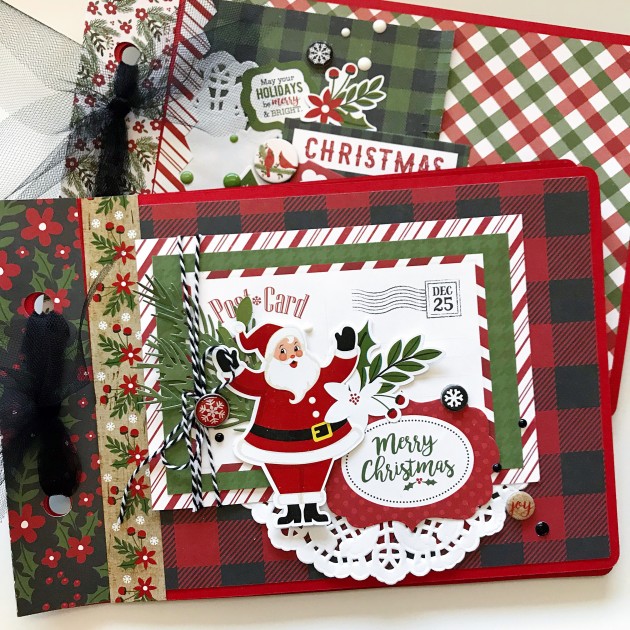
Now every Christmas I can pull them out and look back to see how family and friends have changed over the year as the new cards come in.
Thanks for stopping by!
Brandie
Hi there! Brandie here with a quick and easy neighbor gift. I am using the Santa tote file you can find it here in Loris shop and here in the Silhouette store.
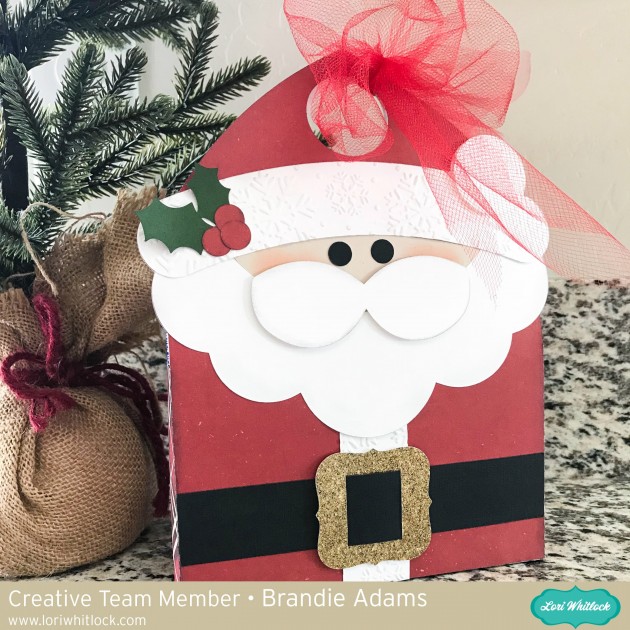
The only change I made was to resize him to fit a small package of store bought cookies. I also tucked a few of the Christmas coloring cards inside as well for my neighbors with little kids. You can find coloring cards here in Loris shop and here in the Silhouette store.
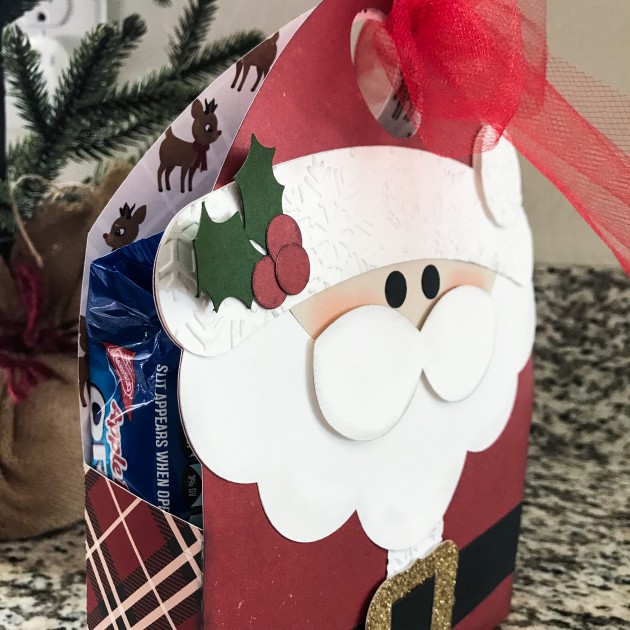
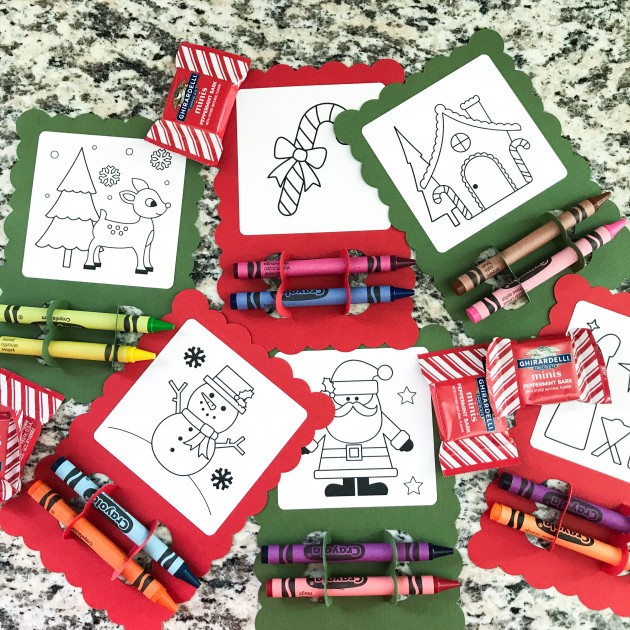
Tied up with a little tulle he’s ready to be delivered.
Thanks for stopping by!
Brandie

Hi there! Brandie here with a tutorial on how I made this Christmas sign using the Sleigh Rides on Santa Claus Lane file. You can find it here in Loris shop and here in the Silhouette store.
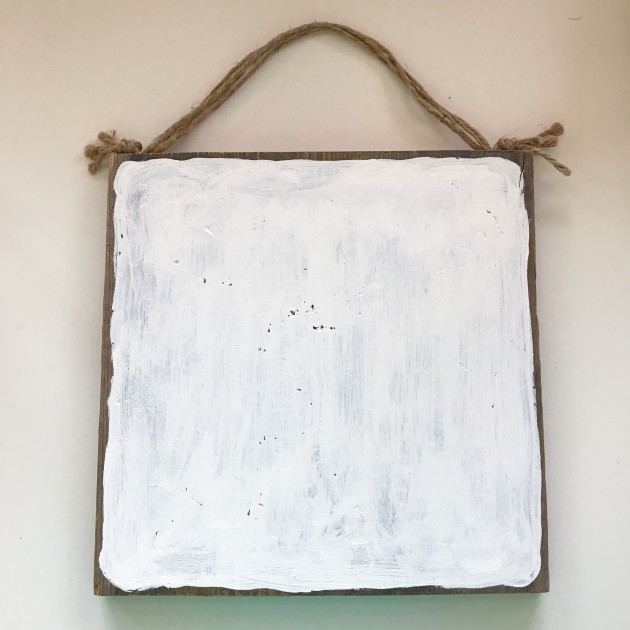
After I got my image uploaded and sized accordingly I cut out the image on vinyl to create a stencil. While my machine was cutting the images I painted the white layer on my barn wood square.


Hi Everyone! Brandie here with one of Loris shadow box card scenes.

I love that this card goes with the new I’d Rather Be Crafting paper collection by Echo Park. This card will be perfect for all your crafty friends.

The print and cut feature makes assembly so quick and easy. The hardest part is picking out your paper! You can find the file here in Lori’s shop and here in the Silhouette Store.

Thanks for stopping by!