Making a Shaped Card in Cricut Tutorial

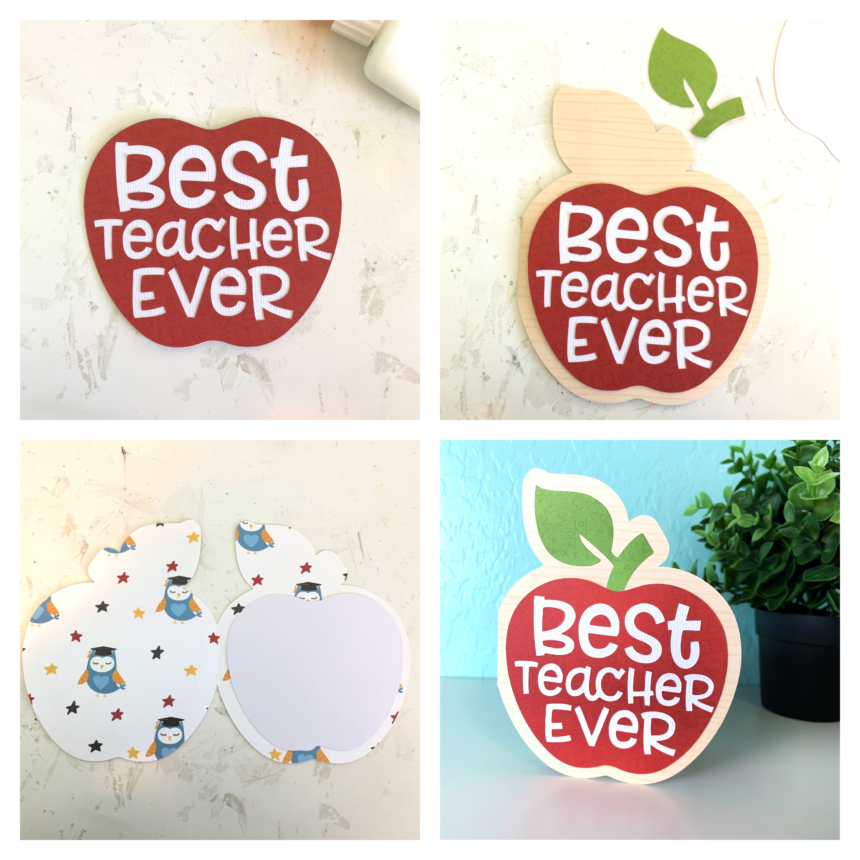
Hi friends! I have a quick tutorial on how I made a card with the Best Teacher Ever file (SVG, Silhouette). Now that Cricut has updated the design space software making a shaped card is easy!

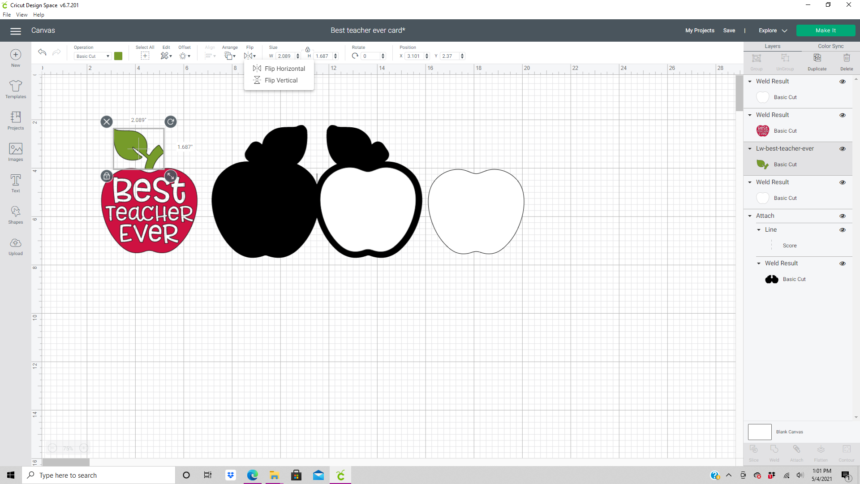
First I resized the apple and leaf to be 5 inches high which made the width 3.96 inches. This file uploaded into Design Space grouped together for me. If it isn’t grouped I recommend grouping it together before resizing.

With the apple selected select the offset feature on the edit tool bar. In the offset window I slid the distance bar to 0.25 inches, selected rounded corners, and left the weld offset box checked.

I then duplicated the offset and flipped one of them horizontally.

Next I moved the two offsets together so they are touching in the center. With the just the offsets selected I aligned them on the bottom and welded the offsets together creating one piece.

I added a score line to the center and aligned and attached it to the offset. (I changed the color from black to white for this picture.)

I needed a solid white apple for the inside of the card and the front of the card.  I duplicated the red apple and welded the image then hid all of the contours. I then duplicated the solid apple image so that I had two.

I also needed to flip the leaf  horizontally so that it would fit correctly on the front of the card. (If you use solid paper you don’t need to do this. I used double sided paper and wanted the green to show.)
Once everything was cut I glued everything together with liquid glue in a fine liner bottle.  (Be sure to keep all of the centers of the letters from the cutting mat.) I used papers from the School Rules collection by Echo Park Paper Co.
Thanks for stopping by!
Brandie


Happy Camper Pop Up Card

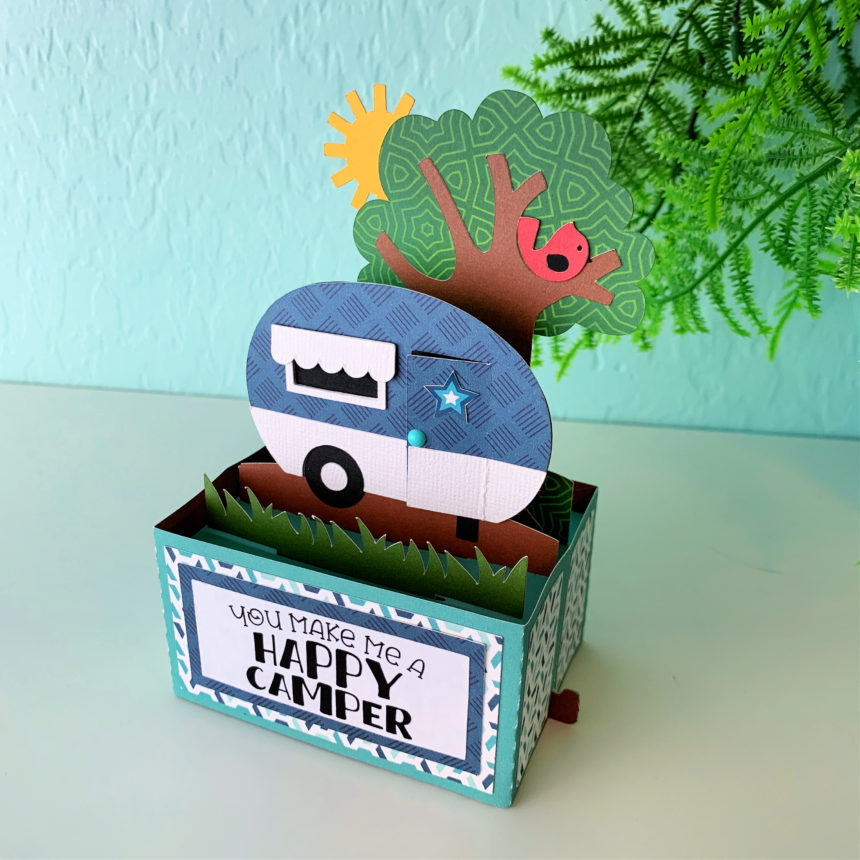
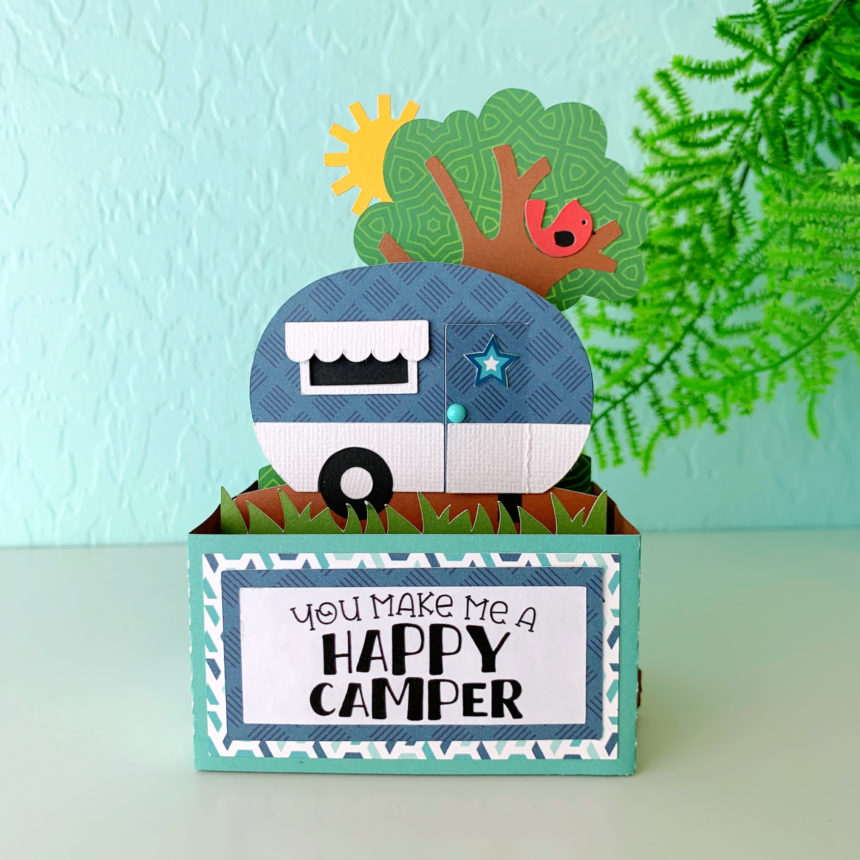
Hi there friends and happy Monday! I’m sharing the Rectangle Pop Up Card Camper with you today. You can find this card in Lori’s shop and in the Silhouette Design Store.  This card comes together quickly. My only suggestion is to use a sticker maker of the smaller cut images like the window frame. If you need help with the assembly Lori has a video tutorial here.

I used papers from the Summer Adventure collection by Echo Park Paper Co.
That’s it for me today! Thanks for stopping by.
Brandie

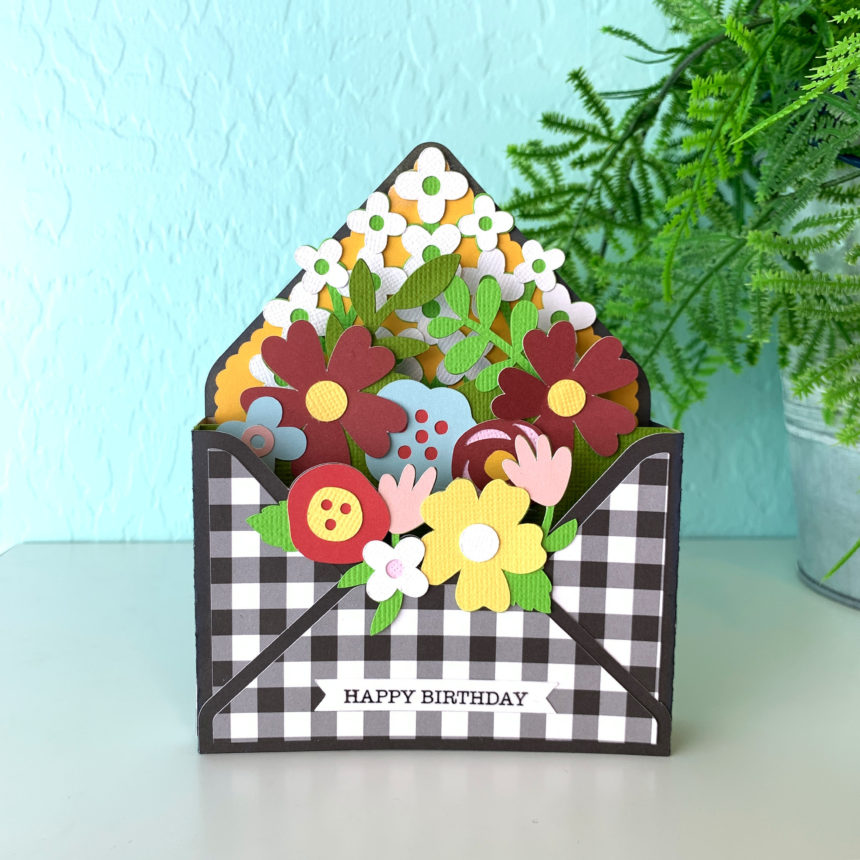
Box Card Envelope Flowers

Hi there friends and Happy Wednesday!

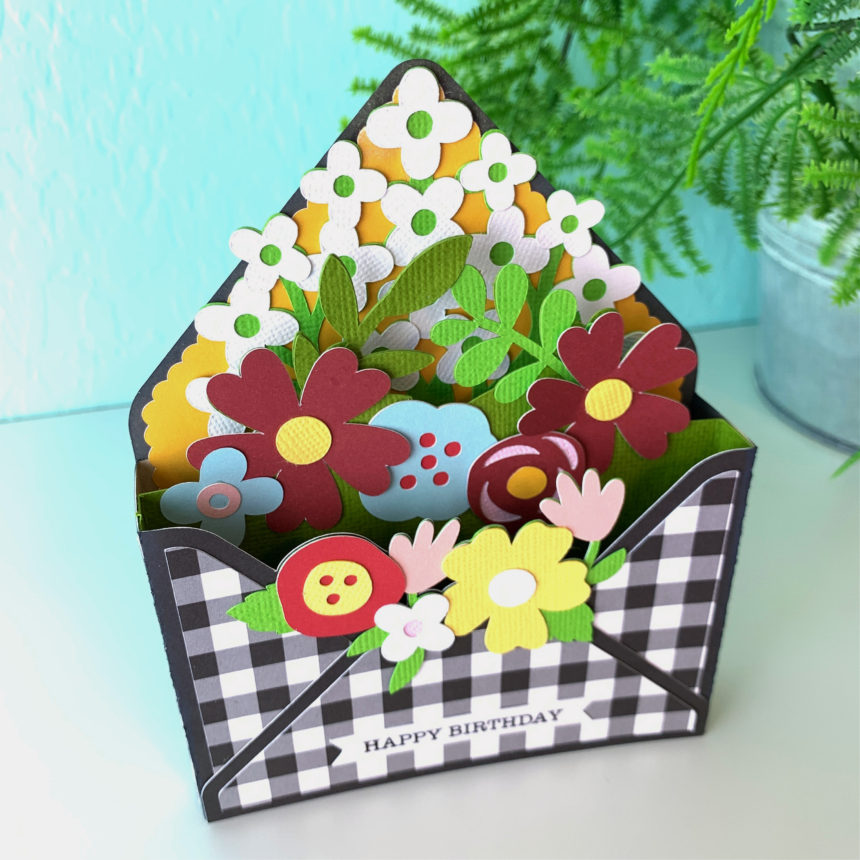
I am loving the envelope box cards Lori has been adding to the shop and couldn’t miss the chance to share another one with you. This is the Box Card Envelope Flowers (SVG, Silhouette). I love how customizable they are. The file comes with the happy birthday sentiment but this can easily be changed to a thank you, thinking of you, I love you, or anything else you may need.

The papers I used are from the A Magical Place collection by Echo Park Paper.

I hope you all are doing well. Thanks for stopping by!

Brandie

Gnome Shamrock Box Card Tutorial

Hi there friends! Today I am showing how I made the Box Card Gnome Shamrock (SVG, Silhouette). I was able to make four of these little guys in no time.

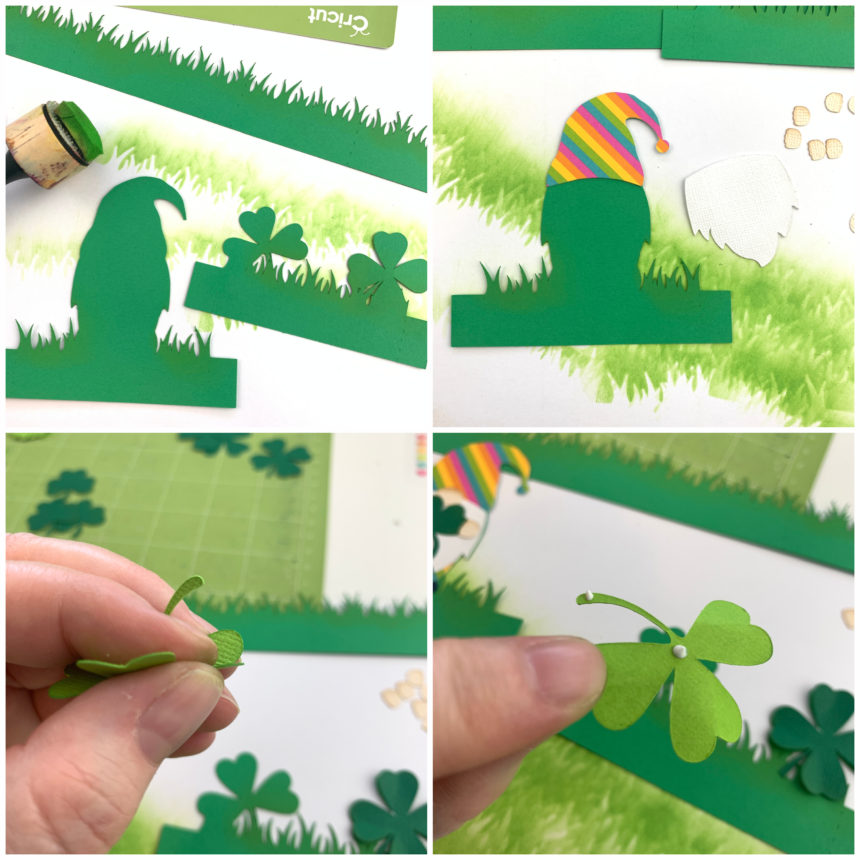
I cut all of the elements out of  80lb cardstock. For the pieces that have grass I had my machine do a second cut before removing the cutting mat from the machine. On a Cricut all you have to do is hit the C button again once the first cut is complete and before you take the cutting mat out of the machine. On Silhouette, you can set a double cut in the Send panel.  Doing the second cut always saves me time. I do not like to weed paper, so frustrating.

Once all my pieces were cut I inked all the edges to add some dimension. I also ran all the small pieces through my sticker maker.

For the gnome insert I glued the hat into place first and worked my way down with the beard, pants, and shoes. Then I added the nose at the center of line where the hat and beard meet. Then I attached one of the small shamrocks and hands. Also don’t forget the little ball at the end of his hat.

I wanted to give the shamrock insert a little more dimension so I gently folded the petals of the shamrocks then applied glue to just the centers and the very end of the steam and glued into place on the insert.

The long strip of grass is for the box. I folded all of the score lines in a mountain fold. Making sure all of my inking was on the out side of the box. Then I add glue to the tab and created the box.

For the inserts both tabs are valley folds. I glued the shamrock insert into place first. I lined up the edge of the tab  against the front and bottom of the box. Then before the glue sets fold the box flat to make sure it will lay flat for mailing.  I then glued in the gnome insert into place by lining up the bottom edge of the tab with the bottom edge of the box at about the center of the box. I also folded the box card flat before the glue set to make sure it would fold flat.

Once the inserts were in place I added the sentiment to the front with the remaining shamrock. Now he’s ready to brighten someone’s day! Thanks for stopping by!

Brandie

Valentine Viking Impossible Card

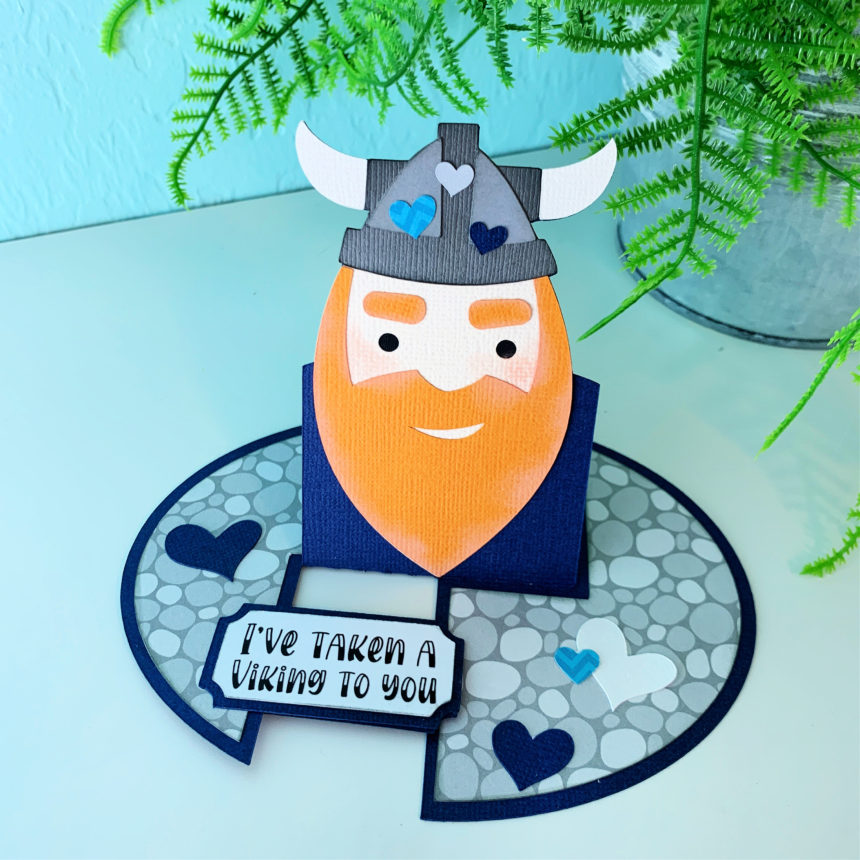
Hi there friends! Lori added some cute new Impossible cards to the shop last week and this cute guy caught my eye. It is the Impossible Card Valentine Viking (SVGSilhouette). The impossible cards are easy to assemble (see tutorial here) and come together quickly. If gluing isn’t your thing the Viking can be flattened as a print and cut for even faster assembly.

Be sure to go check out all the new valentine projects in the shop (SVG). Thanks for stopping by!

Brandie