Hello crafty friends!
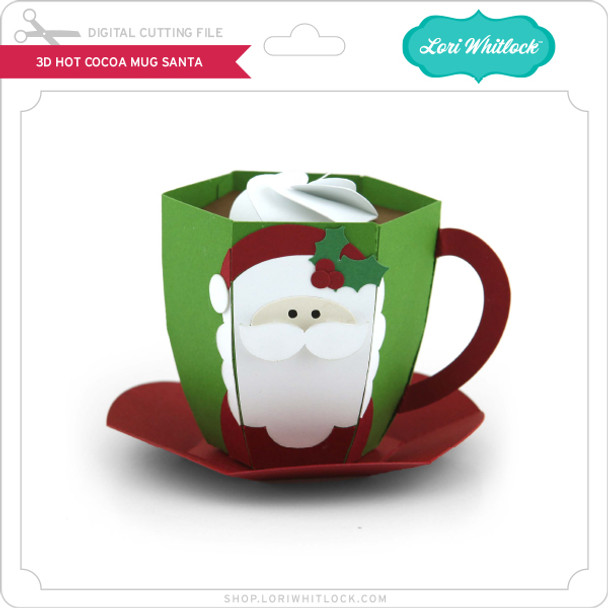
Today I’m excited to share a festive 3D project that is perfect for holiday decorating, gifting, or displaying on a cozy winter tray. I’ll be walking you through how I assembled the adorable 3D Hot Cocoa Mug – Santa file from Lori Whitlock’s shop. It’s a fun and simple project that comes together beautifully with just a few supplies.
Let’s get started!
Supplies Needed
-
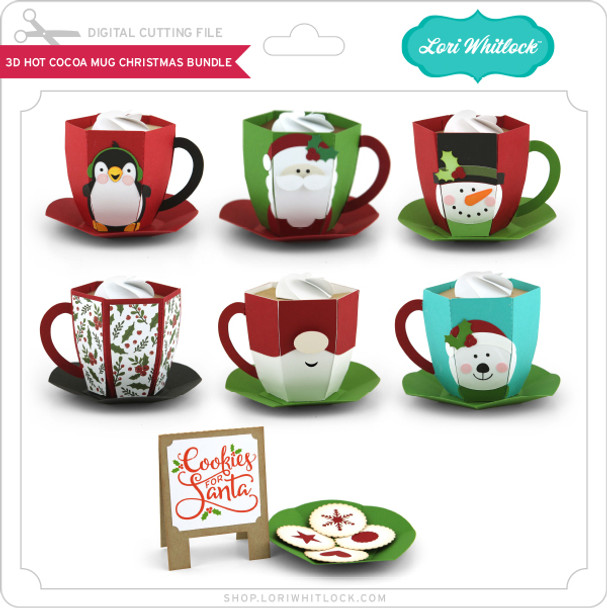
3D Hot Cocoa Mug – Santa SVG file SVG / SVG BUNDLE or SILHOUETTE
-
Electronic cutting machine (Cricut, Silhouette, Siser etc.)
-
Cardstock in red, white, black, skin tone, and accent colors or design paper.
-
Adhesive (liquid glue or tape runner)
-
Foam tape (optional for dimension)
-
Ink or markers for light shading (optional)
Step 1: Upload & Organize the File
After downloading the SVG from the shop, I uploaded it into my cutting software.
The file comes in clearly labeled pieces, so I grouped by color to make cutting easier:
Step 2: Cut All Cardstock Pieces
I selected cardstock colors that matched the traditional Santa palette:
-
Bright red for the hat, berries and saucer
-
Black for the eyes
-
design paper voor de mug
-
Skin tone for Santa’s face
-
White for beard, moustache, and whipped cream
- green for the leaves on the hat
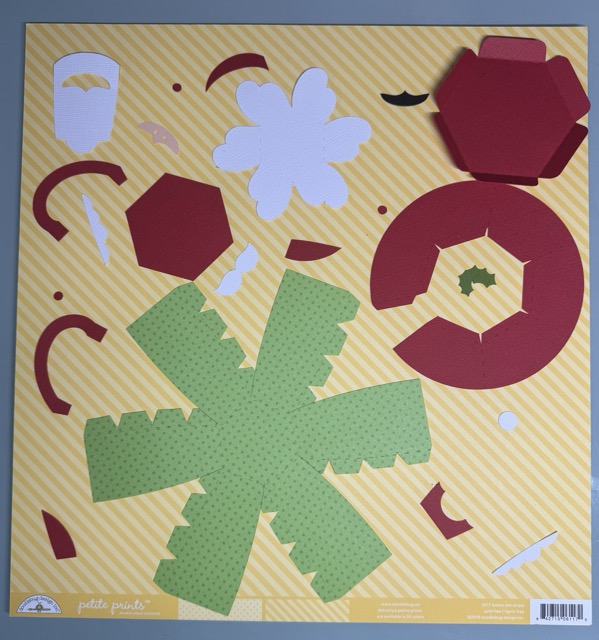
After cutting, I grouped all the small Santa pieces so nothing got lost.
Step 3: Build the Mug Base
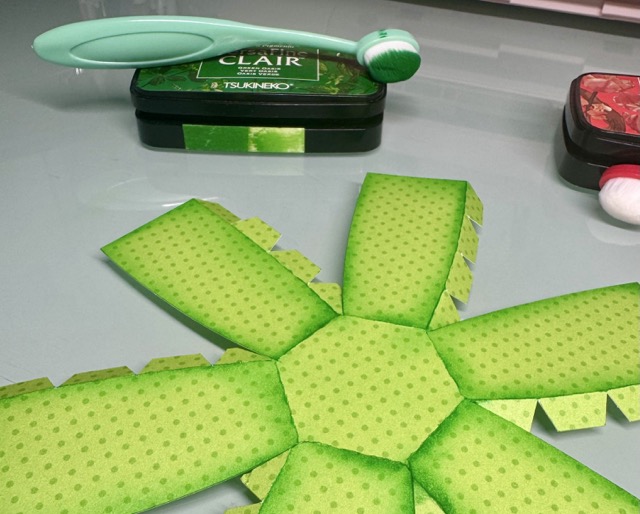
The mug structure is made from designpaper.
-
Fold all score lines to give the cardstock flexibility.
-
Add ink for shades.
-
Form the mug into a cylinder shape and the glue tabs together.
-
Glue together the circular base piece (saucer).
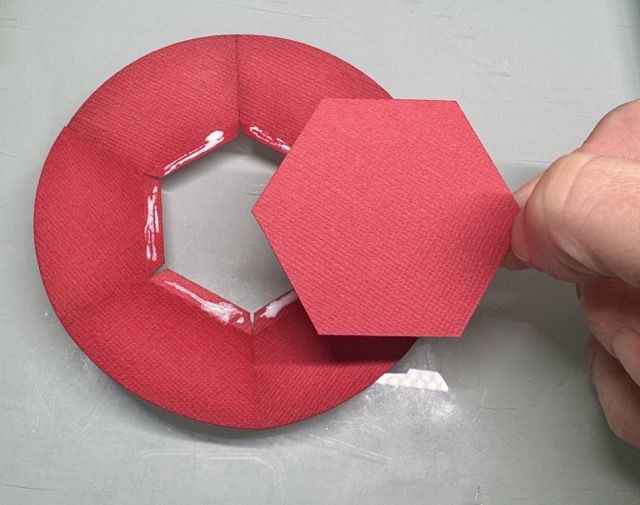
The structure comes together surprisingly easily—just take your time with the curved edges.
Step 4: Assemble Santa’s Face
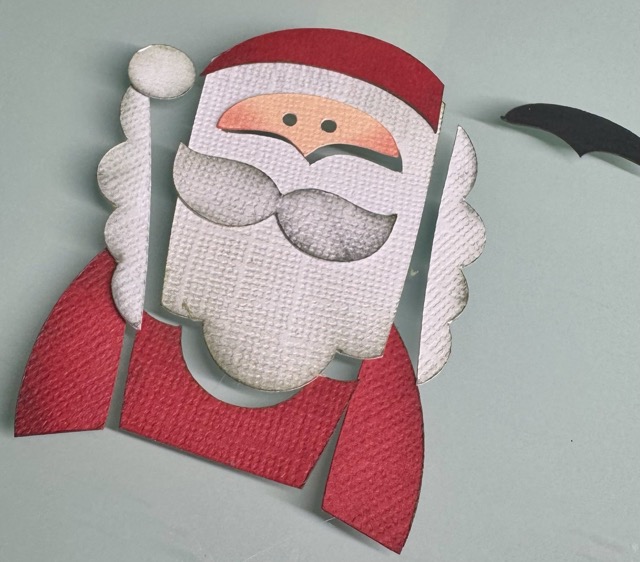
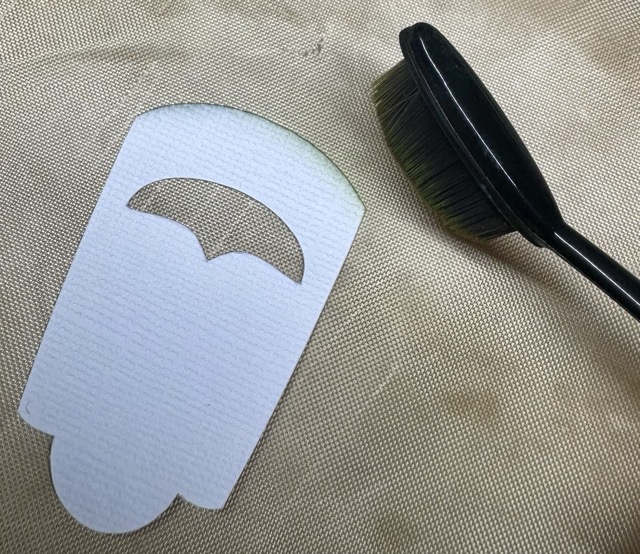
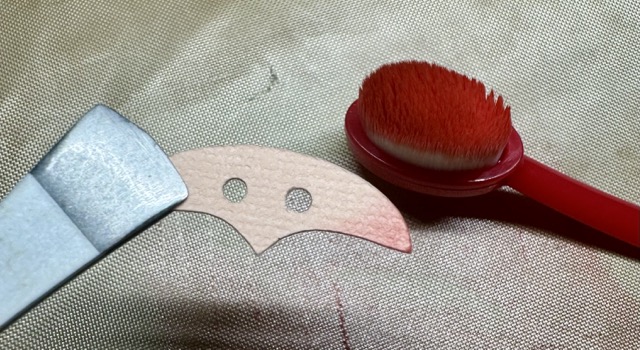
I always start with inking the edges for shade
-
Glue the face layer with the black piece behind it in the hole in Santa’s beard.
-
Attach the moustache with foam tape on top.
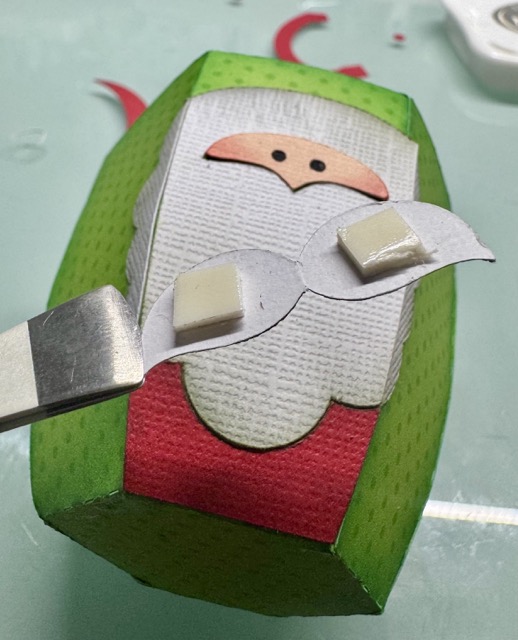
-
Add the hat and pom-pom.
This layered section gives the mug its adorable Santa look and is best assembled while the pieces are flat.
Step 5: Attach the Handle
The mug handle is made from two layered pieces for stability.
-
Glue the handle layers together.
-
Curve it gently with your fingers.
-
Attach it to the mug.
A good tip is to hold each glued area for a few seconds to help it set firmly.
Step 6: Add the Cocoa & Whipped Cream Top
To create the “hot cocoa” look:
-
Glue the cocoa layer into the rim of the mug.
-
Add the whipped cream layer on top.
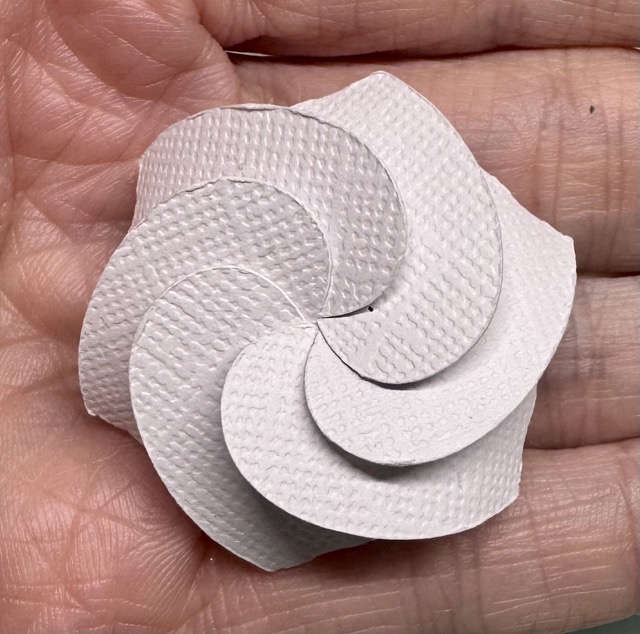
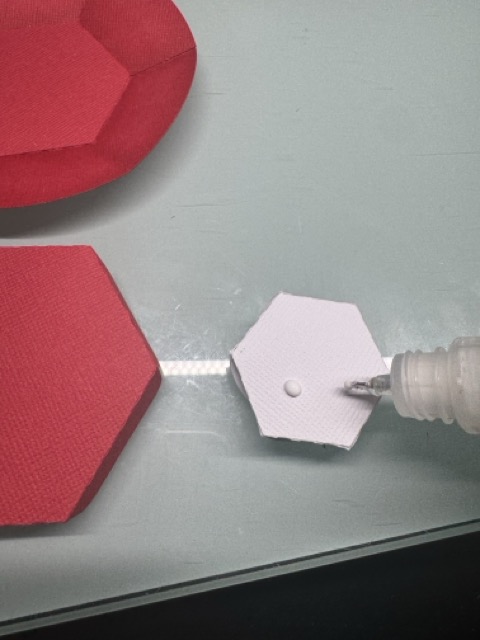
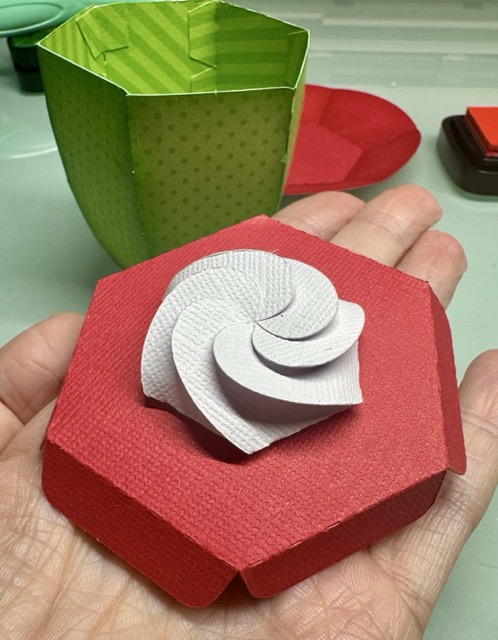
I used glue under the whipped cream to attach it.
Finished Project
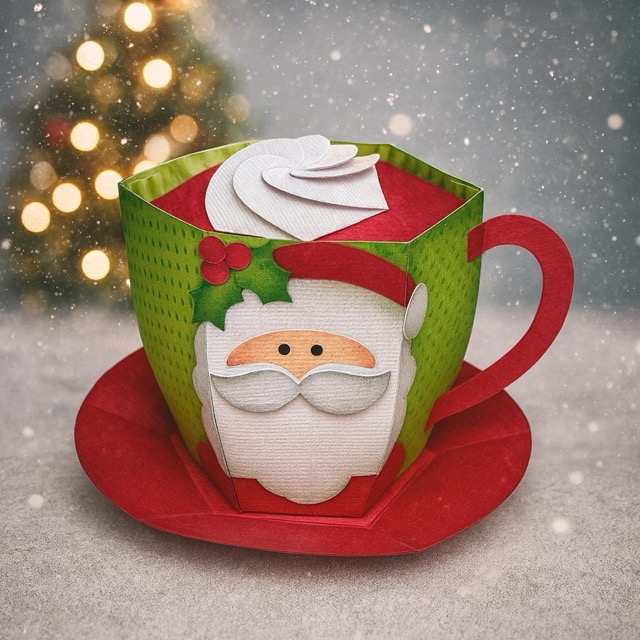
And that’s it! Your whimsical 3D Santa Hot Cocoa Mug is complete. It looks adorable on a Christmas shelf, or you can fill it with wrapped candies or a small LED tealight for a cozy glow.
I am going to add some chocolate inside the mug and gift it to my youngest sons teachers.
I hope this tutorial helps you feel confident assembling your own festive mug. Happy crafting, and be sure to check out Lori’s shop for more holiday 3D projects!
XO Tamara