An Oldie but a Goodie- The Side Step Card!

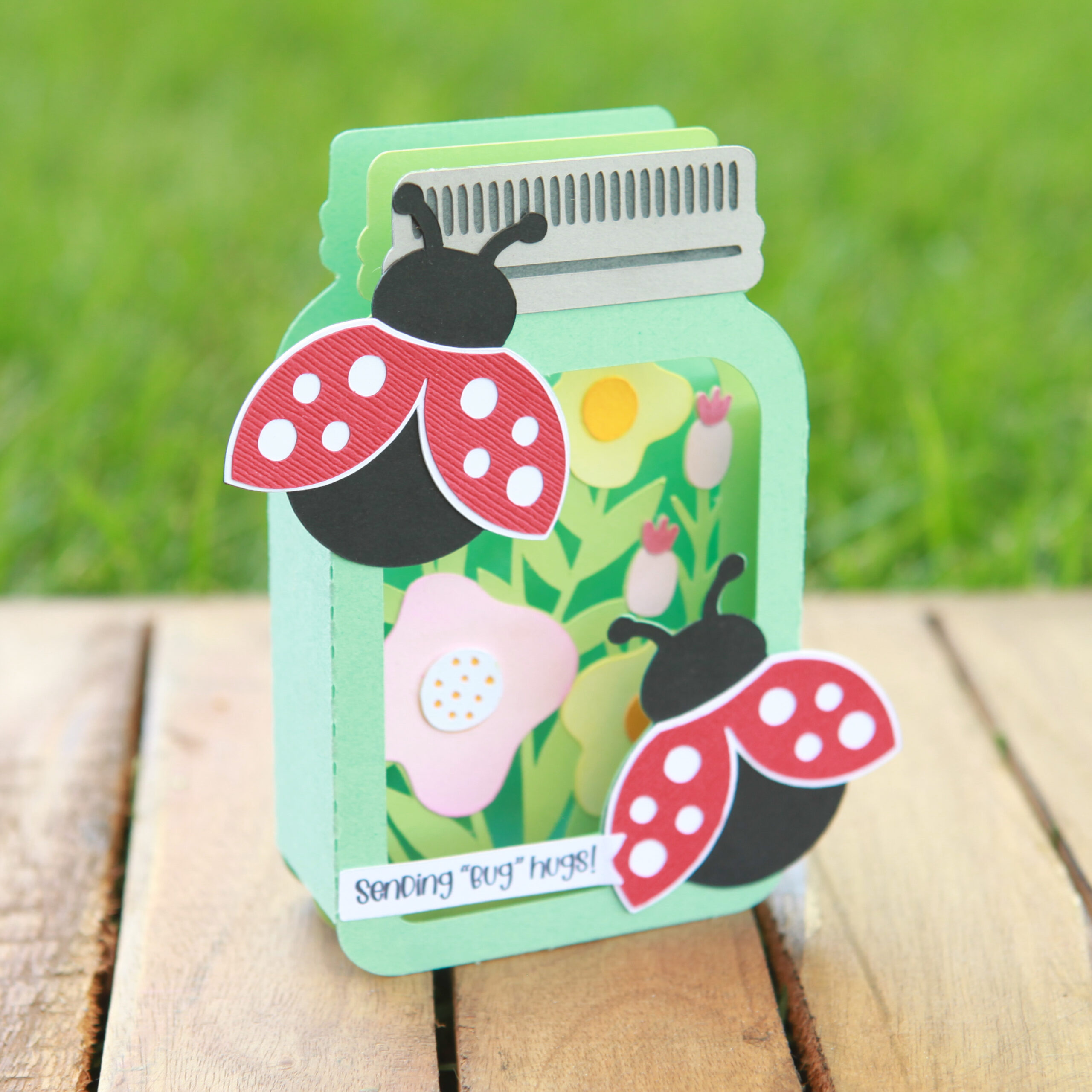
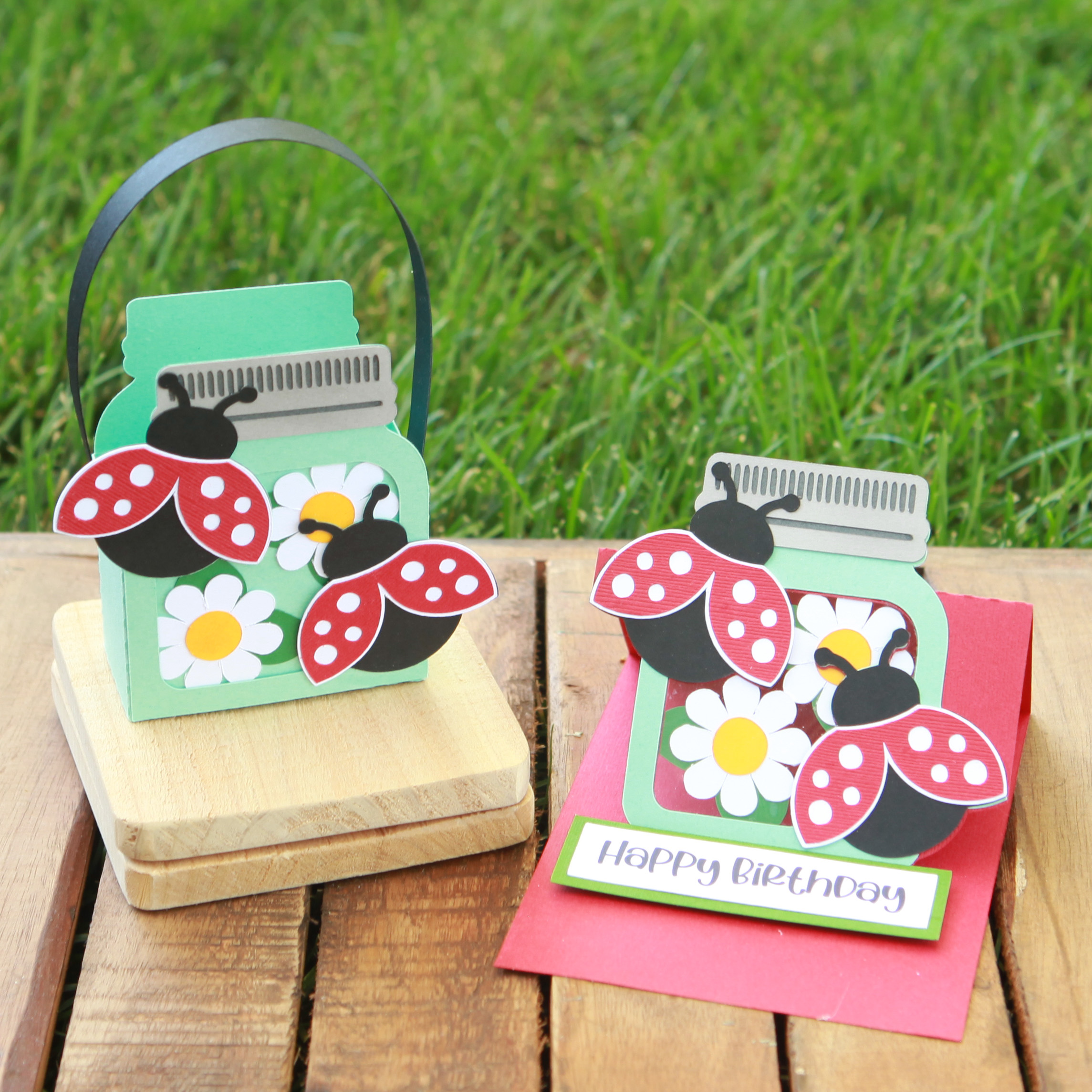
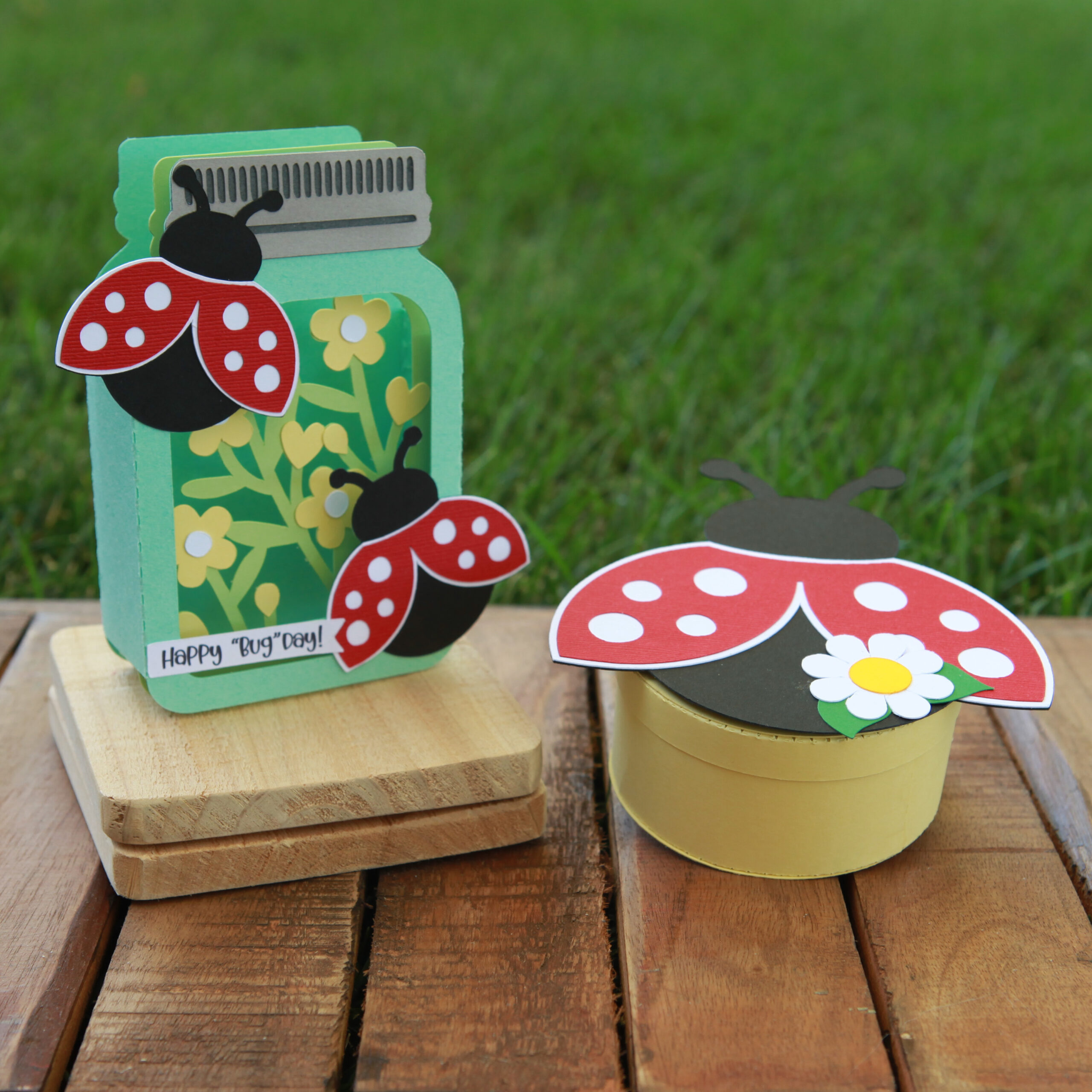
I was paging through my library of Lori’s files on my Silhouette, pages and pages, mind you.  And I came across this side step card and I remembered how I used to love to create these as you can enhance with all the embellishments for Lori’s collections.  So, I just had to give it a try again with Lori’s Echo Park Firefly Collection.

The Step Card Side file is here in Lori’s Shop  or in the Silhouette store.  I used the Firefly card stock for the base and papers from the 6×6 pad for the accent papers, a bit of the washi tape, several pieces of the chipboard, stickers, a tag and enamel dots.  You can simply create a scene with these little step card bases and all the embellishments.  Tons of fun to just start layering and see what you come up with.  I adore this collection and how this card turned out.


Thanks for joining us today!

~Cathy

Box Card Fish Pond

Happy Father’s Day (a day late). I’m sharing the cards I made for my dad and father-in-law-to-be. I created the Fish Pond Box Card, available here or here.

I popped some of the elements to give some more dimension and I used an embossing folder on my cattails.


Thanks for stopping by and happy crafting!

Chelsea - GritCycle

Hexagon Pop Up Beach Ball Card

 
You can find this card in a Hexagon Pop Up Bundle, or purchase it by itself. 
 
You can buy the single card here (Lori Whitlock, Silhouette)
 
 
Here is a tutorial for you today!
Here are some of the working parts glued together and ready to go.
This is the base piece. I creased all the fold lines.
You will add glue to the center of each section and then fold the piece upon itself, matching the two glued parts together.
This is what it will look like from the side.
This is what it will look from the top. There are 3 slots with the largest in the center.
You can insert the pieces numbered 1, 2 and 3 in order to get an idea of what this card will look like but you will need to take out #2 an #3 while dealing with #1-it’s just easier.
Glue the tab of #1 and glue it so it stands straight when folding the base upright.
Fold the first base section, being careful to make sure when you fold it flat, that it will flatten fully.
Here it is flattened. 
 
Insert #2 into the other side base section and glue it flat onto the  inside center piece.
Here I am inserting #3 piece. When you fold the second side up make sure your #3 piece is glued up straight and then glue the main side flap together, forming an open square on each side
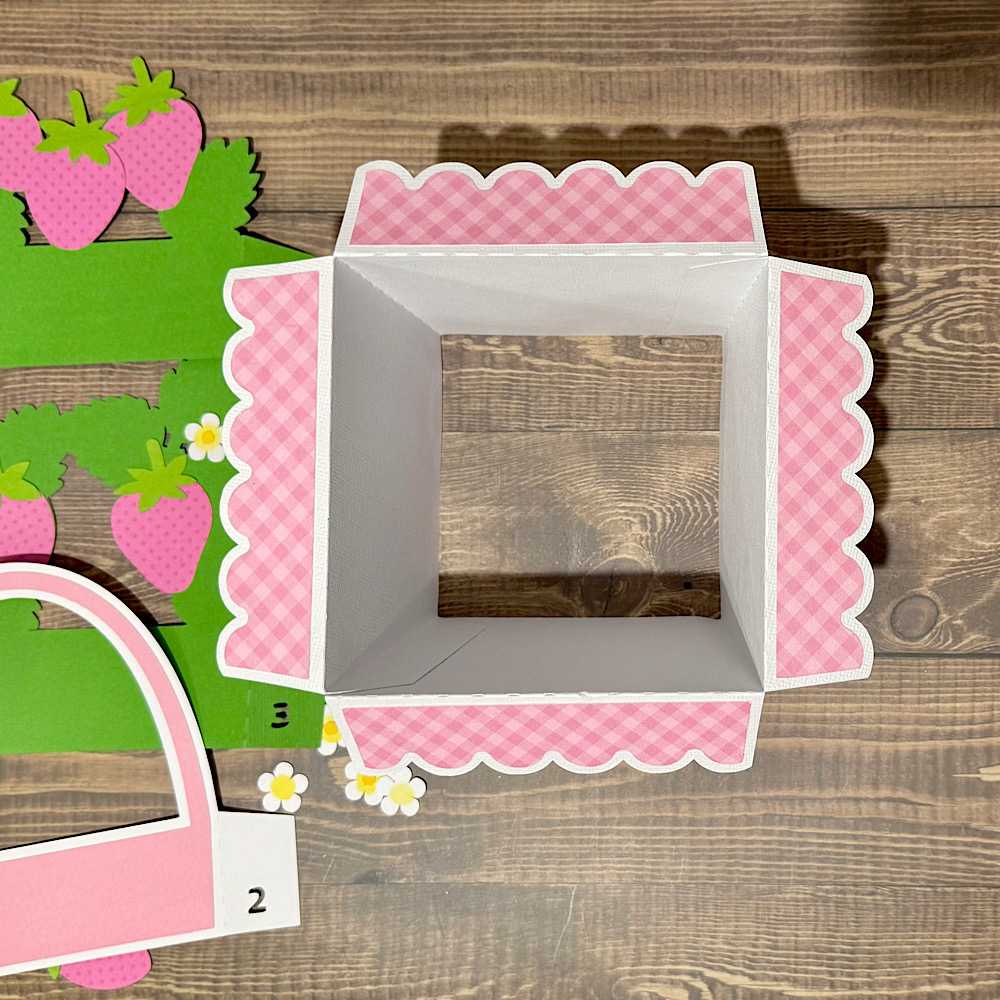
It looks like this when you set it up. Take note of the little tabs on the bottom of each side.
Add glue to the front and back of each base piece. Here, you will align the long piece,  making sure to line up with the bottom of the box and going over  each little side tab. The tab on the long piece should secure in the back by adding glue to the last tab. Assure your card will easily flatten. As you stand the card up and push down on the outside frame, it will lock  those little side tabs sticking out into the outside frame.
Here you can see what the bottom looks like. Very neat and finished.
Side view. To re-flatten just push on the  inside and that will pop out the secured tabs. 
All finished! I just adore the little bluebird Lori added to the file!
 
I hope you enjoyed this card–the hexagon  cards really impress people when they pull it out of the envelope! 
 
💕Sue Kment


Mother’s Day Stickers Tutorial

Welcome to Thursday Tutorial.  Lori has some lovely Mother’s Day Stickers in her shop (SVG, Silhouette). I’m going to share a couple of ways to use them or any stickers in the shop.  This tutorial is specific to Silhouette, but you can use the ideas on other platforms.

1. Open the Stickers in Silhouette Studio.


2. Go to the Send Screen. If the stickers look like the picture below, select all the stickers, and Click Cut Edge.

3. You can print the stickers just like this.  Be sure to select a high quality print setting, and choose photo or presentation paper for the paper.  I used Avery Sticker paper that can easily be found at Office Supply stores.  Silhouette sticker paper is great to use as well.

4. After printing the stickers, they are ready to cut.  For the Avery Sticker paper, you want to edit the default Sticker settings.  I decreased the Force to 6.

This cut setting will cut through the sticker, but not the backing.

5. Next idea, is to make a sticker sheet. I created a box that would fit in an A2 envelope (4.25 x 5.75).

Be sure to change the color of the rectangle to blue.  Then drag and drop stickers to the rectangle, re-sizing as needed.

6. Now let’s get ready to cut. Select the Line choice at the right in the Send page.


The red line will be the sticker cut settings; the blue line will be to cut the rectangle.  Scroll down to edit the settings as needed.

So some ideas to use these stickers and sheets.  You can print some stickers out either full size sheet, or the smaller sheet.  Give some cardstock and the stickers to kids to create a fun card.

Hope you enjoy.  You can do the same activity with the Father’s Day stickers (SVG, Silhouette).

Hope you enjoy creating!

Ashley

Suitcase Mini Album Tutorial

Hi friends! Traci here and today, I’m sharing a cute travel mini album that I made using Lori’s NEW cutting file titled Hidden Binding Mini Album Suitcase. (Silhouette) The fun shape is so versatile and can be made with any paper collection for your vacation needs. Since summer is ahead, I created it with a sunny beach theme.🌞


Suitcase Shaped Travel Mini Scrapook Album for vacation photos

Lori has designed a bunch of these hidden binding shaped albums and I love them! I’ve made the rectangle, apple, house, flower, telephone, and tag shape. Today’s mini is about travel, so the suitcase shape is perfect!


Suitcase Shaped Travel Scrapbook Mini Album with a summer beach theme

For this “fun in the sun” project, I used the Doodlebug Design Seaside Summer Collection. But it would also be great for winter skiing, a visit to the lake, a cabin in the mountains, a road trip, a cruise, or any vacation.

Let’s take a quick look inside, then I’ll explain how I made it.


Suitcase Shaped Travel Scrapbook Mini Album Pages with cute summer and beach images

I decorated each page with 6×6 inch papers, fun die cuts, cute stickers, and a few enamel dots. 


Suitcase Shaped Travel Scrapbook Mini Album Pages with cute summer and beach images

Isn’t this cute? Such a colorful little scrapbook. For larger photos and details of each page, visit my blog here.

Now, for the tutorial …


Suitcase Shaped Summer Travel Scrapbook Mini Album Tutorial

1. First, I cut out the pieces. Since all of the suitcase shape pages are sandwiched using 2 pieces, I needed 10 total … 2 for the front cover, 2 for the back cover, and 6 for the 3 scrapbook pages inside.

2.  Note that the center piece is scored for the binding. The score
lines are a bit hard to see on the brown image 😊.  I folded along each
of the score lines to create “mountains” and “valleys”. 

Suitcase Shaped Summer Travel Scrapbook Mini Album Tutorial

3. Then, I added adhesive inside the “valleys” and stuck the sides together.


Suitcase Shaped Summer Travel Scrapbook Mini Album Tutorial

4.  Once the binding piece is adhered, it should look like this ^.

Suitcase Shaped Summer Travel Scrapbook Mini Album Tutorial


5.  And the back side (the spine) will look like this ^.


Suitcase Shaped Summer Travel Scrapbook Mini Album Tutorial

6. Next, the cutting file comes
with pieces for the pattern paper that goes on top of the white spine,
front and back covers, and suitcase shaped pages. I chose the blue waves print and adhered it to one side only of the exterior pieces.


Suitcase Shaped Travel Scrapbook Mini Album Tutorial

7.  Once that was done, I adhered the front cover to the front of the first
spine fold. Then, the back cover to the back of the last spine fold. When it’s opened up flat, the
album covers and spine should look like this ^ on the outside.  


Suitcase Shaped Travel Scrapbook Mini Album Tutorial

… and like this ^ on the inside.    


Suitcase Shaped Travel Scrapbook Mini Album Tutorial

8. Next, I adhered pattern paper to ONE SIDE ONLY of the 8 remaining
suitcase shapes. Since these will be stuck back to back to another suitcase page, only one
side will show. 


Suitcase Shaped Summer Travel Scrapbook Mini Album Tutorial

9.  Now it’s time to assemble the album.  I adhered one suitcase page to the inside of the front and back covers. Then, I added one to the front and back of each spine fold … sandwiching them on the
“mountain” and creating
3 double-sided pages (6 individual pages). Including the inside covers, this gives you 8 scrapbook pages in total.

Suitcase Shaped Summer Travel Scrapbook Mini Album displayed on a clear acrylic stand by Artsy Albums


I hope you’ll try this fun project made with Lori’s Hidden Binding Mini Album Suitcase  (Silhouette) cutting file. It’s perfect for your vacation photos, or … it makes a wonderful gift idea. Have a great day! 😊


Blog * Shop * Facebook * Instagram * Pinterest