New at Snap Click Supply Easter Friends

The entire SVG shop is 30% OFF right now! Time to stock up on Lori Whitlock and Kolette Hall SVG files! Simply enter coupon code MARCH at checkout. Sale ends Sunday night! www.loriwhitlock.com/shop.

Cricut Explore users, I just made a video that explains how to use my SVG files with Cricut Design Studio. Please contact me at info@loriwhitlock.com for updated SVGs if the files you download from my shop don’t look like the ones in this video. Oh, and if you watch the video you just might learn about a free file so you can follow along with the tutorial. Just saying…

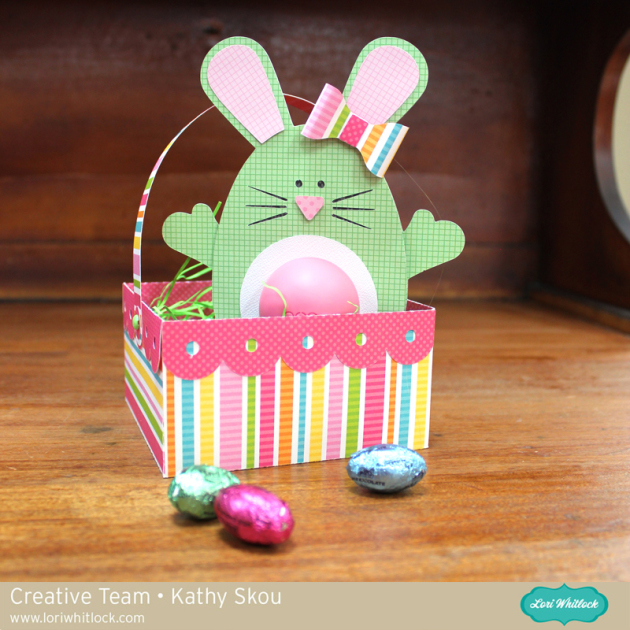
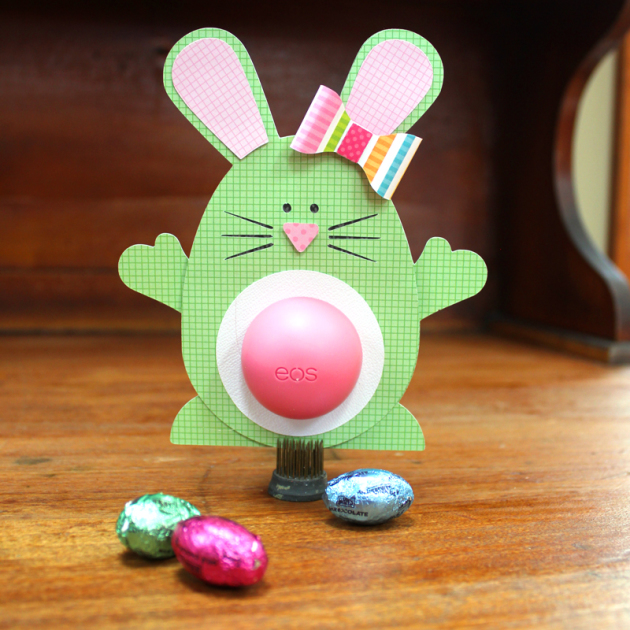
Today I have a brand NEW digital product to share with you called “Easter Friends Elements.” These elements are so cute and just in time for the Easter holiday coming up in just a few weeks. Use them for home decor items, scrapbook layouts, invitations, cards & more.  You can pick it up now at Snap Click Supply Co. for 25% OFF all weekend! And, be sure to grab the simply adorable FREE printable available HERE made from this collection.

Easter Friends Elements


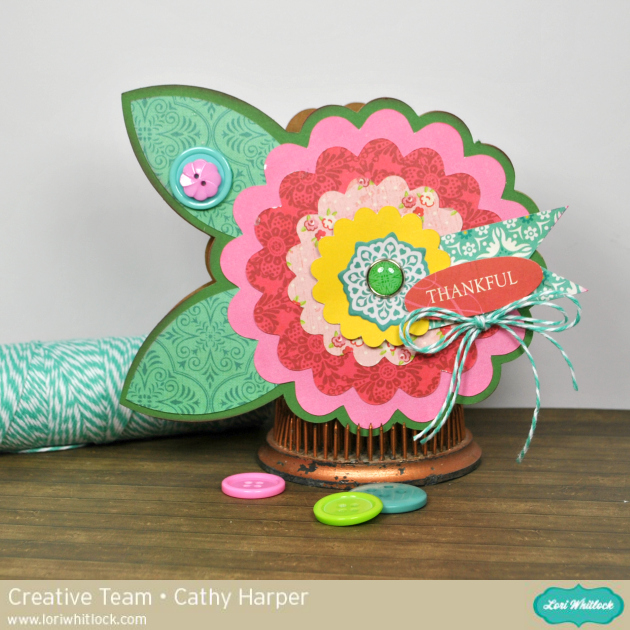
Below are some sweet projects by our talented Creative Team!! AND, if you’ll visit the FREEBIES section, we are offering the cute Hoppy Easter card as a FREE printable file. Enjoy!

Have fun with these cute files!! Have a great weekend!!

Wrapping Text Around a Circle with Traci

Hi everyone, it’s Traci and I’m back today with a tutorial for wrapping words in a circle.  I fell in love with Lori’s adorable new birdhouse.  I plan to make several to hang from a tree decoration, but you could also fill this little box with candy for a sweet little gift.

For the tutorial, I want to show you how I wrapped a phrase around the window of my birdhouse.

Step 1:  Move everything except the house portion off of your mat in the software.

Step 2:  Click on the Text Style Window and find a font you would like to use.  I used Lori’s Cutie Pie font.  Type and size your phrase somewhere on your mat.   Phrase ideas:  “Home Tweet Home”, “From Our House to Yours” , “A Gift For You”, a name or address …. endless cute possibilities!

Step 3:  If you double click on your phrase, you’ll notice a green box around your phrase and a little circle with an x in it.  Click on this little circle and drag it over to the window of your birdhouse.  When you hover the word over a line, the letters snap to the shape of the line.   You may have to play with the size of your font and the character spacing to get the letters to line up around your shape.

Step 4:    To move your word up around the outside of the circle, you will use the grey sliding bar that appears through your letters. If you place your curser along that bar and slide upwards, your letters will move up and out.

Step 5:  Now, you will want to print just the round phrase on the paper that you want for your birdhouse.  Highlight the entire birdhouse and go to the Fill Color window.  Remove the yellow color (but leave the birdhouse lines) so that the yellow doesn’t print on your paper.  Be sure to also make your paper size 8.5×11, and show your registration marks.

Step 6:  If you highlight your phrase, and click on the “Line Style” window, you’ll notice that the lines of your letters are probably set to 0.0 points … be sure to increase the line thickness to 1.5 so that you see the letters when they print.

Step 7:  Now send your paper through your printer.  Cut the birdhouse out with your silhouette machine and assemble all of the cute pieces into an adorable decoration or gift.

Thanks for stopping by Lori’s blog!  I hope you’ll come visit me over at Artsy Albums and say hi!

Traci

March Blog Hop

Welcome to our March 2015 Creative Team Blog Hop! Our team has been working hard to share some beautiful projects with you!

First off, we have our monthly sale going on at Lori’s SVG SHOP. ALL files (and commercial licenses) from Lori Whitlock and Kolette Hall are on SALE 30% OFF. Use code MARCH (case sensitive) at checkout in the SVG SHOP.


AND, TODAY ONLY, you can save 30% OFF all of Lori Whitlock’s digital scrapbooking files over at Snap Click Supply. Shop digital scrapbook files HERE. Be sure to use code: LWMar15HOP at checkout.

So, yesterday, the talented, Paige Evans had a lovely layout featured over on the Scrapbook & Cards Today blog. She used one of my cutting files for her project. Below is the layout and I’m offering the cutting file FREE TODAY ONLY.

The SVG and STUDIO cutting files are included in the FREE download. Simply CLICK HERE. No purchase necessary. 

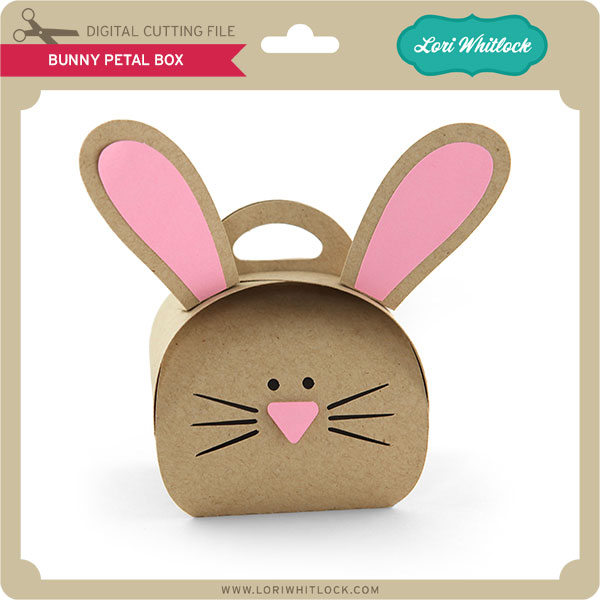
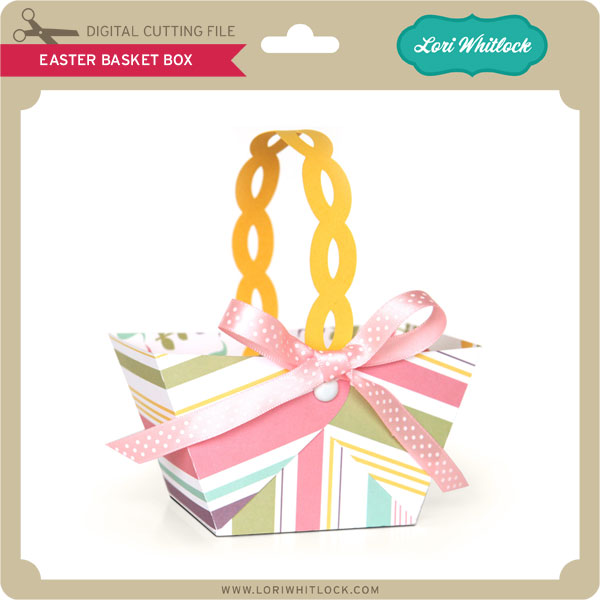
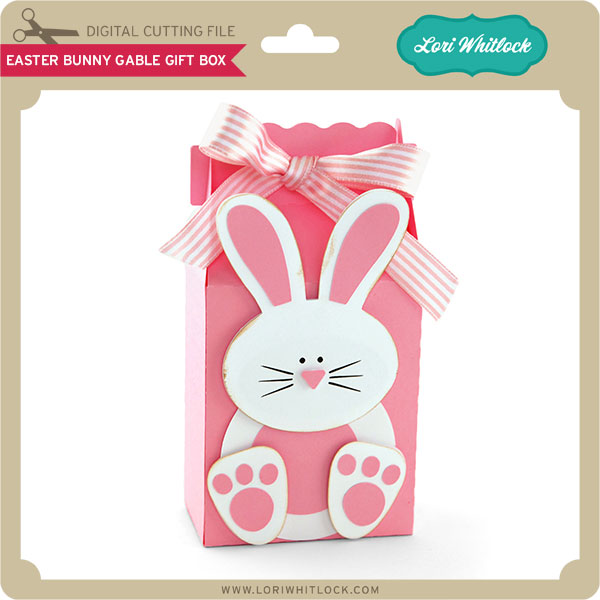
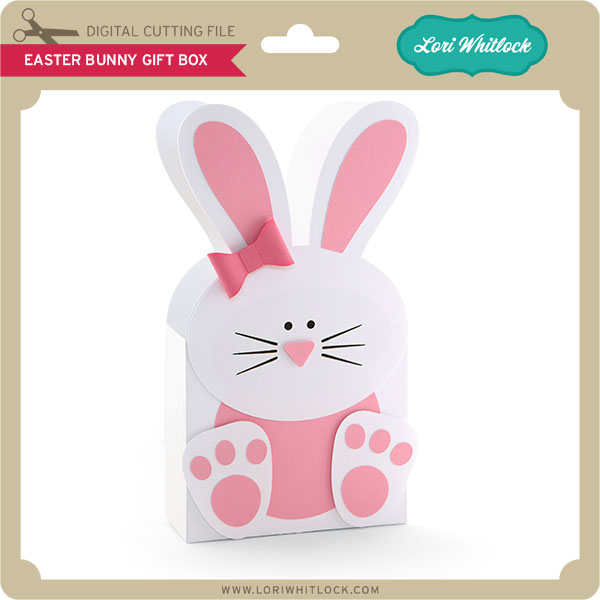
New this week… Check out these adorable new files in the SVG Shop, and they are on SALE 30% OFF through March 15 due to the Blog Hop!!! Be sure to use coupon code MARCH at checkout.

Just so you know, we are constantly trying to make changes that make your life easier. Our SVG files are now Cricut Explore friendly. Our newest files are colored and the score marks should appear on one layer. We now provide cut size information and a line art PDF with most of our 3D projects. Check the description on each shape before making your purchase. I am working a video that shows exactly how to use our SVG files with Cricut Explore, watch for it in the next week or so. If you desire the cut sizes, PDF or Cricut friendly files on an older shape that does not include the files you need, please don’t hesitate to let us know by emailing us HERE. We’re happy to help you get what you need.

Next, would you like to see what our amazing team has created? Click the links below for some wonderful projects. If you ever get lost come back here to get on track

Lori Whitlock

Corri Garza 

Mendi Yoshikawa 

Traci Penrod 

Kathy Skou

Cathy Harper

Tya Smith

Chrissy Guido

Ashley Cook

Rachael Sheedy

The winner of the $20 Gift Card from February’s blog hop is Hellen Gullett. Hellen, please email me HERE with your contact info and I’ll send you your $20 coupon code. Congrats!!

Would you like a chance to WIN a $20 gift card to the SVG Shop + the most current issue of Scrapbook & Cards Today? Be sure to LEAVE A BLOG COMMENT AT EACH STOP for 4 entry points! Good luck and thanks for dropping by!

a Rafflecopter giveaway

St. Patrick’s Day Treats with Tya

Before we get started with Tya, I wanted to point out an awesome post today over at Scrapbook & Cards Today blog. Paige Evans has a lovely layout featuring one of my cut files AND it just might include a free file!! Be sure to go take a look and get your free file!

Hi everyone – its Tya here to share with you a fun set of St. Patrick’s Day treats just in time for all your little leprechaun festivities coming up. Lori has a darling new St. Patrick’s Day Digital Collection over on Snap Click Supply that I used to spruce up a simple cupcake and a soda bottle. I used the Print and Cut feature on my Silhouette on both of these projects – it’s one of my favorite things to do with my Silhouette and Lori’s files. Here is what I did-

First off – let’s start with the Cupcake Stand – here is a quick tip for you. As you can see, the original cut file had just a simple scallop edge. I wanted to make the cupcake stand a little more festive , so I went in and found a shamrock from one of my favorite Lori cut files and went in and replaced the circles in the scallop edge with the shamrocks. The wonderful thing about owning a Silhouette is that I can mix and match and customize my cut files to fit a theme or holiday. It was simply a matter of ungrouping the orginal shape, deleting the circles and replacing it with my resized shamrocks instead. Super easy and think of all the different shapes you could substitute – hearts for Valentines Day or stars for the 4th of July – the possibilities are so fun!

Here are a few close ups –

 Check out the cute cupcake wrap and here is a better photo of the shamrocks that I added instead of the scallop circles.

 I did a print and cut of the Kiss Me I’m Irish sentiment and made it into a cupcake topper with the help of  a scallop circle and a some button and twine. Add a green Pixie from Doodlebug Design – and you have a custom made cupcake topper!

Next up I decided to grab a green bottle of Sprite and add a bottle label and a custom sentiment to the label that I made with the beautiful Vintage Font for the Shamrock Soda. I added a polka dot shamrock with an orange button and some twine to finish it off. I also added a scallop border punch to the top and bottom edges of the sentiment.


So that’s all there is to my projects. I love taking basic everyday items like cupcakes and Soda bottles and using my Lori Whitlock shapes to fancy them up and make them fun and festive! Thanks for stopping by!

Digital Shapes and Papers –

St. Patrick’s Day Collection – Snap Click Supply

Shapes used: (All on loriwhitlock.com or Silhouette Design Store unless otherwise noted)

Nested Scalloped Circle

Bottle Label Tag – Flag

LW Vintage Font

5 Clover Shamrocks (Silhouette) Lucky Set (Lori Whitlock.com)

3D Cupcake Stand

Scalloped Cupcake Holder