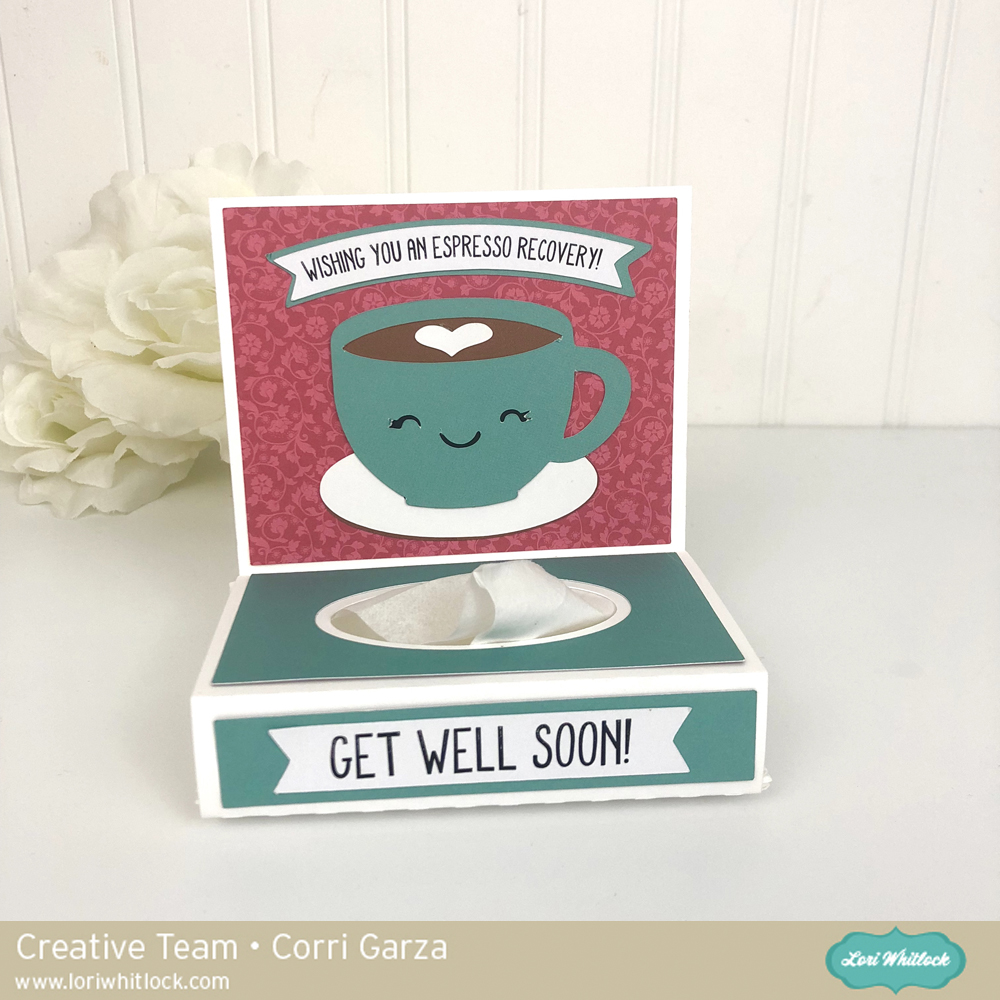
Hi everyone! Corri here today sharing the new Get Well Tissue Wrap Espresso (Silhouette, SVG). There are several of these in the store, with different themes. All of them are so cute and are a perfect little gift for anyone feeling under the weather.
I used paper from the Forward with Faith Collection from Echo Park. I just love the colors in this beautiful collection. Thanks so much for stopping by!
Hi Everyone! Today I’m showcasing another fabulous project using Doodlebug Design’s cut files! This adorable card was created by Brigit Mann for Doodlebug Design!
For more details, you can see her original post here. New Doodlebug Design SVG files are being added to the Lori Whitlock SVG Shop on a regular basis, so stop by to see all of the fun SVG files HERE!
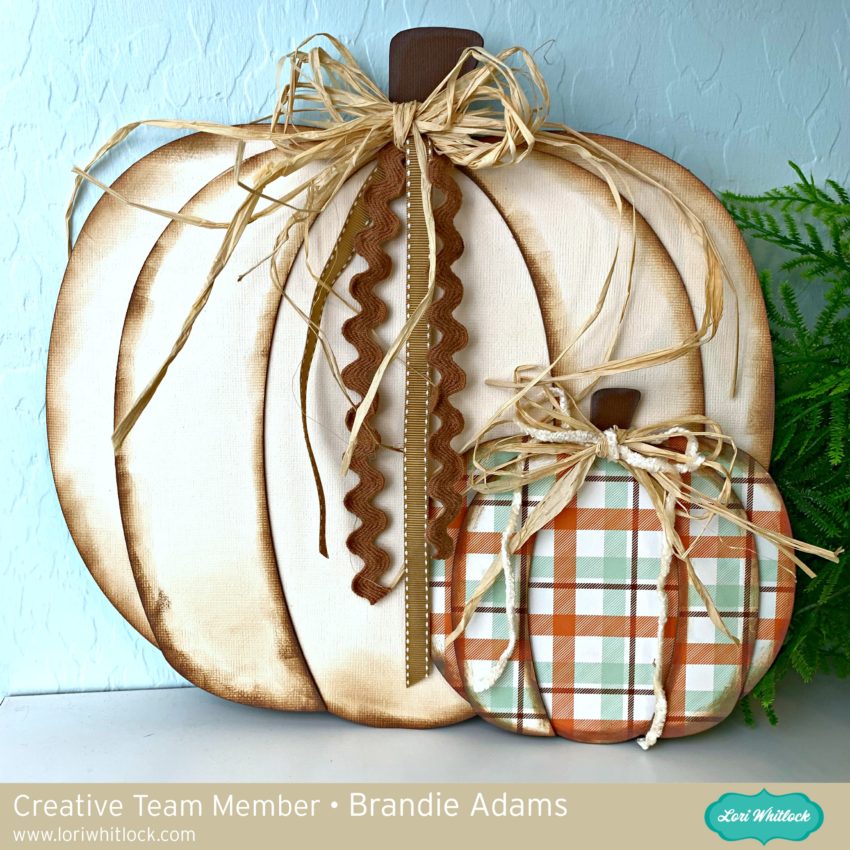
Hi there crafty friends! Brandie here with a Fall décor craft tutorial. I love Fall, the colors, smells, and cooler temperatures. Another of my Fall favorites is pumpkins. I usually start pulling out my pumpkins this time of year. I want to enjoy them for as long as possible before all the Christmas holiday stuff shows up.
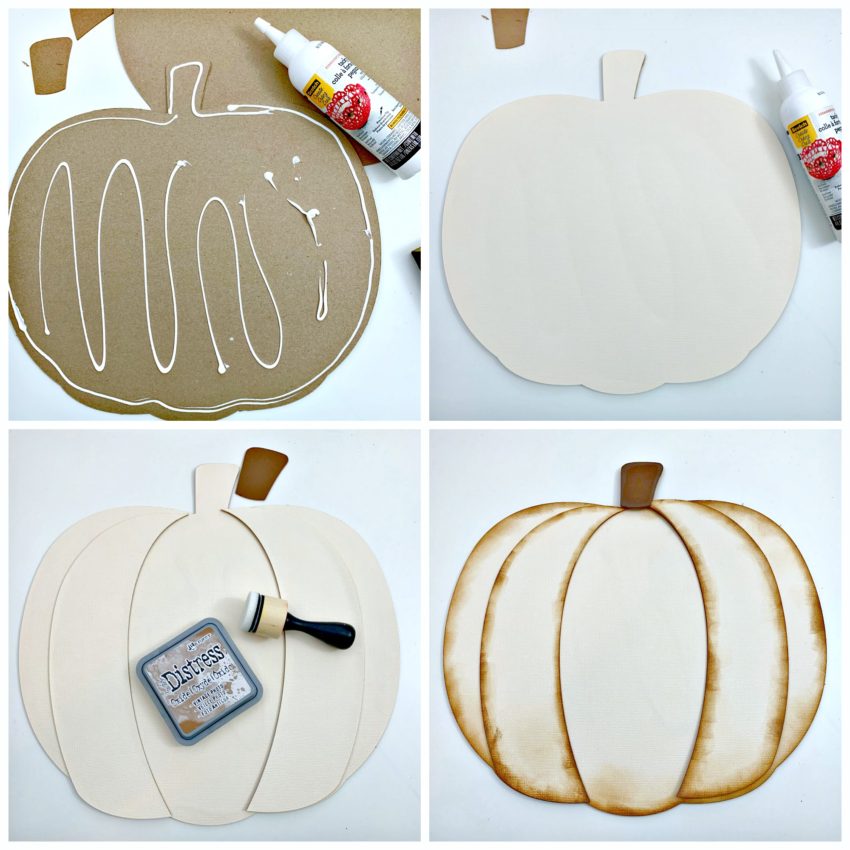
I used the pumpkins from the Pop Up Box Card Pumpkins (SVG, Silhouette). I like that the pumpkin segments are separate giving the pumpkins some depth. I cut two layers of chipboard and one layer of cardstock or pattern paper. When cutting the chipboard go slow and make several passes. I used my machine’s pre-programmed setting and did not have any troubles. The plaid paper comes from the new Echo Park My Favorite Fall collection.
The width of the large pumpkin is 11.5 and the width of the small pumpkin is 6.5. I used the Scotch tacky glue to glue each layer. Then placed a heavy book on top of the pumpkins while the glue dried. Before I assembled the pumpkins I inked the edges with Vintage Photo Distress Oxide ink. I then used tacky glue to assemble the pumpkin layers.
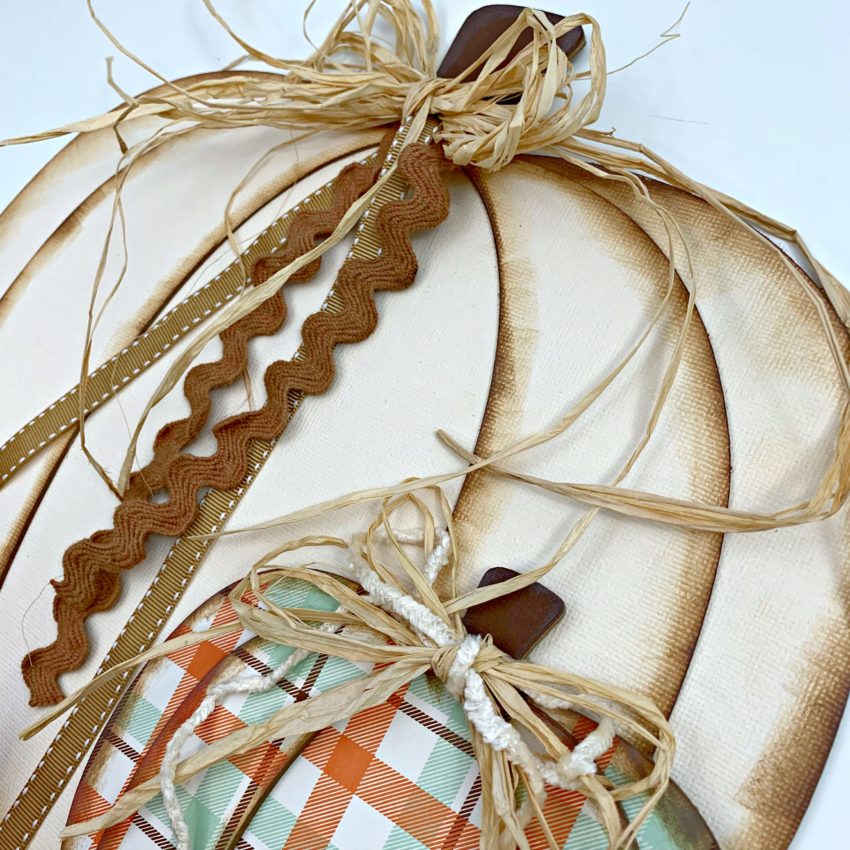
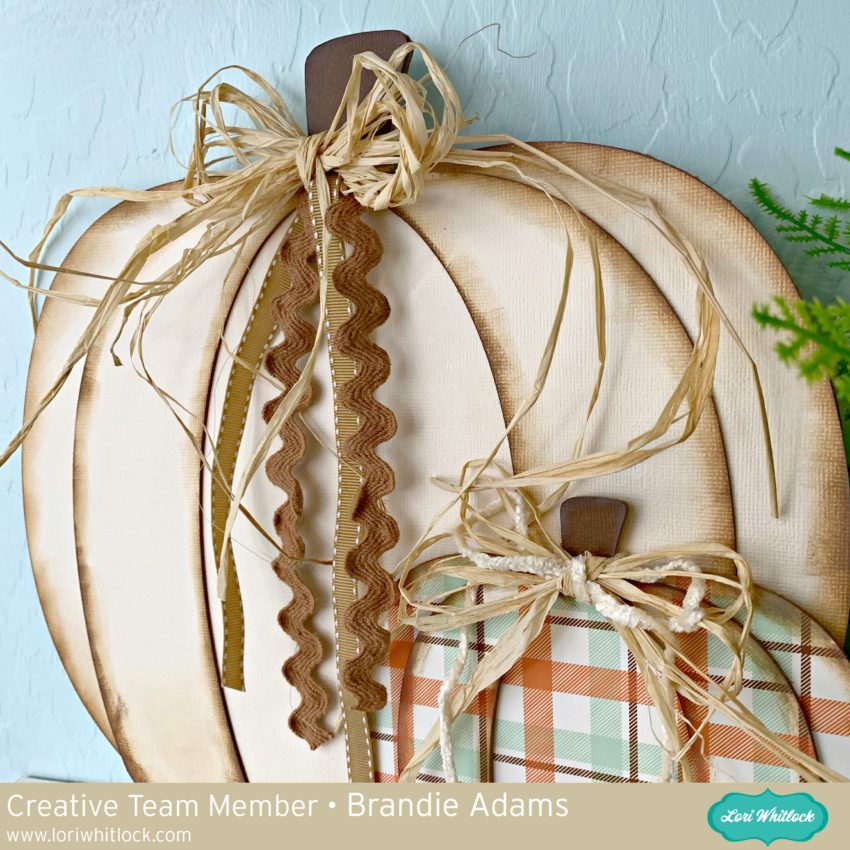
I tied some raffia and ribbons from my stash around the stems. I then glued the smaller pumpkin to larger one.
Now these cuties will be sitting on my bookshelf all season. I hope this project inspires you to use Lori’s cut files in your crafty décor pieces. Thanks for stopping by!
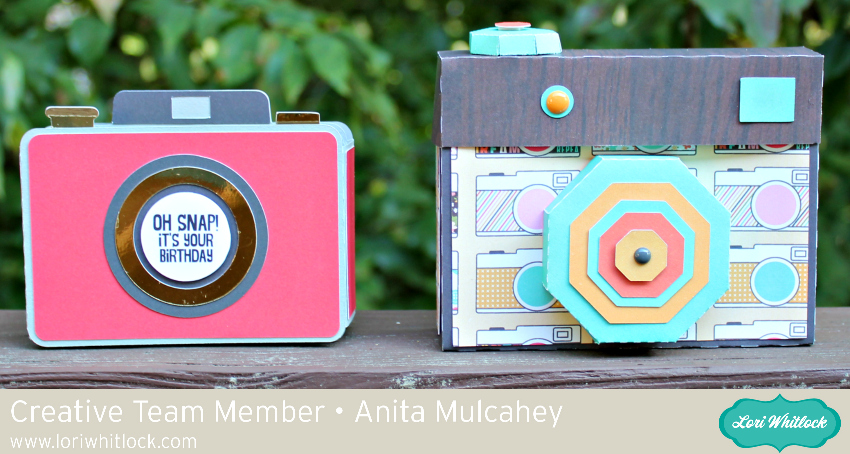
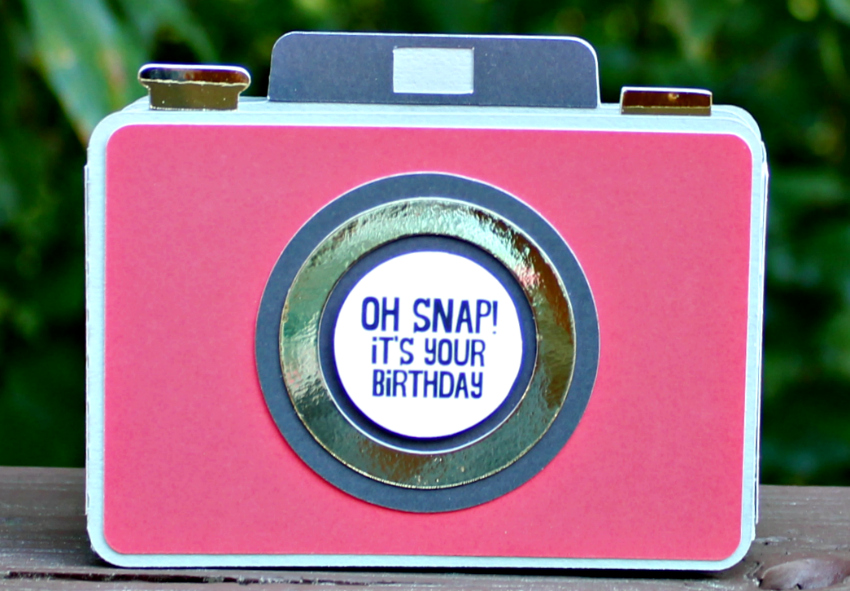
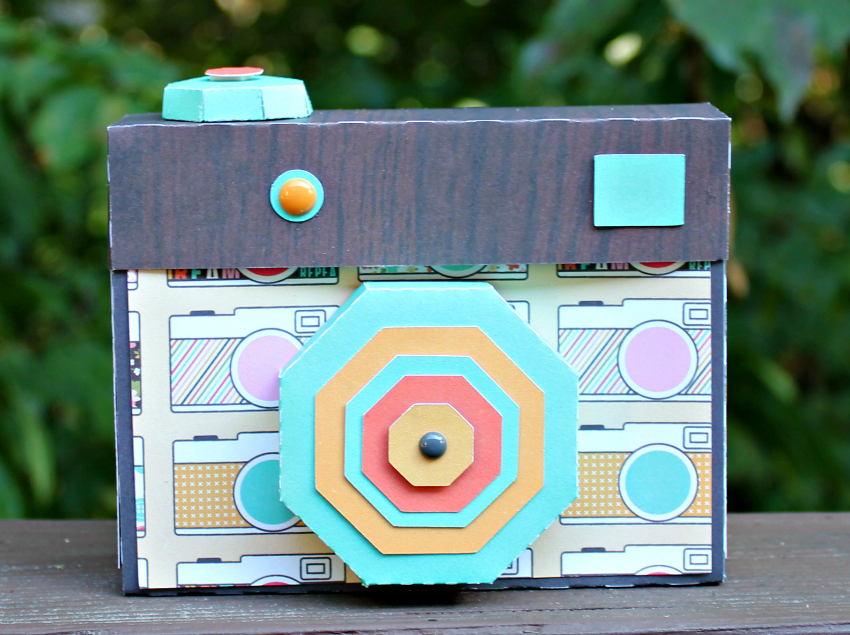
Anita here with a really fun birthday card and camera gift box set for the photography lovers in your life. My nephew takes amazing photos and I made this set for his birthday. I used Lori’s A2 Shaped Box Card Camera which you can find the file for here in her SVG shop and here in the Silhouette store. I used her SVG file called Camera Shaped Box and you can find that file here in Lori’s SVG shop and here in the Silhouette store. Lori also has a wonderful tutorial for putting together the camera shaped box which was done by one of my fellow Creative Team members, Brandie Adams which you can find here. I used a several of Lori’s wonderful Echo Park paper collections on these projects including I’d Rather be Crafting, Back to School and Easter Wishes.
ALL WEEK, this SVG file is FREE with any $1.99 purchase!
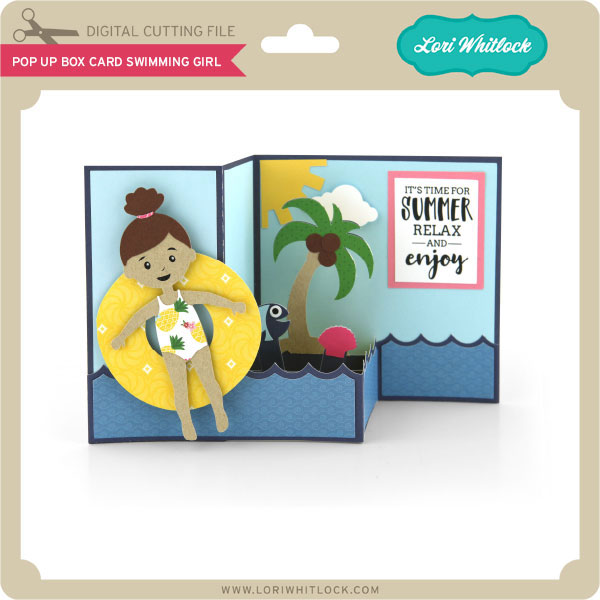
We have a FREE file with purchase all this week! Simply add this Pop Up Box Card Swimming Girl file to your shopping cart along with ANY $1.99+ purchase from the SVG Shop and this file is yours FREE. Be sure to use Coupon Code: FLOATAWAY(case sensitive) at checkout. This offer is good through next Sunday.
(Your cart must reach at least $3.98 before the coupon will be applied and then $1.99 will be subtracted from your total at checkout. The files will be available for immediate download after you pay for your order by visiting MY ACCOUNT>COMPLETED ORDERS>ORDER DETAILS inside of your account. Only one discount code per order allowed.)
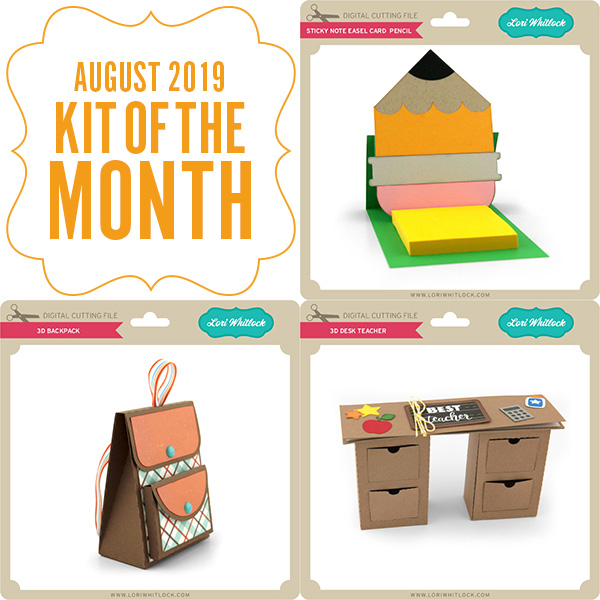
In addition, don’t forget about this special ! You can get this Free Kit of the Month with any $20 purchase (Purchase must be in one transaction.) Simply add the 2019 August Kit of the Month to your shopping cart along with ANY $20.00+ purchase from the SVG Shop and this file is yours FREE. Be sure to use Coupon Code: AUG19KOTM (case sensitive) at checkout. This offer is good through August 31, 2019!
(Your cart must reach at least $27.95 before the coupon will be applied and then $7.95 will be subtracted from your total at checkout. The files will be available for immediate download after you pay for your order by visiting MY ACCOUNT>COMPLETED ORDERS>ORDER DETAILS inside of your account. Only one discount code per order allowed.)
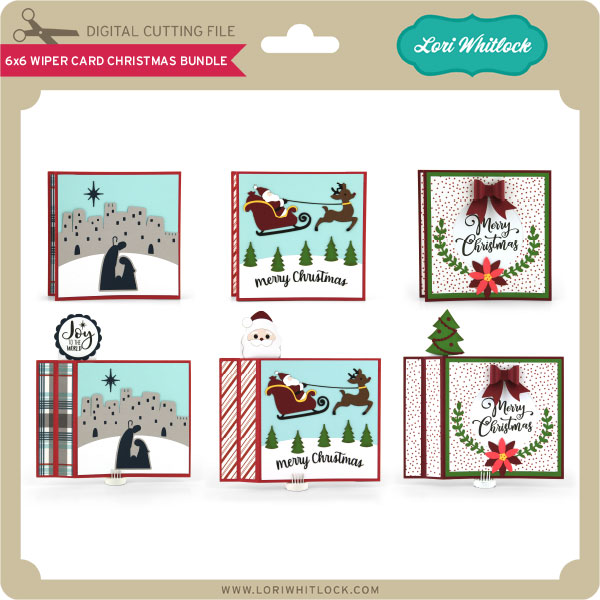
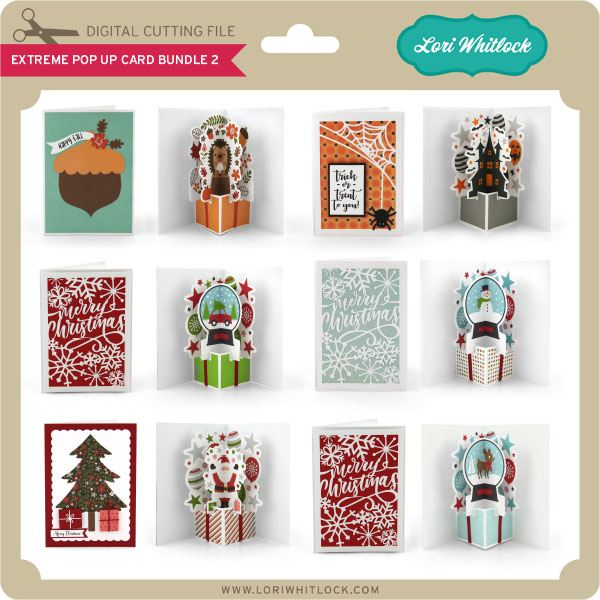
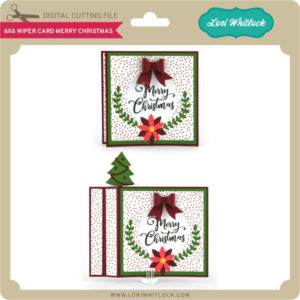
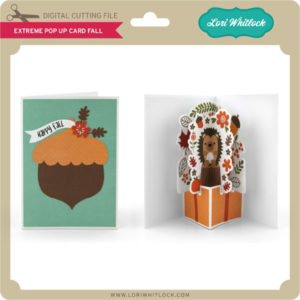
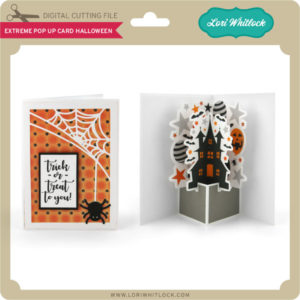
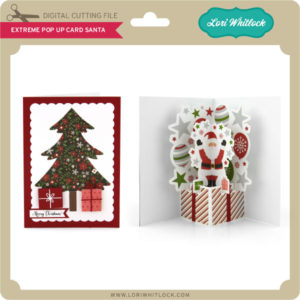
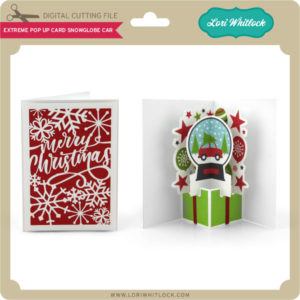
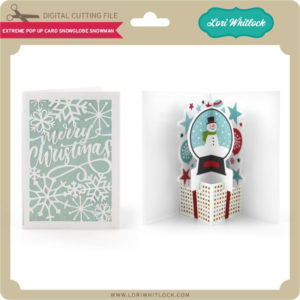
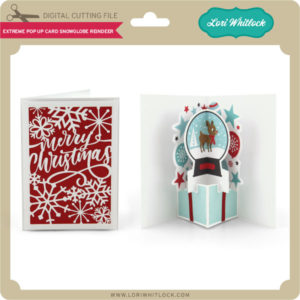
Check out the new SVG files releasing this week! Just like always, the NEW SVG files will be ON SALE 25% OFF through the weekend in the SVG Shop! These downloads include SVG files that may be used with Cricut Explore, Silhouette (DE upgrade required), Eclips, Brother Scan and Cut, and any other software that will open SVG files. No coupon code necessary, the newly released files are all discounted in the shop! Be sure to go get them while they are on SALE this week. We have an awesome new set of 6×6 Wiper Cards for Christmas AND a new assembly video to go with it. You have to go watch the video to see how interactive and cute these are! Next, you’ve been asking for them, so we created a whole new bundle of Extreme Pop Up Cards for Fall, Halloween, and Christmas!! They are so stinking cute!! I hope you love them as much as I do.
Thanks for visiting the blog today! Please let us know if you need any help with your files. We want to make sure everyone is happy with their purchase. Have a great week! SHOP HERE