Print and Cut Stamps with Kathy

Hi Everyone, Kathy here today!  Have you seen Lori’s new Print and Cut Stamps??  They are so cute!  I used the Print and Cut Stamps Fall to create this fun little thank you note…

I printed the stamped images on some watercolor paper and used some water color markers to fill the images.   The papers I used are from Lori’s The Story of Our Family from Echo Park Paper.  Make sure to take a peek at all her new Stamp and Cut sets, they are only available through the Lori Whitlock SVG Shop, but come with .PDF, PNG and SVG Files so they can be used with many cutters.  That’s it for me today, don’t forget, today is the last day of the August Sale!  Use code AUG2016 and get 30% off your order in the Lori Whitlock SVG Shop!  Thanks for stopping by to peek!


August Creative Team Blog Hop and New in Shop

Welcome to our August 2016 Creative Team Blog Hop! Our creative team has some awesome new projects to share with you to get you in the crafting mood. In addition, I have some FUN new files for you! Be sure to check them out below.

One thing customers seem to LOVE about blog hop week is our 30% OFF SALE going on at Lori’s SVG SHOP. ALL files (and commercial licenses) from Lori Whitlock, Kolette Hall, and Dresden Carrie are on SALE. Use code AUG2016 (case sensitive) at checkout in the SVG SHOP. (only one discount code per order allowed)


In addition, TODAY ONLY, you can get 30% OFF all of my digital files over at Snap Click Supply! Use code DIGIAUG16 at checkout to get the discount!

We also have a gift for you! TODAY ONLY, You can get this fun Shaped Mini Tabs file by Kolette Hall for FREE! So, be sure to go grab it while you can from the SVG shop.


And don’t forget about the August Kit of the Month! If you spend $20 in the SVG Shop (in one transaction) you can get the Kit of the Month for free! Simply add the August Kit of the Month to your shopping cart along with ANY $20.00+ purchase from the SVG Shop and this file is yours FREE. These would be perfect for summer celebrations! Be sure to use Coupon Code: AUGKOTM (case sensitive) at checkout. This offer is good through August 31st!

(Your cart must reach at least $20.00 before the coupon will be applied and then $7.95 will be subtracted from your total at checkout. The files will be available for immediate download after you pay for your order by visiting MY ACCOUNT>COMPLETED ORDERS>ORDER DETAILS inside of your account. Only one discount code per order allowed.)
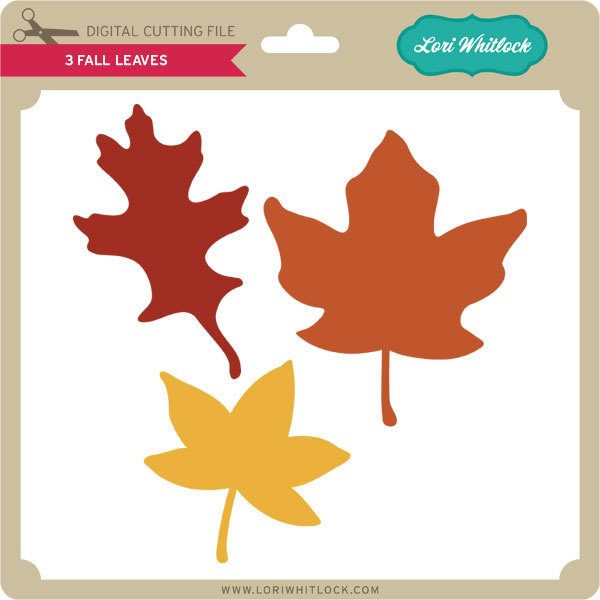
 

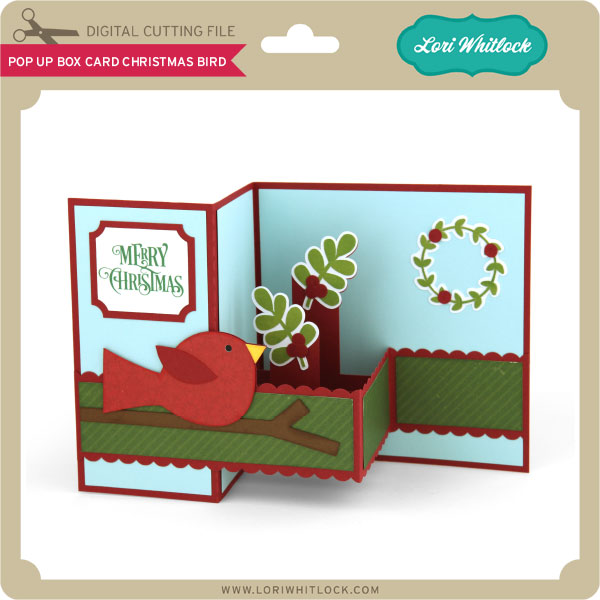
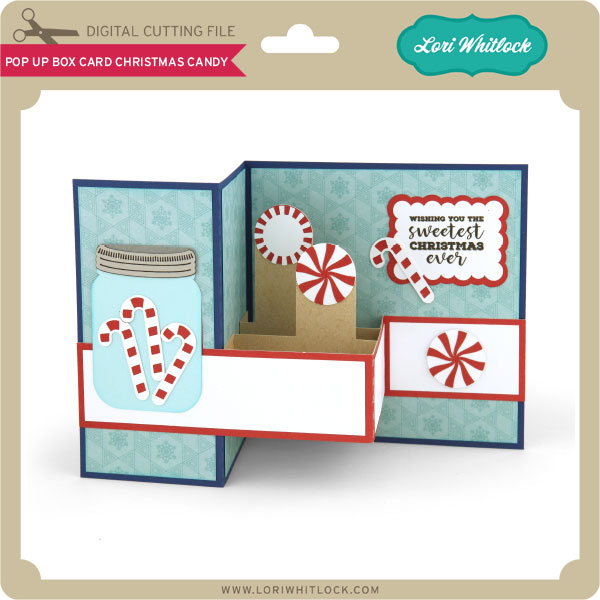
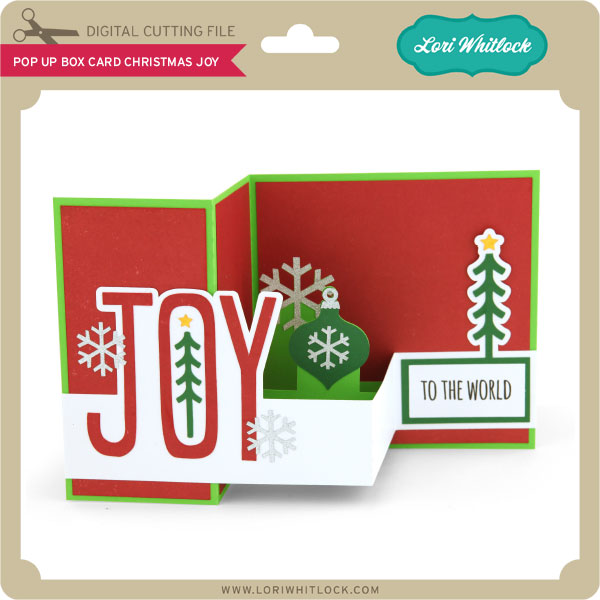
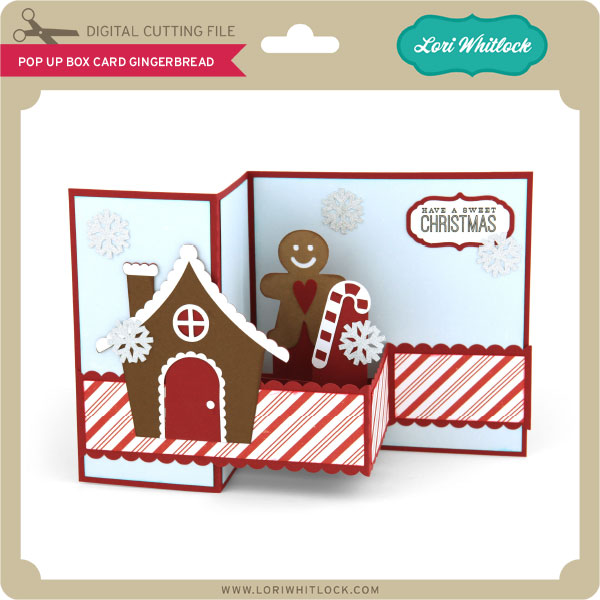
I have some super fun new files in the SVG Shop this week.  Be sure to grab them while all files are 30% off this week when you use code AUG2016 in my SVG Shop! Take a peek…

How would you like to win a $20 Gift card to my SVG Shop?

a Rafflecopter giveaway
    And, last but not least… would you like to see what our amazing team has created? Click the links below for some wonderful inspiration. If you get lost come back here to get on track. Lori Whitlock ,Corri Garza, Traci Penrod, Kathy Skou , Anita Mulcahey, Lezlye LauterbachAshley Cook and Tya Smith!  Thanks again for dropping by! Have a GREAT day!

How to Change the Colors of a Print and Cut File Tutorial by Tya

Hey everyone! Hope you are all enjoying your summer! Today I have a tutorial for you on how to change the color of a Print and Cut file. One of my favorite features of the Silhouette software is the ability to do a print and cut. Lori has some really cute Print and Cut files in her library and so I thought it would be fun to showcase one of these files today.

So I am using the a2 Shaped Card Beach (found here in the Silhouette Store). I loved all the fun colors of this card, but I wanted to add some patterns to spice it up a little . Let me show you the steps to do this.

Step 1-

Open up the file in your Silhouette. Here is what it looks like in its original state.

Step 2-

Select all the pieces of the card and then ungroup them so we can work with each piece individually.

Step 3-

We only want to work with the Print and Cut part of the file, so go ahead and delete the other pieces.

Step 4-

Select the shape and then again ungroup the shapes so we can separate all the different pieces.

Step 5-

I downloaded this digital paper set ( Summer Fun Papers found on Snap Click Supply). Adding digital papers to your Fill Patterns in the Silhouette software is super easy. Simply select the papers you want and drag them into your pattern bin in the software.

Step 6-

Select the part of the original file you want to change. Here I changed the yellow part of the umbrella to a fun stripe. Simply click on the fill pattern and the software does the rest.

Step 7 –

Go ahead and change the rest of the original elements to new ones by selecting the piece and then selecting a new fill pattern.

 Step 8-

Once you have all the colors changed to your liking – go ahead and group the file back together again and then drag it onto the card base.

Step 9 –

Just for fun – I added a sentiment to the card front using the LW Fun font. (LW SVG shop) (Silhouette) .

Step 10-

Add registration marks for an 8 1/2 x 11 size page.

 Make sure you adjust your cut settings as well to only cut the outer edge of the card and not the cute umbrella.

 Select the No Cut option to make sure the umbrella does not get cut out.

Now were ready to cut! Send the file to your printer and print it out and then load the paper onto your Silhouette mat and cut it out.

So here are the cards. The one on the left is the original card.The one on the right is the card that we made changes to. I also added some embellishments to add a little texture and interest.

Thanks for stopping by. Hopefully I have taught you a new fun trick for you to try the next time you want to make a project using the Print and Cut feature! Happy Crafting!

Tuesday Freebie and New in Shop

ALL WEEK, this SVG file is FREE with any $1.99 purchase!

We have a FREE file with purchase all this week! Simply add this A2 Shaped Card Set Beach to your shopping cart along with ANY $1.99+ purchase from the SVG Shop and this file is yours FREE. Be sure to use Coupon Code: BEACHDAY  (case sensitive) at checkout. This offer is good through next Sunday.

(Your cart must reach at least $4.98 before the coupon will be applied and then $2.99 will be subtracted from your total at checkout. The files will be available for immediate download after you pay for your order by visiting MY ACCOUNT>COMPLETED ORDERS>ORDER DETAILS inside of your account. Only one discount code per order allowed.)

In addition, don’t forget about this special ! You can get this Free Kit of the Month with any $20 purchase (Purchase must be in one transaction.) Simply add the July Kit of the Month to your shopping cart along with ANY $20.00+ purchase from the SVG Shop and this file is yours FREE. Who wouldn’t want to get one of these on their special day! Be sure to use Coupon Code: JULYKOTM (case sensitive) at checkout. This offer is good through July 31st!

(Your cart must reach at least $20.00 before the coupon will be applied and then $7.95 will be subtracted from your total at checkout. The files will be available for immediate download after you pay for your order by visiting MY ACCOUNT>COMPLETED ORDERS>ORDER DETAILS inside of your account. Only one discount code per order allowed.)


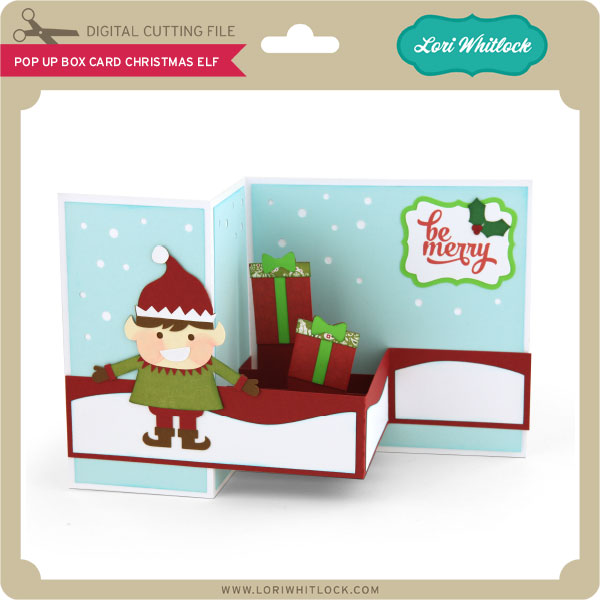
Check out our awesome SVG files releasing this week! And, just like always, the NEW files are ON SALE 25% OFF through the weekend in the SVG Shop! These downloads include SVG files for sure and PNG or PDF files when appropriate. No coupon code necessary, the files are all discounted in the shop! Be sure to go get them while they are on SALE this week.
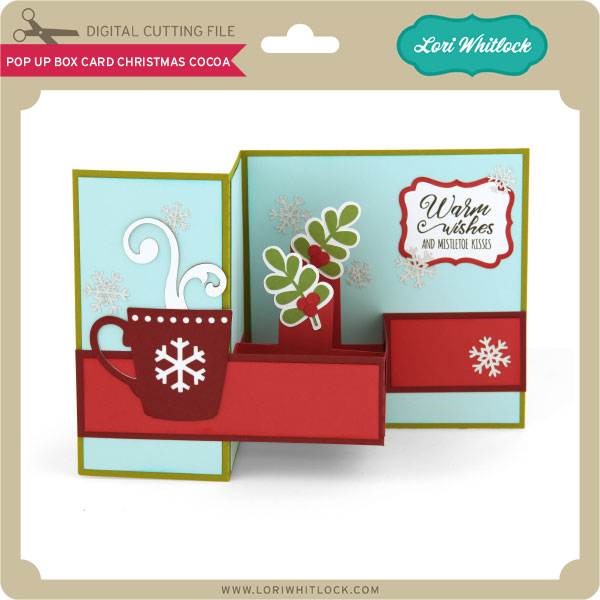
 

Thanks for visiting the blog today! Please let us know if you need any help with your files. We want to make sure everyone is happy with their purchase. Have a great week!