A Stack of Graduation Cards!

It’s that time of the year to make a stack of Graduation cards!
 
 I chose several files that really give you a lot of bang for your buck! These files include multiple years to use for the future as well! I have made these cards numerous times over the years because they really are so classy looking and are so fast and easy to make! 
 
They are easy to personalize by changing up the colors to reflect your school colors. You can then add school initials or add the grad’s name etc. for a bit of personalization. 
Graduation Shaped Card 2024-2037 (SVGSilhouette)
 
Instructions for a Silhouette: enlarge the file by 200% by choosing the symbol that looks like a slash (highlighted in blue-top row on the left side)  and click 200%. That was pretty easy right? Sorry-I’m not familiar on how  you do that on the Cricut.
 
 
 I always like to add a white center insert to my cards, it’s an especially fun detail if you have a shaped card.
 
For this inside insert I took the 2026 from the file and after selecting the 2026 you can right click and choose release compound path (about 2/3 down the list). From there you can pull the outline away and delete all the little pieces. 
5 x7 Graduation Shaped Card (SVGSilhouette)
After cutting out the Congrats Grad pieces – leave all the letters stuck to the mat. It is easier to grab the center parts of the letters and see where to glue them on your card.
Graduation Card with Pocket (SVGSilhouette)
I just made this next one because it was fast and easy.  I decorated the grad hat like I have seen the grads decorate theirs!
I did add an additional 3×3 black square under the  maroon square of the grad hat. 
I hope you have found some fun Graduation inspiration!
 
🎓🎓🎓Sue Kment 🎓🎓🎓
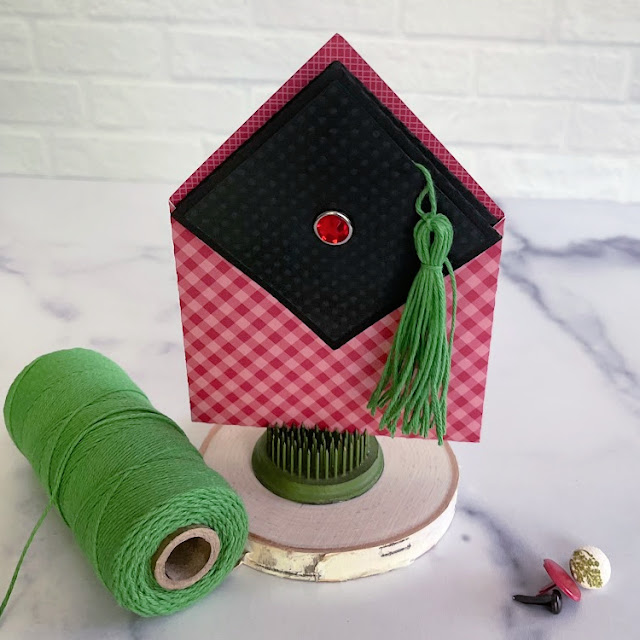
A2 Graduation Cap Card 2 Tutorial

Anita here with a tutorial for assembling Lori’s A2 Grad Cap Card (SVGSilhouette).  I also used a tutorial that one of my fellow Creative Team Members created to make the tassel for my card.  You can find Teri’s tutorial here.  Below are the pieces that you will need to cut out to make this card.

This is the card base and you will be closing the card by gluing on the tabs.
Next, we will fold the inner part of the card that makes the sentiment card base and grad hat shape.  You will want to flip your card over and fold across the score lines as shown below.
Flip the card back over with the right side facing up and fold on the diagonal score lines.  I did one fold to the left and then the next diagonal score line was folded to the right.
Once you have your card folded it should look like the card below.
I glued the tassel with a wet adhesive to make sure that it would stay in place.

Here is what the card insert looks like with the grad cap topper on the base and a brad through the holes.

Here is a photo of the pieces of the card pieces together and you are now ready to insert the card base into the envelope pocket.
That’s it for me today.  Be sure to check out all of Lori’s graduation cards.
Hugs,
Anita


Graduation Tassel Tutorial

It’s graduation season and you may need a tassel for one of Lori’s many great graduation cards. The card that I’m making a tassel for is Lori’s 5×7 Gate Fold Graduation Card (SVG, Silhouette). Here is how I make them. I start with a yellow-gold color. Of course, you can choose your own color that will coordinate with your graduate’s school colors.

I then cut TWO 6-inch pieces. These pieces will be used to attach the tassel to the card and to assure that the tassel stays together. Set those aside.
Next, I start to wrap the thread through my fingers so that I can hold the end piece securely. This is also when I decide the appropriate length of my tassel for my project. For this project, the tassel is about 4 inches long. make sure to add about half an inch as you will trim the ends to even them up.
Then I wrap the thread around my fingers until I feel like I have enough thread to make a good tassel for my project. For this card, I did about 15 wraps.
Then I tie one of those 6-inch pieces at the top, doubling the thread so that I have 2 3-inch pieces after knotting the the thread. This will be the piece that gets threaded through the card’s hat top.

Then I will add the second 6-inch thread to wrap the threads together. I will tie this in a secure knot. If I feel like the thread isn’t feeling too secure I will put a small dot of super glue on the knot to help secure it.

Then I will cut the bottom thread pieces as well as the tied and knotted threads to evenly trim them up.

To help thread the tassel through the cap, I use some of my favorite liquid glue and add a small dot of glue to the ends and then twist the threads together. Set this aside to dry for a few minutes to make a “needle”.

When the glue is dry, go ahead and thread it through the hole in the cap, knotting the thread on the underside of the cap. I will usually knot it a couple of times to make a big enough knot so that it doesn’t slip through the hole.

This is how the card looks when finished. I love it! Lori makes the best designs. She puts great thought into her products.

Enjoy!
Teri

One Buck Wednesday and Digital Inspiration with Ashley

Today at Snap Click Supply I have two items featured for $1 on Wednesday!. That means you can pick up 2 of my digital scrapbooking products at a steal. TODAY ONLY!

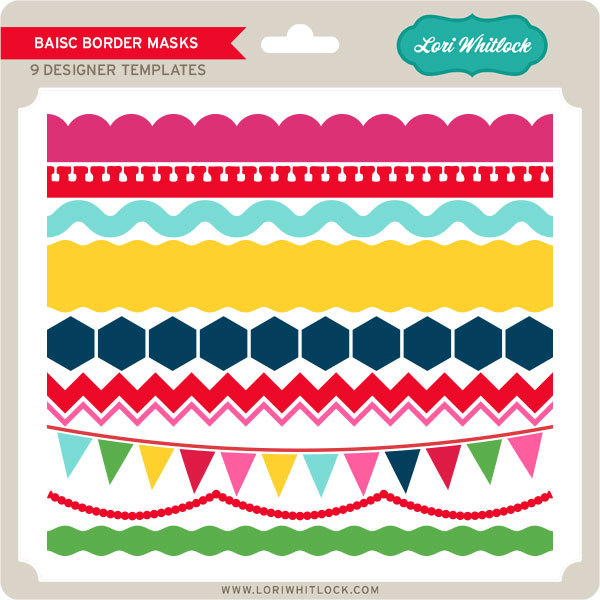
Basic Border Masks

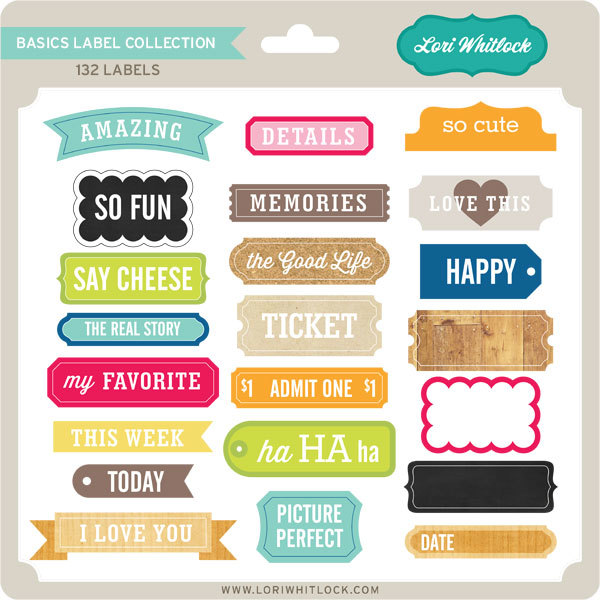
Basic Label Collection


Be sure to go grab these great deals while you can. These offers will end at midnight!

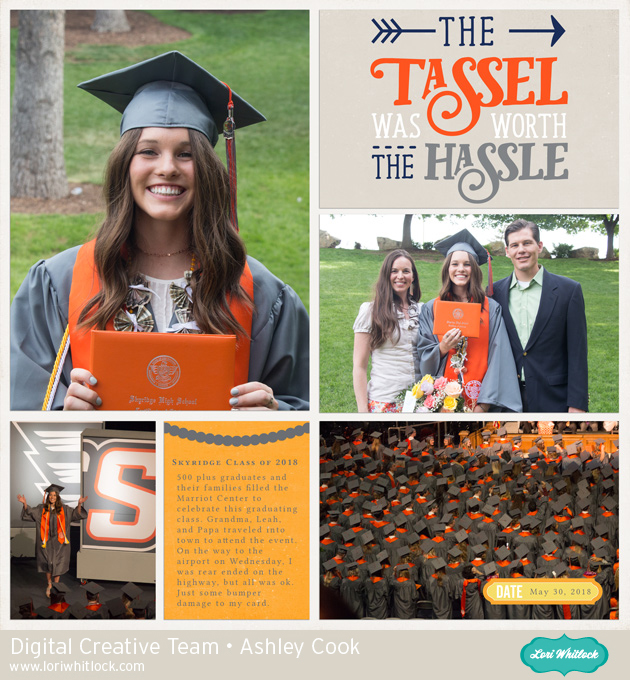
Ashley used some of these files in this fabulous layout documenting her daughter’s graduation…

Welcome to One Buck Wednesday.  Last Wednesday, my oldest child graduated from High School.  It’s such an exciting time and a day when we took many pictures! Lori’s Basics Collections have great colors to use for your school pages.

I included some files that are features in the One Buck Wednesday sale:  Basic Border Masks, Basics Label Collection.

Other files are used: Basics Collection, Life Templates Square Set 7,  The Tassel was worth the Hassle 2.

Find a chance to document your important memories and enjoy the many milestones.