Iris Shutter Card Tutorial

How are you today? Around the world this week, most of us are working and/or staying at home. Guess what, crafters?  It is time to use your stash!  All those items you have been saving–this is it.  This is the time to use it!!  Lori recently released these fun Iris Cards.  She has 2 video tutorials to help you make them.  This video is the first with paper only, and this tutorial uses mini brads.  The cards are available in the Silhouette Design Store individually and in Lori’s SVG Shop individually and in Bundles.
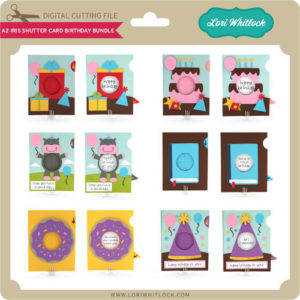
5×7 Iris Shutter Card Bundle
A2 Iris Shutter Card Birthday Bundle

I have made several of these cards, and I just love them.  I’m going to inspire you today with ways you can personalize them.

5×7 Iris Shutter Card Camera: SVG, Silhouette

For this Camera Card, I though it would be so cute to add a picture.  Have you heard of the front porch project?  Photographers that are participating, stop at your house, and take pics of you while staying at least 6 feet away.  This would be a great way to send a pic to a loved one.  To do this in Cricut Design Space:

1. Open the Camera Card File

2. Ungroup the card pieces

3. Draw a circle that is 2.36″ using the shapes tool.

4. Upload a photo, and select your preferred image type option, click continue then save as print then cut image.  Insert this image onto the mat with your circle.

5. Resize your photo to fit the 2.36 circle.

6. Layer the circle on top of the photo.  Make sure the circle doesn’t hang off any edge of the picture.

7. Select both the photo and circle, right mouse click and select slice.

8. Delete the part of the picture you don’t need as well as the circle you drew.

9. Layer the photo over the heart and starburst on the card base.  Once it is lined up, delete the heart and starburst.

10. Select the photo circle and the rectangular white card, and select flatten.

11. Don’t forget to flatten the sentiments as well.

Now print then cut your photo and sentiments and cut all the other pieces of the card to assemble.


Here are some of the other iris cards that I have made:
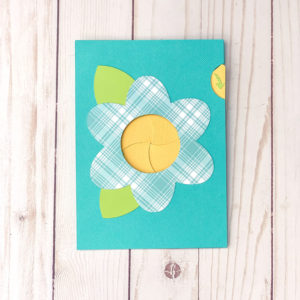
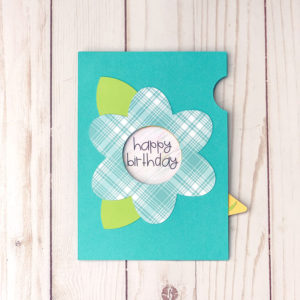
5×7 Iris Shutter Card Flower SVG, Silhouette
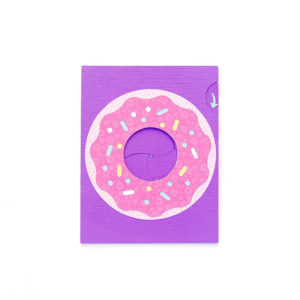
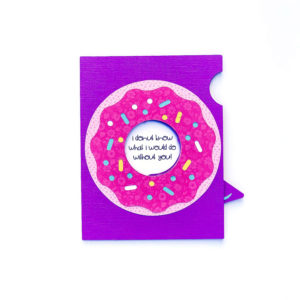
A2 Iris Shutter Card Birthday Donut  SVG, Silhouette
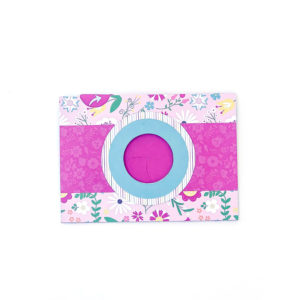
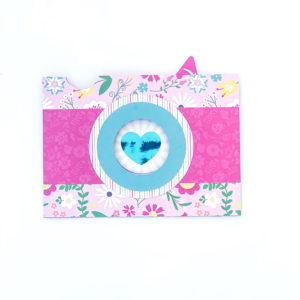
5×7 Iris Shutter Card Camera: SVG, Silhouette

This one has a foiled heart.  I changed the red heart to black before I printed with my laser printer, then foiled it. These cards are so fun.  Personalize them, and send them off.

Enjoy crafting!

Ashley
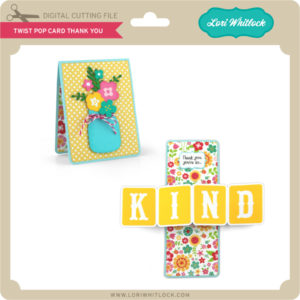
Twist Pop Card with a Twist

Today I am sharing a “twist” on a twist pop card file.  Lori has several Twist Pop Card styles.  You can use any one of them to make this project.  These are the files I used.

Twist Pop Card Thank You (SVG, Silhouette)
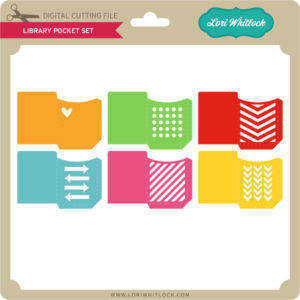
Library Pockets (SVG, Silhouette and Silhouette)

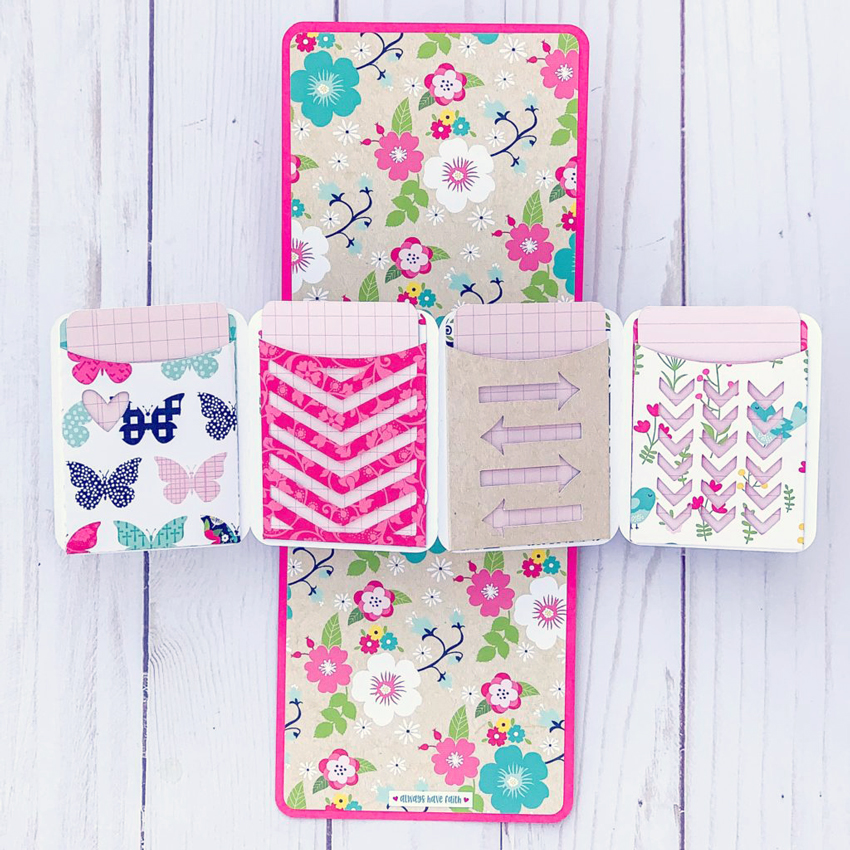
I resized the library pockets to fit on the pop out piece where the word KIND is in the above card.  I cut out all the pieces and assembled the card using Lori’s tutorial found here. I then added the pockets. In addition, I made an insert card for each pocket.  And this is how it turned out.

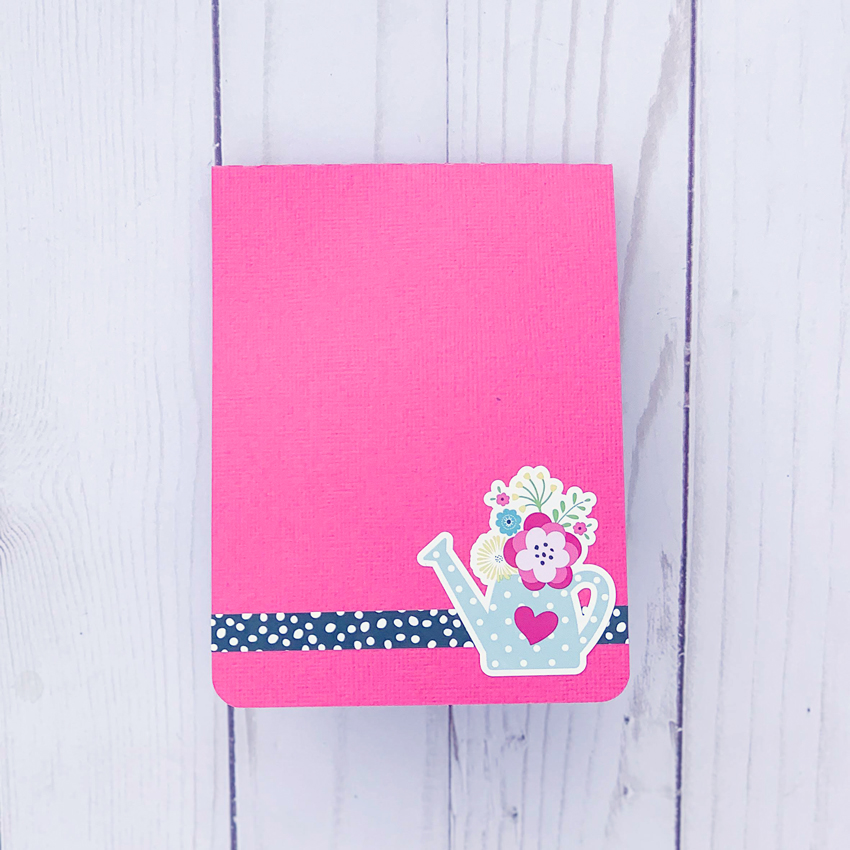
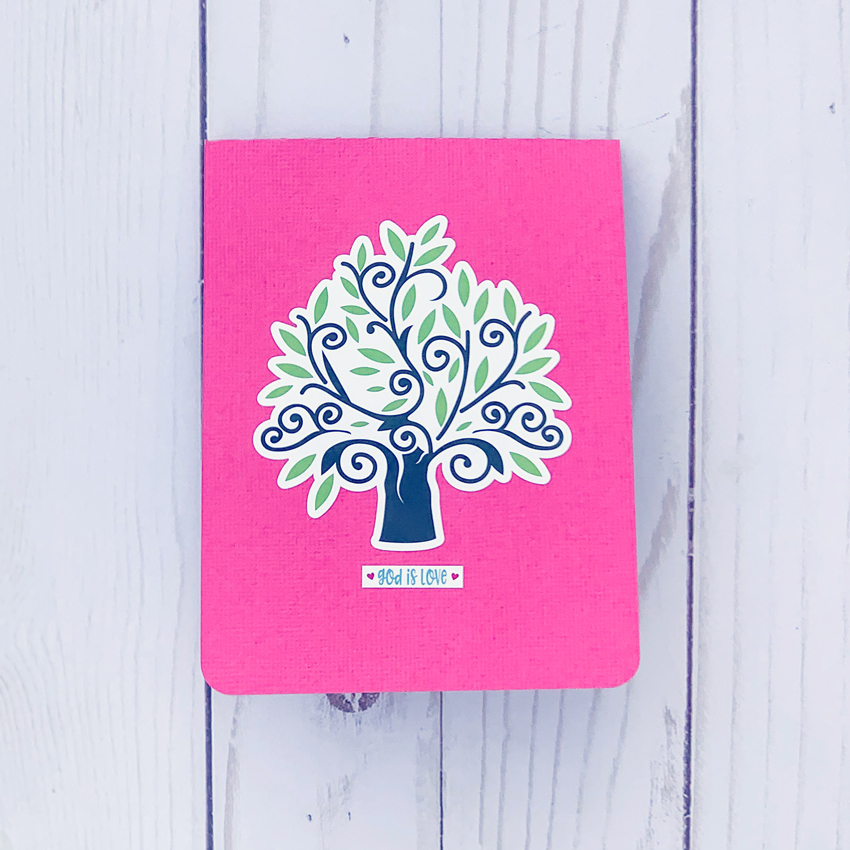
I also decorated the front and back of the card.


I used papers and stickers from Lori’s Forward with Faith Collection from Echo Park.

I am writing a message on the card inserts, but you could also fill the pockets with money or gift cards!

Have a great day!

Gingerbread Dollhouse

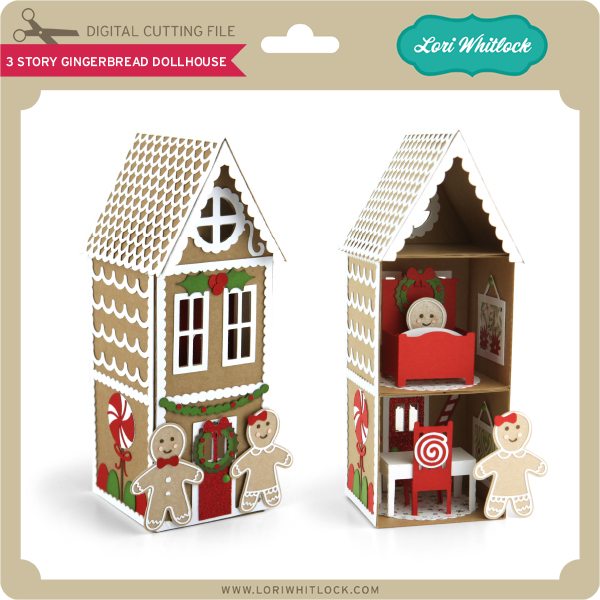
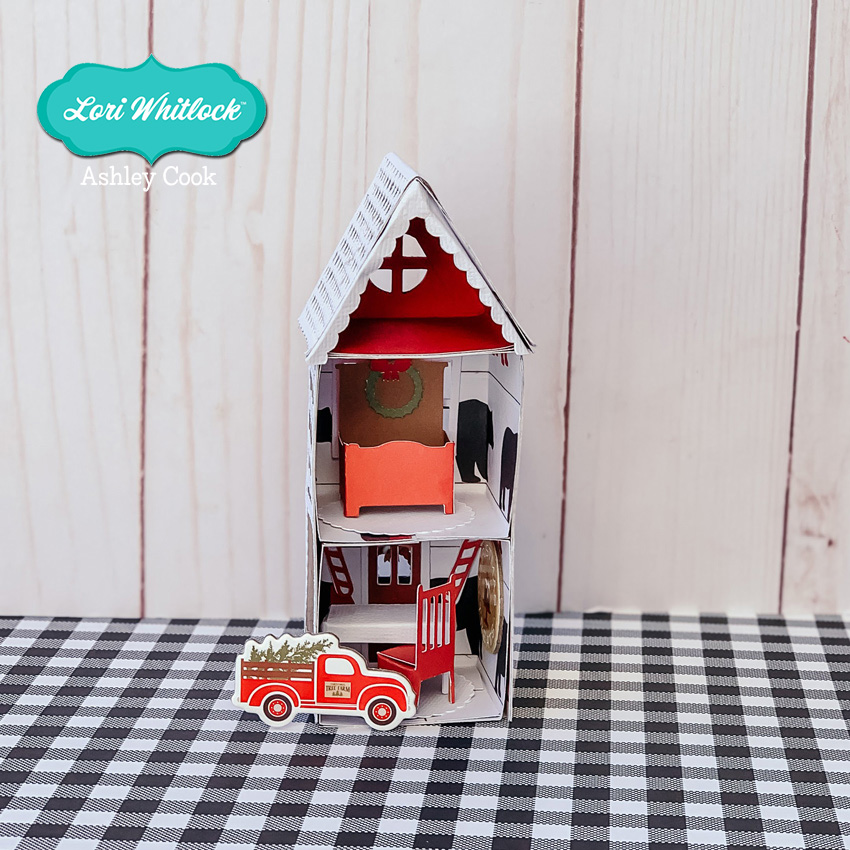
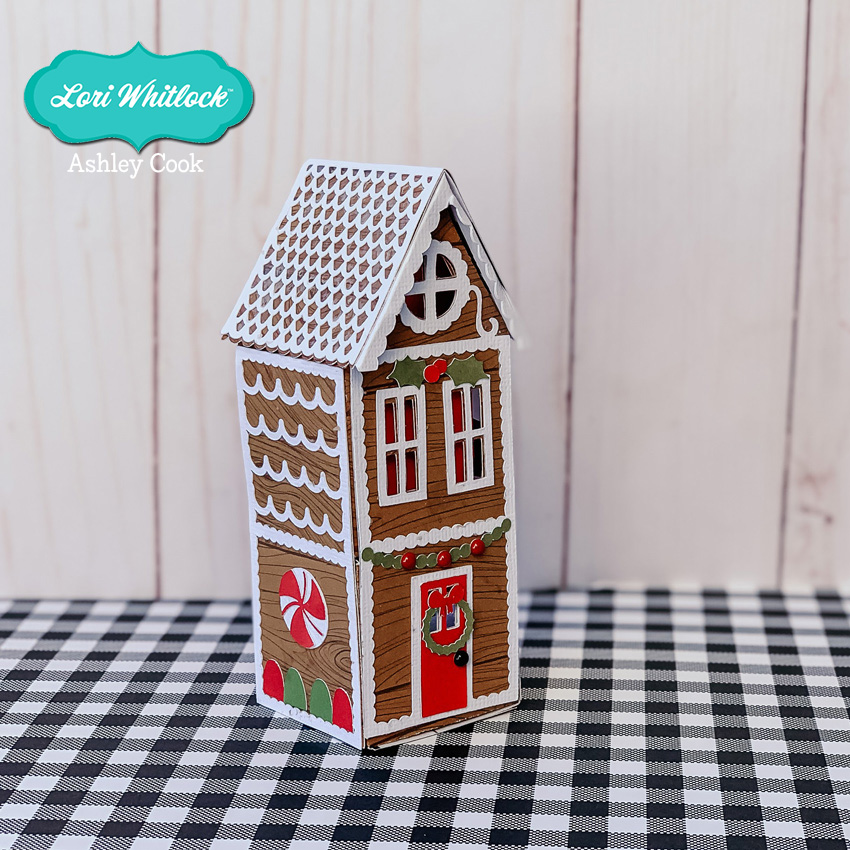
Do you love making gingerbread houses this time of year? Have you tried making any of Lori’s Paper Houses? They are so much fun to make. This cute gingerbread dollhouse has been added to Lori’s shop and Silhouette this week!


I used Lori’s Little Lumberjack collection from Echo Park to make my rendition of the Gingerbread Dollhouse.

There is still time to make some cute houses!  Have fun!

Ashley


Gatefold Wreath Card Tutorial

Hello Everyone:

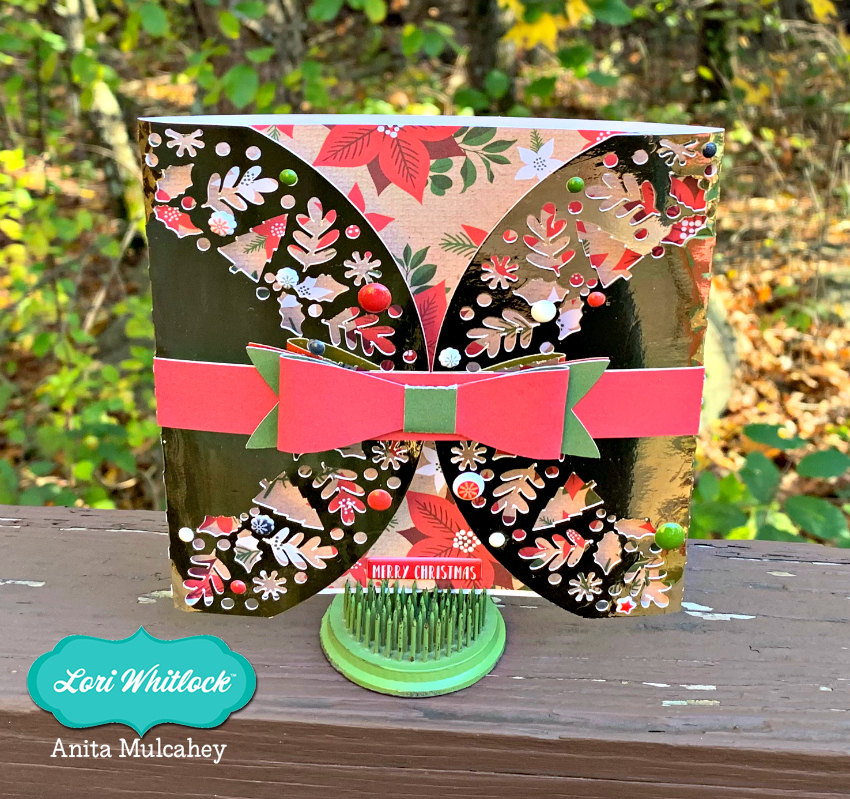
I hope that everyone is enjoying the most magical time of the year.  I have a tutorial for all of you today on how to put together Lori’s Gatefold Wreath Card.  I love Lori’s Gatefold cards and even used one of hers to make all the wedding invitations for my son and daughter-in-law.  They are so elegant and so easy to put together.  You can find this Gatefold Wreath Card file here in Lori’s store and here in the Silhouette store.  I used one of Lori’s new Echo Park Paper collections called My Favorite Christmas.

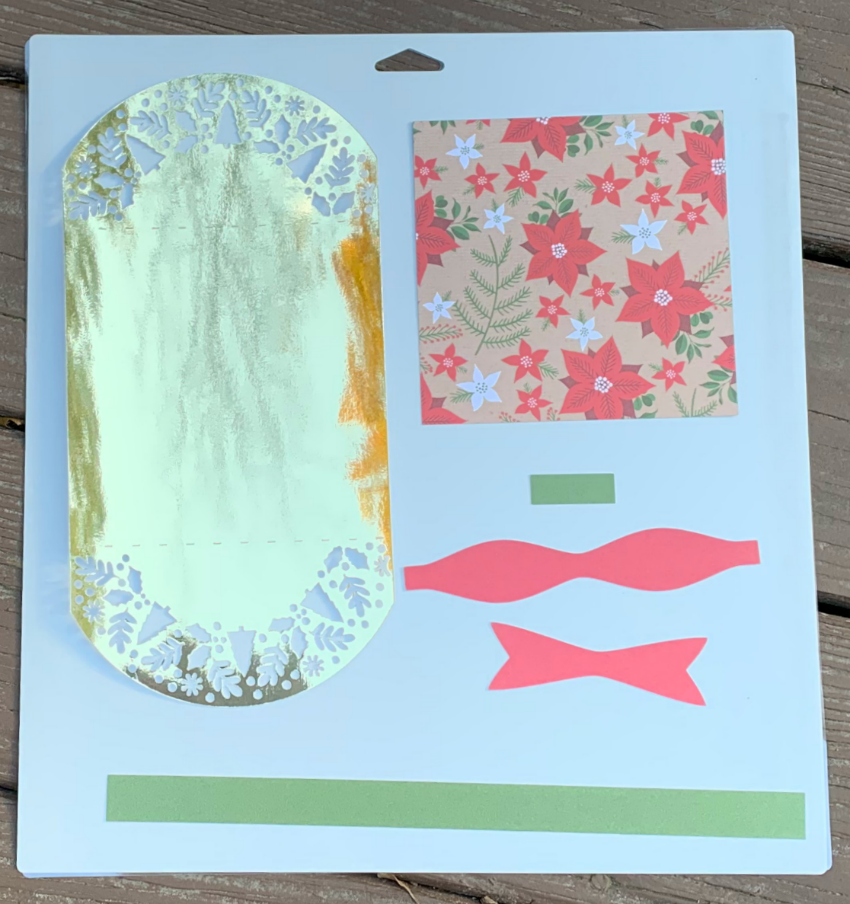
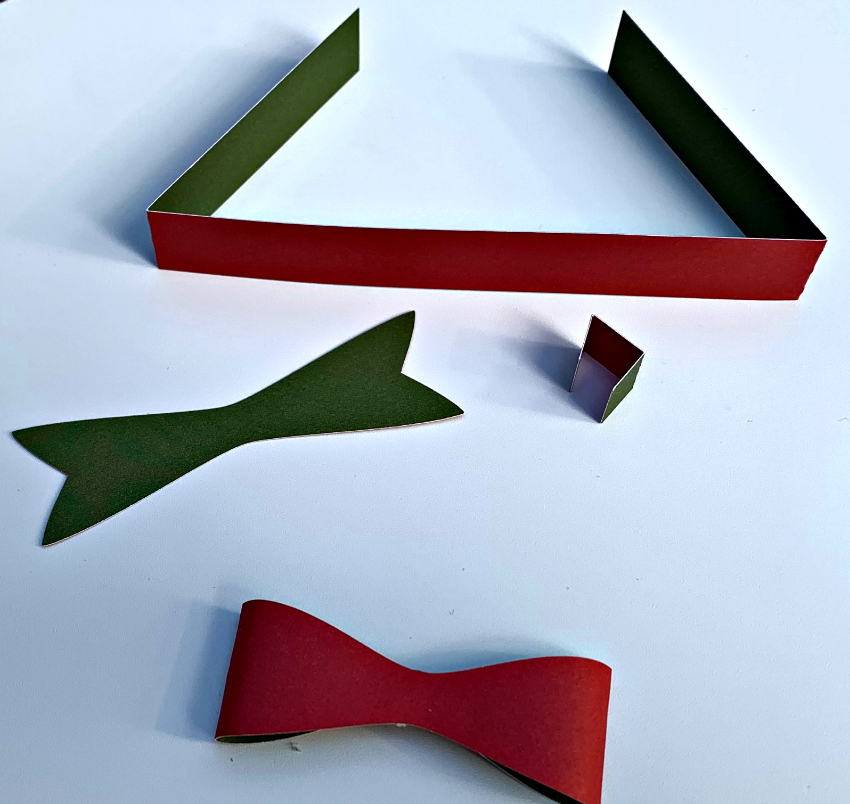
Here is a photo of the cut file pieces.  You want to start by adding the square insert inside the folded card base.

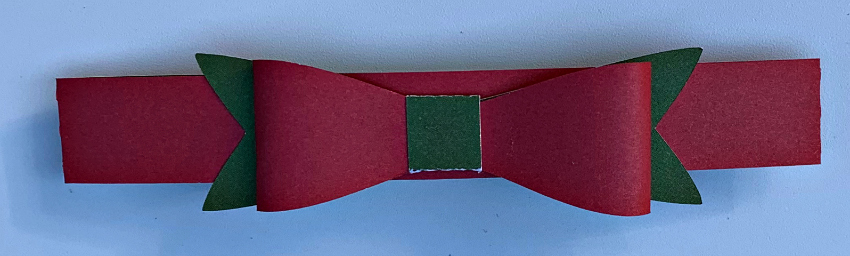
Here are the ribbon pieces folded along their score lines. Glue together the overlapping ends of the bow. Next glue the flat ribbon segment to back of the formed bow and lastly wrap the center around both piece using a tiny bit of glue on both sides.

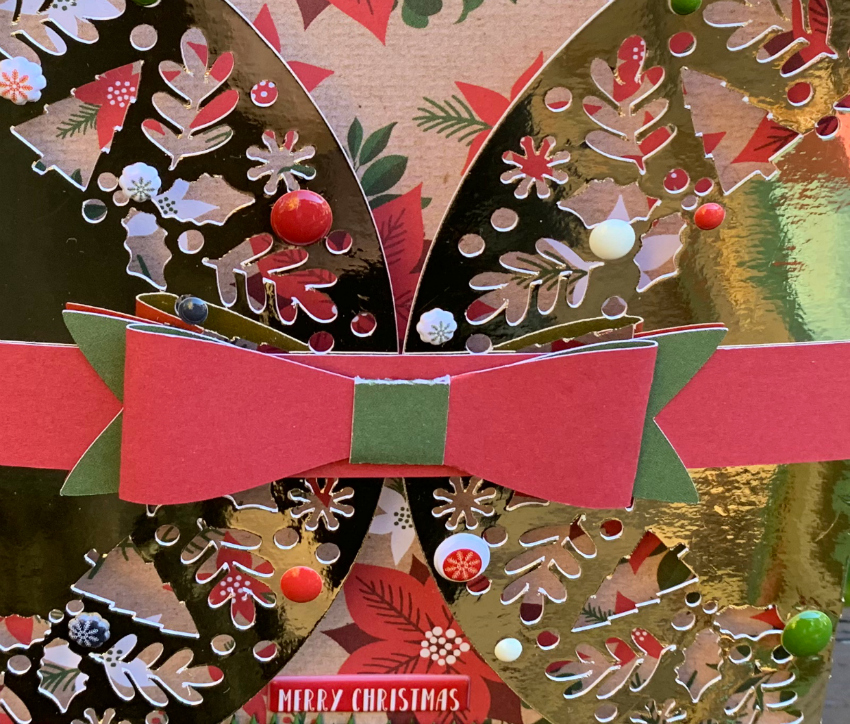
I slipped the band on the folded card and added some embellishments which are a wonderful part of this collection.

Here is the last photo which is a close up of the embellishments.

That’s it for me today.  Have a great day and be sure to check out Lori’s gatefold card cut files.

Hugs,

Anita

Gnome Box Tutorial

There is a new Gnome Box Collection in the Lori Whitlock SVG store.  They are all so cute.  Here’s some quick tips about putting these together.


The gnome I pieced together can be found here in the Lori Whitlock SVG Shop, and at the Silhouette Design store here.

I used paper from Lori’s Little Lumberjack collection by Echo Park.

If you have a Cricut and a scoring tool or wheel, you will want to upload the Solid SVG file.  If you are using Silhouette or don’t have a scoring tool, you will want to use the Dashed Lines SVG file.

Here are all the gnome pieces.  There are gnomes on both sides of the box.

This is the box piece.  Notice that the gnomes will cover the sides of this box.  And you will see the pattern of this paper on the short side when completed.

Assemble all the gnome pieces on the flat box.

Then glue the box flaps together to complete the box.


This cute box could be used in a number of ways–class party craft, table name cards, or treat boxes.  Have fun creating!