3D Flower Bouquet Assembly Tutorial

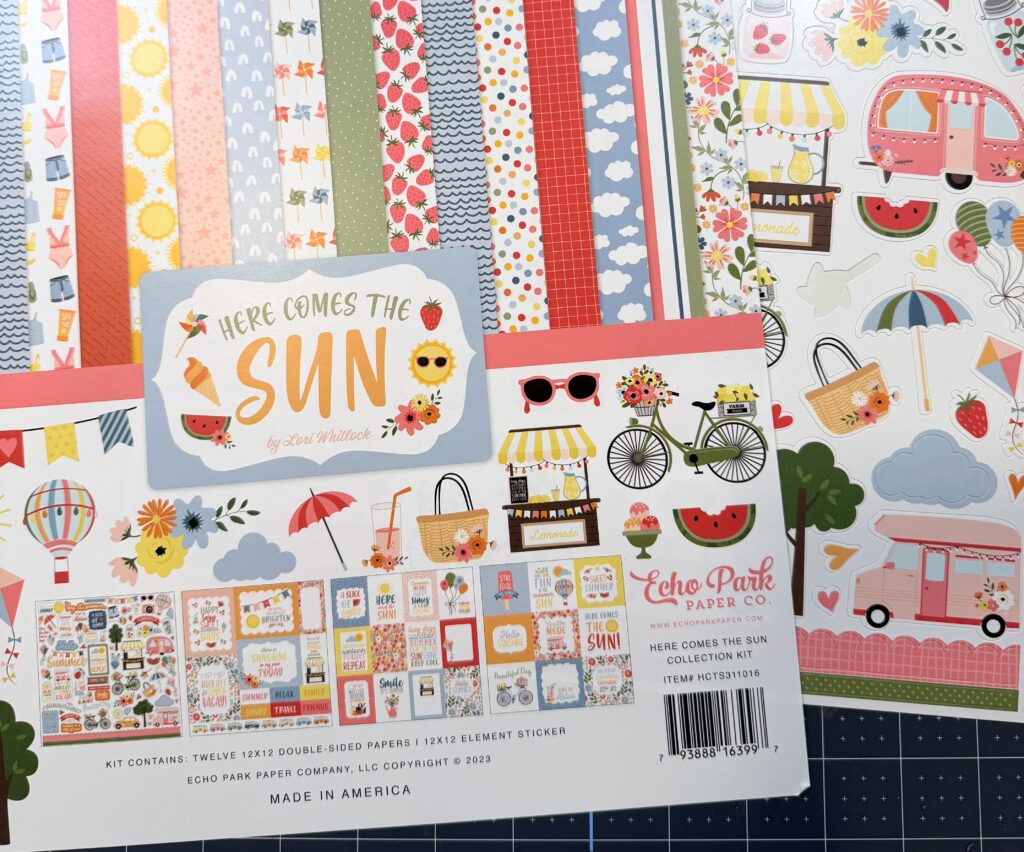
Hi there crafty friends! Today I am sharing an assembly tutorial for the new 3D Flower Bouquet (SVG, Silhouette). Lori has several options and all of them are so fun and versatile. I have made three already! For this project I used papers from the Our Happy Place paper collection by Echo Park Paper Co.

For this bouquet, I wanted to give the flowers a bit more dimension, so I cut an extra layer for each of the smaller blooms. After cutting everything out, I folded all the score lines into mountain folds. I inked the centers of the flowers as well as the edges of the vase and bow. The internal mechanism is glued end to end to form a circle, with the smaller section glued in on itself to create a sturdy easel leg.

Before gluing the internal mechanism to the back of the vase, fold it into an X shape with the easel leg in the center. Apply glue only to the rectangular part of the mechanism and center it on the inside back of the vase. The vase is held together by four small tabs. Add glue to the tabs and the front rectangle of the mechanism, then align the front of the vase with the back, ensuring all edges match up and the tabs are tucked inside.

The file includes centers for all the blossoms, with each leaf composed of two layers. The front layer holds two blossoms, while the back layer contains three.

Apply glue to the square portion on the back side of the back layer, then slide it into the X mechanism. For the front layer, glue only the square section on the front, then slide it into the X mechanism. The bouquet envelope comes in two pieces. The front piece has three tabs folded into valley folds, with glue applied to the back of each tab. Align this piece with the bottom and sides of the back to create a pocket.

The small card has all the elements layered together on the front. For a little extra embellishment, I fussy cut some butterflies, tucked them into the bouquet, and added a flat-backed brad to the bow.


I’m so happy with how this bouquet turned out and can’t wait to give it away. Next on my list is creating a strawberry bouquet.
Thanks for stopping by today.
Brandie

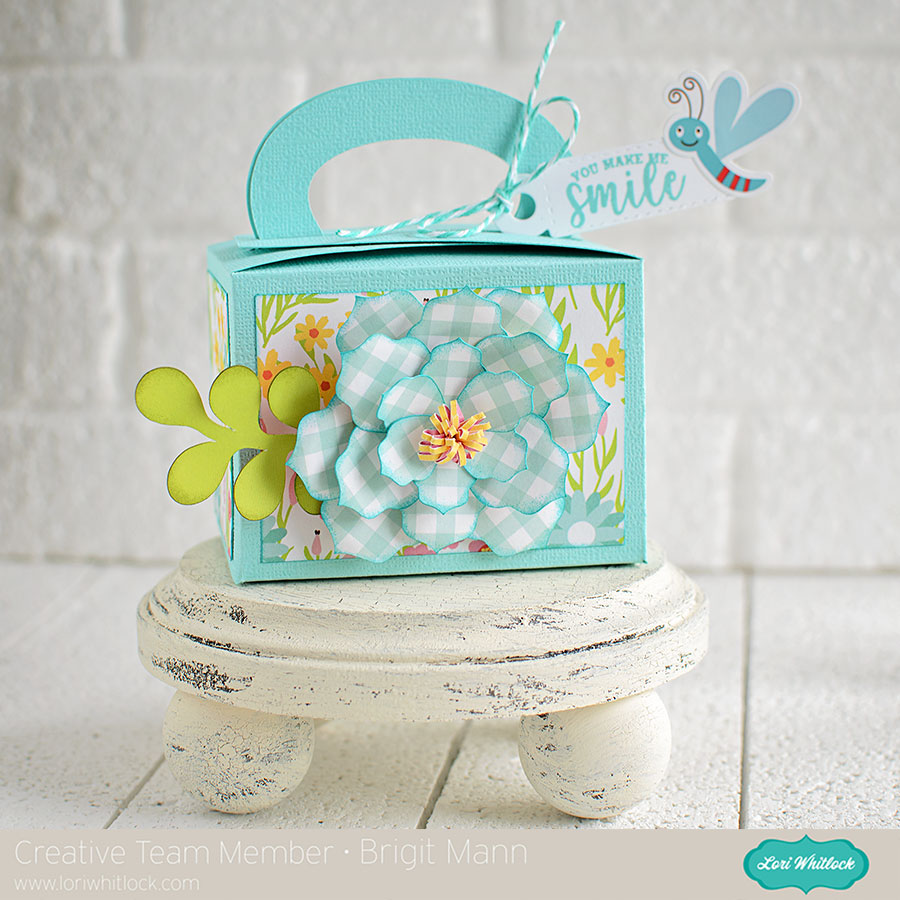
Spring Gift Box by Brigit

Hello, I have a spring gift box to share with you today using one of the boxes from the 2019 May kit of the Month. This kit is available for FREE with any $20 purchase during the month of May 2019. Simply add this item to your cart along with your purchase and enter coupon code MAY19KOTM. You can also get this file alone from both Lori’s shop and Silhouette Design Store, (svgsilhouette).

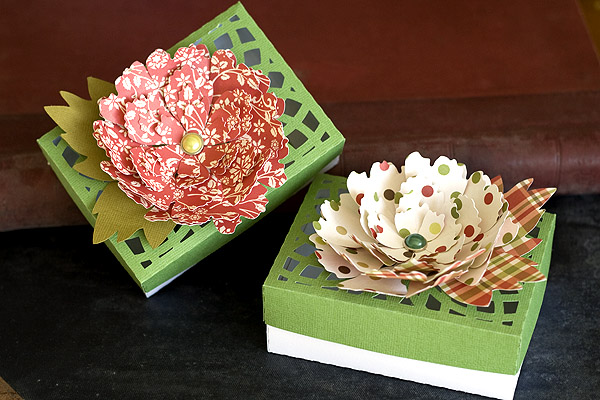
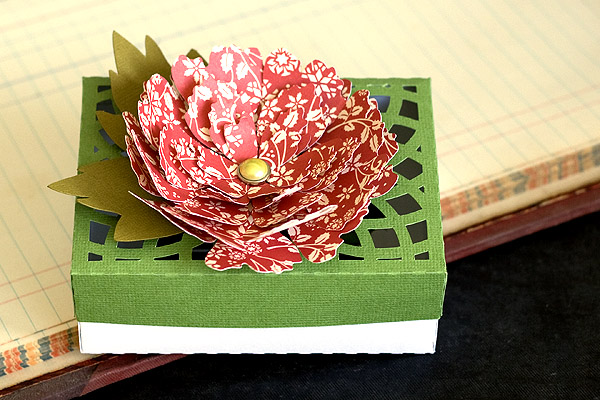
I used the 3d flower 45 (svgsilhouette) to embellish the front of the box. The paper is from Echo Park’s Spring Fling Collection, Easter Wishes coordinating solid papers and cardstock from Doodlebug. The stamped sentiment and little bug on the tag is also from the Spring Fling collection.

Thanks for stopping by and have a wonderful day!

3D Flowers Tutorial with Kathy

Hi Everyone!  It’s Kathy today with a quick tutorial showing how to assemble some of the new 3D Flowers!  Lori has a lot of Flowers and recently released a few more…

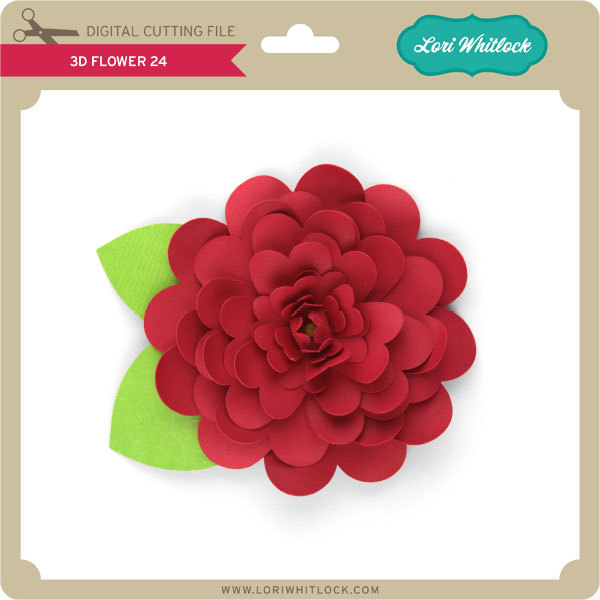
They are really very simple to assemble, and I just want to show you a couple of tricks to make them look more like a real flower.  I chose 3D Flower 24  (here in Silhouette)for this purpose.

First, you want to cut your pieces, and find a brad that is a good size for the size you’ve made your flower.  Remember, all of these flowers can be sized in your cutting software to meet the needs of your project.

Next, to get more volume in your flowers, you want to curl the petals.  I use the handle of my Silhouette Spatula to do this, but you could use a pencil, or some other round tool.  You can also ink the edges of the flowers to give them a more variegated look.

Once your petals and leaves are curled, you can start assembling your flower.  I start by stacking my petal layers by size.  You want to start with the smallest petals.  Thread them onto the brad, making sure to alternate the petals to fill in the spaces and make your flower look fuller.

For my flower, I threaded the first 4 sizes of petals on with the flowers curled up.  I flipped the last 2 layers so they curled down.  This gave my flower a little more of a dome shape.

After all your petals are threaded onto the brad, add your leaves, and open the tines of the brad to secure it.

To finish the flower, use your fingers to “fluff” up the petals, and fold the very center petals up and around the brad.  The flower is now ready to add to your project!  These flowers can be added to frames, cards, scrapbook layouts… the possibilities are endless!

That’s it for me today, thank you for stopping by to peek!

Flowers shown:

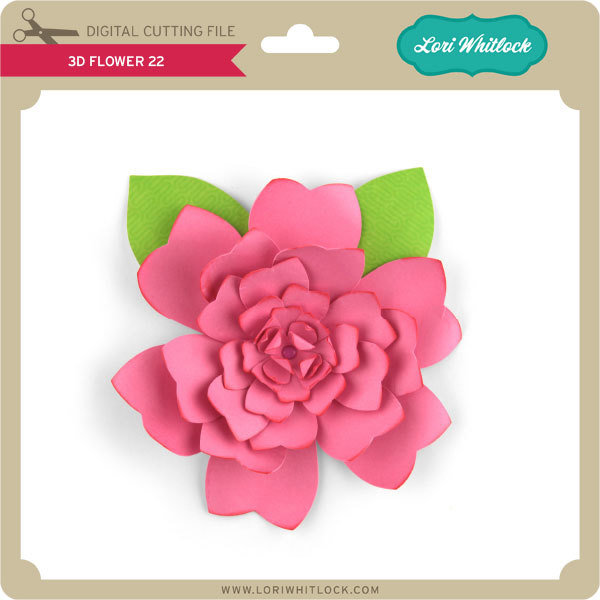
3D Flower 22 (here in Silhouette)
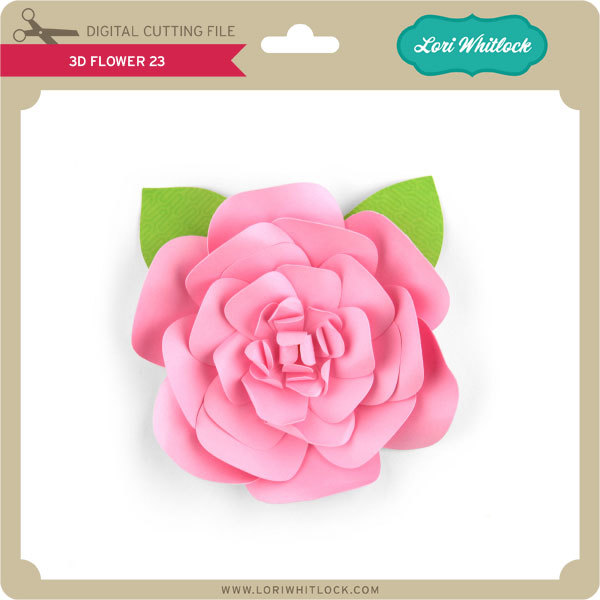
3D Flower 23 (here in Silhouette)
3D Flower 24 (here in Silhouette)
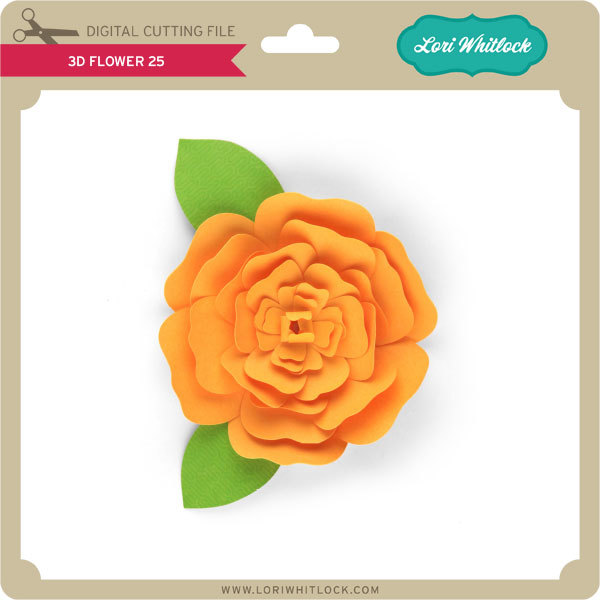
3D Flower 25 (here in Silhouette)