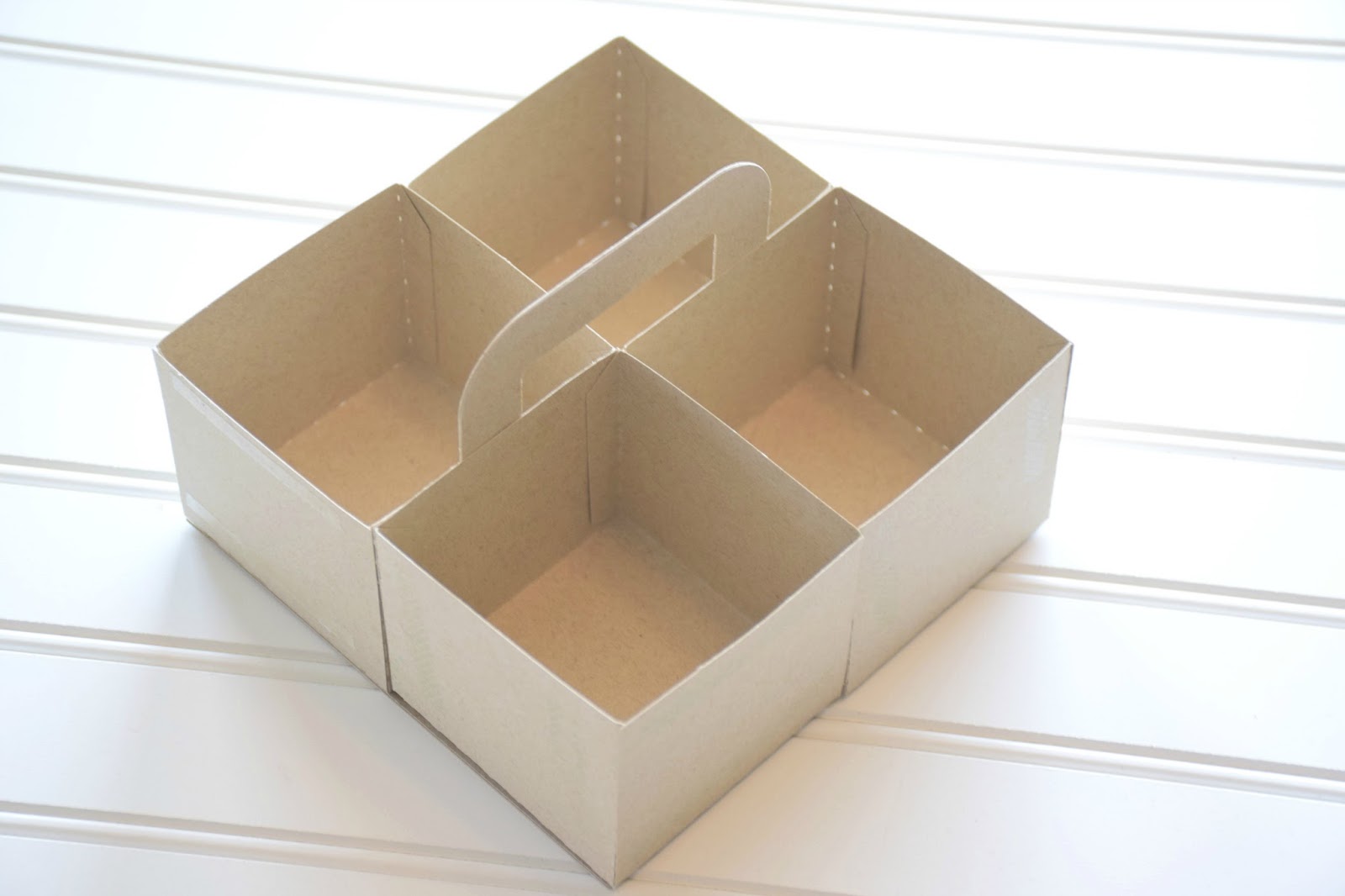
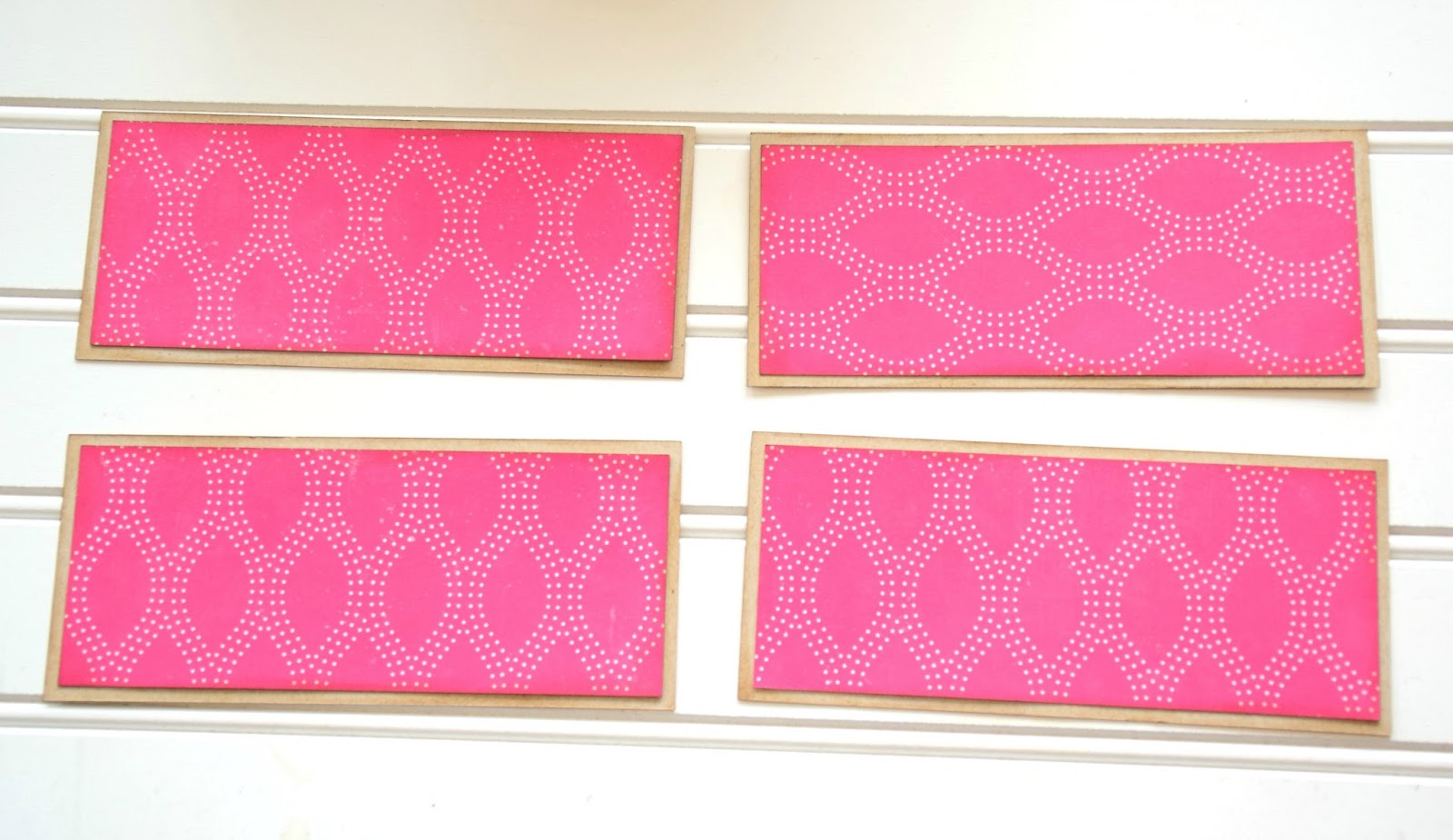
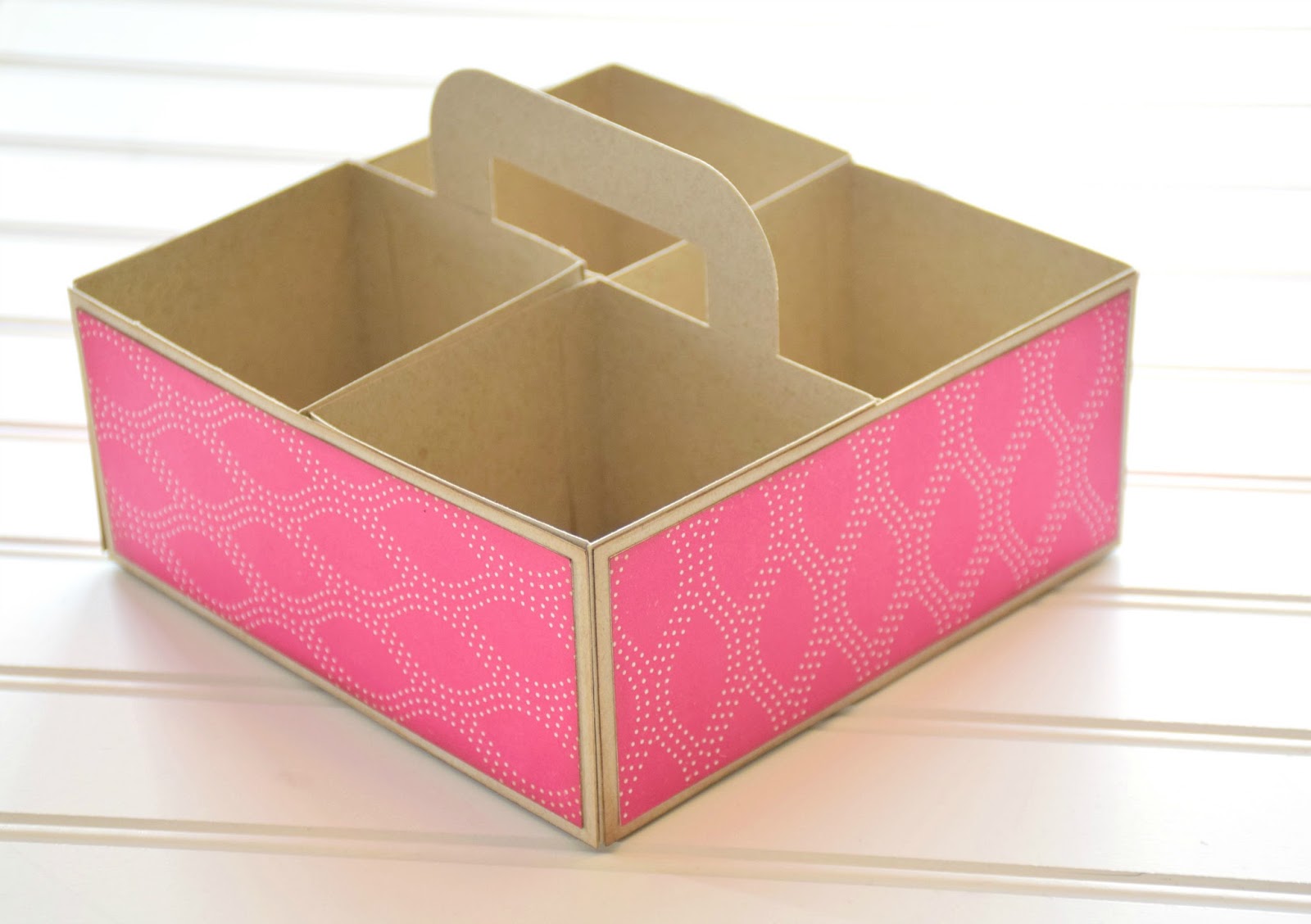
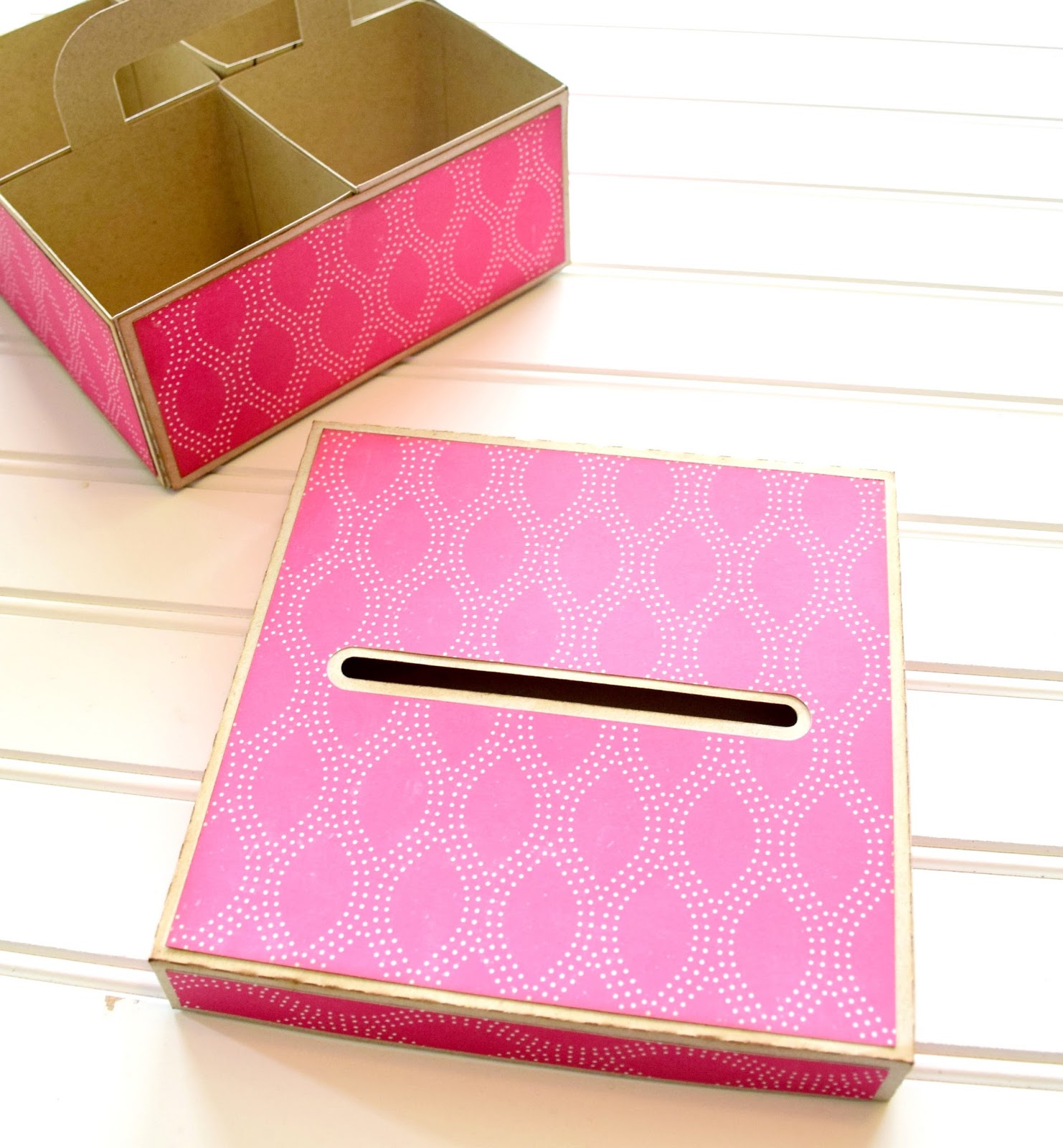
Curvy Container with Corri

Hi everyone!  Corri here today sharing my version of Lori’s Curvy Container.

I used some of the Echo Park Petticoats & Pinstripes Collection on mine.

I added one of Lori’s beautiful 3d Flowers to embellish this pretty container.   It’s quite large and could hold quite a bit of candy or a a gift.    When assembling the box, take your time on the curved sides.  Apply glue to 4-5 glue tabs and hold along the curved edge until dry before moving to the next set of tabs.

Be sure to check out all the new files that Lori added to the shop.  Including an awesome new set of 3d Letters!


Strawberry Carton Box Card Assembly Tutorial with Tya

Hi Lori Whitlock fans – its Tya today I am up on the blog to show you how to assemble the adorable new Strawberry Carton Box Card.


This is a little different than the box cards that Lori has previously came out with so I wanted to walk you through how to put this card together. Lets get started!

http://cdn6.bigcommerce.com/s-zlf3iiy2/products/4372/images/4711/LW_Box_Card_Strawberry_Carton__19979.1457875888.1280.1280.jpg?c=2


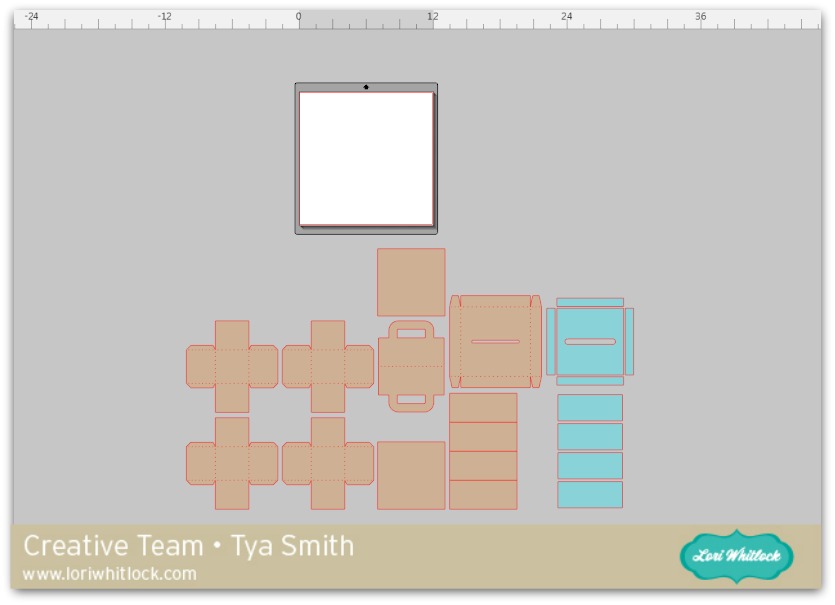
First off – open the file. It can be found here on the Silhouette Store or here on the Lori Whitlock site.  Here’s what it looks like after I have ungrouped the box base from the leaves and strawberries.


Next, just to make things easier – Lori has numbered the leaf layers to make sure you know how the layers go front to back on the inside of the box. I’ve numbered them even bigger so you can see better.

Here are the leaf layers ungrouped by the papers I used.


Just to note – there a little yellow circles on the cut file for the flower centers, but I used some glitter dot stickers on mine instead. 🙂

For the label I did a print and cut title using Lori’s LW Brush Font

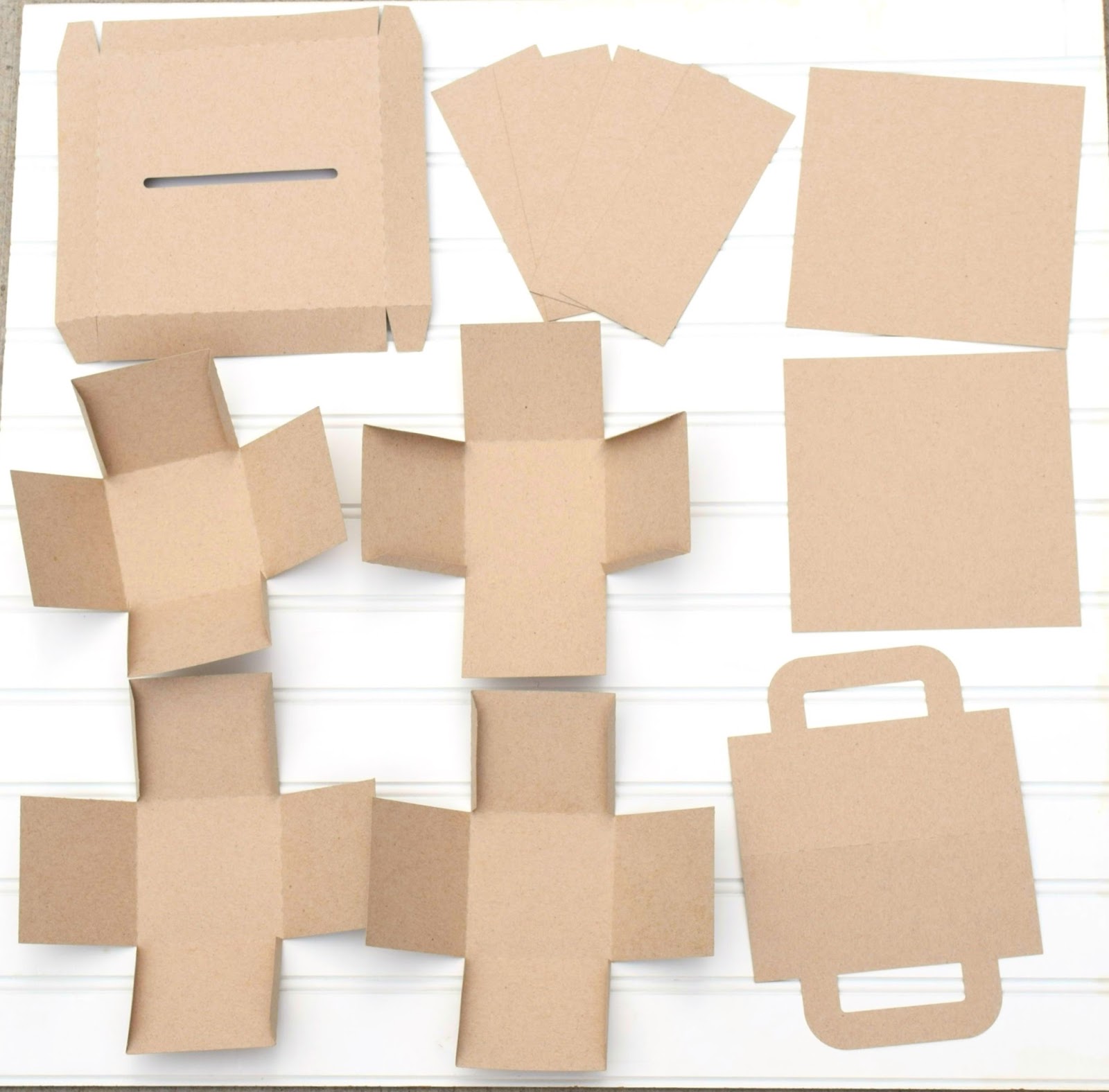
Now that all the pieces are cut out, I assembled all the pieces. I added some brown ink to the edges of the cut outs for some added dimension.


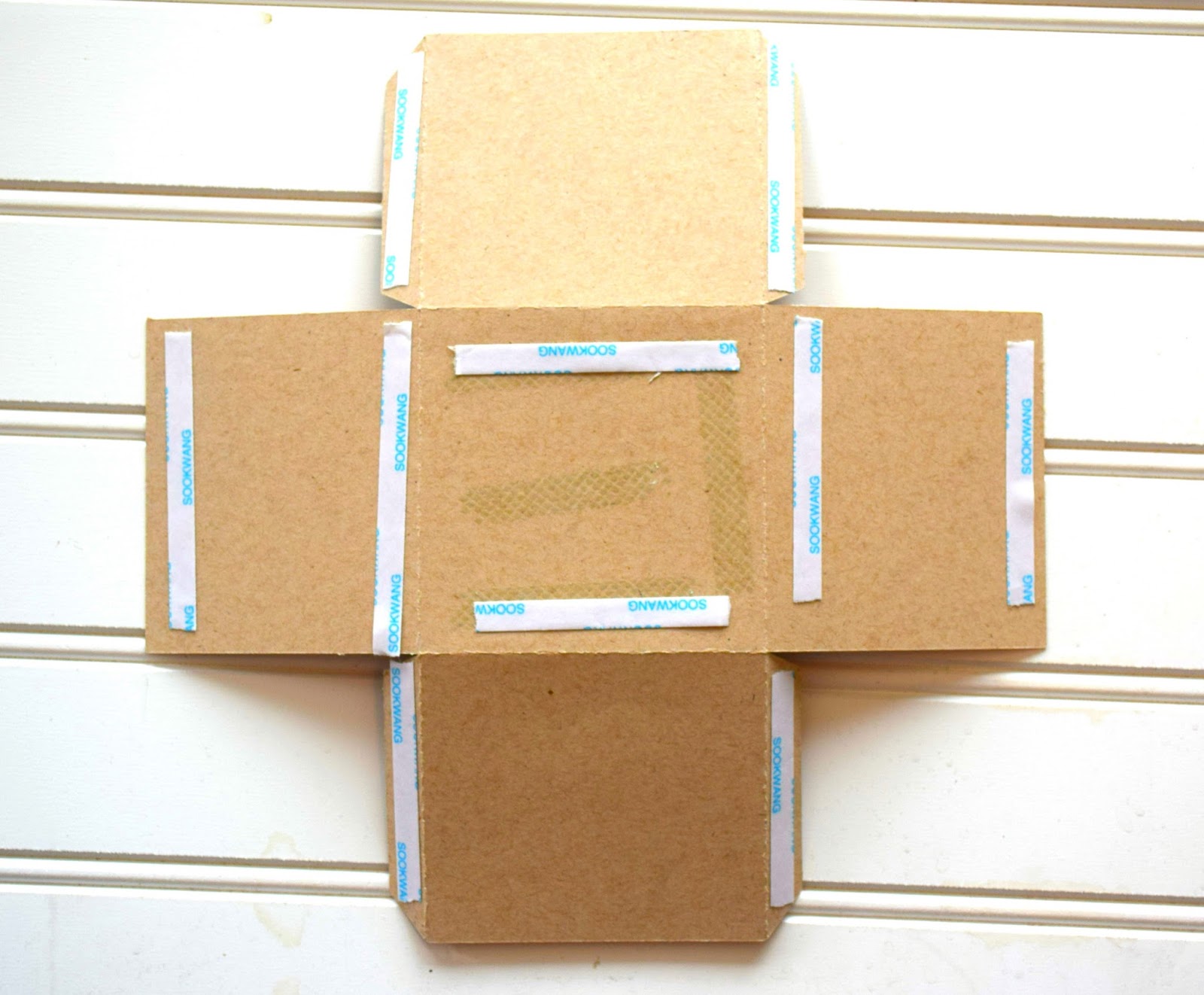
Add adhesive to the leave layers as shown.


I then assembled the box.

I then started layering the leave sections into the center of the box. The first section is glued right to the front edge of the inside of the box.


Here is the box all assembled. It folds down nice a easy so you can send it to that special someone.

This was a really fun box to put together and now that I have shown you how easy it is to assemble, I hope I have inspired you to make a few of your own! Thanks for stopping by!


Easter Bunny Flip Card with Karin

Hi everyone!  Karin here today sharing a video tutorial for Lori’s adorable Flip Swing Card Easter Bunny. I dressed up the Easter bunny a bit to give him a cotton tail, pink ears and nose. These flip cards look complicated, but they’re not at all. They are super simple. Watch my video below to find out just how easy they are.

20160318-_MG_5114-Edit-2

Here is my tutorial video showing you how to bring the SVG file and pattern paper into Cricut Design Space and set everything up for cutting with your Cricut Explore.  Have a great day!


One Buck Wednesday at Snap Click Supply Co.

Today at Snap Click Supply I have two items featured for $1 on Wednesday!. That means you can pick up 2 of my digital scrapbooking products at a steal. TODAY ONLY!

Mod Seasons: Spring

Mod Embellishments

Be sure to go grab these great deals while you can. These offers will end at midnight!

And don’t forget about the March Monthly Kit Offer! If you purchase $20 worth of product (in one transaction) You can get this adorable kit for free! No need to add the kit to your cart, or enter any codes. As soon as you add $20 worth of product to your cart, the free kit will automatically be added to your cart! The files will be available for immediate download after you pay for your order by visiting the “downloads” section inside of your account. This offer is good through March 31st!

And check out the fabulous new 3D Letters that are new in the shop!  They are 25% off through this weekend!

And last but not least, get this file free with a $1.99 purchase.  No need to add it to your cart, or enter a code.  Just spend $1.99 and the Easter Egg Basket will be added to your cart automatically!

Have a great day!

Tuesday Freebie and New in Shop

ALL WEEK, this SVG file is FREE with any $1.99 purchase!

We have a FREE file with purchase all this week! This adorable Easter Egg Basket will be automatically added to your shopping cart along with ANY $1.99+ purchase from the SVG Shop! No need to add the file to your cart, or type in any code!! This offer is good through next Sunday at midnight.

(Your cart must reach at least $1.99 before the file will be automatically added to your cart. The files will be available for immediate download after you pay for your order by visiting the “downloads” section inside of your account.)

In addition, we have a special for the entire month of March! You can get this Free Kit of the Month with any $20 purchase (Purchase must be in one transaction.) No code necessary, the kit will be automatically added to your cart once $20 worth of product has been purchased.


Check out our awesome SVG files releasing this week! And, just like always, the NEW files are ON SALE 25% OFF through the weekend in the SVG Shop! These downloads include SVG files for sure and PNG or PDF files when appropriate. No coupon code necessary, the files are all discounted in the shop! Be sure to go get them while they are on SALE this week.

Thanks for visiting the blog today! Please let us know if you need any help with your files. We want to make sure everyone is happy with their purchase. Have a great week!