Turkey Candy Hugger with Corri

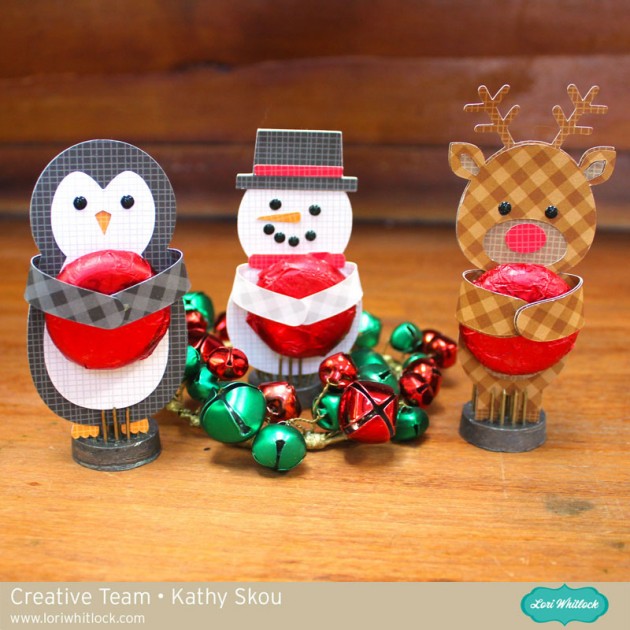
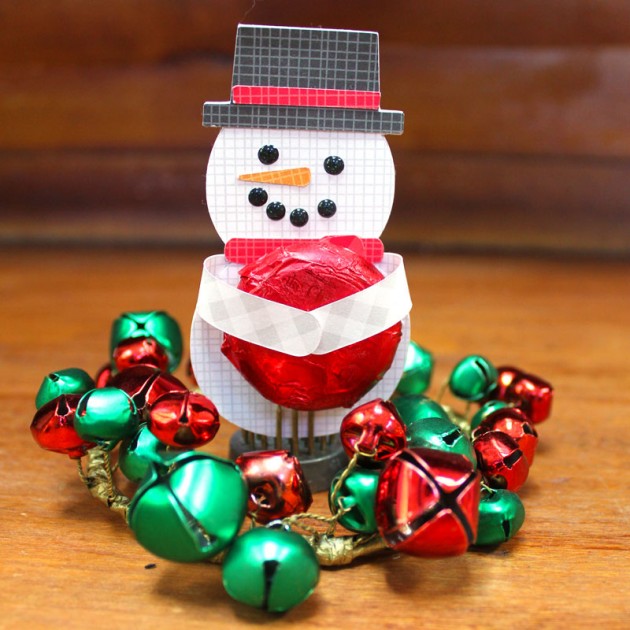
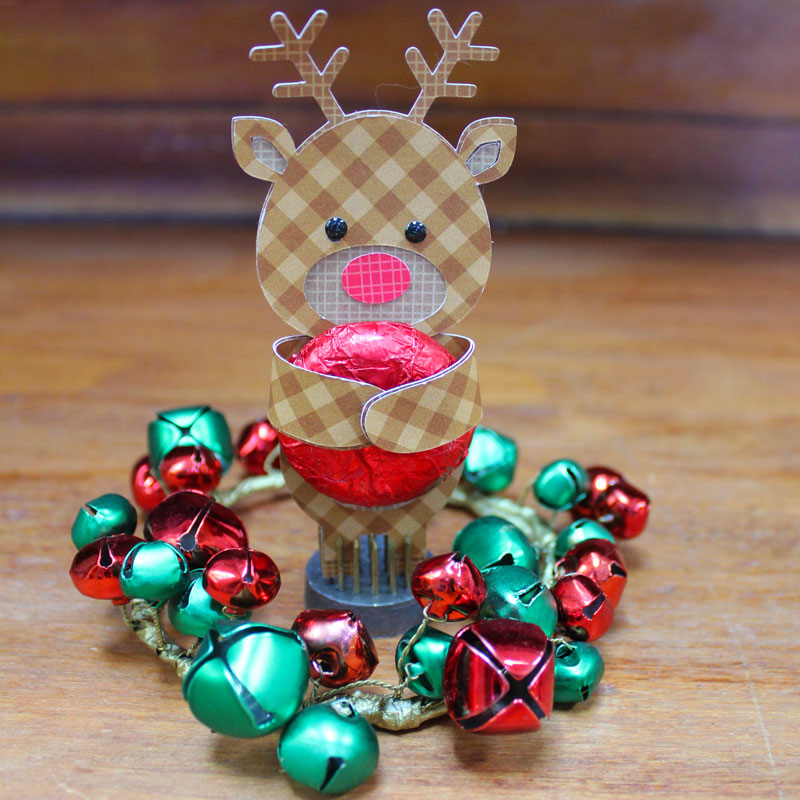
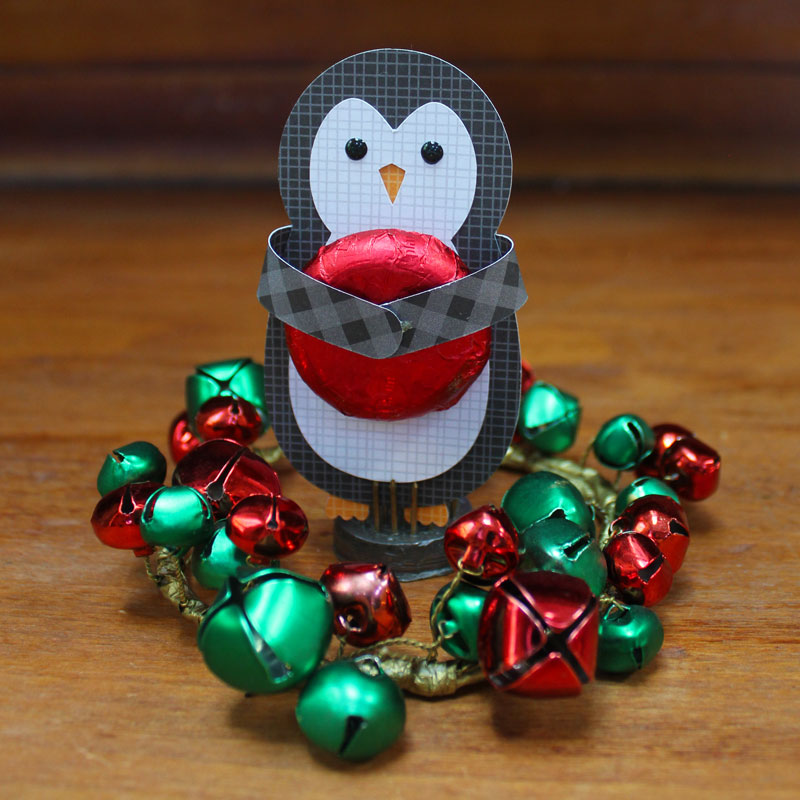
Hi everyone!  Corri here today sharing my version of Lori’s adorable new Turkey Candy Hugger.   This little guy is totally adorable and perfect for classroom treats.


I used some jewel toned paper from Doodlebug Designs.  This projecct goes together very quickly.  The bite size chocolates are the perfect size for his “hug”.

Check out all the other new files Lori recently added to her shop.

//

Digital Inspiration with Tya

Hi everyone – I am up on the blog today with some digital scrapbooking inspiration for you. This month with it being Thanksgiving – my thoughts turn to the things and people that I am thankful for. Today I made a layout of my cute sister-in-law and her darling family. Her kids are the cutest aren’t they? Here is my layout:

I used the following products for my layout:

-Life Templates Square Set 4

-LW Curious Font

-LW Fabulous Font

-Echo Park I Love Family Collection (designed by Lori)

Thanks for stopping by today – hopefully I have inspired you to scrapbook some of your favorite family photos. Happy Creating!


Car Monogram Tutorial with Anita

Hi!  Anita here with a tutorial to make your own car window monogram. This is for my daughter’s car and she loves anything that is monogrammed.  I previously purchased one and it came off in the car wash.    I used Lori’s Monogram Set A-Z which is a lovely file set with so many different options for your personalization needs.  You can find this file here in Lori’s store and they are sold as individual letters in the Silhouette store.  Here is the M, here is the C and the L.

There are a few supplies that you will need for your project.  You will need some kind of vinyl and transfer tape.   I chose some glitter vinyl from Cricut.  You will also need a brayer, a craft stick or scraper and a weeding tool, or pick.

Open all three files on your mat, they will likely overlap but you can move them around.

Ungroup your monogram files one set at a time.  Move the three initial groups that you want to use onto your mat.

Ungroup the desired monogram files from the remaining files and leave them on your mat.  I am using  CLM.

I  decided that I wanted to use a round monogram so I kept that file on my mat.  The other files were off to the left and messy so you can highlight them all and delete them.

I made the circle and monogram large so that I could get the placement that I wanted within the circle.  I  measured the space on her rear window which would allow for the monogram to be positioned so that the rear wiper would not touch it when in use.

I resized it to fit her window.

When you put the vinyl on your mat,  you want to use a brayer or a pizza roller to make sure that the vinyl is stuck to the mat well and will not move.

Next, select the vinyl setting for cutting on your machine and adjust your blade.  This is very important because you want it to make what is called a kiss cut which is essentially to cut through the vinyl but not the backing.  This will make more sense as we move forward.

Once your design is cut, you need to weed out the pieces of vinyl that you do not want to have in your final design.

After weeding,  cut the backing with your design on it so that you have at least 1/2″ clearance on all sides.  Cut a piece of the transfer tape to the same size or slightly bigger dimension than your design piece.  Remove the liner from the transfer tape piece and gently place it over your cut image.   Use a scraper to burnish the transfer tape onto the vinyl.

Now you might be wondering why my sample above is pink and my actual monogram that I put on the window is silver. Well, things don’t always work out and you might have to start again.  I worked hard at trying to burnish the pink monogram and just believe that the vinyl was old and the design was a bit intricate so it just did not work.  I moved on to plan B and it worked like a charm.

Peel the backing paper from the design,  leaving the transfer tape, with your design, sticky and exposed.  Be sure to clean the window first and then put the transfer tape with the vinyl images onto the window.  Use your scraper to make sure that it is burnished to the window.

Pull back a tiny piece of the transfer tape to make sure that the letters are sticking.  When you know they set, pull the whole piece of tape off at a 45 degree angle, slowly and carefully.  I’m so happy with this design!  I’m sure my daughter will love it!

Happy monograming.  You can monogram so many things, from clothing, to home goods, to a car window.  Lori has so many adorable files that would look so awesome in vinyl on a surface of your choice.

Hugs,

Anita


One Buck Wednesday at Snap Click Supply Co.

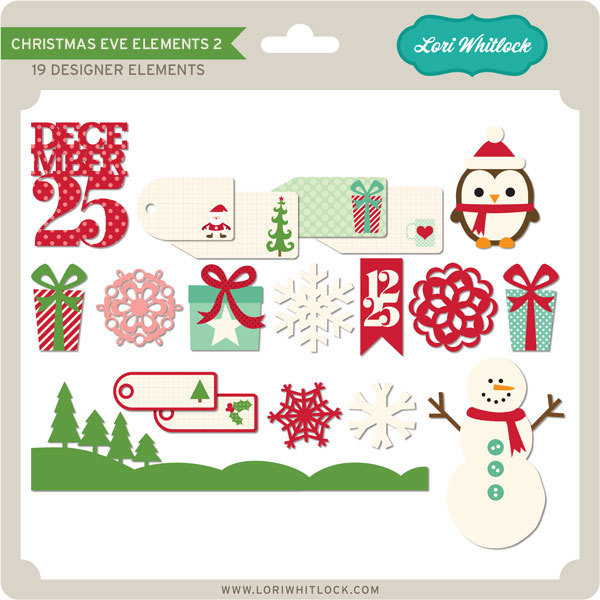
Today at Snap Click Supply I have two items featured for $1 on Wednesday!. That means you can pick up 2 of my digital scrapbooking products at a steal. TODAY ONLY!
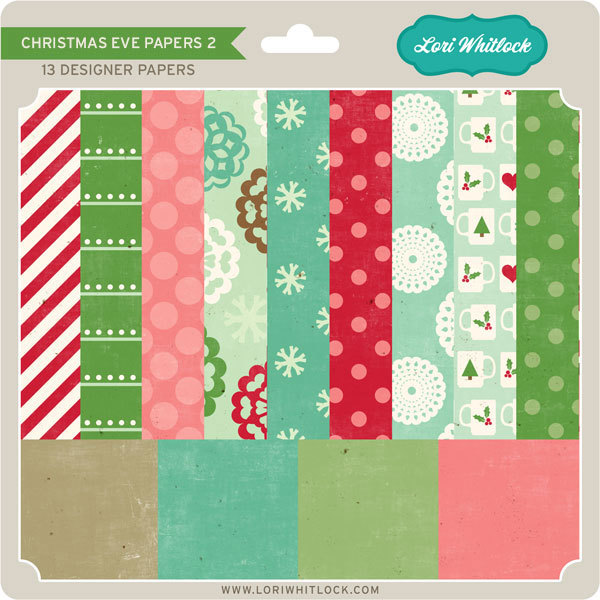
Holiday Font


Christmas Phrase Posters 

Be sure to go grab these great deals while you can. These offers will end at midnight!

There are specials in my SVG Shop as well! Don’t forget about the November Kit of the Month! If you spend $20 in the SVG Shop (in one transaction) you can get the Kit of the Month for free! Simply add the November Kit of the Month to your shopping cart along with ANY $20.00+ purchase from the SVG Shop and this file is yours FREE. Be sure to use Coupon Code: NOVKOTM (case sensitive) at checkout. This offer is good through November 30, 2016!

(Your cart must reach at least $27.95 before the coupon will be applied and then $7.95 will be subtracted from your total at checkout. The files will be available for immediate download after you pay for your order by visiting MY ACCOUNT>COMPLETED ORDERS>ORDER DETAILS inside of your account. Only one discount code per order allowed.)


And don’t forget, all files in the Lori Whitlock SVG shop are 30% Off  through Monday!  Use code NOV2016 at checkout to receive the discount!

Have a great day!


November Creative Team Blog Hop and New in Shop


Welcome to our November 2016 Creative Team Blog Hop! Our creative team has some awesome new projects to share with you to get you in the crafting mood. In addition, I have some FUN new files for you! Be sure to check them out below.
One thing customers seem to LOVE about blog hop week is our 30% OFF SALE going on at Lori’s SVG SHOP. ALL files (and commercial licenses) from Lori Whitlock, Kolette Hall, Doodlebug Design and Dresden Carrie are on SALE. Use code NOV2016 (case sensitive) at checkout in the SVG SHOP. (only one discount code per order allowed)

In addition, TODAY ONLY, you can get 30% OFF all of my digital files over at Snap Click Supply! Use code DIGINOV16 at checkout to get the discount!

We also have a gift for you! TODAY ONLY, You can get this Fall Bird file for FREE! So, be sure to go grab it while you can from the SVG shop.


And don’t forget about the November Kit of the Month! If you spend $20 in the SVG Shop (in one transaction) you can get the Kit of the Month for free! Simply add the November Kit of the Month to your shopping cart along with ANY $20.00+ purchase from the SVG Shop and this file is yours FREE. Be sure to use Coupon Code: NOVKOTM (case sensitive) at checkout. This offer is good through November 30th!

(Your cart must reach at least $27.95 before the coupon will be applied and then $7.95 will be subtracted from your total at checkout. The files will be available for immediate download after you pay for your order by visiting MY ACCOUNT>COMPLETED ORDERS>ORDER DETAILS inside of your account. Only one discount code per order allowed.)


Have you seen all of my new Shadow Box Cards featuring the hidden binding technique? They are so simple to put together and they are absolutely gorgeous! These cards lay flat for mailing and the receiver simply stands them up for an awesome 3D card that will certainly be treasured.

I now have a video tutorial on my YouTube Channel showing how to assemble them using the Hidden Binding Technique!  You can check that video out here:


Also, be on the look out for a  giveaway featuring these fun cards on my Facebook Page and on Instagram later this week!

I have some super fun new files in the SVG Shop this week. Be sure to grab them while all files are 30% off this week when you use code NOV2016 in my SVG Shop! Take a peek…

How would you like to win a $20 Coupon to my SVG Shop?


a Rafflecopter giveaway
And, last but not least… would you like to see what our amazing team has created? Click the links below for some wonderful inspiration. If you get lost come back here to get on track. Lori Whitlock , Corri Garza , Traci Penrod , Kathy Skou , Courtney Lee, Anita Mulcahey. Lezlye Lauterbach, Ashley Cook and Tya Smith ! Thanks again for dropping by! Have a GREAT day!