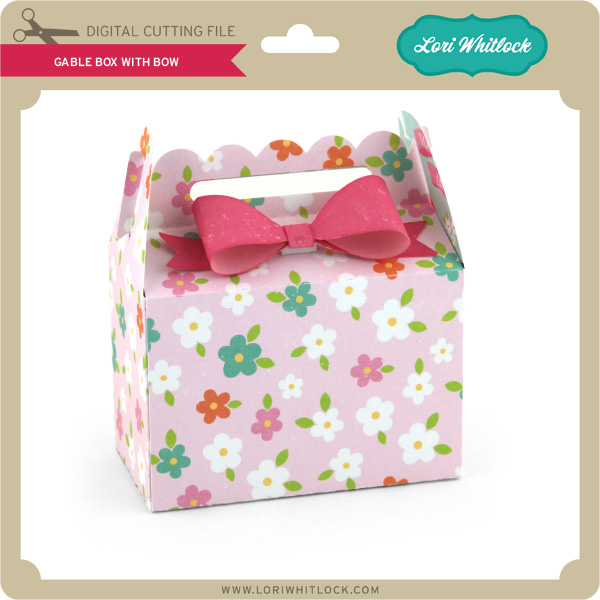
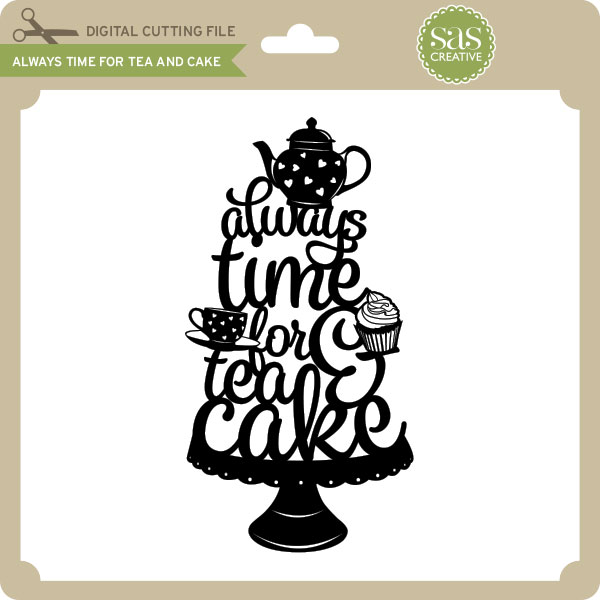
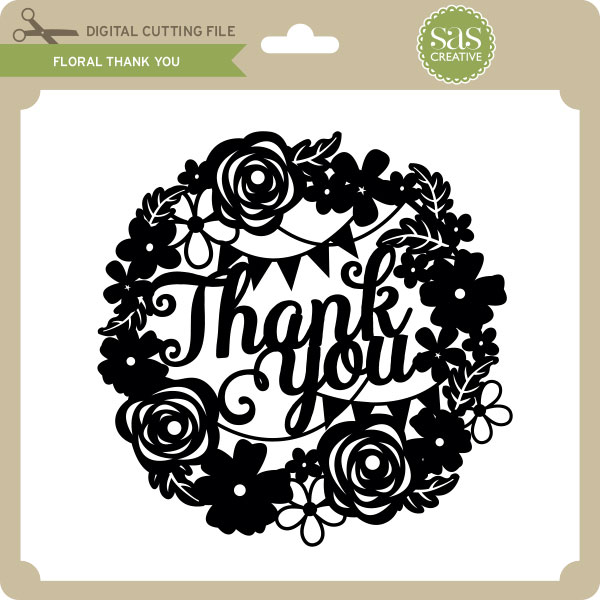
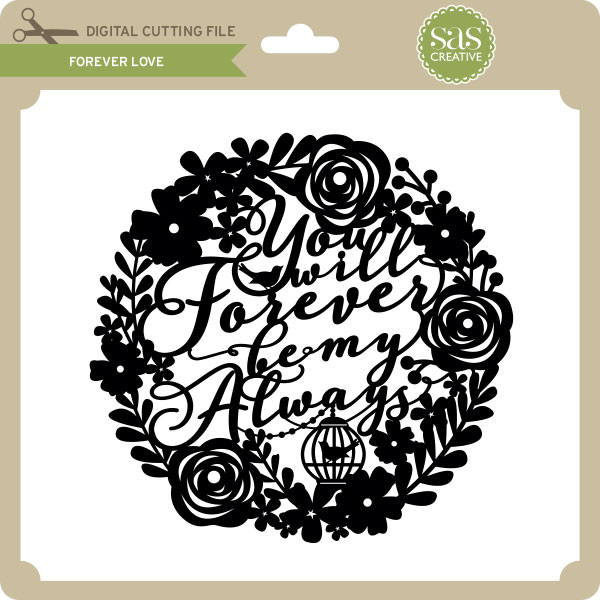
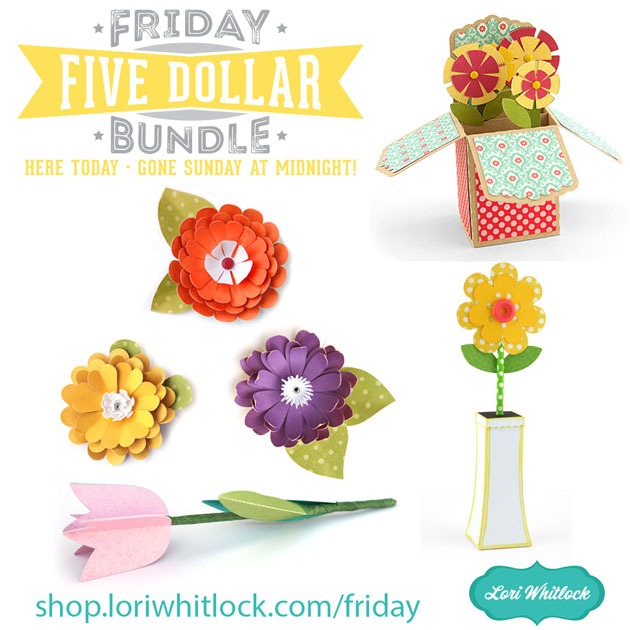
February Sale, Don’t Miss Out!!

Are you crafting this weekend?  Don’t forget about the February Sale happening now in the Lori Whitlock SVG Shop!

All files are 30% off through Monday!  Just use code FEB2017 at checkout!  Have a great day!


Digital Inspiration with Ashley

My daughter attended a girl’s choice dance at the High School last week. It was a fun day and evening for the group. Here it is documented:

Products used:

Life Templates Sq Set 11

Be My Valentine Collection

Sweetheart Font

Perfect Type Font


Silhouette Designs 50% Off!

Hi Everyone! Did you know that the Silhouette Design Store has a 50% OFF sale going on right now? I wanted to make sure you all know because this awesome sale ends at midnight tonight. Don’t miss out on this fabulous sale, it’s the perfect time to stock up on all of those items on your wish list! SHOP HERE.

__________

And for all of our Cricut Explore, Sizzix Eclips, and Brother Scan ‘n Cut users… the 30% off February Sale in the Lori Whitlock SVG Shop is running now through Monday!  All SVG files are 30% off through Monday.  Just use code FEB2017 at checkout to receive the discount!

Have a great day!

3D Flowers Tutorial with Kathy

Hi Everyone!  It’s Kathy today with a quick tutorial showing how to assemble some of the new 3D Flowers!  Lori has a lot of Flowers and recently released a few more…

They are really very simple to assemble, and I just want to show you a couple of tricks to make them look more like a real flower.  I chose 3D Flower 24  (here in Silhouette)for this purpose.

First, you want to cut your pieces, and find a brad that is a good size for the size you’ve made your flower.  Remember, all of these flowers can be sized in your cutting software to meet the needs of your project.

Next, to get more volume in your flowers, you want to curl the petals.  I use the handle of my Silhouette Spatula to do this, but you could use a pencil, or some other round tool.  You can also ink the edges of the flowers to give them a more variegated look.

Once your petals and leaves are curled, you can start assembling your flower.  I start by stacking my petal layers by size.  You want to start with the smallest petals.  Thread them onto the brad, making sure to alternate the petals to fill in the spaces and make your flower look fuller.

For my flower, I threaded the first 4 sizes of petals on with the flowers curled up.  I flipped the last 2 layers so they curled down.  This gave my flower a little more of a dome shape.

After all your petals are threaded onto the brad, add your leaves, and open the tines of the brad to secure it.

To finish the flower, use your fingers to “fluff” up the petals, and fold the very center petals up and around the brad.  The flower is now ready to add to your project!  These flowers can be added to frames, cards, scrapbook layouts… the possibilities are endless!

That’s it for me today, thank you for stopping by to peek!

Flowers shown:

3D Flower 22 (here in Silhouette)
3D Flower 23 (here in Silhouette)
3D Flower 24 (here in Silhouette)
3D Flower 25 (here in Silhouette)


One Buck Wednesday at Snap Click Supply Co.

Today at Snap Click Supply I have two items featured for $1 on Wednesday!. That means you can pick up 2 of my digital scrapbooking products at a steal. TODAY ONLY!

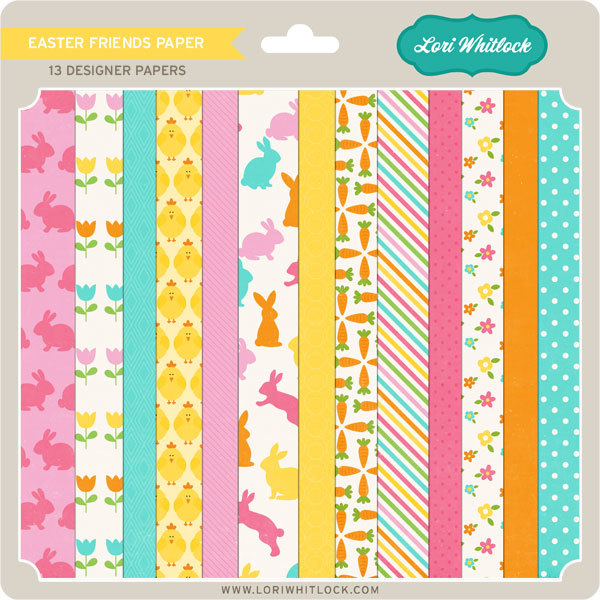
Maggie Paper

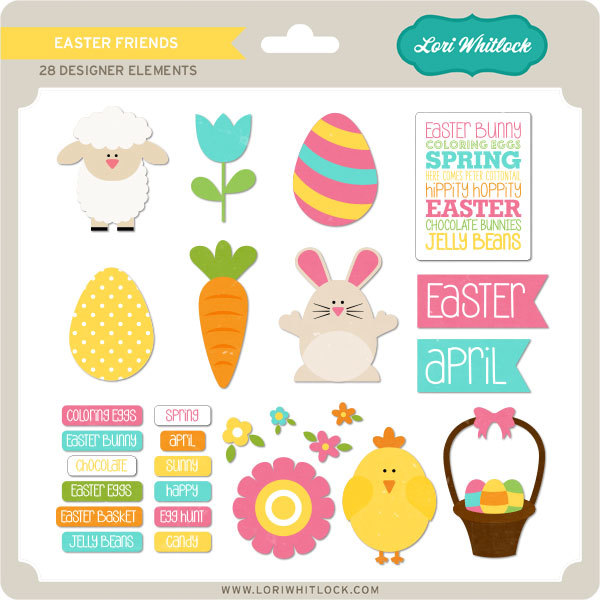
Maggie Elements

Be sure to go grab these great deals while you can. These offers will end at midnight!

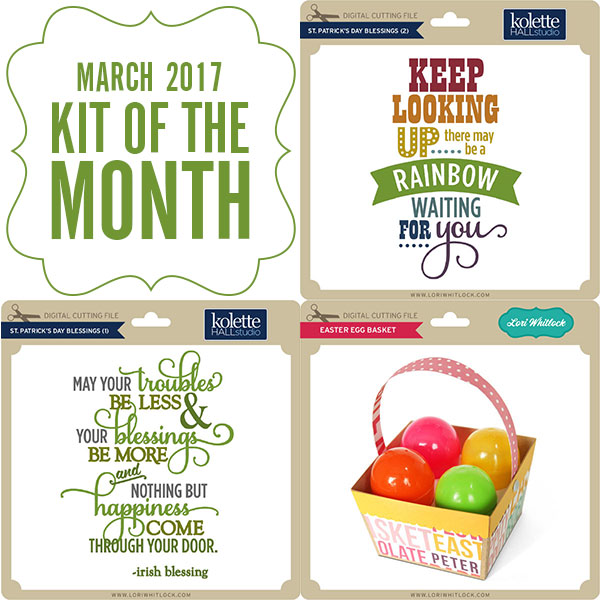
There are specials in my SVG Shop as well! Don’t forget about the 2017 February Kit of the Month! If you spend $20 in the SVG Shop (in one transaction) you can get the Kit of the Month for free! Simply add the 2017 February Kit of the Month to your shopping cart along with ANY $20.00+ purchase from the SVG Shop and this file is yours FREE. Be sure to use Coupon Code: FEBKOTM (case sensitive) at checkout. This offer is good through February 28, 2017!

(Your cart must reach at least $27.95 before the coupon will be applied and then $7.95 will be subtracted from your total at checkout. The files will be available for immediate download after you pay for your order by visiting MY ACCOUNT>COMPLETED ORDERS>ORDER DETAILS inside of your account. Only one discount code per order allowed.)
 

And don’t forget, all files in the Lori Whitlock SVG Shop are 30% off through Monday!  Use code FEB2017 at checkout to receive the discount.  (Only one discount code per order allowed)
Have a great day!