![]() |
![]() |
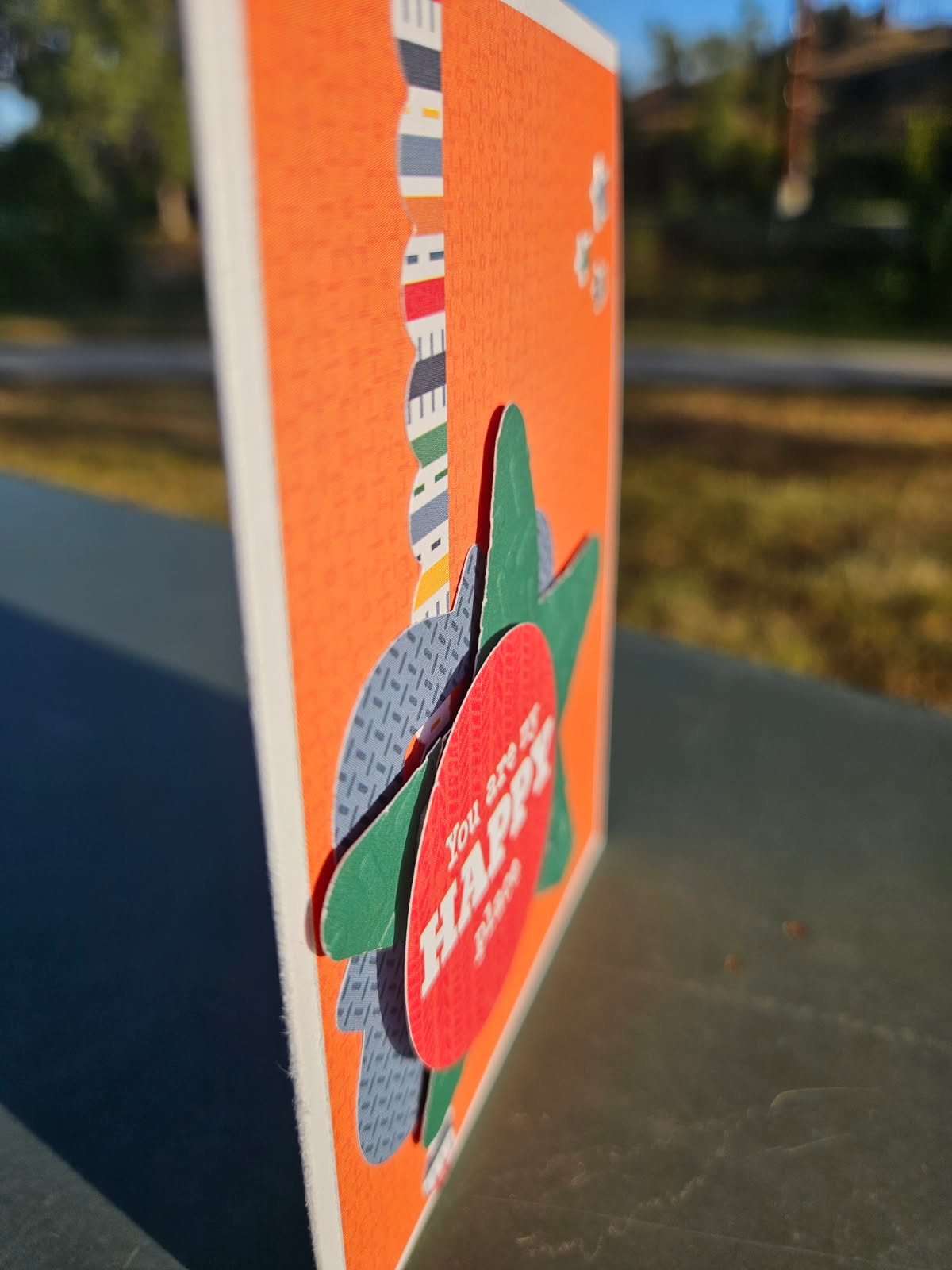
Are you enjoying cooler temperatures yet? It’s still pretty warm around here, but everyone is ready for some fall colors, weather, sweaters, and treats. Here is a fun fall themed box card (SVG, Silhouette).

1. First cut all the pieces.

2. Assemble the card front as well as the leaves and flower layer.
3. Assemble the card piece by adhering the glue tab.

4. Add the front card piece to the front, the leaves piece to the middle, and the blank card piece to the back of the card.
This is such a fun card to make. Look for other fall cards in Lori’s shop. Enjoy.
Ashley
Hello friends! Today I am sharing an assembly tutorial for the Box Card Teacup Fall Raccoon (SVG, Silhouette). This box card works well for any fall occasion, but I will be using it as a birthday card.

For the teacup I cut an extra cup piece without the handle to give my cup a two-toned look. I folded the score lines of the box portion of the card as mountain folds and the racoon tabs as valley folds. The raccoon insert tabs are glued to the shortest sides of the box. I lined up the tabs of the insert with the score lines and the top of the inside of the box. With one side secure I added glue to the back of the second tab of the insert then folded the box over making sure everything was lined up. Once the tab was secure, I flipped the card over and added glue to the box tab and folded the back of the box over making sure everything was lined up before the glue set.

I then added glue to the front of the box and lined the bottom edge of the cup with a handle to the bottom edge of the box making sure the corners line up. With my extra decorative cup piece, I glued the raccoon hands and flowers into place and glued it to the front of my card. Then I glued the back piece of the cup to the back of the box. Lastly, I glued the racoon tail to the back of the racoon insert making sure the card would fold flat. I also used a white acrylic pen to give my raccoon some highlights.


Hello everyone! Traci here and today, I have a fun 12×12 scrapbook page and simple tutorial to share with you. I wanted to create a layout for a picture of my sweet grandson’s 4th birthday and I found one of Lori’s cutting files that would be perfect for it.
I chose her Number Lace Cutting File (SVG, Silhouette). Not only did it have a number 4 on it, but I also loved the positive and negative spaces it created in the background.
Here’s how I made this layout …
1. I added the cutting file to my mat and resized it to 10.75 x 10.75”. I cut it out of white card stock and set that aside.
2. Next, I used the knife tool to chop down the background into smaller pieces so that I could focus in on the number 4. I didn’t want to cut the entire background piece again just to get the 4.
3. Once I isolated the 4 in the file, I deleted everything else and cut this section out of orange paper.
4. Then I used my scissors to trim the rest of the paper from around the number.
5. Now that I had the white background and the orange number cut out, it was time to create my layout!
I used the Echo Park, Vroom Collection that was also designed by Lori. I decorated my Race Car Mini Album with it and the colors and patterns were just what I was looking for.
I started with the orange 12×12 pattern called Ready Set Go Stripes as my base and layered the blue Winner Winner print and Ready Racers paper on top. Then, I added the white number lace sheet and I backed each corner with a yellow triangle cut from a solid in the Vroom Collection.
Next, I adhered the orange 4 on top of the white 4 that’s part of the background. I cut some photo mats out of a few other papers from the Vroom Collection and I added my photo.
Then, I finished the layout with lots of fun embellishments. The “Let’s Go” is from the Vroom 12×12 sticker sheet. And the other birthday themed stickers and die cuts are from the Bella Blvd, Birthday Bash Collection.

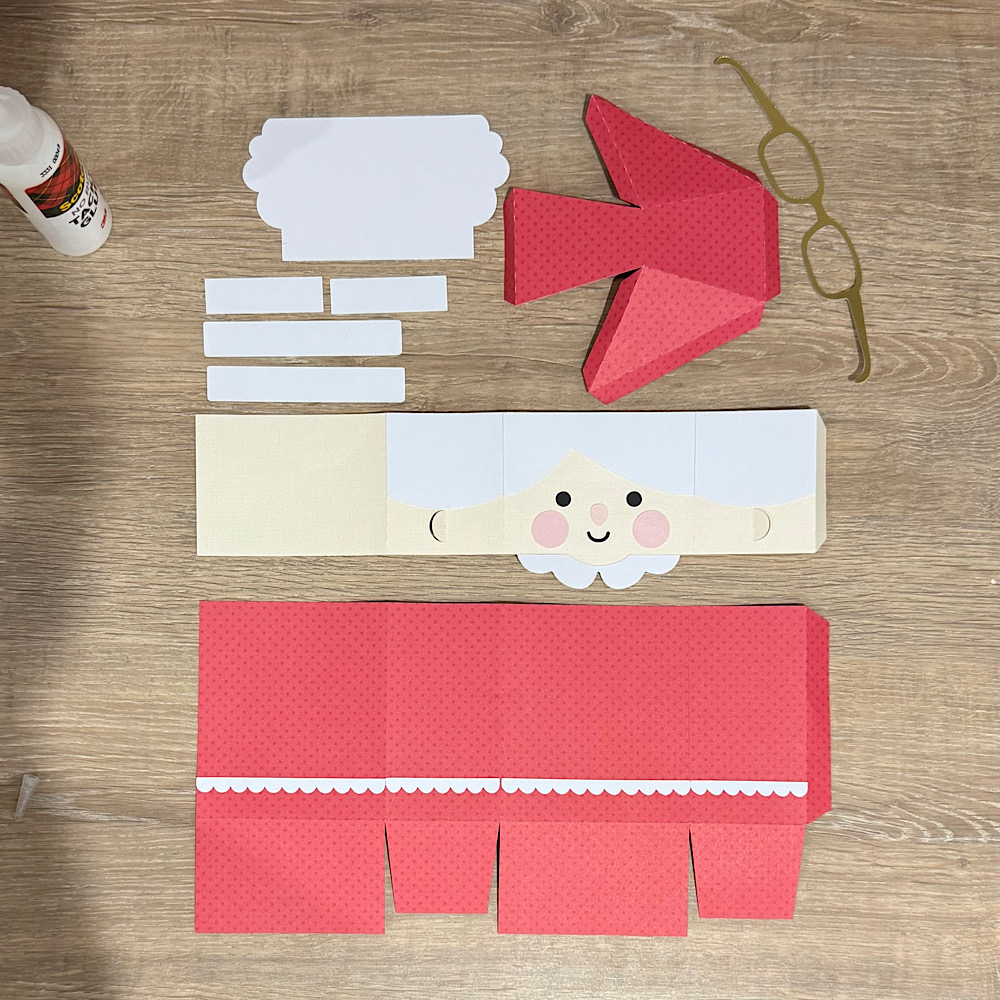
First step was to cut out all my pieces.