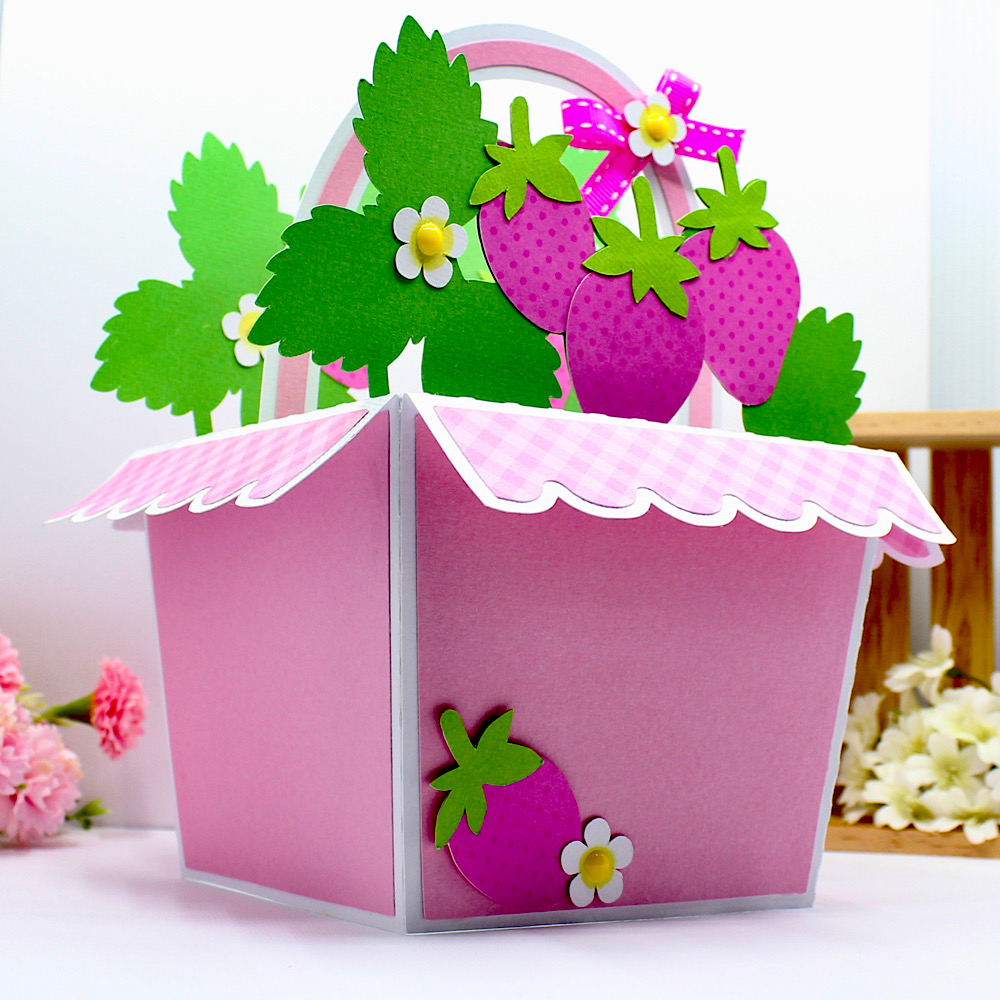
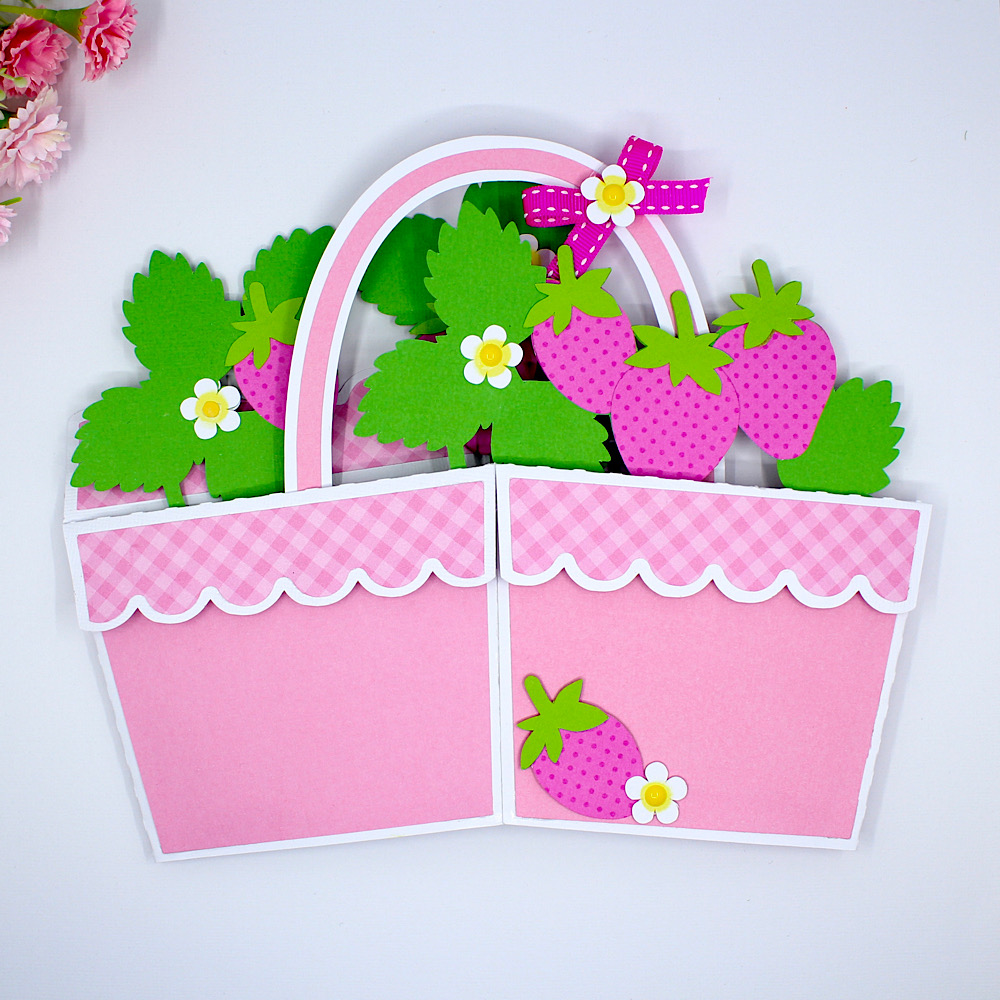
5 x 7 Flower Truck Box Card Tutorial

Welcome to the  Lori Whitlock Blog!

Today I have  a tutorial for you on assembling this cute 5 x 7 Flower Truck box card.


5 x 7 Box Card Flower Truck

Silhouette

or see  all three here:

5 x 7 Box Card Truck Bundle

Let’s start.

Truck Body: Glue on the tires and the front door pieces. I used mirror silver paper for the front bumper and a different matte silver paper for the windows on the front truck piece.  The longer truck piece is the back of the truck. Glue the rectangle piece-this will be the reinforcement piece for the top awning later. 


Awning: This awning piece will be glued onto the truck front piece. A little trick to keep the 3 squares centered is to add the thin rectangle into each spot and then glue the back of each square only and insert it and then pick out the thin square piece. You can throw that piece away if you want. 


Inserts: Glue up all your little potted flowers. As always, I  cut extra little pieces because no matter what-I always lose some. You can also cut different colors to change things up if you want. Each insert piece is numbered so you know which one goes  in front. FYI it’s the four potted flowers in front. You can see the numbers on the bottom right corner of each insert.
Glue the two end tabs of this piece and add the main front truck piece. Make sure your card folds flat.
Line up the awning piece and glue to the front truck piece and also add the brown panel at the back of the truck.
Here is the truck after those steps. All that is left is to add the flower pot inserts  as you do with any box card, awning support and the sentiment. 

Here you go! The inserts are added (at this point make sure your box card will fold flat). You can see I am getting ready to add the rectangle piece inside the awning   for  support. Glue the rectangle inside to the front and back top awning. All I have to do now is add my print and cut sentiment and it’s done! TIP: if you buy the bundle, print and cut all three sentiments at once and then you will be ready to assemble the other trucks!


These are so fun to make-give them a try!
💕Sue Kment

Mason Jar Box

Hello! I love when my 2 worlds collide, canning and scrapbooking. I recently canned some green stuff (jalapeno mustard for pretzels) and I always love to be able to gift it and make it look cute. I recently came across these Mason Jar Box Half Pint (SVG, Silhouette). I decided to make a few of these for my yummy green stuff.

Mason Jar Box Half Pint


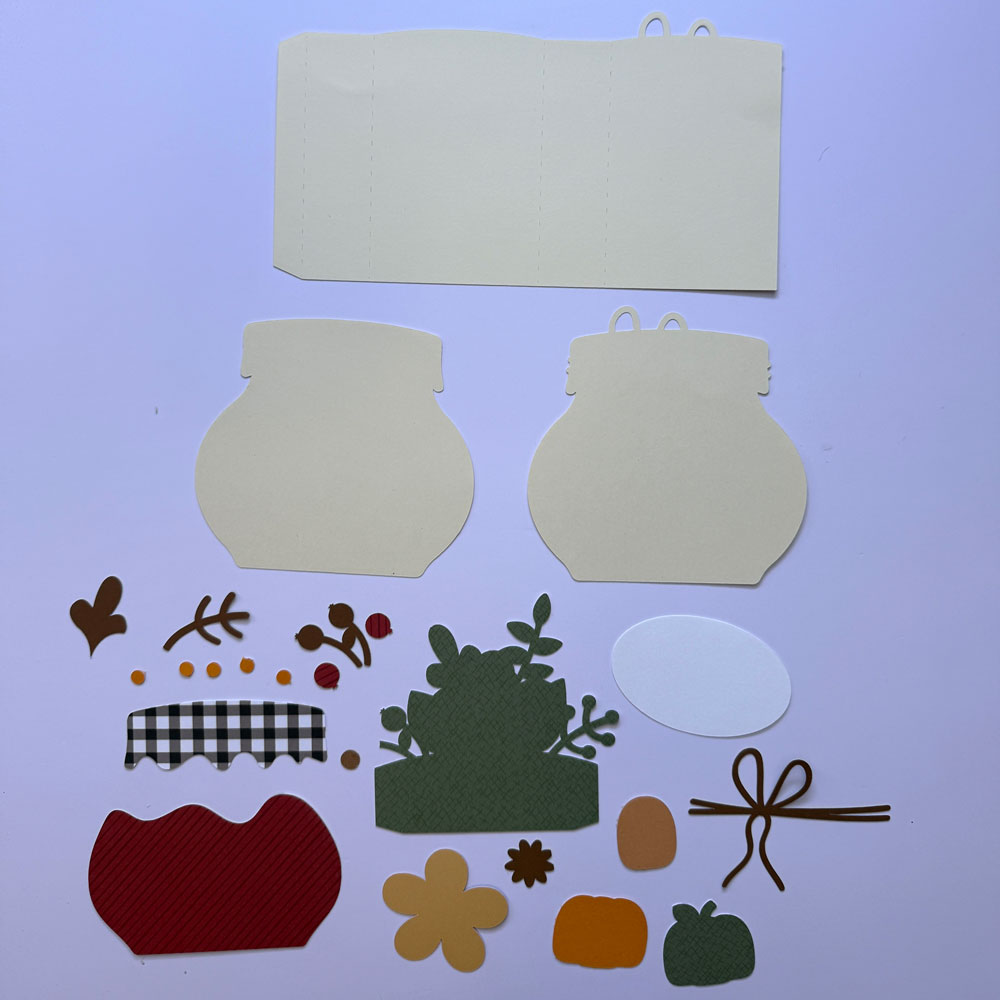
First I cut all my pieces and I did add a little piece of acetate behind the window.

I added my pattern paper to the box after I added the acetate to the inside of the window. I added score tape to the 2 flaps to assemble the box.

I folded in the 2nd large flap 1st.

The I folded in my 2 smaller flaps to make the box complete.

I then added my pattern paper to the lid portion. Make sure the curved side of the thin strips faces the outside edge. I also added score tape to the corner flaps.

Hopefully you will be able to gift some home made goods with this cute box. Thanks for stopping by and happy crafting.


Chelsea


Mason Jar Pop Up Box Card

Happy Spring almost Summer Everyone!  I have a quick little card tutorial to share with you today using Lori’s new Echo Park Collection Firefly.  I simply adore everything about this collection, the patterns, the amazing details, the colors….it is all swoon worthy, you have to get it.  It is just so perfect for summer.  The card is one of her pop up box cards, that fold flat for mailing and then pop up and give a fabulous 3 d effect for your recipient.  You can find this card here in Lori’s Shop or here in The Silhouette Online Design Store.  I just love mason jars and this is just so cute.

First, cut and organize all your pieces.
I always ink all my edges, except the white.
Put your card base together, here I used papers from the 6×6 Firefly paper pad and card stock.  Your score lines will be a peak and a valley.
As you can see here, it fold to a 5×5 card base.
Next, make this piece.  Here I added some beautiful washi tape from the Firefly collection.  Love it!  Again you will have a peak and a valley for score lines.
You are only going to add adhesive on the two ends, and you can see where I wrote here and here.  Make sure no adhesive goes in the middle, otherwise your card won’t pop up.  My adhesive fits the first little panel and then from the second score line to the right.
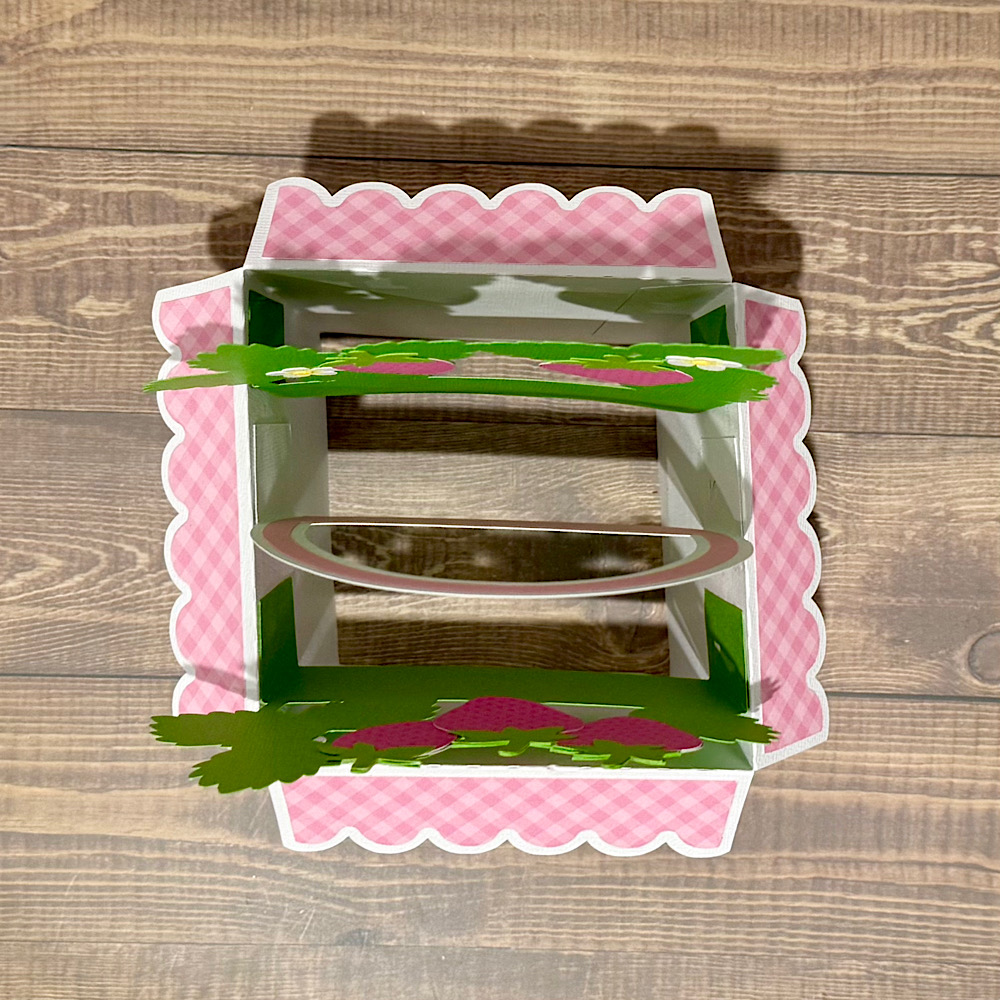
Once you add this piece, you can see how the little pop up box is formed to add your remaining dimensional pieces.
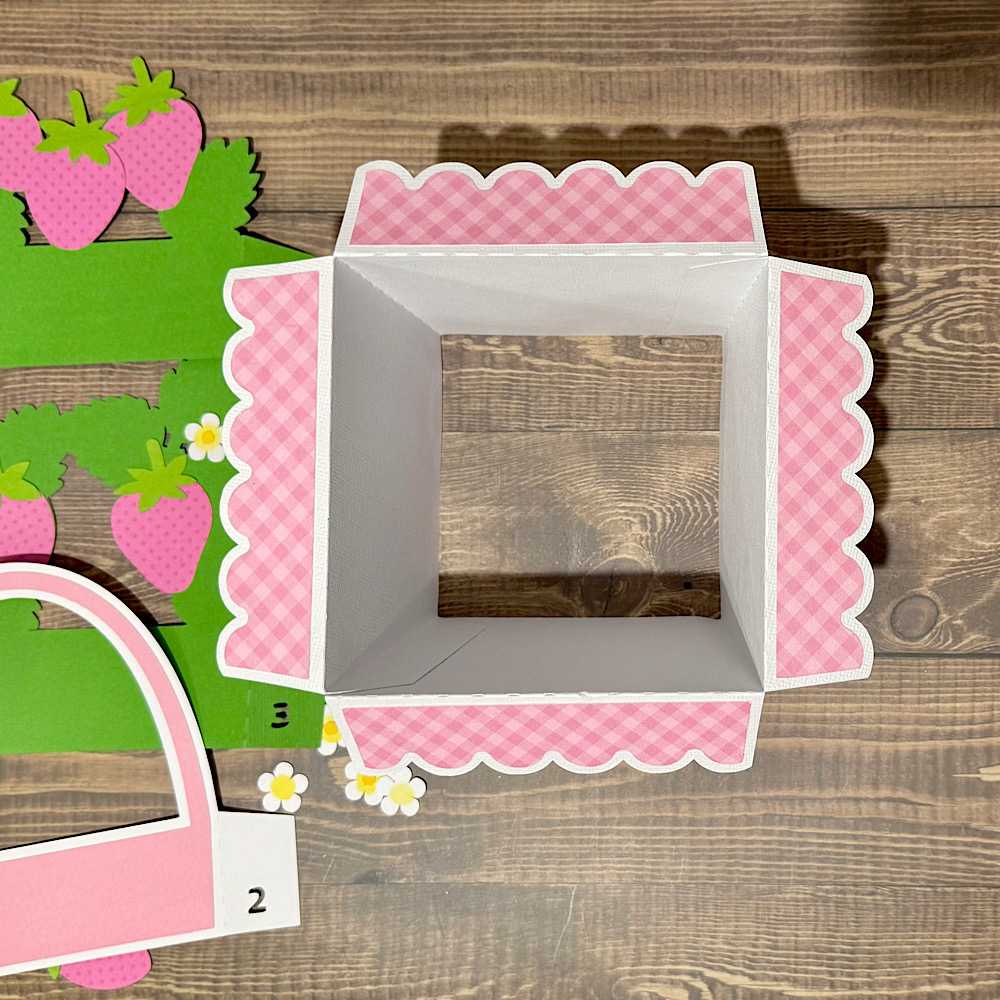
Now just finish up the layers for these two pieces and add adhesive to the sides.  Add them in order, as Lori numbers them for you…1 & 2.
Press them firmly to the sides to create the pop up effect!
And there you have it!  The cutest little card popping with joy!  I love using all the fun embellishments form her collections to really create my own take on each of her cards.


Thank you for joining us today!
Cathy


Box Card Flower Trunk Tutorial

Hello crafty friends! Today I am sharing an assembly tutorial for the Box Card Flower Trunk (SVG, Silhouette).  I used papers from the Day and Life collection by Echo Park Paper Co. I also cut a few extra flowers to add to my card to give it a fuller look.

The body of the box card is in two parts that will be glued together. The tabs are all folded in a valley fold. First, I inked the edges of all of my pieces then glued the decorative panels to the outside of my trunk. I then assembled the flowers. All of the flowers have two layers. I then glued the flowers to the two inserts. Three of the flowers are on the front insert and two flowers on the back insert.

For the trunk I added glue to both tabs and made sure to line up the holes on both pieces so that the brads would be fit. I then glued the decorative corner pieces to the trunk and added the brads to all of the holes. Enamel dots would also be cute on the holes if you can’t find brads. After I had all the brads in place I glued the back decorative panel into the trunk.

Next, I folded the tabs on the inserts in a valley fold and added glue to the back of the tabs. Securing one tab at a time I lined up the edge of the tab with the top of the trunk and held it in place while the glue set. I was also careful to not glue the tab over the back of the brad. I repeat the process for the other side of the insert. With both tabs glued I fold the card flat to check that it will fold flat then repeat the process for the second insert.

With both inserts secure I glued the last flower and stem to the front of the trunk.  I then embellished my trunk with the additional flowers and two butterflies I fussy cut from the collection.

This card is so pretty and has several sentiments for the back of the card that are included in the file.

Thanks for stopping by today!
Brandie

Mother’s Day Stickers Tutorial

Welcome to Thursday Tutorial.  Lori has some lovely Mother’s Day Stickers in her shop (SVG, Silhouette). I’m going to share a couple of ways to use them or any stickers in the shop.  This tutorial is specific to Silhouette, but you can use the ideas on other platforms.

1. Open the Stickers in Silhouette Studio.


2. Go to the Send Screen. If the stickers look like the picture below, select all the stickers, and Click Cut Edge.

3. You can print the stickers just like this.  Be sure to select a high quality print setting, and choose photo or presentation paper for the paper.  I used Avery Sticker paper that can easily be found at Office Supply stores.  Silhouette sticker paper is great to use as well.

4. After printing the stickers, they are ready to cut.  For the Avery Sticker paper, you want to edit the default Sticker settings.  I decreased the Force to 6.

This cut setting will cut through the sticker, but not the backing.

5. Next idea, is to make a sticker sheet. I created a box that would fit in an A2 envelope (4.25 x 5.75).

Be sure to change the color of the rectangle to blue.  Then drag and drop stickers to the rectangle, re-sizing as needed.

6. Now let’s get ready to cut. Select the Line choice at the right in the Send page.


The red line will be the sticker cut settings; the blue line will be to cut the rectangle.  Scroll down to edit the settings as needed.

So some ideas to use these stickers and sheets.  You can print some stickers out either full size sheet, or the smaller sheet.  Give some cardstock and the stickers to kids to create a fun card.

Hope you enjoy.  You can do the same activity with the Father’s Day stickers (SVG, Silhouette).

Hope you enjoy creating!

Ashley