Purse with Pocket Tutorial

Hi there paper crafting friends!  It’s Michelle Starcher, aka the Bookish Designer, popping in on the blog to walk you through the steps to create Lori’s Purse with Pocket  (SVGSilhouette). In this photo tutorial, I will break down the steps to create this super cute project for all those purse lovers out there.  I used papers from Lori’s All-Girl collection from Echo Park Paper Co.  I just love the colors in that collection!

After uploading the SVG file to the Cricut Design Studio, I needed to make a few changes, so that it would cut correctly with my Cricut Maker. Below you will find the steps I took to prepare the file for cutting.

  1. Ungroup the SVG file.
  2. Ungroup any portions that have cut/score marks. I had to do this for the purse base, the front pocket, the purse handles, and the handle attachment pieces.
  3. Attach the cut/score marks to the main image. Again, I had to do this for the purse base, the front pocket, the purse handles, and the handle attachment pieces.
  4. Once you are done attaching all of the cut/score marks, you are ready to cut your project pieces.  When I sent my pieces to my Maker, I was informed that the purse base exceeded 11.5″ and that I would need to resize or use a 12×24″ cutting mat.  Luckily, I had a mat and cardstock in that size.  If you don’t, you may need to resize your project before starting.  If so, resize before you ungroup the SVG to make sure that all of the elements keep their proportions.

After cutting all of the project pieces, I folded all the pieces with cut/score marks.  Then I adhered the floral paper to the purse base and pocket as shown.  Make sure you line up the holes for the straps on the front and back panels.  I placed a small amount of adhesive along the edges of the purse base and pocket and assembled those pieces.

Once the purse is assembled, it is time to add the handles.  You will need 8 mini brads to attach the handles.  I started with the “metal” pieces that attach to the base of the purse, and then added the handles.

I attached the front pocket, using a slightly larger brad on the pocket.  I used a small piece of Velcro to the pocket and the flap, so that it could be opened and closed (you can also use a glue dot)   After the front pocket was attached, I added the flowers to the purse handle.  To assemble the flower, stack the three flowers, slightly off centered from the other flowers.  Then stack the three starbursts and adhere to the stacks of the flower.  Attach the leaf to the back of the flower, and then adhere the entire flower to the purse strap.

I hope you enjoyed making the Purse with Pocket  (SVGSilhouette) as much as I did! I’ve been wanting to make this project since I saw it a couple of weeks ago.  Now, I can’t wait to fill this purse with gift cards and little trinkets for my best friend.  Do you think she’ll like it?

Until next time,

Michelle
New Impossible Cards & 30% Off All SVGs!

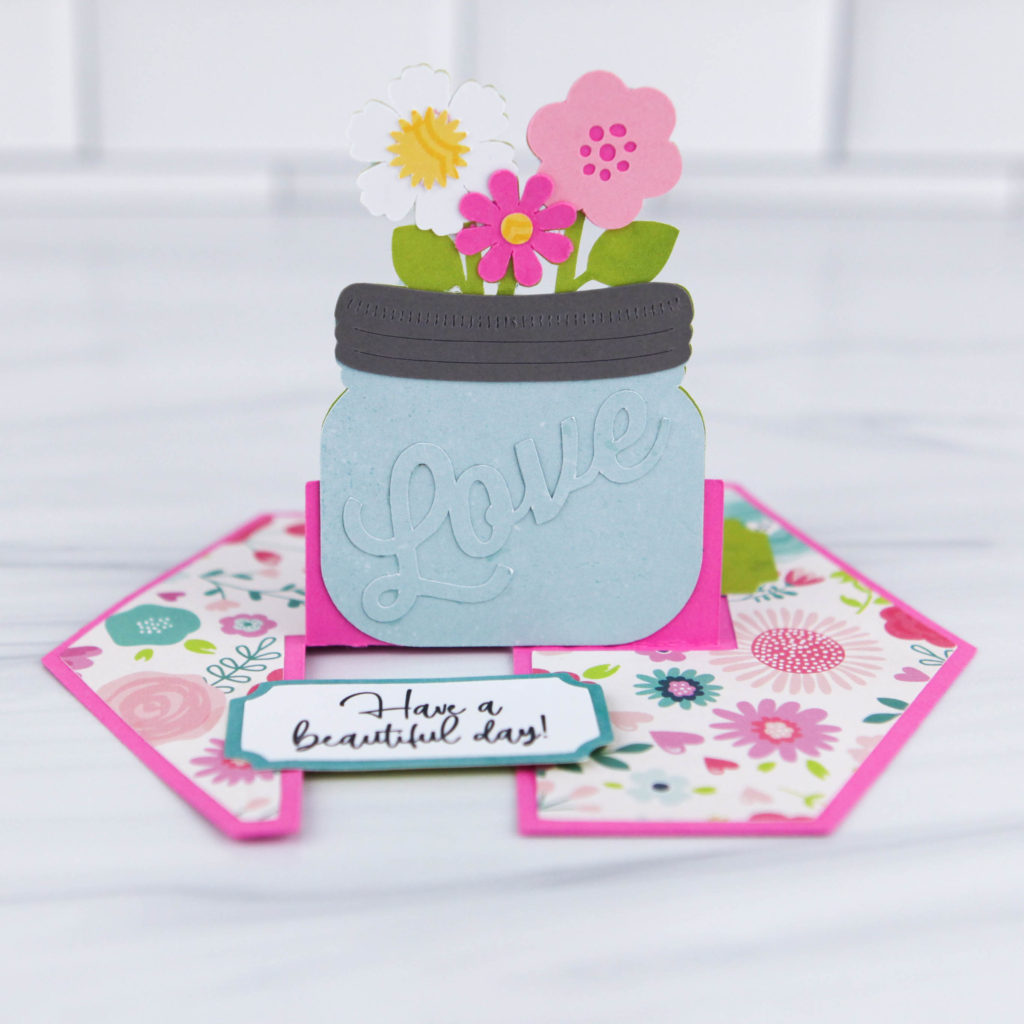
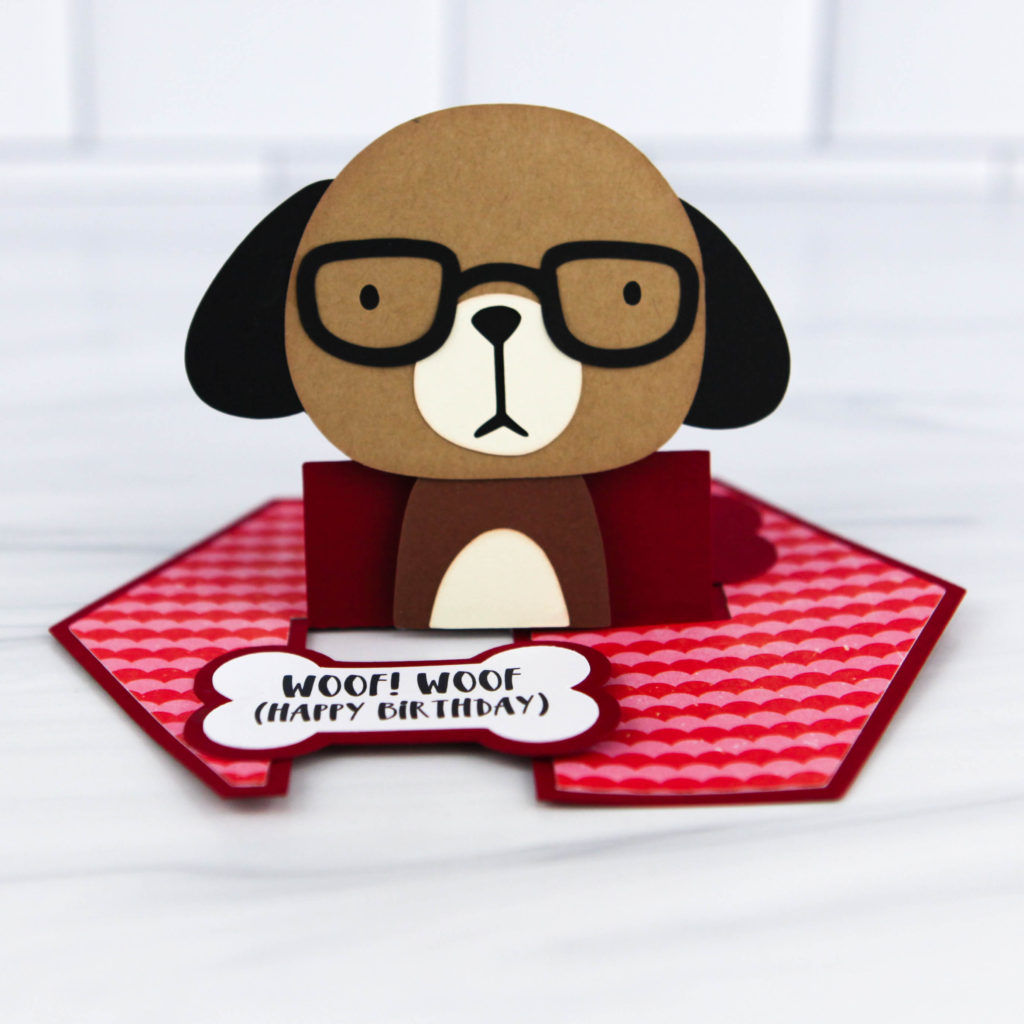
Have you seen the adorable new Impossible Cards?  I have a fun new bundle in my shop, and they are also available individually in my shop and coming soon to the Silhouette Store!  There are currently three new cards, with more in the works!  Take a peek…

Impossible Card Dog (SVG, Silhouette)

Impossible Card Latte (SVG, Silhouette)

Impossible Card Mason Jar (SVG, Silhouette)

These cards come with fun print and cut sentiments, an included envelope and are super simple to assemble!  I have a new assembly tutorial on my YouTube channel here.

And don’t forget, the August Sale is happening in my SVG shop!  Get 30% off all SVGs, Fonts, Pattern Fills and Commercial Licenses when you use code AUG2020 at checkout!  Don’t miss out, sale ends Saturday, August 15th!

Have a great day!

3D Backpack Assembly

Hi Everyone!  Corri here today sharing a quick assembly tutorial for Lori’s 3d Backpack (Silhouette, SVG).  This little backpack would make a great gift for a teacher or student for back to school!

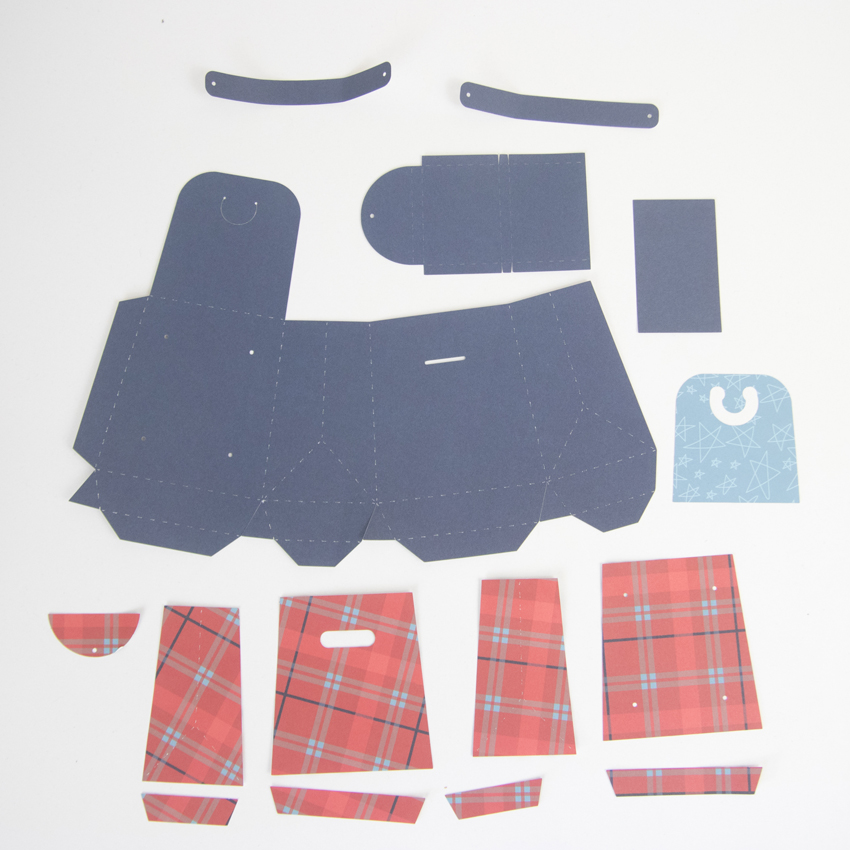
When you get the pieces cut out this is what you will have.

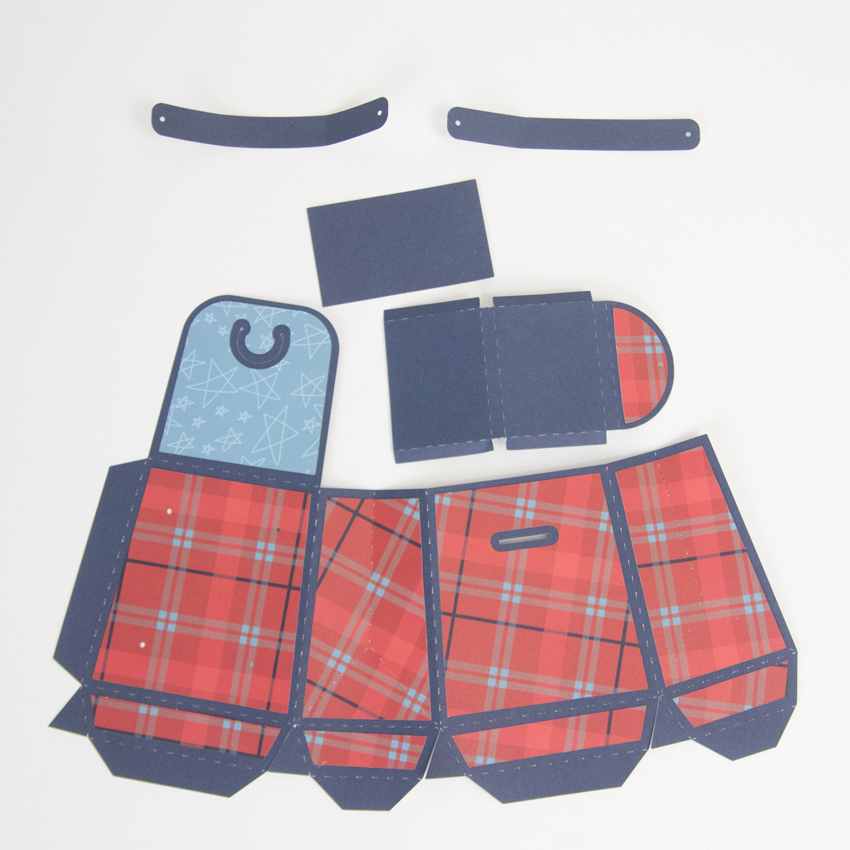
First, apply the pattern paper pieces to the base layer.

Using small brads, attach the straps to the backpack.

Fold along all the score lines and apply glue to the long glue tab and glue into place.  Next, apply glue to 4 small triangle glue tabs and glue to form the slanted bottom portion.  Then, fold the tabs for the bottom and glue the rectangle shape to complete the backpack. Form the pocket shape by folding into a “box” and applying glue to the tabs and then glue to the front of the backpack.  To close the backpack, pinch in the score lines on the sides and pull the flap up and over the top and secure with the tab.

It turned out so cute! You could fill it with some candy and a gift card for a teacher or some candy and small school supplies for kids.   Thanks so much for stopping by today!

Circular Pop Up Card

Happy Summer everyone!  I hope you are all safe,  healthy and enjoying your summer!  I have a perfect little project to share with you, if you have gone camping or anytime you have spent in the great outdoors.  It’s Lori’s new circular pop up card,   you can find it  here in Lori’s SVG Shop or here in the Silhouette Design Store.

It was simply too much fun to make and I may have gotten carried away, but I adore how this little book/card turned out.  You can find Lori’s amazing tutorial here on You Tube.  I have five pages instead of four like she had in tutorial.  You can even add up to six pages.  The only thing I did differently was I notched the square pieces with a circle punch so that I could add tags, I made my own little pockets!  Just use adhesive on the sides and bottom so that your little pockets open to put tags inside.

When it pops open, it turns into the coolest little star book with 5 pages!  Love this!  It almost explodes!

This project was so much fun, and as you can see, I did get a bit carried away, but I love this so much and I can’t wait to make more.  Thank you for joining us today!

~Cathy

Hello Summer Bicycle Shadowbox

Hello all you crafty friends…and Happy Summer! I have an adorable craft for you today to make and set on your desk to enjoy Summer without having to endure the heat. This is the Hexagon Shadowbox Bicycle (Lori’s SVG Shop, Silhouette), one of Lori’s new svg files. It is soooo cute sitting here on my desk. I just love all of the different layers!!

If you’d like to make one of your own, I’m here to help! So let’s get started!

Cut out all of the pieces. I used a thick white cardstock for the frame (at least 80lb for sturdiness) and normal cardstock for all of the colored layers. Once I had all of the balloons, trees, and bicycle pieces cut out I adhered them to the layer pieces.

Here is a closer look at those pieces.

Next, adhere the tabs together on each piece of the main frame and let it dry.

Now we can start assembling the shadowbox. Adhere the light blue cardstock piece to the back of the base piece. Bend all of the glue tabs…solid base piece tabs fold upwards and the insert layering pieces along with the front frame tabs fold downwards.

Adhere the outside frame to the back piece of the box.

With the layered piece tabs folded down, insert and adhere them to the box. Tree piece is adhered first. Make sure you are adhering the layers so that the tabs are touching the piece behind it. You need to make sure you still have enough room for the top frame tabs.

Next adhere the balloon piece to the box.

And then the bicycle piece.

After all of the layers have been adhered into the box, there should still be enough room to adhere the top frame tabs to the inside of the box. Adhere the top frame (tabs go inside )on and wait for it to dry.
Then decorate to your heart’s content!! I simply added a Hello Summer title chipboard piece from the I Love Summer collection.
Hope you have fun putting this fun shadowbox together!!  And don’t forget, the July Sale is happening in the Lori Whitlock SVG Shop!  Get 30% Off All SVGs when you use code JUL2020 at checkout!
Thanks for stopping by!
Aimee