Dream Big Layout with Princess Dingbats Font + 30% Off SVGs!

I kept seeing all of these amazing dingbat fonts from Lori….so cute, but how in the world to you use these?!   I really had no clue, but I had just received Lori’s new Our Little Princess collection and really wanted to try something new on a layout.  I just started playing and trying to understand how these adorable little dingbats work.  One really great thing is that you get 26 different designs for one price.  That’s one heck of a deal, one design for each letter of the alphabet.  You can use these for anything… vinyl, paper, sketch pens, the possibilities are endless.

I created this layout using Princess Dingbats in Lori’s Shop or here in the Silhouette Design Store.  There is also a brand new Princess 2 Dingbat font that matches the Our Little Princess collection perfectly.  You can find it here in the Silhouette Design Store too.

First pick a regular font and type out the alphabet.   I used one of Lori’s fonts and started with the size of 72 point.  I typed my alphabet in sections as seen below.  You want to be able to see all the adorable dingbats, so that is why you use a large point size.

Next, group your alphabet as shown…then the magic happens.
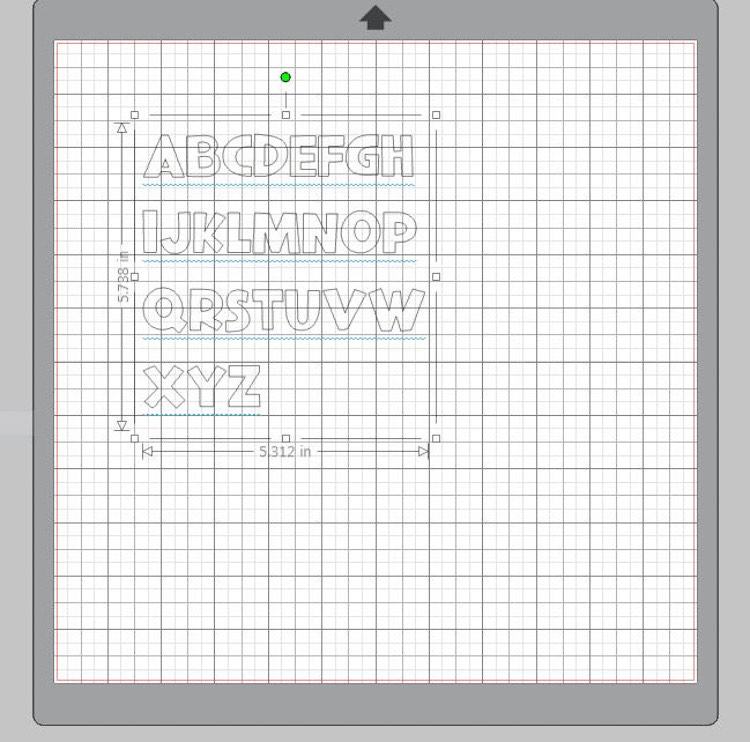
Now go over to your fonts and click on your Princess dingbat and abracadabra!, you now have 26 adorable princess themed designs.
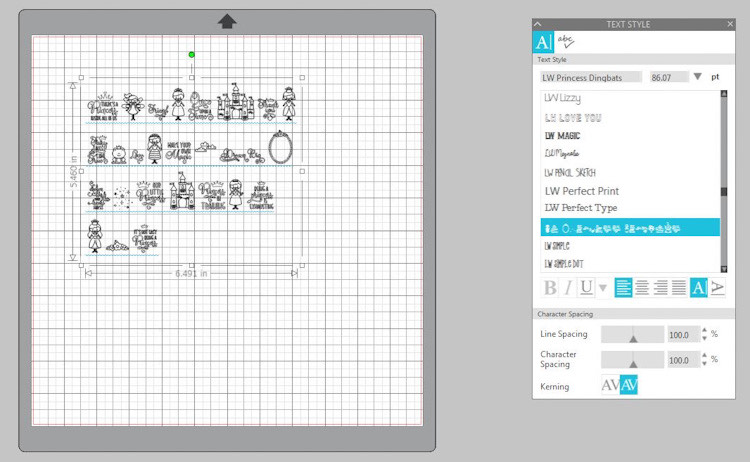
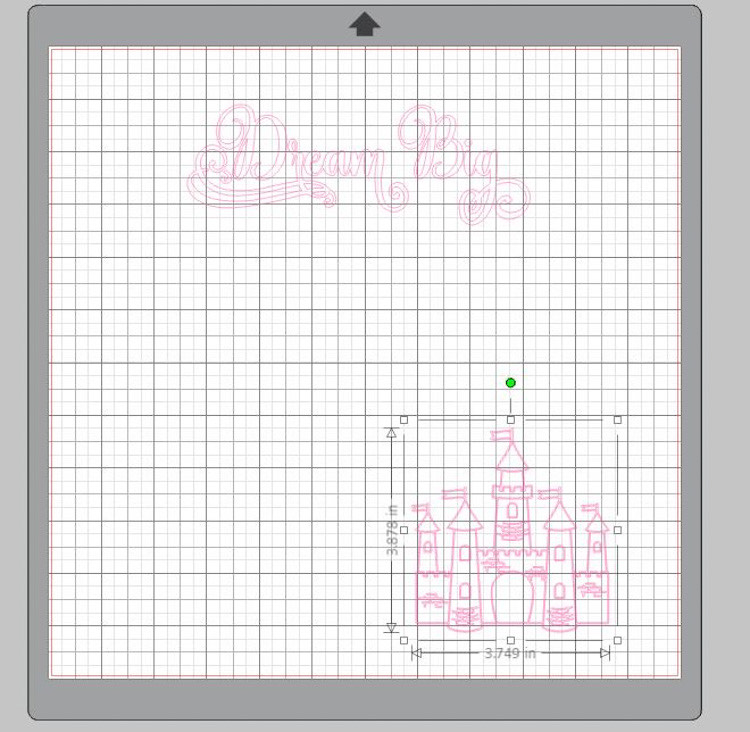
Now ungroup your dingbats just like you would for any other file.  Now that they are ungrouped, you can manipulate them as usual.  I picked the two dingbats I wanted to use, the castle and Dream Big, and deleted the rest.  Here,  you can see where I ungrouped the castle and start to change it’s size and move it where I wanted it to be on my 12×12 page.
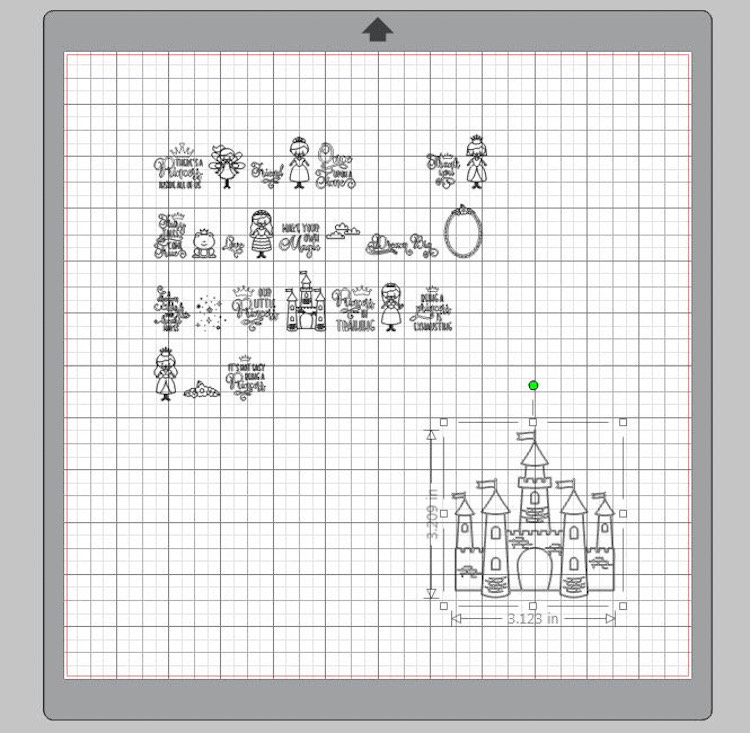
Here,  I have deleted all but the two dingbats that I am going to use.
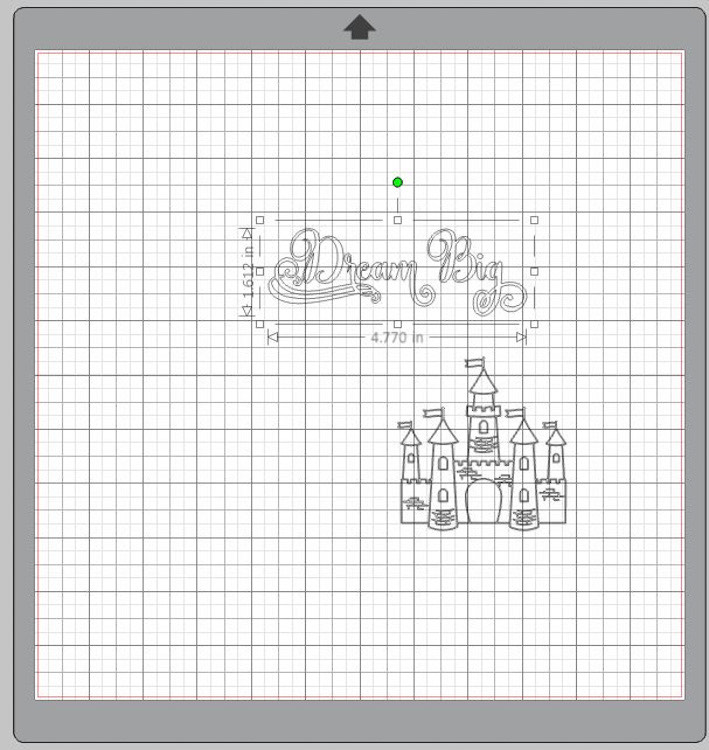
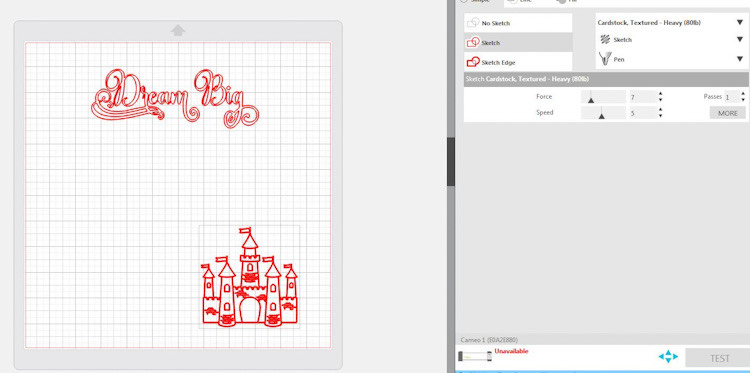
I put my Dream Big title and the castle just where I wanted them to be for my layout.  Next, I added a hot pink sketch pen and let my machine do the rest.  Such a fun way to create.  I will be getting more of these wonderful little dingbat fonts.  The are just way too cute and easy to use.
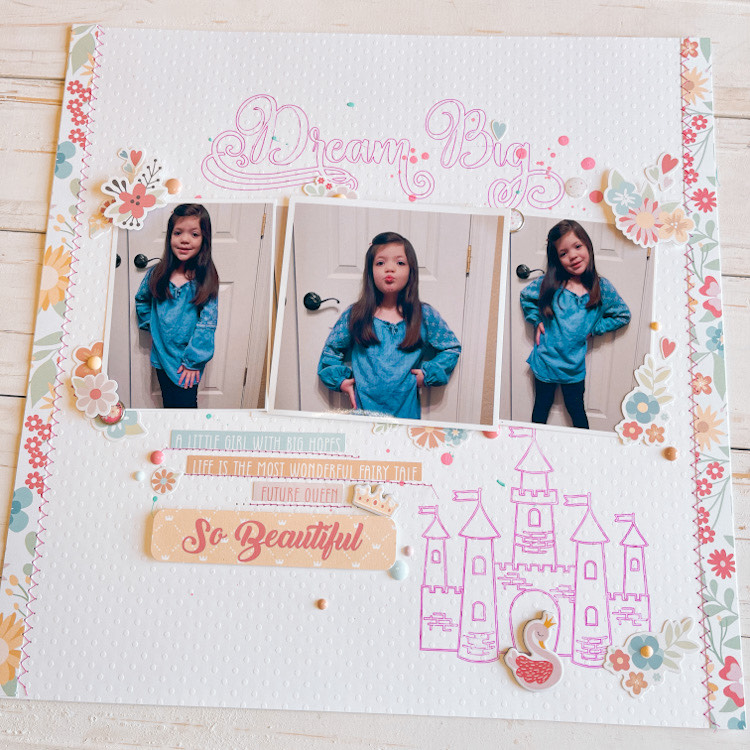
And ABRACADABRA! you have to cutest layout for your little princess!  These girl was born a princess….just look at those poses!
 

And don’t forget, there’s a sale happening now in Lori’s SVG Shop!  Get 30% off all SVGs, Fonts, Pattern Fills & Commercial Licenses when you use code APR2022 at checkout.  Don’t miss out, sale ends Saturday!
 

Have a great day!

Cathy
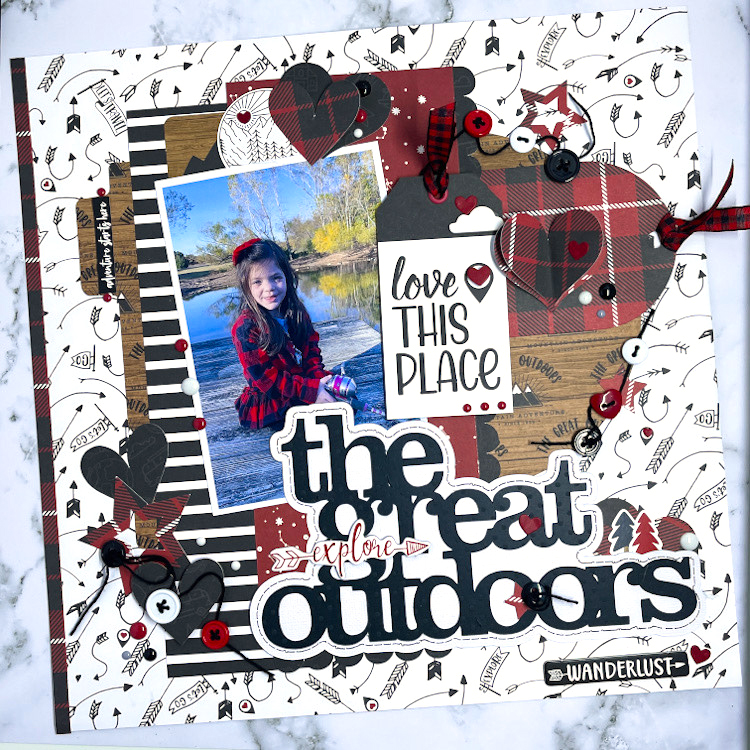
The Great Outdoors Layout

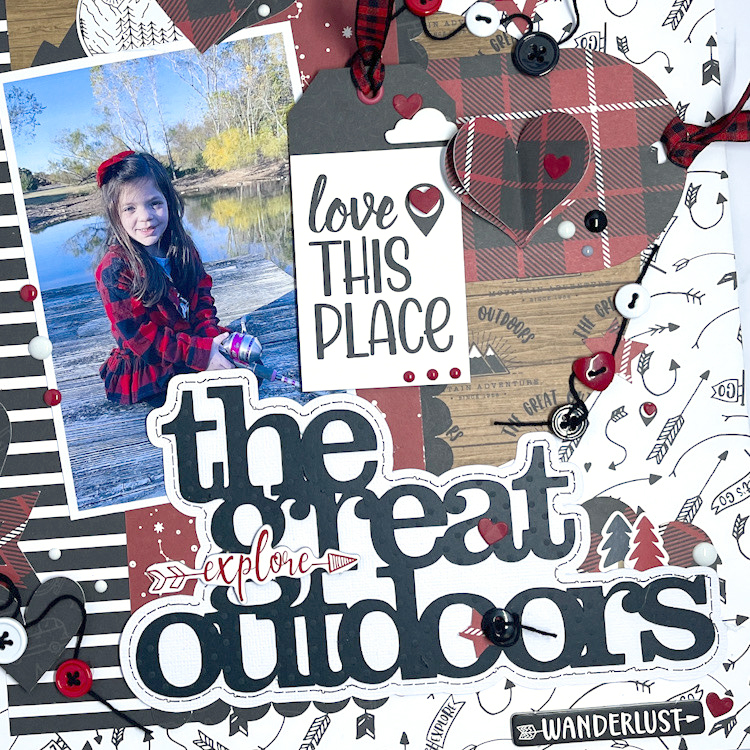
I have a layout to share with you today great with Lori’s Echo Park Let’s Go Anywhere Collection.  I had this beautiful picture of my little grand daughter fishing on the dock.  I knew this would be the perfect collection to use for this adorable photo of her.  Can you tell that this little person holds my heart?  I used lots of Lori’s files to create this.  I love to layer and she has so many files that are perfect for this.  I have them all listed under the photo.


Tabbed Borders SVG  or here in the Silhouette Design Store
11 Hearts SVG I cut lots of hearts in various sizes  or here in the Silhouette Design Store
3×4 life cards SVG or here in the Silhouette Design Store
The Great Outdoors Phrase (Silhouette)I added the shadow behind it and the stitching with a sketch pen
Star gift card SVG I just used the stare shape in various sizes or here in the Silhouette Design Store

I love how this turned out….I love to use just pieces and parts of Lori’s files to create.  You can always look at a file and a find the perfect project for you!  Layer, layer, layer!

Have a great day!

Harvest Layout – Creating a Lettering Template Tutorial

Happy Fall to everyone, but it is now winter in South Dakota…we got quite a bit of heavy snow and rain last night.  Yuck.  Fall never lasts long enough for me and winter comes way too soon.  I have an easy layout showcasing Fall and trendy red trucks, to share with you today.  I love to take Lori’s sign-type files and turn them into layouts.  I just love the look of these SVG’s and most of the times they are created for a project with vinyl, I like to do a traditional layout with them.

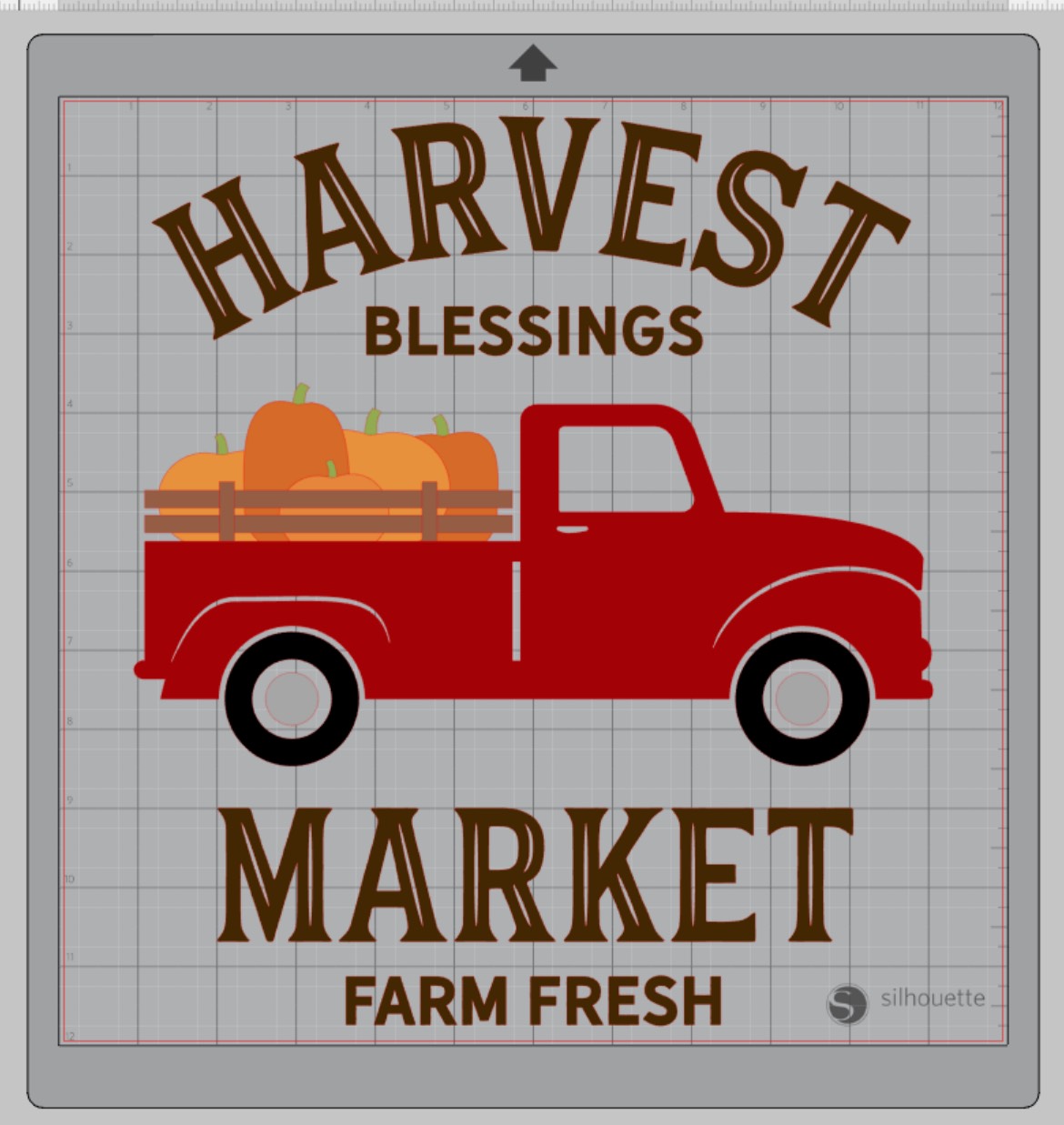
I started with the Harvest Blessings SVG file in Lori’s shop or you can find it here in the Silhouette Design Store.  I just centered it to my Silhouette mat and kept the sizing.

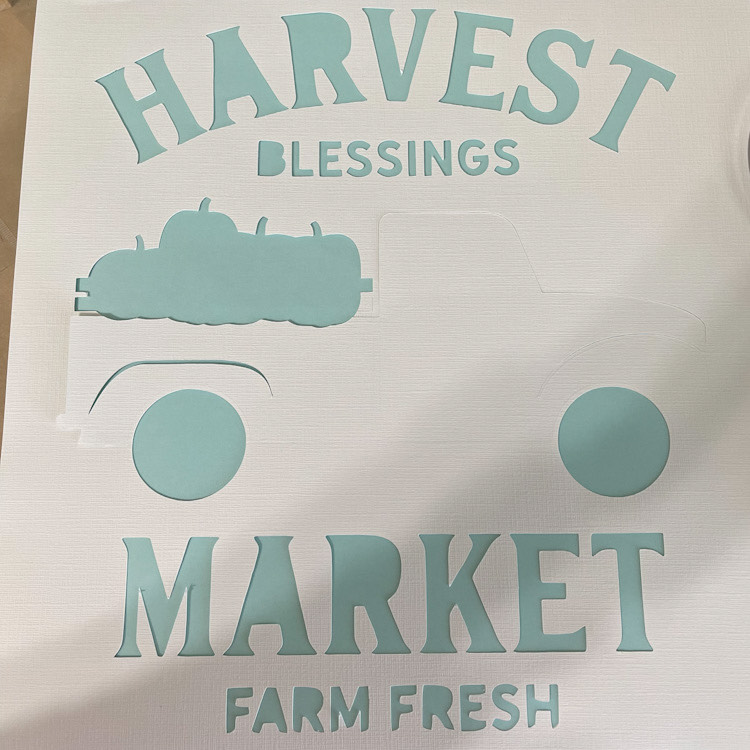
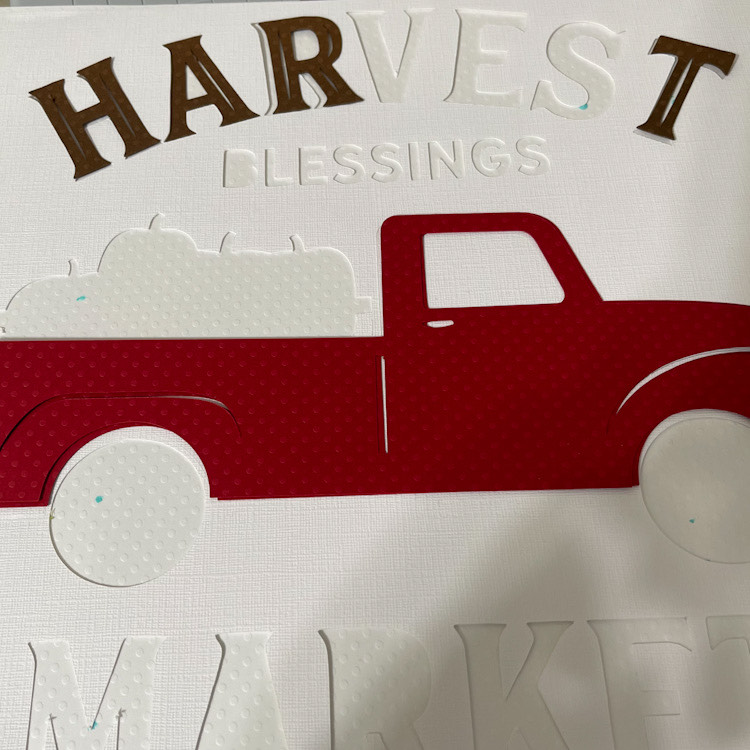
I cut the design from plain white card stock.  I use this as my mask or stencil to line up my letters perfectly.  It’s almost impossible to line up the letters with out the template, so that’s why I started cutting these, it helps keep everything straight!

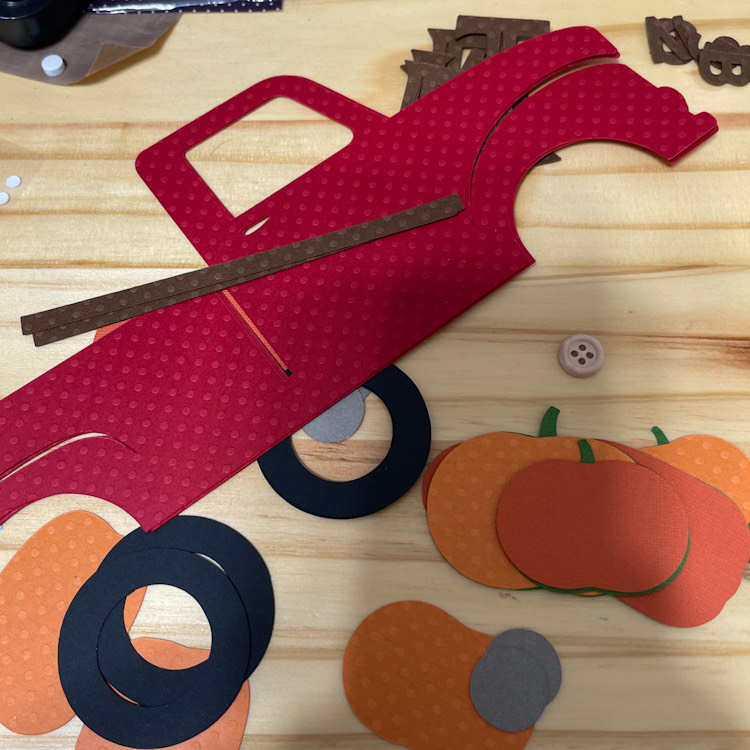
Next, I cut all the pieces that I wanted in different colors of cardstock.  I didn’t use them all, as I added a photo, other patterned papers and embellishments.

I  laid my template over the background paper of my layout and began gluing the letters and other pieces.  You can see how I started here.

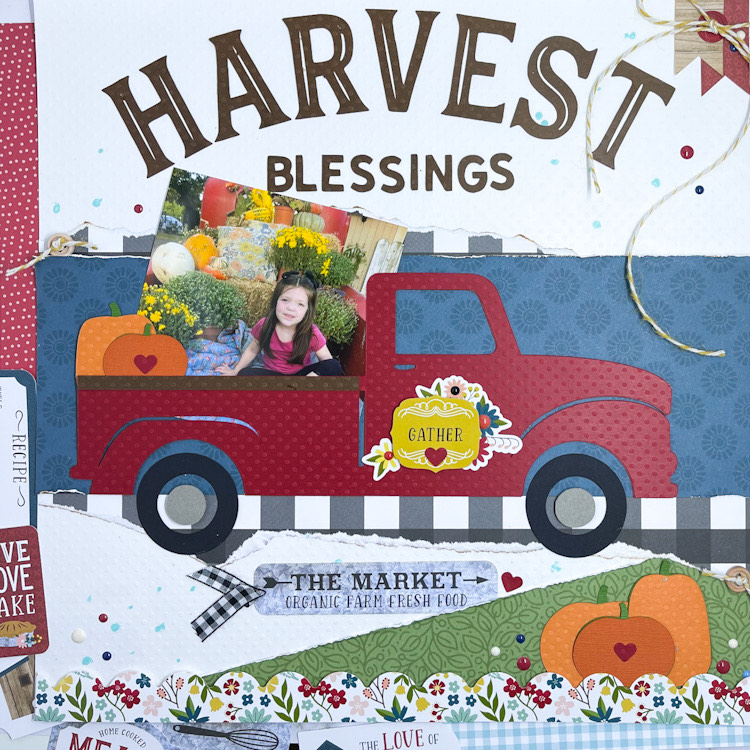
Here’s my finished layout with my perfectly aligned letters. I used Echo Park Paper’s Farmer’s Market Collection . I love using these designs to create layouts.


Bella Blvd. SVG File Feature

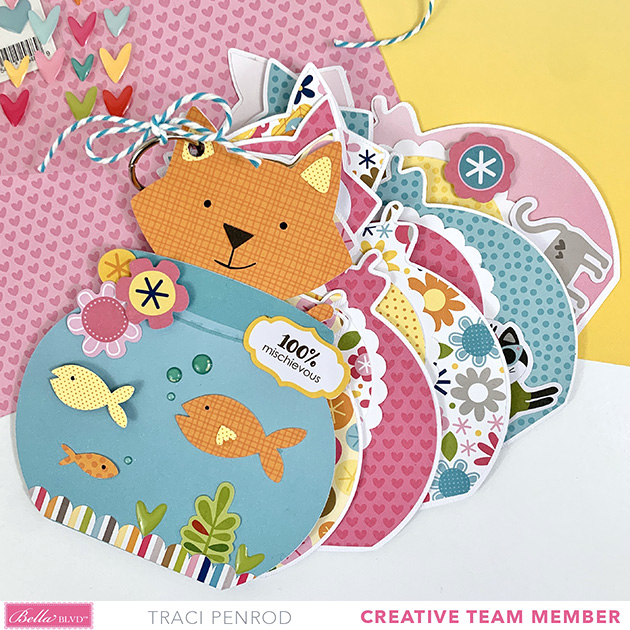
Hi Everyone!  Today I’m showcasing a fabulous project using Bella Blvd.’s SVG files!  This Purr-fect Mini album was created by Traci Penrod for Bella Blvd.

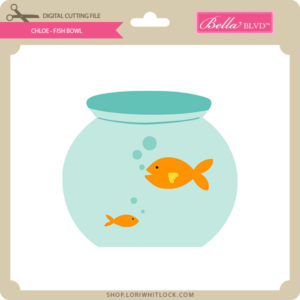
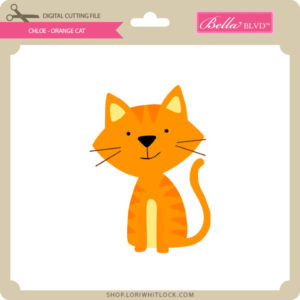
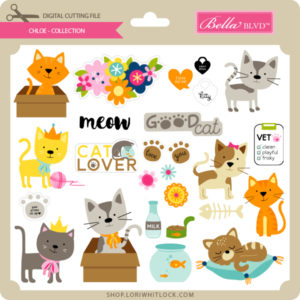
Traci used the Fish Bowl and Orange Cat SVG files from the Chloe Collection to create her album.

For more details you can see her original post here.   New Bella Blvd SVG files are being added to the Lori Whitlock SVG Shop on a regular basis, so stop by to see all of the fun SVG files HERE!

Have a great day!