Silhouette Tutorial with Tya – Custom Card Sentiments

Hi everyone- Its Tya here to share with you a fun and easy Silhouette tutorial! I love using Lori’s shapes in all sorts of fun ways. Today I wanted to share with you how to add a custom sentiment to a card front.
For my card base I used Lori’s A2 Snowflake Ornament Card that you can find here in her SVG shop and here on the Silhouette website.

As you can see, I removed the snowflake from the card front and added some festive holiday sentiments on my card front instead using the handy subtract tool in the Silhouette software. Let me show you the steps that I followed to make the cards.

1- Ungroup the shape and delete the snowflake.

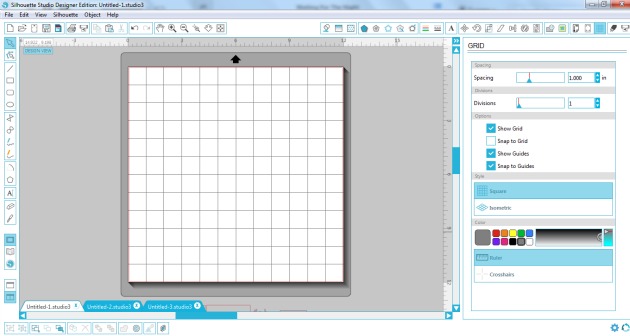
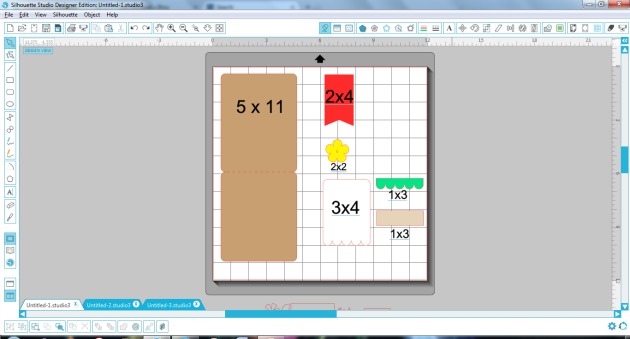
2- Grab the card front. Using the Draw a Rectangle tool, draw a 1.5×4.5 inch box right in the center of the ornament.

3-Open the modify window, select both shapes, and then click on subtract.

4-You will now have the top and bottom section of the shape with a space in the middle.

5- Type out your sentiment. I typed the word Merry in all capitals using the LW Block font I downloaded from the Silhouette store. I suggest using block fonts, or fonts with a serif on them for this technique. I also like to use capital letters just to make things easy and even. Resize your sentiment so that the letters slightly overlap the top and bottom lines of our space we cut out of the middle.

6- Select  just the top section of the ornament, right click and click on make a compound path. This keeps the hole in the top section of the ornament.

7- Select the whole shape, right click and select Weld. You can see now that the shape of the ornament is still intact, and we added a custom sentiment to our card front – this is a fun way to add a personal touch to your cards and to get more use from your card shapes.

Here are all the cards I made using this technique. I really enjoyed using Lori’s Christmas Cheer Echo Park paper line for my cards. The colors just pop! Love it! For this card, I used the Merry Christmas flourish phrase found here and here.

Thanks so much for stopping by today and letting me share this tutorial with you! I hope that you will give this nifty technique a try! And I would love it if you would stop by my blog and say hi! Happy Holidays and Happy Crafting!


Christmas Gift Link Up with Corri Garza

Hi everyone!  Corri here today with a new link up party for you guys.  Since this time of the year is all about gift giving, I thought it would be fun to have our link party be all about “Gift Ideas.” Lori has recently added so many great gift files to her shop….check out these cute ideas.

Link up your projects using any of Lori’s files for a chance to win a $15 gift card.

Here’s my project for today.

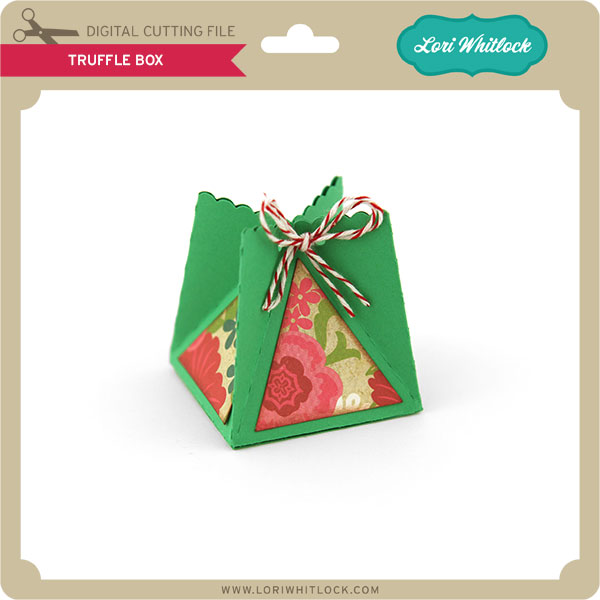
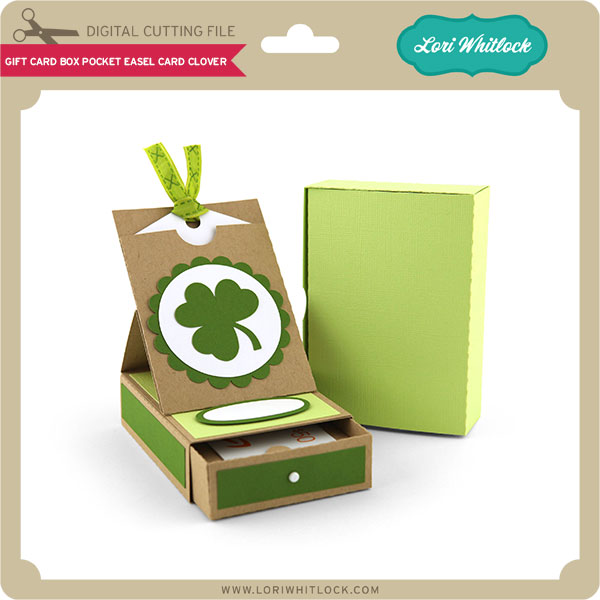
This box would be so cute filled with candy, a gift card or a small gift.  I used paper from the Christmas Cheer Collection from Echo Park.

We love seeing all your projects…you can also share them on Instagram using the hashtag #loriwhitlock and tag @loriwhitlock.


Santa Shaped Card with Corri

Happy Thanksgiving, everyone!  Corri here today sharing a fun shaped card made with Lori’s Santa Face file. Here’s how I made it.

First, ungroup the pieces and drag them off your mat.    Drag the beard portion onto your mat and then click on the replicate menu along the top. Click on mirror above.

Next, select the top beard and move it down slightly.  Select both pieces and the right click and select weld.

Now you have your card base. Next, cut all the layers including an additional white beard piece.   To add some texture to the card, I embossed this layer.

I used paper from the Christmas Cheer Collection from Echo Park Paper.  Such a fun card and it goes together really quickly.

Be sure to check out all the new Christmas files in Lori’s SVG shop and Silhouette Shop.

Also, be sure to check out the Silhouette Black Friday Sale from last night’s post. To get these deals be sure to shop HERE. And use code LORI at checkout. Sale ends December 8.

Already a Silhouette user?
Use code: LORI to receive 40% OFF at SilhouetteAmerica.com (*excluding machines, design downloads, download cards, subscriptions and gift cards) PLUS Free Shipping on orders over $25 for the lower 48 states
50% OFF all designs at SilhouetteDesignStore.com – no code needed!

Oh Baby SVG Files

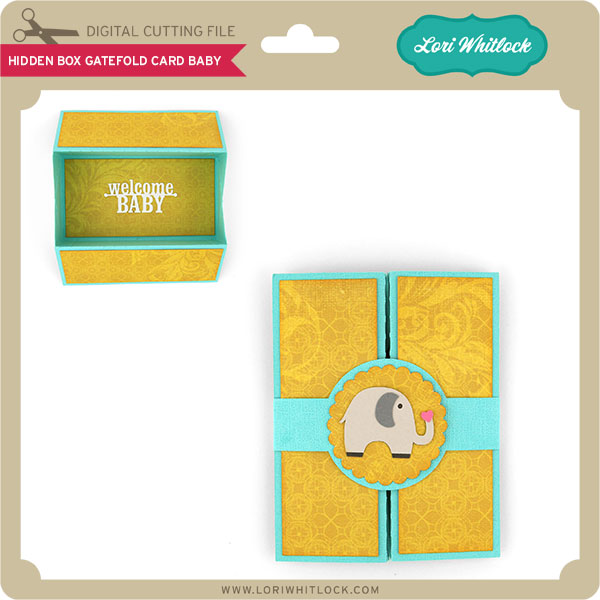
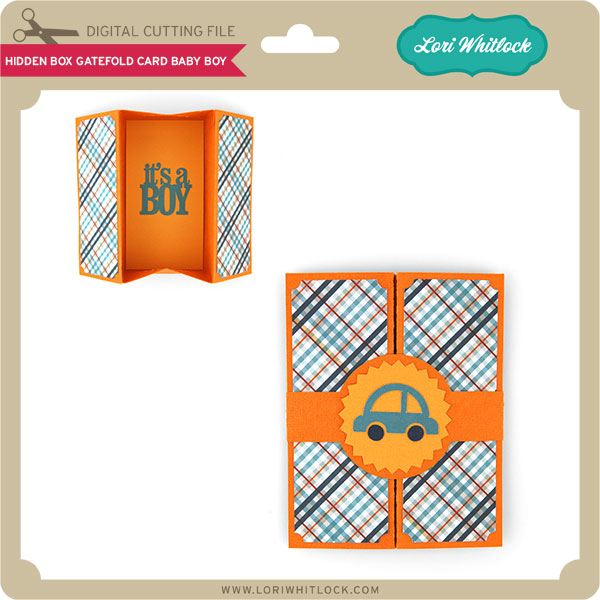
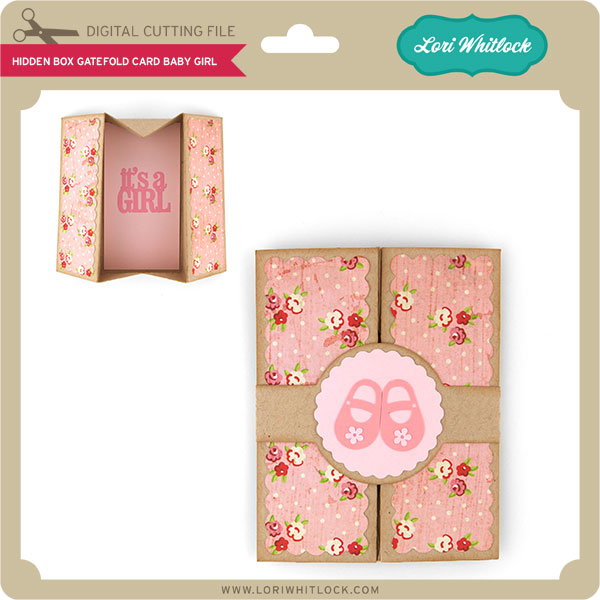
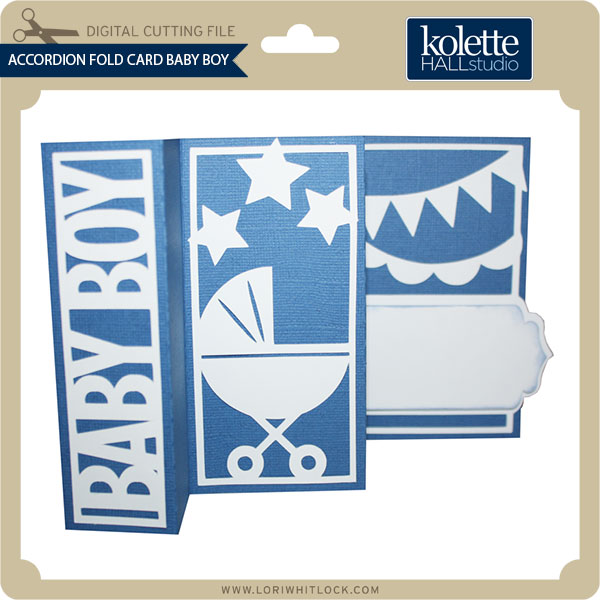
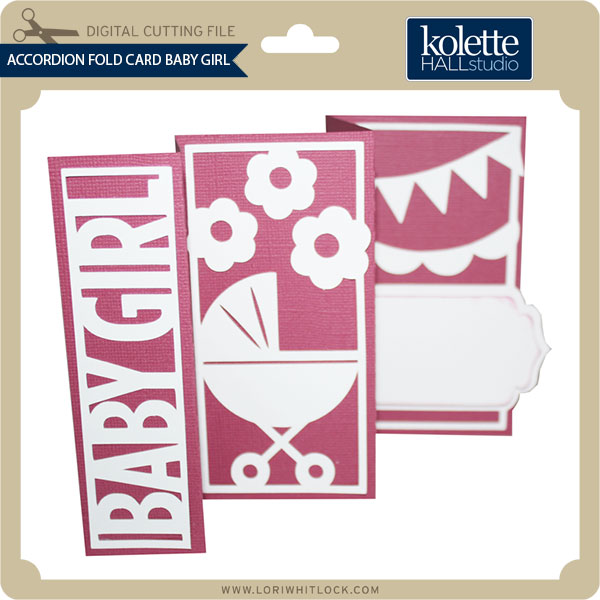
Check out these new baby/card files in the SVG shop and Silhouette Shop this week. They turned out so pretty. I can’t wait to get crafting.

This beautiful sample was made from papers from DCWV and Echo Park.This sample was also created with papers from Echo Park Dots and Stripes and Echo Park So Happy Together.

This adorable teddy bear card also uses the glittery chevron paper by DCWVand finally is this adorable Step Card Baby Dresser which uses which again uses papers from DCWV and Echo Park.

Finally, I would like to remind you of the Silhouette Portrait® giveaway. Be sure to enter here.

Also there is a great sale at www.silhouetteamerica.com/tote this month. Be sure to use coupon code LORI at checkout for the sale pricing. It’s a GREAT time to pick up one of the NEW rolling totes for your Cameo or Portrait for 25% OFF. Also, Silhouette’s NEWLY released products from CHA this month are 20% OFF.

New Files in SVG Shop

Have you seen these new files in the shop? They have turned out SO cute. I can’t wait to make this up for myself.

First up are these adorable mini albums which include their own storage boxes. They come in both 8×8 and 5×4 size. Check out these adorable papers. They are some of my favorites from this collection by DCWV. They have so many patterns to choose from. Take a look at the Valentine papers used in Lori’s samples on these 2 albums.

Another paper company used in samples on these mini albums was Echo Park’s Collection “That’s My Boy” designed by Lori Whitlock. This is another great collection showcased in Lori’s samples this week. Be sure to check back for more great projects.