January Blog Hop

Welcome to our January 2015 Creative Team Blog Hop. Our team has been working hard to share some beautiful projects with you! But first…
There is a sale going on at Lori’s SVG shop. ALL files (and commercial licenses) from Lori and Kolette are on SALE 30% OFF. Use code JANUARY (case sensitive) at checkout in the SVG SHOP.

Just so you know, we are constantly trying to make changes that make your life easier. Our SVG files are now Cricut Explore friendly. Our newest files are color coded and the score marks should appear on one layer. We now provide cut size information and a line art PDF with most of our 3D projects. Check the description on each shape before making your purchase, if you desire the cut sizes, PDF or Cricut friendly files on an older shape that does not include the files needed, please let us know by emailing us HERE. We’re happy to help you get what you need.
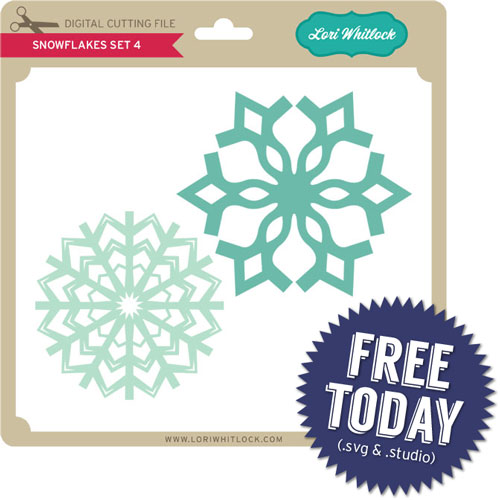
Everybody loves a FREEBIE, right? TODAY ONLY, this Snowflake Set is yours for FREE. The SVG and STUDIO cutting files are included in the download.(no longer available)

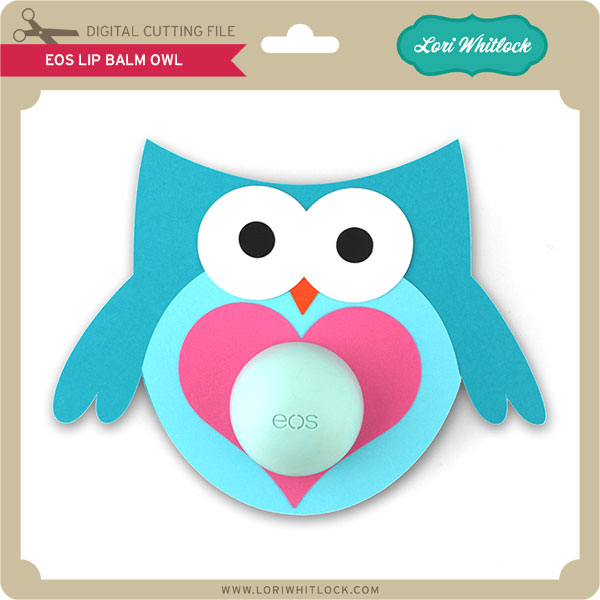
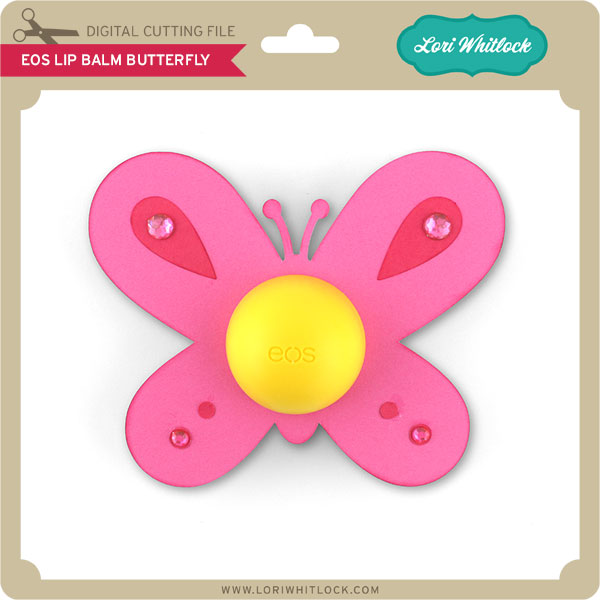
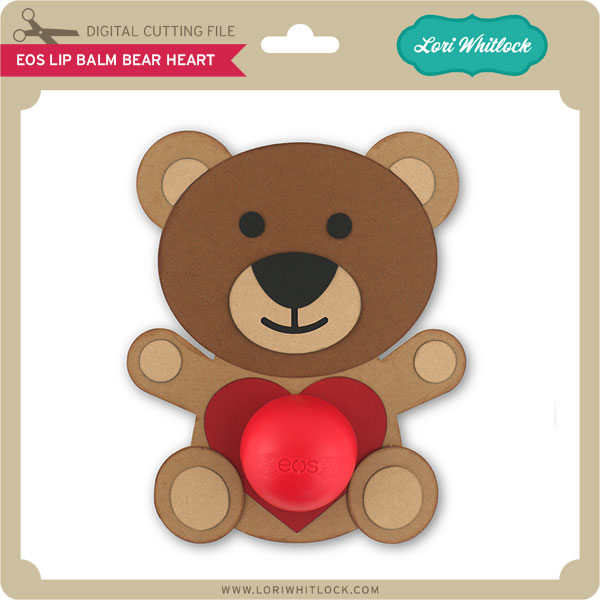
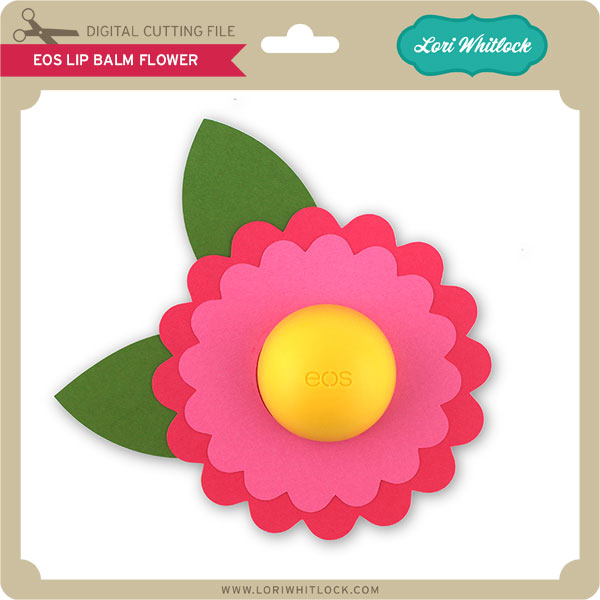
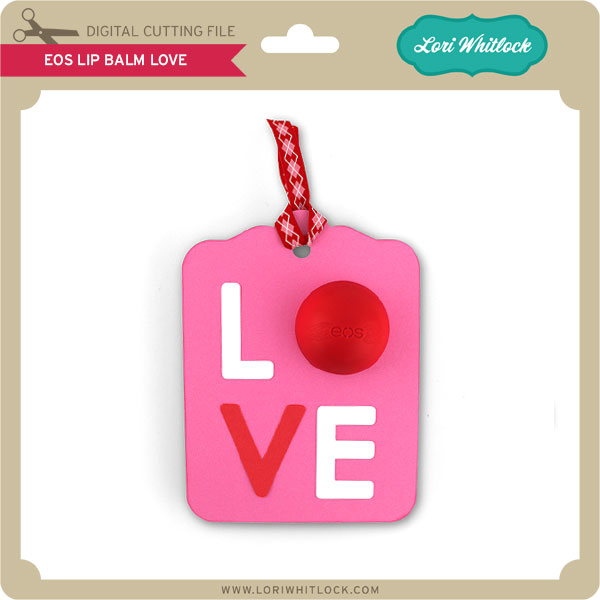
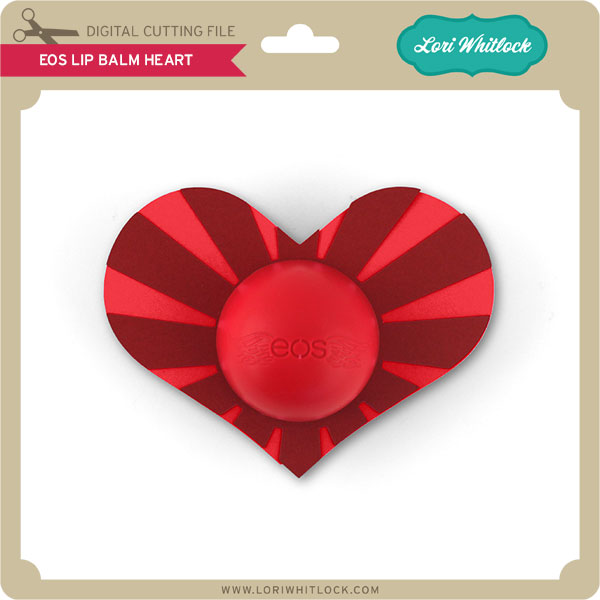
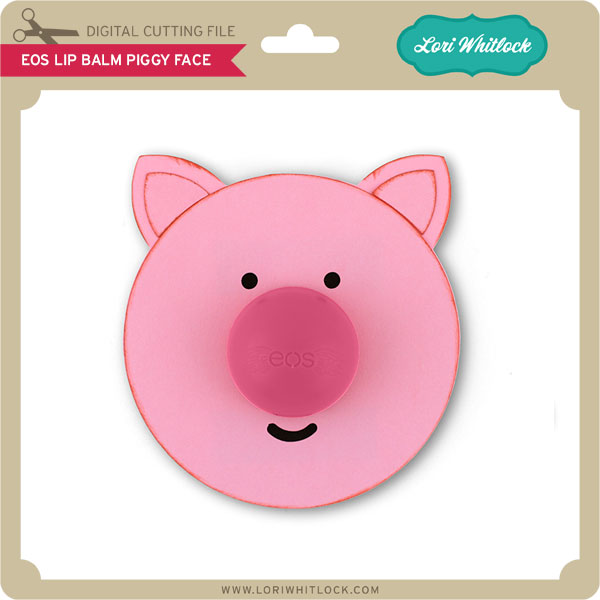
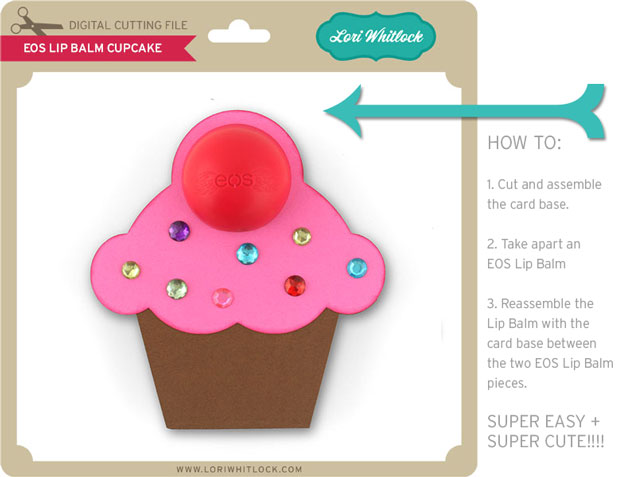
New this week… Check out these adorable new files in the SVG Shop, and they are on SALE 30% OFF through Jan. 19 due to the Blog Hop!!! Be sure to use coupon code JANUARY at checkout. These EOS Lip Balm holders are the CUTEST project! What a fun gift for Valentine’s, party favor,  or a little Thank You! And, the best part… THEY ARE SO EASY.
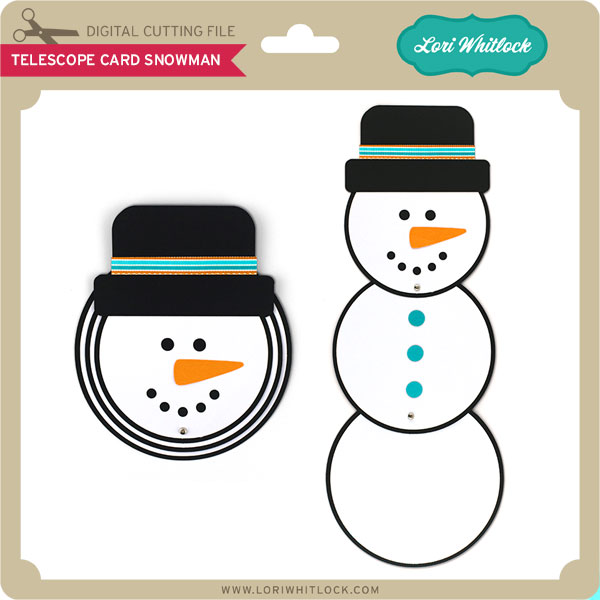
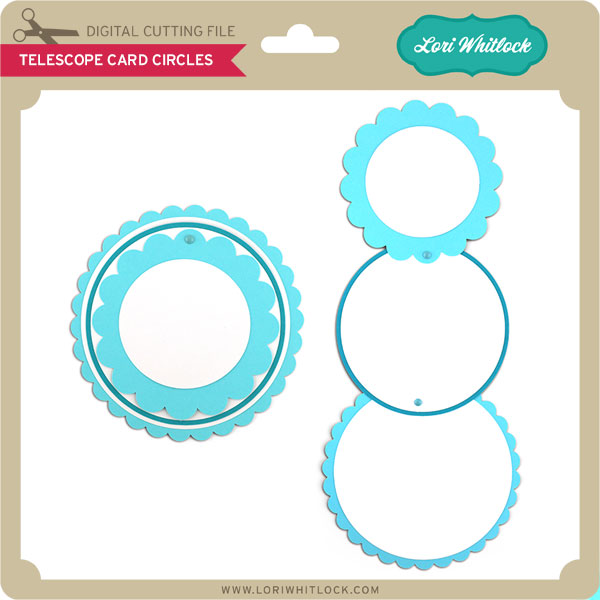
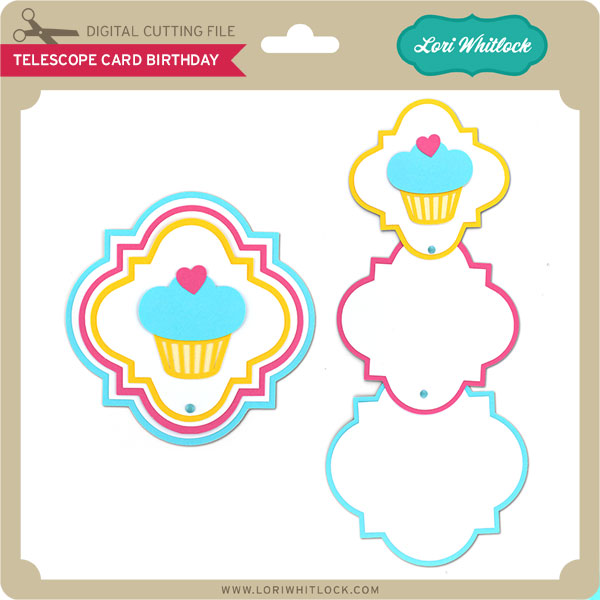
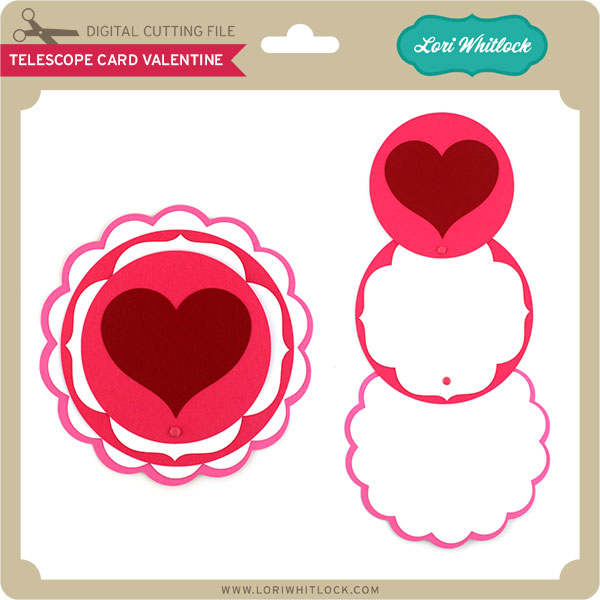
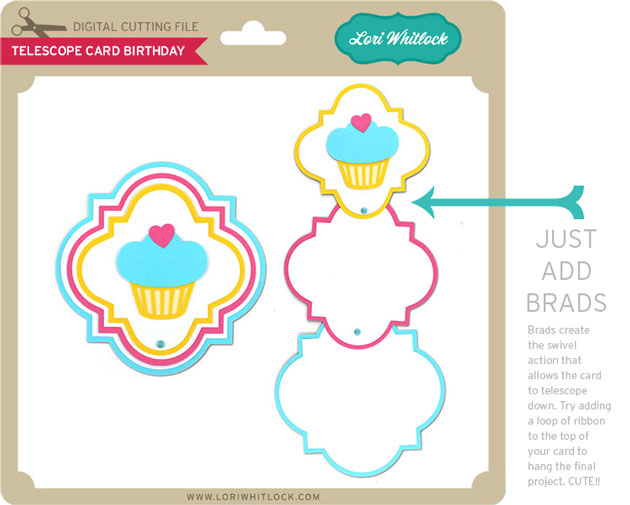
You’ll also see that I have several new Telescope Cards. These are fun because with a couple of brads you can make a really stunning interactive card. These cards “stack” flat when closed, but “telescope” open. Try adhering a loop of ribbon to hang them. There are so many things you could do with these cards. They’re so FUN!!
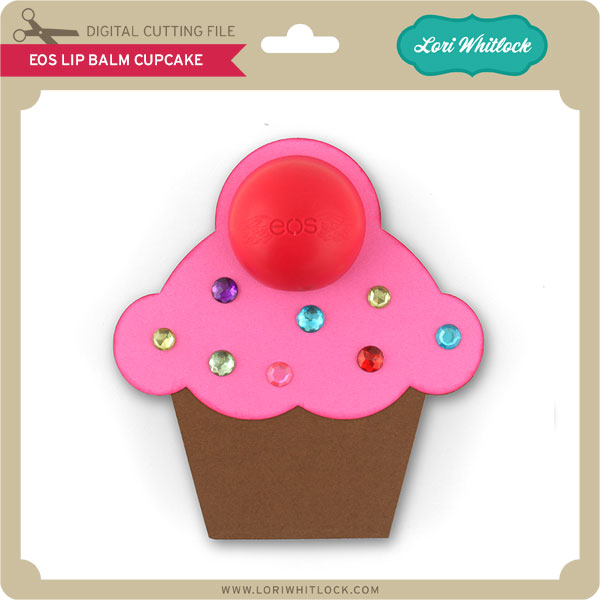
 

All of Lori’s NEW downloads include Cricut friendly files. Cut size info and a PDFs for printing and hand cutting are included when appropriate. Be sure to read the description.

Next, would you like to see what our amazing team has created? Click the links below for some wonderful projects. If you ever get lost come back here to get on track

Lori Whitlock

Corri Garza 

Mendi Yoshikawa 

Kathy Skou

Cathy Harper

Chrissy Guido

Ashley Cook

Stephanie Chavers

Rachael Sheedy

And finally, would you like a chance to WIN a $30 gift card to the SVG Shop? Enter through the Rafflecopter form below. A winner will be announced this Thursday, yep that’s right just two days. Be sure to LEAVE A BLOG COMMENT AT EACH STOP for 4 entry points! Good luck and thanks for dropping by!
a Rafflecopter giveaway

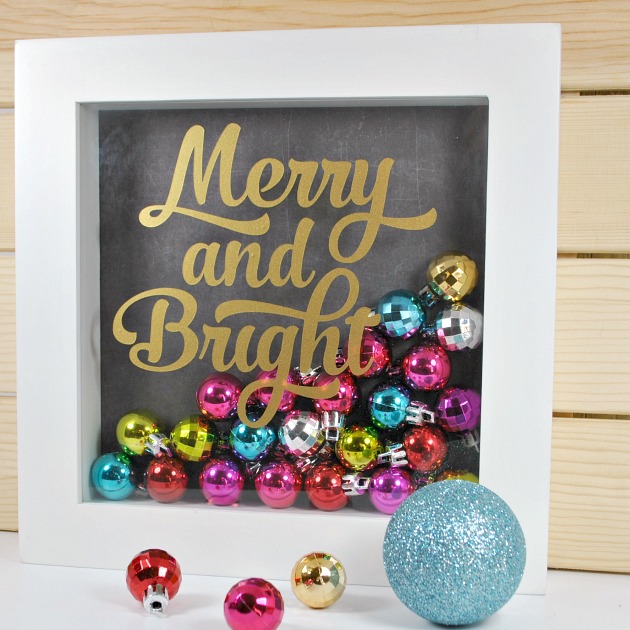
Merry and Bright Shadowbox with Cathy

Hi Lori Whitlock fans…Cathy here with you today and I have a quick last minute gift idea to share with you!  I created a shadow box with one of Lori’s Christmas Phrase Set 1!  I know that this isn’t the most original idea out there but they are really quick and easy to make.  Lori Whitlock has so many wonderful phrase sets that the possibilities are endless for creating these shadowboxes.

I started with and 8×8 white shadow box and added an 8×8 piece of black chalkboard paper from Lori’s Echo Park Christmas Cheer collection.  Just adhere this piece to the back of your frame.  Next, fill your frame with tiny ornaments or jingle bells.

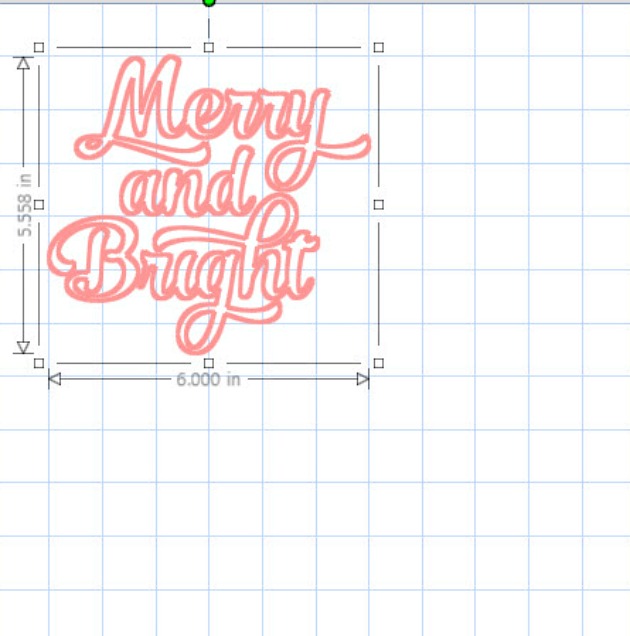
I cut the Merry and Bright out of gold metallic Oracle 631 vinyl.  I scaled it down to the size you can see below.  The preset vinyl setting on the Silhouette cuts is beautifully with a nice sharp blade.  Weed your vinyl and transfer the saying onto the transfer paper.    Then just adhere it where you want it to be and just like that you are done!  Easy Peasy!

Such a super cute set!  If I need another last minute gift, I will use the Jingle all the Way and fill it full of multi colored jingle bells!

And as I mentioned earlier, that Lori has so many phrases that the possibilities are endless for these shadowboxes!

Christmas Phrases Set 1 link  or the Silhouette Store Merry and Bright link!

Corri Garza- Poinsettia Flower Pot

Hi everyone!  Corri here today sharing my version of Lori’s Poinsettia Flower Pot Card.

I love the dimensional look of the flowers.  This would be a great way to gift a gift card…you could should use a glue dot to attach the card to the pull out portion of the card.

I used paper from the Christmas Cheer Collection from Echo Park.  I love the addition of black to the traditional Christmas colors.  The tag is from the element sticker sheet.  I sprinkled the back with baby powder so it wouldn’t stick to the front of the card.

Check out all the beautiful new Christmas files that Lori added to the shop.

Silhouette Tutorial with Tya – Custom Card Sentiments

Hi everyone- Its Tya here to share with you a fun and easy Silhouette tutorial! I love using Lori’s shapes in all sorts of fun ways. Today I wanted to share with you how to add a custom sentiment to a card front.

For my card base I used Lori’s A2 Snowflake Ornament Card that you can find here in her SVG shop and here on the Silhouette website.

As you can see, I removed the snowflake from the card front and added some festive holiday sentiments on my card front instead using the handy subtract tool in the Silhouette software. Let me show you the steps that I followed to make the cards.

1- Ungroup the shape and delete the snowflake.

2- Grab the card front. Using the Draw a Rectangle tool, draw a 1.5×4.5 inch box right in the center of the ornament.

3-Open the modify window, select both shapes, and then click on subtract.

4-You will now have the top and bottom section of the shape with a space in the middle.

5- Type out your sentiment. I typed the word Merry in all capitals using the LW Block font I downloaded from the Silhouette store. I suggest using block fonts, or fonts with a serif on them for this technique. I also like to use capital letters just to make things easy and even. Resize your sentiment so that the letters slightly overlap the top and bottom lines of our space we cut out of the middle.

6- Select  just the top section of the ornament, right click and click on make a compound path. This keeps the hole in the top section of the ornament.

7- Select the whole shape, right click and select Weld. You can see now that the shape of the ornament is still intact, and we added a custom sentiment to our card front – this is a fun way to add a personal touch to your cards and to get more use from your card shapes.

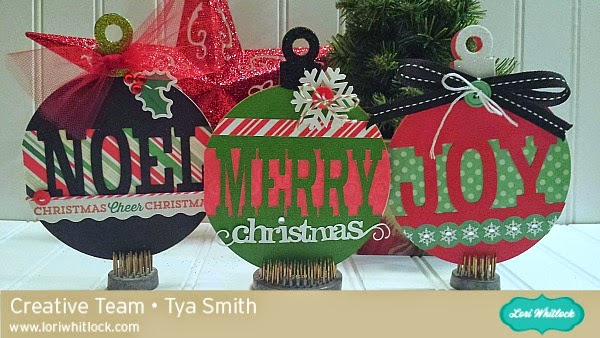
Here are all the cards I made using this technique. I really enjoyed using Lori’s Christmas Cheer Echo Park paper line for my cards. The colors just pop! Love it! For this card, I used the Merry Christmas flourish phrase found here and here.

Thanks so much for stopping by today and letting me share this tutorial with you! I hope that you will give this nifty technique a try! And I would love it if you would stop by my blog and say hi! Happy Holidays and Happy Crafting!
 

Christmas Gift Link Up with Corri Garza

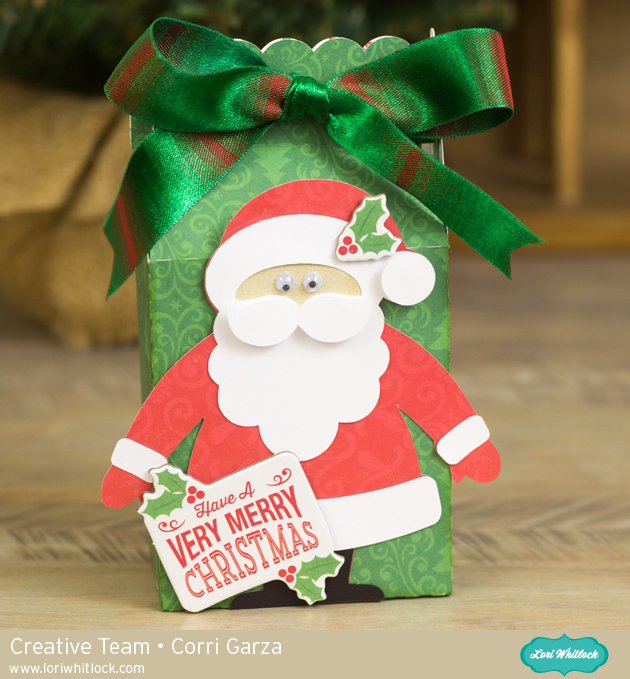
Hi everyone!  Corri here today with a new link up party for you guys.  Since this time of the year is all about gift giving, I thought it would be fun to have our link party be all about “Gift Ideas.” Lori has recently added so many great gift files to her shop….check out these cute ideas.

Link up your projects using any of Lori’s files for a chance to win a $15 gift card.

Here’s my project for today.

This box would be so cute filled with candy, a gift card or a small gift.  I used paper from the Christmas Cheer Collection from Echo Park.

We love seeing all your projects…you can also share them on Instagram using the hashtag #loriwhitlock and tag @loriwhitlock.