Easter Card Cross

Happy last day of March!  Did March go by so fast for you?  It did for me! Any fun plans for April Fool’s Day?

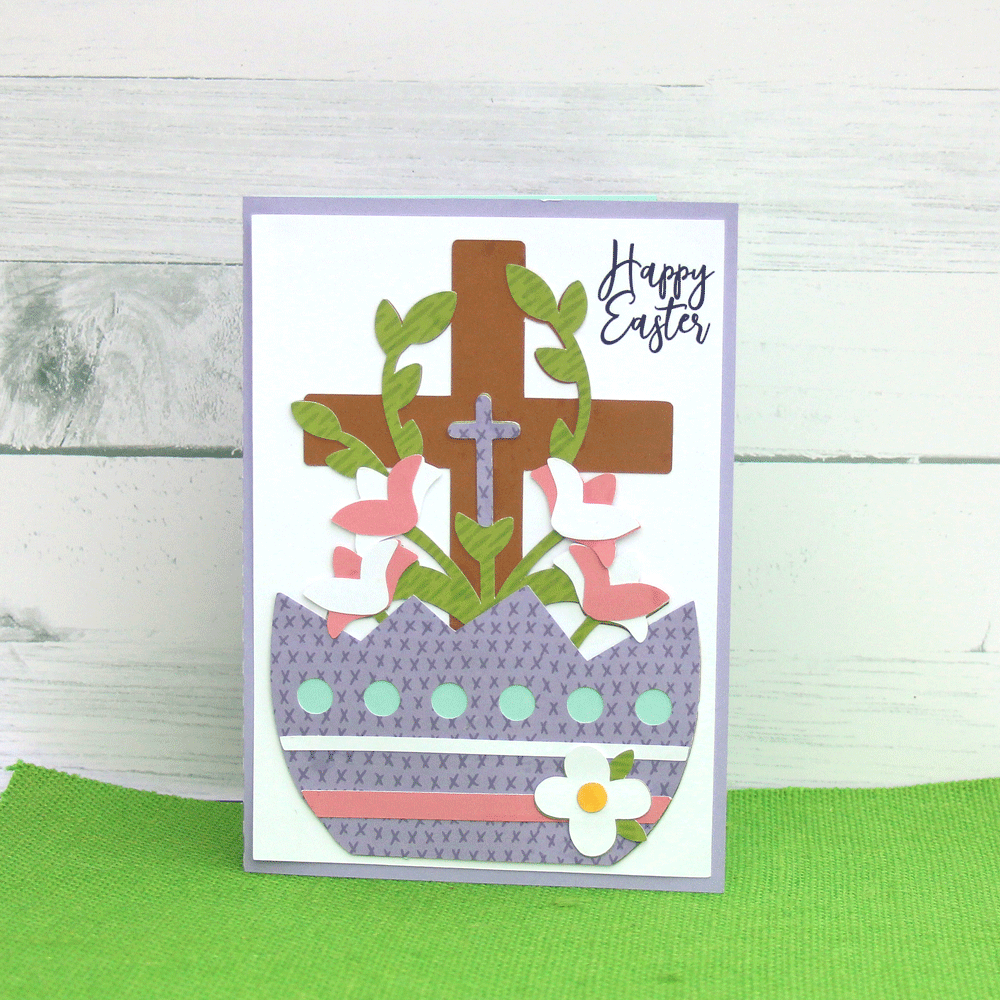
I’m sharing an Easter Card today. Plenty of time to make and send your favorite Easter cards.  Lori has so many great ones to choose from.

Easter Card Cross (SVG, Silhouette).

This card is a 5 x 7 card.  There’s a coordinating treat box in Lori’s shop as well (SVG, Silhouette).

Easter Egg Treat Box Cross

You are going to love this and the other cards and boxes.  Happy Spring!

Ashley

Easter Banner Tutorial

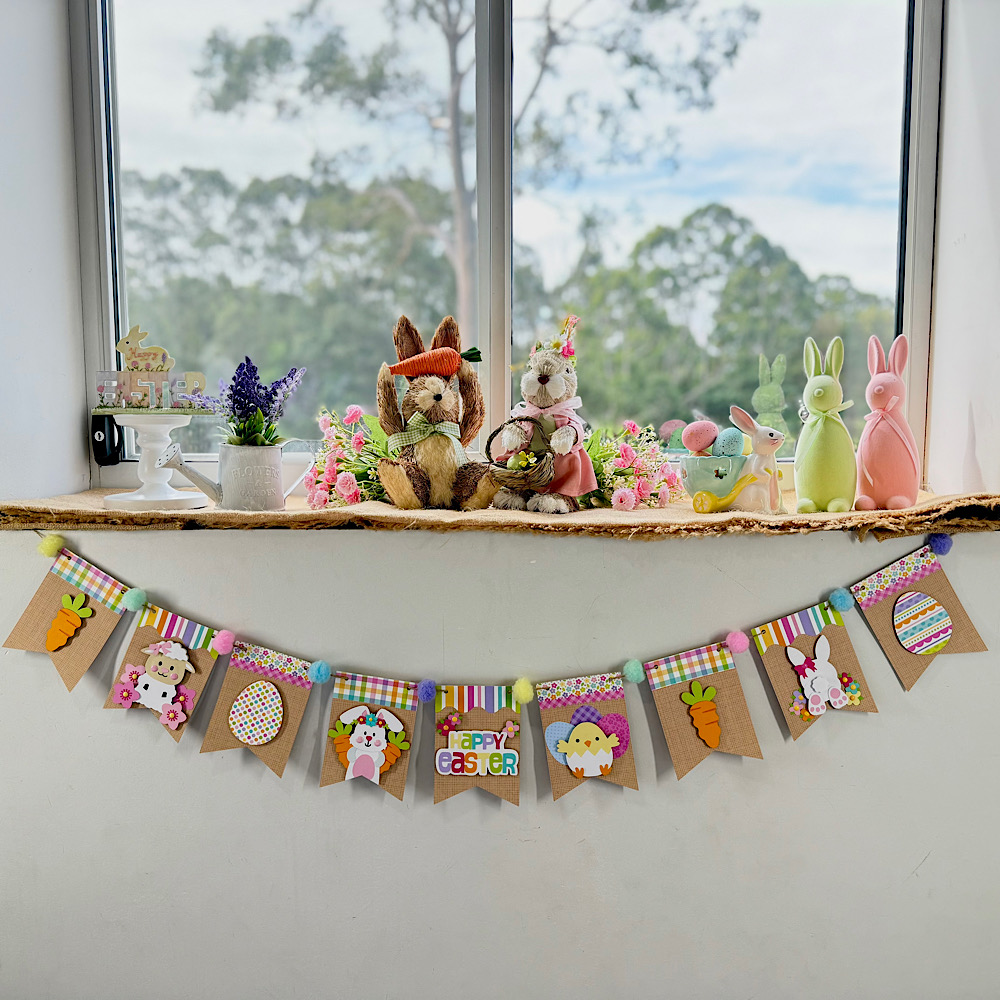
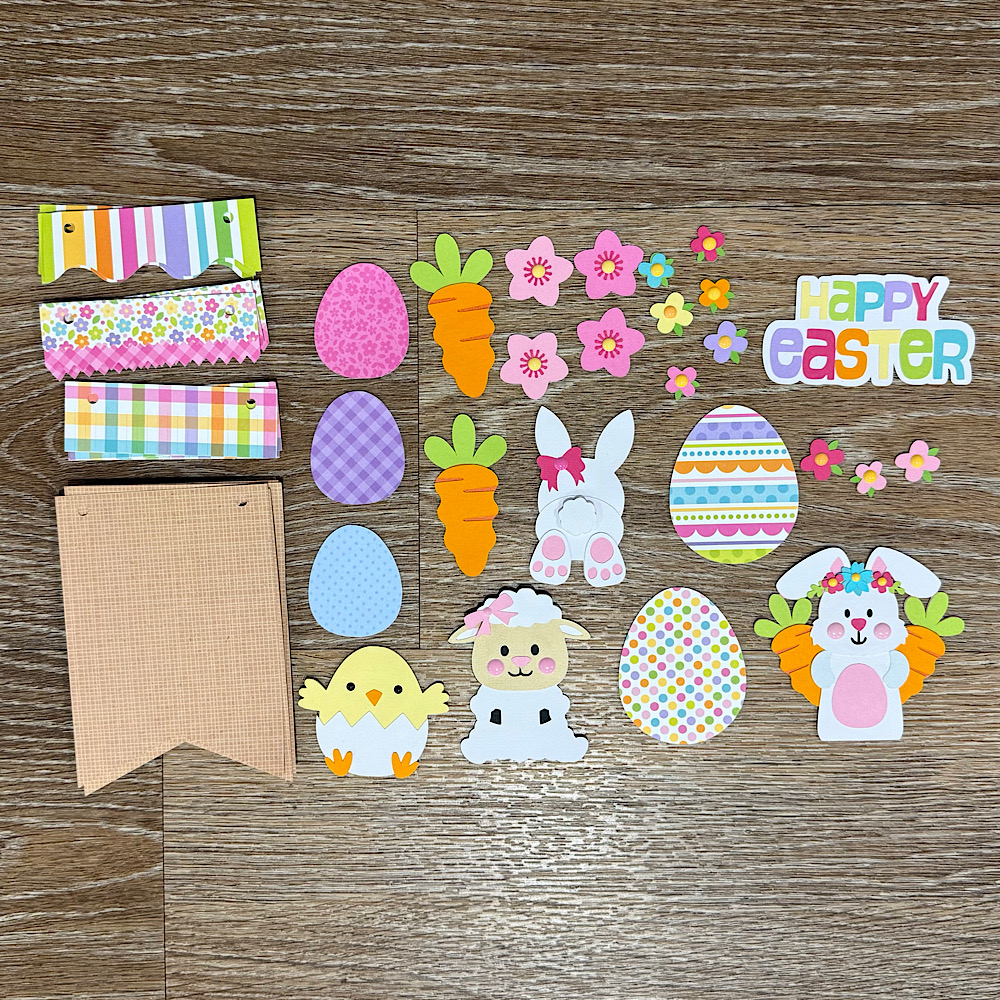
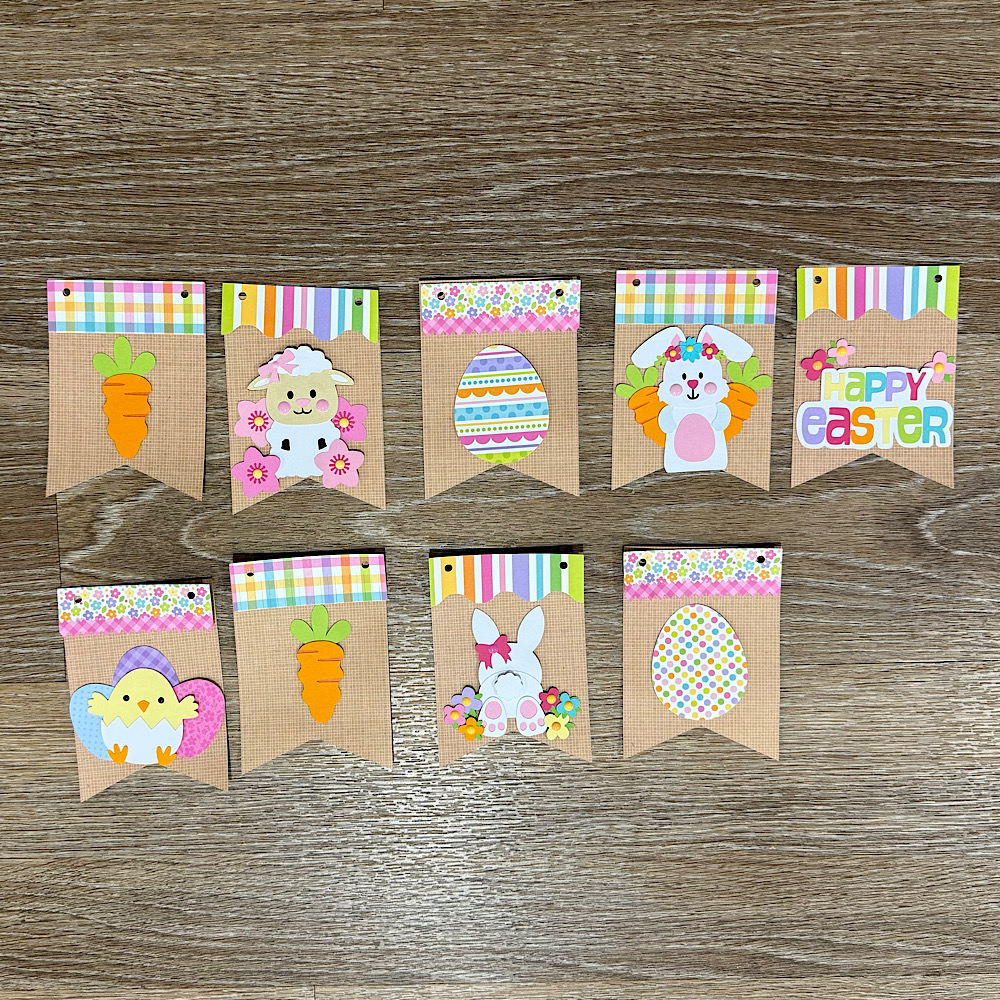
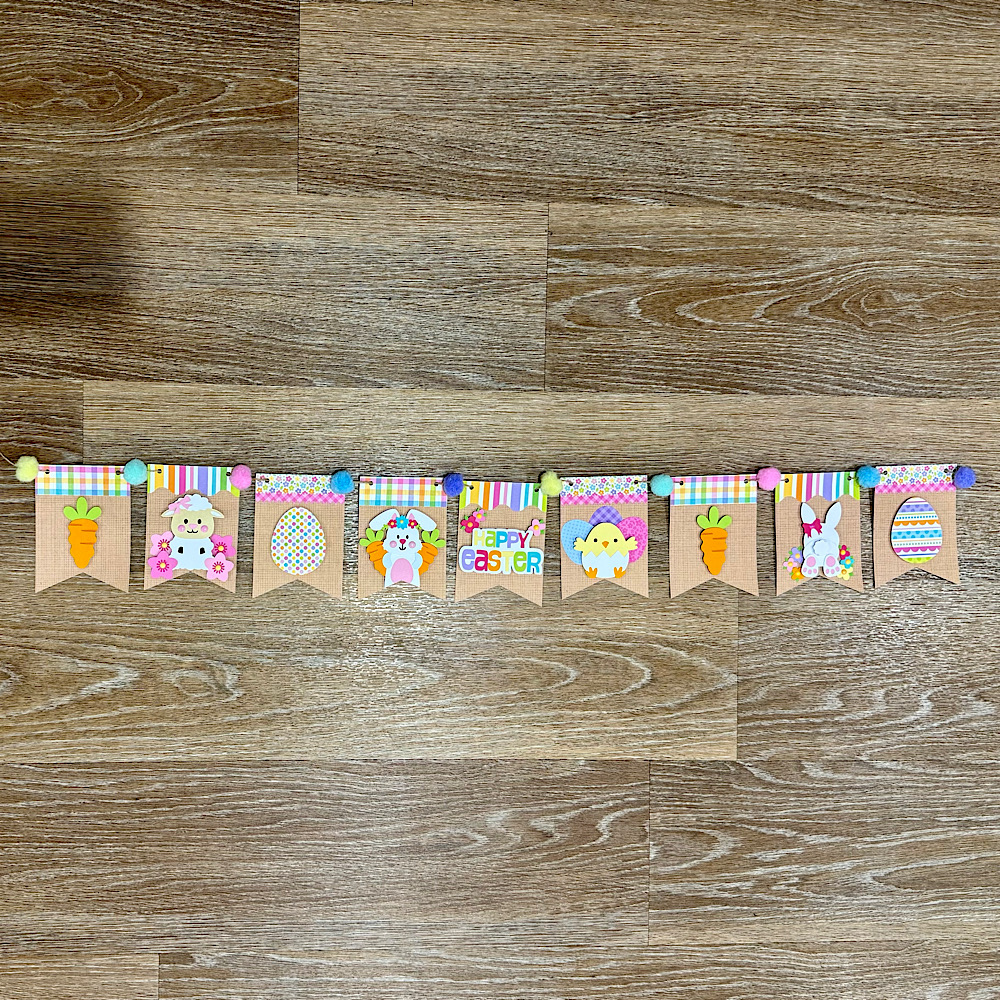
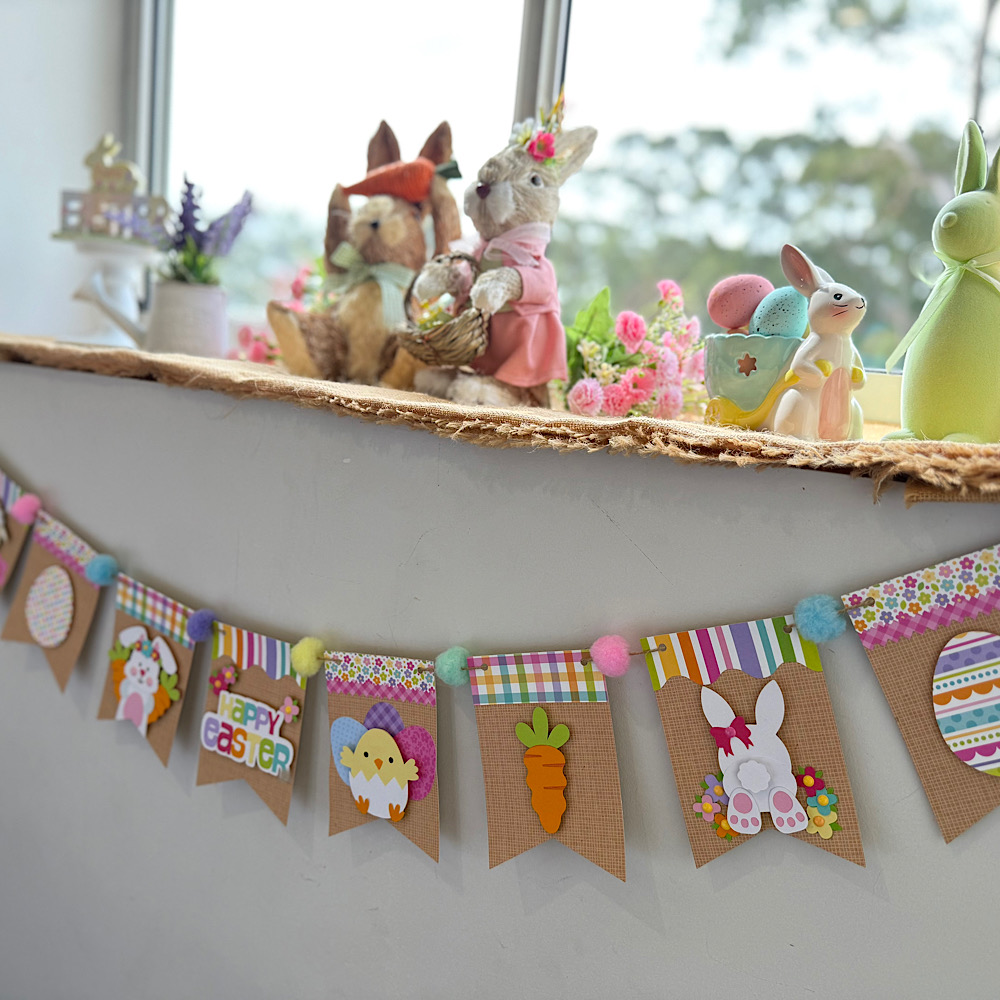
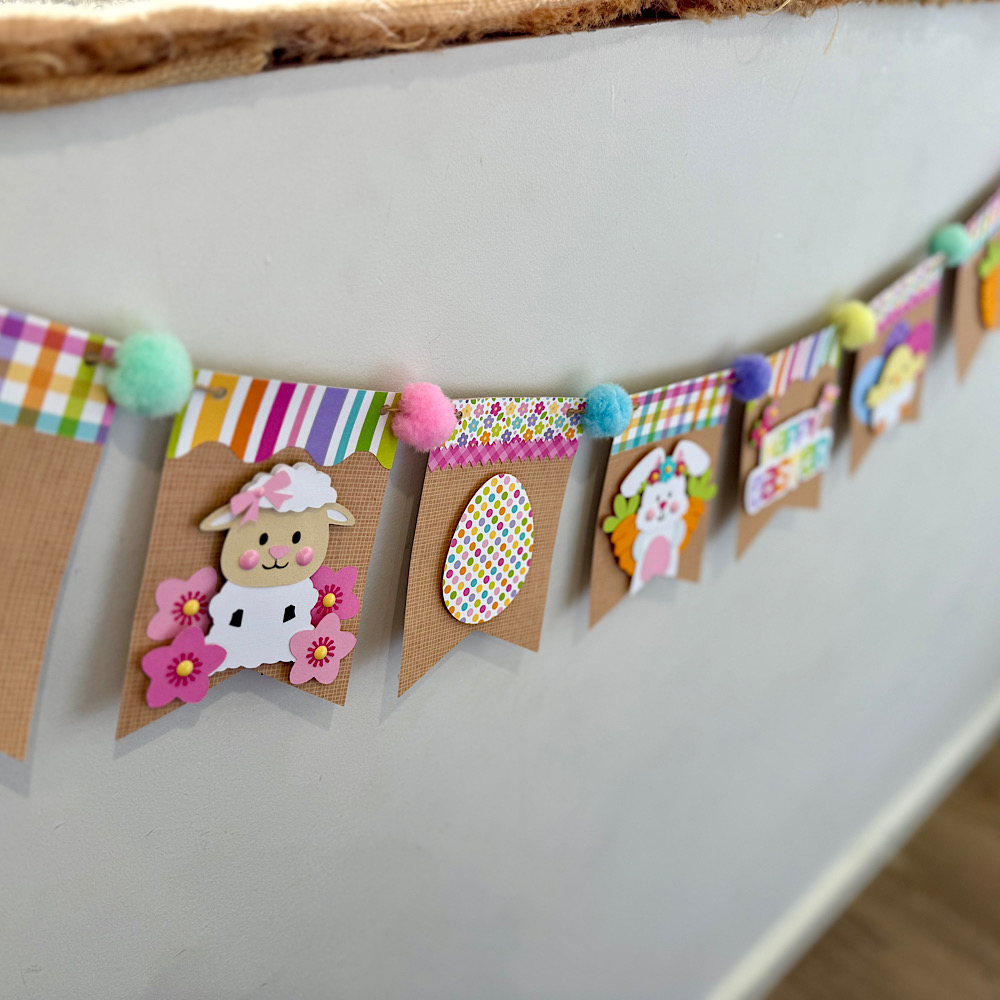
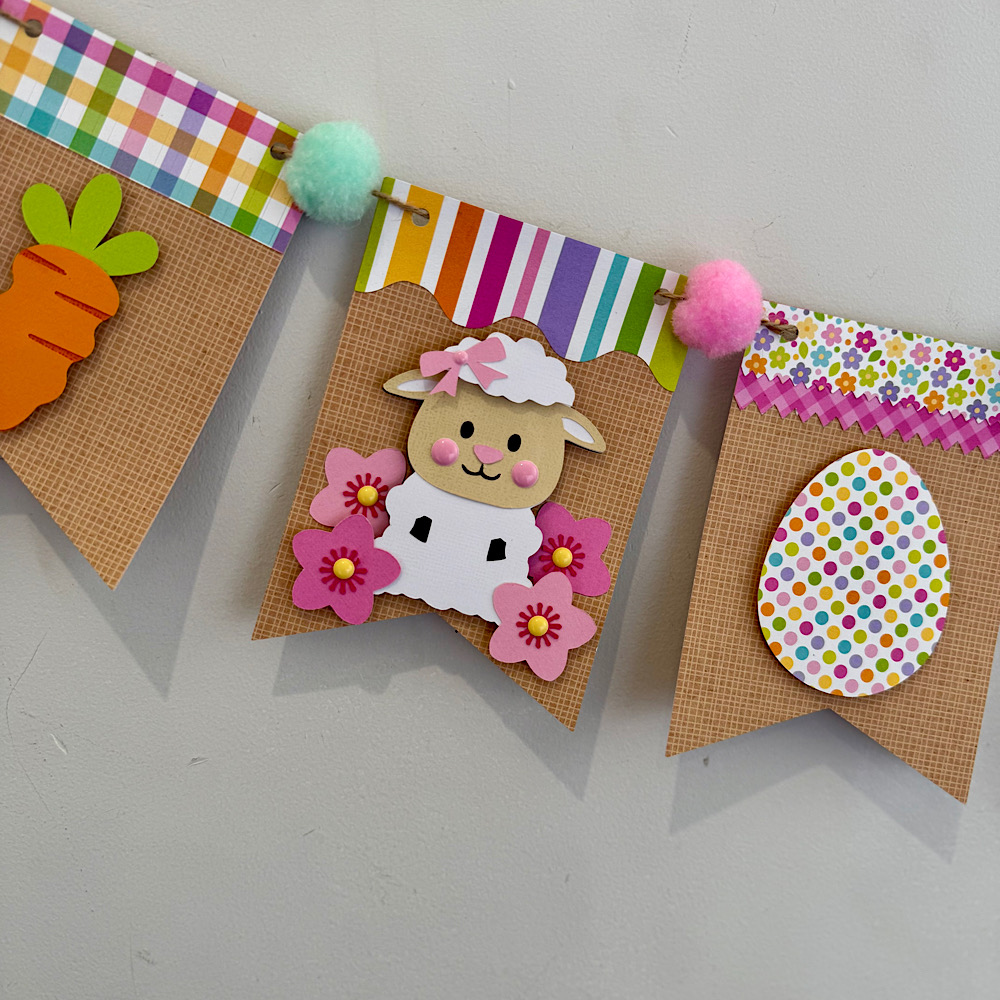
Hello crafty friends. Today I want to share with you how I made this cute Easter banner using 6 Lori Whitlocks Files:
Layered Bunting 2 (SilhouetteSVG)
Easter Purse Topper (SilhouetteSVG)
Easter Sheep Car Box Card (SilhouetteSVG)
Easter Bunny Car Box Card (SilhouetteSVG)
5×7 Easter Bunny Card (SilhouetteSVG)
Easter Basket Chick Box Card (SilhouetteSVG)
I wanted my banner to have a pastel rustic feel. I chose some Doodlebug kraft gingham cardstock for my bunting base. Then some coordinating coloured papers to match.
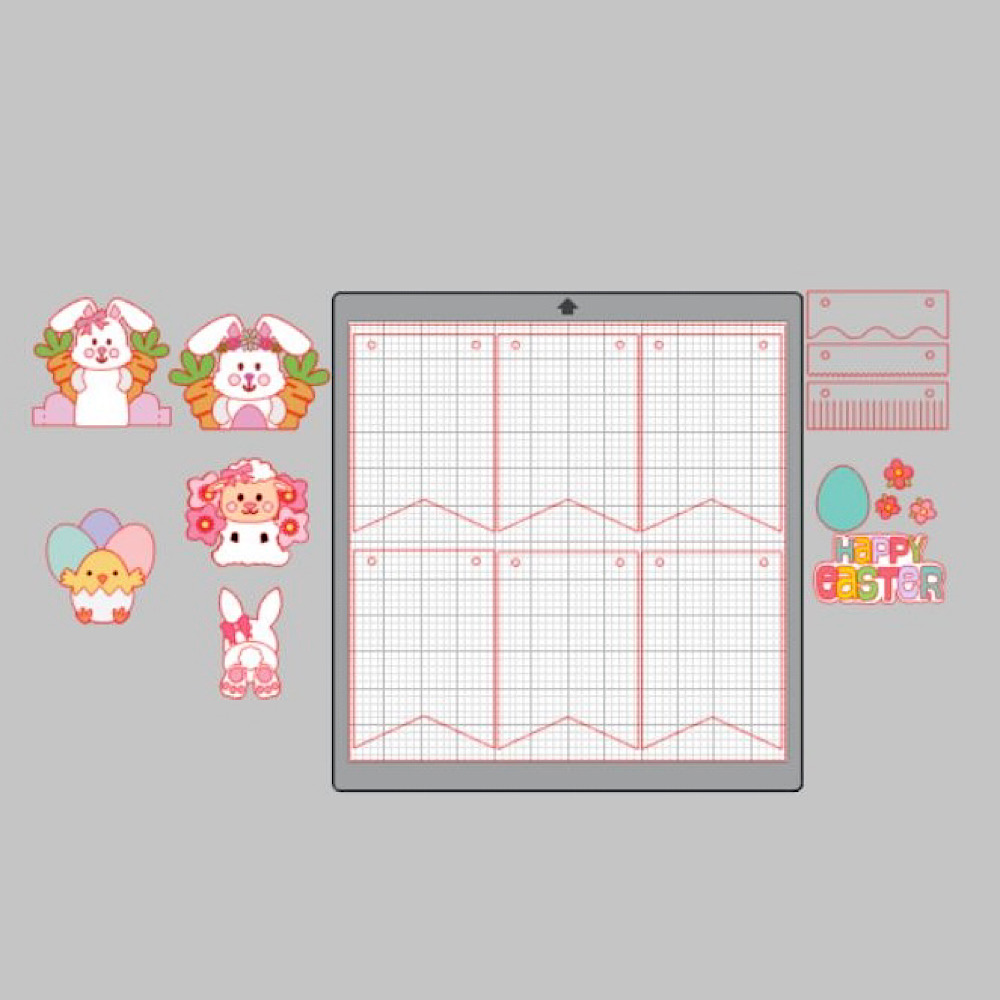
To start my project I opened all the files in Silhouette that I wanted to use.  I deleted the parts I didn’t need then I copied them onto one page with the bunting.  You will see I have used the similar bunnies from the 5×7 Easter Bunny Card & Easter Bunny Car box card. I did this because the carrots in the box card are whole carrots once you ungroup everything. Also she has more of a body. I omitted her bow & used the floral head piece from the 5×7 card. You can just use the Bunny from the Easter Bunny Car box Card if you wish. I also took the extra step of using the egg from the topper to give the bunny a belly like the one in the 5×7 card. To do this I used the same step below by sizing it onto the bunny.
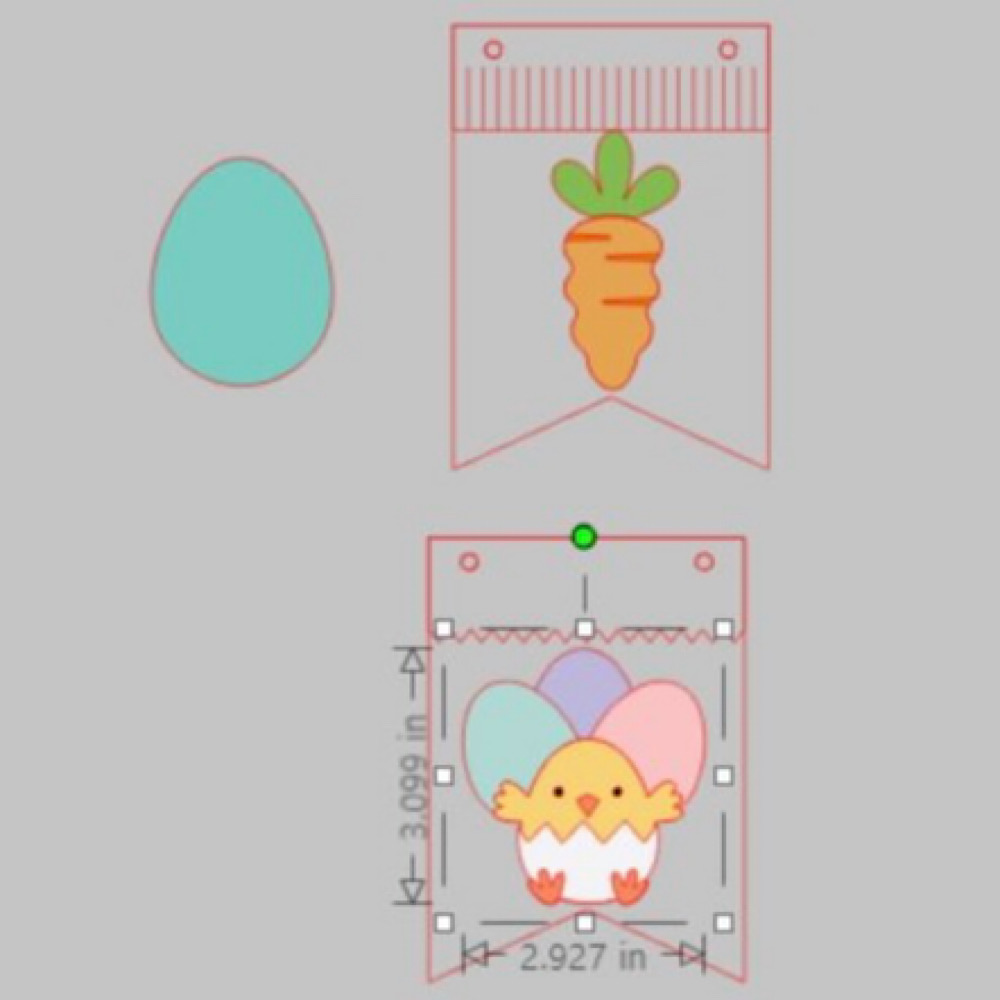
When you open the Bunting file it will have 3 bunting shapes across the page. I right clicked over all 3 & enlarged by dragging the corner just enough so that all 3 bunting pieces fit across my page. I then coppied all 3 & pasted another row. You can make yours bigger or smaller however you please. I did mine this way as it will give me the most bunting pieces, (6 in total per page), without too much scrap. I cut 9 bunting panels in total. Next I sized my images one by one. To do this I copied a bunting panel to the side of my page. I then placed my image piece inside & enlarged or reduced the size making sure it fit inside. Make sure you place the little panel across the top of the bunting as well as I did in my image below.  Do this step for all your pieces.
Now once you have all the sizes correctly cut out all your pieces & glue together all your image pieces.
Then just place everything onto the panels to see what order you want everything to sit. Once you are happy with it, it helps to take a photo so that you remember where to glue everything.
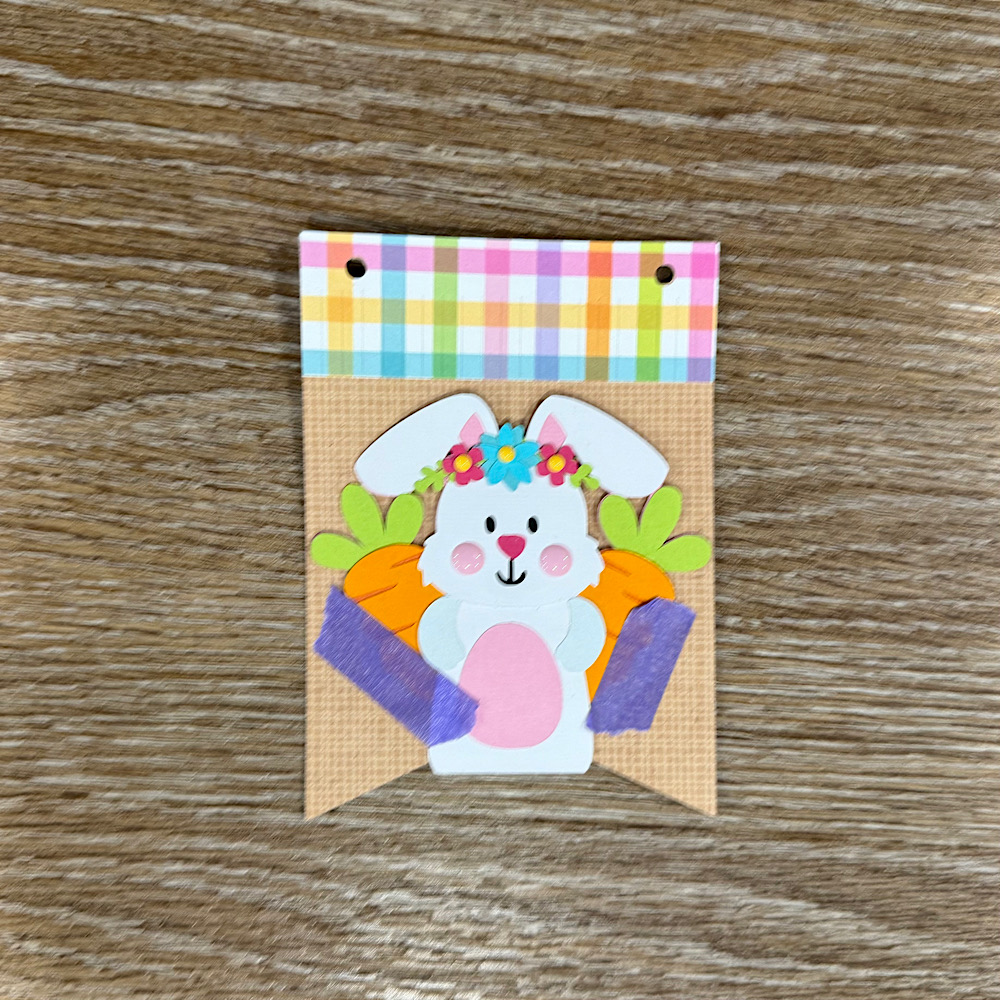
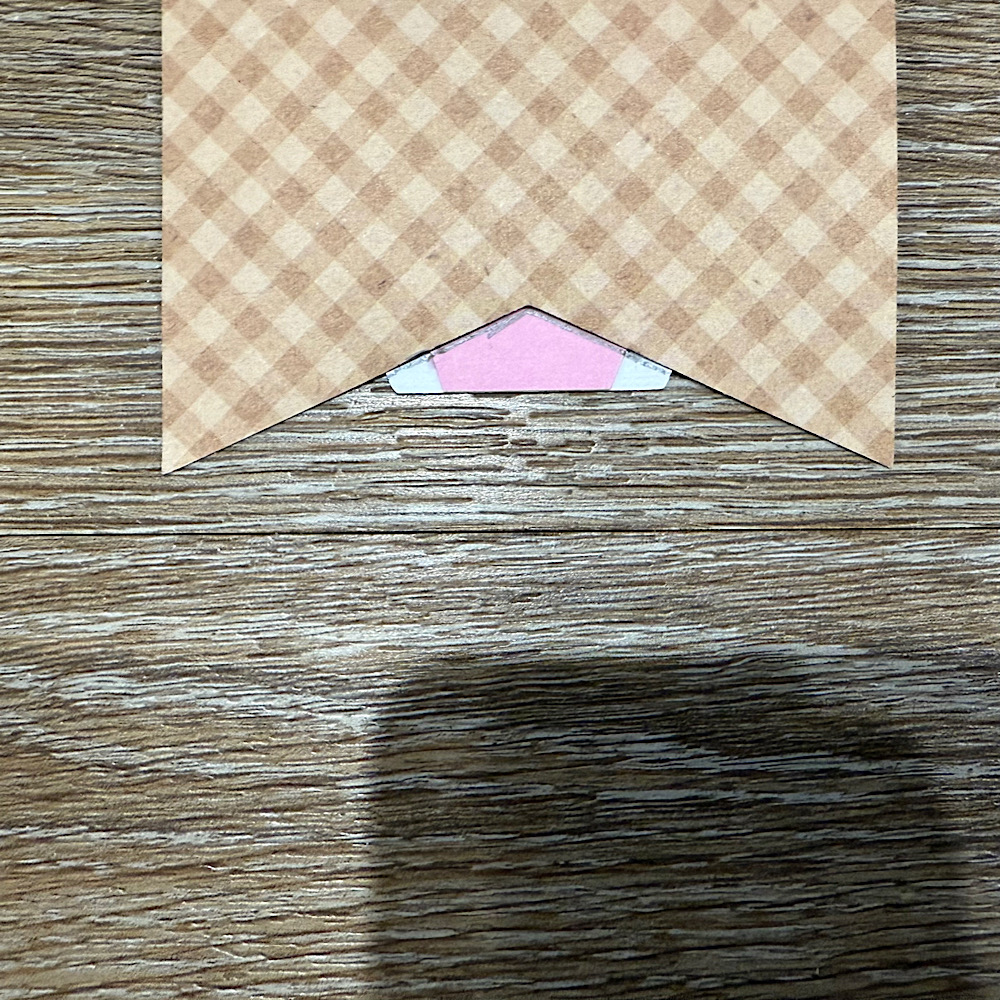
Now glue the panels onto the bunting base. You will notice that the body on the bunny is a little long. Before I stuck down the bunny I placed her onto the bunting with washi tape, then I turned the bunting over & traced the edge with pencil along the back of the bunny. I then cut along the pencil trace & proceeded to stick the bunny onto the front of the bunting.
 
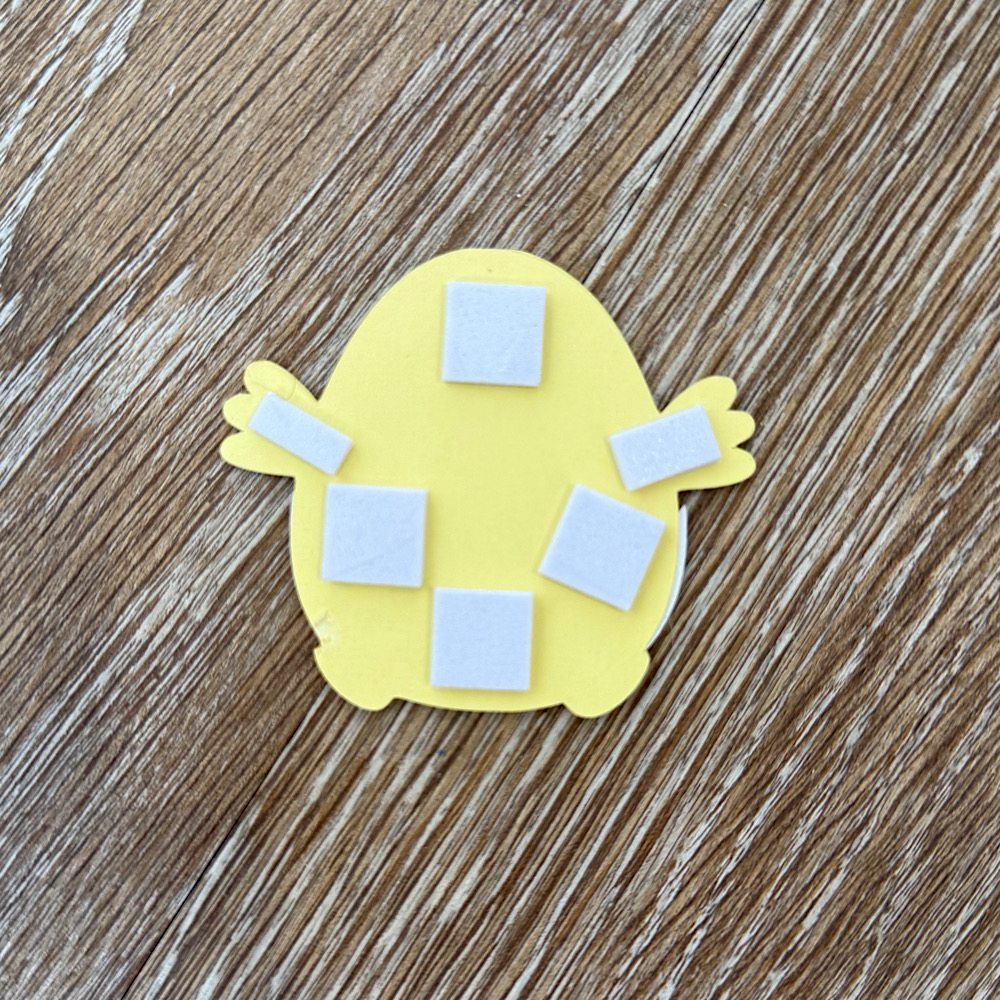
I used foam squares to stick down my image pieces. This gives them a raised look.
Once you have all the bunting pieces ready the last step is to thread some twine & pastel pom poms through to finish the banner.
You can use as little or as many files as you wish. The possibilities are endless. I just love Lori’s files & couldn’t resist the temptation.
I hope I have given you some inspiration today to create an easter bunting banner!
For more inspiration, check out my Instagram!
Thanks for stopping by!
Hugs
Noelene 🙂

Box Card Easter Sheep Car

Hello everyone!

It’s my turn to share something creative on the blog, and with spring in full bloom, I couldn’t resist making something bright, cheerful, and full of seasonal charm.

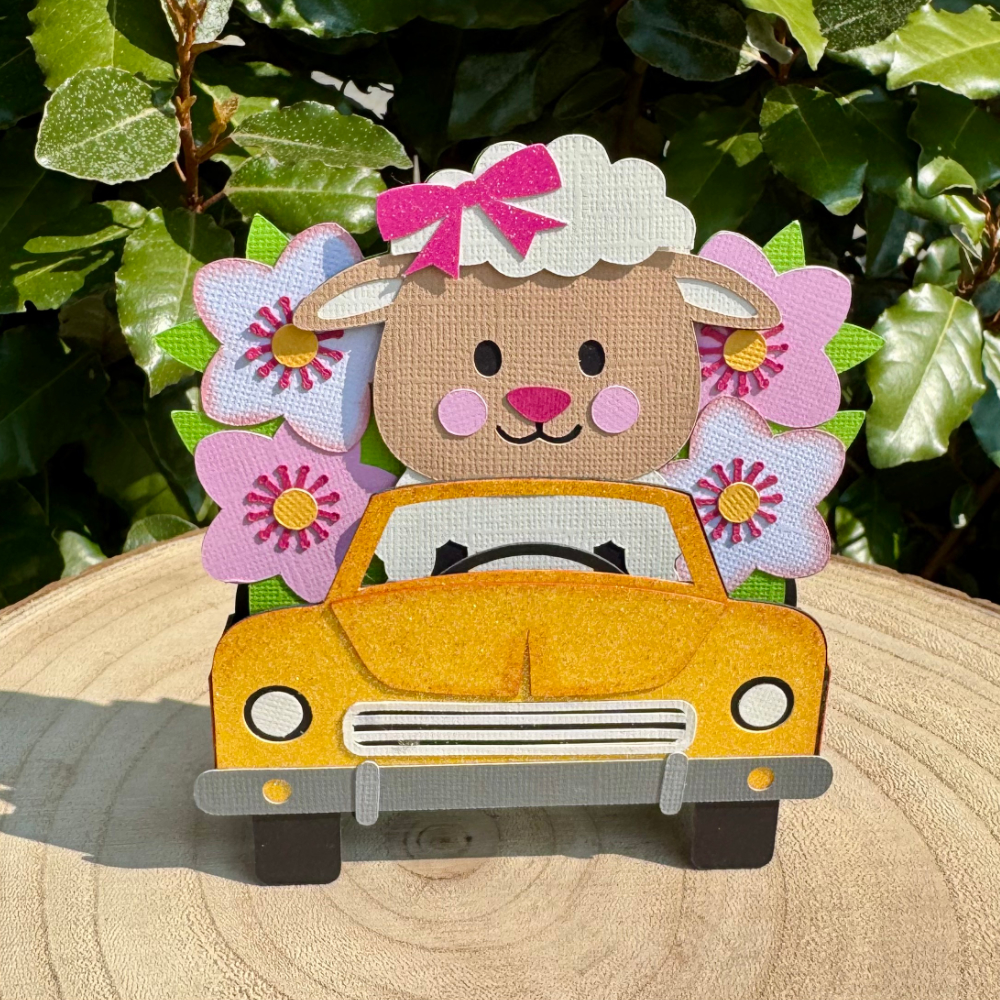
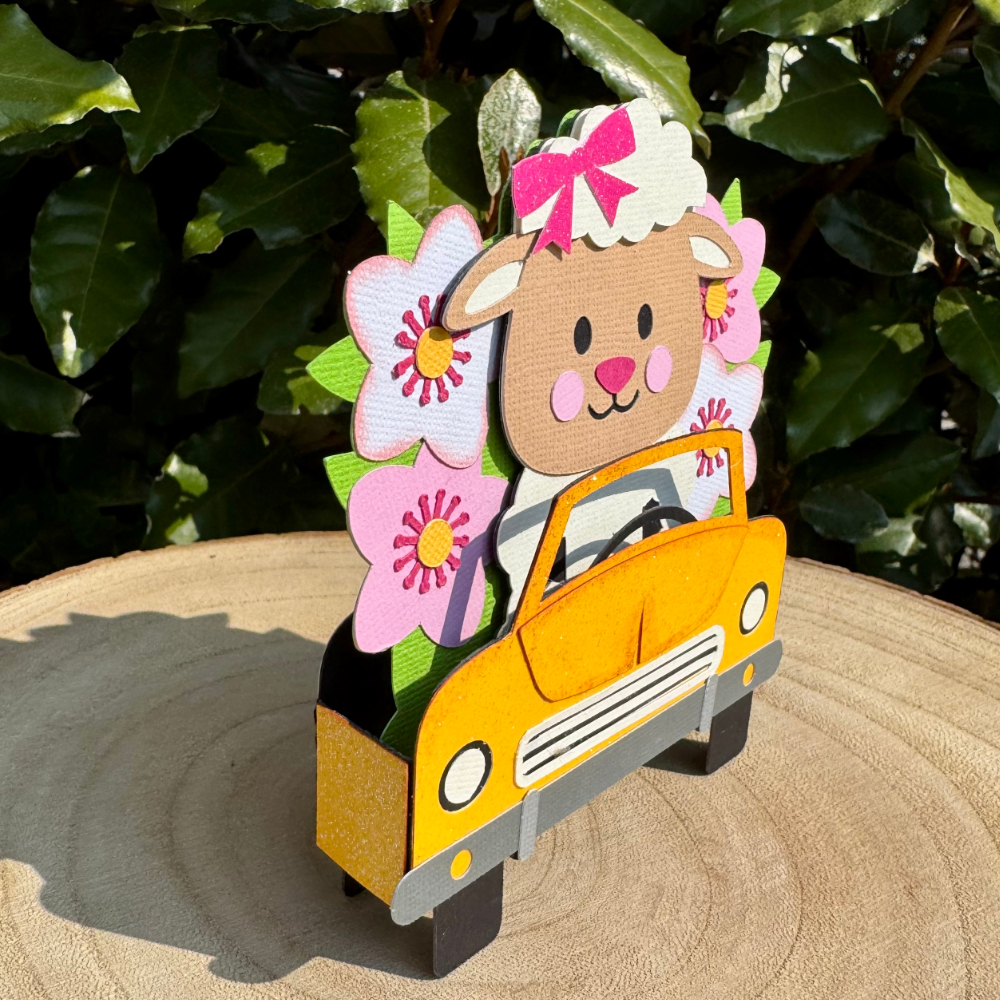
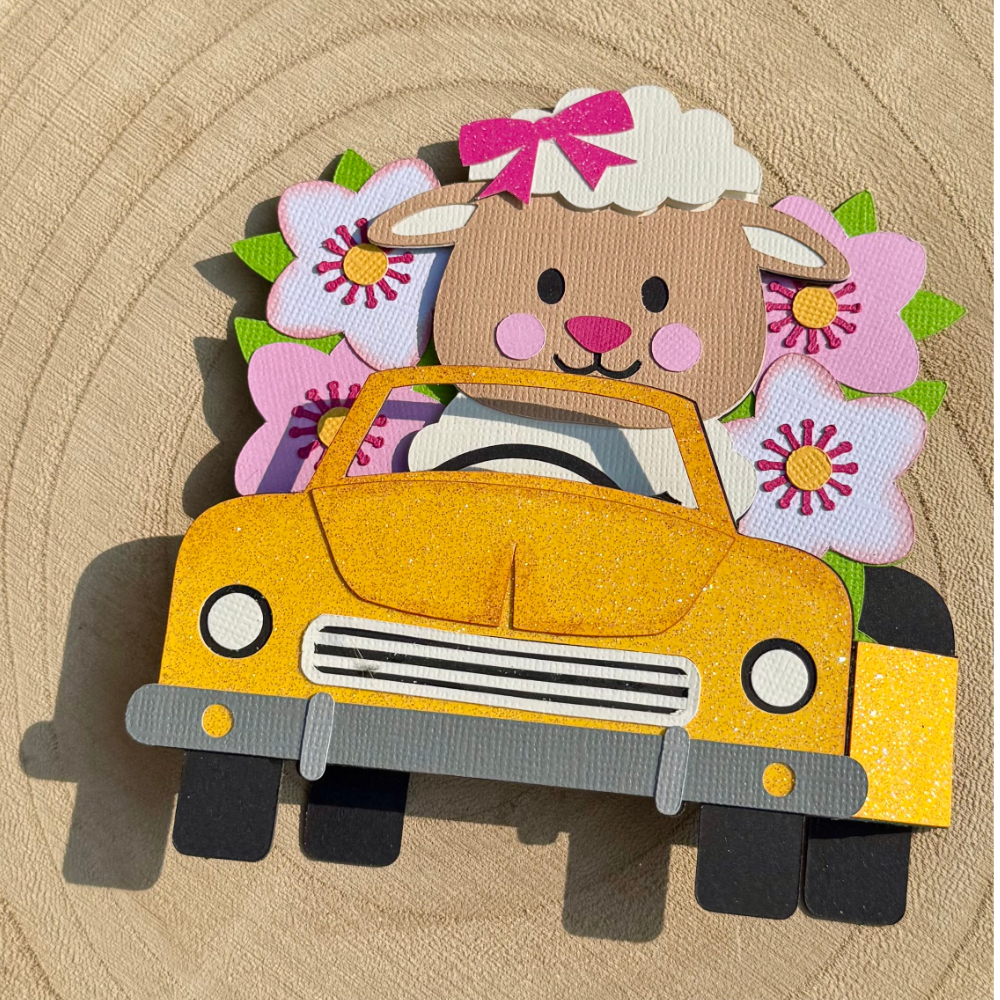
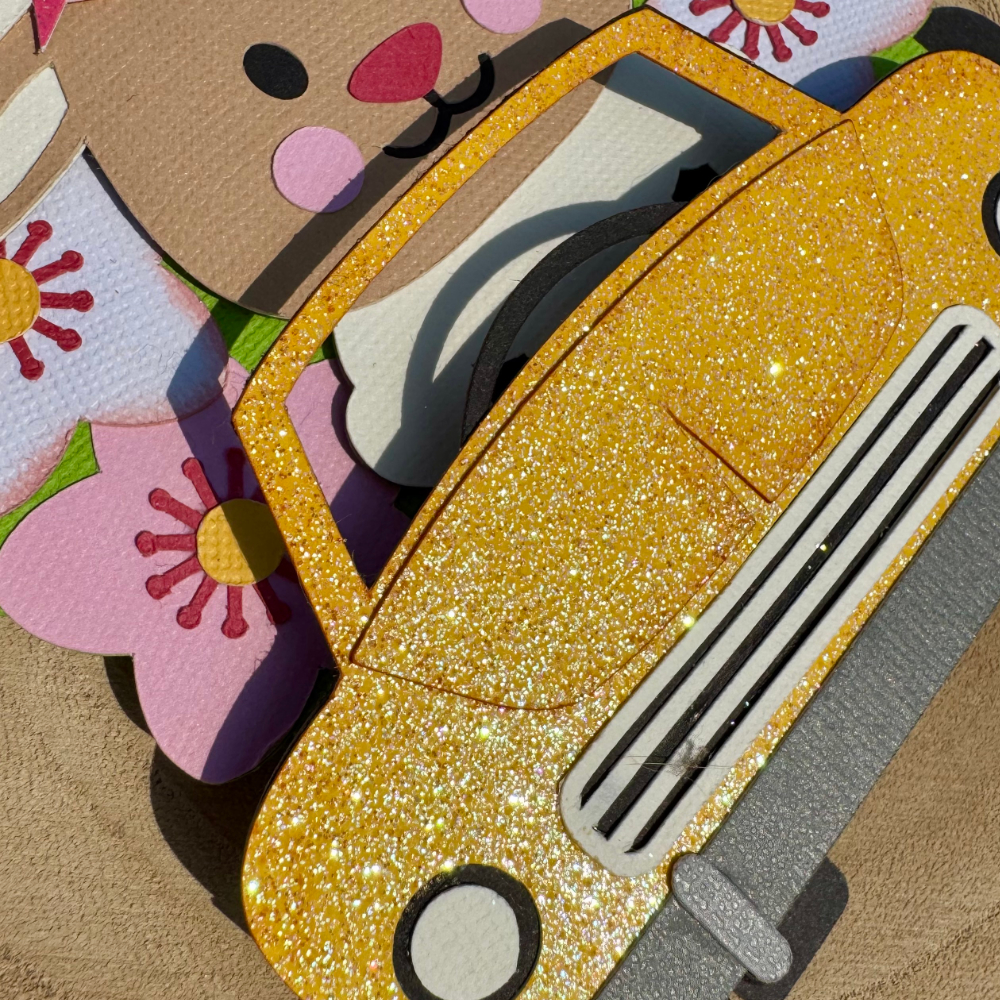
This time, I’ve created a box card featuring an adorable little sheep in a glittery car, because why not add a bit of sparkle to the season? The design can be found in the Silhouette Design Store as well as in Lori’s shop.

SILHOUETTE / SVG 

Spring is all about fresh beginnings, blooming flowers, and of course, cute baby animals. I love how this card perfectly captures that joyful feeling. The box card format makes it extra fun, as it pops up beautifully but folds flat for easy mailing—perfect for sending a little springtime happiness to someone special!

I had so much fun picking out the colors and, of course, adding glitter to make the car really stand out. Because let’s be honest—glitter makes everything better!

What’s inspiring you this spring? Are you working on any seasonal projects? I’d love to hear about them!

Happy crafting!
Tamara

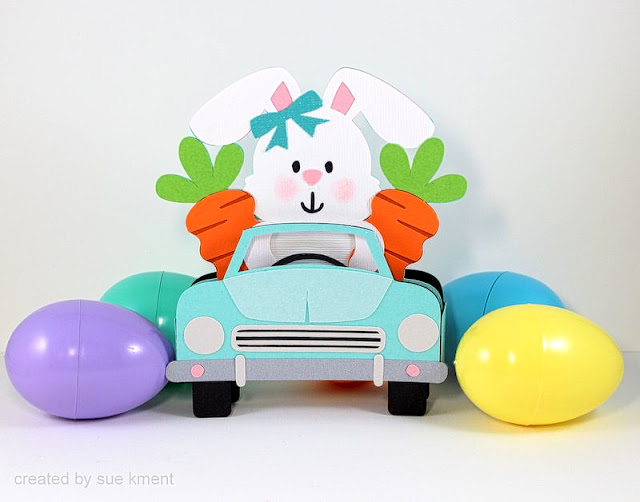
Box Card Easter Bunny Car

Happy Monday! I’m here to share this cute project with you.
 
Such a fun little bunny box card to m
ake…and I love the carrot passengers!
 
Back in the days of stamping expo’s, my thing to collect was carrots-don’t ask me why, who knows??? I still love anything to do with carrots. 
 
This is such a super cute creation, I can’t wait to pop it in the mail!

 
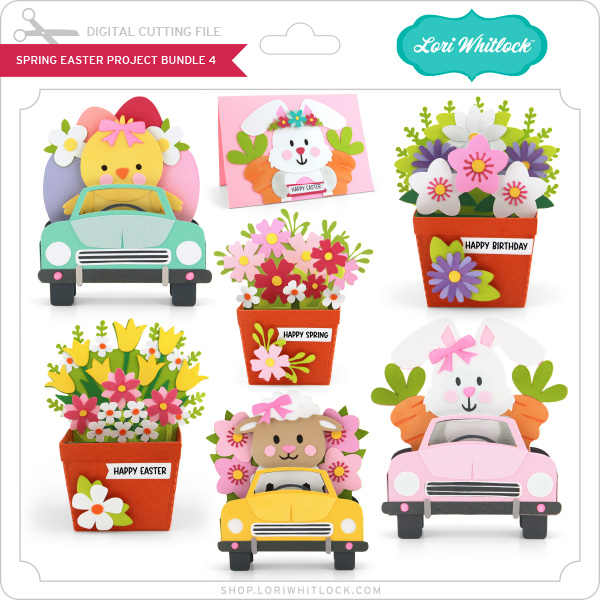
Spring Easter Bundle (all seven files)
***
Easter is right around the corner!  Time to get a head start!
Lori has these new files in her store and they are just adorable!
 
Enjoy!  💕 Sue

Happy Easter Mini Album Tutorial

Hello everyone! Traci here and today, I’m sharing a Happy Easter Mini Album I made with two of Lori’s fabulous cutting files and the Echo Park, Our Happy Place Collection. It’s filled with spring colors, flowers, and beautiful prints. This little album is perfect for holiday photos and it makes a sweet handmade gift!


Happy Easter Scrapbook Mini Album with a rabbit, a basket, eggs, and flowers


To create this, I used the A2 Easel Card Easter Bunny Basket File (SVG, Silhouette) for the design on the front cover and the Hidden Binding Mini Album Rectangle (SVG, Silhouette) for the actual book.

Here’s the simple tutorial …

1.  I resized the Hidden Binding Mini Album‘s pieces to create a book that would be 4.75″ wide x 7” tall. I chose this size so that I wouldn’t need to resize
the Easter basket file.

2.  Next, I cut out all of the pieces for both files.

Happy Easter Scrapbook Mini Album Tutorial


3. I assembled the card first. The Basket file comes with a base “grass” background that is shaped to help you know where to layer each of the pieces. I added the pink shape on top of the green base.  

Happy Easter Scrapbook Mini Album Tutorial


Happy Easter Scrapbook Mini Album Tutorial

4. Then, I layered the yellow basket on next.

Happy Easter Scrapbook Mini Album Tutorial
5. I adhered the little eggs in place, tucking them in behind the yellow basket.
Happy Easter Scrapbook Mini Album Tutorial
6. Then, I added the pieces of the bunny’s body.
Happy Easter Scrapbook Mini Album Tutorial

7. How cute! I used some foam tape underneath the feet and tail to give them some dimension.


Happy Easter Scrapbook Mini Album Tutorial

8. You can see in this picture that the pink base helps you know exactly where to adhere the flowers.


Happy Easter Scrapbook Mini Album Tutorial

9. I added some pretty colored enamel dots to the center of the flowers and the bow for a bit of shine.


Happy Easter Scrapbook Mini Album Tutorial

10. Once the card was assembled, it was time to build the album. Above, are the pages
and the binding piece. The binding piece is scored, so I folded along the
score lines to create “mountains” and “valleys”. 


Happy Easter Scrapbook Mini Album Tutorial

11. I added adhesive inside the “valleys” and adhered the sides together.

Happy Easter Scrapbook Mini Album Tutorial

The outside of the binding now looked like this. The cutting file includes a separate piece that will be glued
over these folds to create the album’s spine.

Happy Easter Scrapbook Mini Album Tutorial


12. This is the inside of the binding. To add the pages, I adhered one page piece to the front of the first spine fold and a second one to the back … sandwiching them on the “mountain”.


13. I continued to add the rest of the pages until the book was complete.

Happy Easter Scrapbook Mini Album Tutorial

14.  To decorate the cover, I adhered the Easter basket piece to the front and added my title. 

Happy Easter Scrapbook Mini Album Page with flowers, a scalloped photo mat, and a pretty plaid paper

15. Inside, I embellished the pages with lots of pretty papers, stickers, enamel dots, and photo mats. To see more of the inside pages … hop over to my Artsy Albums blog.

I hope this Happy Easter Mini Album gives you a little holiday and spring inspiration! Whether you love making scrapbooks or greeting cards, you should definitely give these cutting files a try. I love them! 


Blog * Shop * Facebook * Instagram * Pinterest