Easter Bunny Gable Gift Box Tutorial

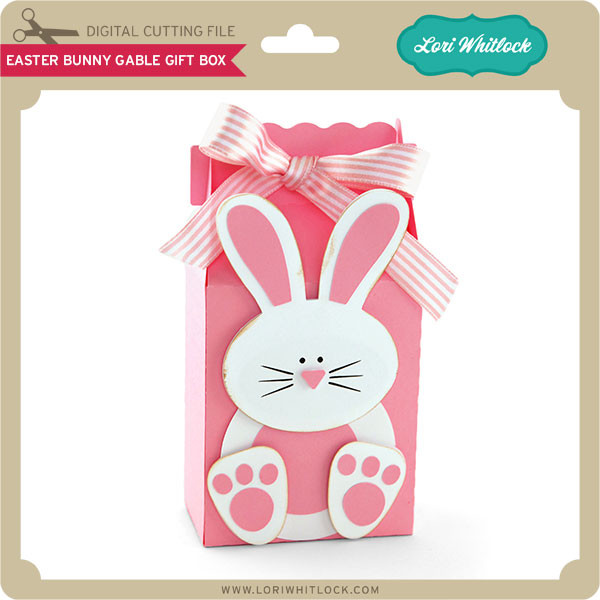
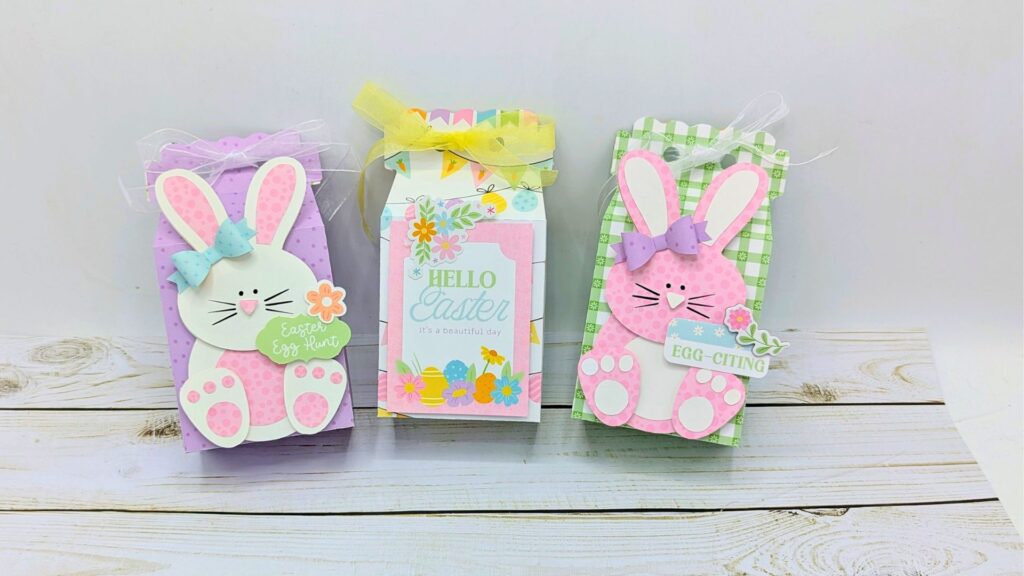
Hi everybody, it’s Holly! Today, I’m excited to share with you some darling Easter bunny gable gift boxes. With Easter just around the corner, these would be fun to fill with some yummy Easter candies or little treasures. I’m sure anyone would be just delighted to receive one of these. This box is super easy to put together, you will be amazed! Try it today.
Happy crafting!
Holly

A2 Easter Basket Card

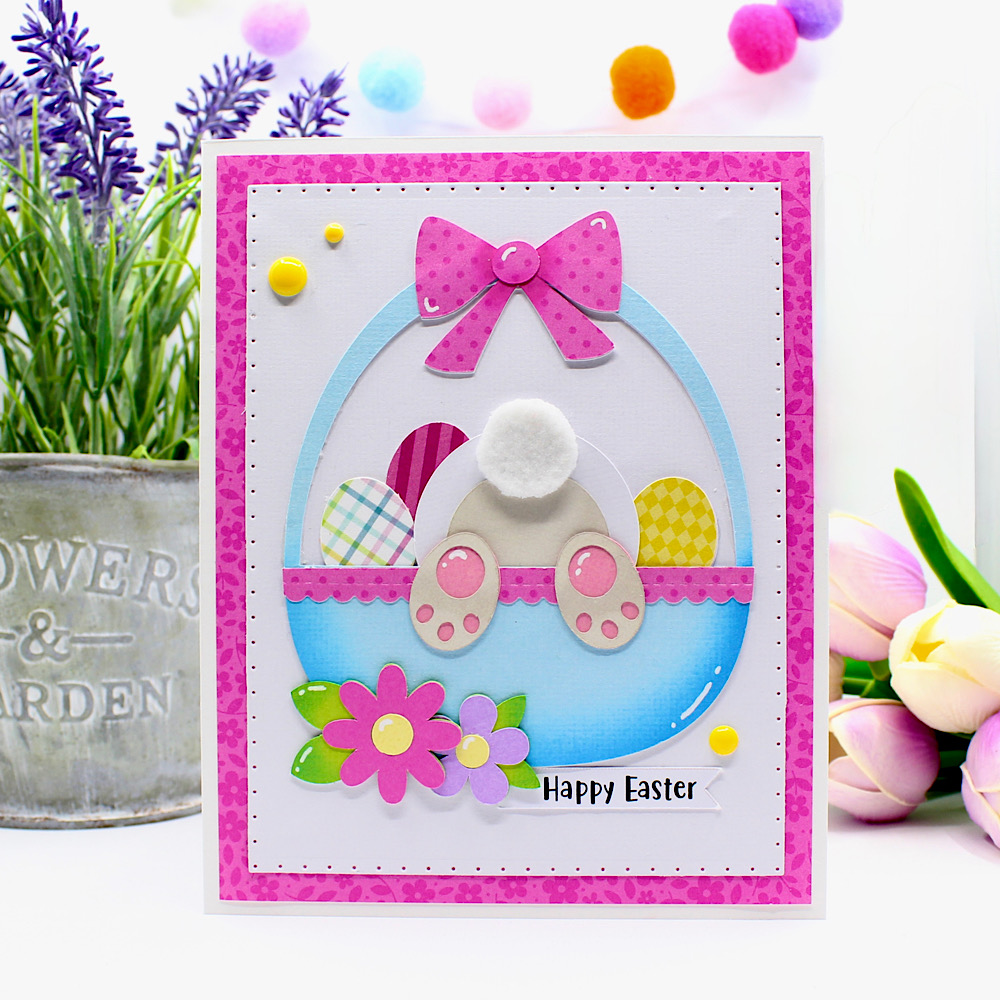
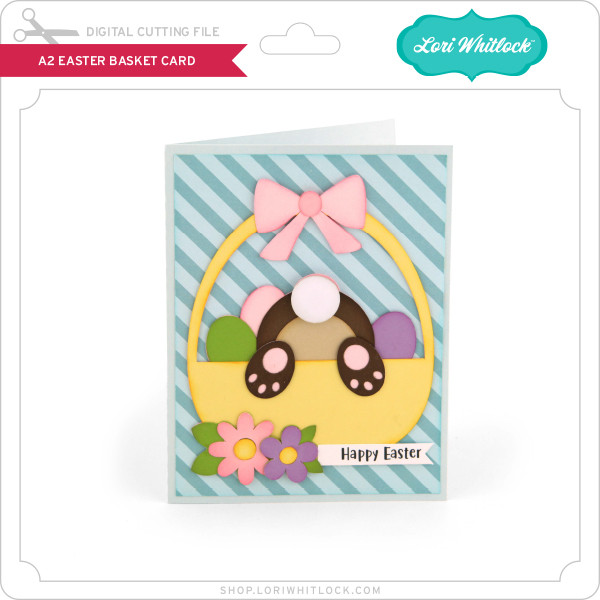
Hello crafty friends, Noelene here today I want to share with you an adorable A2 Easter Basket Card (SVG), (Silhouette), from Lori Whitlock.
For this card I cut out all the panels for the basket as per usual. I used some Distress ink to ink the edges on the basket, leaves, feet & ribbon. I created a trim on the front of the basket using a scalloped border die & glued down before I glued the feet on. I hand cut out a piece white felt & glued it onto the tail. I then die cut a border on my white base & layered onto some petite print paper.
For more inspiration, check out my Instagram!
Thanks for stopping by!
Hugs
Noelene 🙂

Let’s Make an Easter Basket!


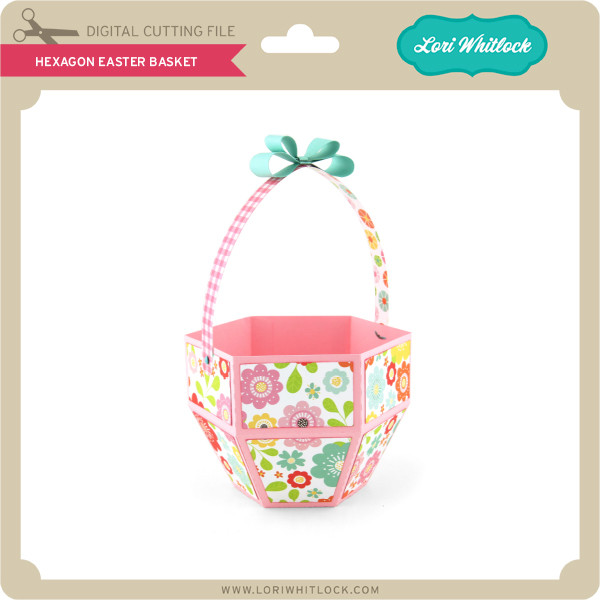
Hi everybody, it’s Holly! Today, I’m excited to share a fun “easy diy” project perfect for spring. This “Easter craft” tutorial shows you how to create an adorable hexagon Easter basket using a file from Lori Whitlock. It’s a great “do it yourself” “craft idea” that results in a lovely “handmade basket” for your holiday celebrations! The paper collection I used “Easter Basket” is also by Lori Whitlock. The beautiful pastel colors in the collection will make you SMILE!

Lori Whitlock Shop 

Silhouette Design Store

Echo Park Paper

Happy crafting!

HollyJo

https://youtu.be/x6GSseC-r6g

https://www.youtube.com/@SmilebyHolly


Easter Basket Boxes

Hello there! Today I am  moving on from Valentine’s Day and on to Easter. I am looking forward to bunnies and chicks!

For my projects today I played with the new Lori Whitlock Easter Basket Collection!

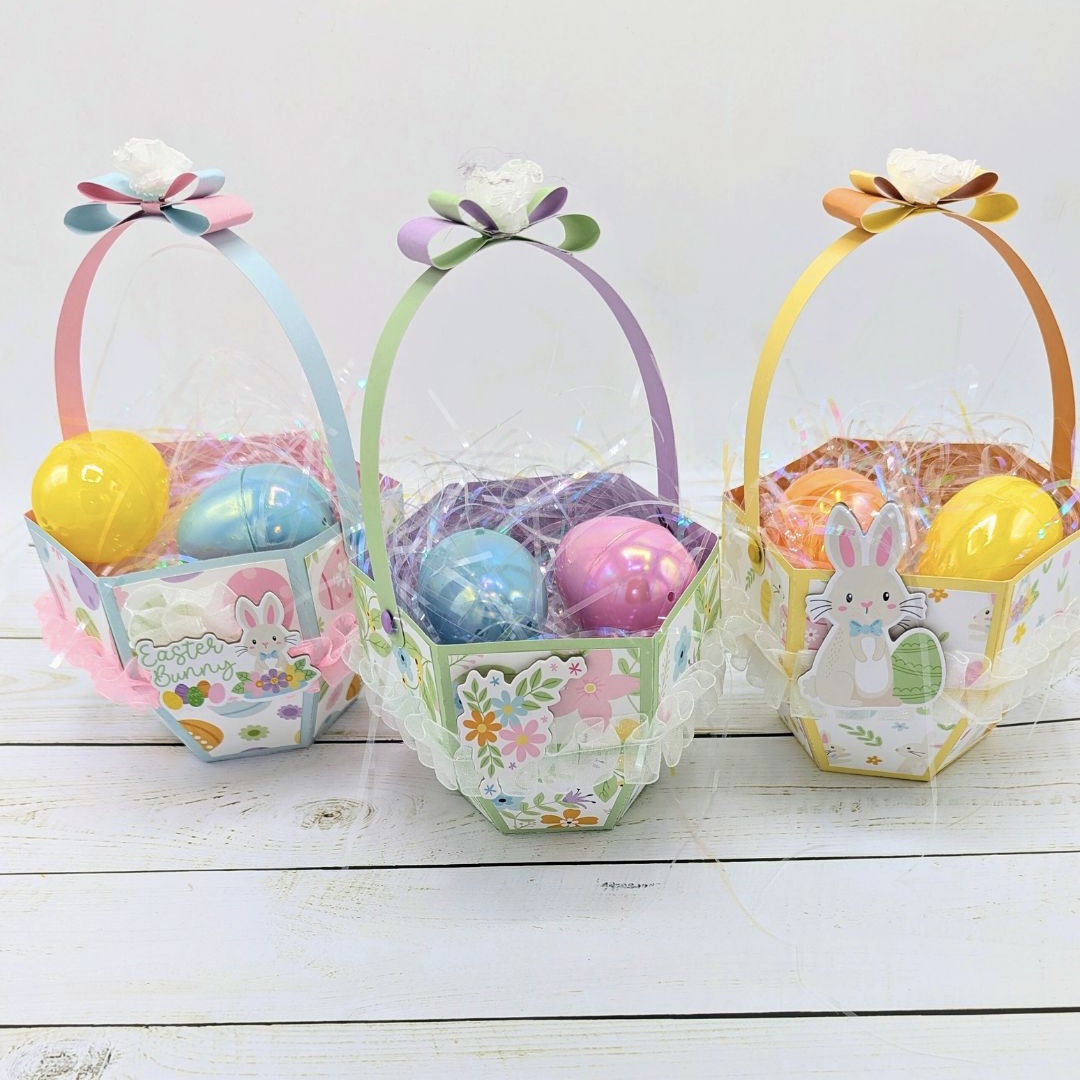
I cut several of Lori’s boxes and added all the fun Easter Basket elements. I spent an evening with my little Sidekick die cutter and die cut my self silly. When I am doing this, I put on a good movie and cut a bunch of pieces out of the different colors and just sort of mix and match away-always sure to have extra pieces because I tend to lose tiny pieces! I had fun adding the sticker elements to the finished boxes as a little extra special touch. Everything was just so fun! 

I die cut 3 baskets and lots of fun little eggs and flowers/leaves in all the different colors included in the new collection. I did cut out some grass from this file to use at the base of the boxes. I removed the scoring lines from the grass piece to cut one long strip and trimmed  pieces to fit each box at the base. As for the boxes themselves, I like to add a little extra matting to allow the patterned paper to pop a bit more. To do that, I open the offset panel and chose offset, distance of .050 and the square corner. In these projects I used white for the extra matting pieces. 

3d  No Glue Suitcase (SVGSilhouette )

Box With Handle  (SVG, Silhouette)

***This tip will help you with these tiny dies.  I used washi tape to adhere the tiny dies on to my paper. I poked out the cut pieces but left the dies taped on to the paper. You can just put these on top of your next paper each time. Just keep the dies in place with the washi tape and store them that way as well. You won’t lose those tiny eyes or rosy cheeks that way! 

Easter Basket: Classic Bundle

Or other products purchased individually as well:

Easter Basket Collection Kit

Easter Basket Solid Kit

Easter Basket Element Stickers

Easter Enamel Dots

Easter Basket: Filled Easter Basket Medium Die Set


Hope you enjoyed these fun boxes!
 

3D Easter Egg Tutorial

Hello crafty friends. Noelene here today, I want to share with you how I made these cute fun 3D Easter Eggs, using the following Lori Whitlock Files: 3D Easter Egg 2 (SilhouetteSVG), 3D Easter Egg 3 (SilhouetteSVG), 3D Easter Egg 4 (SilhouetteSVG), 3D Easter Egg 5 (SilhouetteSVG) & 3D Easter Egg 6 (SilhouetteSVG).

For my tutorial I am using 3D Easter Egg 4 (SilhouetteSVG).
I started out by opening my file in Silhouette & using the transform tool to enlarge all my panels to 135%. This gave me an egg with the dimensions approx 3.5″ wide x 5″ high.
Then I proceeded to cut the panels using coloured cardstock for the coloured panels & vellum for the grey panels.

I finely glued the vellum onto the back of eacg tulip patterned panel being careful not to put too much. Now let them dry.
Next I took the 3 egg shaped panels & insterted them into each other starting with the one with the 2 slits on top & bottom (far right on above image). Then I insterted the one with the slits on the outer edge (middle on above image) then lastly inserting the one with the slits on the inner edge, (far left on above image).

Then I inserted the big round shape onto the bottom slits.
Doing the same with the smaller round shape on top.
Lastly take the tulip panels & insert the wider part into the bottom of the egg shape & the narrower part into the top part of the egg.
Now do the same with the remainder of the panels & you are done. If you wish you can add some light using led tealight candles for a lantern effect.

I will be using mine in my Easter table setting.

If you want to make the lot like I plan to do, (because why not! They’re quick & simple to make! You can purchase these files individually or as a bundle here!
For more inspiration, check out my Instagram!
Thanks for stopping by!
Hugs
Noelene 🙂