Today only, all Kit of the Month bundles are half price! This is a great time to pick up some fabulous files! Just use code KOTM at checkout!
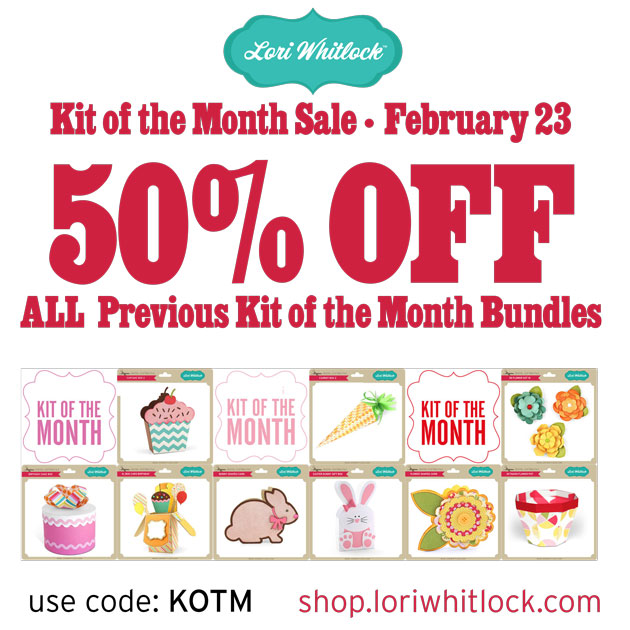
Don’t miss out, this sale ends at midnight!

Today only, all Kit of the Month bundles are half price! This is a great time to pick up some fabulous files! Just use code KOTM at checkout!
Don’t miss out, this sale ends at midnight!
We have a FREE file with purchase all this week! Simply add this Brilliant Color in the Box file to your shopping cart along with ANY $1.99+ purchase from the SVG Shop and this file is yours FREE. Be sure to use Coupon Code: COLOR (case sensitive) at checkout. This offer is good through next Sunday.
(Your cart must reach at least $3.98 before the coupon will be applied and then $1.99 will be subtracted from your total at checkout. The files will be available for immediate download after you pay for your order by visiting MY ACCOUNT>COMPLETED ORDERS>ORDER DETAILS inside of your account. Only one discount code per order allowed.)
In addition, don’t forget about this special ! You can get this Free Kit of the Month with any $20 purchase (Purchase must be in one transaction.) Simply add the 2018 February Kit of the Month to your shopping cart along with ANY $20.00+ purchase from the SVG Shop and this file is yours FREE. Be sure to use Coupon Code: FEB18KOTM (case sensitive) at checkout. This offer is good through February 28, 2018!
(Your cart must reach at least $27.95 before the coupon will be applied and then $7.95 will be subtracted from your total at checkout. The files will be available for immediate download after you pay for your order by visiting MY ACCOUNT>COMPLETED ORDERS>ORDER DETAILS inside of your account. Only one discount code per order allowed.) Check out our exciting new SVG files releasing this week! And, just like always, the NEW SVG files are ON SALE 25% OFF through the weekend in the SVG Shop! These downloads include SVG files that may be used with Cricut Explore, Silhoeutte (DE upgrade required), Eclips, Brother Scan and Cut, and any other software that will open SVG files. No coupon code necessary, the files are all discounted in the shop! Be sure to go get them while they are on SALE this week.
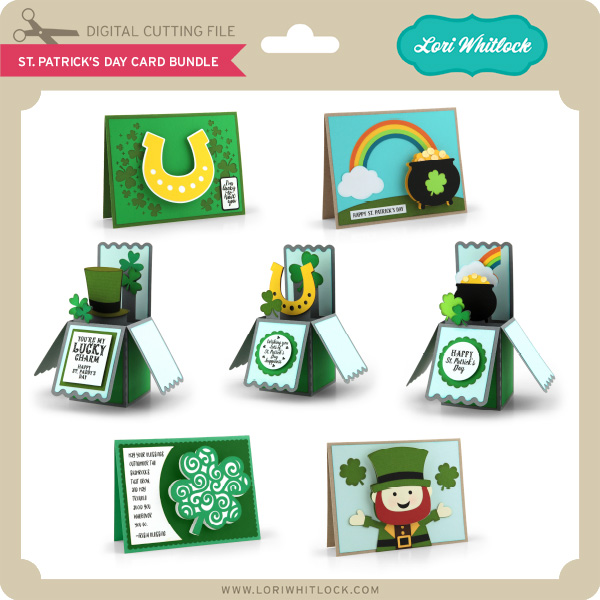
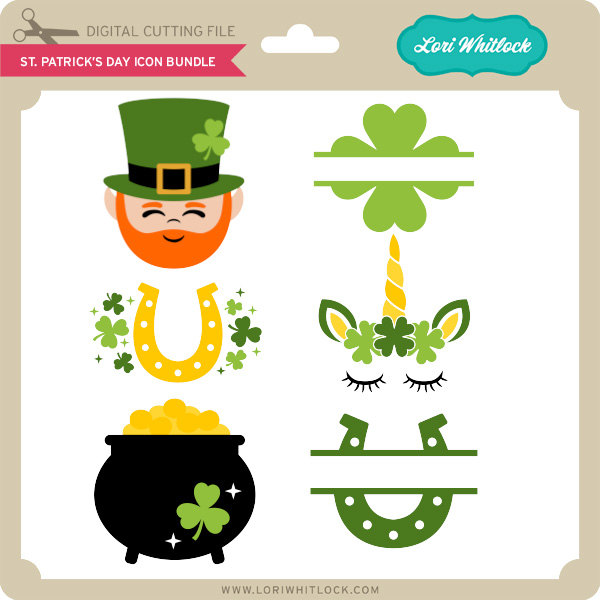
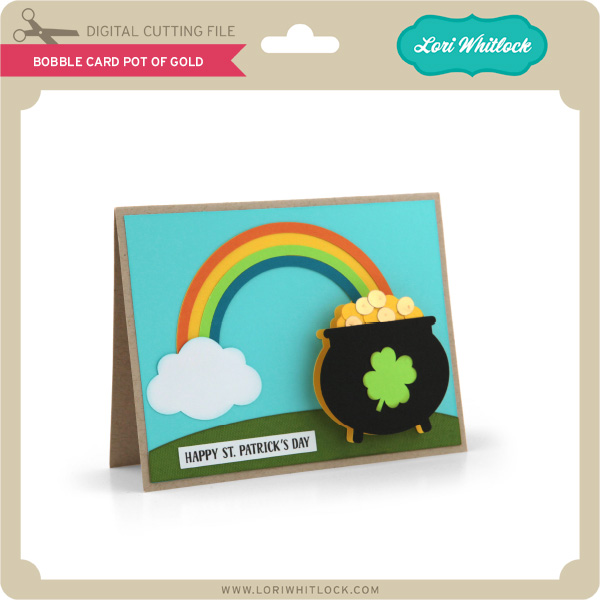
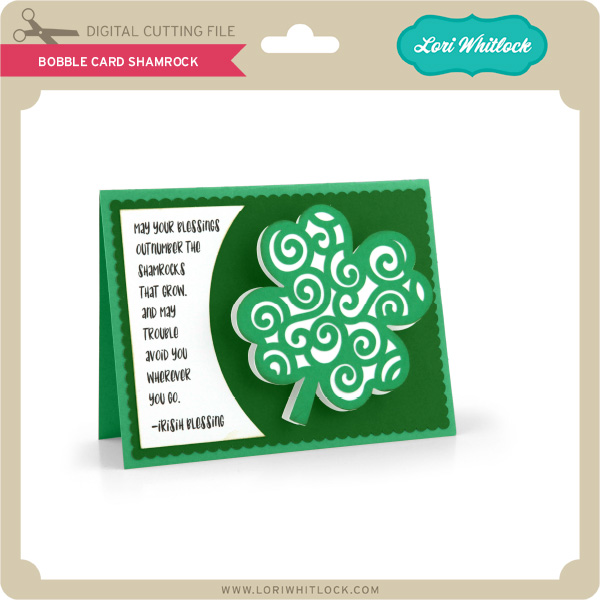
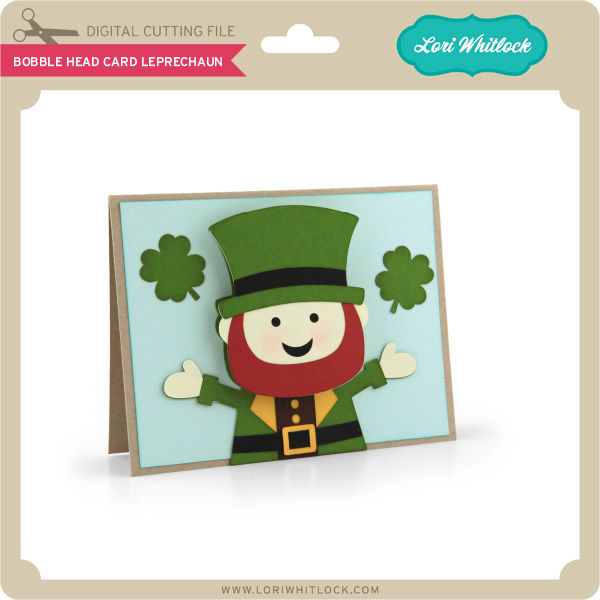
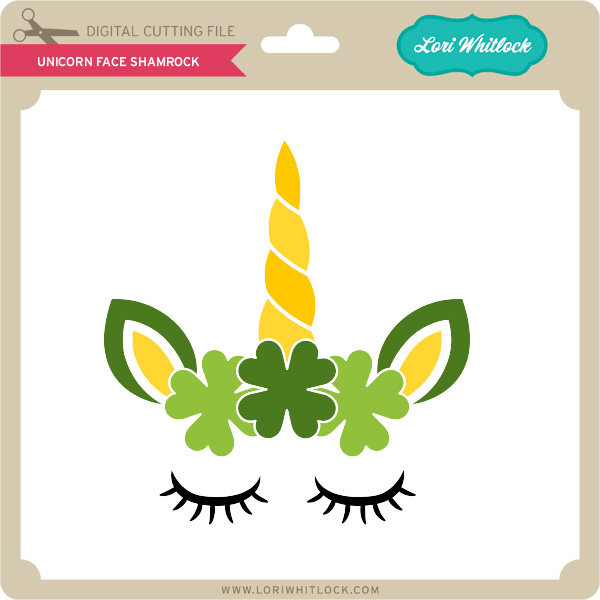
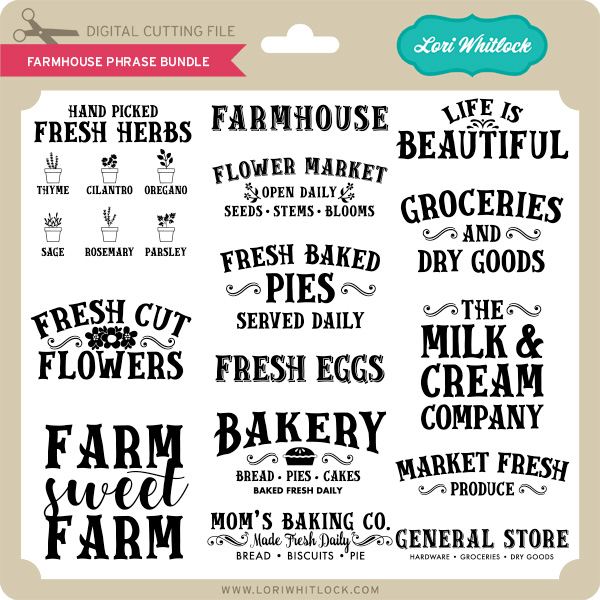
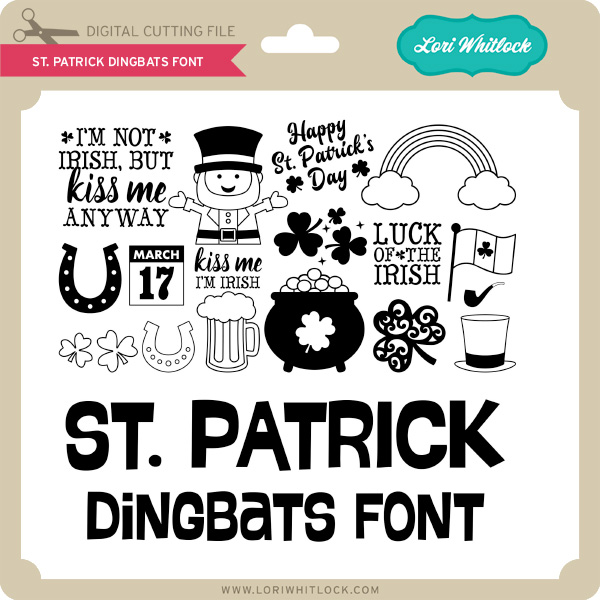
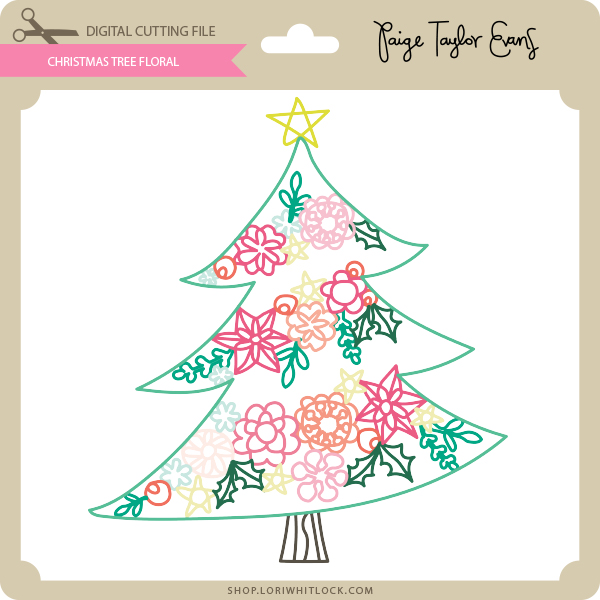
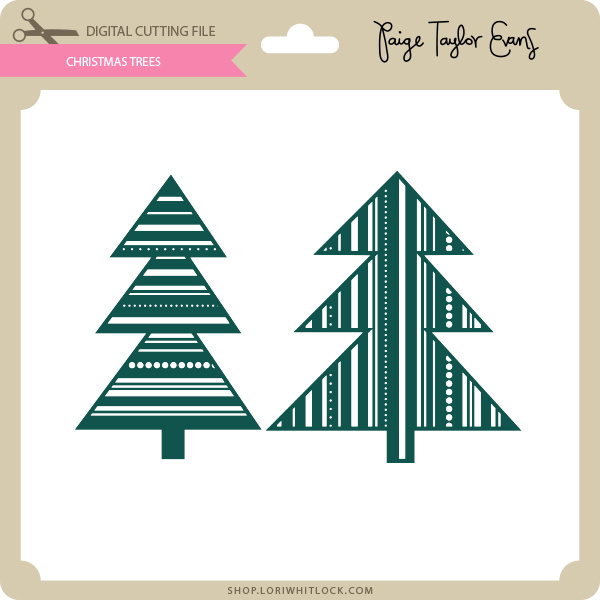
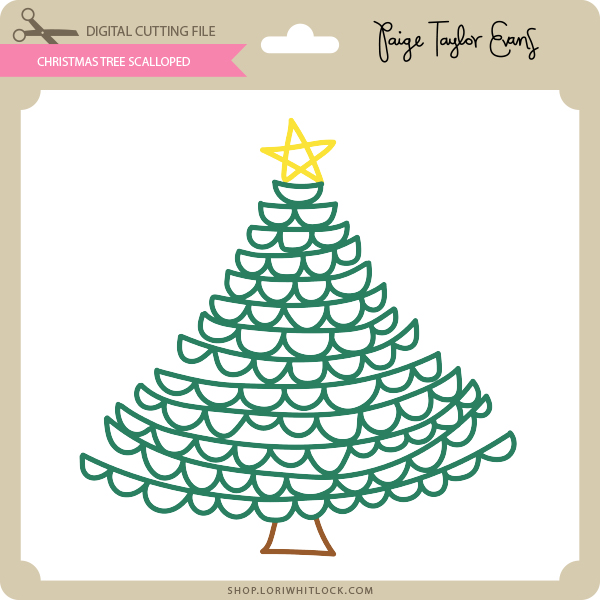
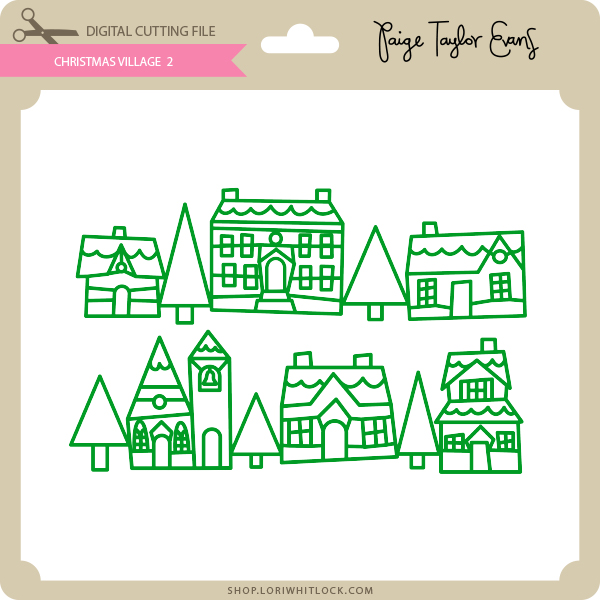
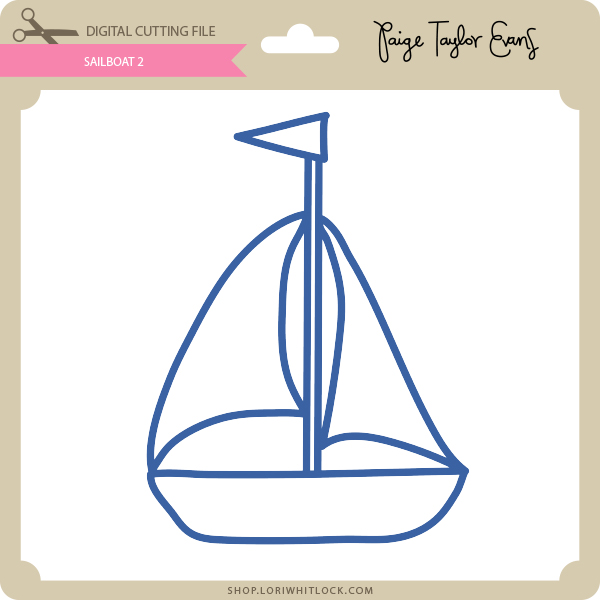
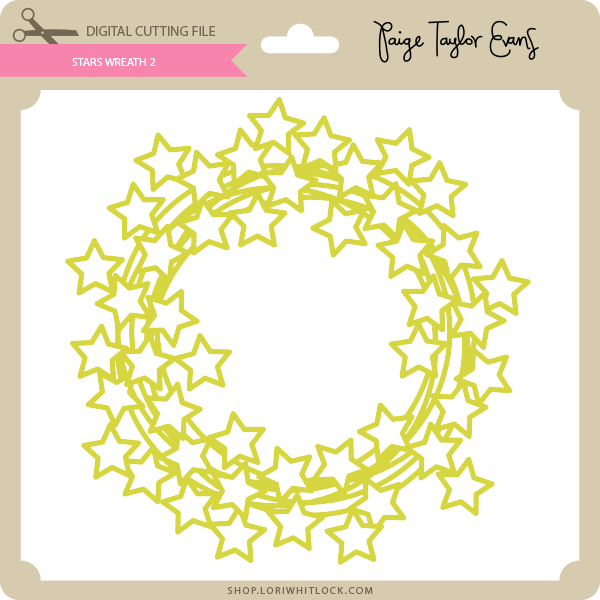
This week we have some fun new files from Paige Evans and I have two bundles perfect for St. Patrick’s Day!
Check out our exciting new SVG files releasing this week! And, just like always, the NEW SVG files are ON SALE 25% OFF through the weekend in the SVG Shop! These downloads include SVG files that may be used with Cricut Explore, Silhoeutte (DE upgrade required), Eclips, Brother Scan and Cut, and any other software that will open SVG files. No coupon code necessary, the files are all discounted in the shop! Be sure to go get them while they are on SALE this week.
This week we have some fun new files from Paige Evans and I have two bundles perfect for St. Patrick’s Day!
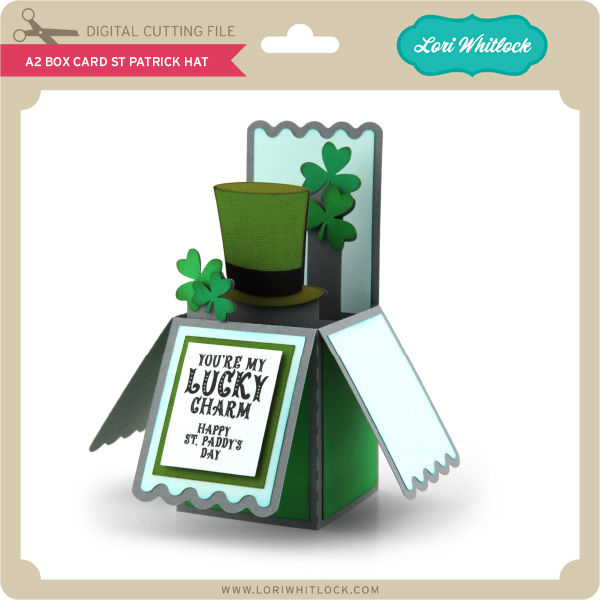
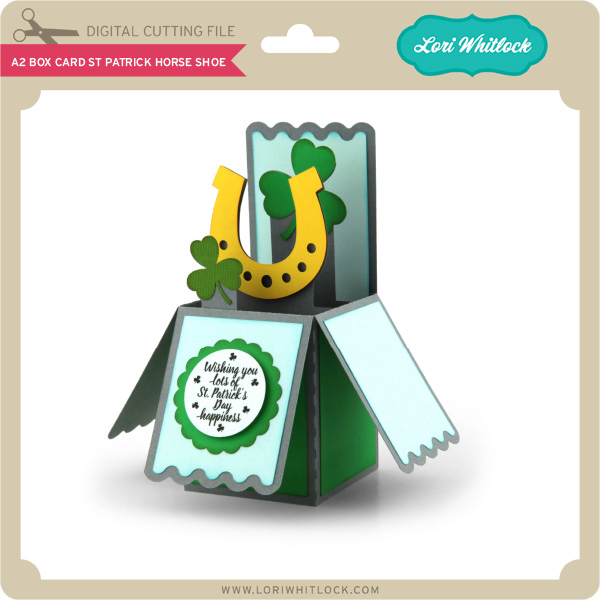
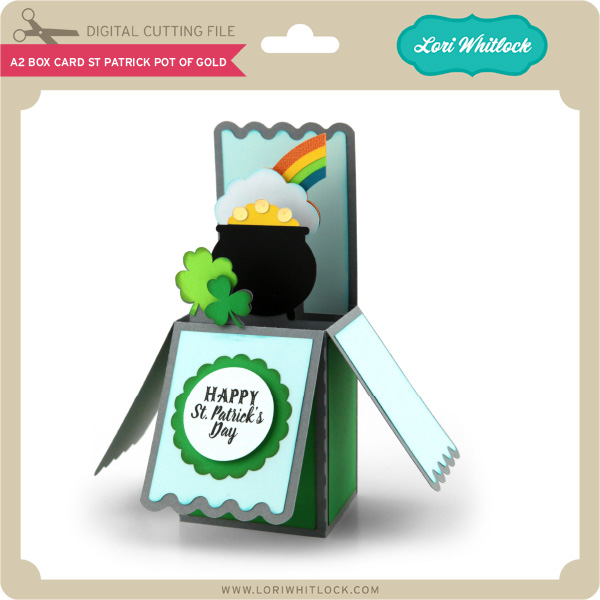
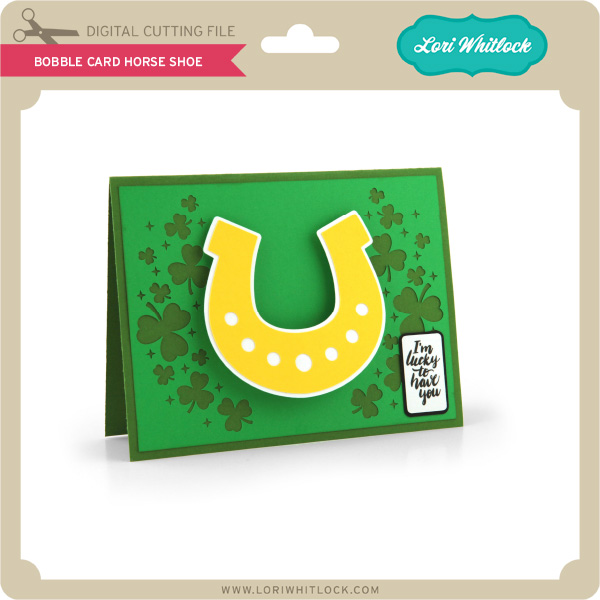
Thanks for visiting the blog today! Please let us know if you need any help with your files. We want to make sure everyone is happy with their purchase. Have a great week!
I wanted to remind you all that there are just hours left for the February Sale! All files in the Lori Whitlock SVG Shop are 30% off, just use code FEB2018 at checkout! It’s the perfect time to get all of those items on your wish list! Sale ends at midnight. shop.loriwhitlock.com
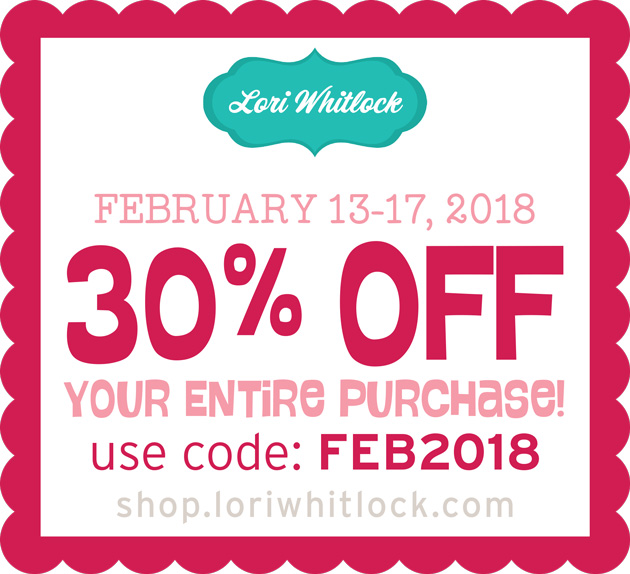
Are you crafting this weekend? Maybe finally opening that cutting machine you got for Christmas? Don’t forget about the February Sale happening now in the Lori Whitlock SVG Shop!
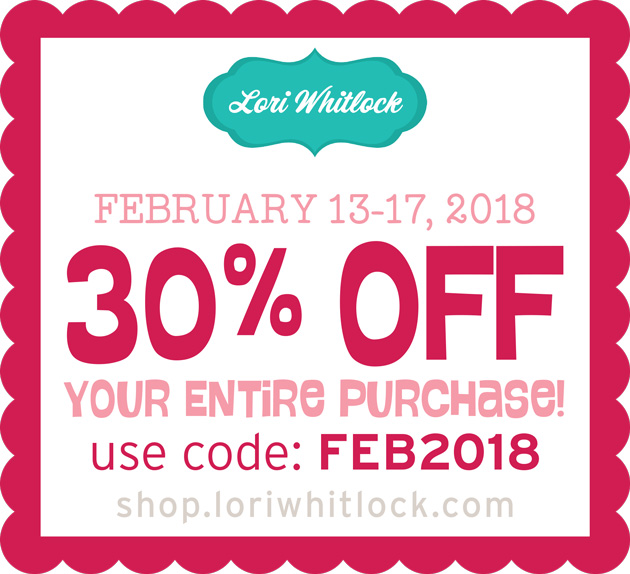
All files are 30% off through tomorrow at midnight! Just use code FEB2018 at checkout! Have a great day!
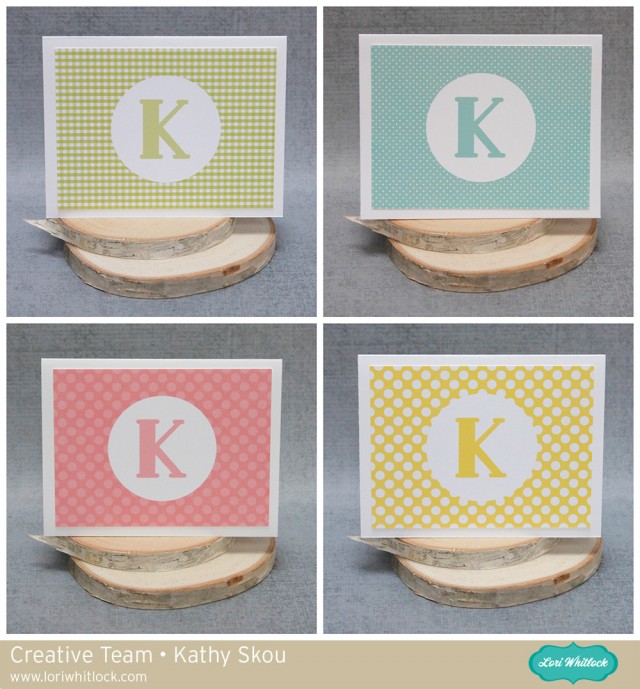
Hi Everyone! It’s Kathy today with some fun monogrammed note cards I created using Lori’s Pattern Fills and My Silhouette. When I was younger, I always had note cards lying around in case I needed to write a thank you or thinking of you card. These days with email and texting, it seems like a lost art, but I still think it’s important to send a hand written note for some situations! I created these to have on hand, in case nothing but a hand written note would do!
Before I show how I created the cards, I thought it would be helpful to show how to add these patterns to your Silhouette Library. Once you’ve purchased the files from Lori’s Shop (they are not available through the Silhouette Store) you want to unzip the file. Next you will want to open your Silhouette Library, and also open another window showing the Fill files on your computer. To add them in bulk to your library, select all of the files at once, click and drag them over to the Patterns category of your library as shown below…
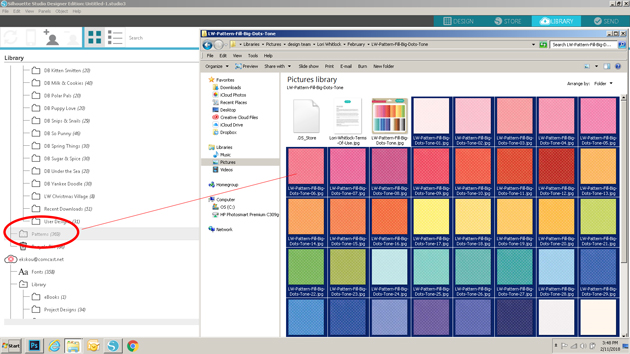
This will add all of the files to your Silhouette library at once, and they will be available for use through the Patterns category of the Fill function. Now for the cards themselves. I actually didn’t create the whole card in Silhouette, just the front layer. By creating just this layer, it enabled me to get more per piece of paper since I wasn’t cutting the entire card. I started by opening my Silhouette software and creating a 3.75″ x 5″ rectangle. This is the size of my front layer and allows for a .25″ border all around. (my note cards are standard A2 sized or 5.5″ x 4.25″)

Next, I added the fill to this rectangle. To do this I clicked on the fill button (the paint palate icon), then selected fill pattern (the dotted button). This brings up all of the fills I’ve loaded to my Silhouette Library. I scrolled down until I found the pattern. I clicked on my shape to select it, then clicked on the pattern fill I wanted.

The next step was to create the Monogram Circle. I started by drawing a circle using the shape tool. I sized it to be 2.5″. I filled that circle with white using the Fill function, selecting the circle and clicking on the white square.

For the letter I chose Lori’s Deco Font (Lori’s Shop, Silhouette) and sized my letter to 100.

I wanted my letter to be the same color as my background. To do this, I first selected my letter by clicking on it, and opened the Fill Window. I clicked on the dropper icon, then moved over to a blue area on my background piece and clicked. This added the background color to my letter.

The last steps of design were simply to center everything for printing. I first centered the letter in my circle using the Transform Panel.

Using the same buttons, I then centered the circle on my background.

Once everything was centered, I selected all portions of the design, right mouse clicked and selected group. This is a very important step. It allows you to cut just the outside of the design when using the Silhouette print and cut function.

I created a few different cards using the same method and some different fills. I then set up the printer registration marks by selecting Page Set Up, Registration marks and Type 1 Cameo. I have a wide format printer, so I can print 12″ x 12″. If you’re using a standard printer, you would set up the paper size to be 8.5″ x 11″ (from the page set up menu) and you would need to print 2 per page rather than 4.
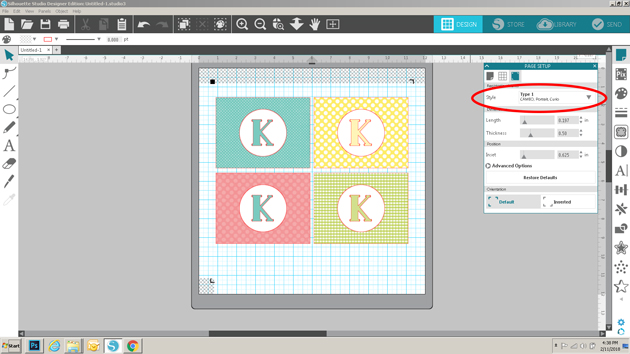
I then sent the file to print.

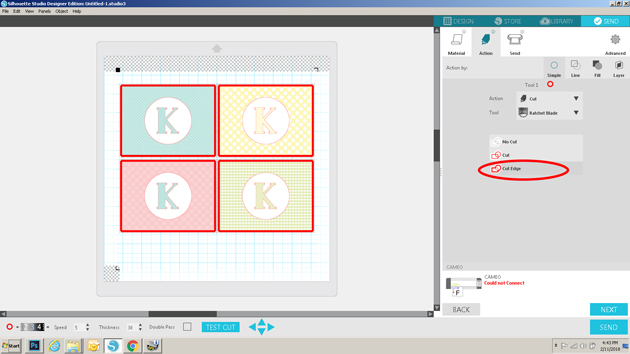
Once printed, I clicked on send, selected my media, then most importantly selected cut edge under action. Since I grouped each of the cards to be one file, this will insure that only the edges of the card fronts are cut. I then sent it to cut.
To finish my cards, I glued the front layers to a standard A2 Card ( paper cut to 5.5″ x 8.5″ then folded in half for card).

These would make a fun gift for a friend or family member! I’ve also used the same process to make thank you notes for my daughter to send to companies she has interviewed with for her summer internship! The possibilities are endless. That’s it for me today, thanks for stopping by to peek!
