New at Jessica Sprague: Daily December Digital Kit

We have a few new things at JessicaSprague this week. First is this awesome NEW Silhouette Class we’ve been working on….

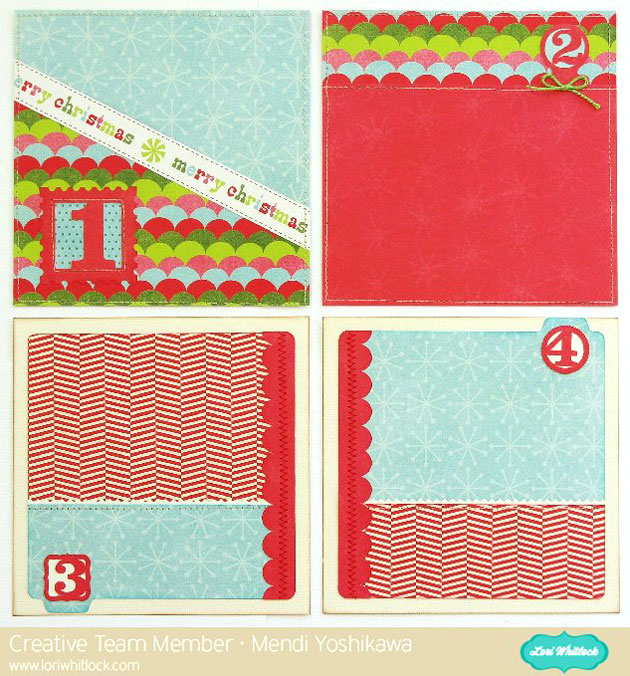
check out what our team member Mendi has created with files from this class.

This is a beautifully designed mini album. There are a few different cover options so you can make it for many occasions including December Daily, Month at a Glance or move outside the box and do your own thing. This class also includes exclusive files and a free font with your purchase. From now until Nov 29 you can purchase this class for $26.25. After that date it will return to regular price, $35.00

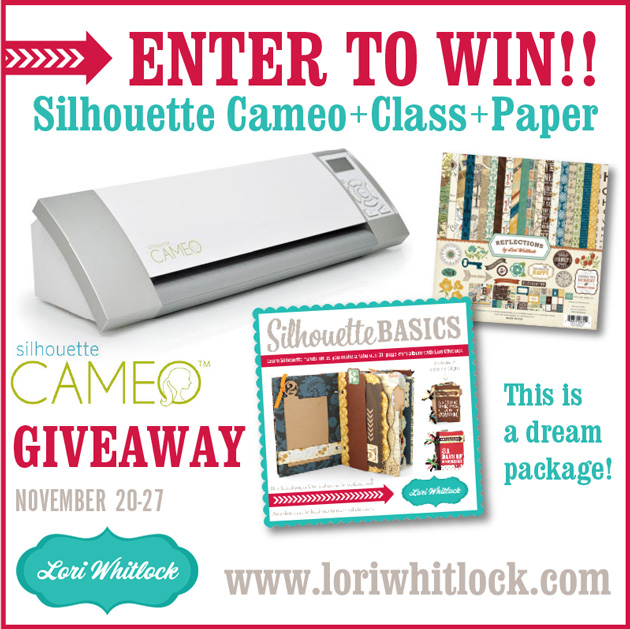
Don’t forget, Lori is giving away a spot in this class, AND the paper pack we used AND a Cameo! Be sure to enter here if you haven’t yet.

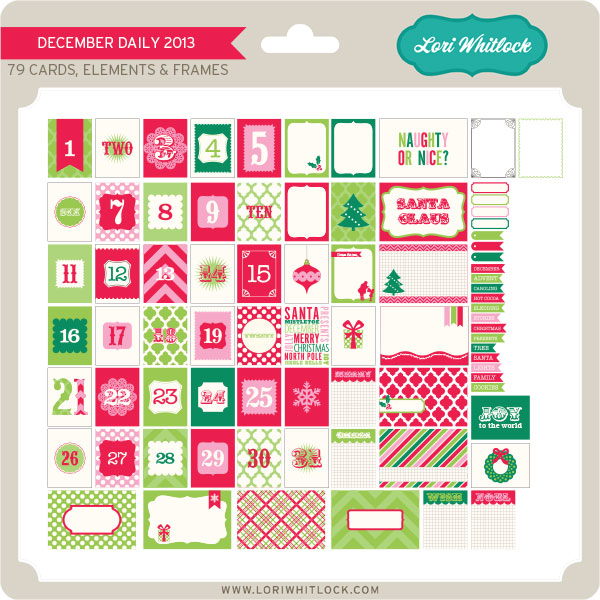
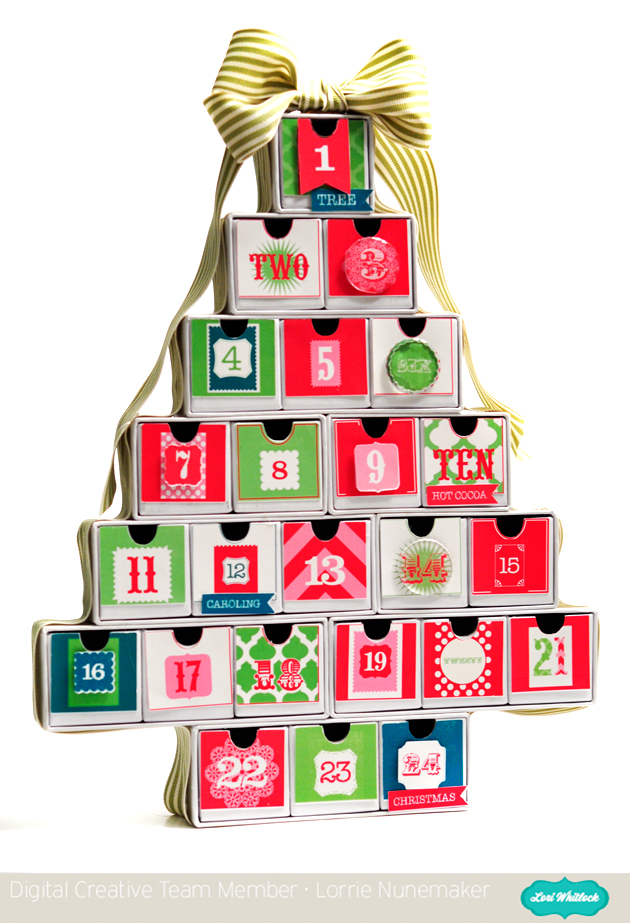
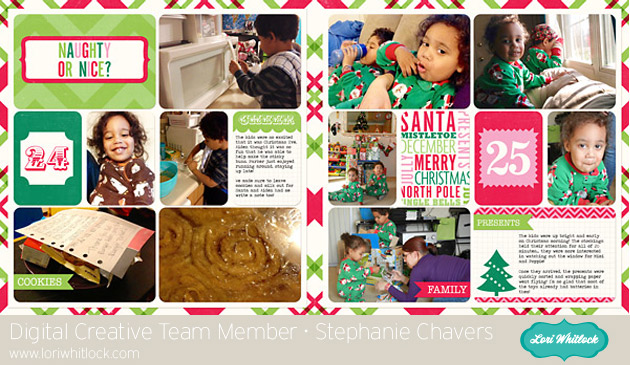
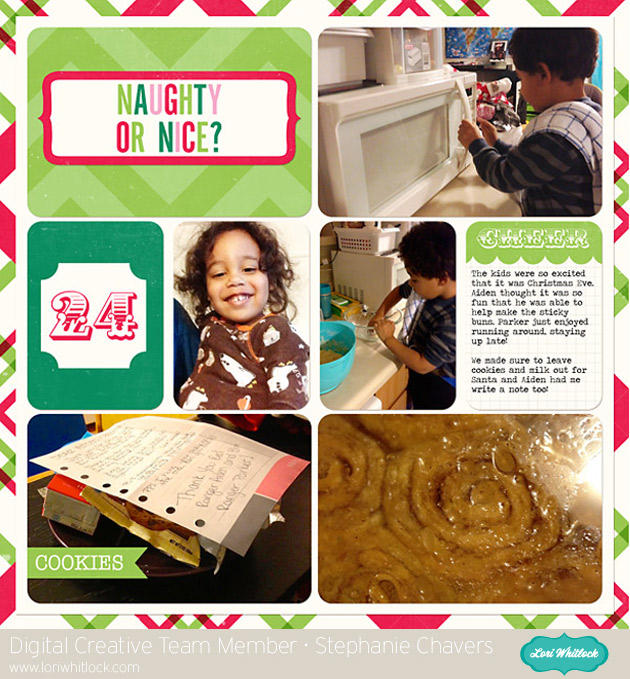
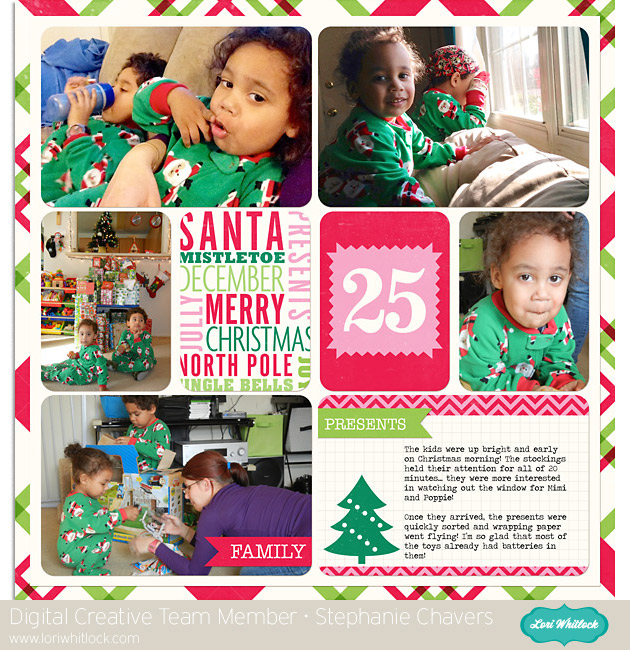
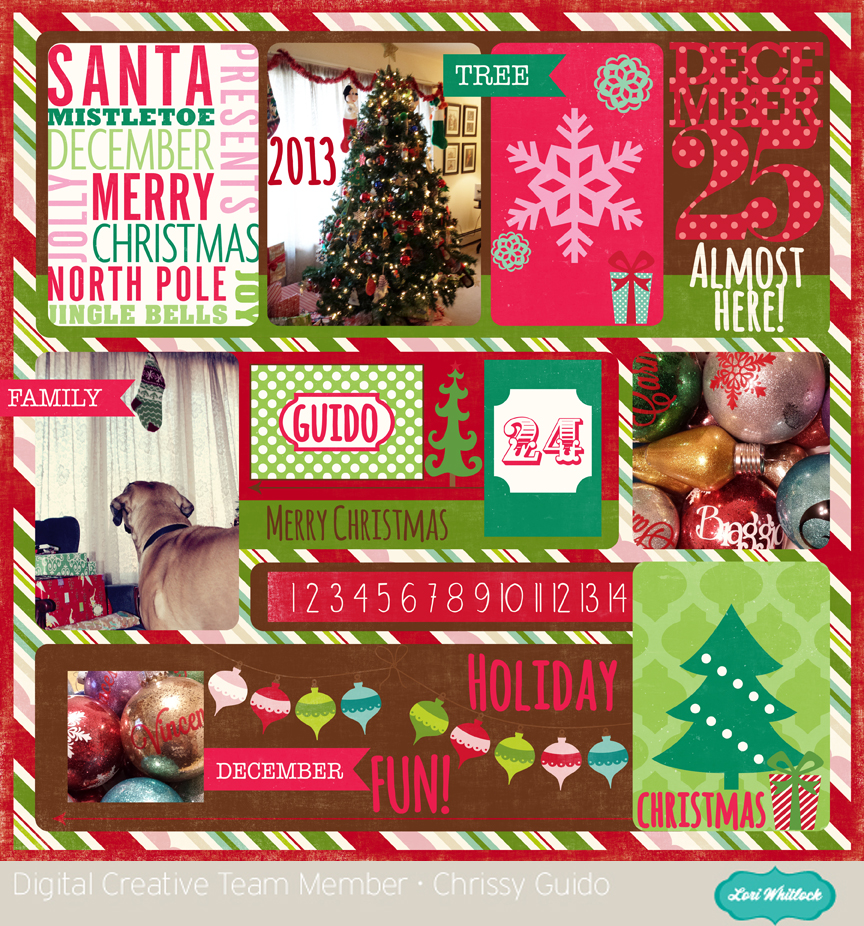
This weekend we also have an adorable December Daily Kit. It is labeled as 2013 only as a reference tool. There is nothing in this kit limiting the use of the cards. You can pick it up this weekend for 25% OFF. What a deal!  This price is good through SUNDAY; Check out the adorable samples from our Creative Team. I was blown away.

DAILY DECEMBER 2013


The Ultimate Giveaway: SilhouetteCameo+Class+Paper!!

I have a dream package GIVEAWAY for you today! I’m super excited about sharing this with you!! One lucky winner will be taking home an AMAZING package including the following:

1 Silhouette Cameo ($299 value)

1 Seat in Lori Whitlock’s Brand NEW Silhouette Basics Class at Jessica Sprague ($35 value)

1 Echo Park Reflections Collection Kit (that’s the paper I used for the class project) ($15 value)

If you do the math that’s a $349 prize package! Now that’s enough to make anyone SQUEAL!! What a way to start the holidays! Are you interested? Just ENTER TO WIN through the Rafflecopter form below. You can enter in a variety of ways. Be sure to enter by November 27 at midnight. The WINNER will be announced on November 28. GOOD LUCK!!

a Rafflecopter giveaway

Mini Album by Christine

Time for Remembering What We are Thankful For
Since we live away from most of our immediate family, it is not often that we get to spend Thanksgiving with them.  This year, though, everyone is coming to our house for Thanksgiving and staying a few days to visit.  So, I am busy preparing for all of the company and decided I wanted to take the opportunity to document what everyone has been doing this year and what they are thankful for.

To do this, I created a little mini book, using Lori’s mini book file,  Pocket Ring Mini Album  .  It’s just perfect for this project.  First of all it is assembled using ring binding clips so you can basically add as many pages as you need, one for each person.  The pages are pockets that have a tag inside of them.  The tags are all different shapes and I can see myself using these shapes for Christmas tags as well.  Don’t you love it when you can use files for more than one purpose!  I do!  The tags will be a spot where each family member can write what they want to.  You could pull them out of the pockets and place them at their place at the dinner table or just take the whole mini book apart and place the pocket page with the tag inside at their spot.
The pockets look really cute decorated and because they are on a ring binder, you can go big and chunky with the embellishments. My book was cut out using Lori’s Reflections Fall paper collection that you created for Echo Park.  It’s a gorgeous collection and has a lot of stickers and embellishments that were perfect for this project.
On each pocket, I used the scalloped border piece from Simple Borders, sized down to decorate it a bit.
All of the stickers and 3d embellishments are part of the Fall Reflections collection.
On the back side of each pocket, which is the left side of the next page, I may put some pictures of our time together, or I could put a picture of the person who’s tag it belongs too.  I’ve also thought about putting the person’s picture in the pocket page so that when you pull out the tag you will see who it belongs too.  So many different ways to dress up this fun little mini.
And before I go, I must mention a little bit about the cover.  I found this vinyl saying in Lori’s store and thought that it captured the purpose of this mini book perfectly.  To make it easy to transfer all those small letters to the front of the mini, I decided to use vinyl instead of paper.  That way, the transfer paper could help me keep it all together.  I can’t imagine trying to glue and line up all of those little letters if I had used paper.  I think it turned out fabulous.  So don’t forget that your vinyl looks really great on paper as well as on walls.
Lori Whitlock supplies used:

Silhouette Tutorial with Brigit: Making Christmas Tags

Hi everyone!  Brigit here with a fun print n cut tutorial for you today.

These cute penguin Christmas tags are so easy to make and really helps save some time.
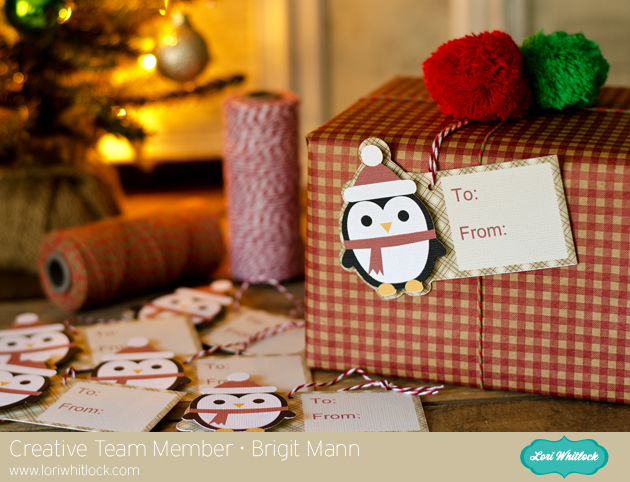
Start by getting the penguin  from the Christmas Icon Set, I love this set by the way, so many cute svg files in there.
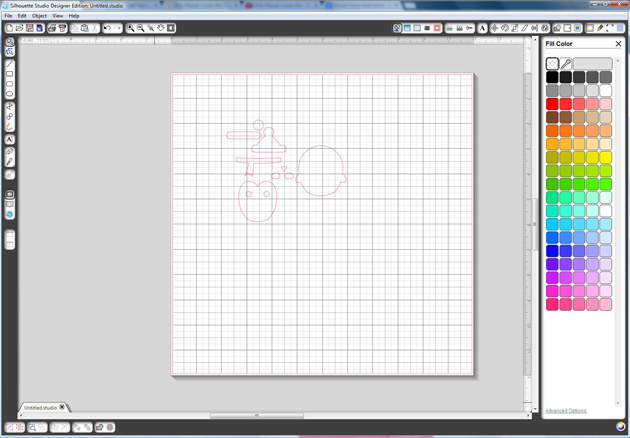
Ungroup and fill each piece with colors, zoom in and layer the penguin together like I’ve done below, select all and group together.
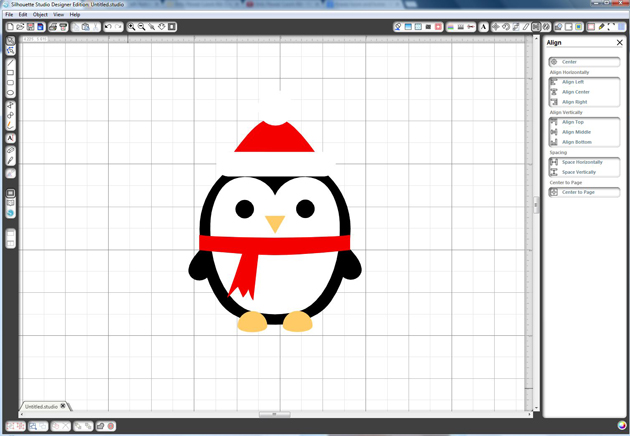
You want to create an outline for your penguin, select him and go to the Offset Window, choose offset and change offset distance to .1 and apply.

Draw a 2″ x 3″ box and place it over the offset of the penguin you just created, like I have in the photo below, with both selected right click and weld or you can go to the Modify Window and weld.
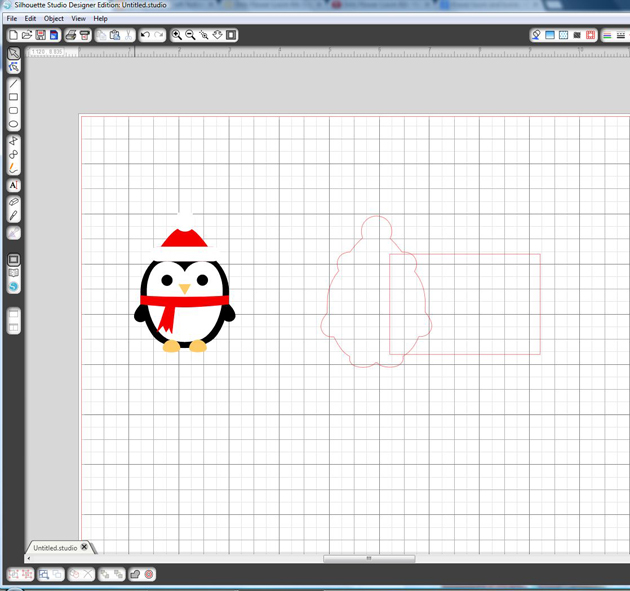
Place a circle about .125″ on your tag, (this is for your twine or ribbon) and select both the tag and circle, right click and choose make compound path, this helps later when you choose to only cut around the edge of the tag.

Fill your tag with digital paper, I’m using Echo Park’s Reflections Christmas designed by Lori.

I added a 1.75″ x 2″ box and filled with beige then added the text so you could see it better.

Fill your text with color or if you just want it outlined make sure under the Line Style Window you check the Print Lines of Selected Shapes.
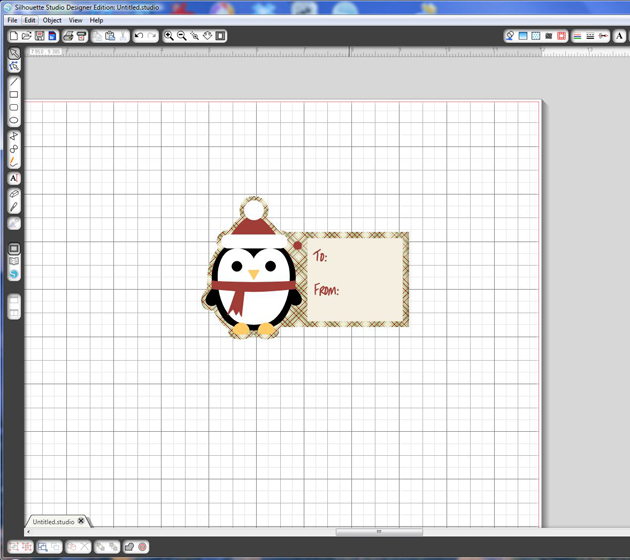
It’s important that you only cutout the outline of your shapes. I chose to cut my penguin out separately so I could pop dot him up.  Go to the Cut Style Window select tag and choose the Cut Edge, do the same for the penguin, it should look like the photo below.
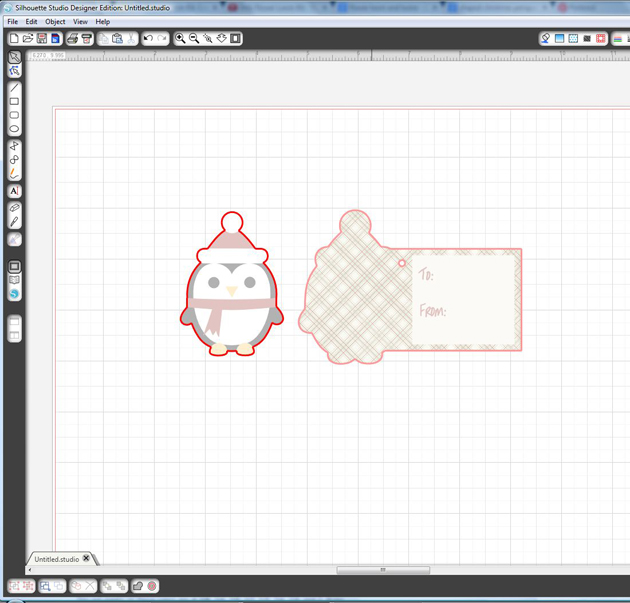
In the Registration Window select Show Reg Marks

Under Page select your printer page.

I have a wide format printer so mine is setup to print on a 12″ x 12″ size paper.

I was able to fit 6 tags but you can re-size to fit more if you’d like.
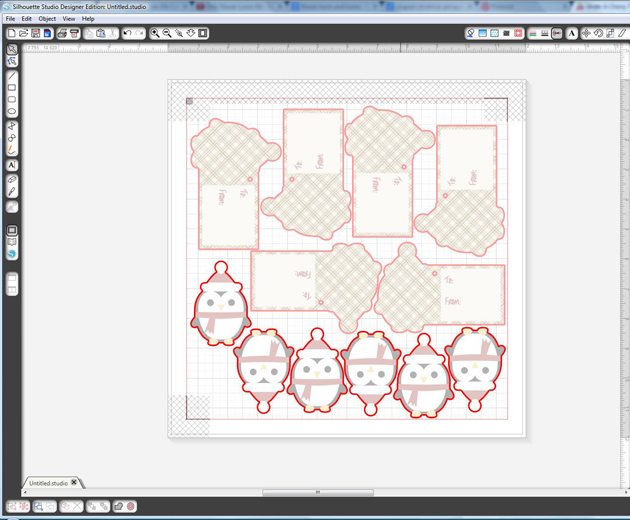
I hope you find this tutorial helpful.  Christmastime can get very busy so these pnc tags come in handy when you need some quickly.

Thanks for stopping by, you can visit me at http://www.brigitsscraps.com