5×7 Shadow Box Cards

I’d like to introduce you to my brand new 5×7 Shadow Box Cards. When I developed these, I was trying to figure out a cool new 3D card concept. After a few prototypes (and a couple of disasters), these charming little cards were born. I’ve created several different designs that work for Christmas and Winter. I’ve also created a video tutorial for these cards. If you’d like to watch the tutorial, be sure to scroll to the bottom of this post where I’ve embedded it, or you can click HERE.

Thank you for the overwhelming positive response to these cards! I’m so glad you’re enjoying them. Please feel free to post your creations to my Facebook Page or even enter them in the current challenge located in the right column of the blog.
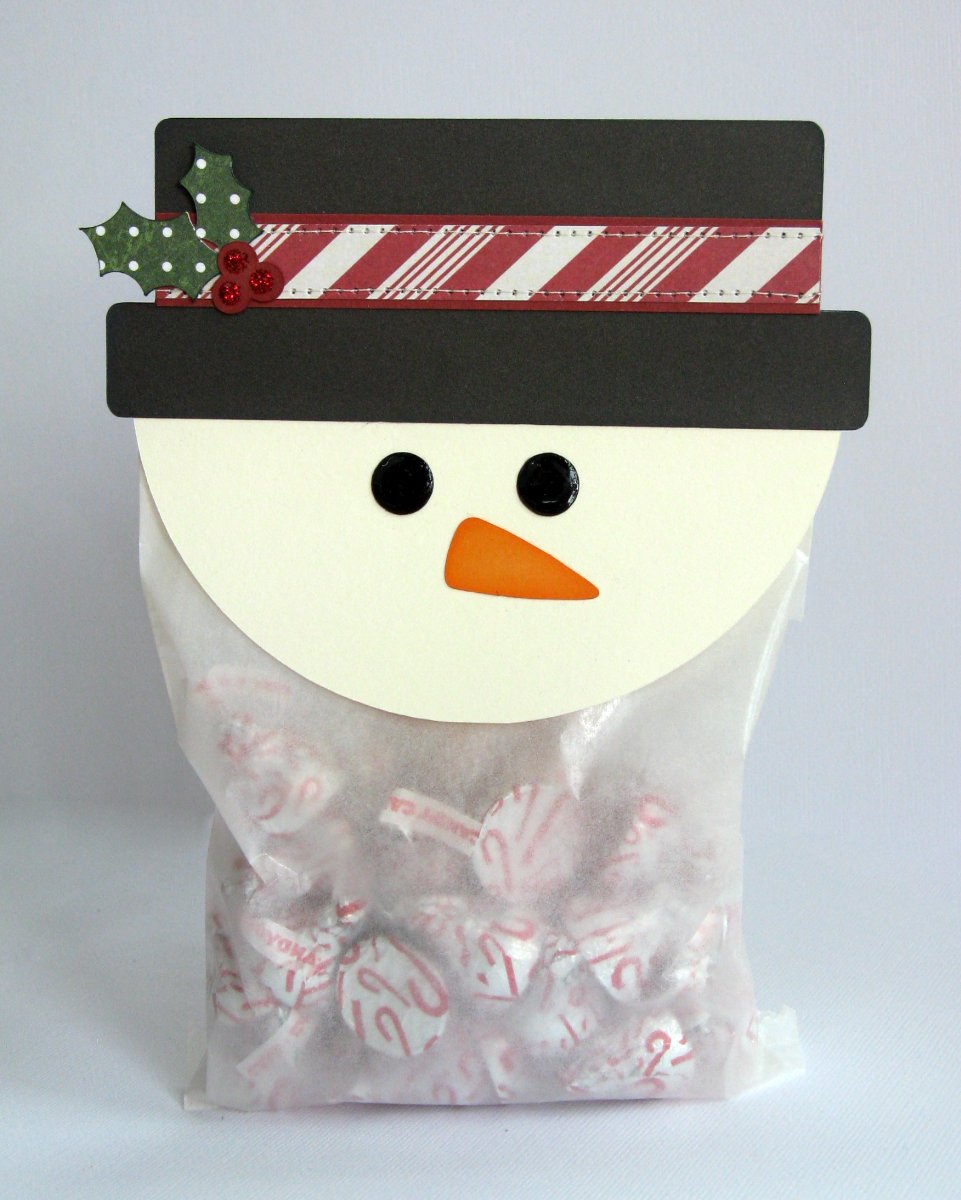
You’ll find the Silhouette Cutting files HERE.

You’ll find the SVG cutting files HERE (and, YES, they are Cricut Explore friendly)

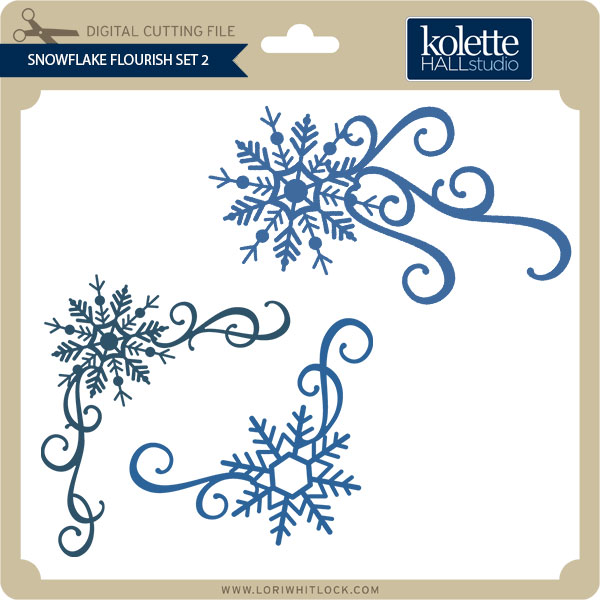
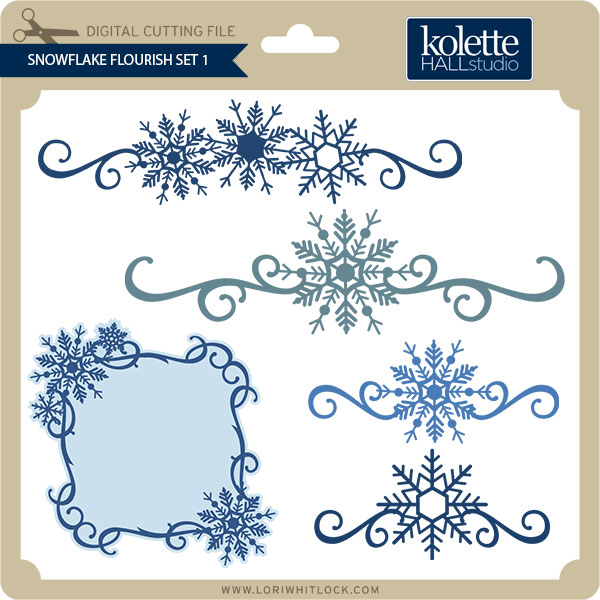
I thought it might be helpful to see all the design options in one place:

Have fun crafting and Happy Holidays!!


Merry and Bright Shadowbox with Cathy

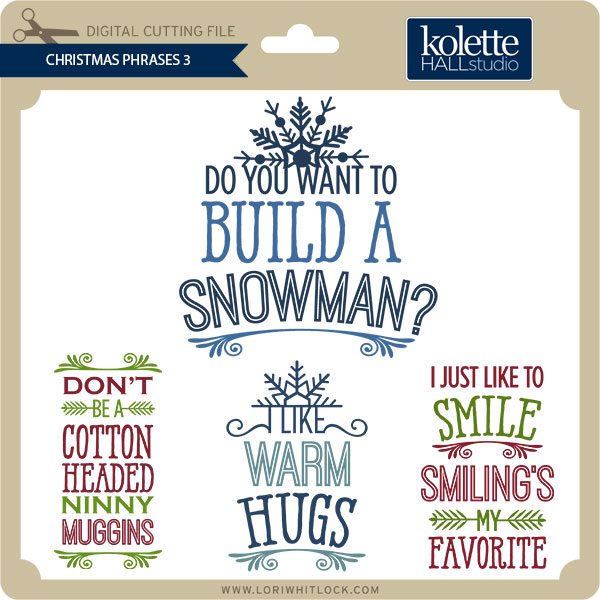
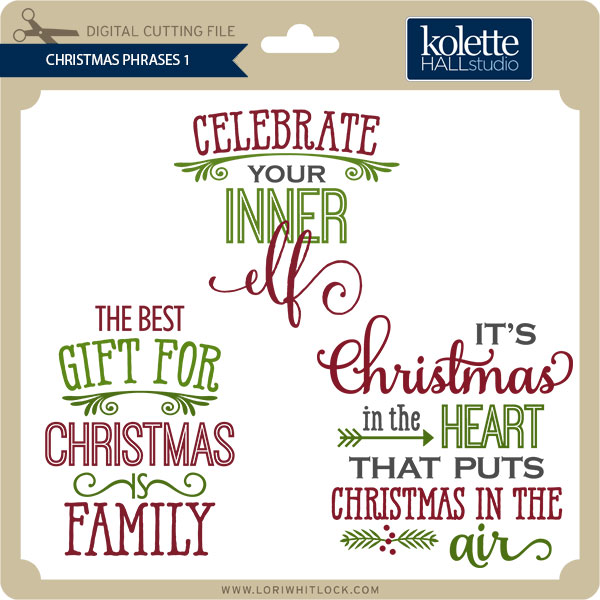
Hi Lori Whitlock fans…Cathy here with you today and I have a quick last minute gift idea to share with you!  I created a shadow box with one of Lori’s Christmas Phrase Set 1!  I know that this isn’t the most original idea out there but they are really quick and easy to make.  Lori Whitlock has so many wonderful phrase sets that the possibilities are endless for creating these shadowboxes.

I started with and 8×8 white shadow box and added an 8×8 piece of black chalkboard paper from Lori’s Echo Park Christmas Cheer collection.  Just adhere this piece to the back of your frame.  Next, fill your frame with tiny ornaments or jingle bells.

I cut the Merry and Bright out of gold metallic Oracle 631 vinyl.  I scaled it down to the size you can see below.  The preset vinyl setting on the Silhouette cuts is beautifully with a nice sharp blade.  Weed your vinyl and transfer the saying onto the transfer paper.    Then just adhere it where you want it to be and just like that you are done!  Easy Peasy!

Such a super cute set!  If I need another last minute gift, I will use the Jingle all the Way and fill it full of multi colored jingle bells!

And as I mentioned earlier, that Lori has so many phrases that the possibilities are endless for these shadowboxes!

Christmas Phrases Set 1 link  or the Silhouette Store Merry and Bright link!

Tuesday Freebie + New in Shop

TODAY ONLY, this set of 3 Stacking Christmas Boxes file is FREE with Purchase.

It’s time to get things all wrapped up for Christmas! Simply add this file: 3 Stacking Christmas Boxes to your shopping cart along with any $3 purchase from www.loriwhitlock.com/shop and this file is yours FREE (cart must reach at least $5.99 before the coupon will be applied).  Be sure to use Coupon Code: BOXES at checkout. The price of the 3 Stacking Christmas Boxes will be deducted from your total. Hurry! This offer is good until midnight!

We have many requests for the PDF file for hand cutting. Now many of new shapes will include a line art PDF. Also, all or our files now come Cricut friendly. If you need measurements for an older file please don’t hesitate to ask by emailing us HERE.

Finally… Check out these adorable new files in the Lori Whitlock SVG Shop, and they are on SALE 25% OFF through the weekend, too!!! These downloads include SVG files. 3D files include cut size information and a PDF for hand cutting if desired. Read description before making your purchase.

To find these files in the Silhouette Design Store click HERE.

Corri Garza- Poinsettia Flower Pot

Hi everyone!  Corri here today sharing my version of Lori’s Poinsettia Flower Pot Card.

I love the dimensional look of the flowers.  This would be a great way to gift a gift card…you could should use a glue dot to attach the card to the pull out portion of the card.

I used paper from the Christmas Cheer Collection from Echo Park.  I love the addition of black to the traditional Christmas colors.  The tag is from the element sticker sheet.  I sprinkled the back with baby powder so it wouldn’t stick to the front of the card.

Check out all the beautiful new Christmas files that Lori added to the shop.

Silhouette Tutorial with Tya – Custom Card Sentiments

Hi everyone- Its Tya here to share with you a fun and easy Silhouette tutorial! I love using Lori’s shapes in all sorts of fun ways. Today I wanted to share with you how to add a custom sentiment to a card front.

For my card base I used Lori’s A2 Snowflake Ornament Card that you can find here in her SVG shop and here on the Silhouette website.

As you can see, I removed the snowflake from the card front and added some festive holiday sentiments on my card front instead using the handy subtract tool in the Silhouette software. Let me show you the steps that I followed to make the cards.

1- Ungroup the shape and delete the snowflake.

2- Grab the card front. Using the Draw a Rectangle tool, draw a 1.5×4.5 inch box right in the center of the ornament.

3-Open the modify window, select both shapes, and then click on subtract.

4-You will now have the top and bottom section of the shape with a space in the middle.

5- Type out your sentiment. I typed the word Merry in all capitals using the LW Block font I downloaded from the Silhouette store. I suggest using block fonts, or fonts with a serif on them for this technique. I also like to use capital letters just to make things easy and even. Resize your sentiment so that the letters slightly overlap the top and bottom lines of our space we cut out of the middle.

6- Select  just the top section of the ornament, right click and click on make a compound path. This keeps the hole in the top section of the ornament.

7- Select the whole shape, right click and select Weld. You can see now that the shape of the ornament is still intact, and we added a custom sentiment to our card front – this is a fun way to add a personal touch to your cards and to get more use from your card shapes.

Here are all the cards I made using this technique. I really enjoyed using Lori’s Christmas Cheer Echo Park paper line for my cards. The colors just pop! Love it! For this card, I used the Merry Christmas flourish phrase found here and here.

Thanks so much for stopping by today and letting me share this tutorial with you! I hope that you will give this nifty technique a try! And I would love it if you would stop by my blog and say hi! Happy Holidays and Happy Crafting!