EOS Lip Balm Holders with Kathy

Hi Everyone!  It’s Kathy today with some ADORABLE Lip Balm holders!  I don’t know about where you live, but here in MA, EOS Lip Balms are all the rage, so when I saw Lori’s sweet card holders in the shop  (or here in the Silhouette Store) I couldn’t resist!  These will be perfect for my daughter and her friends for Valentine’s Day!  Take a peek:

There are eight different designs, but I chose the Butterfly, the Cupcake and the Flower.  I added some foam tape between the layers for dimension and embellished them with some stickers and gems.  So easy to put together and so cute!!!  Here are some close-ups…


Can’t wait to try the others!!!  That’s it for me today, thanks for stopping by !

Pocket Scrapbook Page with Corri

First off, we have a winner to announce. Sandra L. you have won the $30 gift card to Lori Whitlock’s SVG Shop!! Please check your email for instructions on how to claim your prize! Congrats!! Thanks to everyone for entering. Watch for more fun giveaways.

Hi everyone! Corri here today.  One of my goals for 2015 is to get more of my kids’ photos out of the computer and into albums.  I decided to try my hand a pocket page.  I love how easy these pages go together and that I can add die cuts to embellish for any subject or season.

I used some paper from Webster’s Pages – Hall Pass Collection added some of Lori’s school themed die cuts.

I cut this apple and grade title to fill one of the 4 x 6 slots.

I used my sketch pens to add some journaling to this globe life card. This is how.

1. Reduce the size of the card to 75%.

2. Place the top layer on your mat and type your journaling.  Scale the text to fit.

3.  Align the text on top of the card.  Select the card and select “no cut” from the cut menu.

4. Replace the blade with a sketch pen and select cut.  Do not unload the mat.

5. Select the text and then set it to “no cut”.  Select the card and set to “cut”.

6.  Replace the pen with the blade and select cut.

Lori has so many great fonts in the shop!  You can really change up the look of your page just by changing the font.  I used the Dot Sketch Font in my example.

Don’t forget you can save 30% off your entire purchase at Lori’s SVG Shop with the code “JANUARY” through 1/19/15.

January Blog Hop

Welcome to our January 2015 Creative Team Blog Hop. Our team has been working hard to share some beautiful projects with you! But first…

There is a sale going on at Lori’s SVG shop. ALL files (and commercial licenses) from Lori and Kolette are on SALE 30% OFF. Use code JANUARY (case sensitive) at checkout in the SVG SHOP.

Just so you know, we are constantly trying to make changes that make your life easier. Our SVG files are now Cricut Explore friendly. Our newest files are color coded and the score marks should appear on one layer. We now provide cut size information and a line art PDF with most of our 3D projects. Check the description on each shape before making your purchase, if you desire the cut sizes, PDF or Cricut friendly files on an older shape that does not include the files needed, please let us know by emailing us HERE. We’re happy to help you get what you need.

Everybody loves a FREEBIE, right? TODAY ONLY, this Snowflake Set is yours for FREE. The SVG and STUDIO cutting files are included in the download.(no longer available)

New this week… Check out these adorable new files in the SVG Shop, and they are on SALE 30% OFF through Jan. 19 due to the Blog Hop!!! Be sure to use coupon code JANUARY at checkout. These EOS Lip Balm holders are the CUTEST project! What a fun gift for Valentine’s, party favor,  or a little Thank You! And, the best part… THEY ARE SO EASY.

You’ll also see that I have several new Telescope Cards. These are fun because with a couple of brads you can make a really stunning interactive card. These cards “stack” flat when closed, but “telescope” open. Try adhering a loop of ribbon to hang them. There are so many things you could do with these cards. They’re so FUN!!


All of Lori’s NEW downloads include Cricut friendly files. Cut size info and a PDFs for printing and hand cutting are included when appropriate. Be sure to read the description.

Next, would you like to see what our amazing team has created? Click the links below for some wonderful projects. If you ever get lost come back here to get on track

Lori Whitlock

Corri Garza 

Mendi Yoshikawa 

Kathy Skou

Cathy Harper

Chrissy Guido

Ashley Cook

Stephanie Chavers

Rachael Sheedy

And finally, would you like a chance to WIN a $30 gift card to the SVG Shop? Enter through the Rafflecopter form below. A winner will be announced this Thursday, yep that’s right just two days. Be sure to LEAVE A BLOG COMMENT AT EACH STOP for 4 entry points! Good luck and thanks for dropping by!

a Rafflecopter giveaway

From Embellishment to Mini Album with Kathy

Hi Everyone!  It’s Kathy,  with my very first post as a member of Lori’s Team!!  I’m very excited to be here!  Today I wanted to show you how I transformed Lori’s Adorable Shaker Camera embellishment into a fun mini album celebrating my cousin’s sweet new baby boy!

I started by loading the Shaker Camera file into my Silhouette.  Keeping everything grouped together, I resized the camera shape to be about 4.5″ x 6.5″ so that it could accommodate 4″x6″ photo sleeves.  By keeping all the shapes together, everything was uniformly resized.

After ungrouping everything, I cut two of the camera shapes and the six “thinner” rings from some Silhouette Chipboard.

I then cut some patterned papers to cover both the outside and the inside covers.  When doing this, make sure to flip the camera shape horizontally for one of the covers.  This will make sure that everything lines up properly.


Now I started assembling all of the pieces to make my album covers.  I started by gluing both the outside & inside covers to the chipboard camera pieces.  I then glued the chipboard rings together in a pile.  This builds the “shaker” part of the card.

To finish the “lens” I first glued the ring stack to the background circle I cut from a coordinating piece of paper.

Next, I filled my shaker with a cute Teddy Bear Sticker and some sequins.

Finally, I finished it off by adding a circle of clear plastic to hold all the shaker elements inside, and then added the “fatter” ring that I cut from another piece of patterned paper.

 I added the completed lens, and the viewfinder piece to the front cover.  I used Lori’s Perfect Type Font to cut out the Baby’s name and added that to the lens.

I didn’t have the 4″x6″ photo sleeve when I started this project, so after the covers were complete, I used one of the sleeves to measure where to punch holes for the binder  rings.  On the inside cover, I again used the Perfect Type Font to print the baby’s birth information on a cute little label!

Lastly, I filled the pages!  I wanted to keep it simple, and leave some room for my cousin to add her own writing, so for each page, I simply added one of Lori’s 7 Shapes Labels where I put the date.  Here are the rest of the pages…

I left her some blank pages and labels to add to the album!

That’s it for me today!  Thanks so much for stopping by!
Tuesday Freebie + New in Shop

TODAY & TOMORROW, this 2 Nugget Box file is FREE with Purchase.

Happy NEW YEAR!! We have an adorable free file with purchase today! Simply add this file: 2 NUGGET BOX to your shopping cart along with any $3 purchase from www.loriwhitlock.com/shop and this file is yours FREE (cart must reach at least $5.99 before the coupon will be applied).  Be sure to use Coupon Code: NUGGET at checkout. The price of the 2 NUGGET BOX will be deducted from your total. Hurry! This offer is good until Wednesday (tomorrow) at midnight!
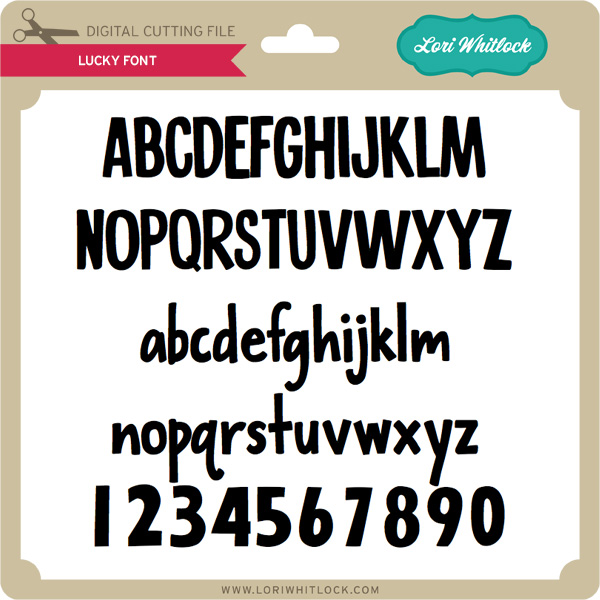
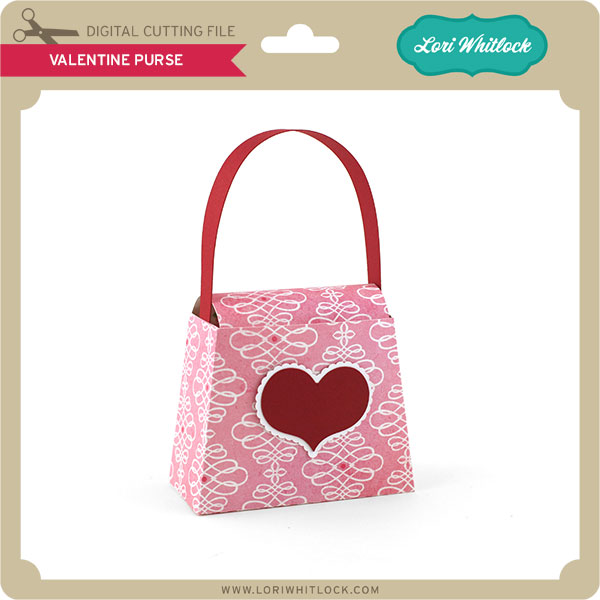
 

We have many requests for the PDF file for hand cutting. Now many of new shapes will include a line art PDF. Also, all or our files now come Cricut friendly. If you need measurements for an older file please don’t hesitate to ask by emailing us HERE.

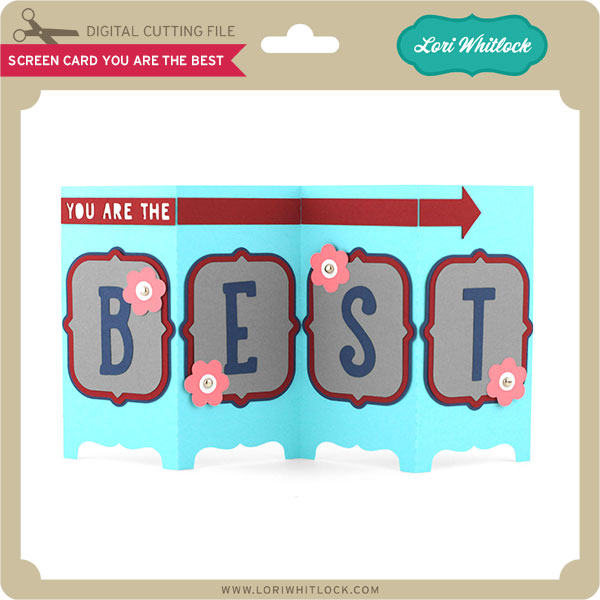
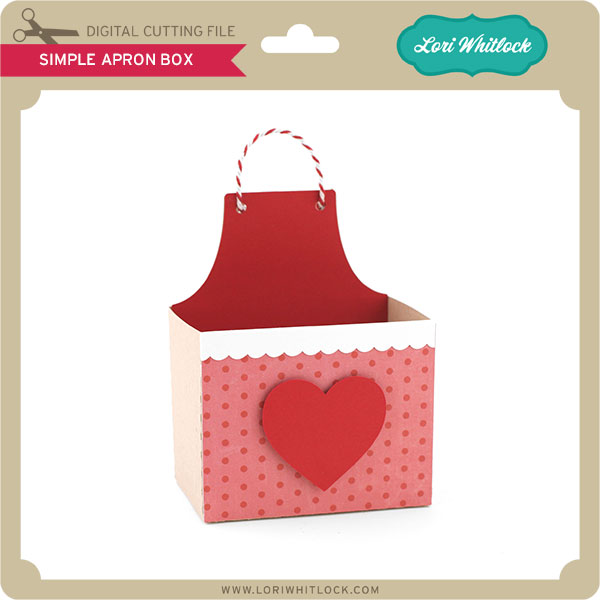
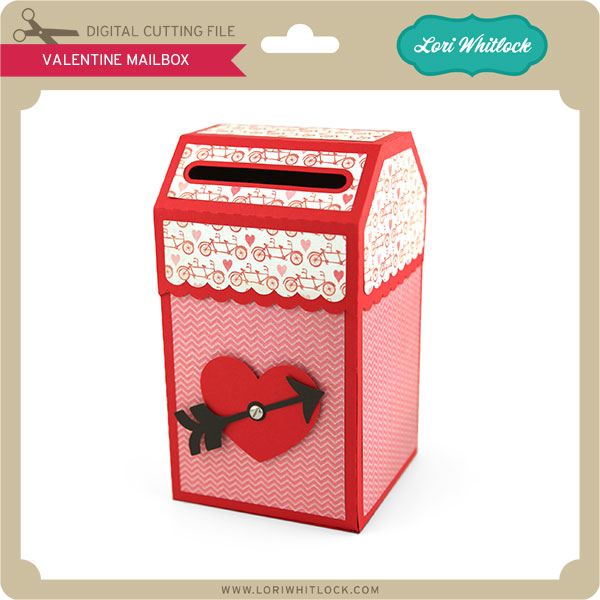
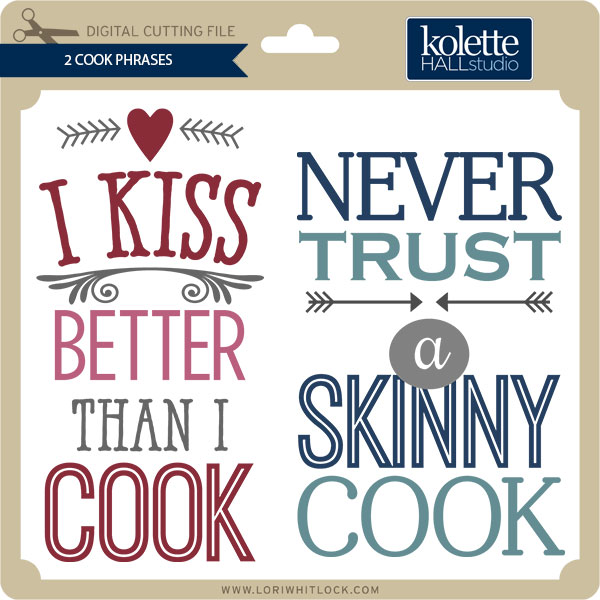
Finally… Check out these adorable new files in the Lori Whitlock SVG Shop, and they are on SALE 25% OFF through the weekend, too!!! These downloads include SVG files. 3D files include cut size information and a PDF for hand cutting if desired. Read description before making your purchase.

To find these files in the Silhouette Design Store click HERE.