Give Thanks Card with Kathy

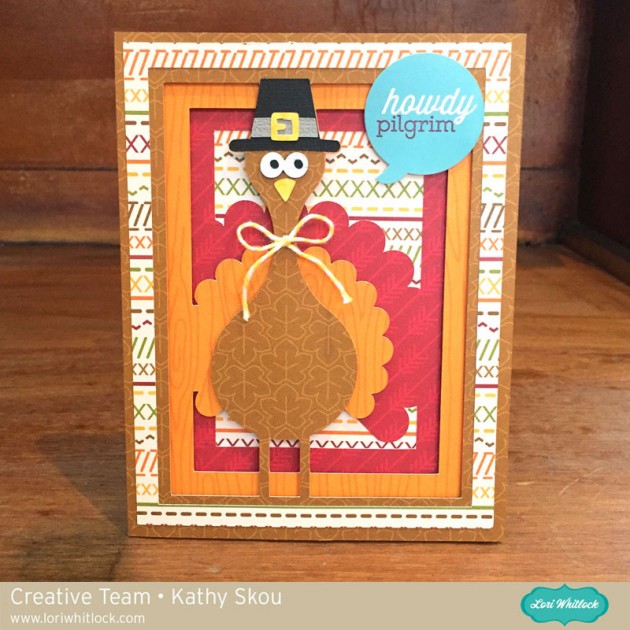
Hi Everyone!  It’s Kathy today with a fun Thanksgiving card I created using a couple of Lori’s files…take a peek…

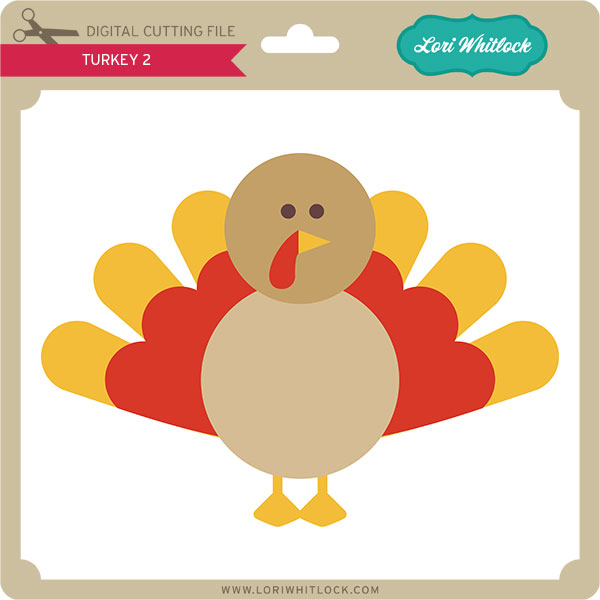
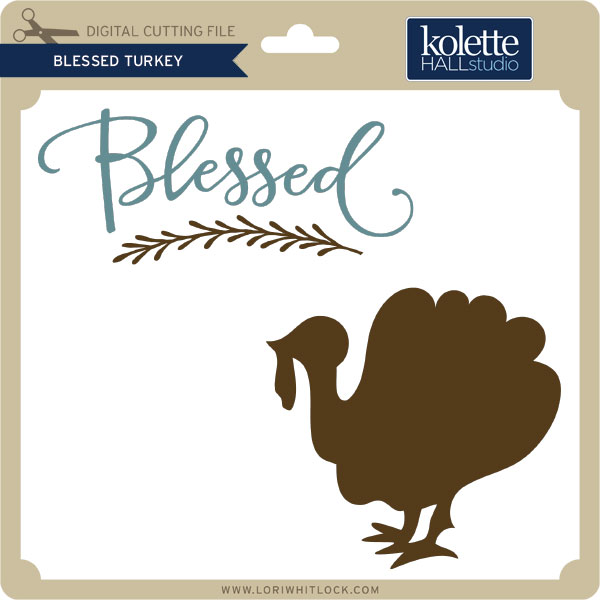
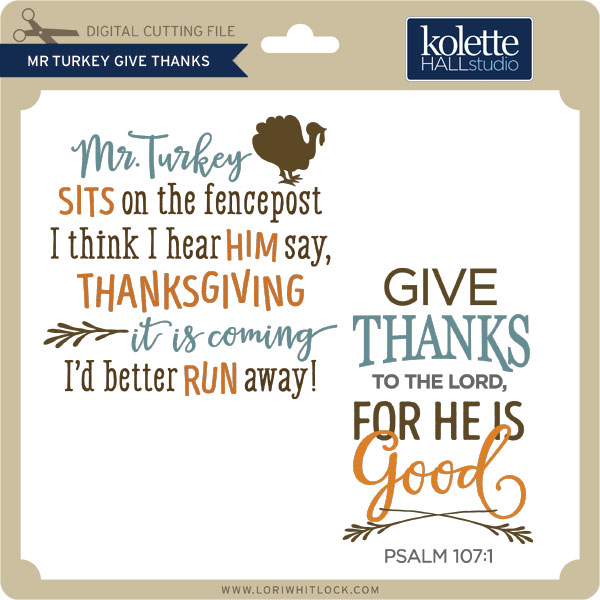
I love Lori’s card bases because you can use them for any type of card… just change the papers and embellishments to suit your needs and you can use them for Birthday, Holidays, Get Well, you name it!  For this card, I used the 5 x 7 Shutter Card (here in Silhouette Store), then added the Thanksgiving Turkey (here in the Silhouette Store).  It came together quickly and I love how it turned out!  That’s it for me today, thanks for stopping by to peek!

October Link Up with Cathy

Susan Browning,  you are the winner of the link up from last month! Please email me to claim your $15 gift voucher to my online SVG shop. Just so you all know, there is a new link up below so be sure to join in the fun for your chance to win this month.

Hi everybody!  Cathy with you today and I have a new Link Up for you guys to play along with and win!  Fall has arrived and it is my favorite time of year.  I decided that this Link Up should be all about “Fall”.

I used Lori’s new Echo Park Collection, The Story of Fall to create her Fall Pumpkin A2 Box Card.  These box cards are so much fun for someone to receive plus they fold flat into an A2  envelope for easy mailing.  Lori has a ton of box cards in her shop, you could create one for every holiday and almost any occasion.  The Story of Fall has the perfect colors and patterns for this adorable box and a tucked in that adorable little hedgehog from The Story of Fall’s chipboard set along with the Autumn banner and button!

We would love to see your “Fall” themed projects.  Just link up your project using any of Lori’s files for your chance to win!


~Cathy

Tuesday Freebie + New in Shop

TODAY & TOMORROW, this SVG file is FREE with any $1.99 purchase!
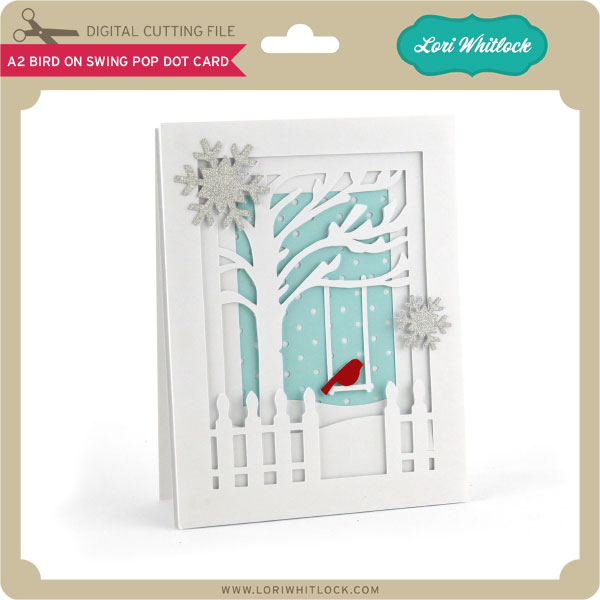
We have a FREE file with purchase today + tomorrow! Simply add these absolutely adorable Vintage Frames to your shopping cart along with ANY $1.99+ purchase from the SVG Shop and this file is yours FREE. Be sure to use Coupon Code: VFRAMES (case sensitive) at checkout. Hurry! This offer is good until Wednesday at midnight!

(Your cart must reach at least $3.98 before the coupon will be applied and then $1.99 will be subtracted from your total at checkout. The files will be available for immediate download after you pay for your order by visiting the “downloads” section inside of your account.)  

09-29-15-LW-Vintage-Frames


We have a great new release of SVG files this week! And, just like always, the NEW files are ON SALE 25% OFF through the weekend in the SVG Shop! These downloads include SVG files for sure and PNG or PDF files when appropriate. Be sure to go get them while they are on SALE this week.


Thanks for visiting the blog today! Please let us know if you need any help with your files. We want to make sure everyone is happy with their purchase. Have a great week!

Story of Fall Banner by Tya

Hello Lori Whitlock friends! It’s Tya here up on the blog today. To officially welcome Fall to our home, I decided that a cute banner was just what my mantle needed! So I decided to use the adorable Story of Fall line to make this fun and festive project. Let me show you what I did!

So I found a banner base that I liked and cut 4 of them out on my Silhouette. The file I used didn’t have 2 holes punched in it to string the twine through , so I just made a couple and placed them on the top two corners of the base. I then covered the bases with a few fun pattern papers from the Story of Fall Collection.

I then cut out 4 ovals and used my Silhouette Sketch Pens to draw an orange border on the ovals. Then I used the darling LW Homemade font and cut out the letters F A L L out of brown cardstock and added them to the top of the cream ovals. I then cut out a few leaves.

 If you notice on the leaves, there is a pattern embossed on them. I was able to get my hands on the new Silhouette Curio machine and had a great time using the embossing tool with the Curio to get the patterns on the leaves. I found some really beautiful shimmery specialty paper that took the embossing wonderfully!

I added some chipboard elements from the Story of Fall collection to the banner shapes.

I also added some buttons and twine to the leaves for some added texture.

 That’s all there is too it! I had alot of fun with this project and hopefully have inspired you to make this fun banner to get the fall season underway in your home too! Happy Crafting!

Files used:

-6 Banner Shape ( I added 2 holes instead of one) (Silhouette Store)

-Build a Banner (LW Shop)

-Fall Leaves ( LW Shop) (Silhouette Store)

-LW Homemade Font (LW Shop) (Silhouette Store)

Customizing a Shape Using the Knife Tool with Kathy

Hi Everyone, it’s Kathy today with a tutorial to show you how to use the knife tool to customize a shape for your project.  I have to start this tutorial with a confession.  I am a crazy cat lady.  I saw a similar item to my project on Pinterest, wanted to purchase it only to find that it was only sold in the UK and it was sold out.  I was determined to have it so I came up with a way to make it myself… take a peek…

How cute is this??  Luckily my daughter was happy to be my model!  This was really pretty easy to do… I started by loading Lori’s Black Cat Design into Silhouette Studio.

 I clicked on the knife tool on the left side tool bar. Using the tool I drew a line across the design where I wanted to cut it.

You can see that the line I created divided the cat, leaving the top half of the face as a stand alone design.

I deleted the portions of the design I didn’t want, then resized the top of the cat’s head to fit my umbrella panel.  I changed my cut settings to vinyl and cut my design.

You can cut vinyl without using a mat, but I usually use my mat so that I can use smaller pieces of the vinyl.  I cut out the cat face, then weeded out the pieces I didn’t want.

Next, I applied the transfer paper to my design and made sure it was down well, eliminating air bubbles using my scraper tool.

I peeled the transfer paper off, bringing the design with it.  The transfer paper makes it easy to apply the vinyl design all at once, exactly where you want it.  I applied it to my umbrella, using my scraper again to eliminate air bubbles, then peeled off the transfer paper, leaving just the design.

And voila!  A crazy cat lady umbrella!

That’s it for me today, thanks for stopping by to peek!