Lori Whitlock Amazon Shop

Hi Everyone!  I often get questions about the types of adhesives, papers and tools that I use, as well as where to find some of the products I design for Echo Park and Sizzix.  I decided to put together an Amazon Shop with links to the items I use most.  You can access that store from both my blog as seen here:

And also from the Lori Whitlock SVG Shop by clicking on the Papercrafting products link here:

In the shop you will find a number of items.  There is a page with some of the adhesives that I use most in my projects


The next link is to a few of the different types of cardstock that I like to use, as well as some of my Echo Park Collections.
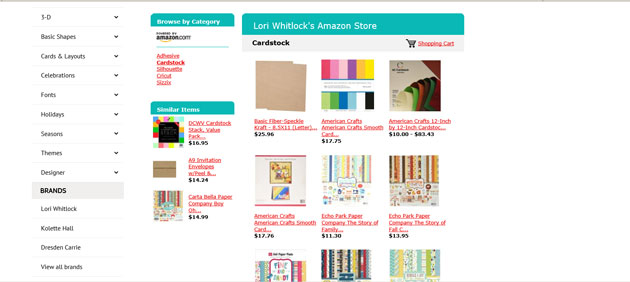
I also have links to some of the Silhouette and Cricut products I often use and recommend.

And lastly I link to some of the products I designed for Sizzix.

I hope you find this shop and these products helpful!  Thanks for stopping by today!

Lori


NEW Pop-Up Box Cards Tutorial

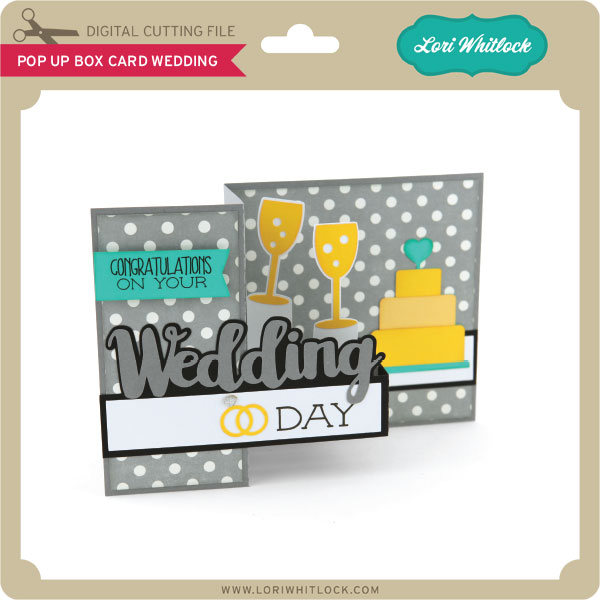
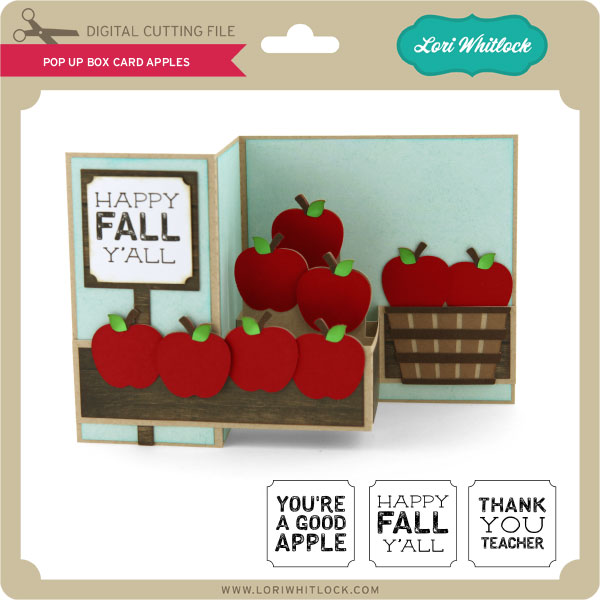
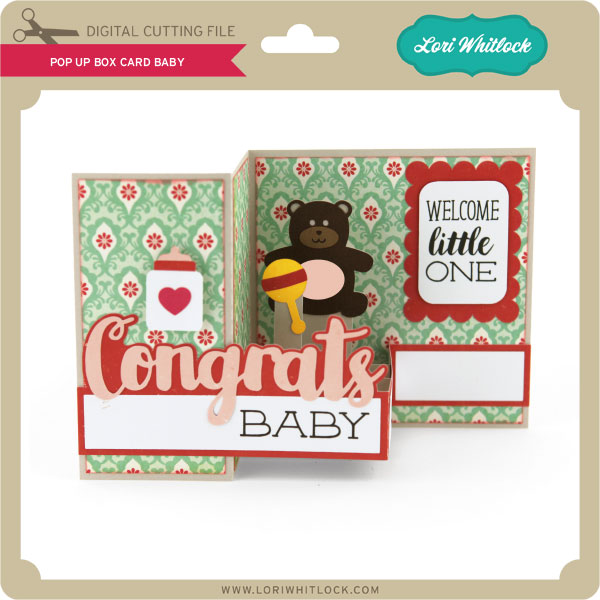
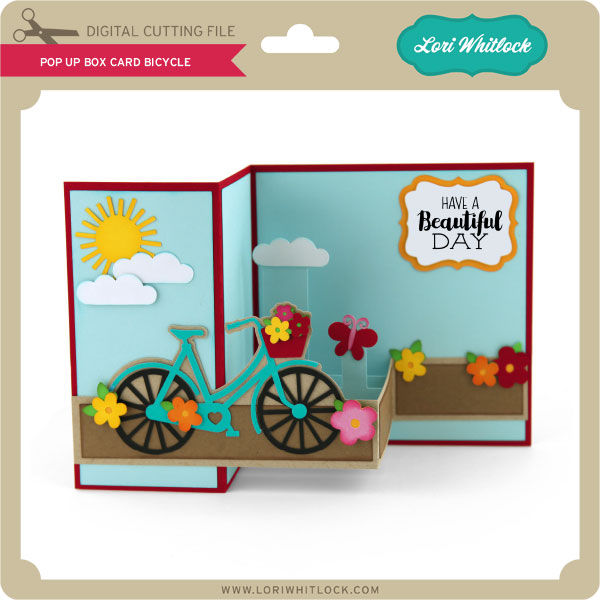
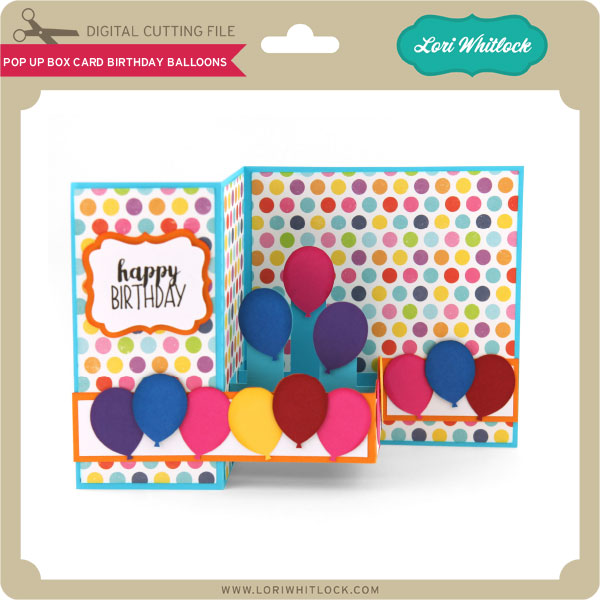
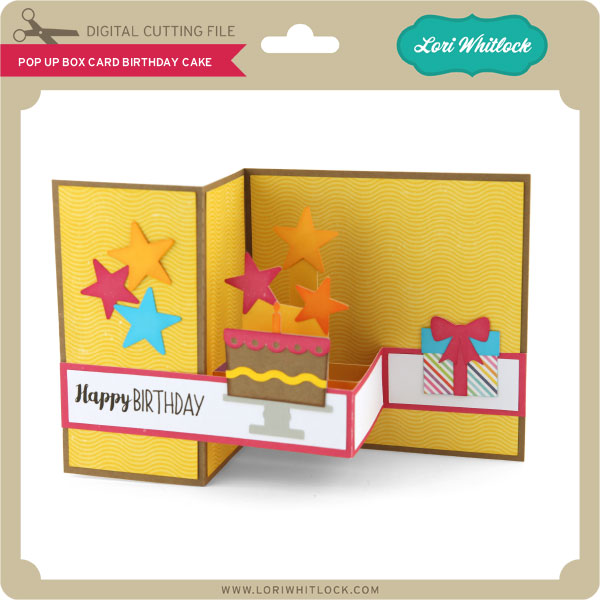
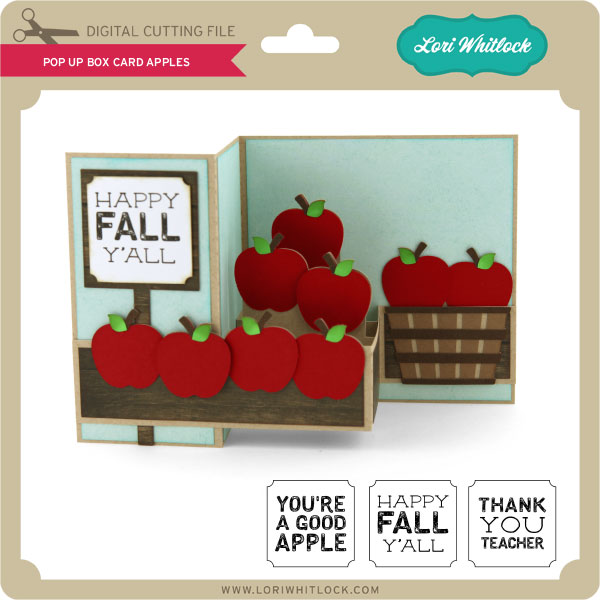
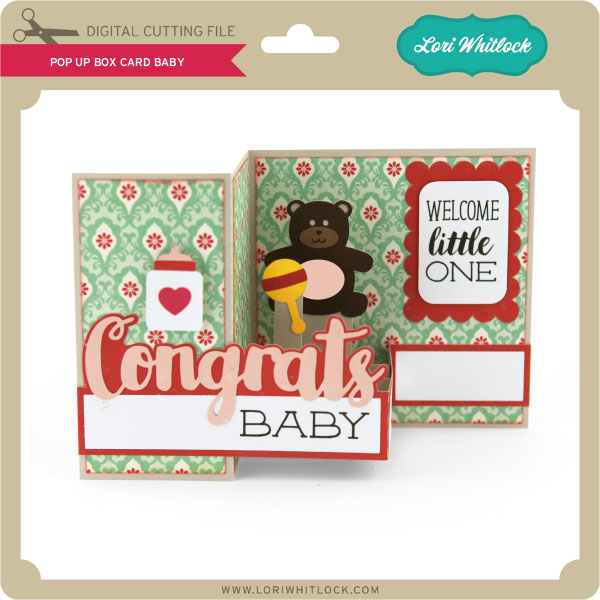
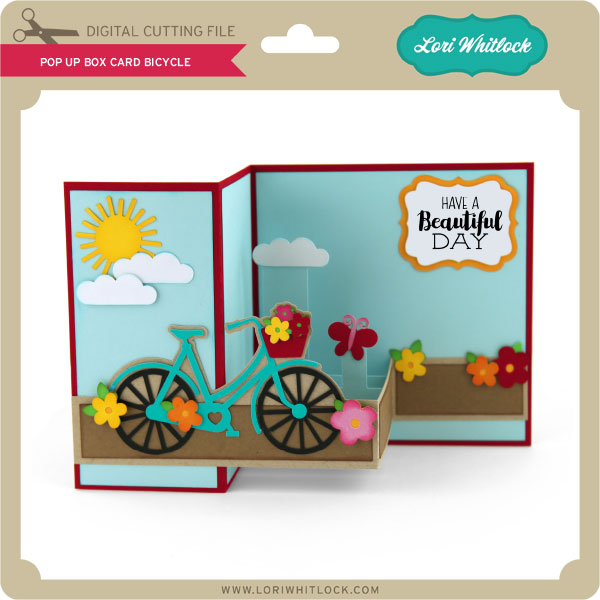
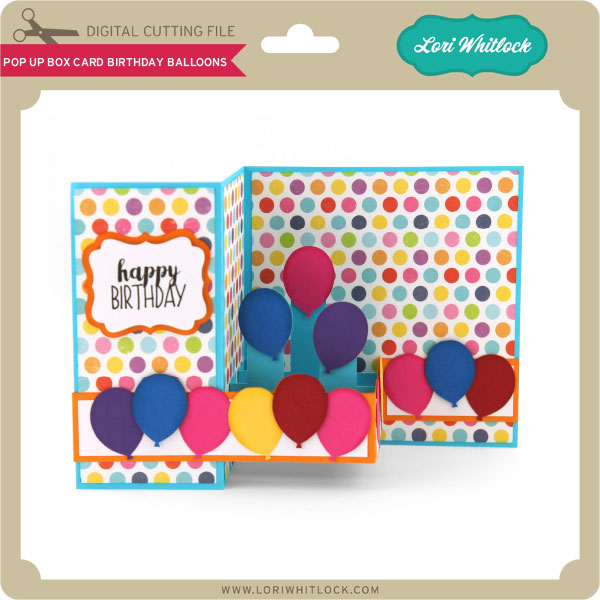
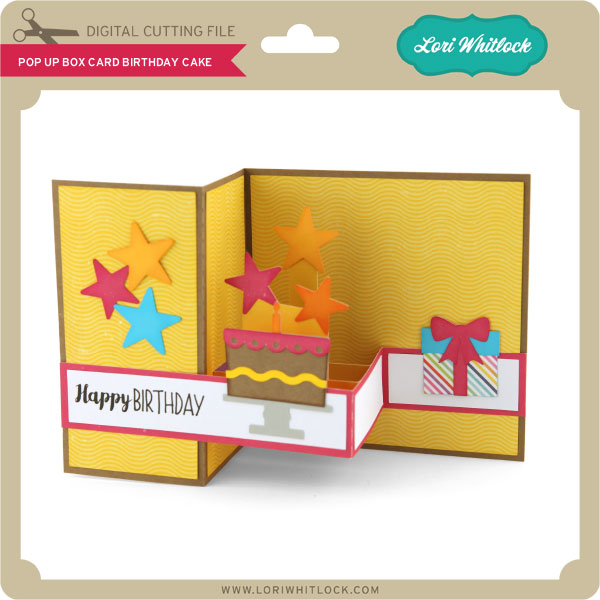
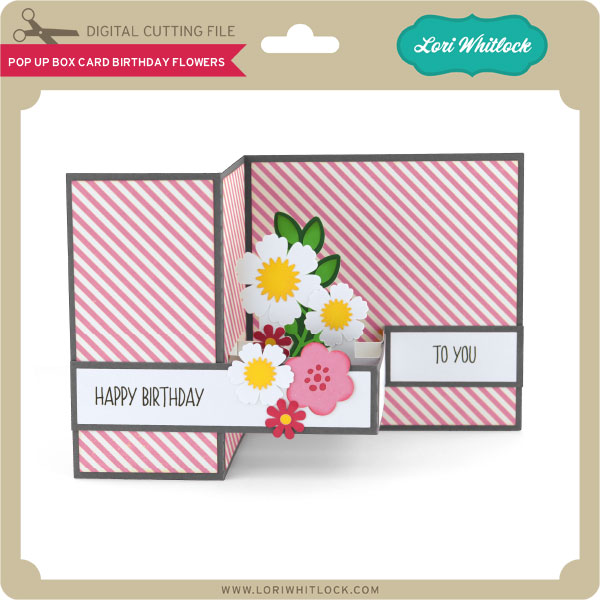
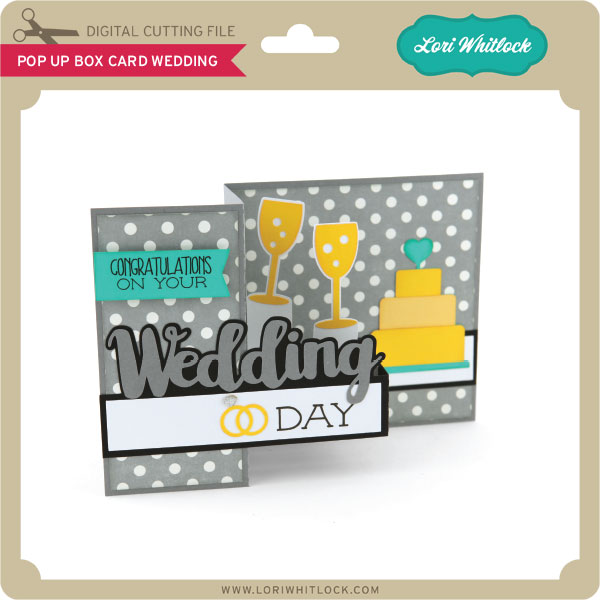
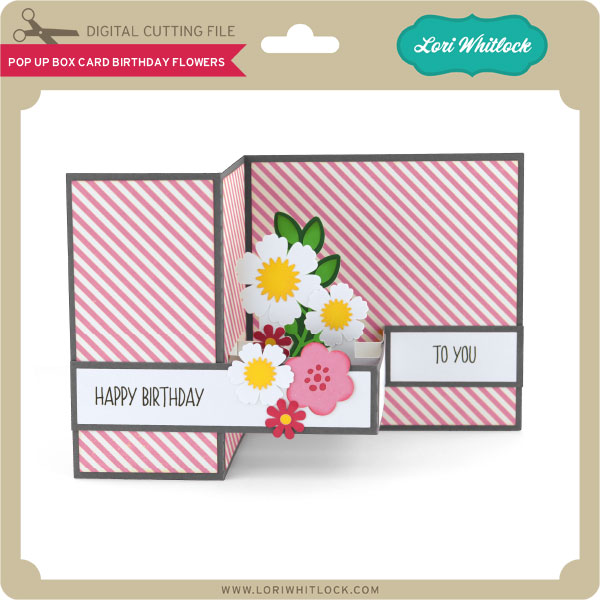
Have you seen the New Pop Up Box Cards in my SVG Shop and the Silhouette Store?  They are fun and interactive cards that come with print and cut sentiments and fold flat to a 5″x 5″ square for mailing.  They have been pretty popular. I currently have 7 designs (with more on the way), take a peek…

These are really FUN and so easy to put together.  Here is the video tutorial I have created so you can learn how to assemble these new cards and make them right along with me:

I hope you enjoy them! Thank you for stopping by today!!


Tuesday Freebie and New in Shop

ALL WEEK, this SVG file is FREE with any $1.99 purchase!

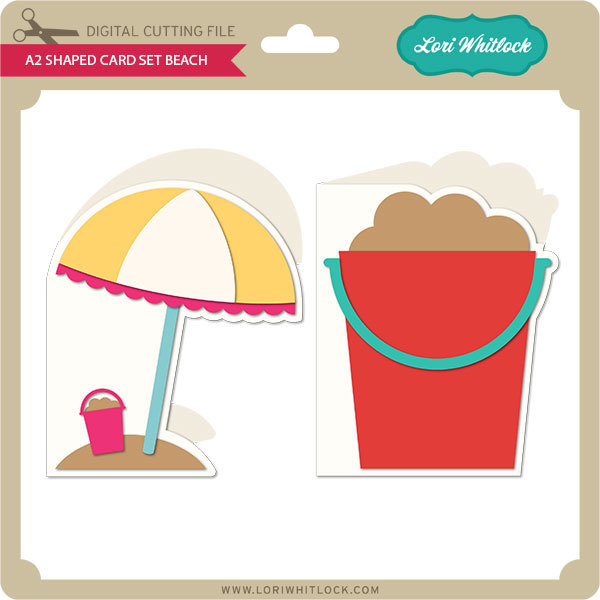
We have a FREE file with purchase all this week! Simply add this A2 Shaped Card Set Beach to your shopping cart along with ANY $1.99+ purchase from the SVG Shop and this file is yours FREE. Be sure to use Coupon Code: BEACHDAY  (case sensitive) at checkout. This offer is good through next Sunday.

(Your cart must reach at least $4.98 before the coupon will be applied and then $2.99 will be subtracted from your total at checkout. The files will be available for immediate download after you pay for your order by visiting MY ACCOUNT>COMPLETED ORDERS>ORDER DETAILS inside of your account. Only one discount code per order allowed.)

In addition, don’t forget about this special ! You can get this Free Kit of the Month with any $20 purchase (Purchase must be in one transaction.) Simply add the July Kit of the Month to your shopping cart along with ANY $20.00+ purchase from the SVG Shop and this file is yours FREE. Who wouldn’t want to get one of these on their special day! Be sure to use Coupon Code: JULYKOTM (case sensitive) at checkout. This offer is good through July 31st!

(Your cart must reach at least $20.00 before the coupon will be applied and then $7.95 will be subtracted from your total at checkout. The files will be available for immediate download after you pay for your order by visiting MY ACCOUNT>COMPLETED ORDERS>ORDER DETAILS inside of your account. Only one discount code per order allowed.)


Check out our awesome SVG files releasing this week! And, just like always, the NEW files are ON SALE 25% OFF through the weekend in the SVG Shop! These downloads include SVG files for sure and PNG or PDF files when appropriate. No coupon code necessary, the files are all discounted in the shop! Be sure to go get them while they are on SALE this week.


Thanks for visiting the blog today! Please let us know if you need any help with your files. We want to make sure everyone is happy with their purchase. Have a great week!


A Summer Fonts Deal!

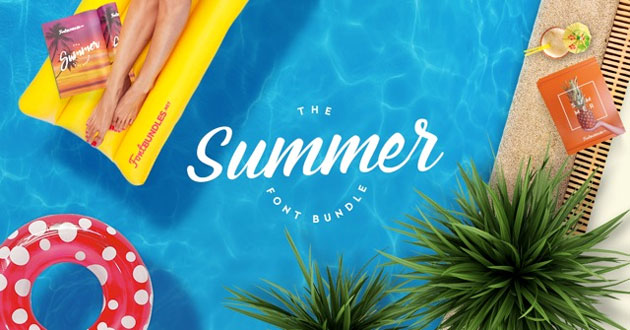
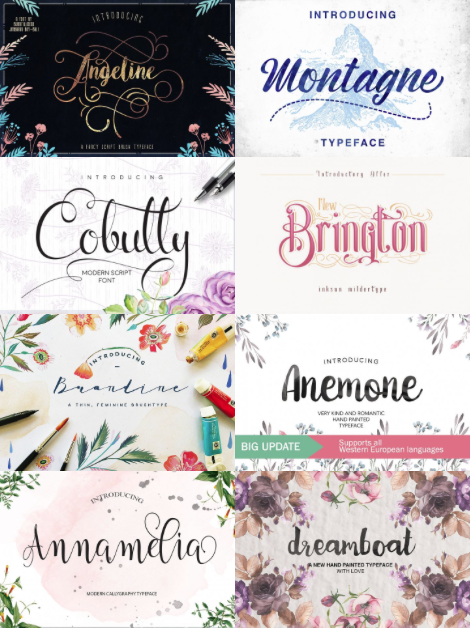
I wanted to make you aware of another great font bundle for just a few more days called “The Summer Font Bundle.” Font Bundles has done it again with this offering of $600 worth of gorgeous fonts for just $29. Yep, you read that right just $29. The Summer Font Bundle contains 40 sizzling hot fonts fresh off the press – great for sunny beach designs, BBQ invites or whatever else floats your boat this Summer! This is an amazing way to collect several great fonts for under a dollar each which will cut beautifully on your Silhouette CAMEO or Cricut Explore machines. But, this deal won’t last forever, it will be gone in 4 days.

Be sure to watch my video on how to use the swashes and ornaments HERE. Check out some of the gorgeous fonts included in this bundle….

And be sure to check out these other bundles over at Font Bundles! They are the perfect way to add to your font library!

The Celebration Font Bundle

The Summer Sale Bundle

Also, be sure to pick up their FREE Fonts available HERE.

Have a great day!


Digital Life Cards and Print Elements with the Cricut Explore with Karin

20160708-2016-07-08_17-00-04-Edit


I worked on a series of videos to show you how I am using Lori Whitlock’s digital life cards in my Project Life binder. I combined the videos into the one below and will add another in two weeks showing how far I have progressed in a very short time.
I had started a Project Life binder in 2012 and had it very well organized, but then I never kept it up. Since it is now so much later, I have decided that I won’t organize the binder by date. Instead I will just work through all my images and journalling using digital life cards and make my binder look nice and complete the project.
I literally have hundreds of files to work with so I need to organize them before I get started. I used Adobe Photoshop Lightroom to do this because it makes it so easy to find what I need. Also, if I want to tag elements for specific topics or themes, Lightroom makes this very easy. The image above shows how the thumbnails look in Lightroom.
20160708-2016-07-08_17-00-52-Edit
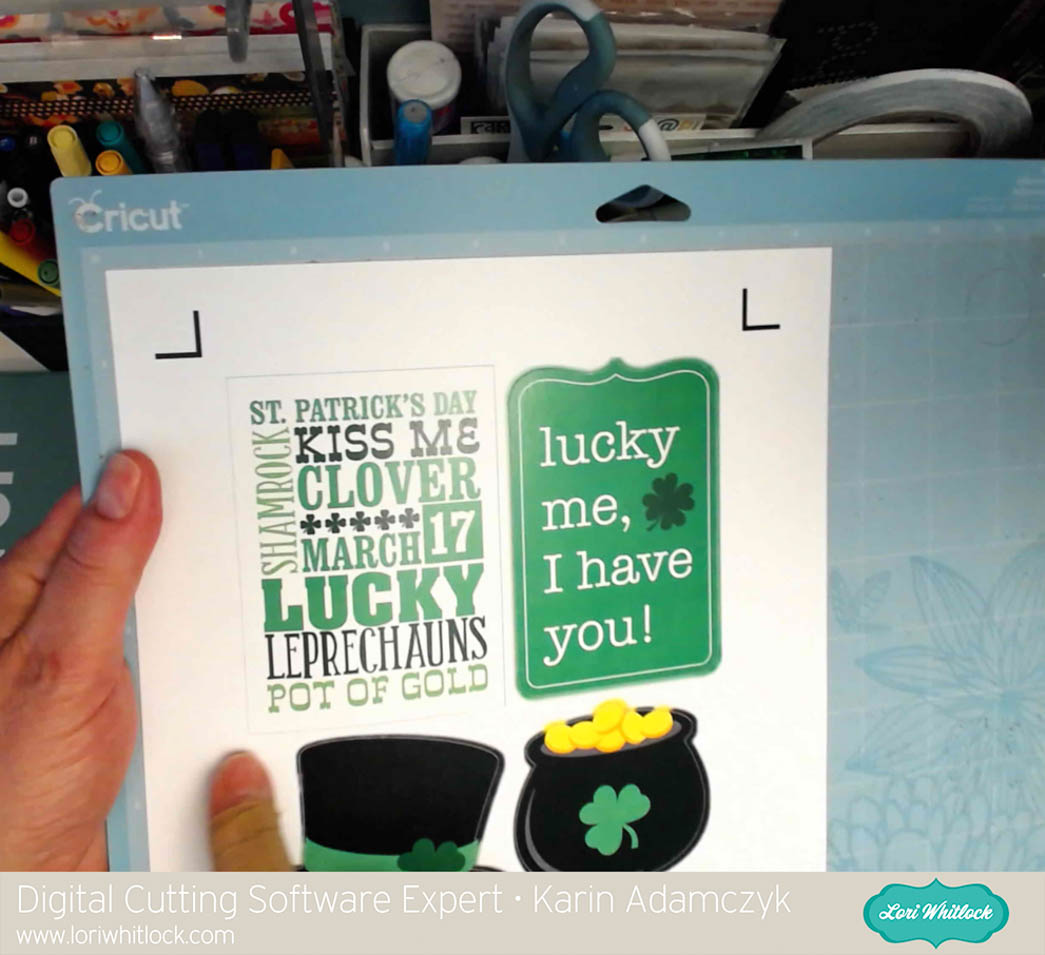
The image above shows how I took an element, uploaded it into Design Space, cleaned away the outer white area to have the scalloped edge and inner portions as a print element that I cut out with my Cricut Explore.
20160708-2016-07-08_17-02-13-Edit
In my video, I show you how I set up the element in the upper left corner of the print then cut image above to use it as a card in a 3×4 pocket.
20160708-2016-07-08_17-02-59-Edit
This image shows you how the cutting line goes around the outside of the card.

Thanks so much for stopping by. Be sure to check back in two weeks when I post a flip through of my Project Life binder so far.