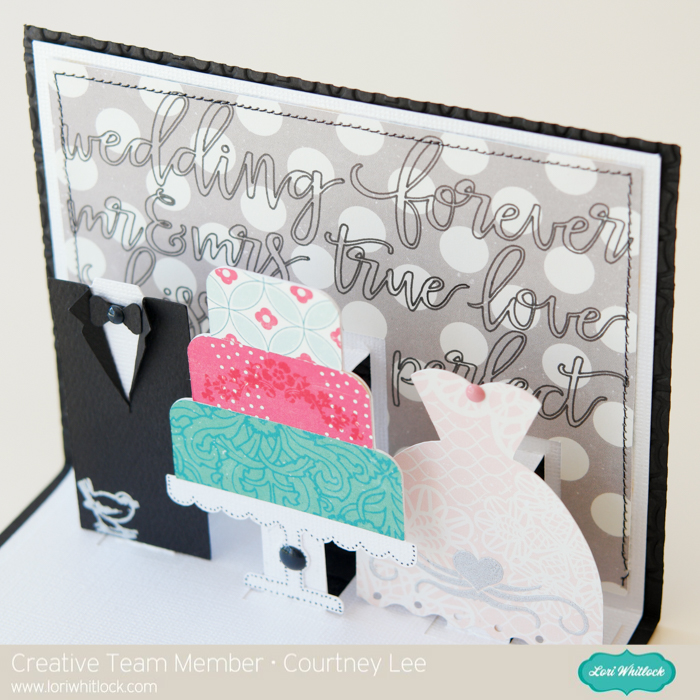
It’s Courtney Lee from Court’s Crafts here! For this card I used three cut files, embossed, and did a little stamping. 🙂
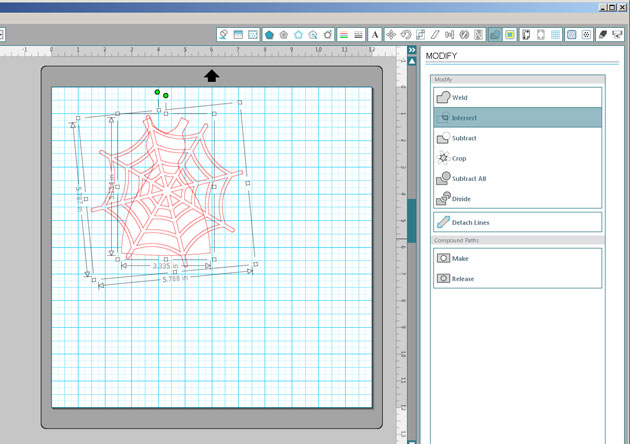
I arranged the cut files on my screen so that they would be appropriately placed and colored according to my patterned paper I was using.
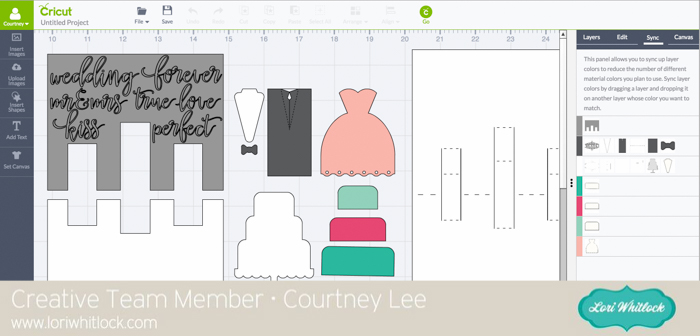
I had to rearrange the words so that they all fit on my background and then I switched them to “write” instead of cut.
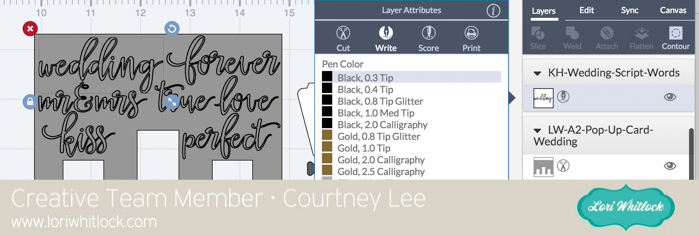
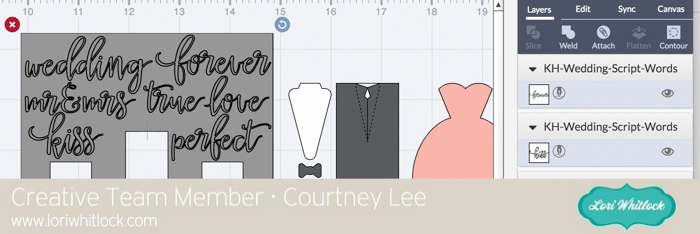
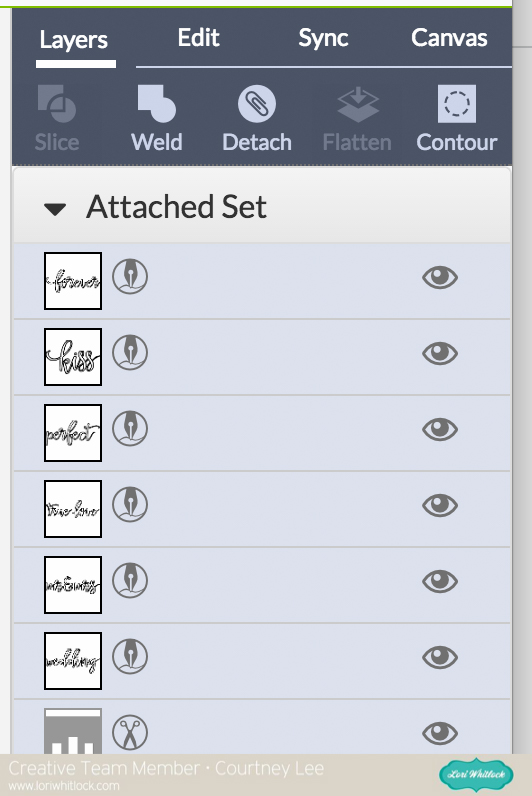
Lastly I “attached” them all to the background cut so that it would cut and write together.
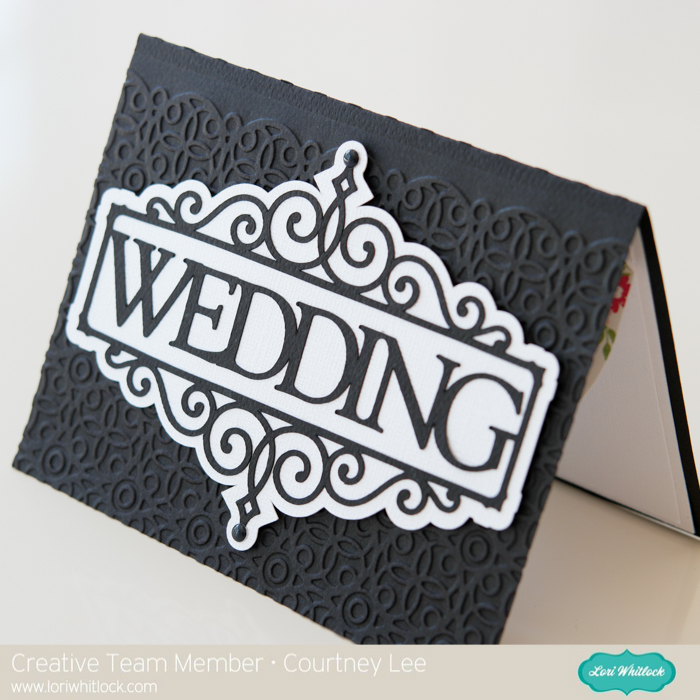
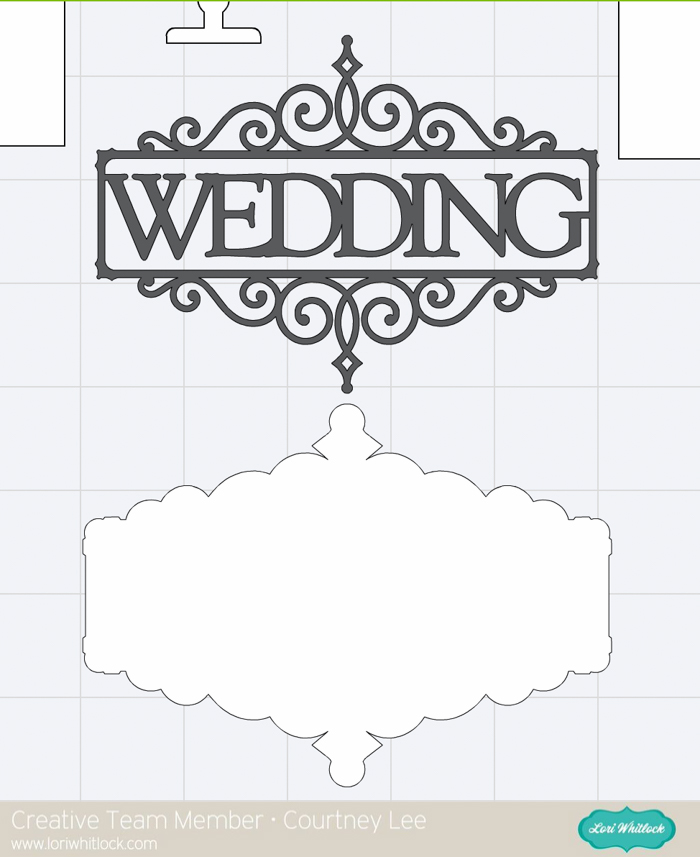
For the front of the card I used the Flourish Frame Set and sized it to take up the whole front of the card. Then I cut everything out.
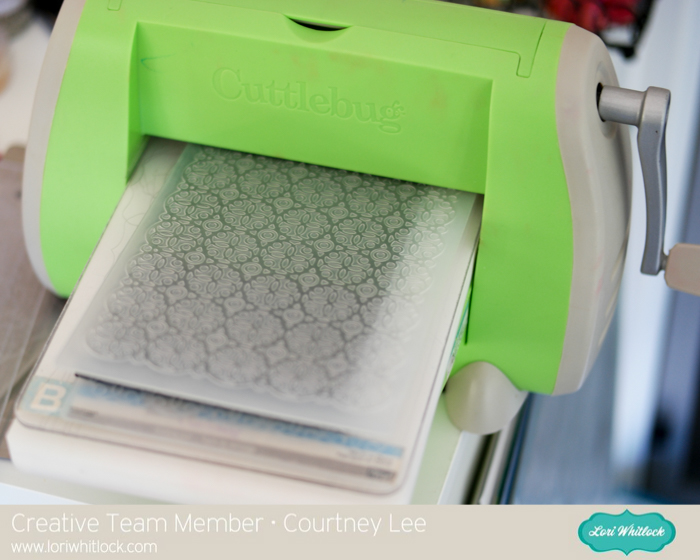
I embossed the front of the card to give the black background a little “punch” and elegance.
I felt like it needed a little “dressing up”. Stamps and enamel dots to the rescue! 🙂
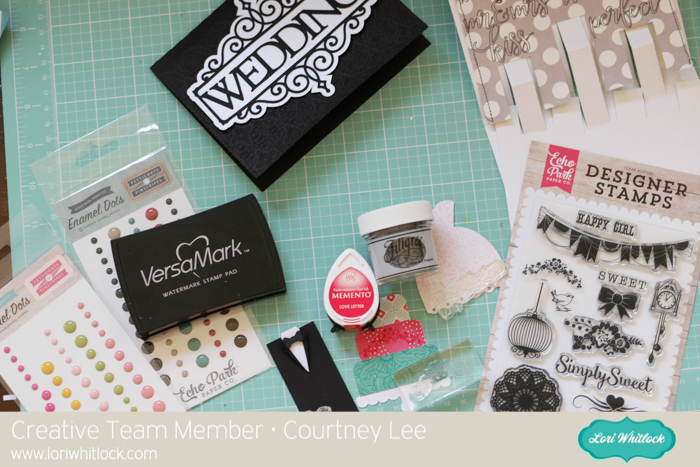
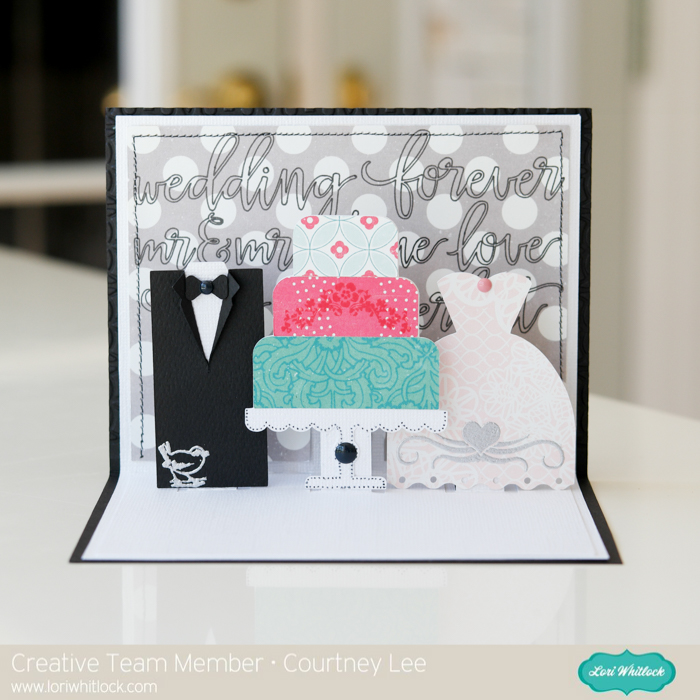
I stamped the flower decor onto the cake in a matching pink. Then I stamped the bird onto the tux with watermark ink and I stamped the heart flourish onto the dress and used embossing powder to set it and to bring the grey from the background onto the dress.
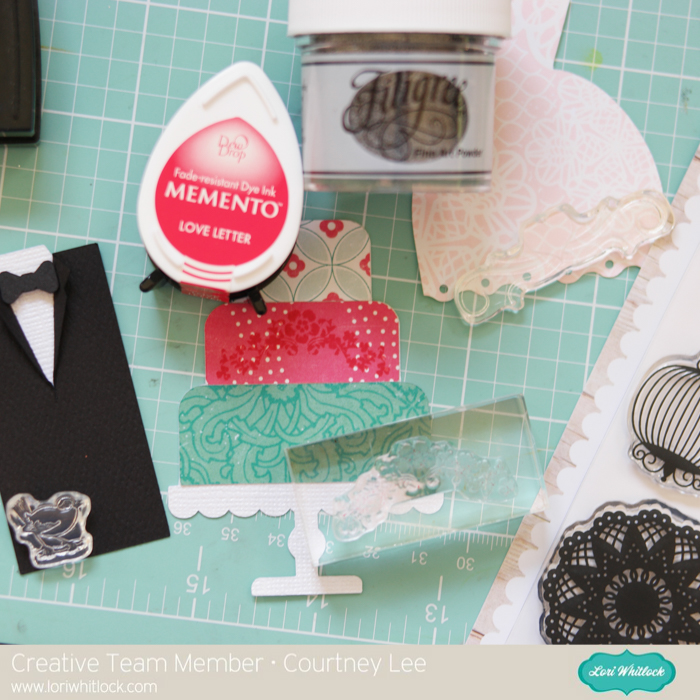
Check out how awesomely these stamp!
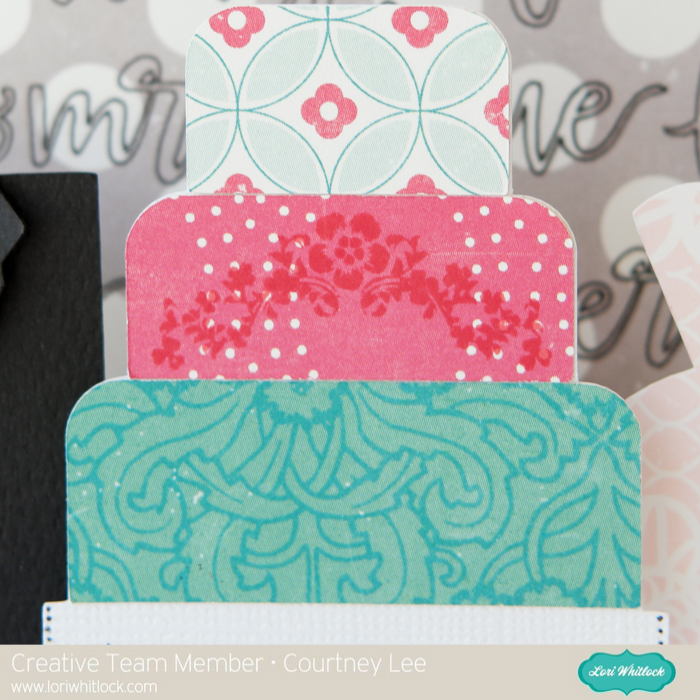
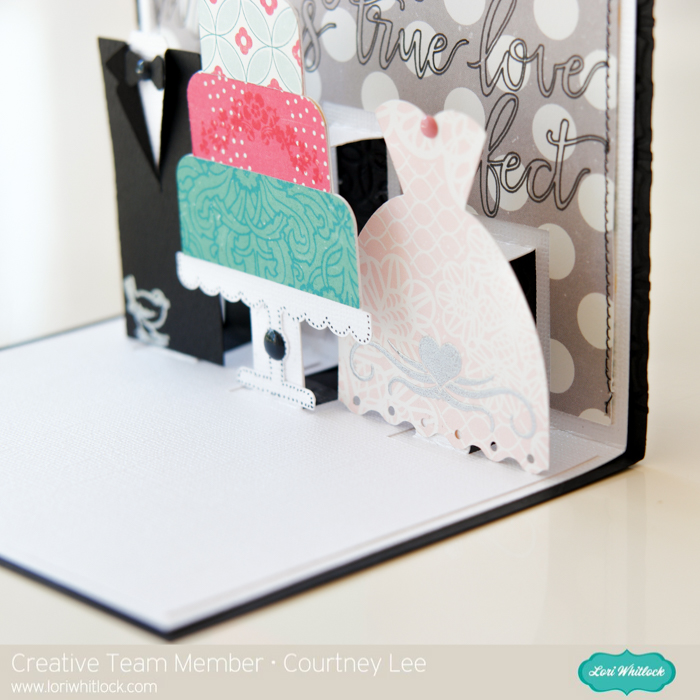
That is it! I really designed the whole thing on my computer and just cut it out and put it together. I love that. Because I can design it anywhere (like while watching a movie) and then I just whip it out!
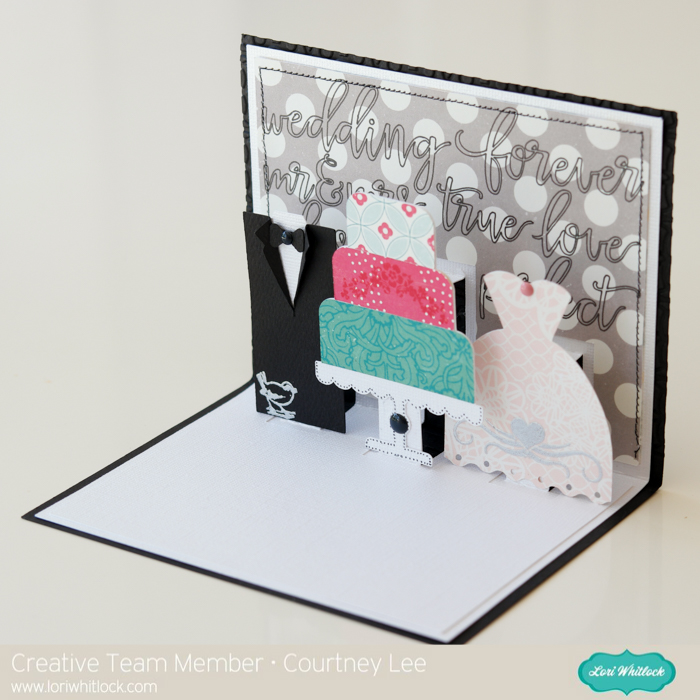
I hope you enjoyed my tutorial today and it inspires you to combine multiple cut files into something even better!
Lori Whitlock Store:
Silhouette Store:
Flourish Frame Set
Echo Park Paper: Petticoats and Pinstripes: Petticoats Collection (paper, stamps, and enamel dots)
Carta Bella Cardstock: Black Felt

 We also have this week’s free file! Simply add this


 Check out our awesome SVG files releasing this week! And, just like always, the NEW files are ON SALE 25% OFF through the weekend in the



 Thanks for visiting the blog today! Please let us know if you need any help with your files. We want to make sure everyone is happy with their purchase. Have a great week!