Tuesday New SVGs and a Free File!

ALL WEEK, this SVG file is FREE with any $1.99 purchase!

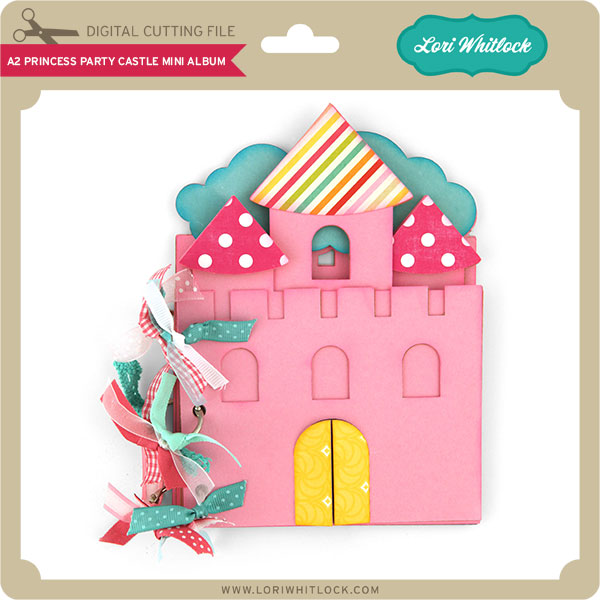
We have a FREE file with purchase all this week! Simply add this A2 Princess Party Castle Mini Album file  to your shopping cart along with ANY $1.99+ purchase from the SVG Shop and this file is yours FREE. Be sure to use Coupon Code: CASTLE(case sensitive) at checkout. This offer is good through next Sunday.

(Your cart must reach at least $3.98 before the coupon will be applied and then $1.99 will be subtracted from your total at checkout. The files will be available for immediate download after you pay for your order by visiting MY ACCOUNT>COMPLETED ORDERS>ORDER DETAILS inside of your account. Only one discount code per order allowed.)

 

In addition, don’t forget about this special ! You can get this Free Kit of the Month with any $20 purchase (Purchase must be in one transaction.) Simply add the 2020 February Kit of the Month to your shopping cart along with ANY $20.00+ purchase from the SVG Shop and this file is yours FREE. Be sure to use Coupon Code: FEB20KOTM (case sensitive) at checkout. This offer is good through February 29, 2020.

(Your cart must reach at least $27.95 before the coupon will be applied and then $7.95 will be subtracted from your total at checkout. The files will be available for immediate download after you pay for your order by visiting MY ACCOUNT>COMPLETED ORDERS>ORDER DETAILS inside of your account. Only one discount code per order allowed.)

Check out the new SVG files releasing this week!  Just like always, the NEW SVG files will be ON SALE 25% OFF through the weekend in the SVG Shop! These downloads include SVG files that may be used with Cricut Explore, Silhouette (DE upgrade required), Eclips, Brother Scan and Cut, and any other software that will open SVG files. No coupon code necessary, the newly released files are all discounted in the shop! Be sure to go get them while they are on SALE this week.

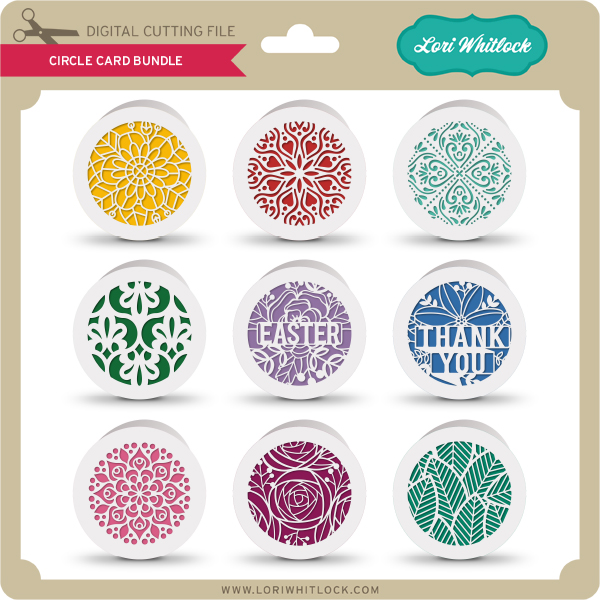
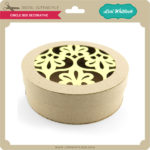
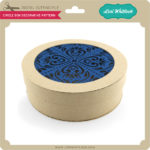
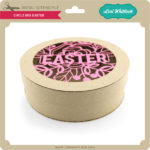
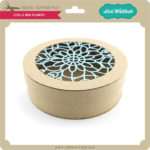
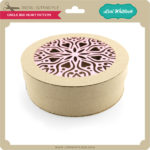
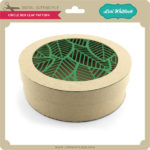
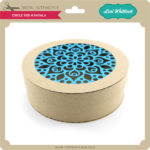
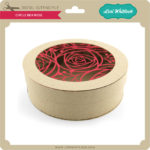
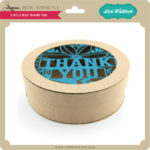
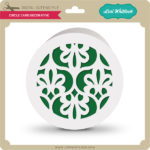
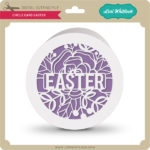
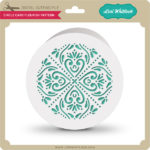
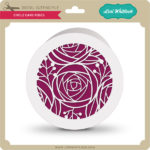
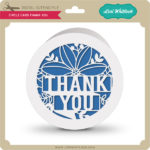
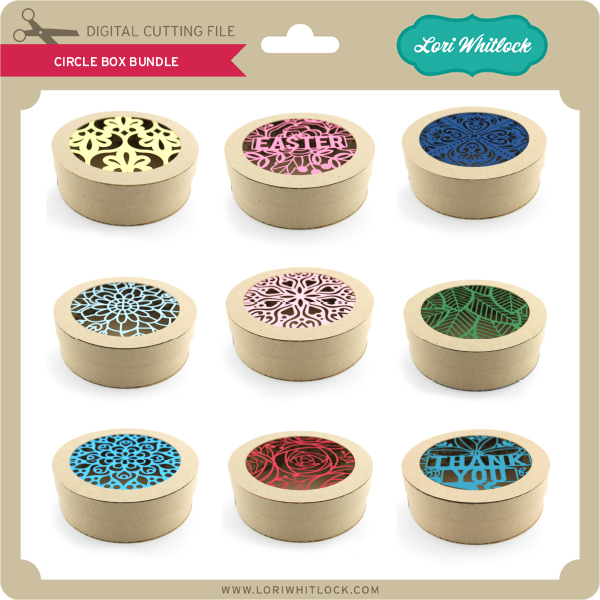
I have new Circle Box Bundle and a Circle Card Bundle this week.  We also have files from Dresden Carrie and Pebbles in My Pocket.
 

Thanks for visiting the blog today! Please let us know if you need any help with your files. We want to make sure everyone is happy with their purchase. Have a great week! SHOP HERE

Tropical Suitcase

I am obsessed with this Tropical Suitcase Box Card. (Silhouette Store, Lori’s Shop)  The dark and gloomy Winter days have me dreaming of sunny weather.

If you’ve never made a box card, watch Lori’s instructional video here. Box cards are super fun to make, and a great way to spend a blustery afternoon. This cute card folds flat for mailing, so send some sunshine to a friend. It will brighten your day and theirs too!

Happy Crafting!

Michelle Zerull

Doodlebug Design Cut File Feature: Flower Mason Jar

Hi Everyone!  Today I’m showcasing another fabulous project using Doodlebug Design’s cut files!  This Box Card was created by Kathy Skou for Doodlebug Design.

Kathy used the Flower Mason Jar Box Card file which is exclusive to the Lori Whitlock SVG Shop.

For more details and a tutorial,  you can see her original post here.   New Doodlebug Design SVG files are being added to the Lori Whitlock SVG Shop on a regular basis, so stop by to see all of the fun SVG files HERE!

Have a great day!

Explosion Box 4 Gift Boxes Tutorial

I’m so happy to formally introduce you to our newest Creative Team member, Michelle Starcher!  Michelle is an educator and a crafter who comes to us from the great state of Texas!  She has a keen eye for coordinating patterns and designing!  We are excited to see what she brings to the Lori Whitlock Team!  You can find Michelle on her blog the Bookish Designer, Facebook, Instagram, and YouTube.

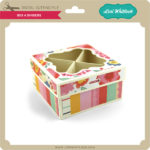
Hello, my crafty friends! Michelle Starcher here today to walk you through the steps to create Lori’s Explosion Box 4 Gift Boxes (SVG, Silhouette).  In this photo tutorial, I will break down the steps to create this fun project.  I created this explosion box for Valentine’s Day, but this project is so versatile.  You can use it for any occasion!

To build Explosion Box 4 Gift Boxes, follow these steps…

Start by cutting and folding all the pieces.  Make sure you cut 4 each of the inside box pieces and the outside cover panels.  I used double-sided patterned paper for this, so that I could mix and match my inside boxes.

Next, adhere the outside cover panels to the large cross. This will create the base for your explosion box.  (I inked the edges of my cover panels before adding adhesive.  This creates a little texture to the project.)  You will repeat this same process for the lid of the box.


Your next step is to build the 4 boxes that will go inside the explosion box. Since I used double-sided paper, my boxes had a different pattern on the lid and the bottom of the box.  This allowed me to have 4 different looks for my inside boxes.  Of course, you can stick with one pattern or color for your inside boxes.  Either way, the explosion box looks great!

Once all of your boxes are assembled, you are going to adhere them to the inside of the bottom base. For this particular explosion box, you will want the inside boxes to be flush against the right edge of the bottom base. (As I added each box, I folded up the sides of the bottom base to make sure the inside boxes were in alignment.)

The final step is to decorate the box as desired.

I love adding extra dimension to my projects, so I used pop-dots to give some of the elements a little more height.   I had to be careful when adding pop-dots to the elements inside the explosion box to make sure they didn’t interfere with closing the box.  If you decide to add extra dimension to your project, just be sure to keep the extra height in the center of the inside boxes.

I hope that you’ve enjoyed this tutorial as much as I have.  The Explosion Box 4 Gift Boxes will make a great addition to your SVG library. Happy crafting!