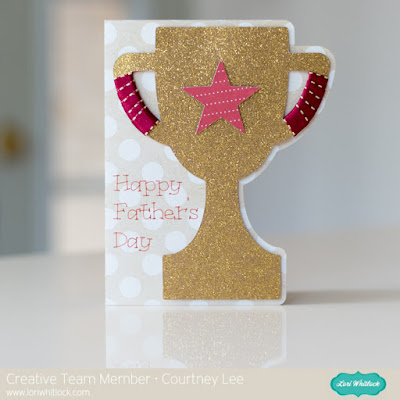
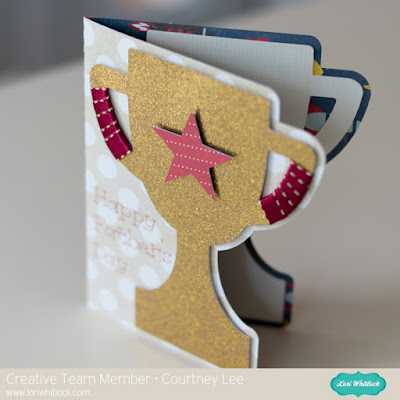
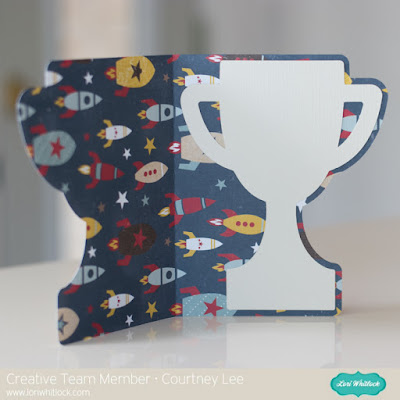
I made this adorable chalkboard card that you can use to give a special teacher a gift card.
To make the card, I brought the files into Design Space by choosing Upload Image.I opened the image of the cutting file (JPG) in Preview on my Mac and just moved that window onto the screen next to the cutting file pieces so I could see the colours used in the original project. In this case, I loved the colours because they are nice and bright so I used all the same colours for my card. I even had a great piece of wood grain patterned paper.To change the colours of the components in Design Space, all I did was click the piece, that piece is highlighted in the Layers panel, then I clicked the scissors icon and then the colour I wanted for that piece.Here you can see that I changed the colour of these tabs to red.Before clicking Go, I selected the individual pieces by drawing a rectangle around them and then I right clicked and chose Attach. This is so that the little circular cuts and scoring lines stay in the right place on that particular piece.After I cut and assembled the pieces, I used some baker’s twine to string the banner pieces along.I put knots in the baker’s twine to attach the legs at the front and back.I just used my ATG gun to put adhesive on the back of the iTunes card and attached it to the back of the card.I stamped a sentiment on the front of the card. The You Rock stamp is from the Avery Elle Celebrate Stamp set. I used American Crafts Zing Embossing Powder in White Opaque Finish, my VersaMark watermark stamp pad and my Ranger Black Heat Tool for the sentiment.
Hello everyone! Angi from Twenty Five Smiles here with a fun party idea. This one would be perfect for both boys and girls. And since it’s a “woodland theme” you could host this party indoors or out. I used Lori’s adorable dies from Sizzix for this one. And I also used some of her patterned paper that she designed for Echo Park. Let’s get this party started!
I can’t believe it’s already May! It’s time for the May Off the Page Challenge over in the Paper Issues Friends and Fans Facebook Group! This month’s challenge is all about Flowers! We want to see all of your paper projects featuring flowers. You can also add in Mother’s Day and Teacher Appreciation gifts projects as well! Of course we would love you to use Lori Whitlock files! For my project, I used the fun files from the May Kit of the Month take a peek…
These just make me happy! The would be so cute for a Mother’s Day gift or for that special teacher or friend. Here are some close-ups! I used some papers from Echo Park’s Hello Summer collection, they are so bright and cheery!
Be sure to play along with this challenge by posting your project in the May Challenges Album in the Paper Issues Friends and Fans Facebook Group in the comments under this project. Each project posted will give you an entry to win a $10 Gift Card to the Paper Issues Store! You have until June 6th to enter! I can’t wait to see what you create!
Someone in my Cricut group was asking if it would be possible to create a Disney themed box card. I answered that yes, you could take one of the box card designs from Lori Whitlock’s All Occasion Box Cards cartridge and then use images from a Disney cartridge to modify the box card and make anything you want.
In my video below, I show you exactly how you would do this. With the Cricut Explore and Design Space, you can literally make whatever you want. In the video, I used a Cricut cartridge, but you could also use SVG files or images from JPG files that you would print then cut and use in your box card.
I would love to see what you come up with. Leave comments below with your ideas.