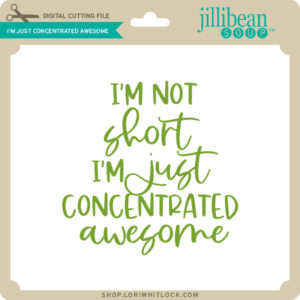
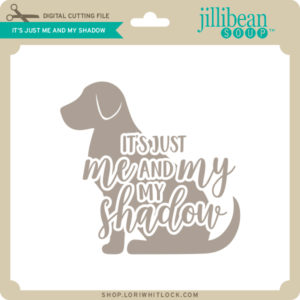
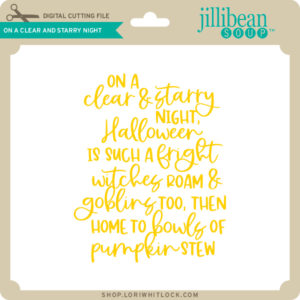
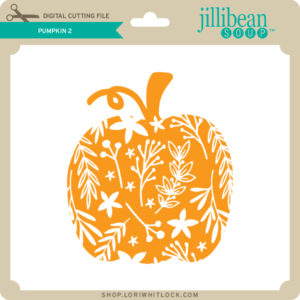
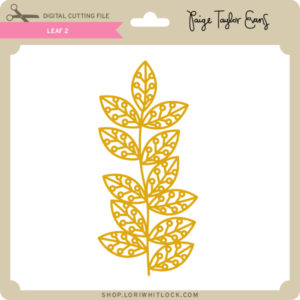
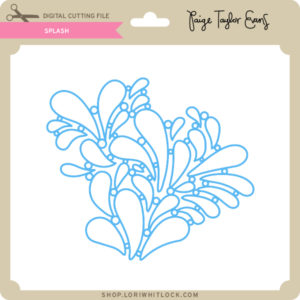
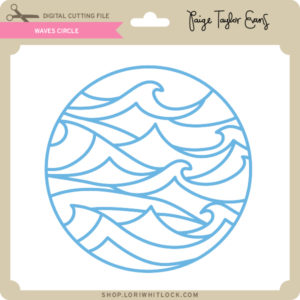
A New Friday $5 Bundle

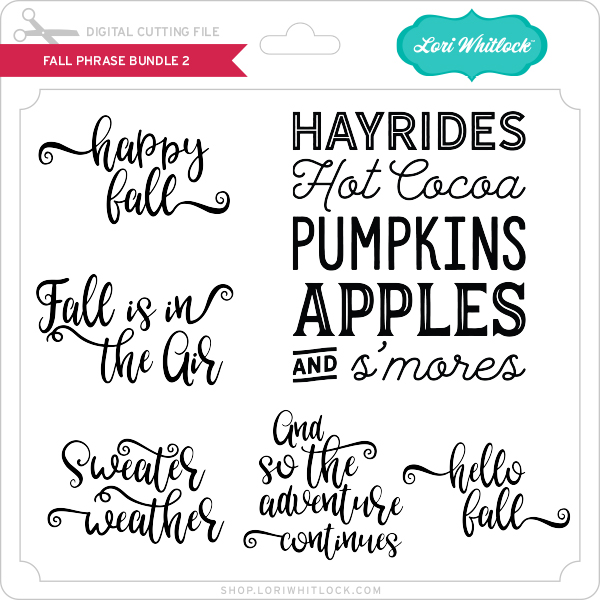
Hi Everyone! Today we have a new Friday $5 Bundle! It will ONLY be available until Midnight Sunday and when it’s gone it’s gone. These SVG files can be used with Cricut Explore, Silhouette Studio (with the Designer Edition upgrade), Scan N Cut, and any other cutter that will work with SVG files. Help spread the word by telling your friends and announcing it on social media!

Now through Sunday, you can pick up this Get Well Themed bundle including 5 SVG files for just $5**!


The cost of this bundle is $5, for $9.95 worth of SVG files, over a 49% savings! But don’t wait, this bundle will only be around until Sunday at midnight!

** Because Friday $5 Bundles are already heavily discounted they are not eligible for further discounts including monthly, seasonal and flash sales.

Have a great day!

5X7 Pop Up Flower Card

Anita here with one of Lori’s stunning pop up flower cards.  I made this card using Lori’s 5X7 Pop Up Flower Card 4 which you can find the  here in the Lori Whitlock SVG Shop and here in the Silhouette Design Store.  For help with assembly, I watched Lori’s YouTube tutorial which you can find here.  I used some of Lori’s lovely Echo Park Paper collections including I Love Summer, My Favorite Christmas and All Boy.

Look how pretty this card is when open!  I can’t wait to send it off to an August birthday girl.  Be sure to check out all of Lori’s Pop Up Flower Cards  and watch the tutorial.  They are easy to put together once you watch the video.

Hugs,

Anita

Tuesday New SVGs and a Free File!

ALL WEEK, this SVG file is FREE with any $1.99 purchase!

Hi Everyone! We have a FREE file with purchase all this week! Simply add this Twist Pop Cool Card file to your shopping cart along with ANY $1.99+ purchase from the SVG Shop and this file is yours FREE. Be sure to use Coupon Code: COOL (case sensitive) at checkout. This offer is good through next Sunday.

(Your cart must reach at least $3.98 before the coupon will be applied and then $1.99 will be subtracted from your total at checkout. The files will be available for immediate download after you pay for your order by visiting MY ACCOUNT>COMPLETED ORDERS>ORDER DETAILS inside of your account. Only one discount code per order allowed.)

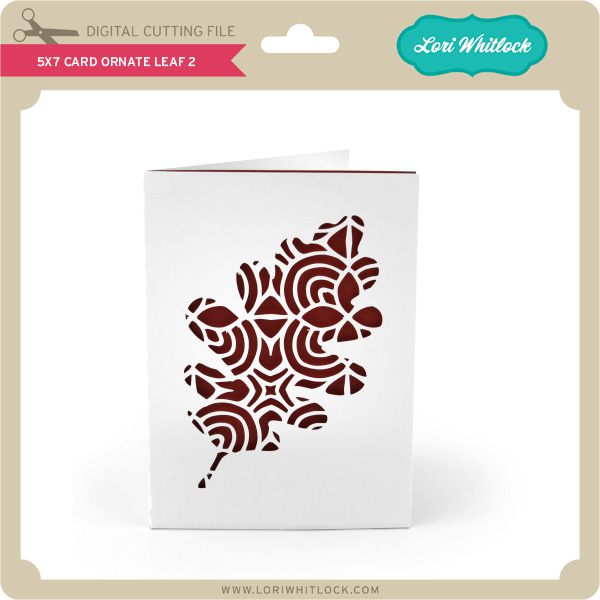
 

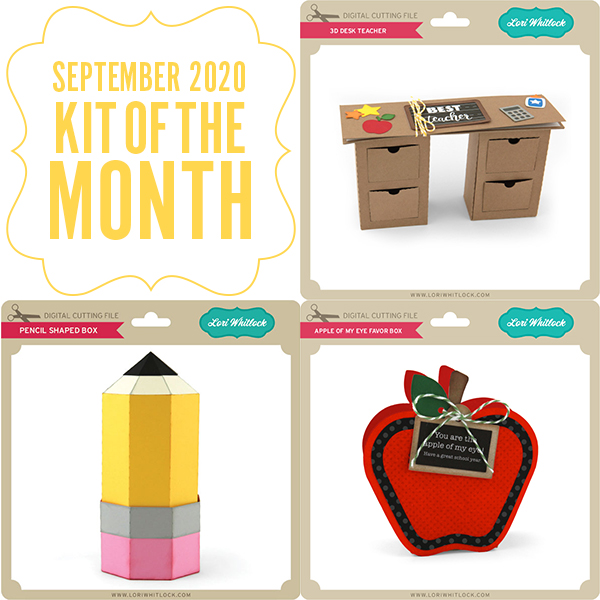
In addition, don’t forget about this special ! You can get this Free Kit of the Month with any $20 purchase (Purchase must be in one transaction.) Simply add the 2020 August Kit of the Month to your shopping cart along with ANY $20.00+ purchase from the SVG Shop and this file is yours FREE. Be sure to use Coupon Code: AUG20KOTM (case sensitive) at checkout. This offer is good through August 31, 2020.

(Your cart must reach at least $27.95 before the coupon will be applied and then $7.95 will be subtracted from your total at checkout. The files will be available for immediate download after you pay for your order by visiting MY ACCOUNT>COMPLETED ORDERS>ORDER DETAILS inside of your account. Only one discount code per order allowed.)
Check out the new SVG files releasing this week!  Just like always, the NEW SVG files will be ON SALE 25% OFF through the weekend in the SVG Shop! These downloads include SVG files that may be used with Cricut Explore, Silhouette (Designer Edition upgrade required), Eclips, Brother Scan and Cut, and any other software that will open SVG files. No coupon code necessary, the newly released files are all discounted in the shop! Be sure to go get them while they are on SALE this week.

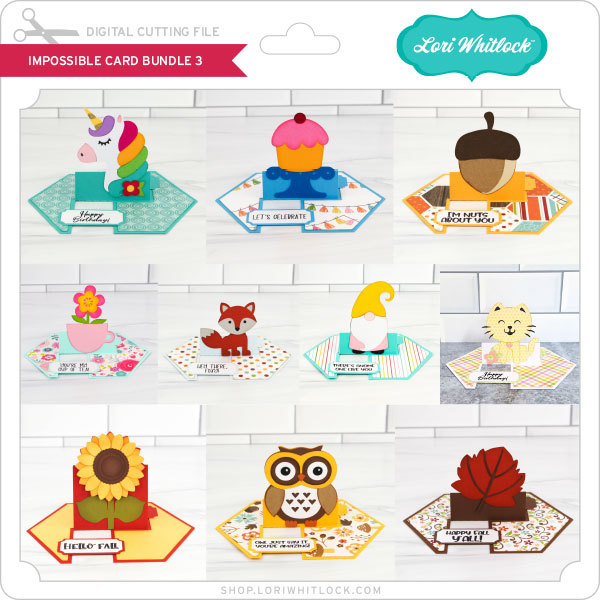
This week I have a new Impossible Card Bundle.  We also have FOUR new Collections from Doodlebug Design and files from Bella Blvd. and Jillibean Soup!

CLICK HERE TO GO TO NEW FILES

Thanks for visiting the blog today! Please let us know if you need any help with your files. We want to make sure everyone is happy with their purchase. Have a great week! SHOP HERE

30% Off SVG Files Ends Tomorrow!

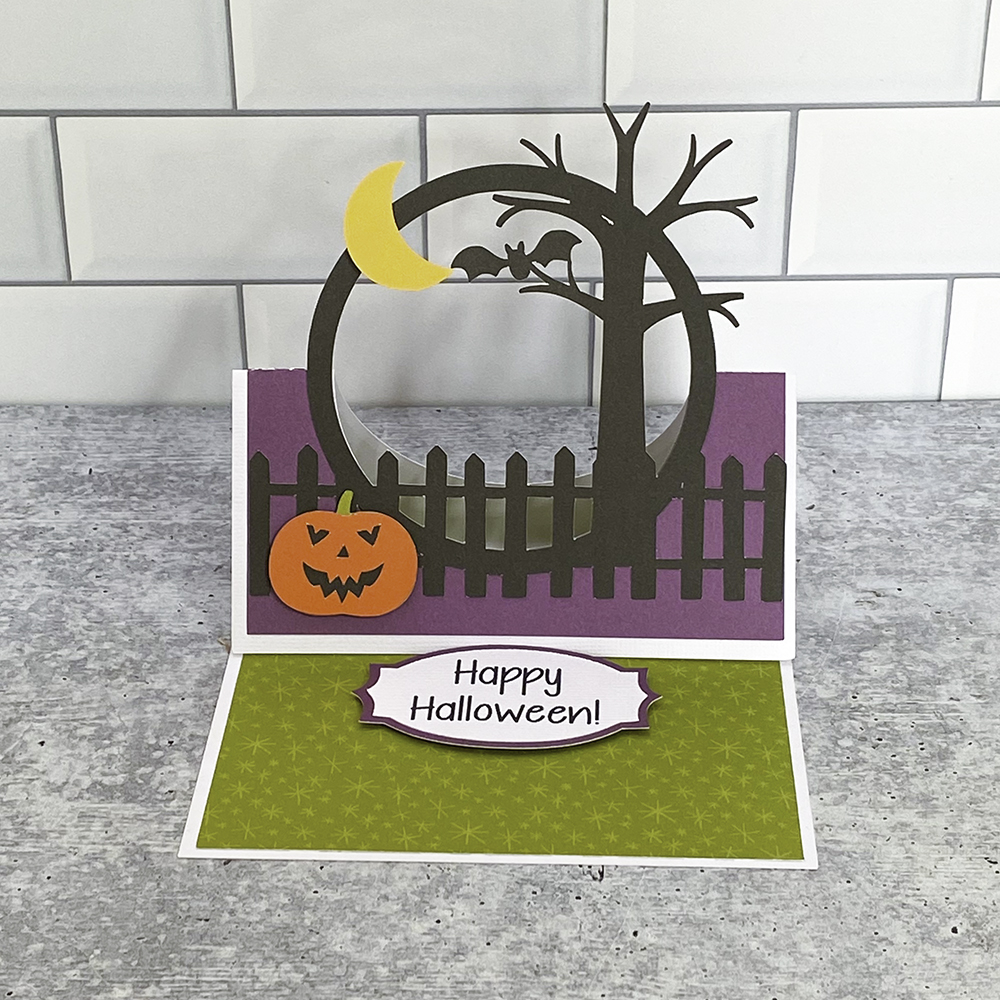
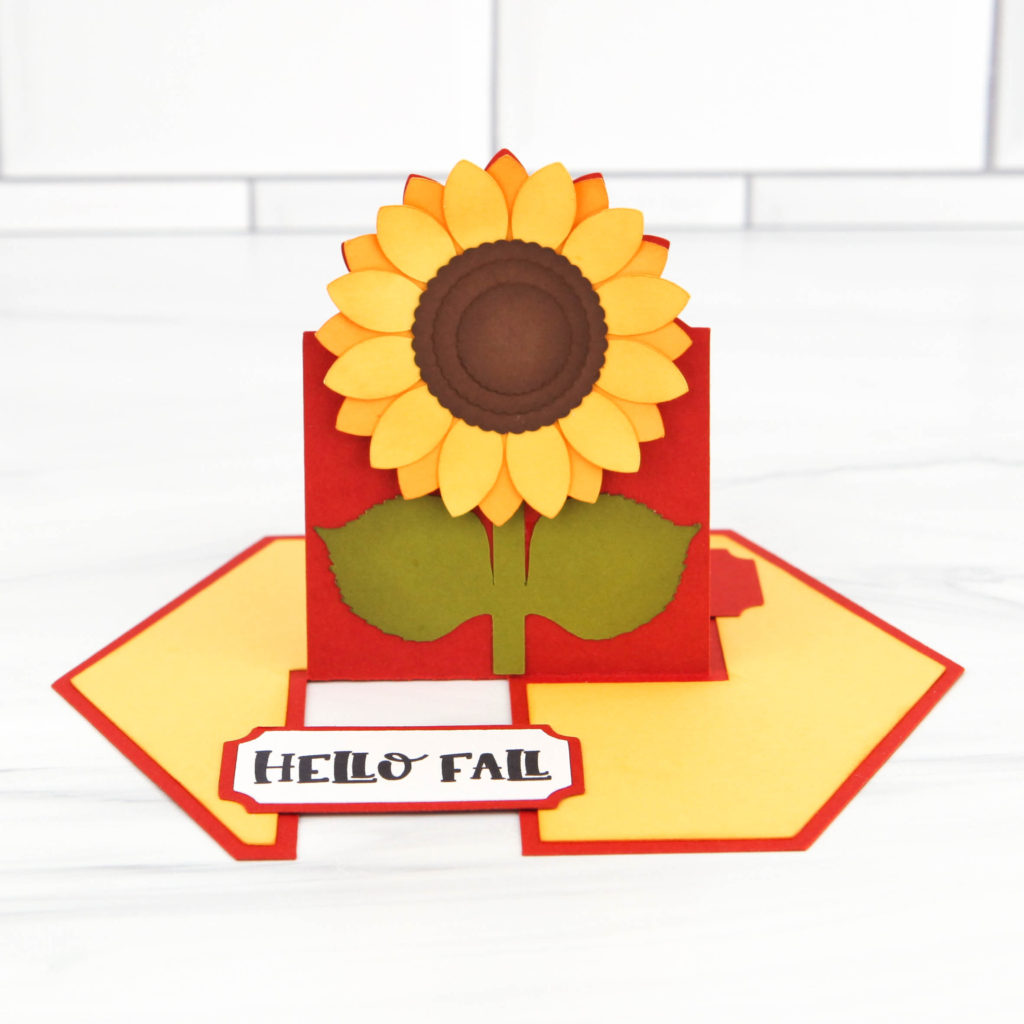
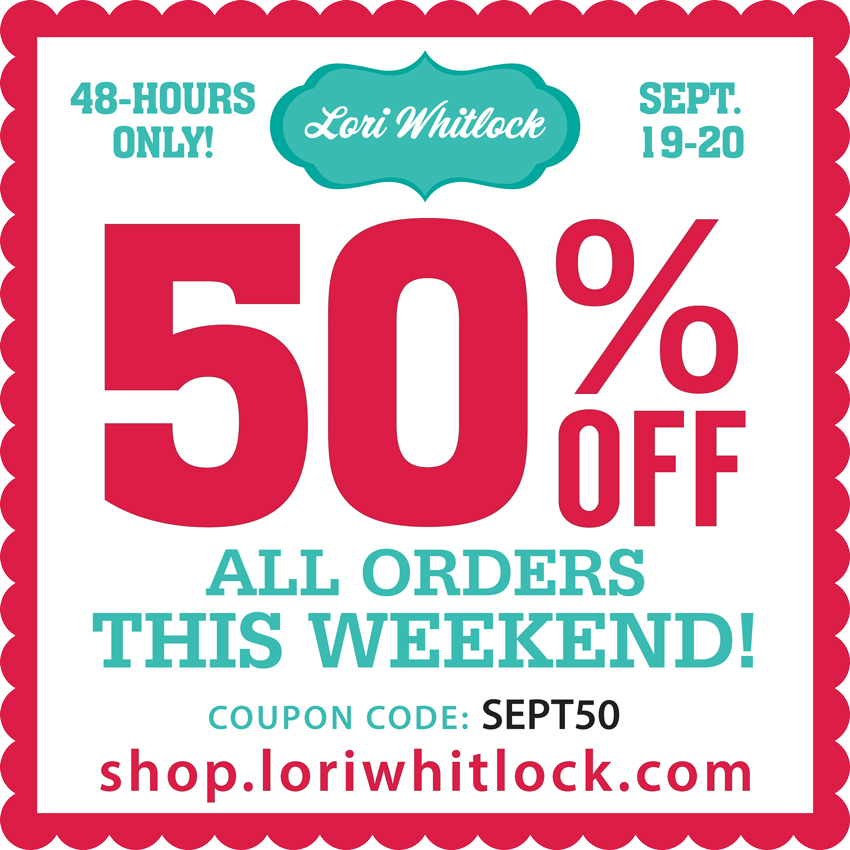
Are you crafting this weekend? Maybe making some of the new Impossible Cards?   Don’t miss out on the August Sale in the Lori Whitlock SVG Shop! All SVGs and Commercial Licenses are 30% off when you use code AUG2020 at checkout! Don’t wait! Sale ends tomorrow!

These downloads include SVG files that may be used with Cricut Explore, Silhouette (Designer Edition upgrade required), Eclips, Brother Scan and Cut, and any other software that will open SVG files.

Check out some of the new Bundles added this week!  Click on the links below to be brought to my SVG Shop.

Impossible Card Bundle
Pop Up Box Card Bundle
Bar-B-Cute Collection

These files are also available individually in my shop and in the Silhouette Store.

Box Castle Card and Sketch Fonts

Hello!  Today I have a great castle card to show off and a review of some of Lori’s Sketch Fonts.

Image 1

SVG/Silhouette

On the back is a Happy Birthday sentiment.  I decided I wanted to try out some sketch fonts with different pens.  On the card I used the LW Favorite Sketch font. Here are fonts I experimented with:

Tall Sketch Font: SVG/Silhouette

Jordan Sketch Font: SVG/Silhouette

Favorite Sketch Font: SVG/Silhouette

Block Sketch Font: SVG/Silhouette

Dot Sketch Font: SVG/Silhouette

I also tried some fonts that aren’t Sketch:

Delightful SVG/Silhouette

Skinny Minnie SVG/Silhouette

State Heart Dingbats SVG/Silhouette

I’m using the Cricut Explore Air 2 today.  These sketch fonts will also work with other Cricut machines as well as Silhouette machines.  I first used a pen, and I forgot to select Draw for several of the fonts (so some were cut).  First tip when using sketch fonts and pens is to make sure to select Draw for your font.

You can see the sketch fonts are a single line and the other fonts, the machine draws an outline of the letters.  I think they all look great though.  Next I used a 1 mm marker.  This was an older marker, so by the end of the drawing, it is getting a little faded.

I learned that you select the type of pen or marker in the pallet square next to the Linetype selection drop down menu in Cricut Design Space. I think the marker is especially great for the Tall Sketch Font and the State Dingbats font.

Last I tried selecting some fonts with the pen and some fonts with a marker.  The turquoise words are in pen and the gold are 1 mm marker. The machine stops after finishing drawing with the pen, and then tells you to change tools.  You can see what the different fonts look like.  I love having some sketch fonts to be able to add your own sentiments to cards.

The first font in the above picture is the Dot Sketch font (not Block).  The marker writes the Skinny Minnie font really great too.

Well there you go–an exploration in using different fonts with your sketch pens.  Is anyone interested in seeing the Silhouette sketch pens?  We can try that in another post!

And don’t forget,  all SVGs, Fonts, pattern fills and commercial licenses are on sale now in the Lori Whitlock SVG Shop.  Get 30% off when you use code AUG2020 at checkout.  Sale Ends Saturday.

Have a great day!

Ashley