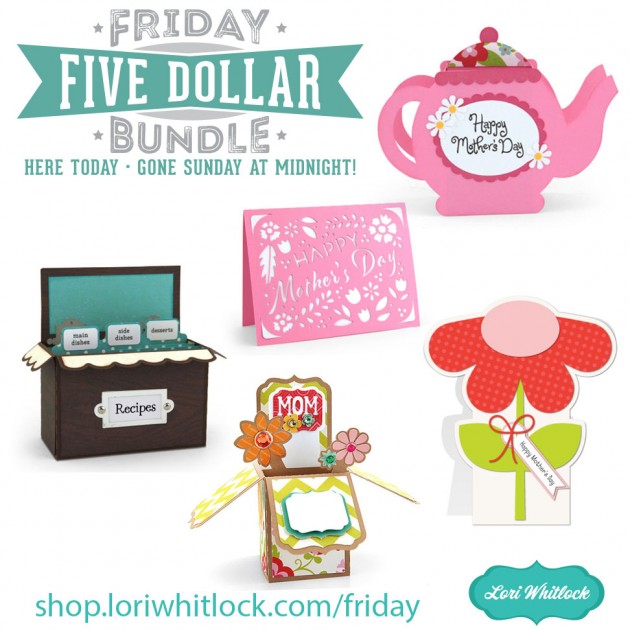
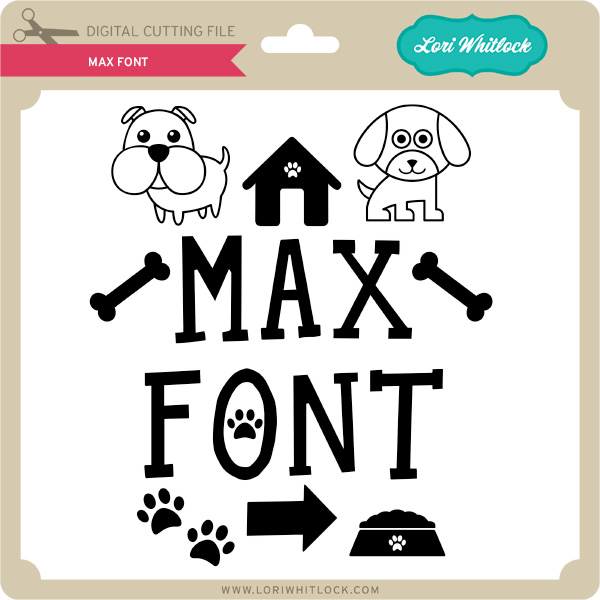
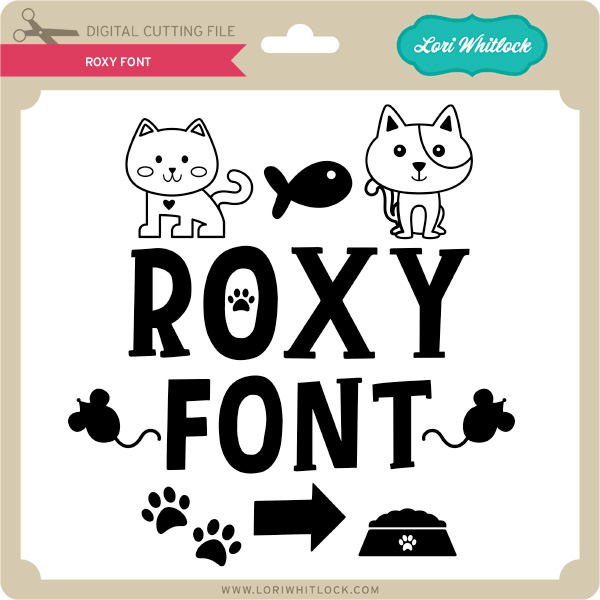
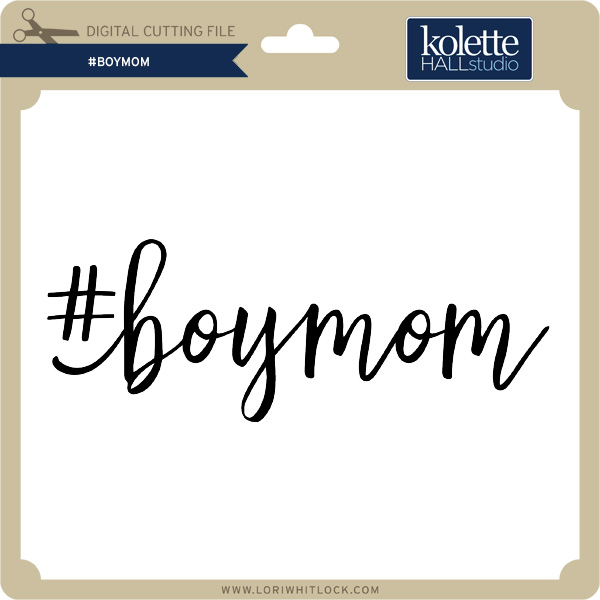
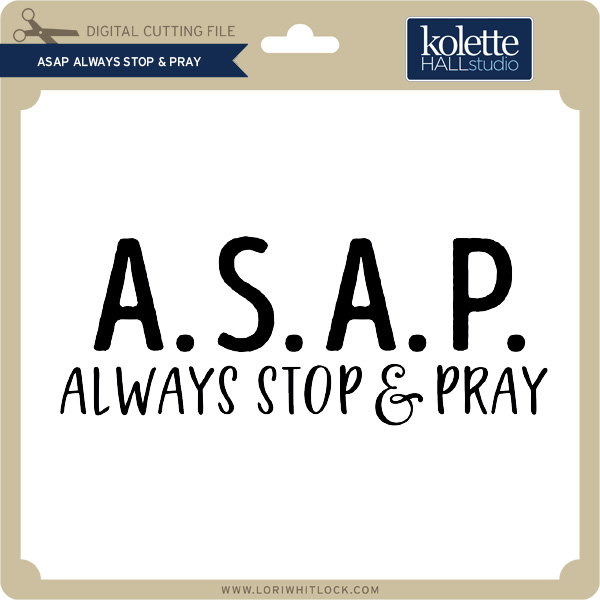
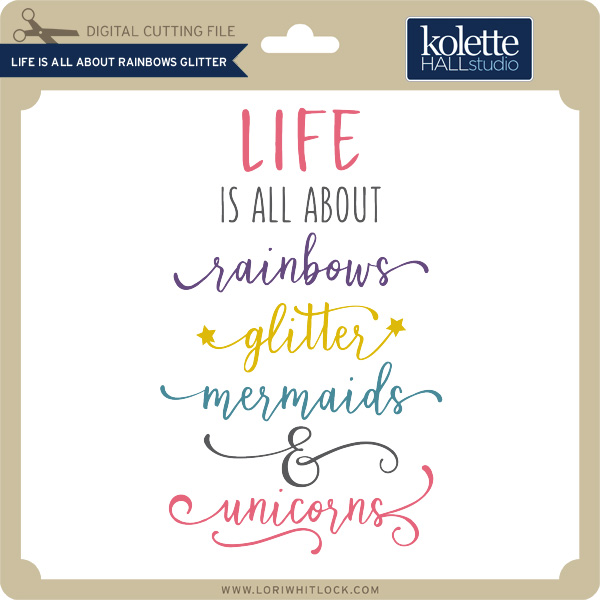
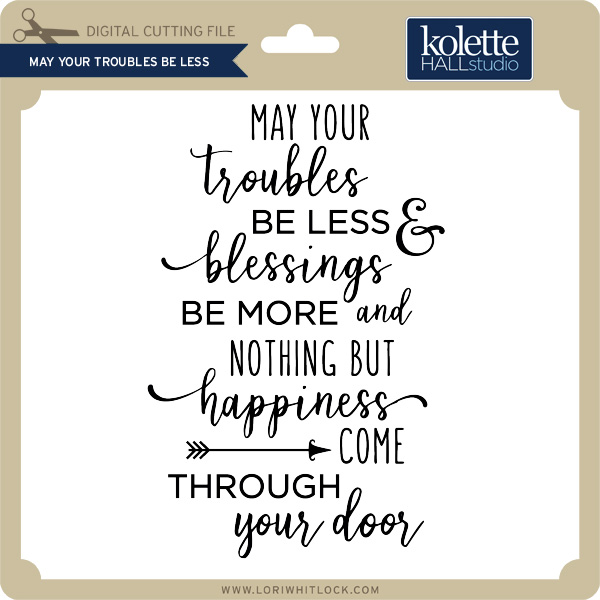
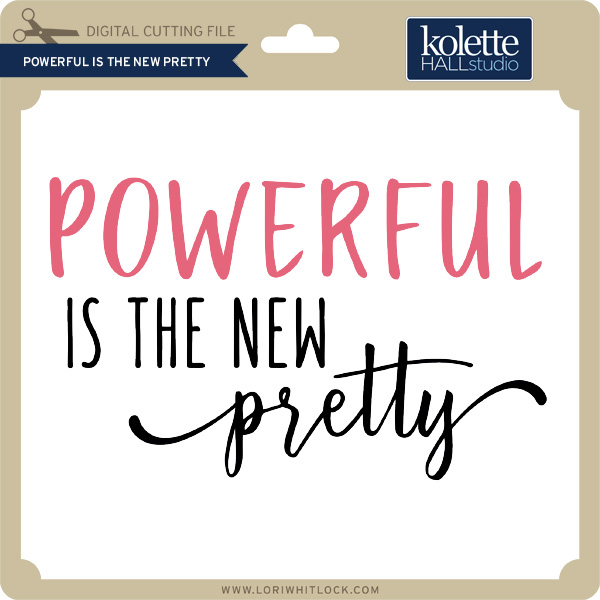
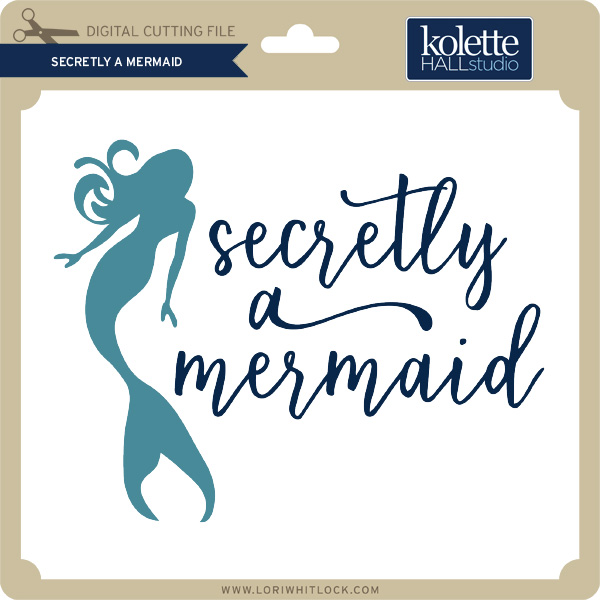
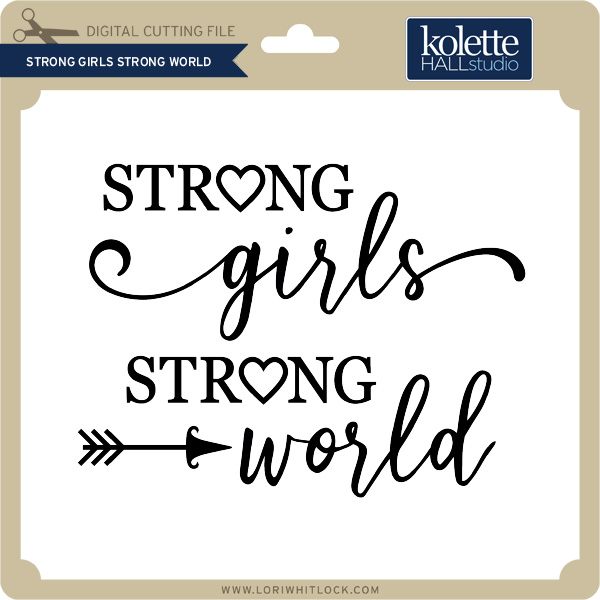
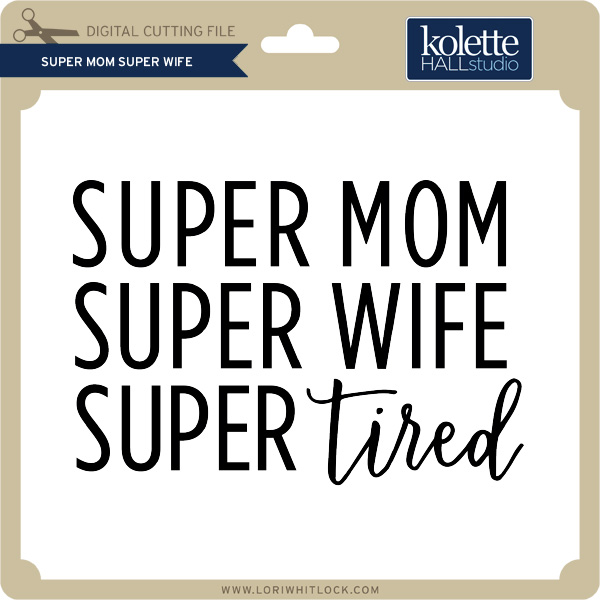
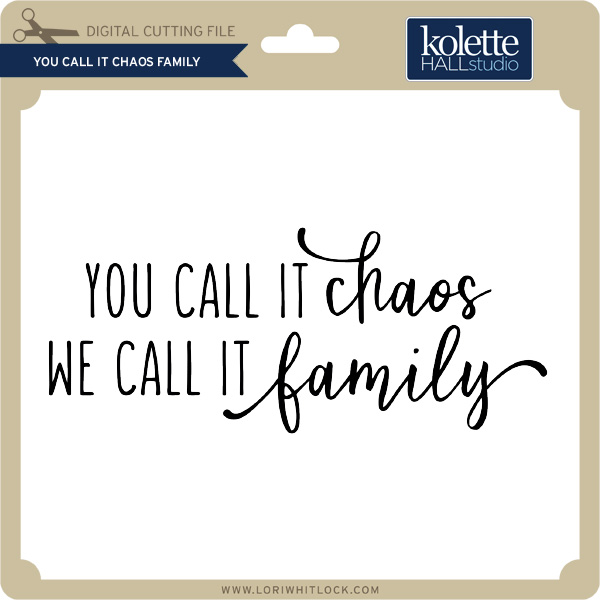
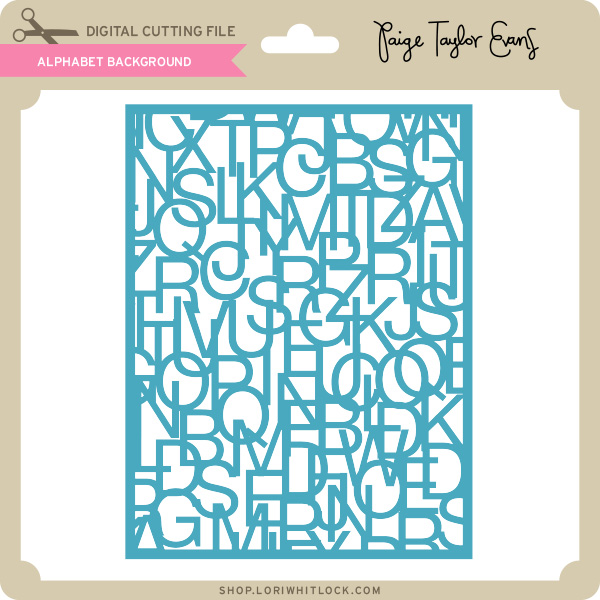
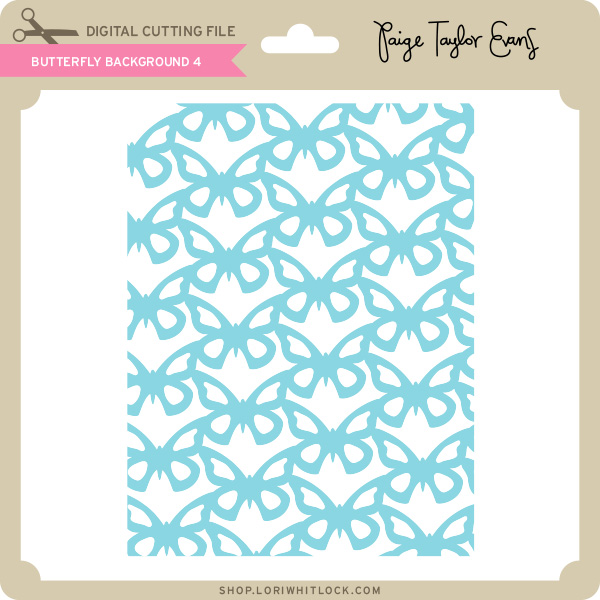
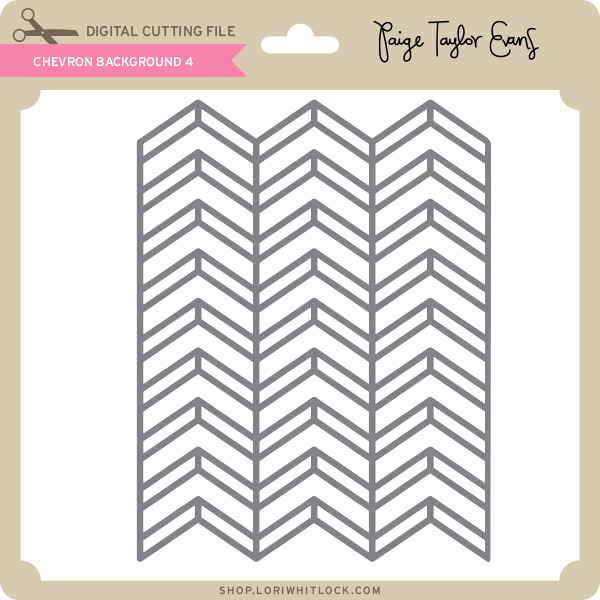
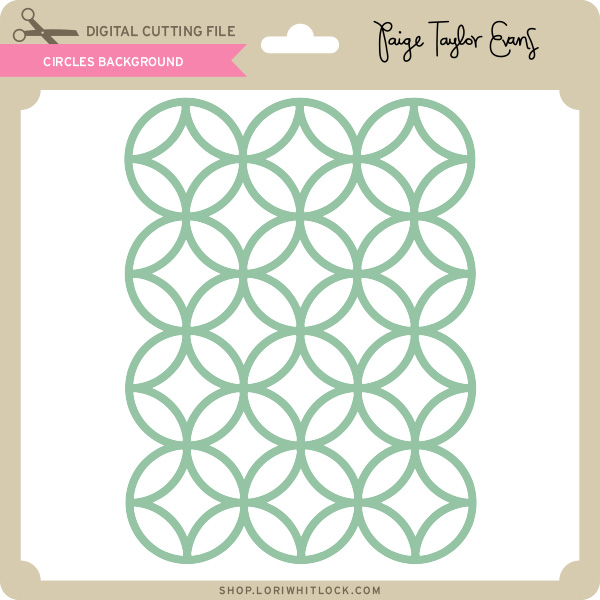
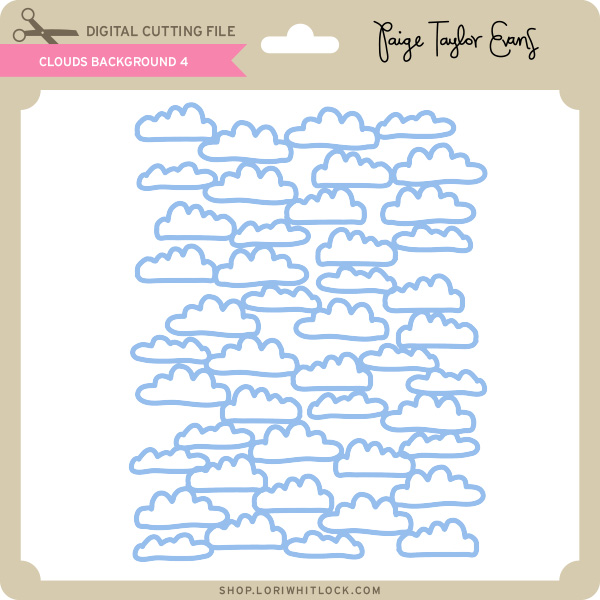
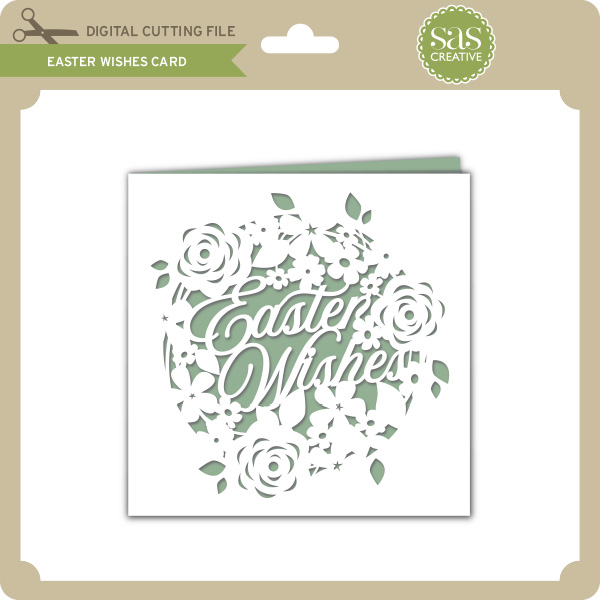
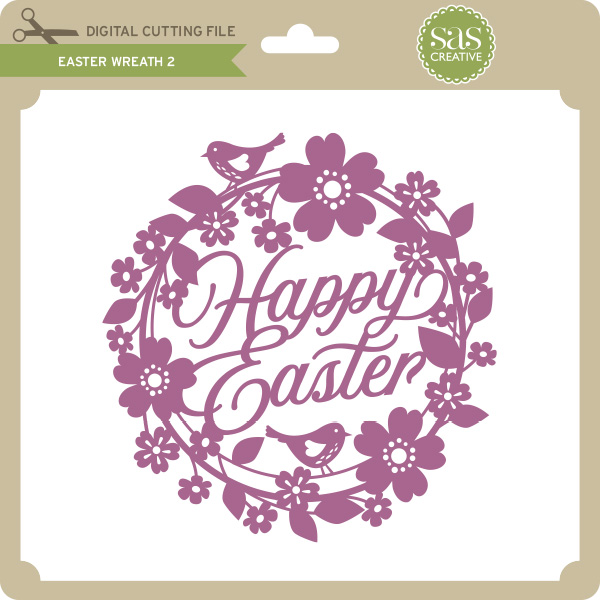
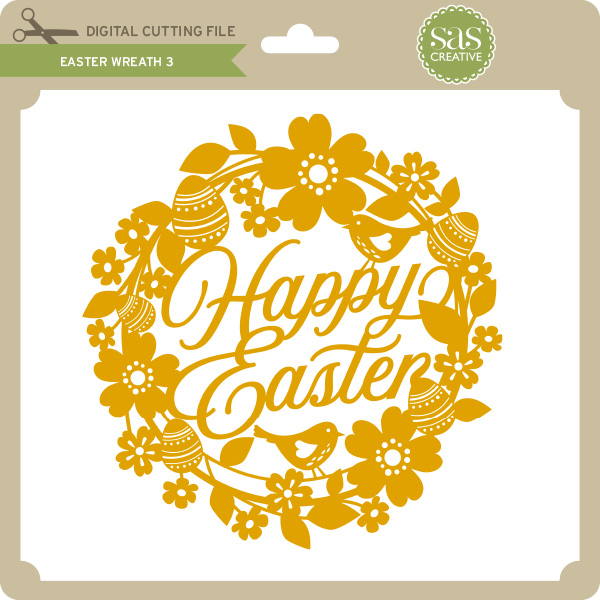
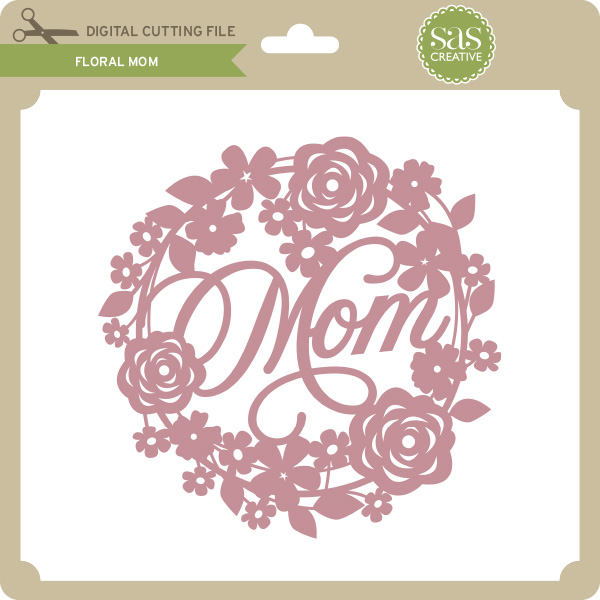
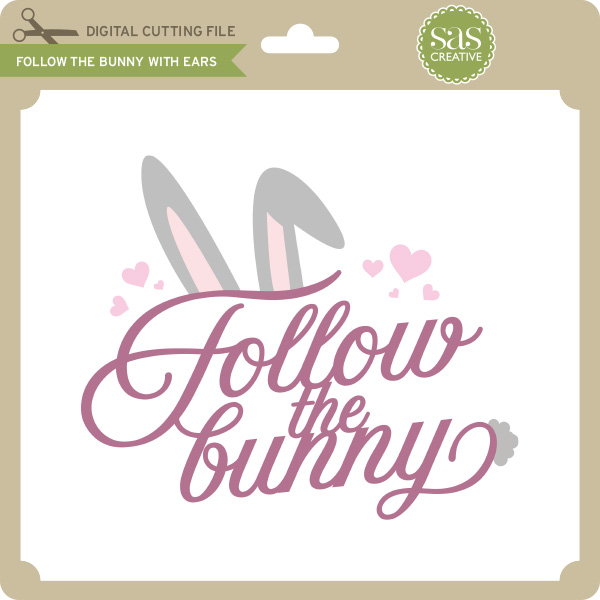
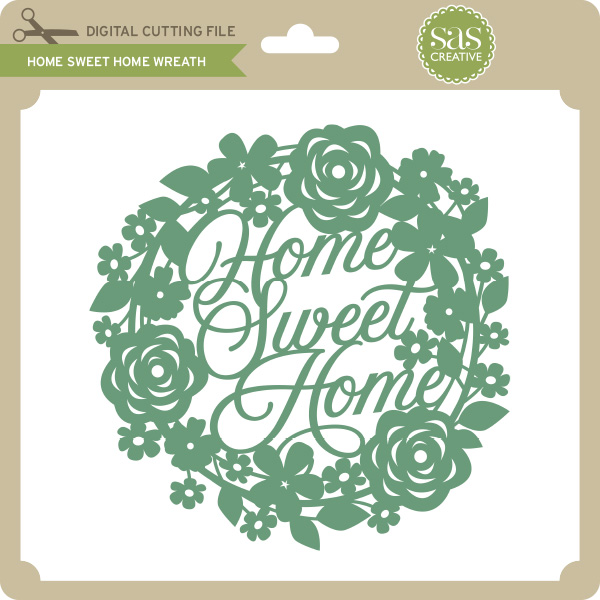
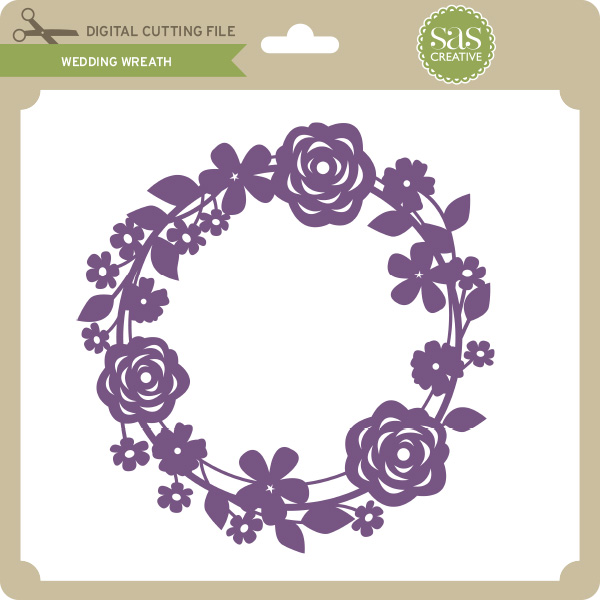
Hi Everyone! Today we have a new Friday $5 Bundle! It will ONLY be available until Midnight Sunday and when it’s gone it’s gone. These SVG files can be used with Cricut Explore, Silhouette Studio (with the Designer Edition upgrade), Scan N Cut, and any other cutter that will work with SVG files. Help spread the word by telling your friends and announcing it on social media!
Now through Sunday, you can pick up this Mother’s Day themed themed bundle including 6 beautiful SVG files for just $5!
The cost of this bundle is $5, for $9.95 worth of SVG files, over a 49% savings! It’s the perfect Mother’s Day bundle! But don’t wait, this bundle will only be around until Sunday at midnight!
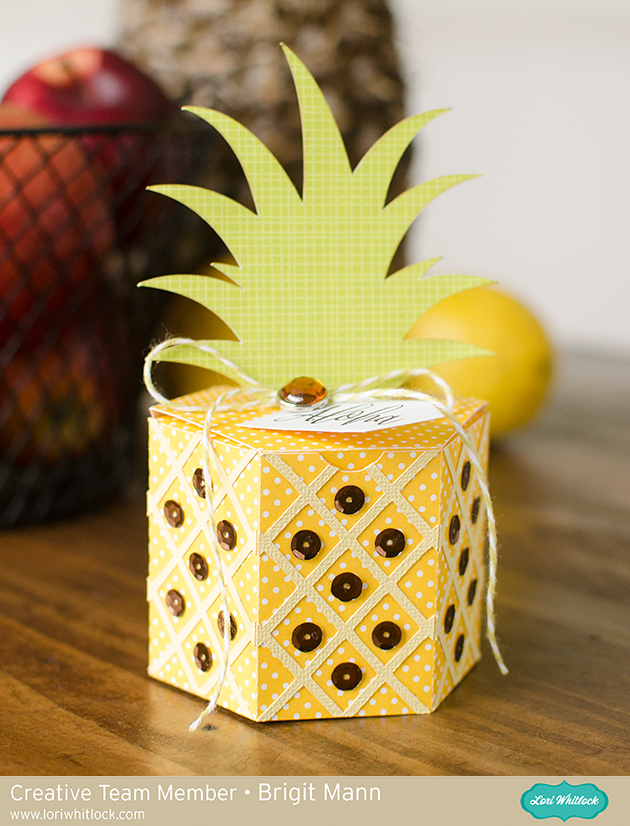
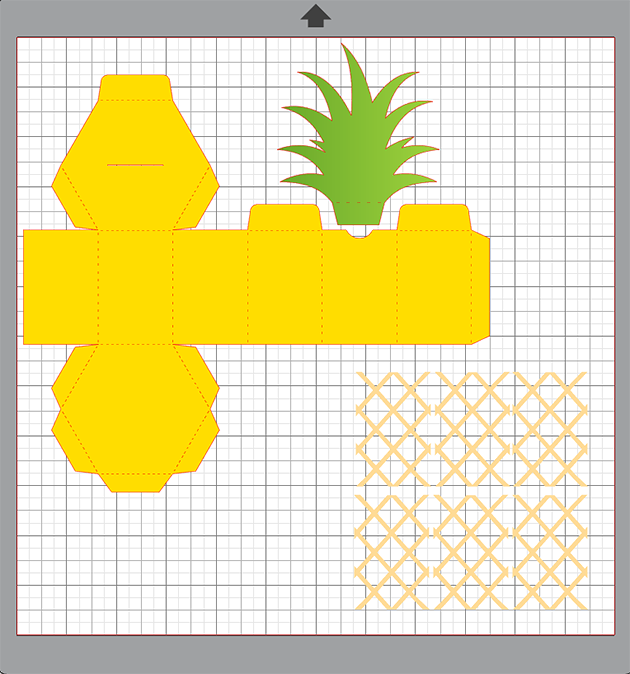
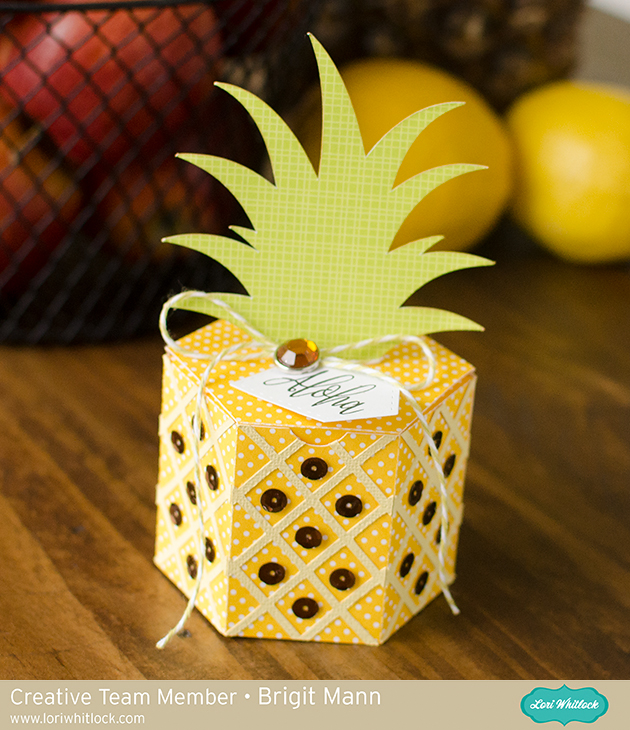
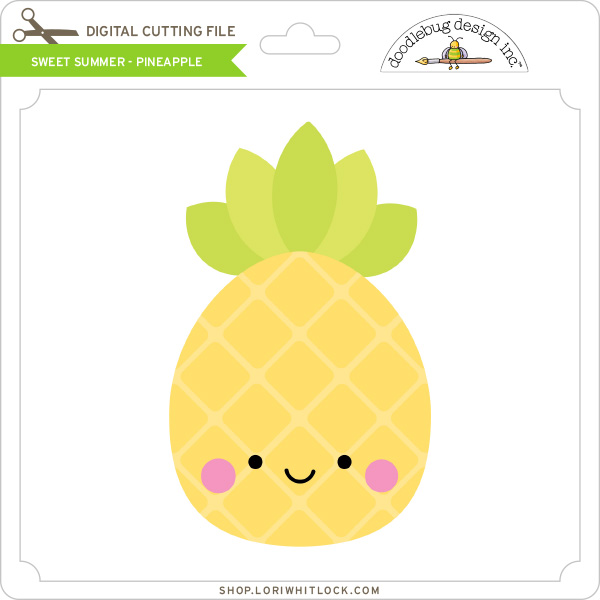
Hello everyone, it’s Brigit here today sharing a quick tutorial on making this adorable pineapple box. I just added the criss-cross panels from the shaped card pineapple file. You can get both of these files from the Silhouette Design Store, here and19 here.
I used Silhouette Studio to edit my project, I have the business edition and use the files from Lori’s shop so I’m able to save my project as an svg and cut it out with my Cricut Maker.
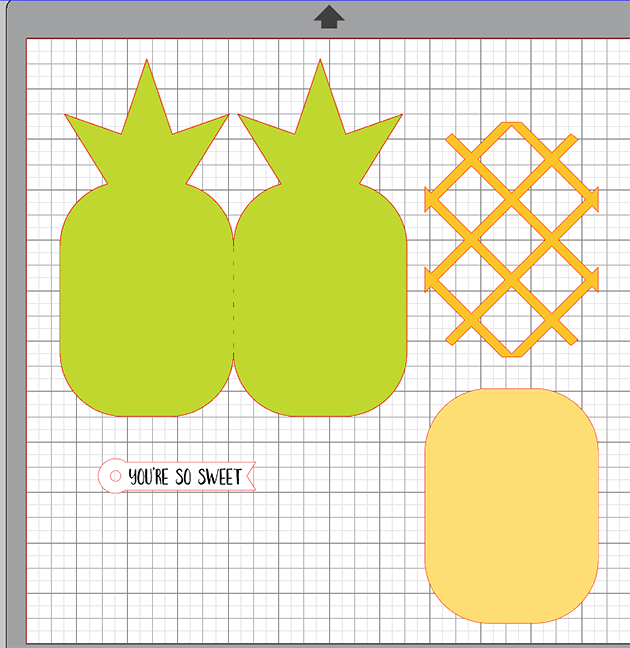
I imported the pineapple shaped card and only kept the criss-cross piece.
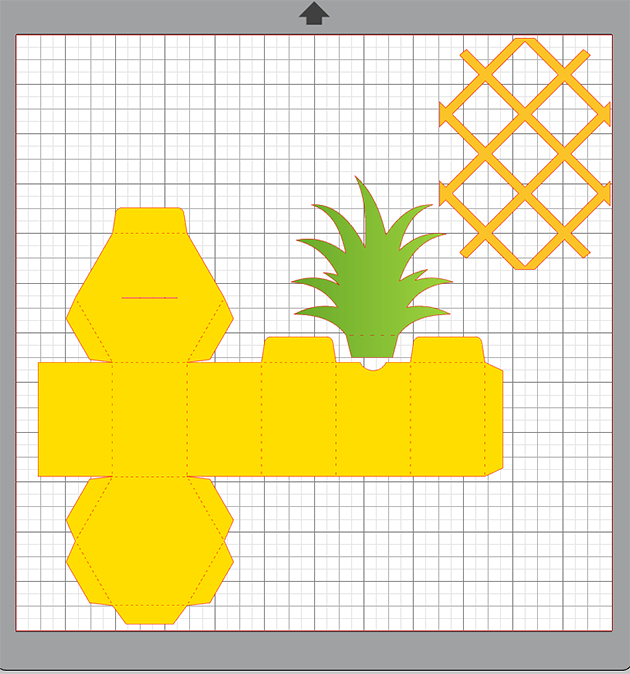
I imported the pineapple box next.
I zoomed in really close and sized the criss-cross to fit inside one of the sides.
I double clicked on the criss-cross piece which brought up point editing and I selected the point in the corner and moved it so it would reach the score lines, I did that on all four corners.
I duplicated until I had 6 pieces, saved, imported into Cricut Design Space and cut out.
Added some twine, decorative brad from Echo Park’s For the Record 2 collection and some brown sequins. The sentiment is from My Creative Time and paper is from Doodlebug Design.
Hope you enjoyed this project, thanks for stopping by and have a wonderful day!!
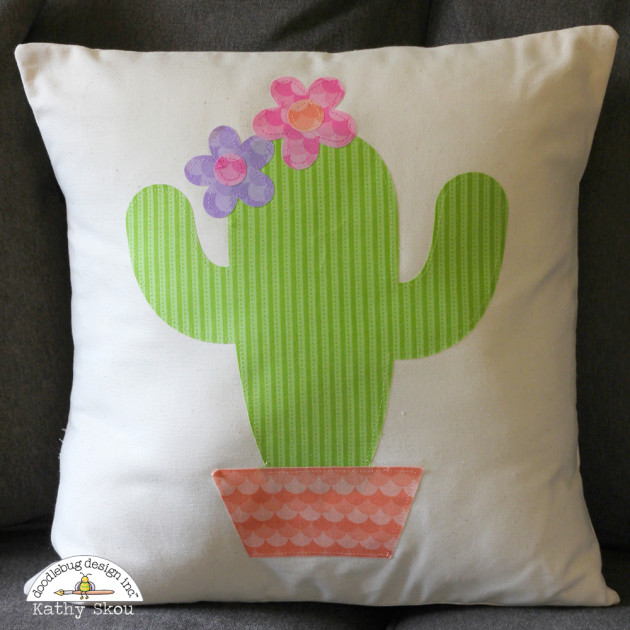
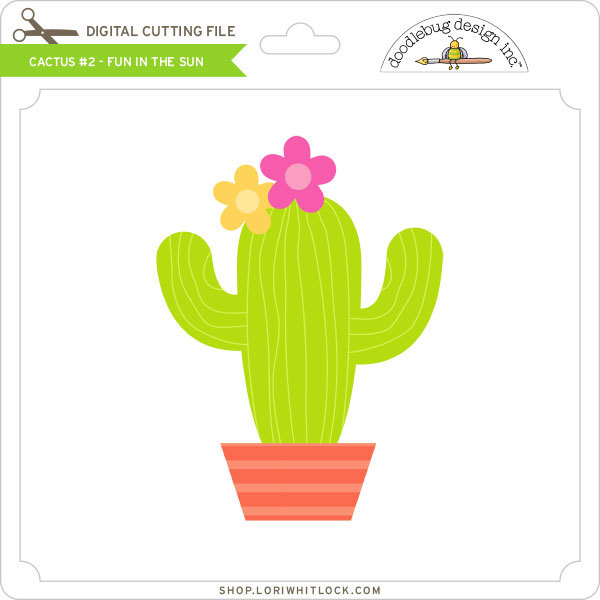
What a fun way to decorate a room! For more views, see the original post here. New Doodlebug Design SVG files are being added to the Lori Whitlock SVG Shop on a regular basis, so stop by to see all of the fun SVG files HERE!
Welcome to our April 2018 Creative Team Blog Hop! The creative team has been working hard on some new projects to share with you that will get you in the crafting mood. We also have a huge release of new SVG files for you this week and a GIVEAWAY! Be sure to check them out below. Oh, and there is also a FREE FILE for you!
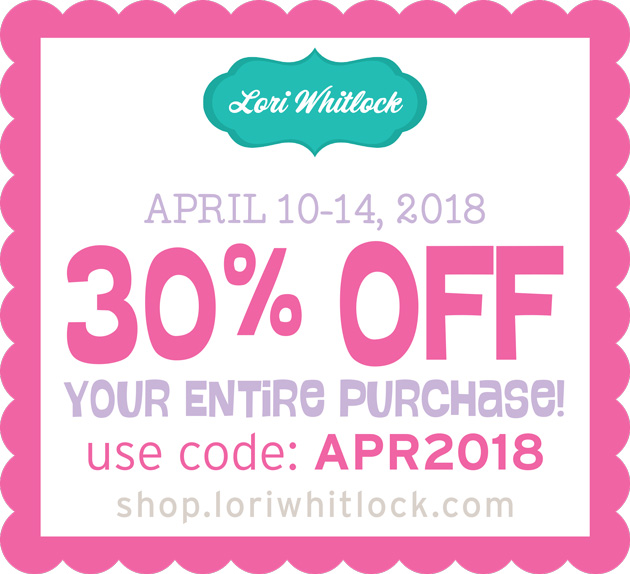
This week we have a 30% OFF SALE going on at Lori’s SVG SHOP. ALL files (and commercial licenses) from Lori Whitlock, Kolette Hall, Doodlebug Design, Dresden Carri, Paige Evans, Rivka’s Renditions and SAS Creative are on SALE now through Saturday, April 14th! Be sure to use coupon code: APR2018 (case sensitive) at checkout in the SVG SHOP. (Only one coupon code per order allowed)
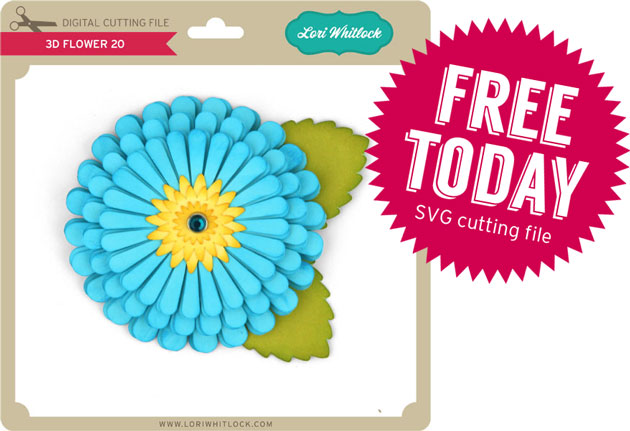
To thank you for joining us in the hop today and sharing the hop with your friends, we have a gift for you! TODAY ONLY, You can download this 3D Flower 20 file absolutely FREE! Be sure to go grab it while you can.
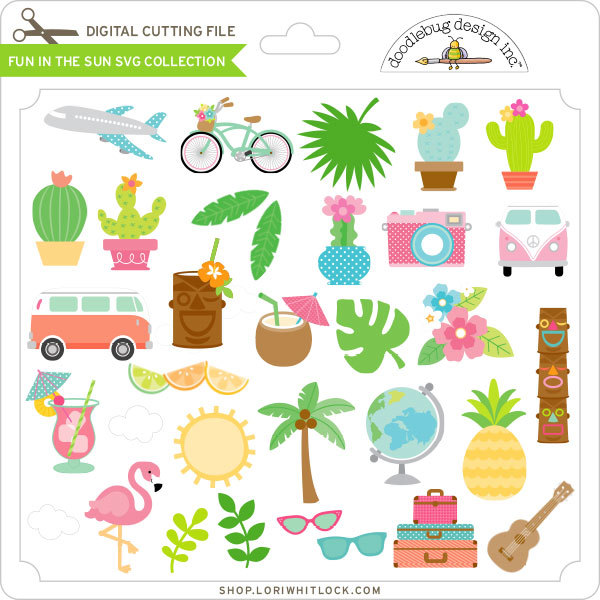
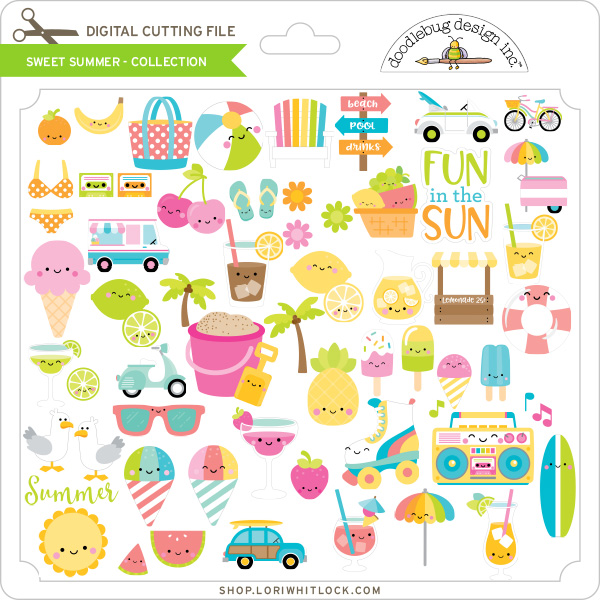
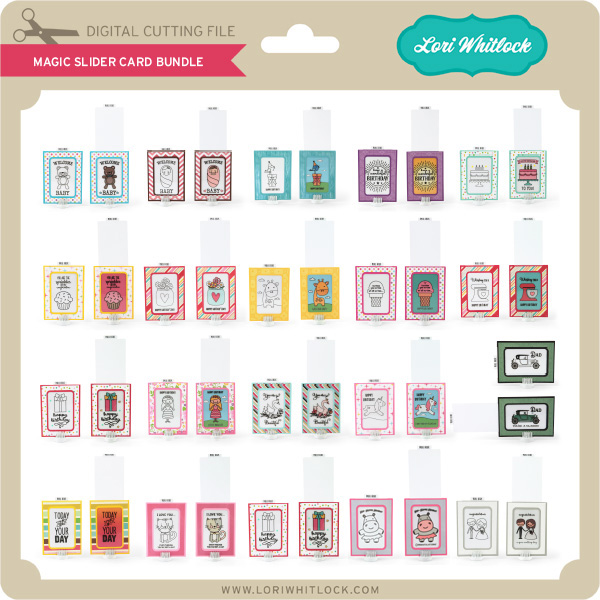
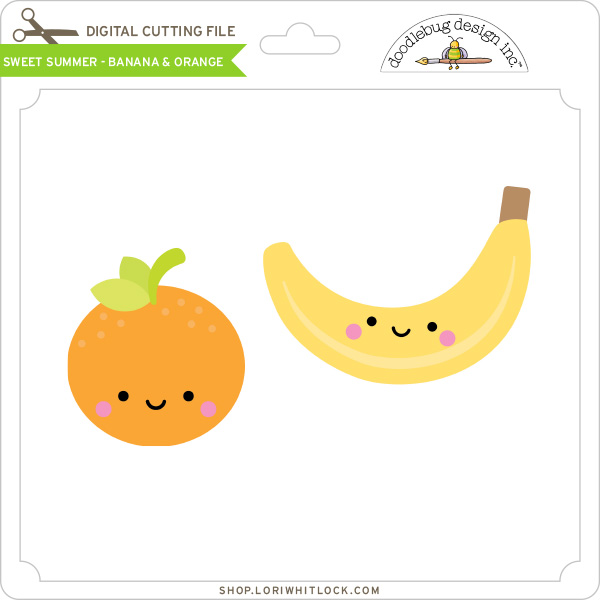
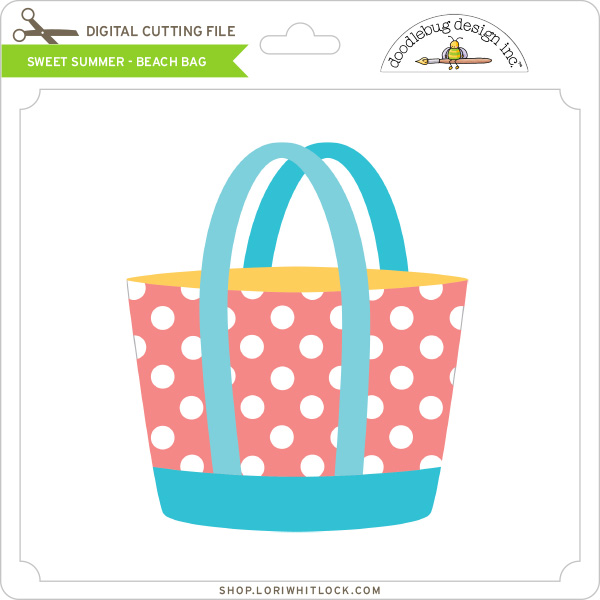
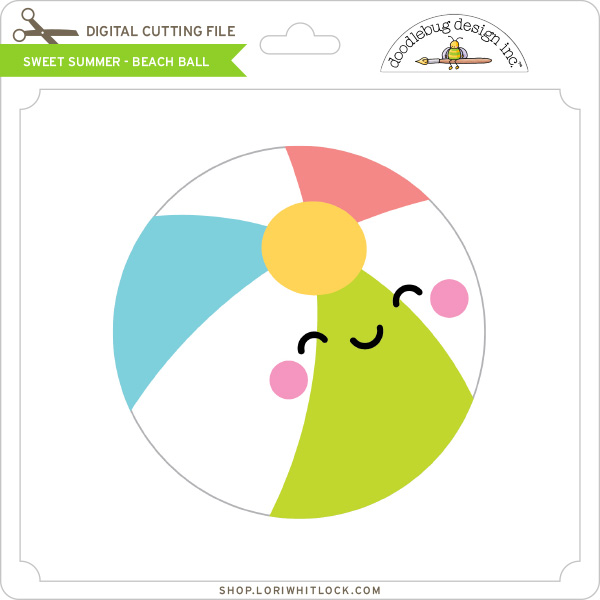
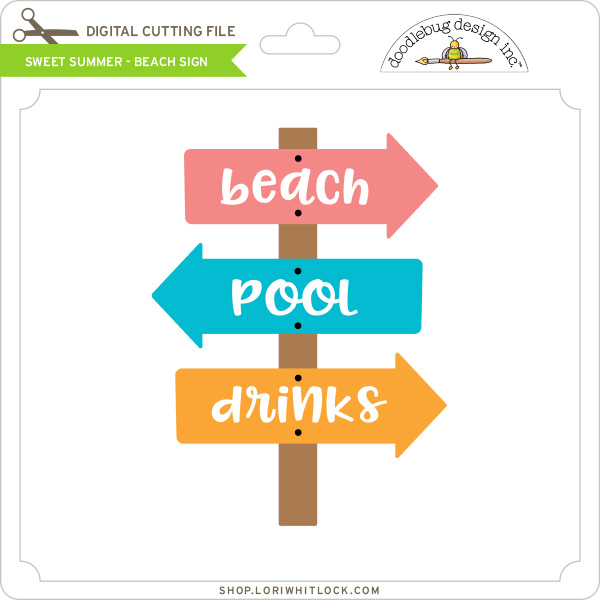
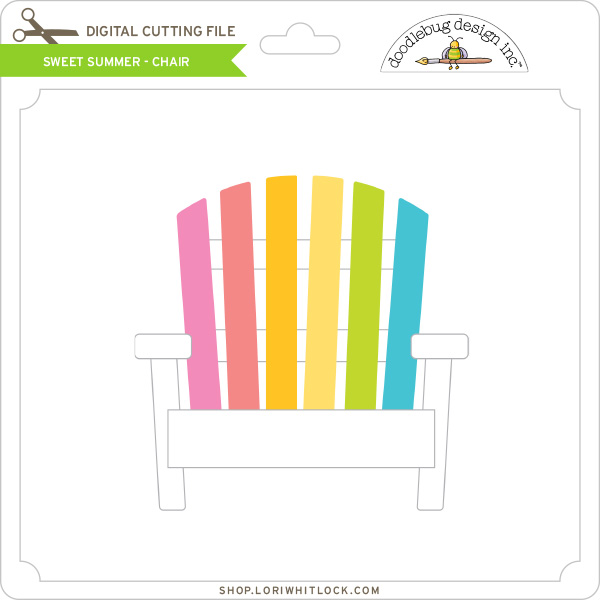
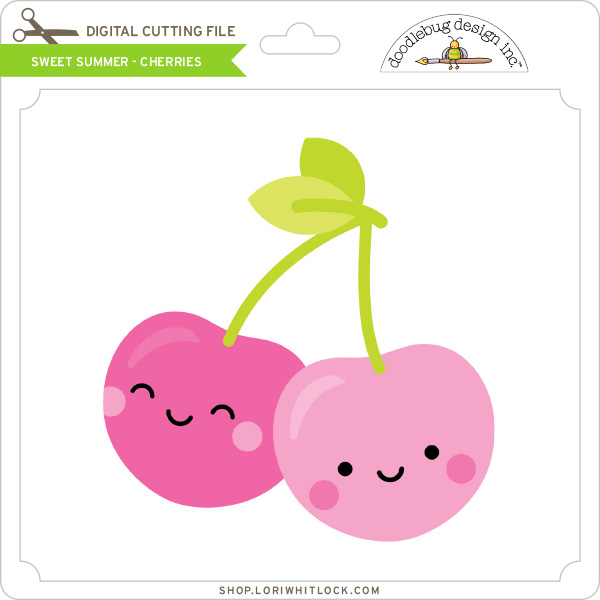
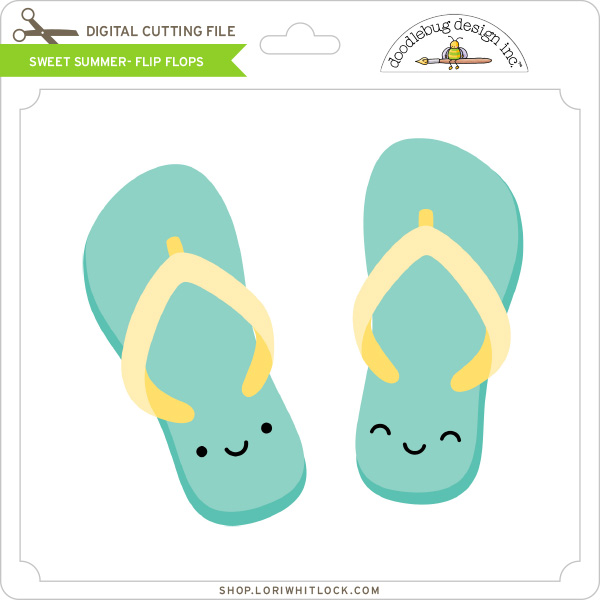
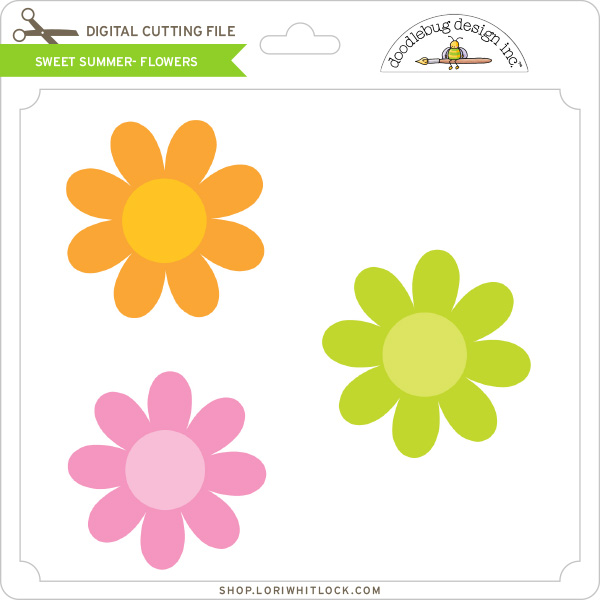
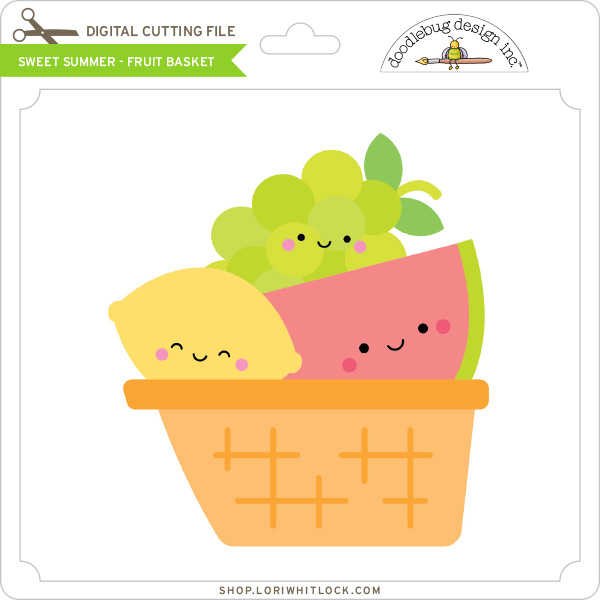
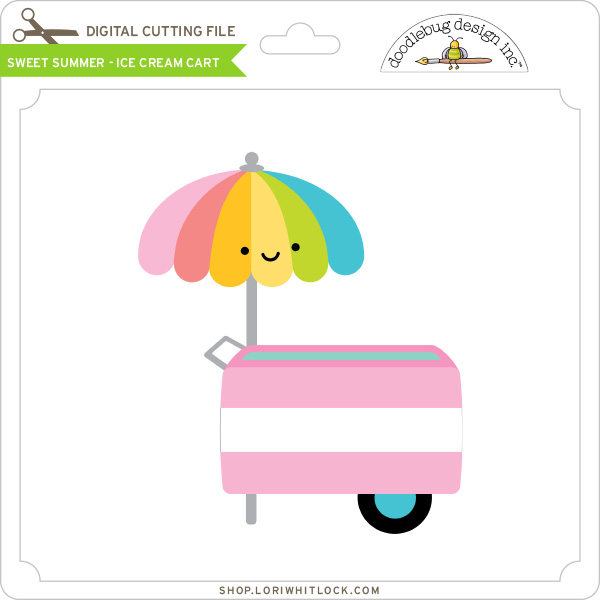
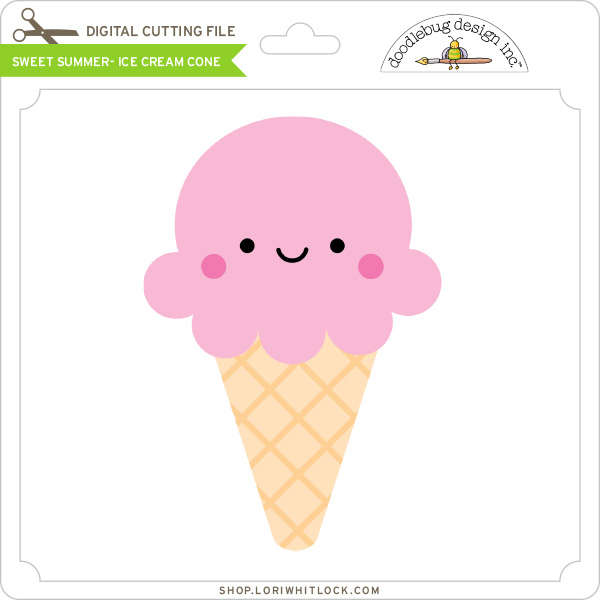
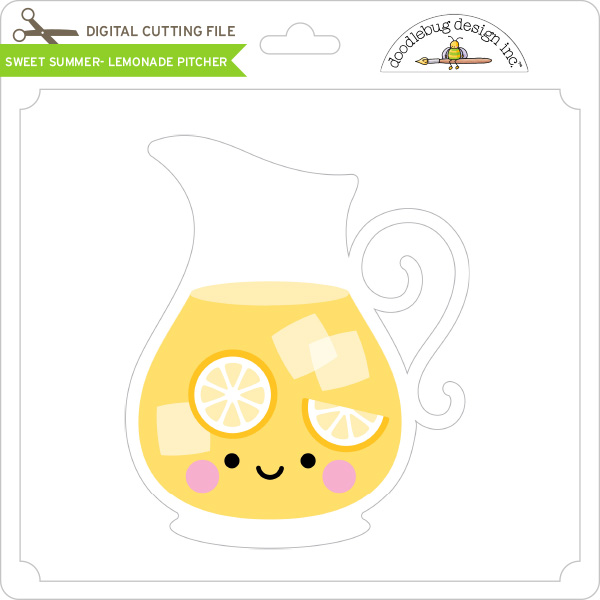
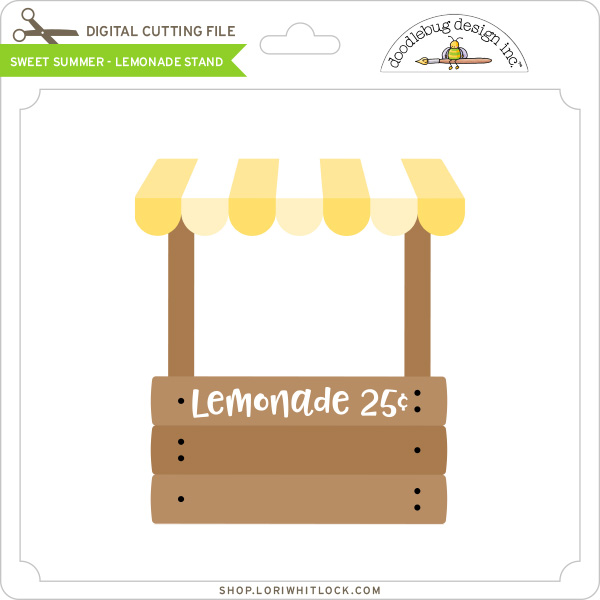
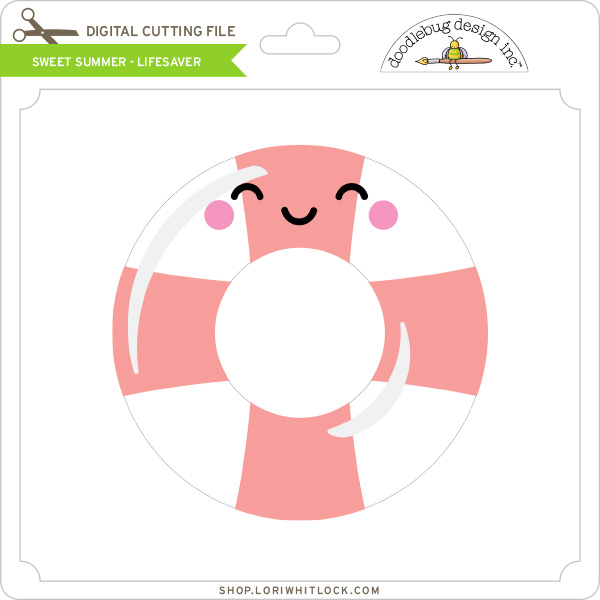
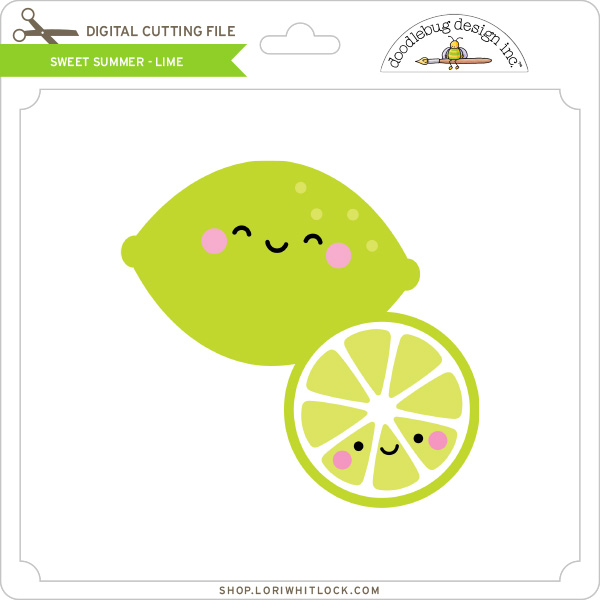
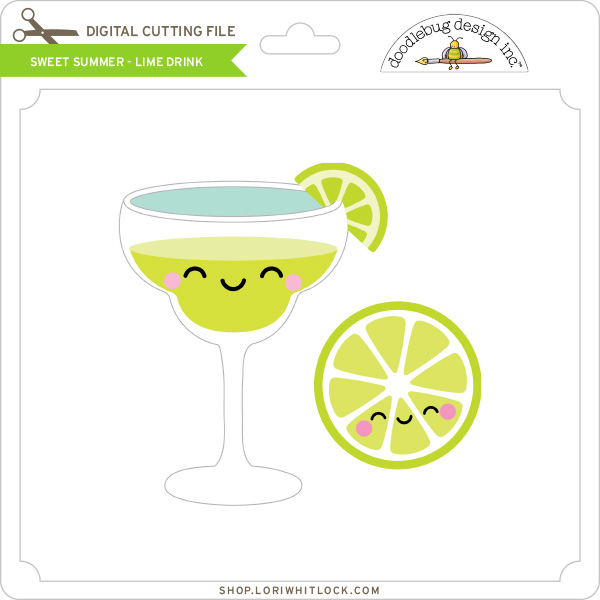
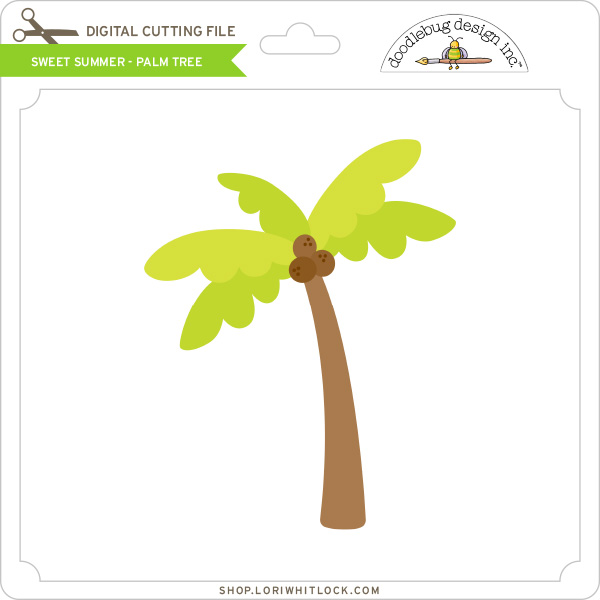
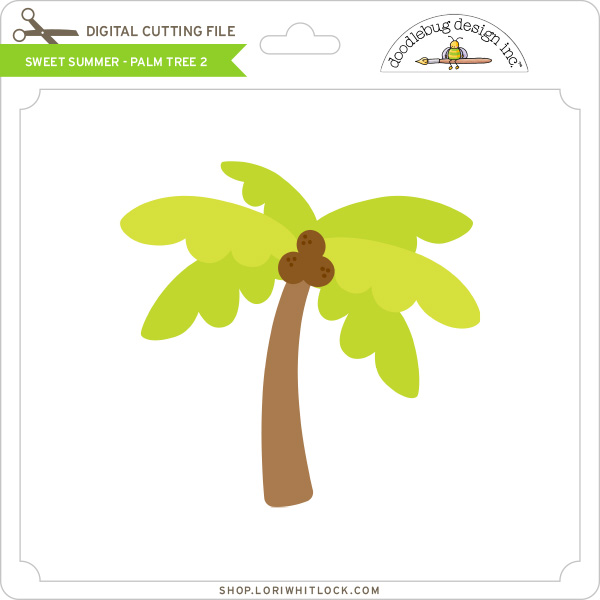
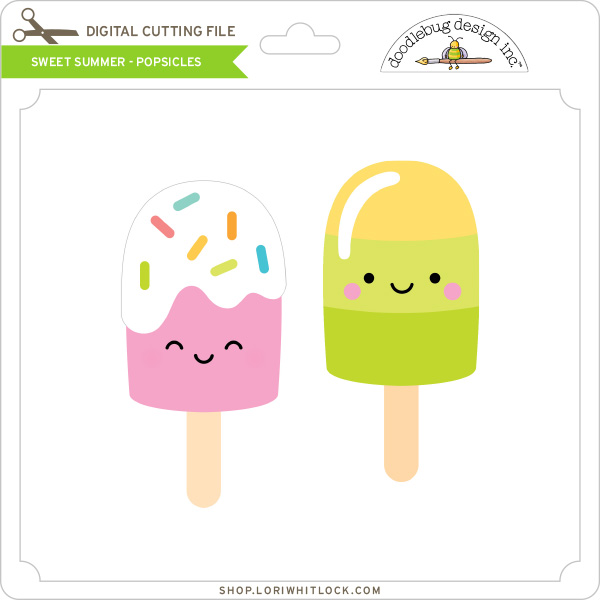
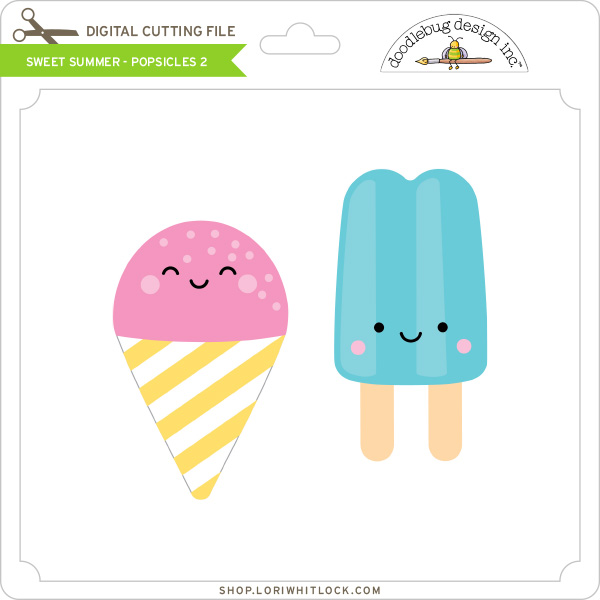
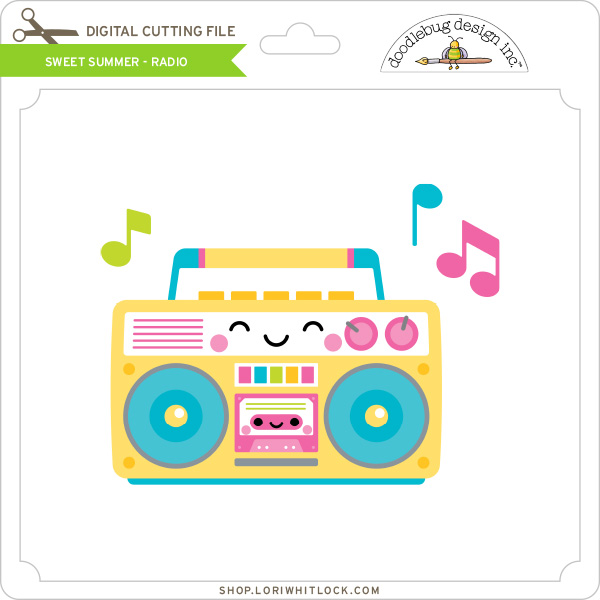
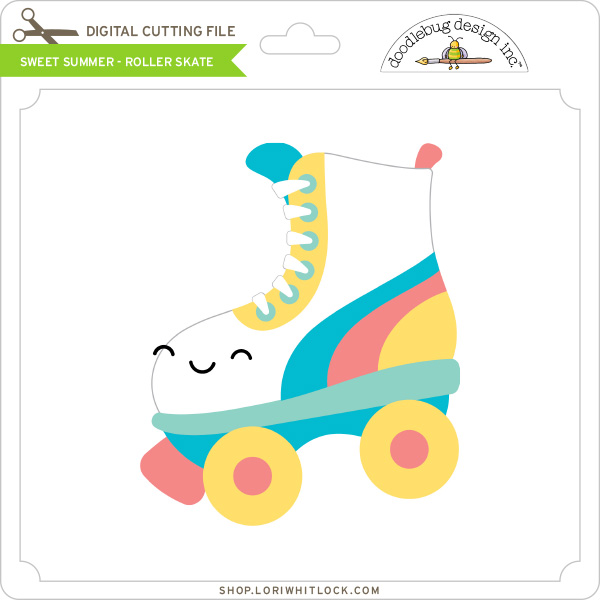
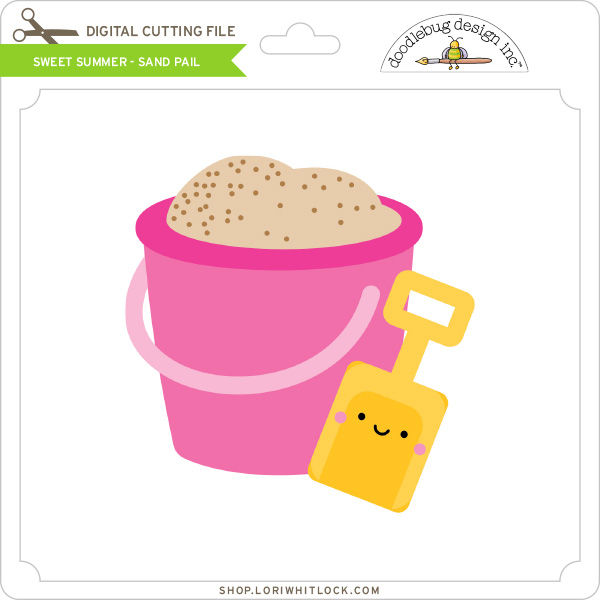
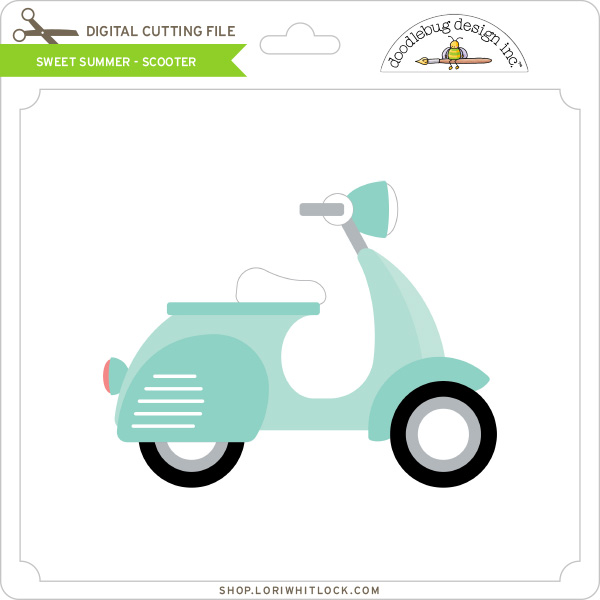
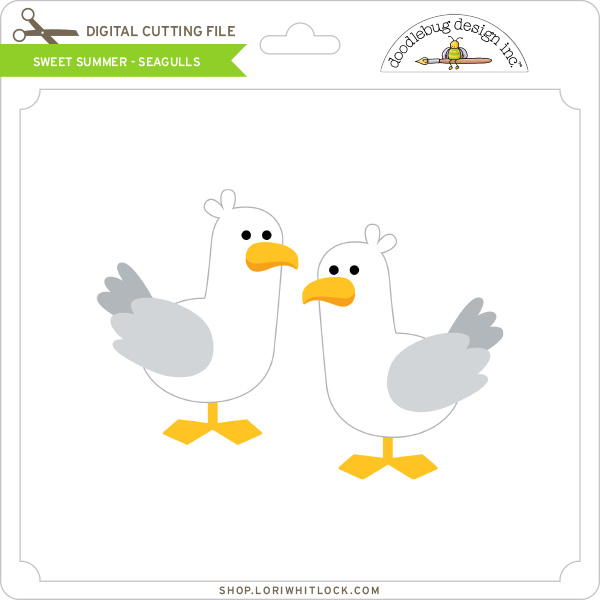
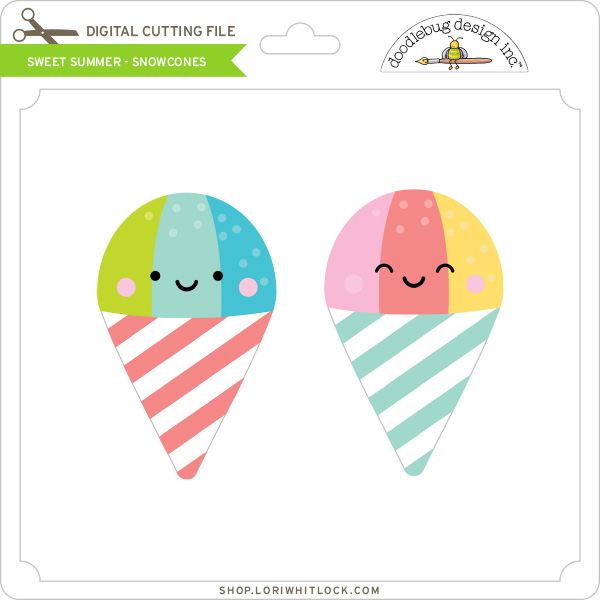
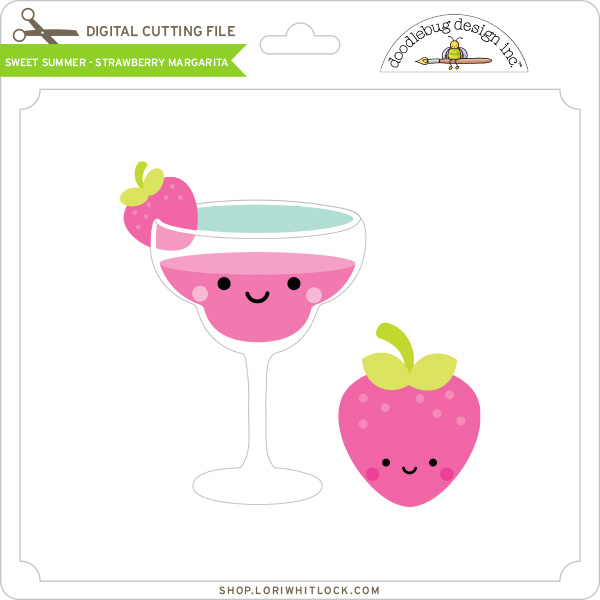
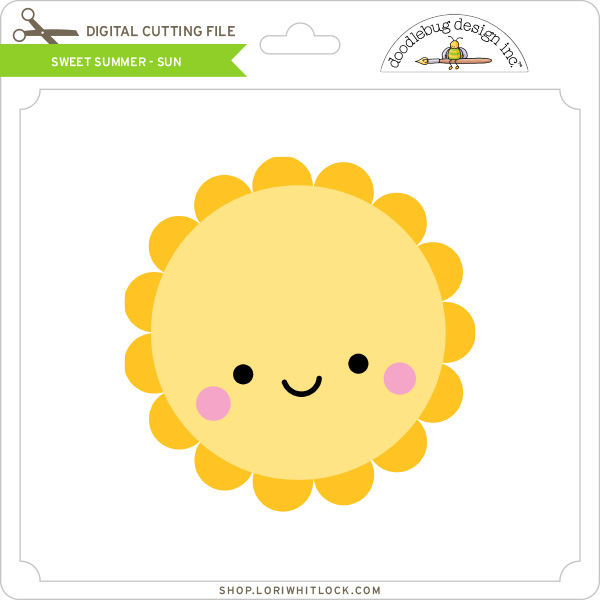
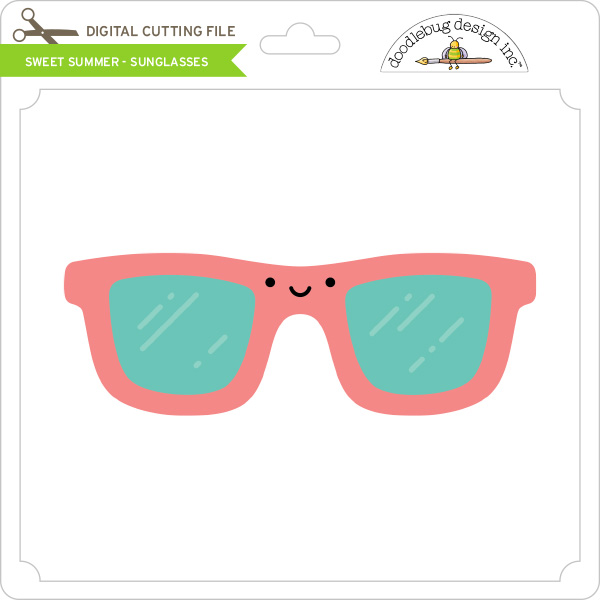
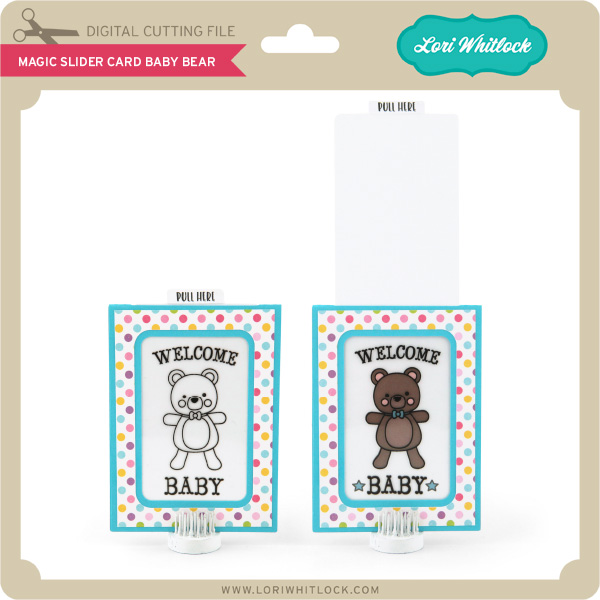
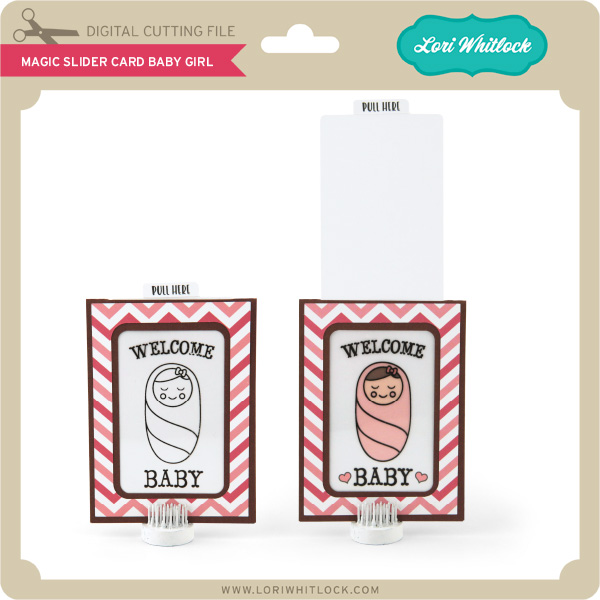
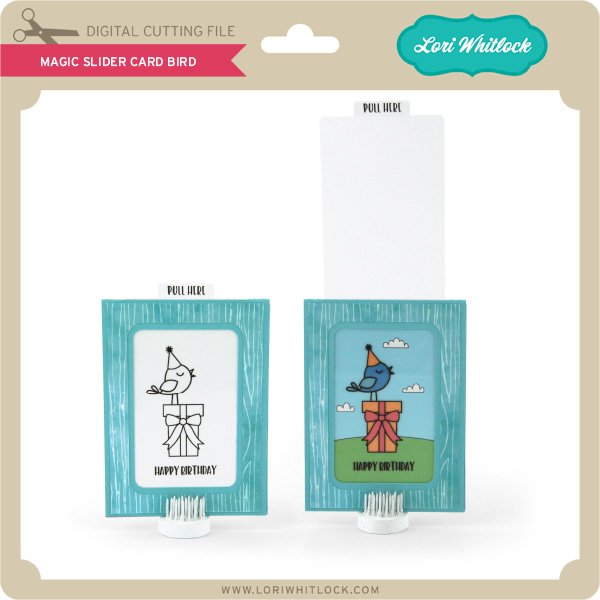
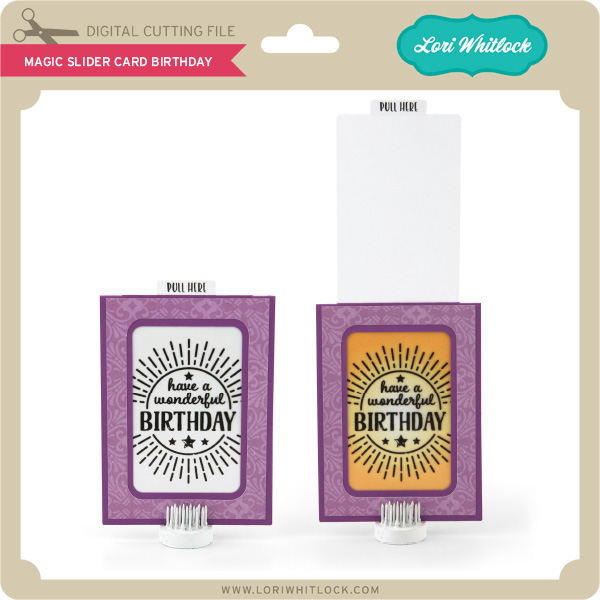
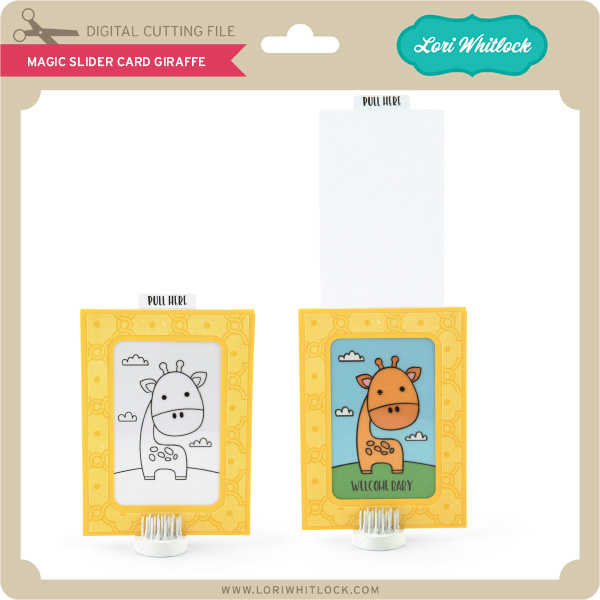
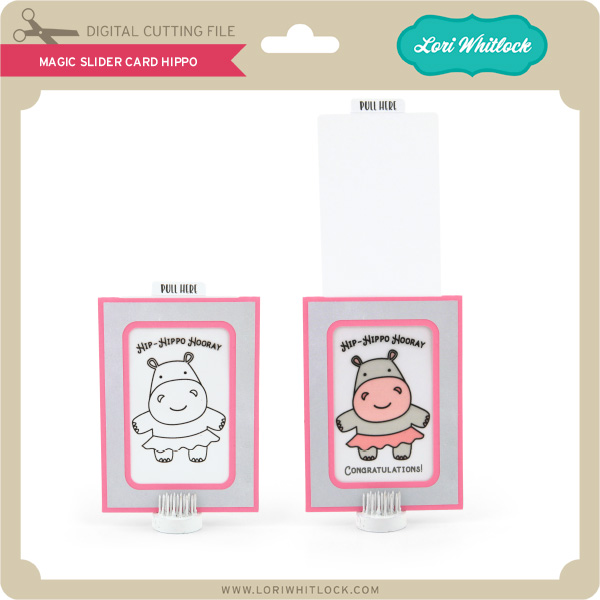
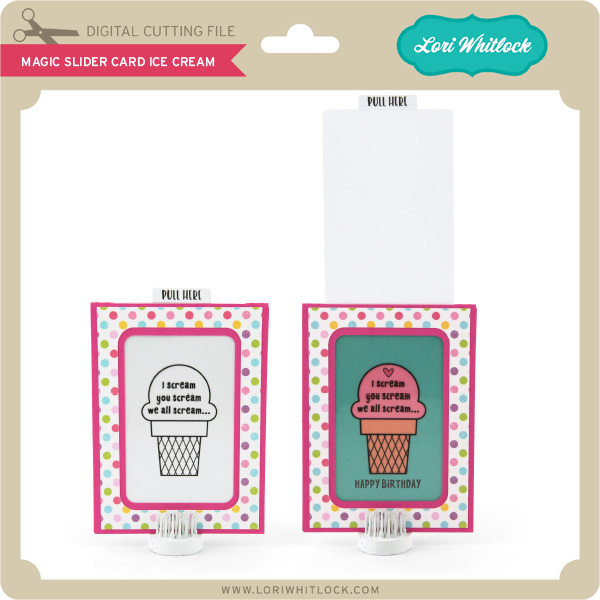
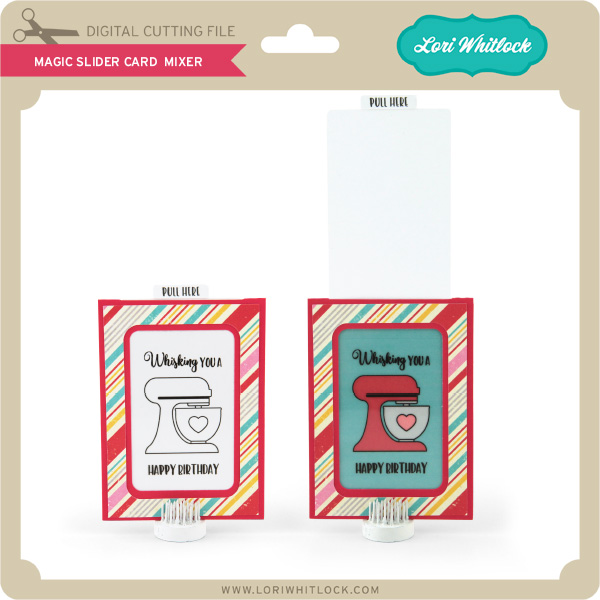
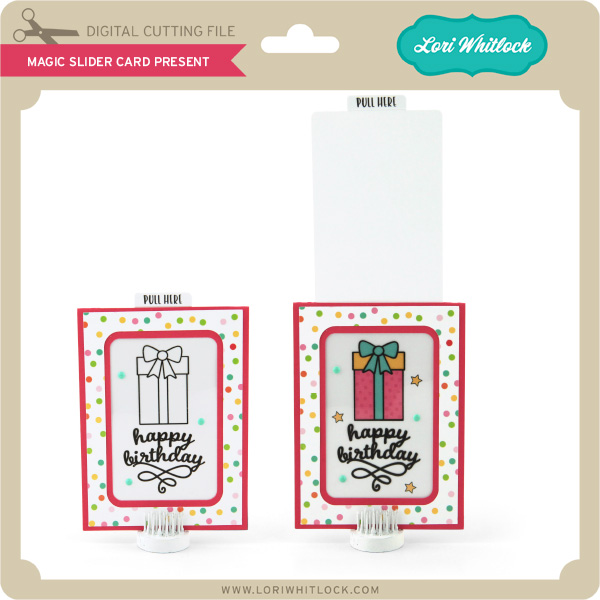
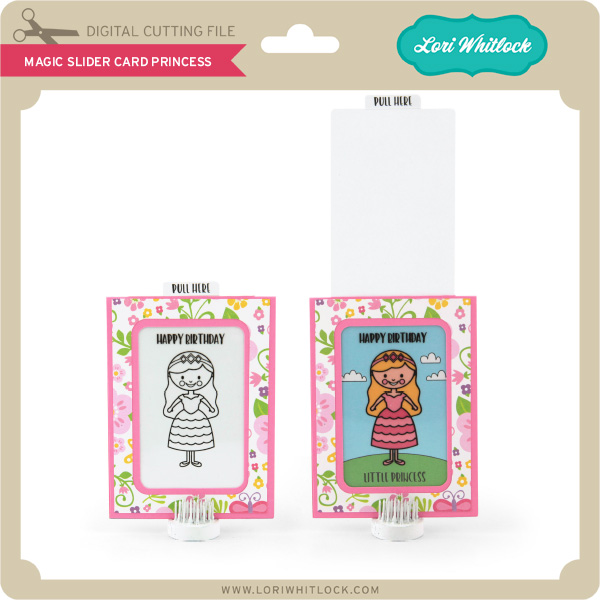
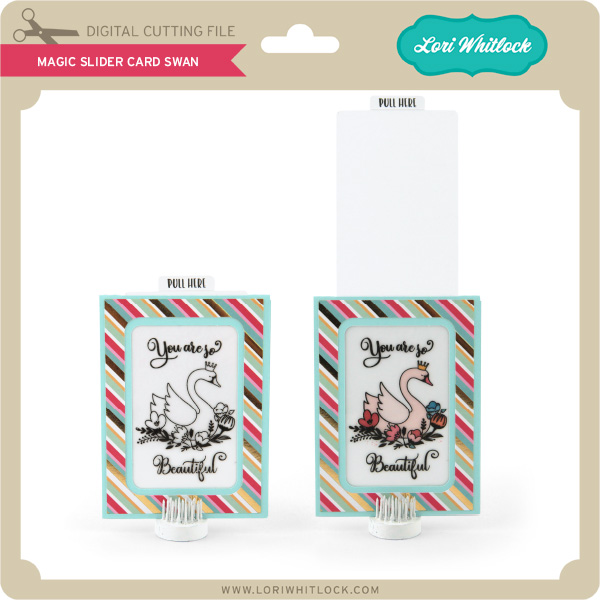
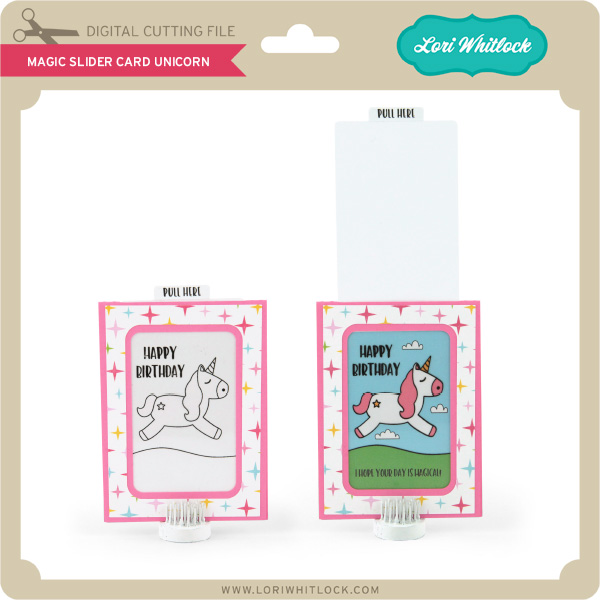
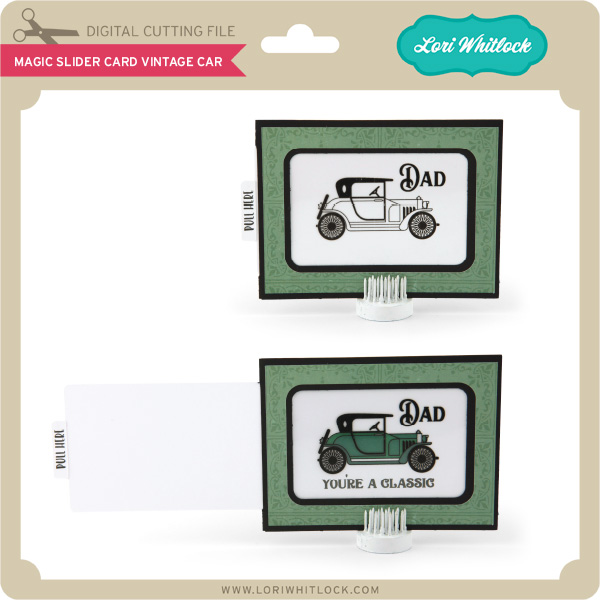
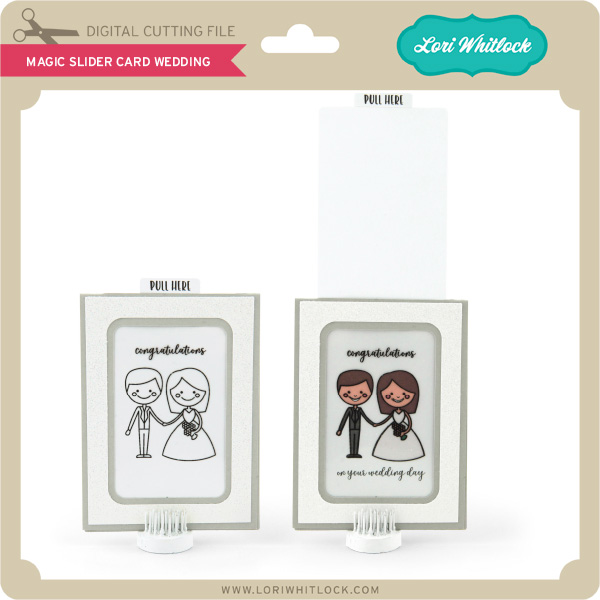
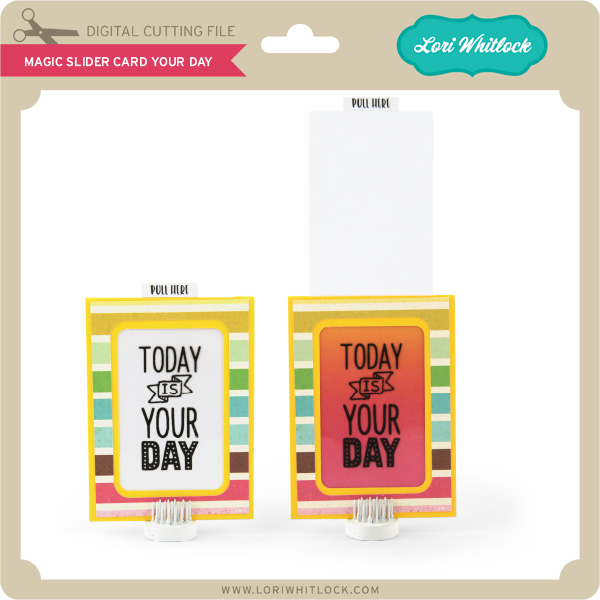
We have some super fun new files this week! Be sure to go shopping while all files are 30% off this weekwhen you use code APR2018in mySVG Shop! And, as always, the new files are available in the Silhouette Design Store as well. This week we have the NEW Sweet Summer Collection from Doodlebug Design! I also have some NEW Magic Slider Cards, and there are new files from Kolette Hall, Paige Evans and SAS!
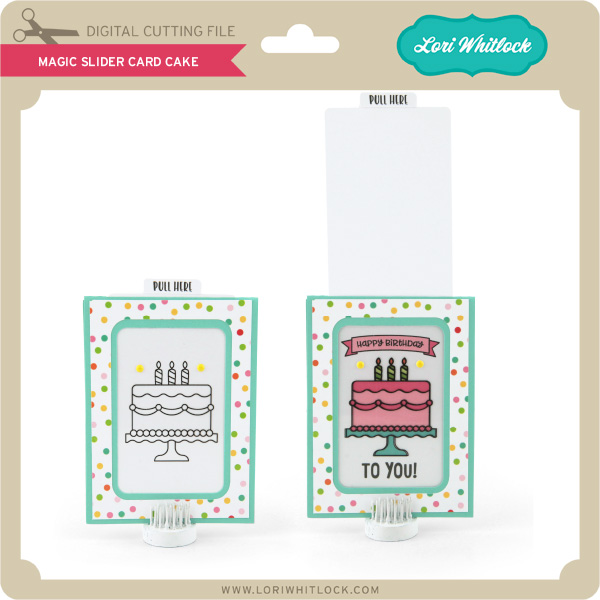
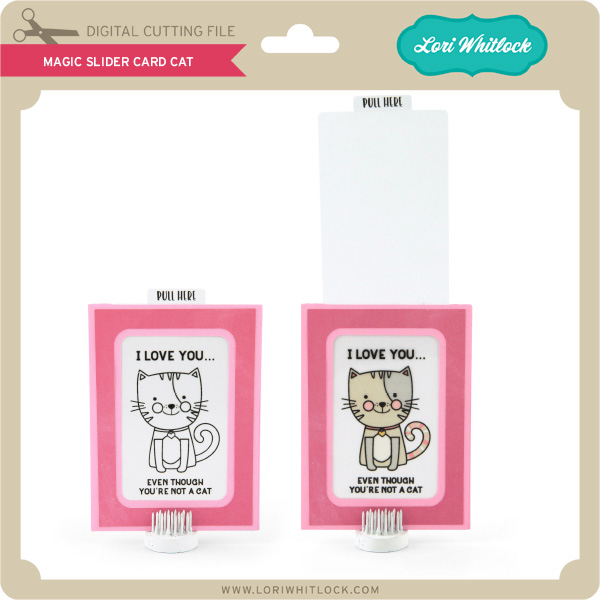
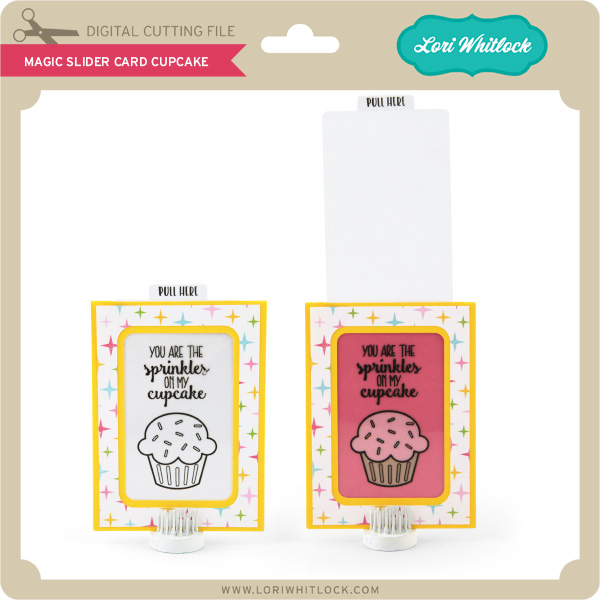
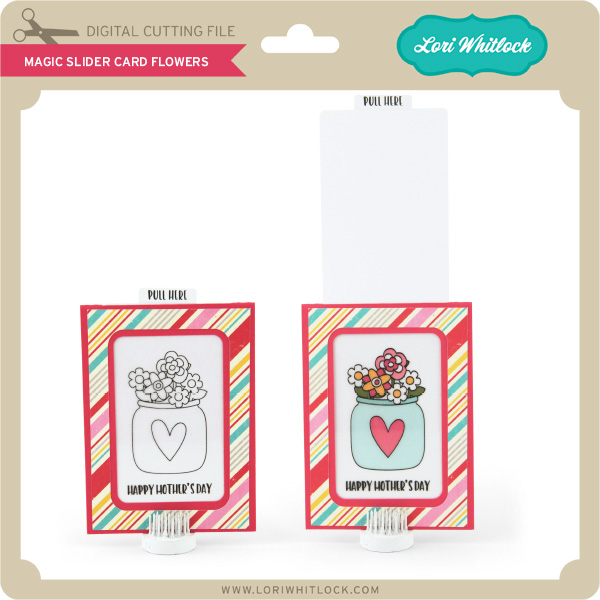
I have a new video assembly tutorial for the magic slider cards HERE. These cards are so much fun because as you pull on the tab the black and white image becomes “magically” colored. I really think you’ll love them!
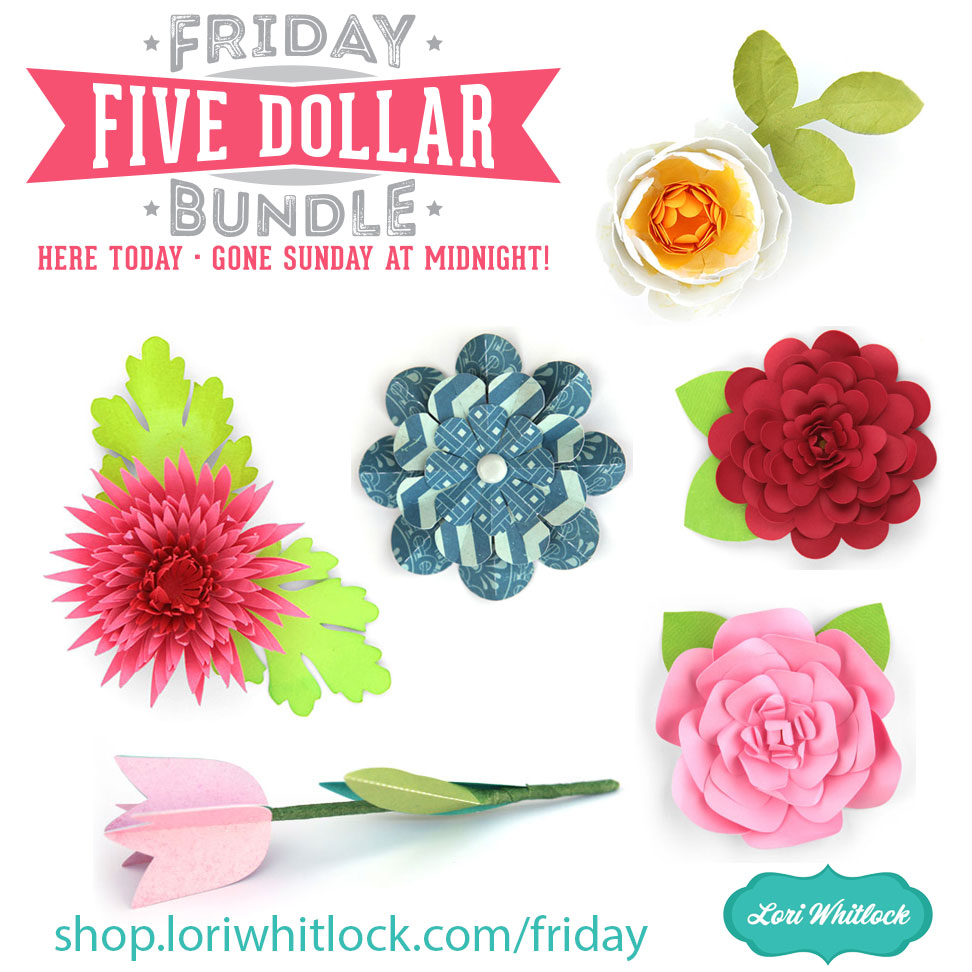
Hi Everyone! Today we have a new Friday $5 Bundle! It will ONLY be available until Midnight Sunday and when it’s gone it’s gone. These SVG files can be used with Cricut Explore, Silhouette Studio (with the Designer Edition upgrade), Scan N Cut, and any other cutter that will work with SVG files. Help spread the word by telling your friends and announcing it on social media!
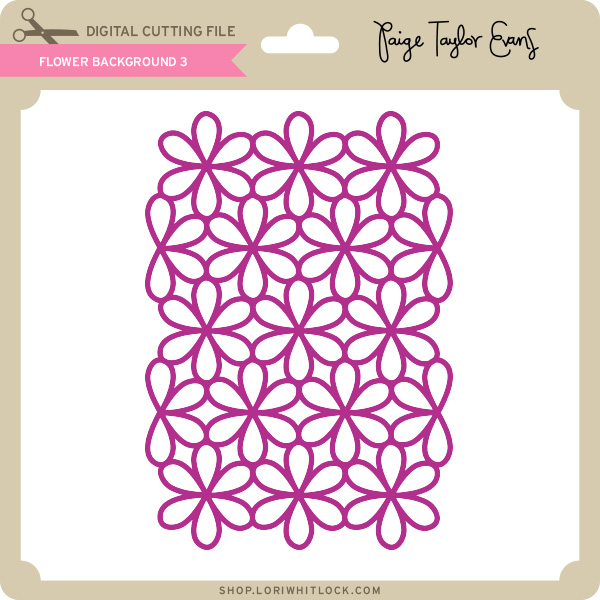
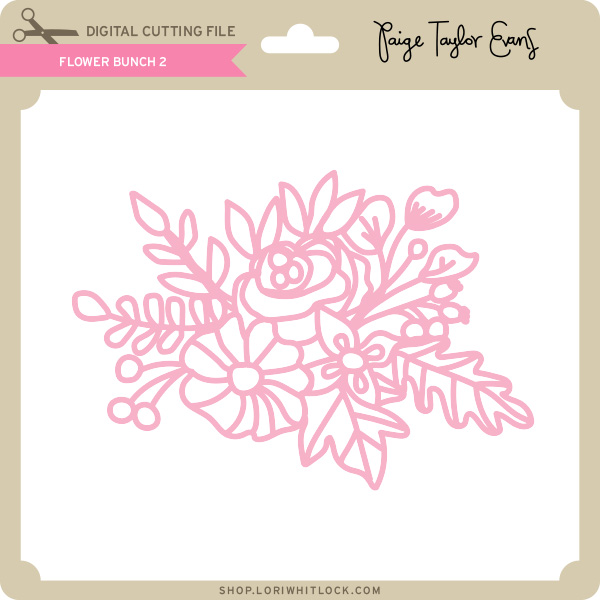
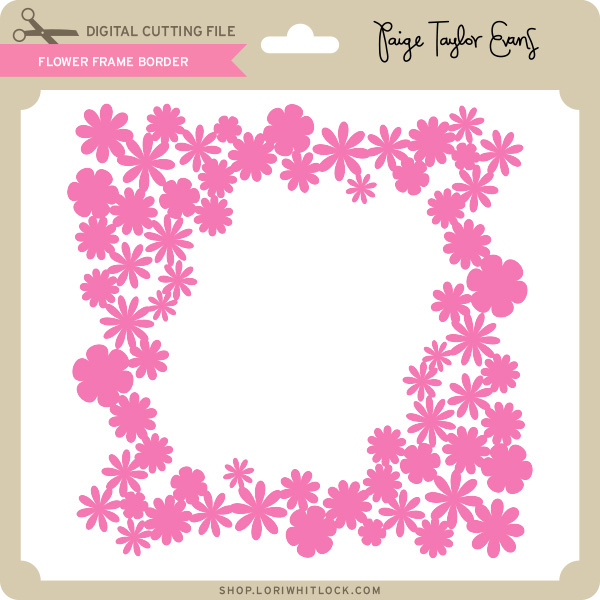
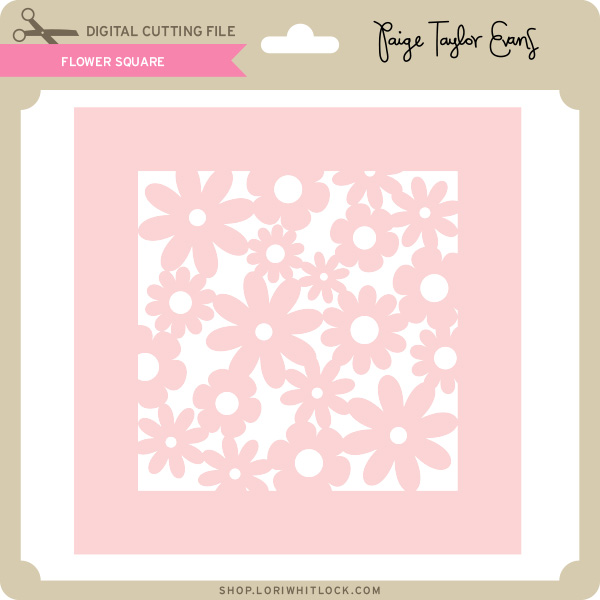
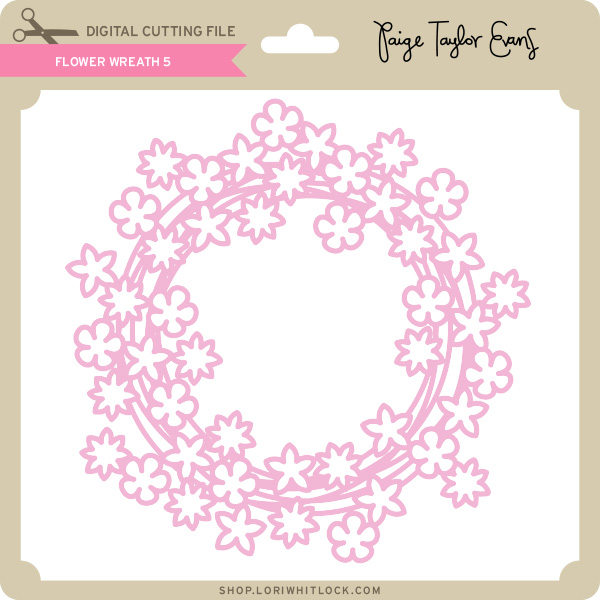
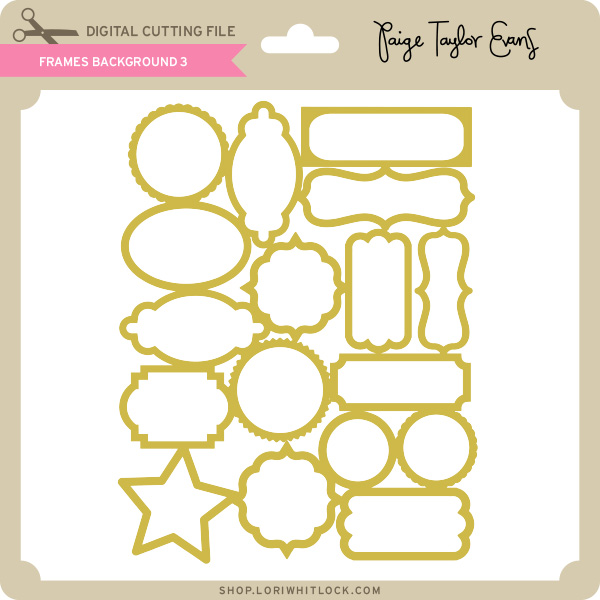
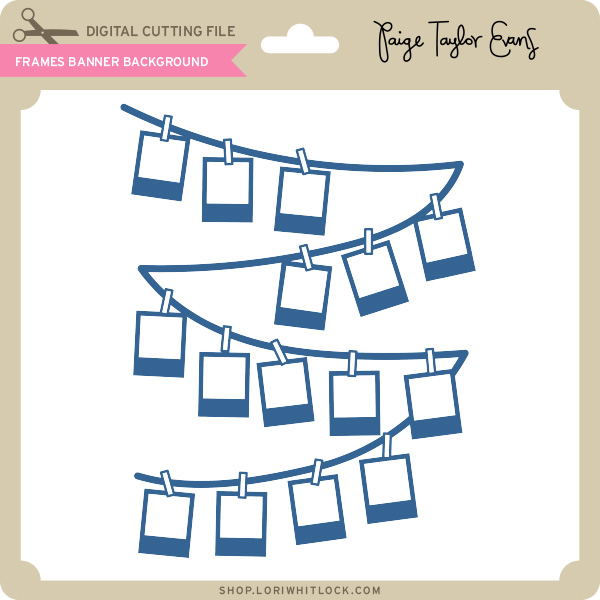
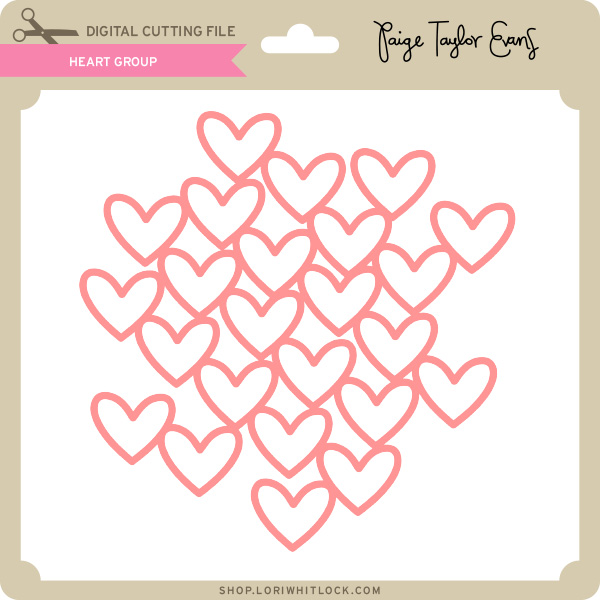
Now through Sunday, you can pick up this floral themed themed bundle including 6 beautiful SVG files for just $5!
The cost of this bundle is $5, for $10.94 worth of SVG files, over a 54% savings! It’s the perfect spring bundle! But don’t wait, this bundle will only be around until Sunday at midnight!