Stickers, Not Just For Planners!

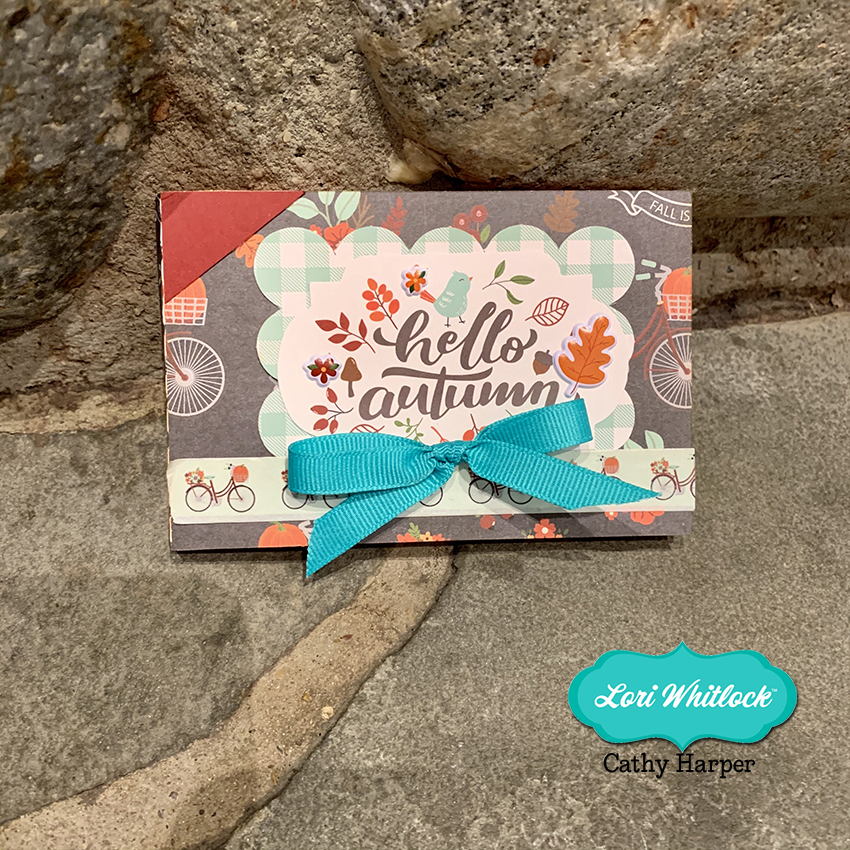
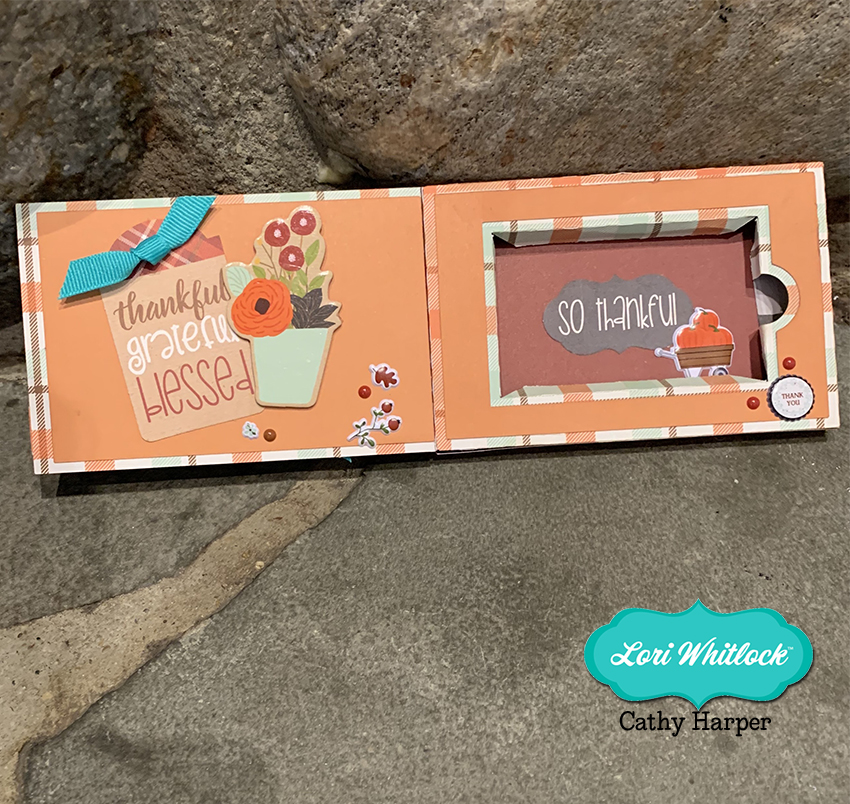
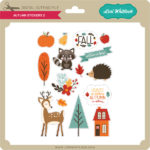
Have you seen the new sticker sets?  There are 2 new Birthday Sets (Birthday Stickers (SVGSilhouette), Birthday Stickers 2 (SVGSilhouette)) and a new set of Fall Stickers (SVGSilhouette).  These stickers can be used for a number of different projects… in addition to planners, you can use them on cards, gift bags, etc.  Individual stickers can be resized… larger for a gift bag for instance or you can print a few of the same stickers to make cards in multiples.  I used the new fall stickers to decorate a little gift bag.  Take a peek…
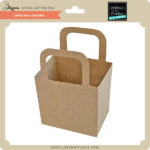
I started with The Gift Bag with Scalloped Handles (SVG, Silhouette).  I resized the bag to make it a bit larger. (11.75″ wide)  When resizing make sure that you do it uniformly by clicking the Lock Aspect Ratio in the top tool bar.  I pieced the bag together using some papers from Echo Park’s My Favorite Fall Collection.

I loaded the Fall Stickers into Silhouette Studio.  I only wanted to use some of them for the bag, so I started by ungrouping the stickers. (Lori has a print and cut tutorial for Cricut here)

For this group of stickers, ungrouping also ungrouped the individual designs on each sticker.  I zoomed in on the stickers I wanted to keep, selected all of the sticker pieces, right mouse clicked and selected group.  I did this for each sticker I planned on using and deleted the rest.

I knew I wanted to make a little scene, so I placed the bag file on my cutting mat and arranged the stickers as I wanted.  Some stickers I resized like the leaves and the acorn to make them smaller.  This allowed me to make sure everything would fit.

Once everything was sized as I wanted, I moved everything from my mat and set it up for print and cut.  First, using the page set up I set the media size to 8.5×11.  This is the size of my sticker paper.  I used Matte White Sticker Paper from Staples.

Next I turned on the registration marks.

I then moved the stickers I wanted printed onto the mat, making sure each sticker was inside the registration mark area, then sent it to print.   It would be easy to make multiples of this bag by simply copying the stickers and fitting them on the page.

Once the stickers were printed I added the paper to my Silhouette mat and fed it into my machine.

In my Silhouette software I clicked send then set up the cutting for Sticker Paper.  Make sure that Cut Edge is selected, so that only the edges are cut.  Then hit send.

A couple of notes if you’re having difficulty with the print and cut.  First, if your machine is not reading your registration marks, make sure you are running the most current version of Silhouette and that the paper you’re using is not colored. You can also try coloring over the square a bit with a black marker.  You may also have problems if the registration marks are smudged.   Some colored papers cause the marks to not be read.  Also, you can try shutting down your machine and computer and unplugging your Silhouette then start it all up again.  You would be amazed at the issues this can fix.  I also recommend the shut down process if your cut lines are out of sync with the designs.  Any time I have ever had issues with print and cut, the shutdown method has worked.

Once I had my stickers cut, all that was left was to add them to my bag!

If you use Lori’s stickers for any projects, make sure to tag her on Facebook and Instagram.  We would love to see your creations!  That’s it for me today, thanks for stopping by to peek!

BLOG * INSTAGRAM

Haunted House Centerpiece

It’s October… you know what that means… Halloween!!  I love decorating for Halloween, so I thought this not-so-spooky Haunted House Centerpiece (SVG, Silhouette) would be perfect for my table!  Take a peek…

Isn’t this fun?  You could even add a tea light inside so there’s a glow from the windows (make sure it’s one that does not get hot!) !  There are some fun details, including ghosts, black cats, spiders and pumpkins!  Here are some close-ups…

I have a video tutorial to help with assembly on my YouTube Channel here.

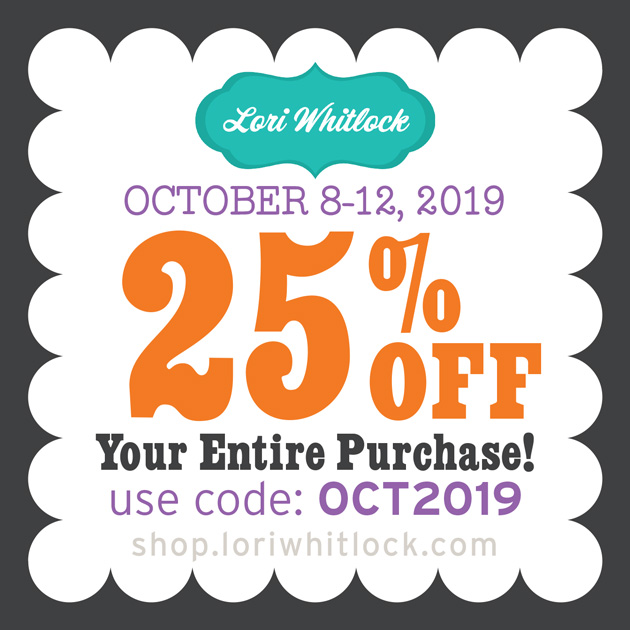
If you make one, be sure to tag Lori Whitlock on Facebook and or Instagram.  I would love to see your creations!  And don’t forget the October Sale is happening now in the Lori Whitlock SVG Shop!  Get 25% off SVGs and Commercial Licenses when you use code OCT2019 at checkout!

Have a Spooky-Great day!

October Blog Hop and New SVG Files!

Welcome to our October 2019 Creative Team Blog Hop!  The creative team has been working hard on some new projects to share with you that will get you in the crafting mood. We also have a fun release of new SVG files for you this week and a GIVEAWAY! Be sure to check them out below. Oh, and there is also a FREE FILE for you!

This week we have a 25% OFF SALE going on at Lori’s SVG SHOP. ALL files (and commercial licenses) from Lori Whitlock, Kolette Hall, Doodlebug Design, Bella Blvd., Jillibean Soup, Dresden Carrie, Paige Evans, Pebbles in My Pocket, Rivka’s Renditions and SAS Creative are on SALE now through Saturday, October 12th! Be sure to use coupon code: OCT2019 (case sensitive) at checkout in the SVG SHOP. (Only one coupon code per order allowed)

To thank you for joining us in the hop today and sharing the hop with your friends, we have a gift for you! TODAY ONLY, You can download this Pumpkin file absolutely FREE! Be sure to go grab it while you can.

We have some fun new files this week! Be sure to go shopping while all files are 25% off this week when you use code OCT2019 in my SVG Shop!  And, as always, my new files are available in the Silhouette Design Store as well.

This week we are so happy to welcome Jillibean Soup to the Lori Whitlock SVG Shop! Yes, you read that right we now have Jillibean Soup SVG files in our shop! I know you’ll enjoy their cute files.

I have a new Haunted House Centerpiece… the tutorial will be coming later this week.  We also have files from Doodlebug Design, Paige Evans, and Pebbles in My Pocket.


How about a giveaway?

a Rafflecopter giveaway

And, last but not least… would you like to see what our amazing team has created? Click the links below for some wonderful inspiration. If you get lost come back here to get on track Lori Whitlock, Traci Penrod, Anita Mulcahey, Brandie Adams, Michelle Zerull, Aimee Kidd, Ashley Cook, Corri Garza and Michelle Houx !! Thanks again for dropping by! Have a GREAT day!

Fall Gable Boxes

Hello crafty friends! Aimee here today to share some Fall goodies! I am so excited…Fall has begun!! So today I am sharing the 3D No Glue Tapered Side Gable Box (Lori’s ShopSilhouette Store) and how adorable it looks all decorated with the new My Favorite Fall collection.

These little boxes were easily put together and so much fun to decorate! There is just enough room on the front panel to add a sweet little animal chipboard piece, tag, and some enamel dots to make these boxes look inviting to open and reveal the Fall goodies you’ve placed inside!

Thanks for stopping by today and I hope everyone is enjoying this beautiful Fall season so far!!

Aimee

A New Friday $5 SVG Bundle

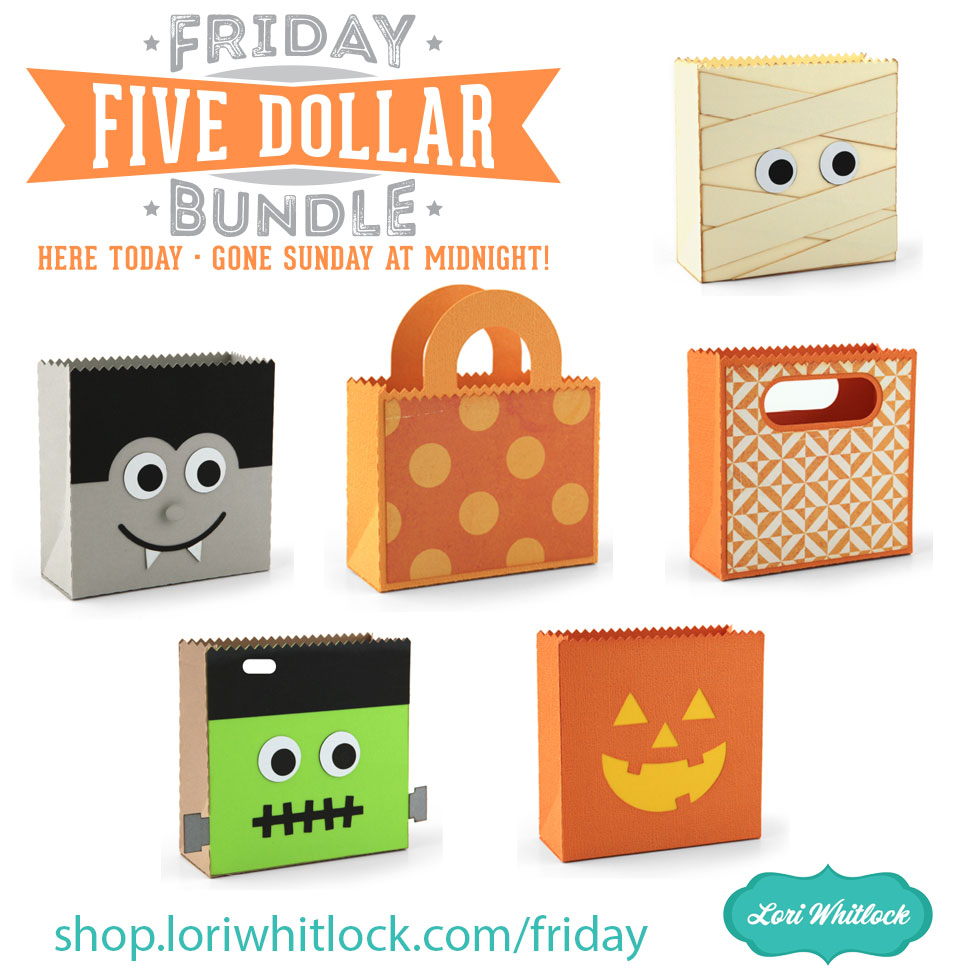
Hi Everyone! Today we have a new Friday $5 Bundle! It will ONLY be available until Midnight Sunday and when it’s gone it’s gone. These SVG files can be used with Cricut Explore, Silhouette Studio (with the Designer Edition upgrade), Scan N Cut, and any other cutter that will work with SVG files. Help spread the word by telling your friends and announcing it on social media!

Now through Sunday, you can pick up this Haunted House bundle including 5 SVG files for just $5!

The cost of this bundle is $5, for $13.45 worth of SVG files, over a 62% savings! But don’t wait, this bundle will only be around until Sunday at midnight!


Have a great day!