Tuesday Freebie + New in Shop

TODAY ONLY, this set of 3 Stacking Christmas Boxes file is FREE with Purchase.

It’s time to get things all wrapped up for Christmas! Simply add this file: 3 Stacking Christmas Boxes to your shopping cart along with any $3 purchase from www.loriwhitlock.com/shop and this file is yours FREE (cart must reach at least $5.99 before the coupon will be applied).  Be sure to use Coupon Code: BOXES at checkout. The price of the 3 Stacking Christmas Boxes will be deducted from your total. Hurry! This offer is good until midnight!

We have many requests for the PDF file for hand cutting. Now many of new shapes will include a line art PDF. Also, all or our files now come Cricut friendly. If you need measurements for an older file please don’t hesitate to ask by emailing us HERE.

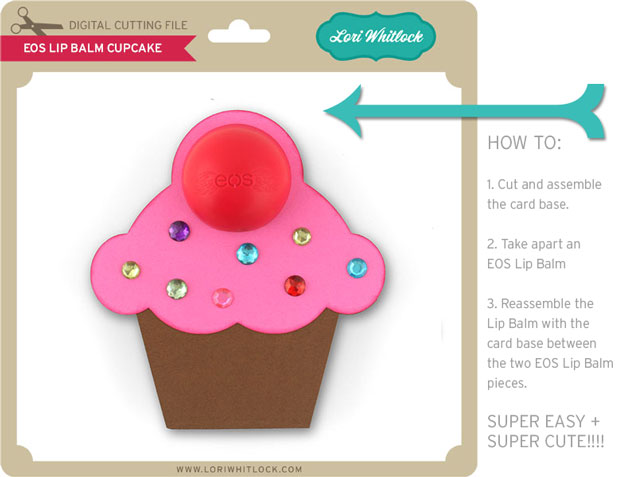
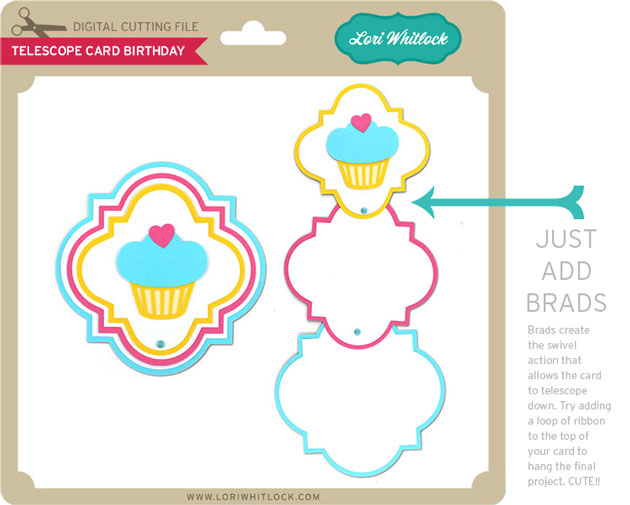
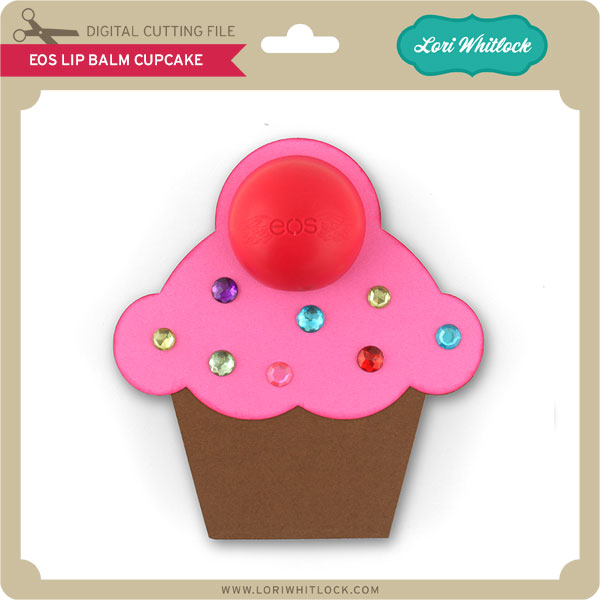
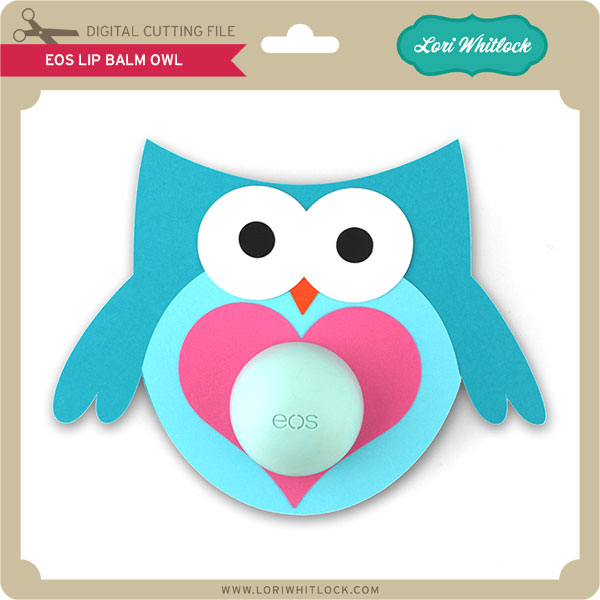
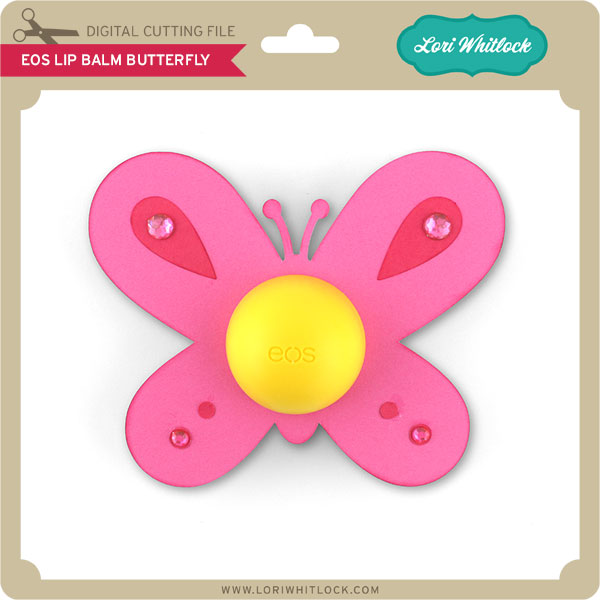
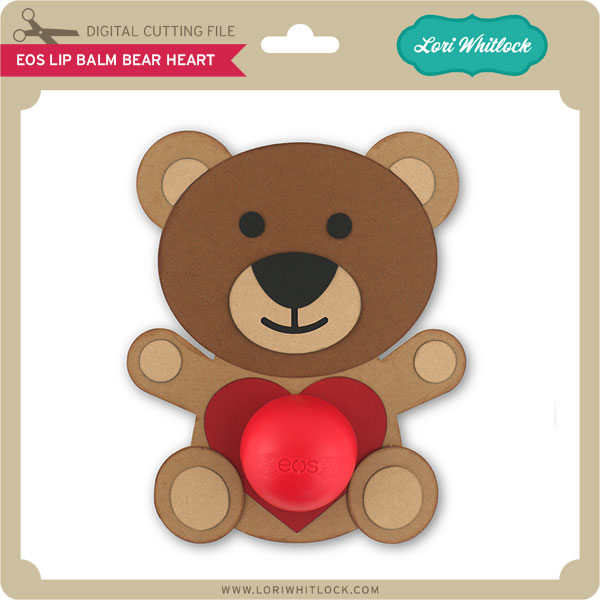
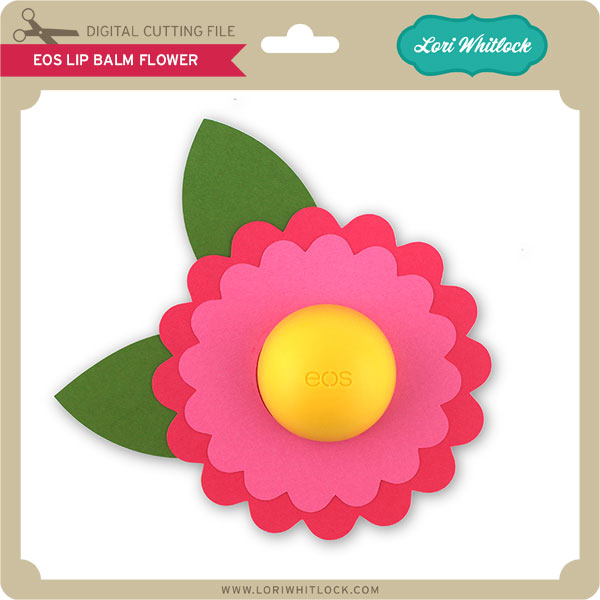
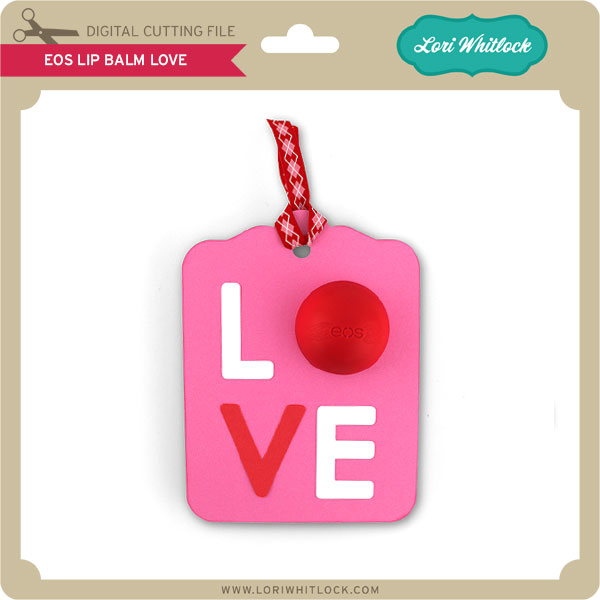
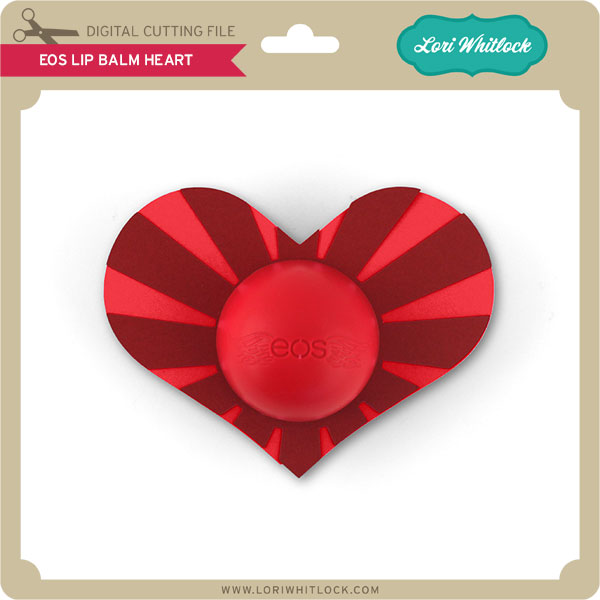
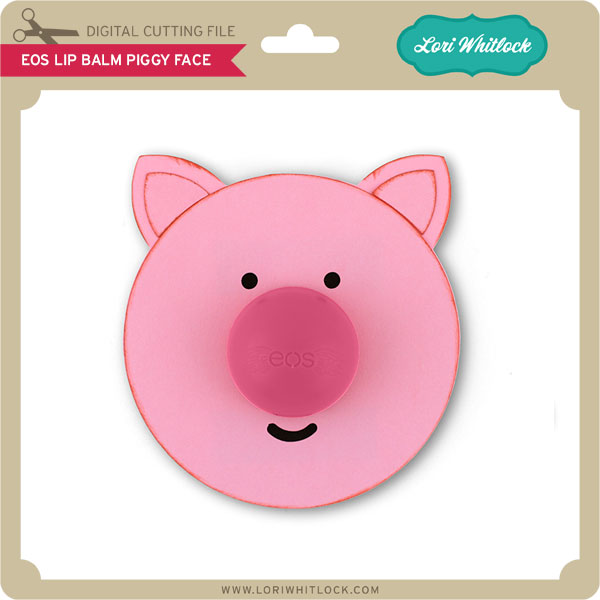
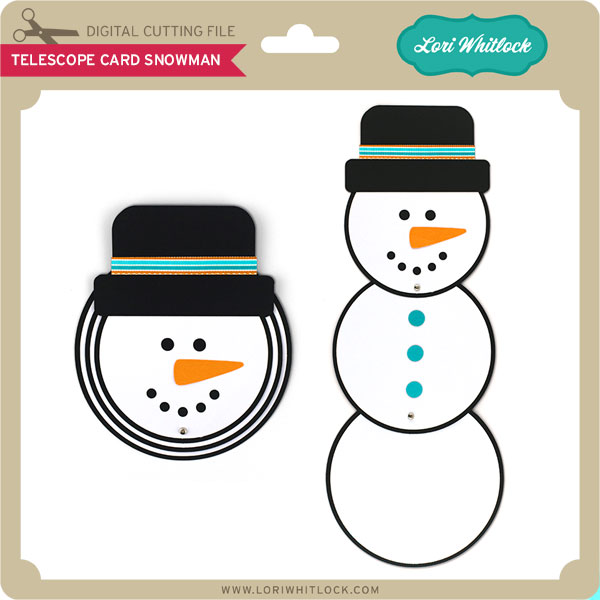
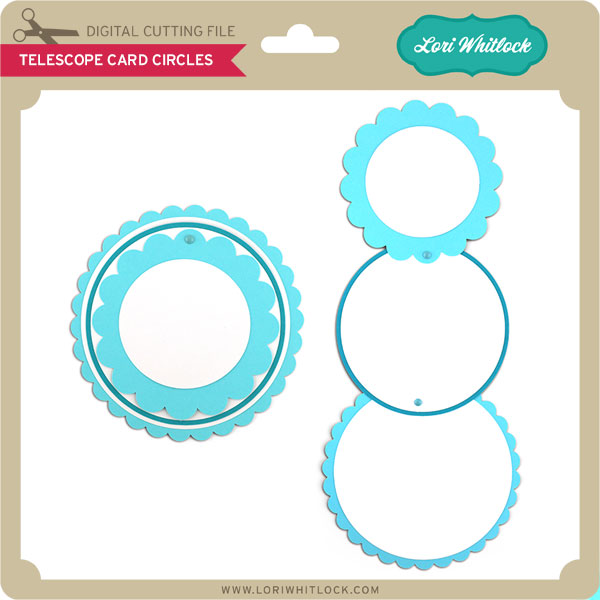
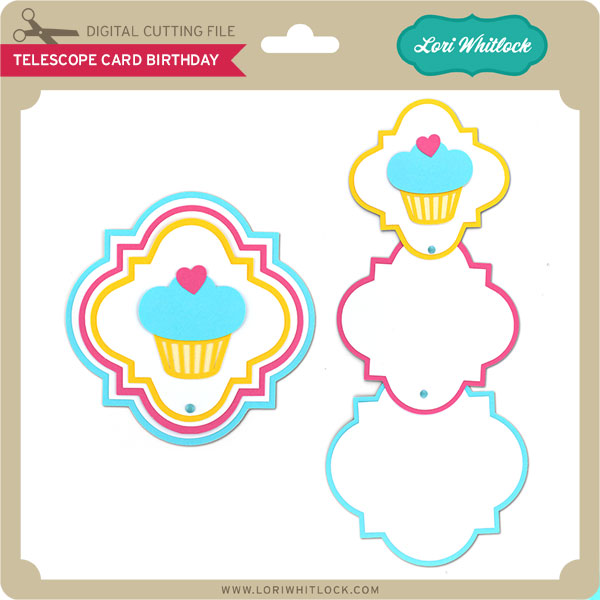
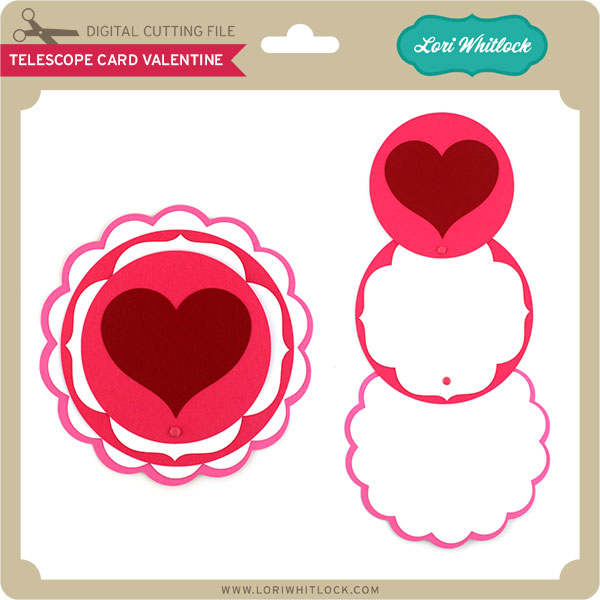
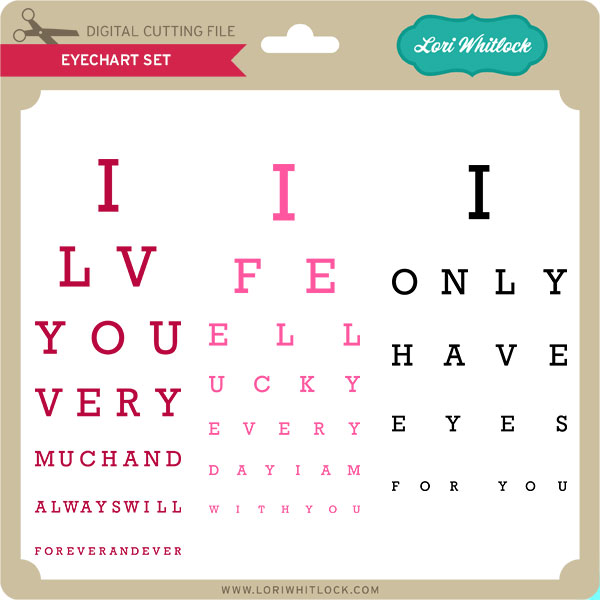
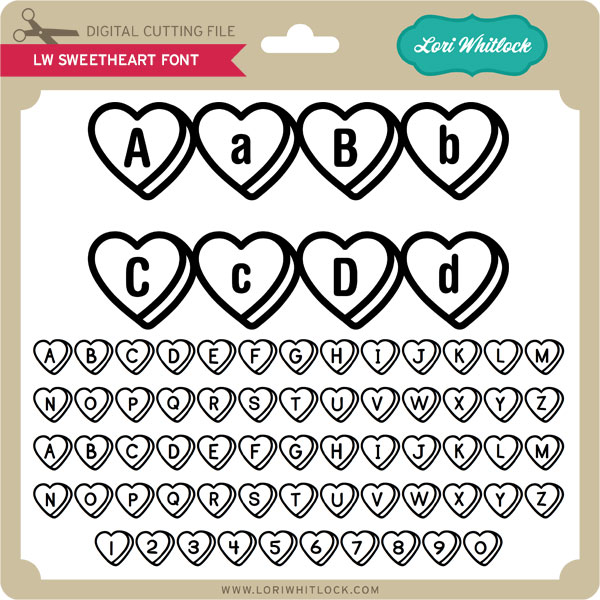
Finally… Check out these adorable new files in the Lori Whitlock SVG Shop, and they are on SALE 25% OFF through the weekend, too!!! These downloads include SVG files. 3D files include cut size information and a PDF for hand cutting if desired. Read description before making your purchase.

To find these files in the Silhouette Design Store click HERE.

Corri Garza- Poinsettia Flower Pot

Hi everyone!  Corri here today sharing my version of Lori’s Poinsettia Flower Pot Card.

I love the dimensional look of the flowers.  This would be a great way to gift a gift card…you could should use a glue dot to attach the card to the pull out portion of the card.

I used paper from the Christmas Cheer Collection from Echo Park.  I love the addition of black to the traditional Christmas colors.  The tag is from the element sticker sheet.  I sprinkled the back with baby powder so it wouldn’t stick to the front of the card.

Check out all the beautiful new Christmas files that Lori added to the shop.

Silhouette Tutorial with Tya – Custom Card Sentiments

Hi everyone- Its Tya here to share with you a fun and easy Silhouette tutorial! I love using Lori’s shapes in all sorts of fun ways. Today I wanted to share with you how to add a custom sentiment to a card front.

For my card base I used Lori’s A2 Snowflake Ornament Card that you can find here in her SVG shop and here on the Silhouette website.

As you can see, I removed the snowflake from the card front and added some festive holiday sentiments on my card front instead using the handy subtract tool in the Silhouette software. Let me show you the steps that I followed to make the cards.

1- Ungroup the shape and delete the snowflake.

2- Grab the card front. Using the Draw a Rectangle tool, draw a 1.5×4.5 inch box right in the center of the ornament.

3-Open the modify window, select both shapes, and then click on subtract.

4-You will now have the top and bottom section of the shape with a space in the middle.

5- Type out your sentiment. I typed the word Merry in all capitals using the LW Block font I downloaded from the Silhouette store. I suggest using block fonts, or fonts with a serif on them for this technique. I also like to use capital letters just to make things easy and even. Resize your sentiment so that the letters slightly overlap the top and bottom lines of our space we cut out of the middle.

6- Select  just the top section of the ornament, right click and click on make a compound path. This keeps the hole in the top section of the ornament.

7- Select the whole shape, right click and select Weld. You can see now that the shape of the ornament is still intact, and we added a custom sentiment to our card front – this is a fun way to add a personal touch to your cards and to get more use from your card shapes.

Here are all the cards I made using this technique. I really enjoyed using Lori’s Christmas Cheer Echo Park paper line for my cards. The colors just pop! Love it! For this card, I used the Merry Christmas flourish phrase found here and here.

Thanks so much for stopping by today and letting me share this tutorial with you! I hope that you will give this nifty technique a try! And I would love it if you would stop by my blog and say hi! Happy Holidays and Happy Crafting!


$1 Wednesday at Snap Click Supply + 5×7 Shadow Box Card Tutorial

First off, i wanted to make sure everyone that is looking for a tutorial for my 5×7 Shadow Box Cards knows about the video I just posted. There have been so many requests for this tutorial. Sorry it took me a couple of days to get it done. Enjoy! You can find the Silhouette Files HERE and the SVG files HERE.


One Dollar Wednesday at Snap Click Supply Co!

That means you can pick up 2 products at a great deal. Snap Click Supply Co is home to ALL of Lori’s digital Scrapbooking kits, both Echo Park and exclusive designs by Lori Whitlock. These kits contain printable papers and/or embellishments (.JPG & .PNG formats), plus a few Photoshop brushes (.ABR).

For Lori’s digital cutting machine files, shop at Lori’s SVG Shop (.SVG format – most digital die cutting machines, including the new Cricut Design Space). Silhouette CAMEO & Portrait owners who have NOT upgraded to the Designer Edition software can find Lori’s files at the Silhouette Online Store (.STUDIO format only).

Today only DECEMBER DAILY PAPERS & ELEMENTS is available today for just $1. This kit is regularly priced at $5.99 and TODAY ONLY it’s just $1.

DECEMBER DAILY PAPERS & ELEMENTS

And, you can get the following awesome product for HALF OFF, BASIC SHAPE MASKS

BASIC SHAPE MASKS