
Big Box Card Lemonade Basket

Hi. Today I’m sharing a tutorial for this adorable Big Box Card Lemonade Basket (SVG, Silhouette). Like the title says, this project is big and so fun.  No problem cutting all the flower center pieces!
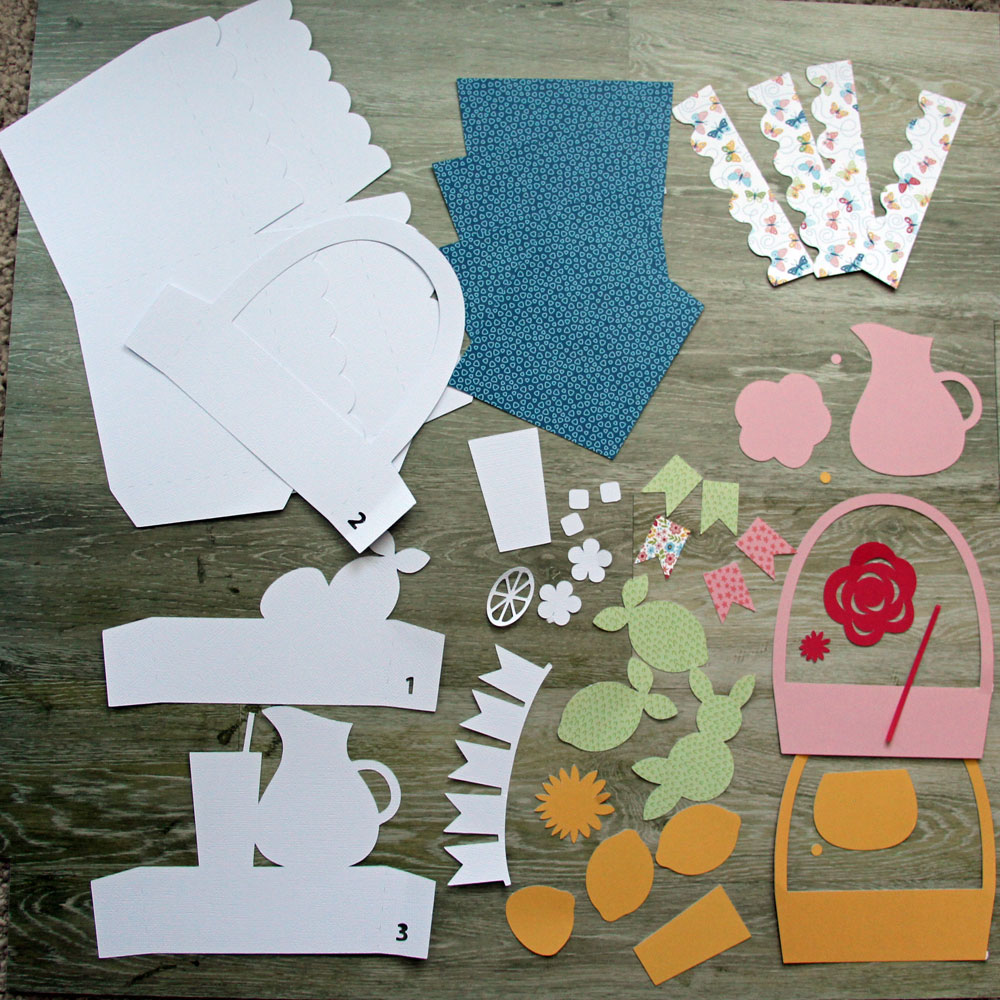
1. First cut all the pieces.  If you are working in Silhouette Studio, remember to find all the white pieces that may be hiding behind a layer. Also think about any patterns you are using in your paper, and place them accordingly.  Notice the direction of scalloped flap pieces.  In this picture those pieces are a butterfly pattern.  But you’ll notice later, I used the other side of the paper.
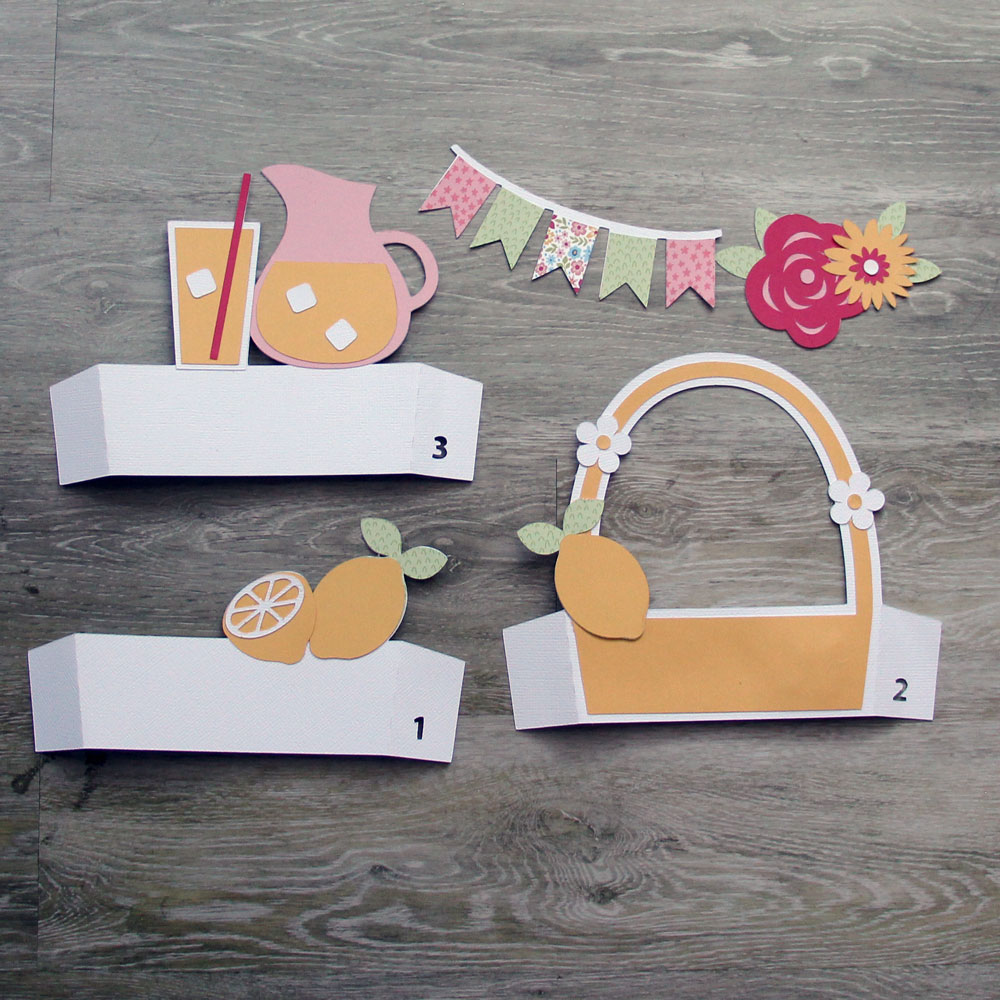
2. Layer all the pieces, using the finished project image as reference if needed. Aren’t the ice cubes so fun!
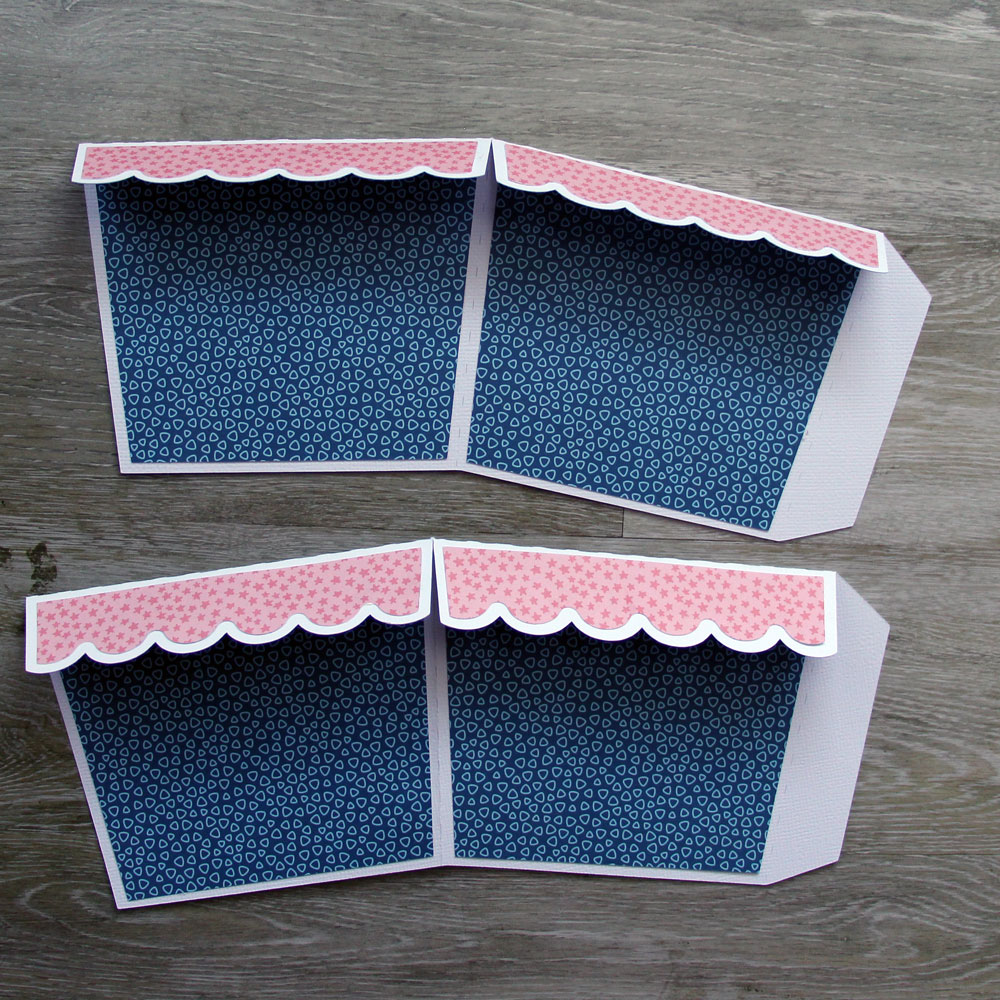
3. Adhere the basket panels onto the basket piece.  Notice here that you will first fold down the basket flaps, and then adhere the scallop panels to the folded side.  Here I decided to use the other side of the paper!  Luckily these pieces are symmetrical so they fit perfect.
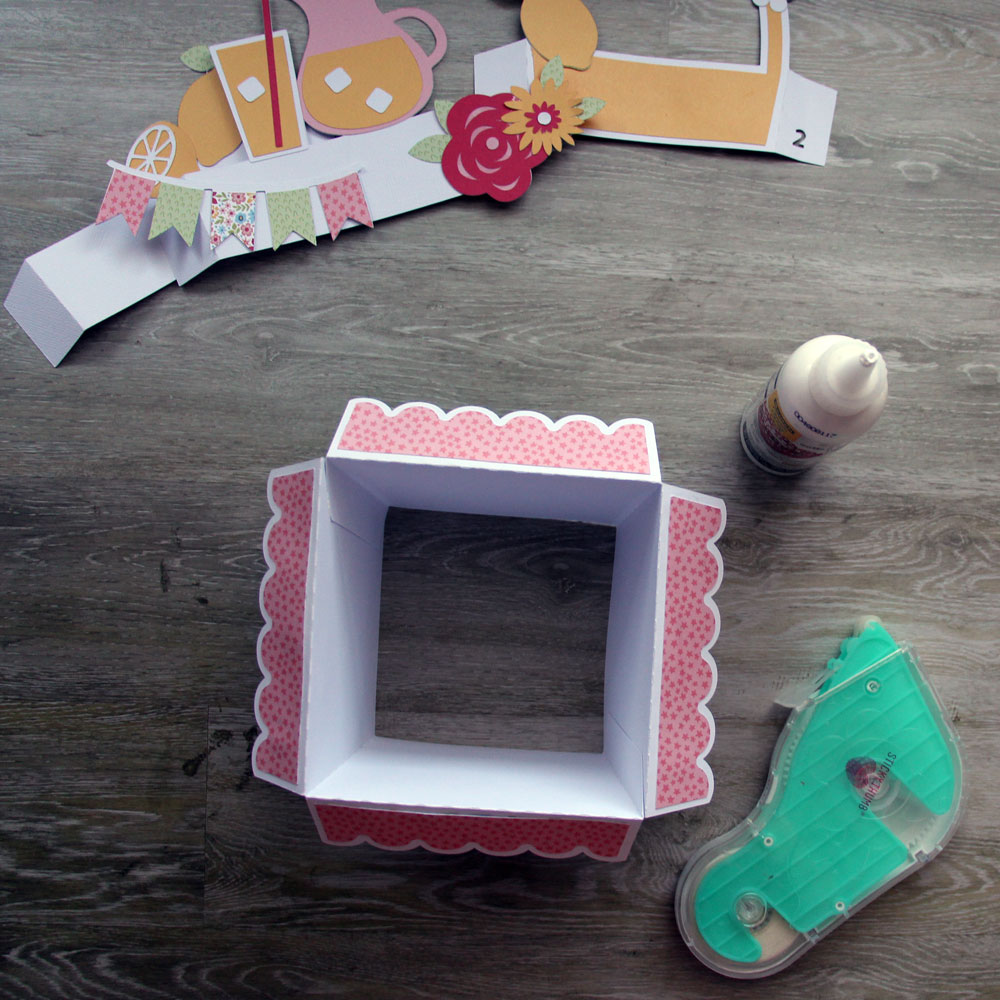
4. Time to assemble the basket.  Glue the flaps together to form the basket. I used liquid glue for the flaps.
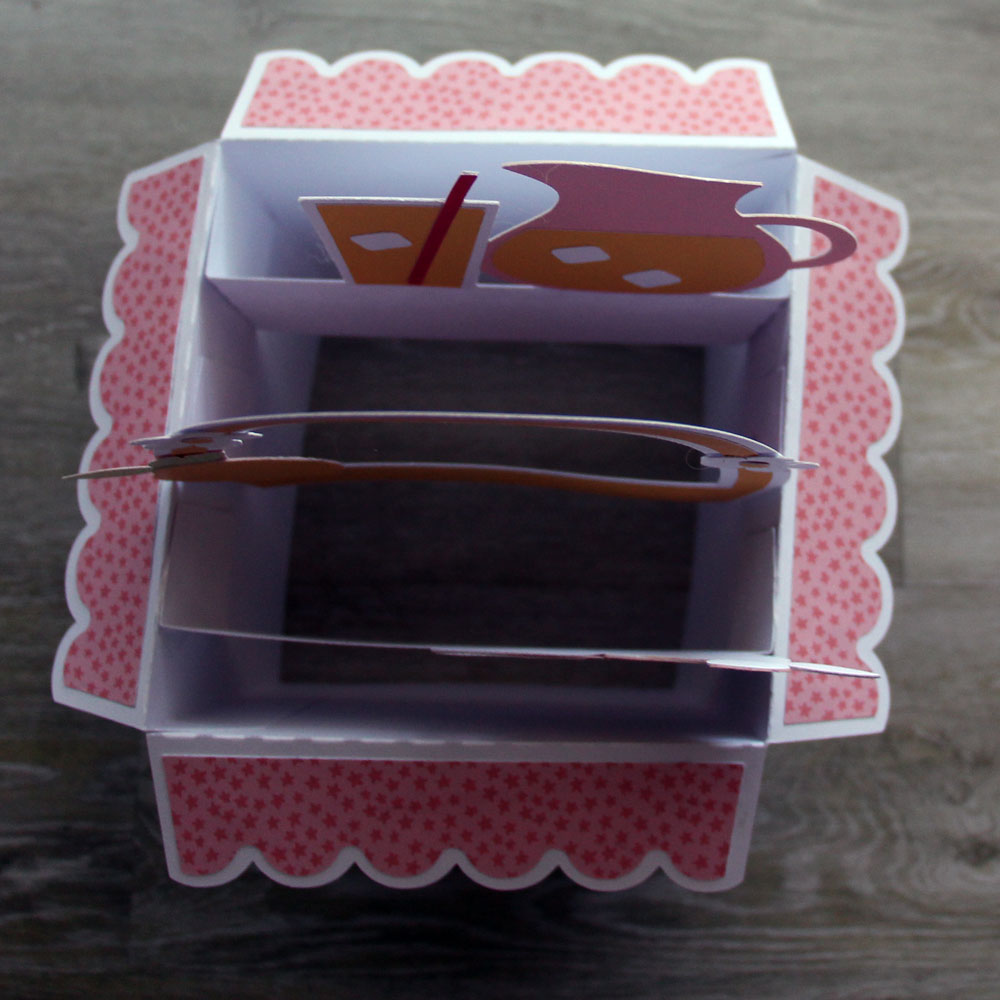
5. Now insert the pieces into the basket and glue the flaps to the sides.  Do your best to evenly space out these flaps. They are numbered 1,2,3, so you can easily place them in the correct order.
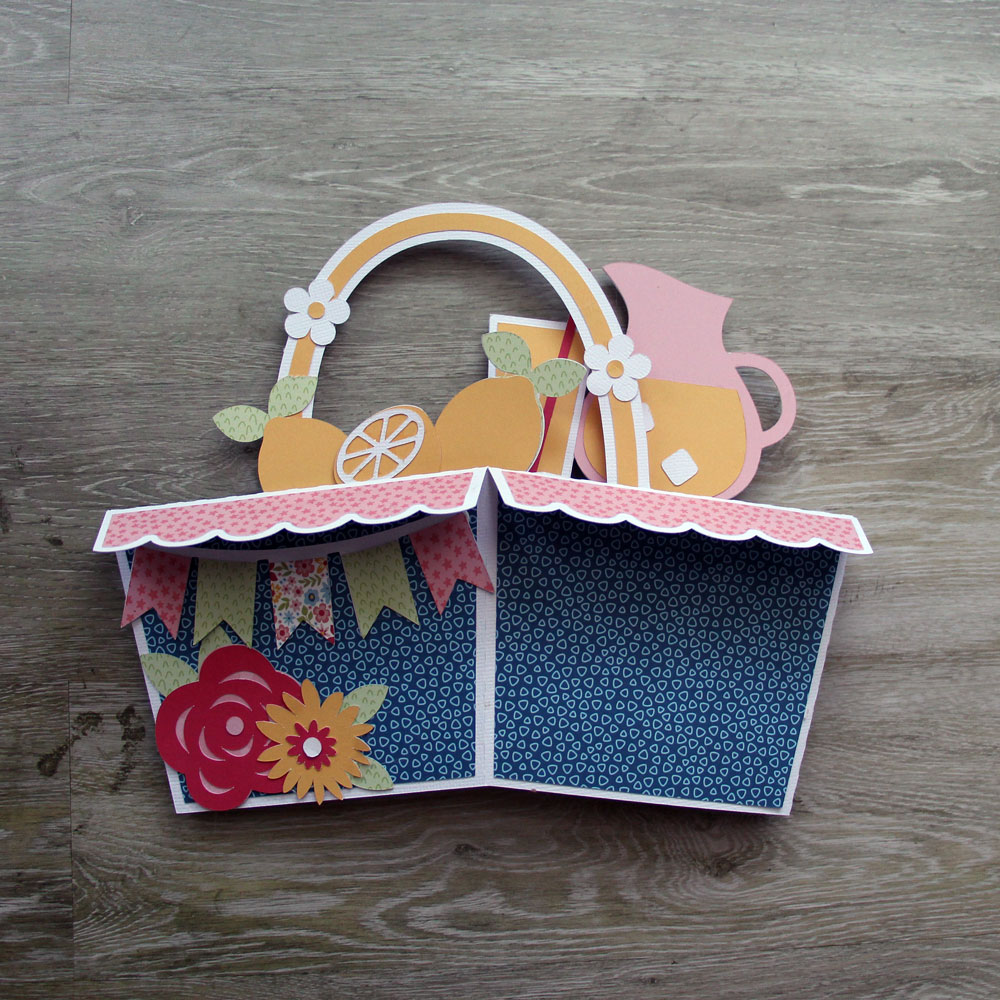
6. Flatten the project and make sure the inside glue tabs are adhered well.  And adhere the front banner and flowers on to the basket.  Noting which panel is the front before adhering.
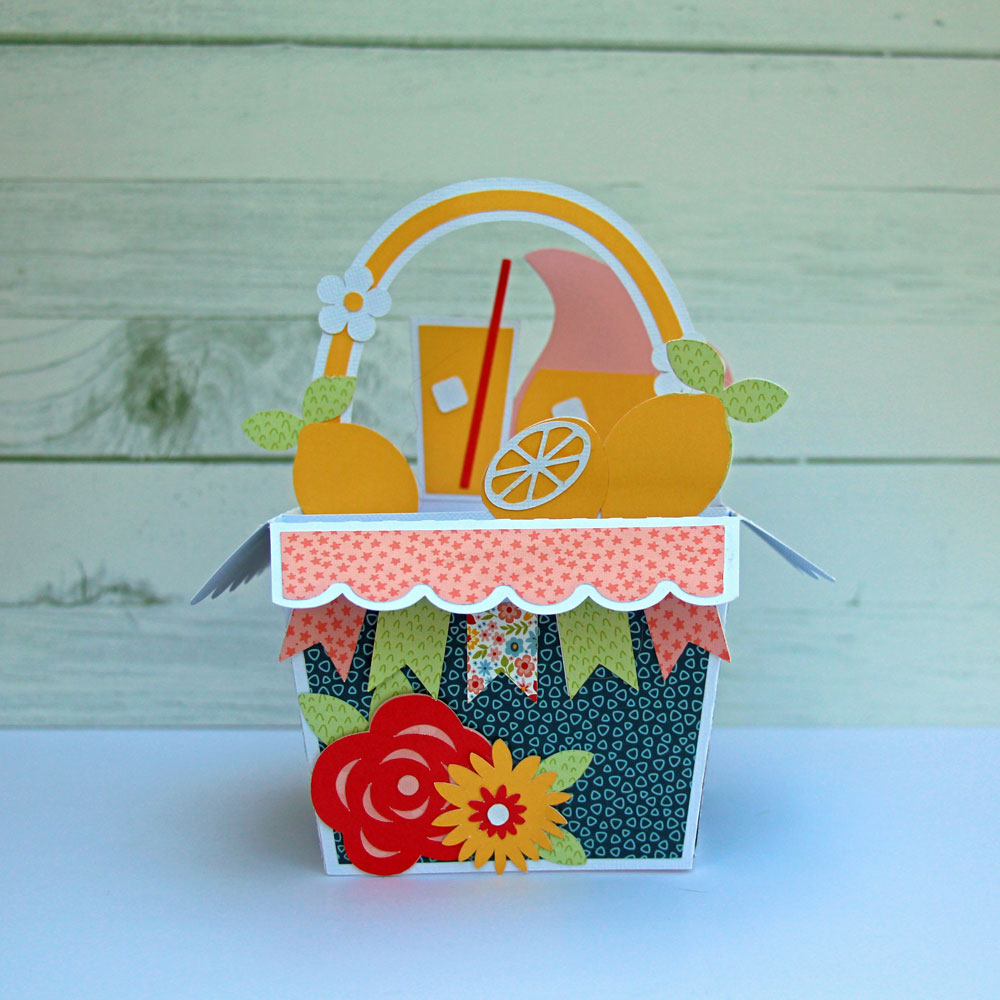
7. Tada!  Enjoy your finished project.  This is a fun one.  You can find some other of these Big Box cards in the Shop. I used Lori’s Have a Great Summer Collection. You can pick up your favorite Big Box card during Lori’s Sale!

Hope you are having a great summer!
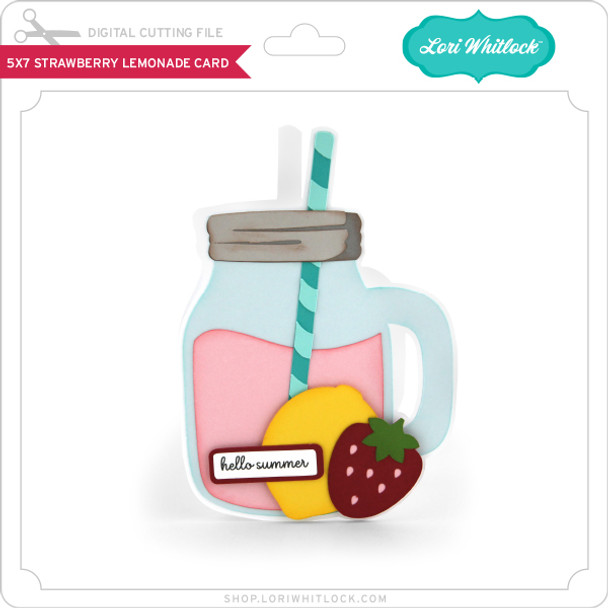
Strawberry Lemonade Shaker Card Cricut Tutorial

Happy New Year everyone. Thanks for checking in today. I am going to show you how to turn this already cute card (SVGSilhouette) into a shaker card!

I want to remind everyone that I am a Cricut user and these instructions are specifically for Cricut Design Space but the idea is the same regardless of what platform you are using.

Once your SVG is uploaded, you must click on “Ungroup”. Once I clicked on ungroup, I had to select the whole image and click ungroup again. This will allow you to move the pink lemonade portion of the file.

Once I had singled out the pink lemonade, I copied it to have 4 lemonade sections.

One of these will be needed to cut the clear acetate sheet (noted by the light grey color), and one will be needed as the back lemonade portion of your card (noted by leaving it solid pink). The remaining 2 will create the frame for your shaker.


For the image in purple, I shrunk from the original 3.275 x 3.291 to 2.8 x 2.81 and layered it over one of the additional pink pieces. The pink will show you the size of your frame.

Once you have overlapped the pieces above (the purple and pink pieces) select both and click on “Slice”. Once you have sliced these two images together, you will need to delete some pieces.


You will be left with this

I also removed the sentiment, 1 because we aren’t anywhere near summer here in South Dakota and 2 because it covers the cute shaker portion. Once your screen looks like the above photo, click on “Make” and cut your pieces.


Once you have your pieces cut, assemble your card as you would any other shaker card.

Adhere the acetate to the pink frame and add your solid adhesive foam strips over the back of the frame (where you glued the acetate). I use ones like this:

Once the base of your card is put together, add your shaker bits (I used little lemon slices and some pink pearls) over the pink base and line up your frame on top of the shaker bits, and stick it down.

 
You should end up with an adorable little card like this! P.S. I used paper from Lori’s Echo Park line called Year In Review.
Happy Crafting!
Chelsea