Halloween Layered HTV Tutorial

Welcome to Tutorial Thursday. Today I am sharing some HTV (heat transfer vinyl) tips with the Silhouette Studio software.  You can also cut HTV with other machines. Here is what we are making!

Let’s get started.  First, find your files and fonts to create your shirt.  I used these files for this shirt:

LW Longhand Font (SVG, Silhouette)
LW Perfect Type Font (SVG, Silhouette)
Feet from Coming Soon (SVG, Silhouette)
Halloween Witch Hat (SVG, Silhouette)
Halloween Bats (SVG, Silhouette)

I typed Kick or Treat, and then added the other elements. In your design software, make a background box that will be the color of your project.  This will help you visualize the colors.
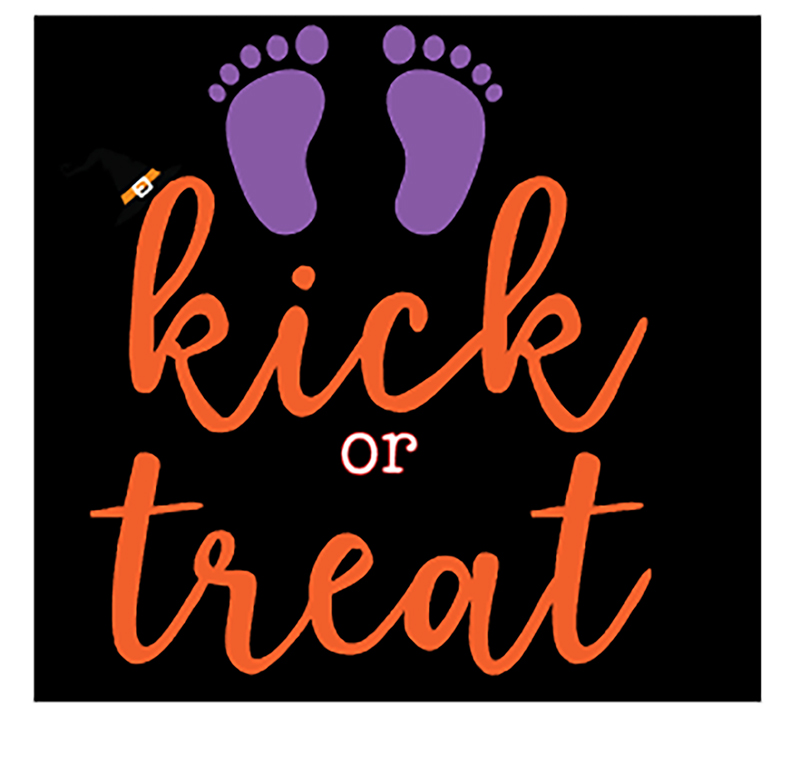
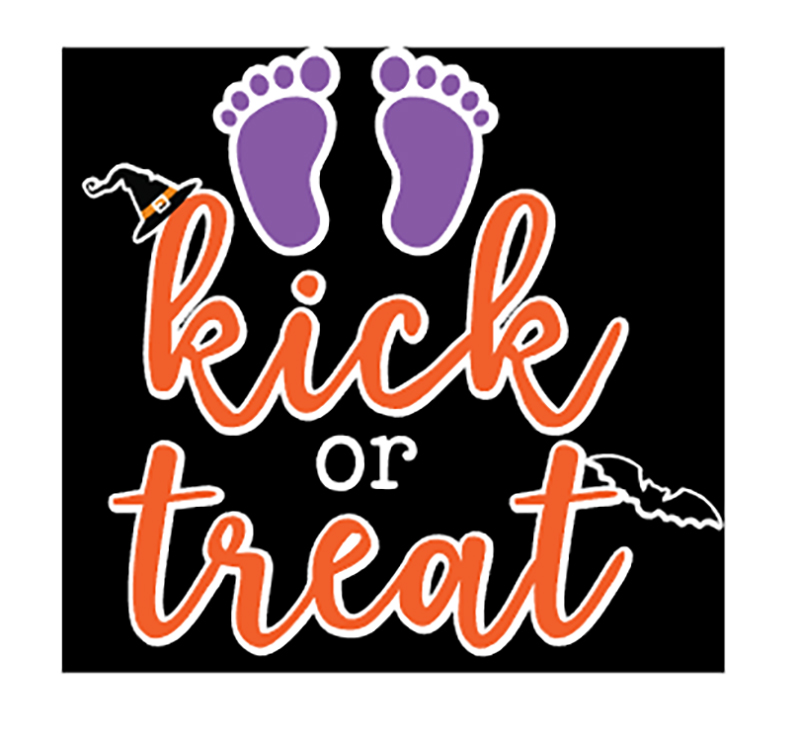
This looks ok, but I really wanted the colors to pop out more from the background.  This is where the Offset feature is used in Silhouette Studio.  I moved the background, and then selected the project. Then I used the Offset function which is the star Icon on the right side menu.  This is the Offset Settings Panel:


For this project I used Offset, changed the distance to 0.085 inches and selected the round option.  Click apply.


In this image, the red outline shows the offset.  Now it’s almost ready to cut.  Now separate each color and flip your project horizontally before cutting. The white offset layer is perfect in helping you line up all your other layers.
You will apply the HTV to your shirt or project working from the back color to the front with one color at a time. In this project, the first color to be applied is white.  I heat each layer for about 15 seconds instead of the full recommended time.  Then on the last layer, I apply heat for the full recommended time.  In my project the white layer is the largest, so I kept the clear transfer tape and used it to cover the whole project with each new layer. It is such a fun Halloween shirt for my sister!

You can create your own HTV project for less this week!  All SVGs, Fonts and commercial licenses are 30% off when you use code OCT2020 at checkout!

Have a great day!

New Impossible Cards with Coordinating Treat Bags

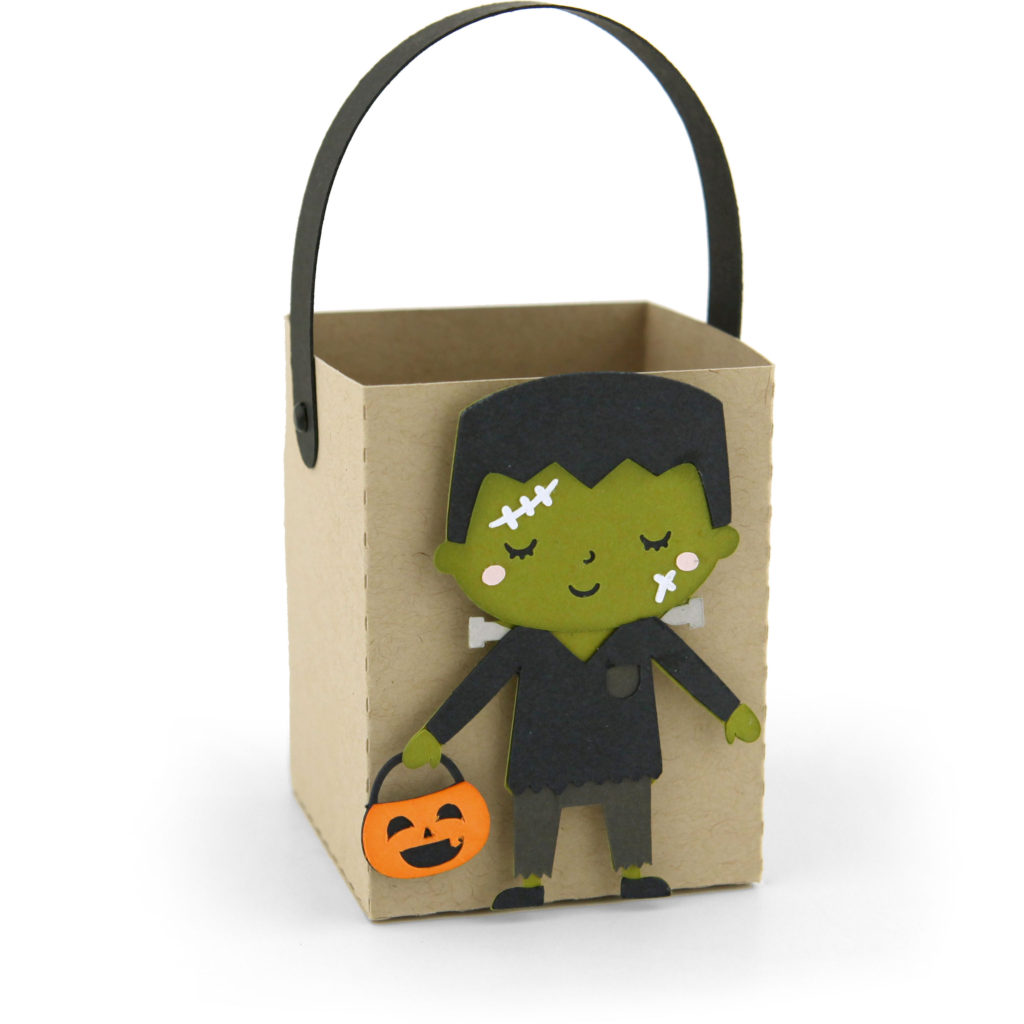
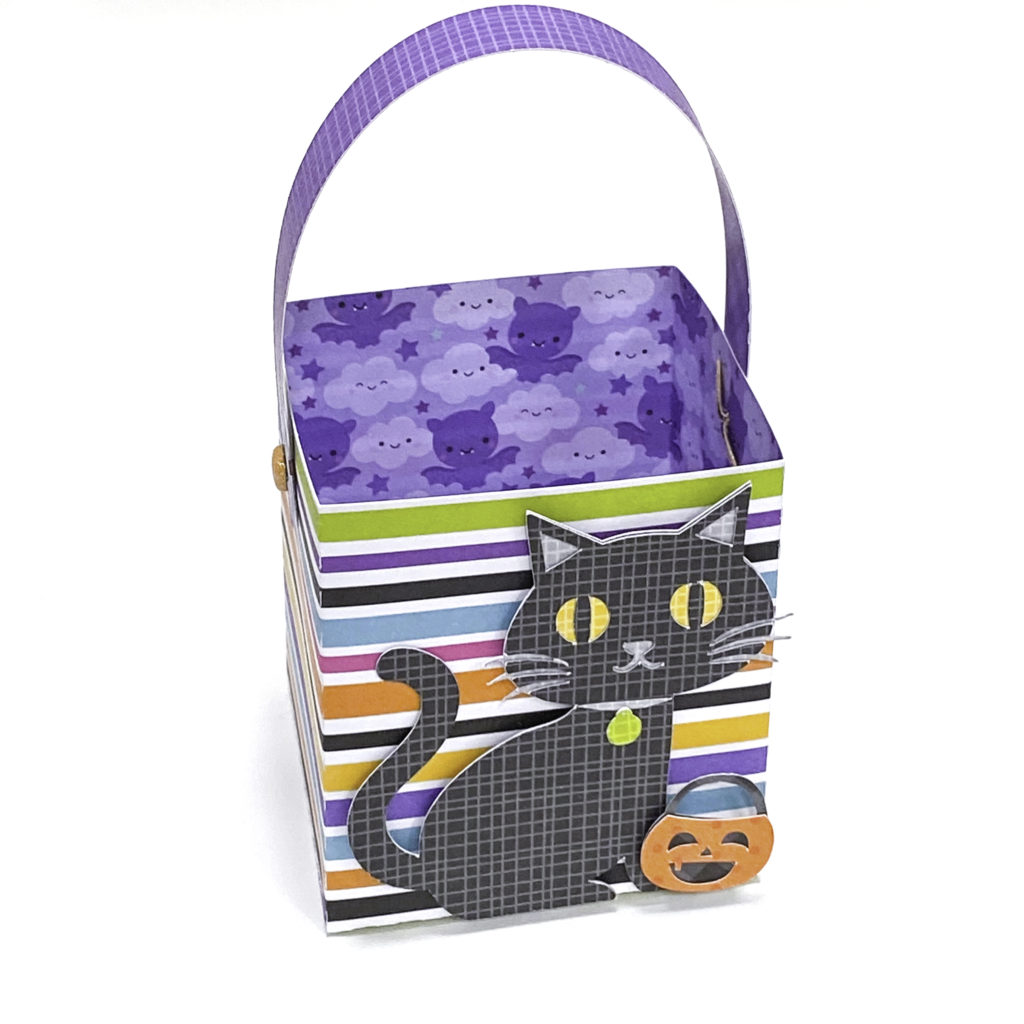
I have some new Halloween Impossible Cards this week, each with a coordinating Treat Bag!  They would make great gift sets for your favorite goblins!  Take a peek…

Impossible Card Black Cat (SVG, Silhouette – Coming soon)
Treat Box Black Cat (SVG, Silhouette – Coming Soon)


Impossible Card Frankenstein (SVG, Silhouette – Coming soon)
Treat Box Frankenstein (SVG, Silhouette)

Impossible Card Frankenstein’s Bride (SVG, Silhouette)
Treat Box Frankenstein’s Bride (SVG, Silhouette)

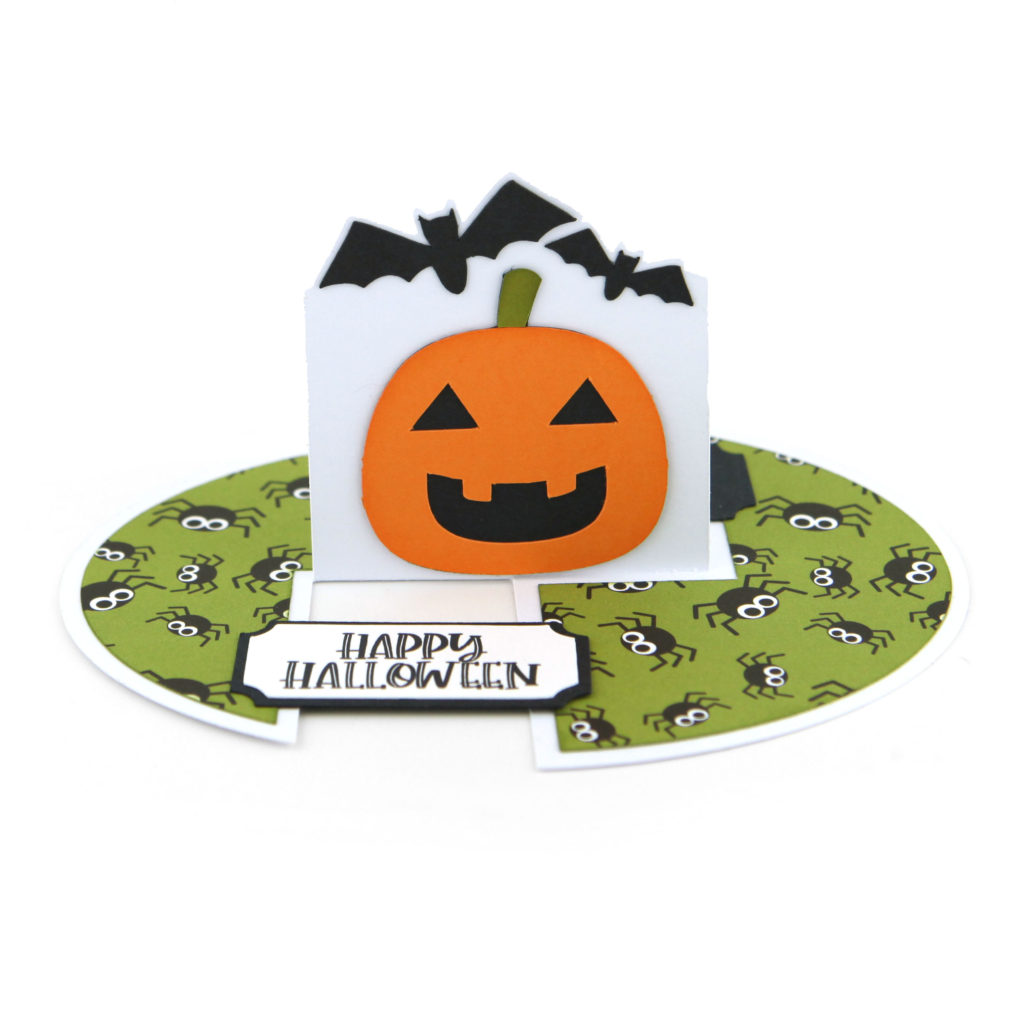
Impossible Card Pumpkin (SVG, Silhouette)
Treat Box Pumpkin (SVG, Silhouette)

They also come in a bundle here if you can’t decide which is your favorite! Even better, these files and all others in the Lori Whitlock SVG Shop are 30% off through Saturday when you use code OCT2020 at checkout!

Have a great day!

Ghost Gift Set with Corri

Hi everyone!  Corri here today sharing a cute gift set for Halloween.  I made the Ghost Center  Step Card (Silhouette, SVG).  You can find a tutorial for this card here.

I used paper from the Echo Park – I Love Halloween Collection that Lori designed.  The card comes with a print and cut sentiment but I used one from the Frames and Tags that match the collection.

I also made this cute coordinating Handle Box (Silhouette, SVG).

I plan to fill this little box with some goodies and mail it off along with the card as a treat for one of my college kids.  They love getting surprises.

Thanks so much for stopping by!

October Mini Album

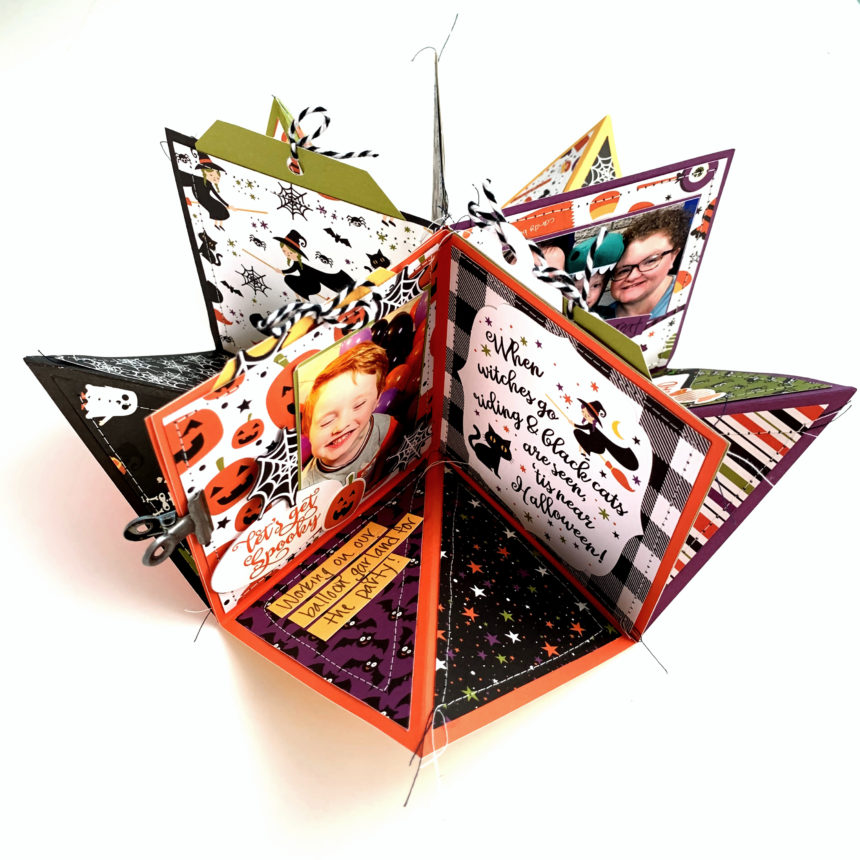
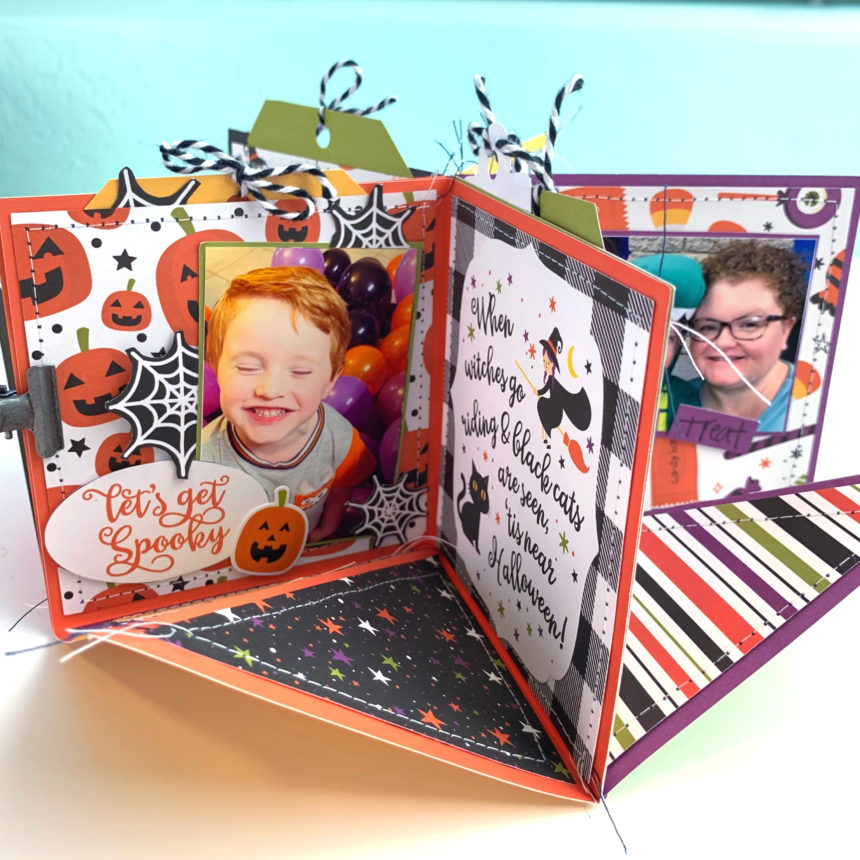
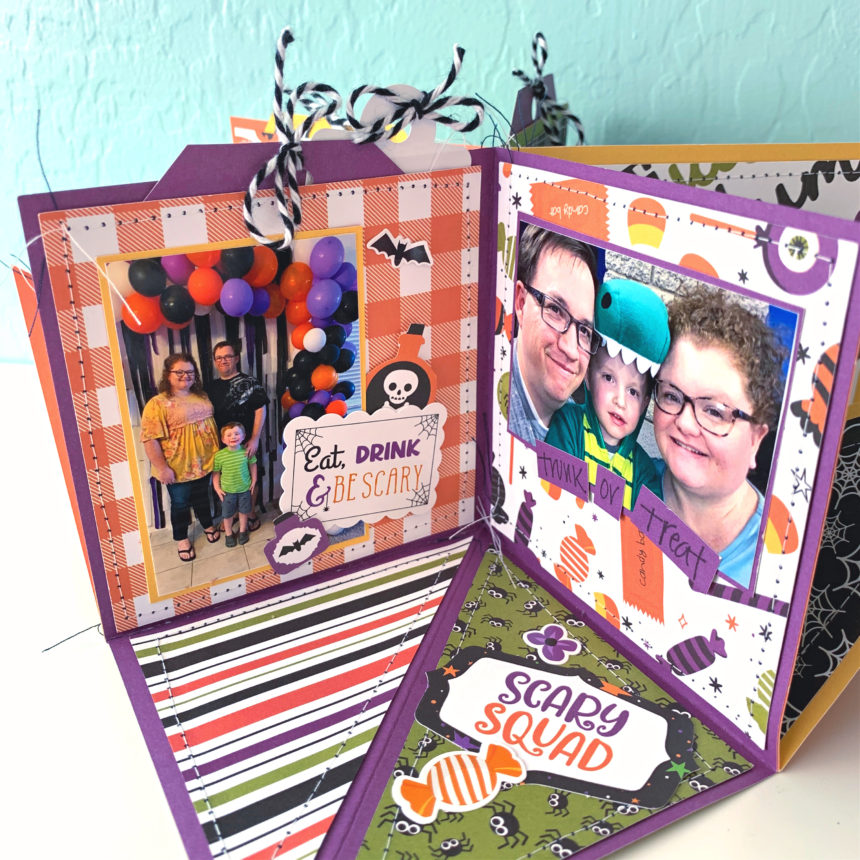
Hi there crafty friends! We made it to October! Woohoo! Time for cooler weather, pumpkin everything, and spooky fun. The last few years I have created an October daily album for all the cute fun things I have done with my family. Since this year will be scaled back I wanted to create smaller version of an October daily. I used the Circular Pop Up Card (SVG, Silhouette) for a October mini album. (I used pictures from last year for an example.)

I used my sewing machine to stich around all of the cover panels. As I glued the cover panels on I left the tops open to create pockets for tags and extra pictures.

The papers, stickers, and embellishments are from the I Love Halloween collection by Echo Park Paper Co.

I hope you are able to enjoy this Fall season and get a little crafting done too. Thanks for stopping by.

Brandie

Haunted House Centerpiece

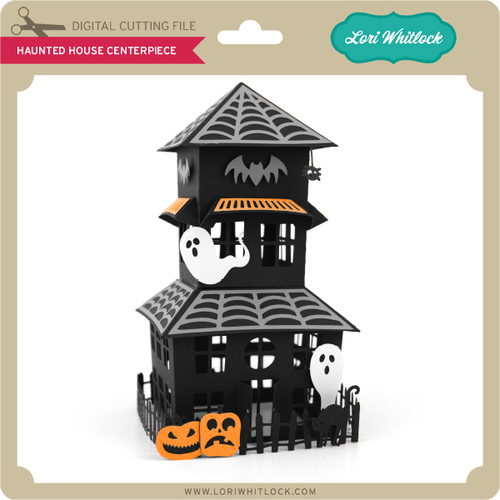
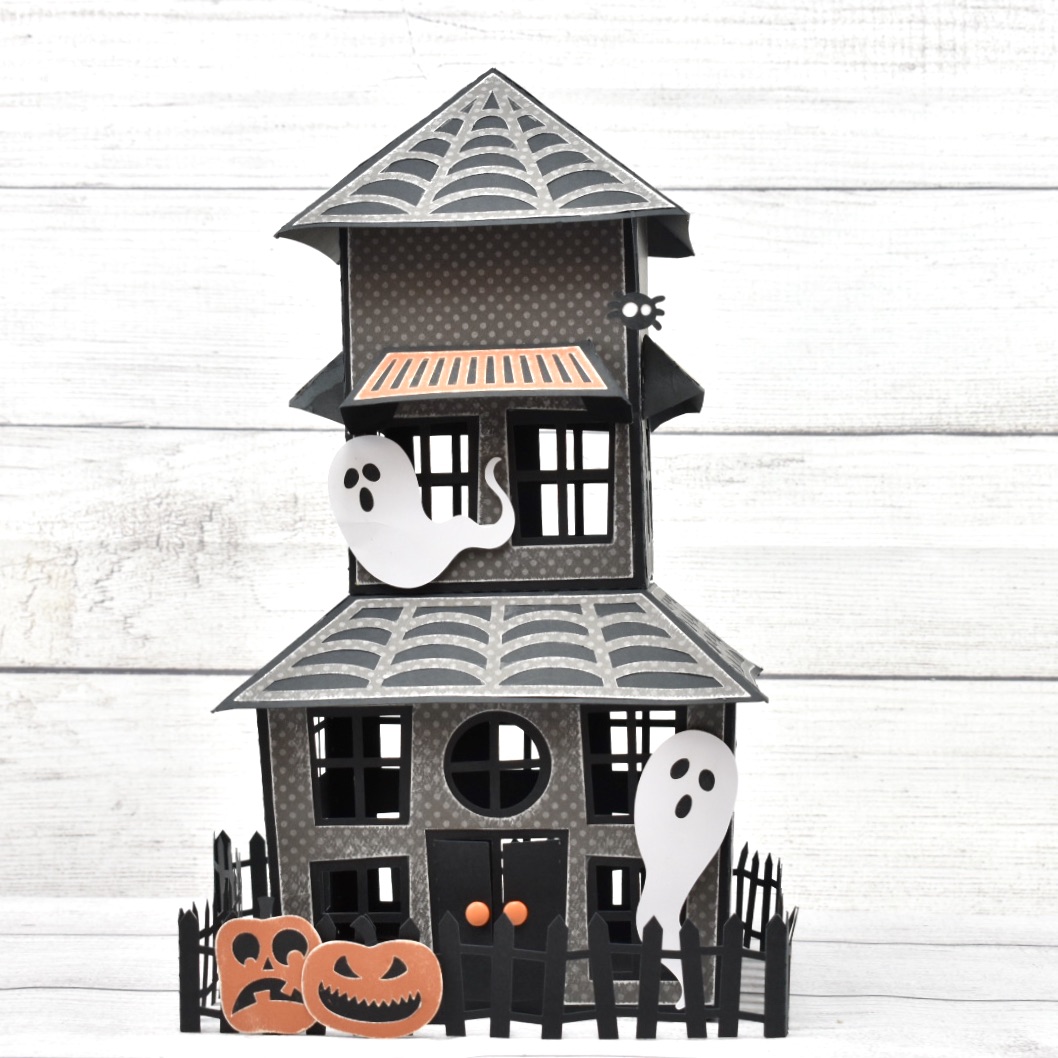
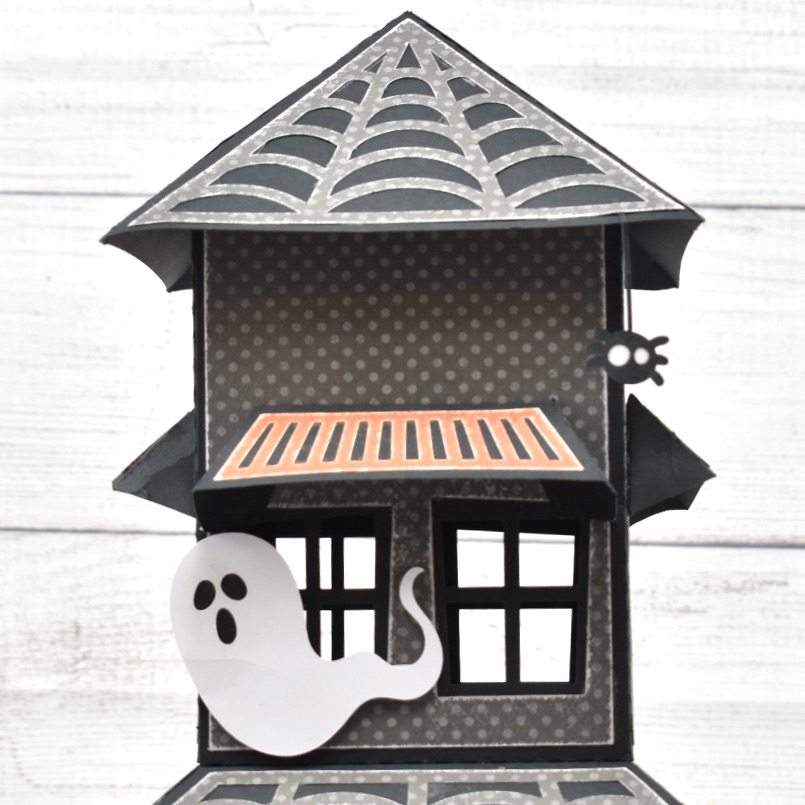
Hi there paper crafting friends!  It’s Michelle Starcher, aka the Bookish Designer, popping in on the blog to share the Halloween project I created using  Lori’s Haunted House Centerpiece (SVGSilhouette). 

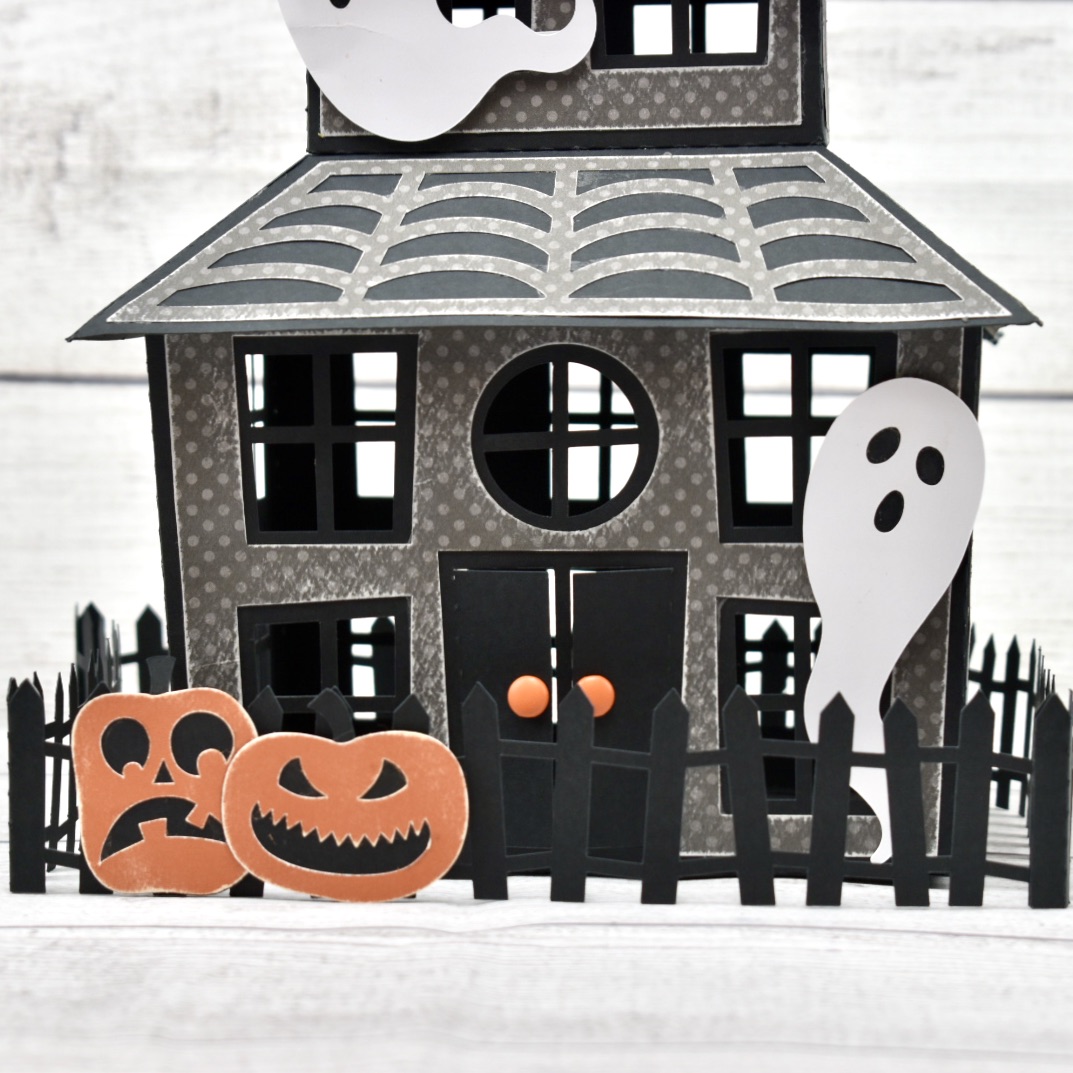
This cute, but spooky Haunted House measures about 13″ tall by 7.25″ wide when cut at original size, which is what I used.  However, you can scale the file up or down as desired. Lori also includes optional covering panels for the sides of the haunted house to add some additional flair to the project.  I took advantage of those extras and included gray polka-dot cardstock panels on my version of the Haunted House.  In addition, I sanded the edges of the gray panels to create a more weathered look.

After sanding the pumpkins a little, I used foam tape to adhere them to the fence that goes around the house.  I used foam tape on the ghosts as well.  For the finally touches, I tucked the spider under the webbing on the roof and added orange brads to the doors.

I found the project to be fairly easy to put together once I had all the pieces cut.  However, Lori has a great tutorial for this project on her YouTube channel.  Lori gives some great tips for this project in her tutorial, including how you can adjust the file to be able to add a tea light candle inside the house.  I wish I had watched it before I started!

In addition to the Haunted House Centerpiece, Lori has several 3D projects for Halloween that would work really well with the Haunted House to create a spooky scene including the 3D Haunted House Bundle (available as individual files in the Silhouette Design Store).  I can’t wait to pick them up and continue building my Haunted Village for Halloween.

Until next time,

Michelle