3D Witch Hat Tutorial with Brigit

Hello there, today I’m sharing a tutorial on this 3D witch hat project. This hat can also be purchased from the Silhouette Design Store here and also as a set in the 3D Halloween Bundle from Lori’s shop.
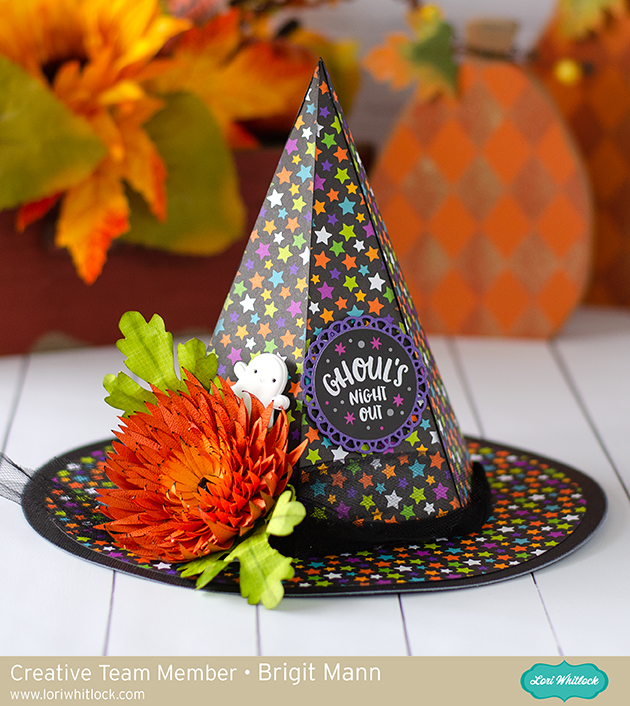
This is such a cute home decor piece to add to your Halloween collection, I really love how it came out.

The first thing I did was add all the pieces onto my mat in Silhouette Studio, this included the 3D Chrysanthemum Flower, (Silhouette Studio chrysanthemum). You will need 6 duplicates of the triangle layer and 2 duplicates of the hat top. I used patterned paper from Doodlebug Design’s Pumpkin Party  I did a release compound path on the triangle layer and removed the circles.  Tthis way I’d have solid pieces to show off the pretty star paper.
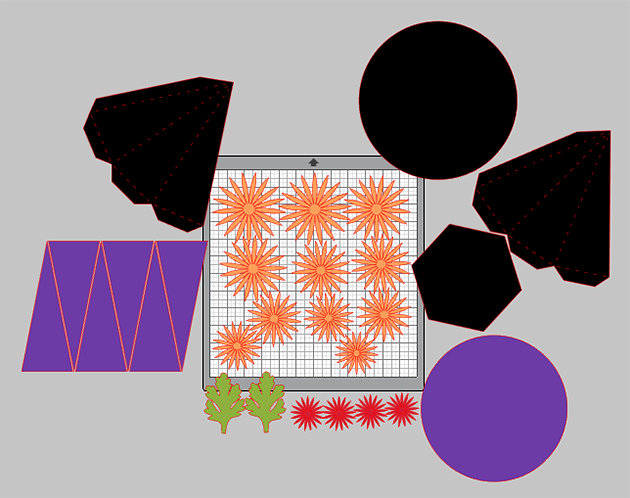
I resized the hat so I could fit one piece of the hat top with the hexagon bottom on one sheet, this saved me a black piece of cardstock, I also sized the flower so the orange color pieces would fit all on one sheet of cardstock.

I cut all my pieces out and inked the edges of the patterned paper, flowers and leaves.

I assembled the top of the hat first, this thing went together perfectly, I love Lori’s files!!
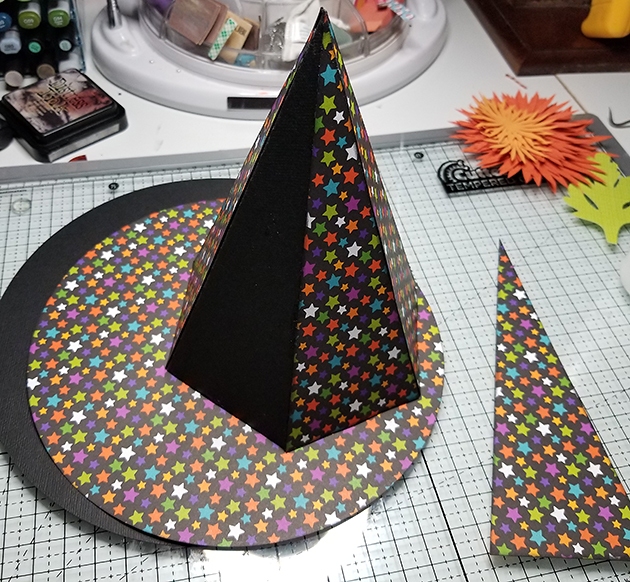
I then added the triangle layers onto the sides and glued down the circle patterned paper to the black circle rim.

For the leaves I bent them by hand and used ink to create some vein lines, I then sprayed them with some water and crinkled them by hand a little.

I used my McGill tool and mat and a paint brush to curve the flower petals up.

I Glued all the petals together and added a black jewel in the center.

To complete the look, I added some black tulle around the hat, glued the flower and leaves to the side and added the ghost clip and ghouls sticker from Doodlebug’s pumpkin party,

Thanks for stopping by and have a wonderful day!

Halloween Treat Bags with Corri

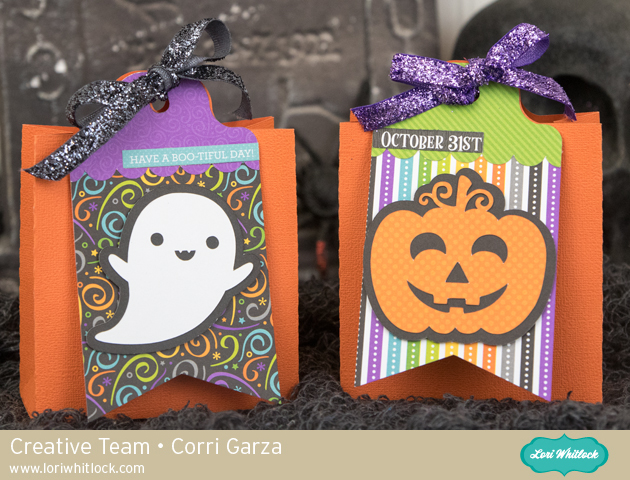
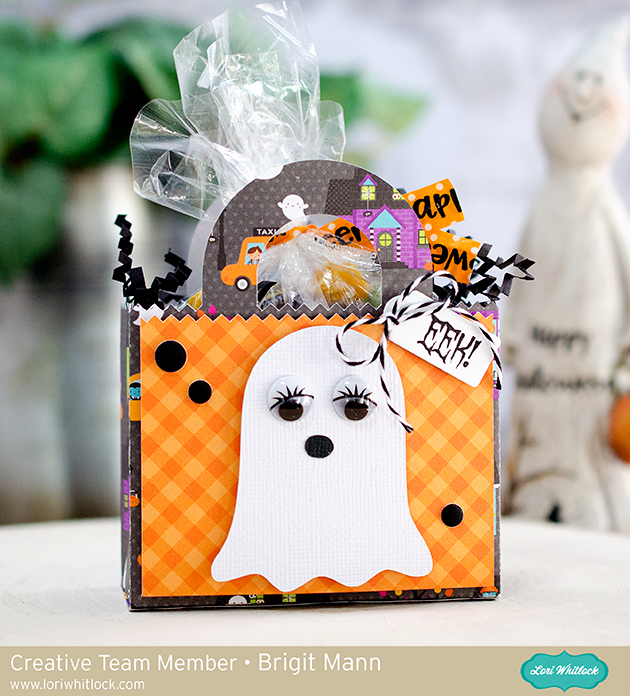
Hi everyone!  Corri here today sharing some cute Halloween treat bags.  My daughter only has 8 kids in her class this year so I wanted to make some cute treats for her friends.   These 2 on 12 x 12 Tag Bags are perfect! (Silhouette, SVG)   I love how I can get two bags out of one sheet of cardstock and there are several cute characters to choose from!

I used orange cardstock for the bag and some cute pattern papers from Doodlebug for the tags.

To make sure the ghost and pumpkin stand out on the tag, I created an offset for them using the offset feature in the Silhouette Studio Software.

Head on over the shop to check out all the cute versions of this bag and all the other fun new Halloween files!

New Product Feature: 3D Haunted House Bundle

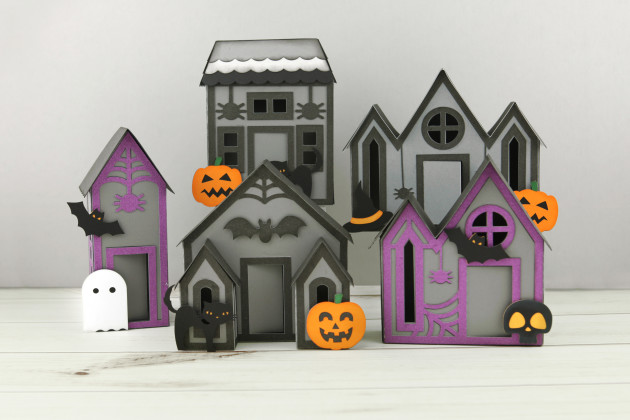
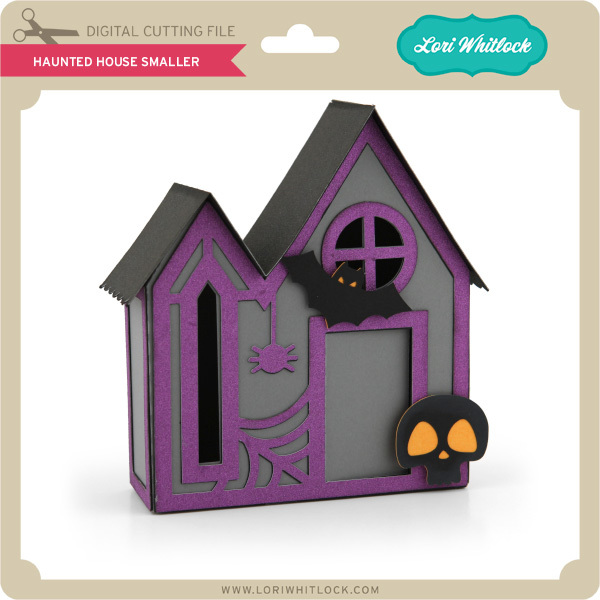
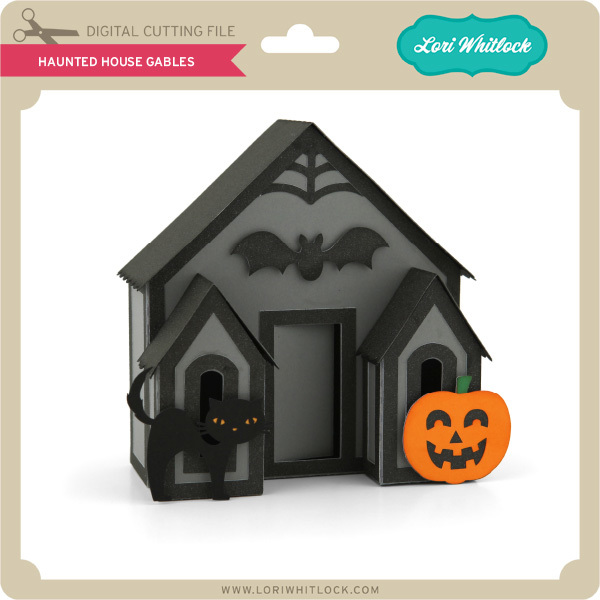
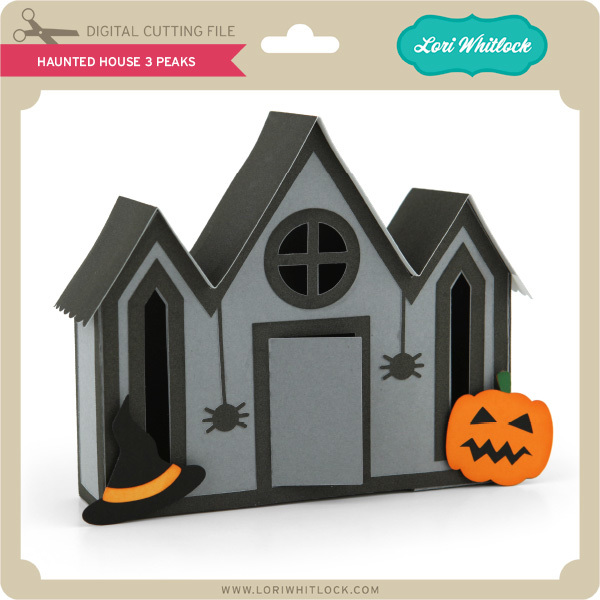
Hi Everyone!  Have you seen the new 3D Haunted House Bundle  in the shop this week?  These cute little houses are perfect for Halloween decorating!  Take a peek…

Wouldn’t these just be adorable on an entryway table??  There are 5 different houses for you to make!  I put together a video tutorial on my YouTube Channel showing how to assemble these fun houses.

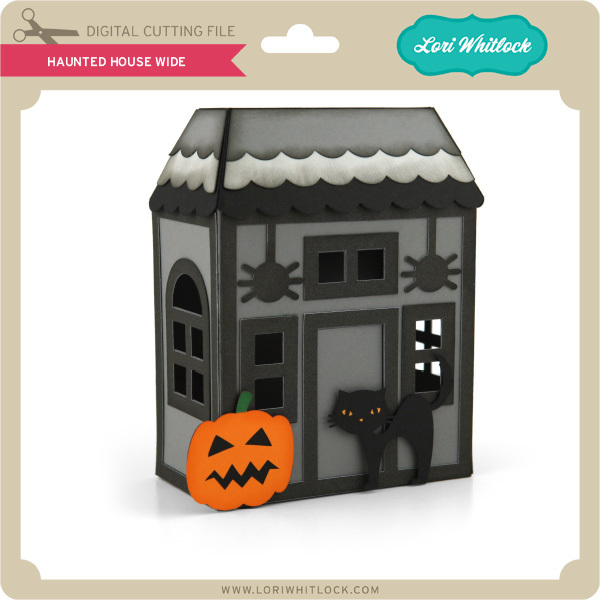
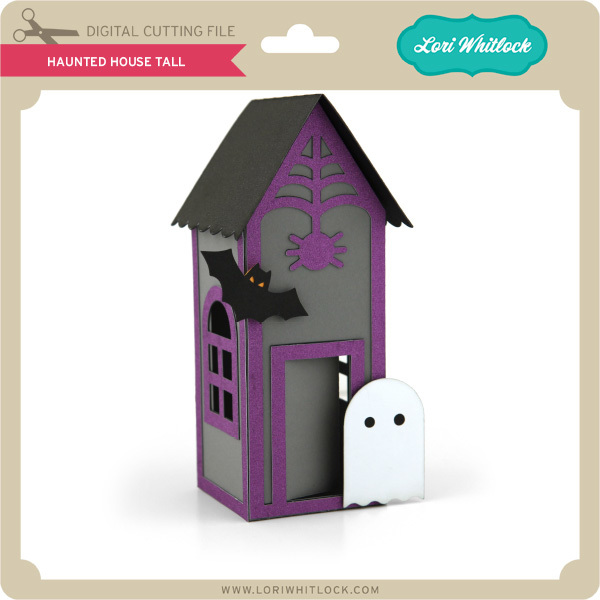
The 3D Haunted House SVG bundle is available in my shop, and the houses are also available individually in my shop and in the Silhouette Store.  See below for links.

(SVG, Silhouette)

(SVG, Silhouette)

(SVG, Silhouette)

(SVG, Silhouette)

(SVG, Silhouette)

We would love to see your versions of these houses!  If you make them be sure to tag us on Instagram and on Facebook.  Have a great day!


3D Pumpkin with Kathy

Hi Everyone!  It’s Kathy today with a cute 3D Pumpkin, perfect for Fall and Halloween gift giving or decorating!  Take a peek…

I used Lori’s 3D Pumpkin Short  (here in the Silhouette Store)  to make this adorable box.   This box also comes in medium and tall (here and here in the Silhouette Store.)  Lori also has great assembly directions for these pumpkins here.  The best part, the pumpkin opens up to hold some goodies!

This would make a fabulous gift for a friend or coworker.  It would also make a great seasonal centerpiece!  That’s it for me today, thanks for stopping by to peek!

Score Line Tutorial with Brigit

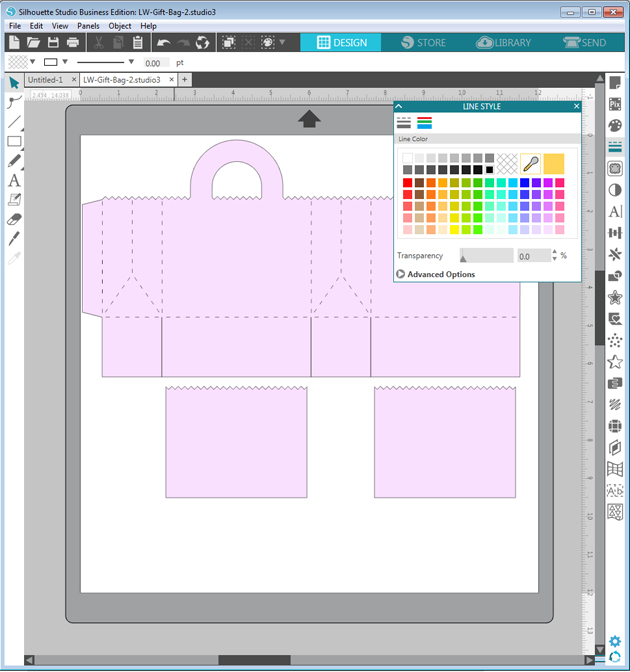
Hello, everyone, it’s Brigit here, I have a quick tutorial on how I replaced the score marks on the Gift Bag 2 file from Lori’s shop using Silhouette Studio Business Edition so I could use the scoring stylus tool on the Cricut Maker.
You can get the file here from the Silhouette Design Store, but for this purpose, I’m using the svg from Lori’s shop and I’ll explain why. I use Silhouette Studio Business Edition to design my projects even if I’m going to cut from one of my other cutting machines. I really like the Silhouette Studio software and with the Business Edition I’m able to save my projects as an svg which I can then upload into Cricut Design Space or Brother Canvas, you can’t do that with the Basic or Designer Editions and you can’t open svg files with the Basic Edition. What you can’t do with the Business Edition is use an image from the Silhouette Design Store and save it as an svg, the lines around the whole image will save as score marks so that’s why I’m not using the bag from the Silhouette Store. Cricut Design Space does have an option to add score lines but I like this way much better.
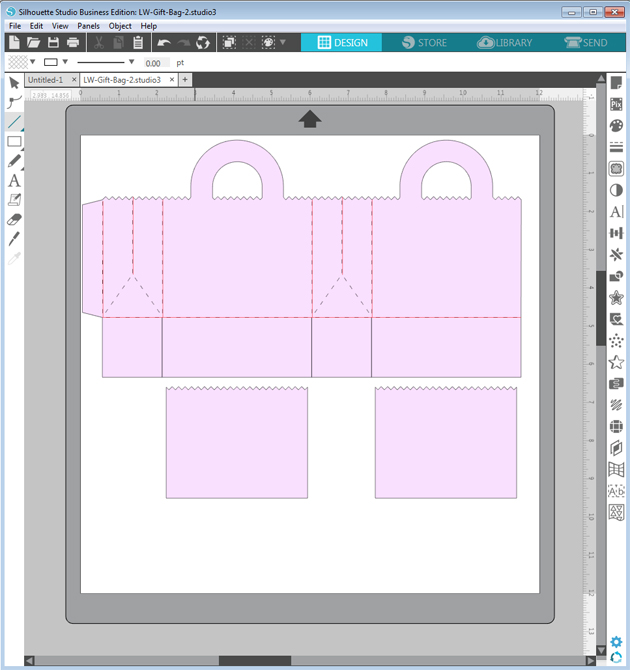
After opening the bag the first thing I do is change the fill to a lighter color and the lines to black, this way the new lines I put in will show up as red, makes it easy to line up.
I just quickly add lines over the score marks, I’m not exact here, I fix them and add the diagonal lines when I zoom in.
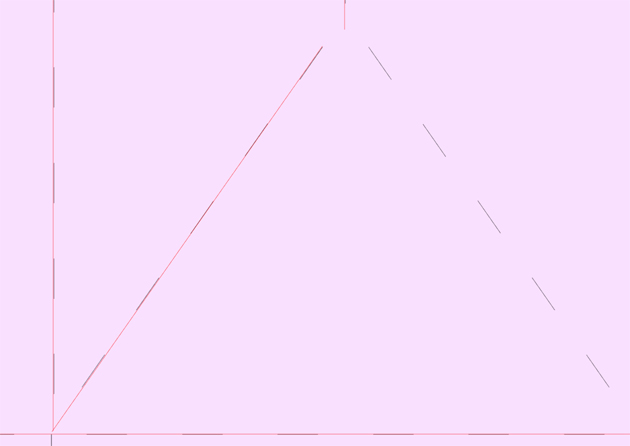
Zooming in I draw the diagonal lines and align all the other ones as close as I can get.
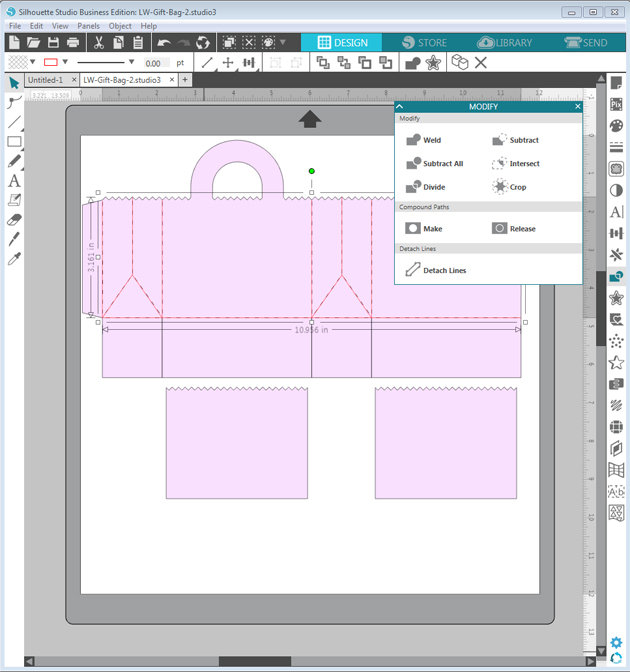
When I’m done I select the new lines and make a compound path, if I don’t do that when I upload to Cricut Design Space the score lines are off from the project.
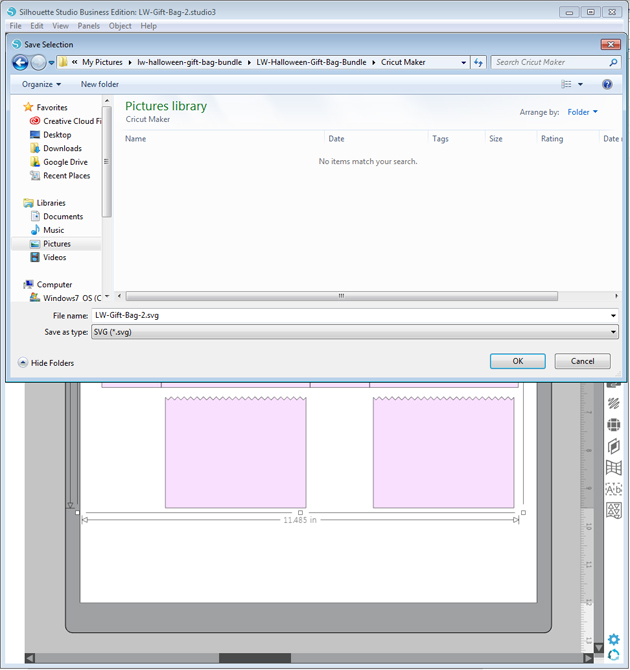
I finish by ungrouping the bag, deleting the original score marks and group with the new score lines. I select all and go to file and save selection to hard drive and in the save as type select svg.
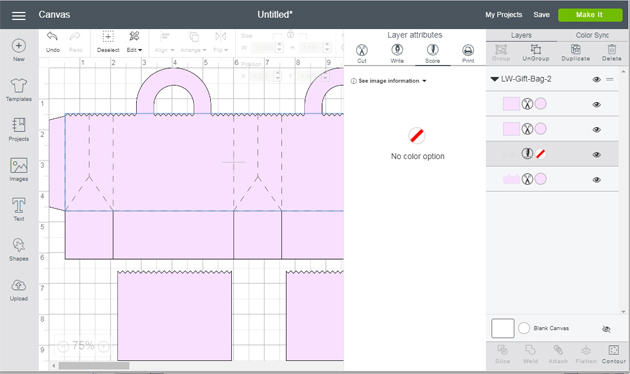
When I upload the bag into Cricut Design Space the size is much smaller, so I resize to match what it is in Silhouette Studio, then ungroup, new lines I created to score and select the bag and score lines and attach.
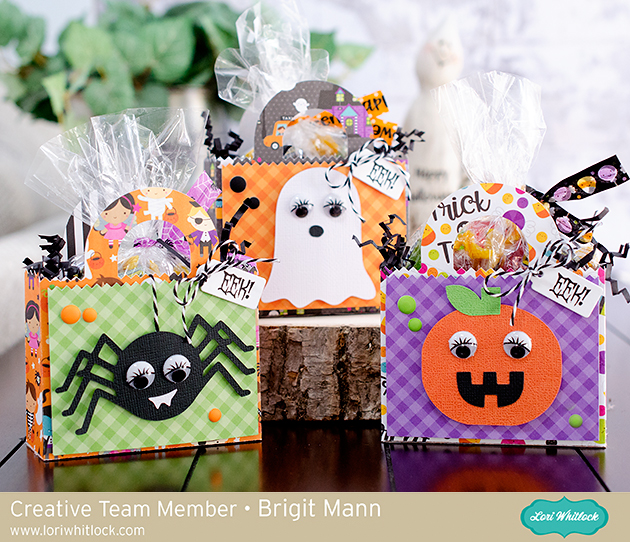
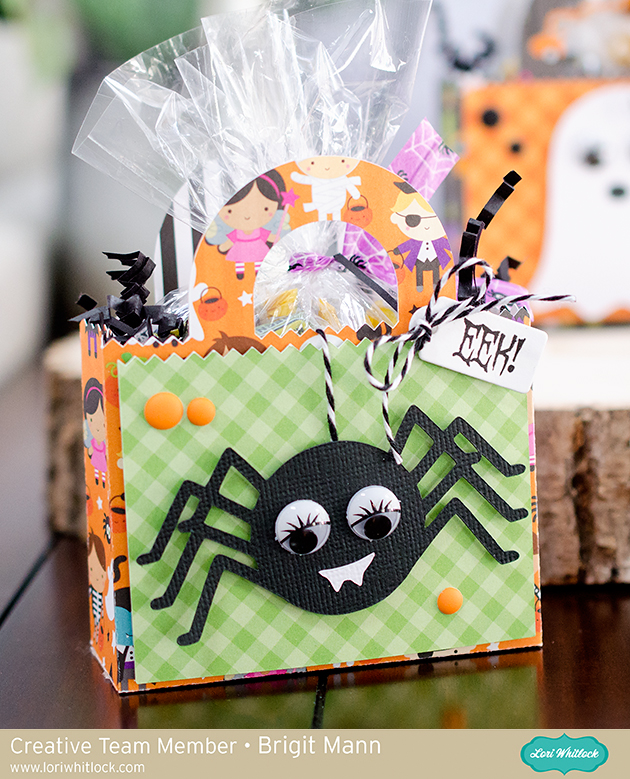
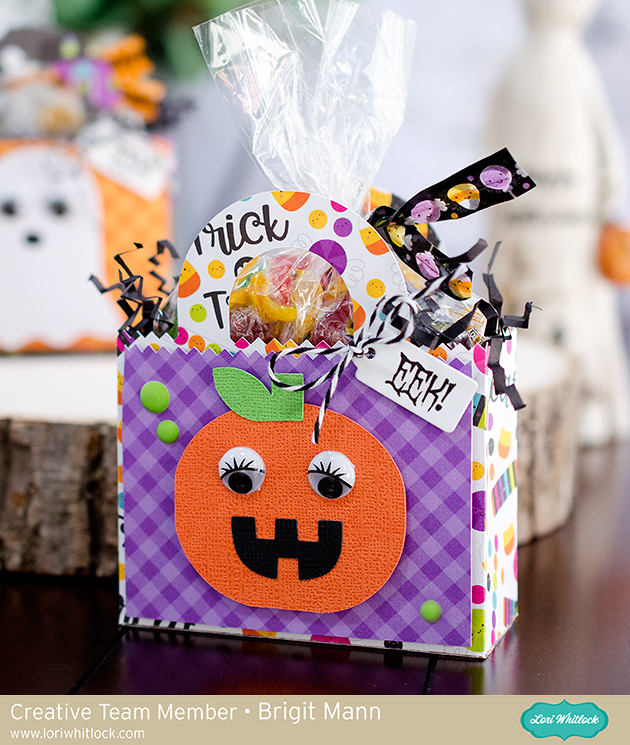
Here’s a closer look at each bag, I dressed them up with the characters from the Cute Halloween Set from Lori’s shop and here from the Silhouette Design Store.
The paper I used is from Doodlebug Design’s Booville collection and Gingham-Linen Petite Prints.
The eyes I believe I bought at Michaels and the sentiment is a stamp from My Creative Time.
Thanks for stopping by and have a wonderful day!!