3D Hot Cocoa Mug with Cookies for Santa

Merry Christmas Crafty Friends!🎅 Noelene here today!
Did you make sure you left some cocoa & cookies for Santa?
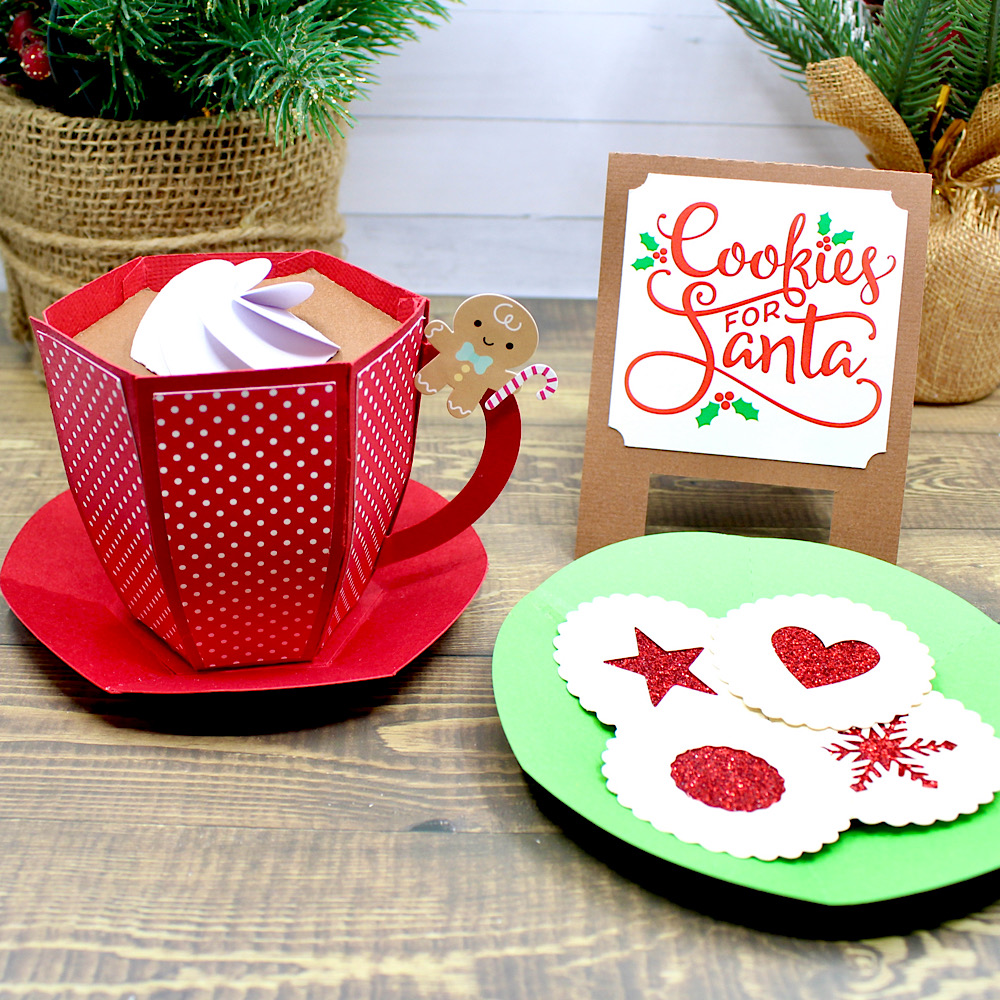
Today I am popping in for a quick tutorial to show you how I made this cute 3D Hot Cocoa Mug (SVGSilhouette) & Cookies for Santa (SVGSilhouette), from Lori Whitlock.
First cut out all your pieces & glue your panels on.
Next glue the 2 handle pieces together then glue the handle tab to the inside of a mug panel.
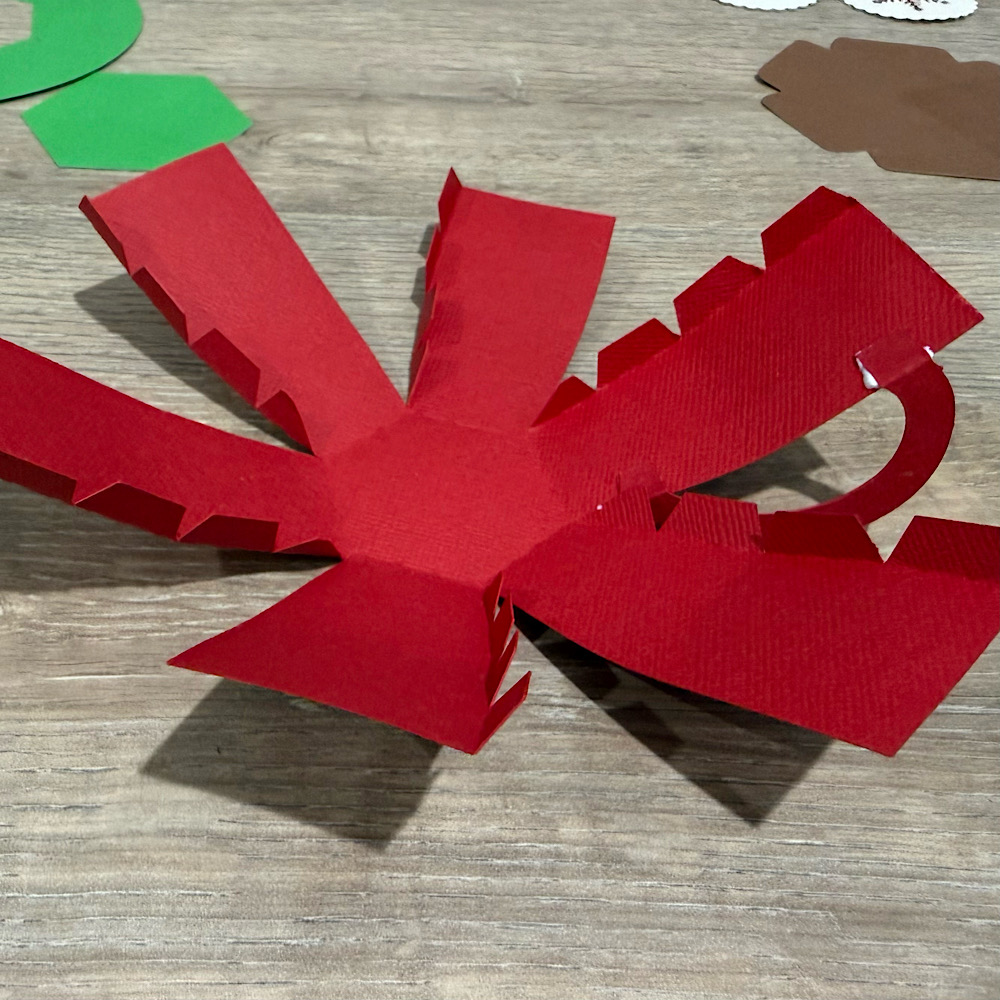
Now valley fold all your mug tabs & start glueing each piece one by one. It helps to slightly bow the panels inward before you start glueing.
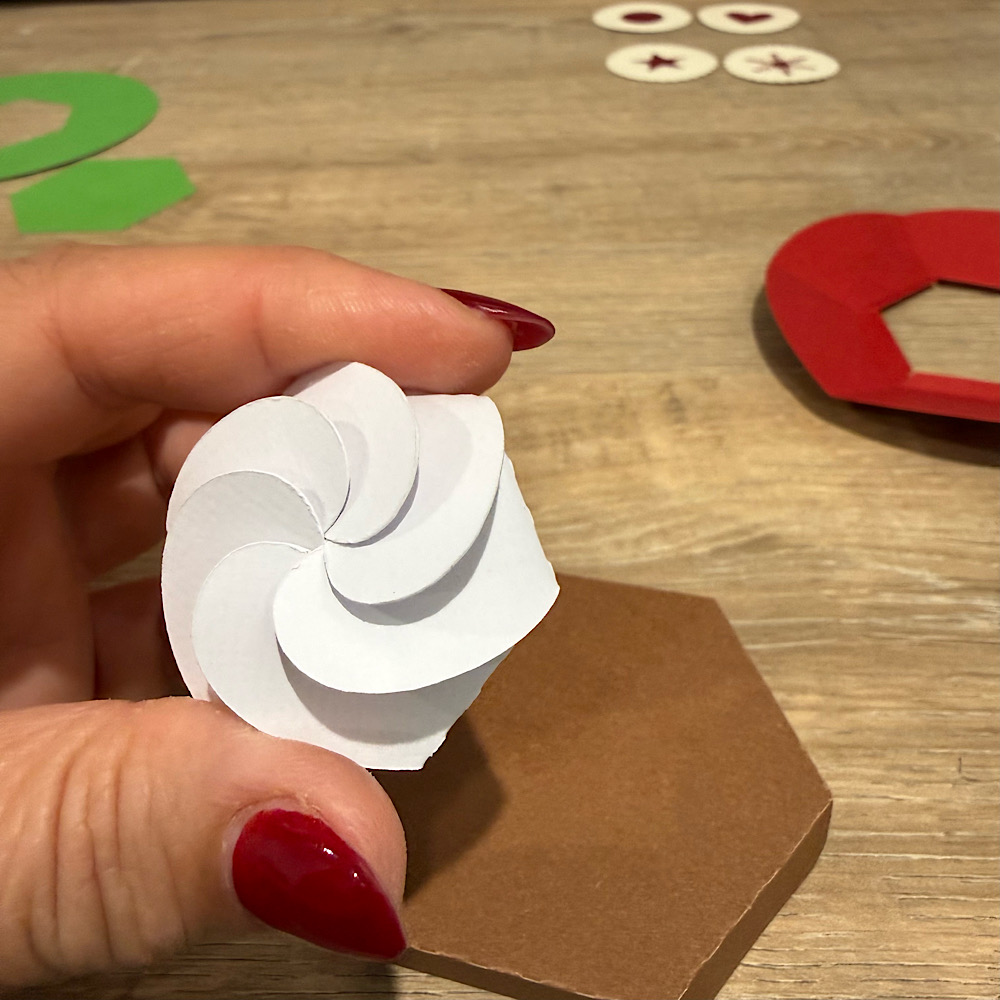
Now fold the tabs down for your cocoa lid. Next take the white froth piece & fold inwards each panel. Then gently one by one overlap each panel till they sit in place, but do not push down all the way. Now glue the froth onto the cocoa lid. The lid sits on top so you can put some treats inside the mug.
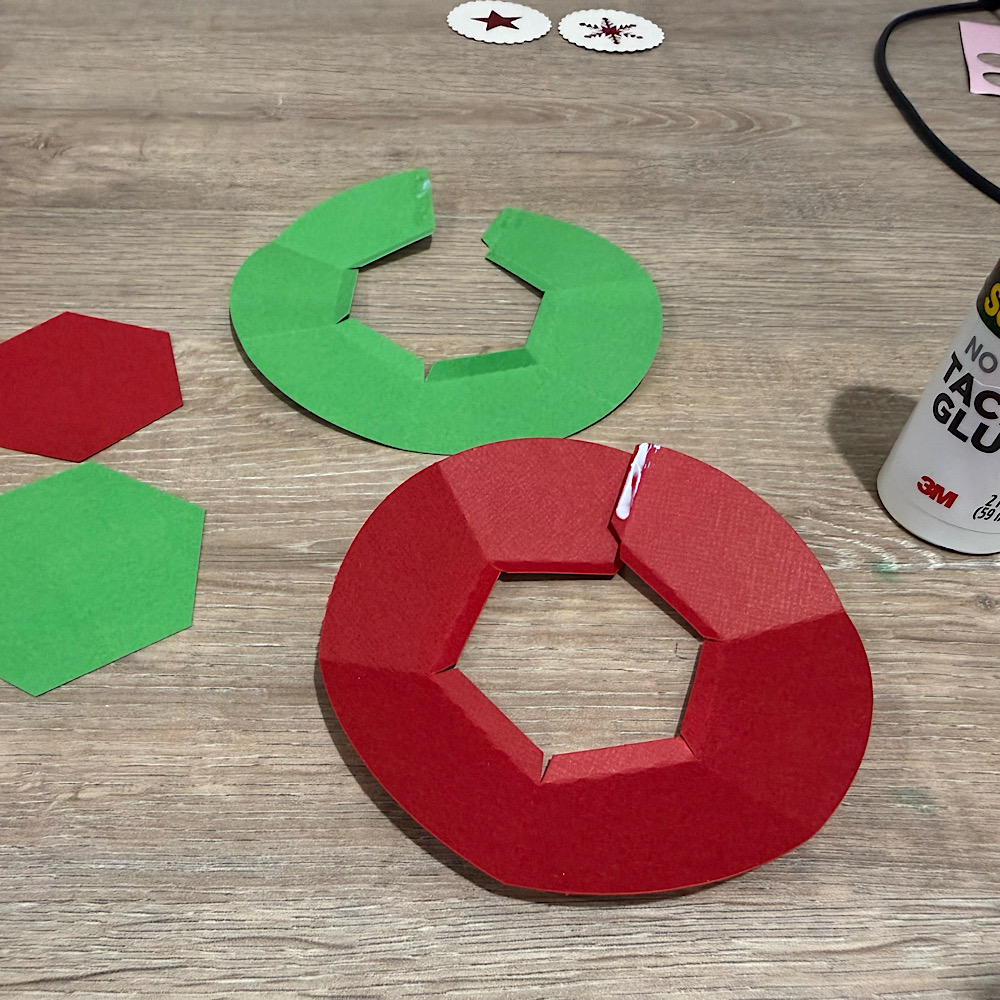
To make your saucer & plate, valley fold your scored plates & glue the end tab on the base.
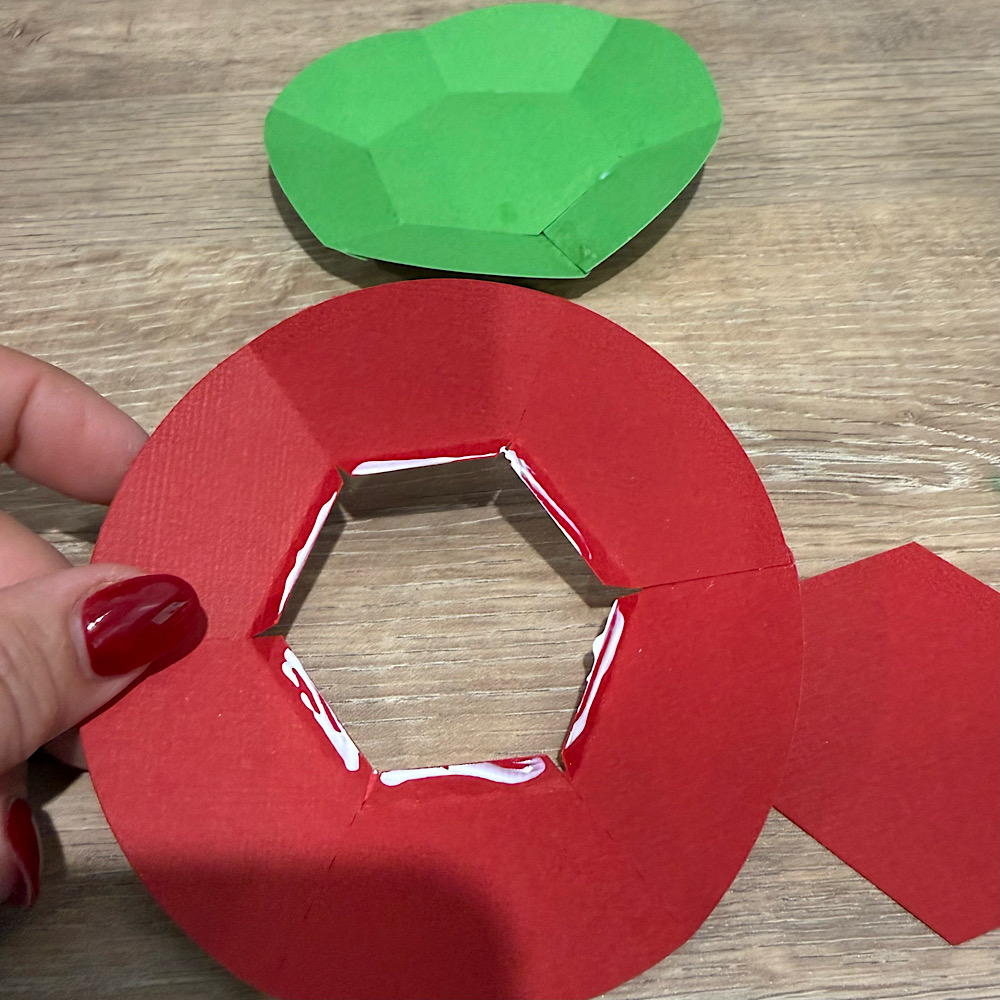
Then, take the hexagon piece & glue it down onto the bottom center.
Then on one of the plates, stick down your biscuits. I used foam tabs to create a bit of dimension. Now, mountain fold your cookies sign & you’re done!
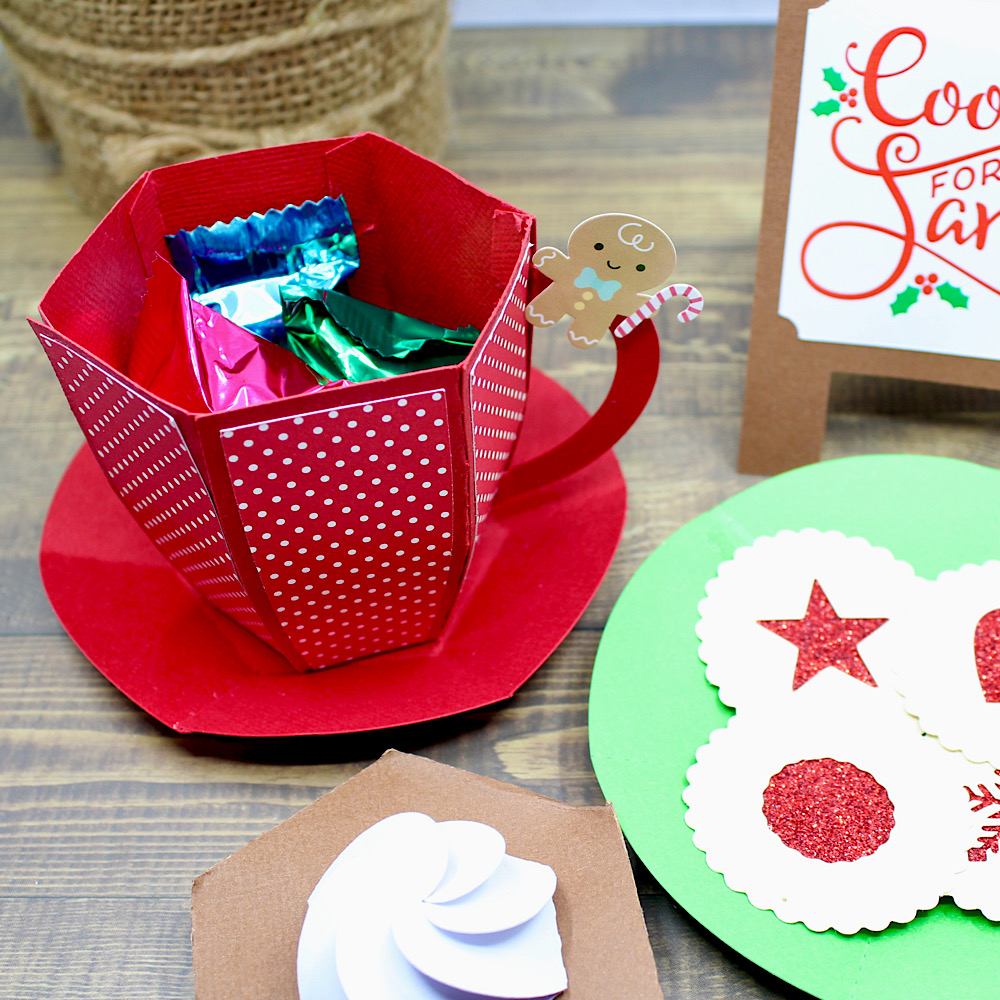
They make the cutest little gift with treats inside! Or even a prop for your Elf on the Shelf!
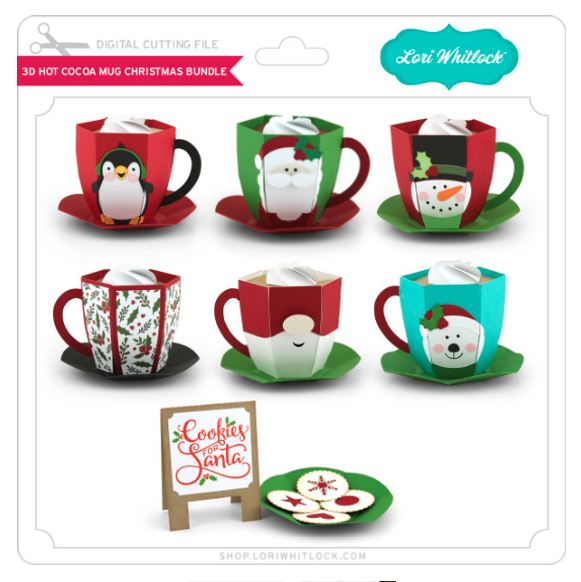
Don’t forget to check out all the other 3D Mugs, which include 3D Hot Cocoa Mug Penguin (SVGSilhouette), 3D Hot Cocoa Mug Santa (SVGSilhouette), 3D Hot Cocoa Mug Snowman (SVGSilhouette), 3D Hot Cocoa Mug Gnome (SVGSilhouette), 3D Hot Cocoa Mug Polar Bear (SVGSilhouette). They can also be found in a Bundle, which includes all the 6 3D Mugs & the Cookies for Santa, (SVG).
For more inspiration, check out my Instagram!
🌟Wishing you & all your loved ones a Blessed Merry Christmas & a Safe & Happy New Year!🌟
Thanks for stopping by!
Hugs
Noelene 🙂

Cookies For Santa Layout

And the countdown to Christmas is on! Who’s ready? NOT ME!! But I did take a great cookie decorating class recently to have some cute Christmas cookies and what a better way to show everyone the cookies than creating a layout!

I used the Echo Park Paper line that Lori designed called Santa Claus found HERE.

I used 3D Cookies For Santa SVG from Lori’s website found HERE. But instead of making it a card, I added a background to the words and used it as a title. I cut one of the cookies and turned it into a shaker piece for one of my embelishments.  The rest of my embelishments were sickers and chipboard pieces from the paper collection.

Thanks for stopping by and Happy Crafting!

Candy Holder Christmas Ornament

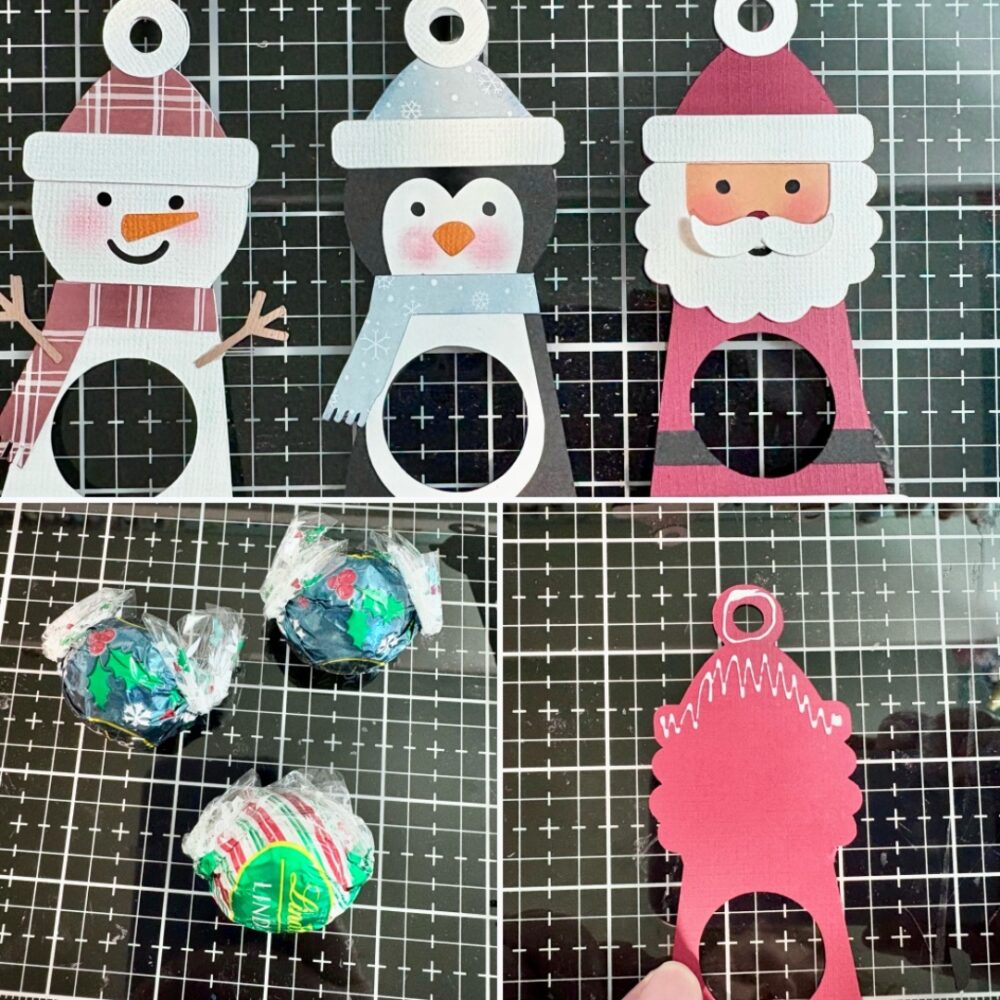
Hi there friends! Today I am sharing an assembly tutorial for the new Candy Holder Christmas Ornament Santa (SVG, Silhouette). This ornament comes in several different styles as well. You can find the bundle here. I used the Lindt Lindor chocolate and found that a heavier (85lb) cardstock worked better than a lighter (60lb) one. But these are definitely a great scrap buster project. These cuties would look great tied to a gift as well as hanging on a tree.

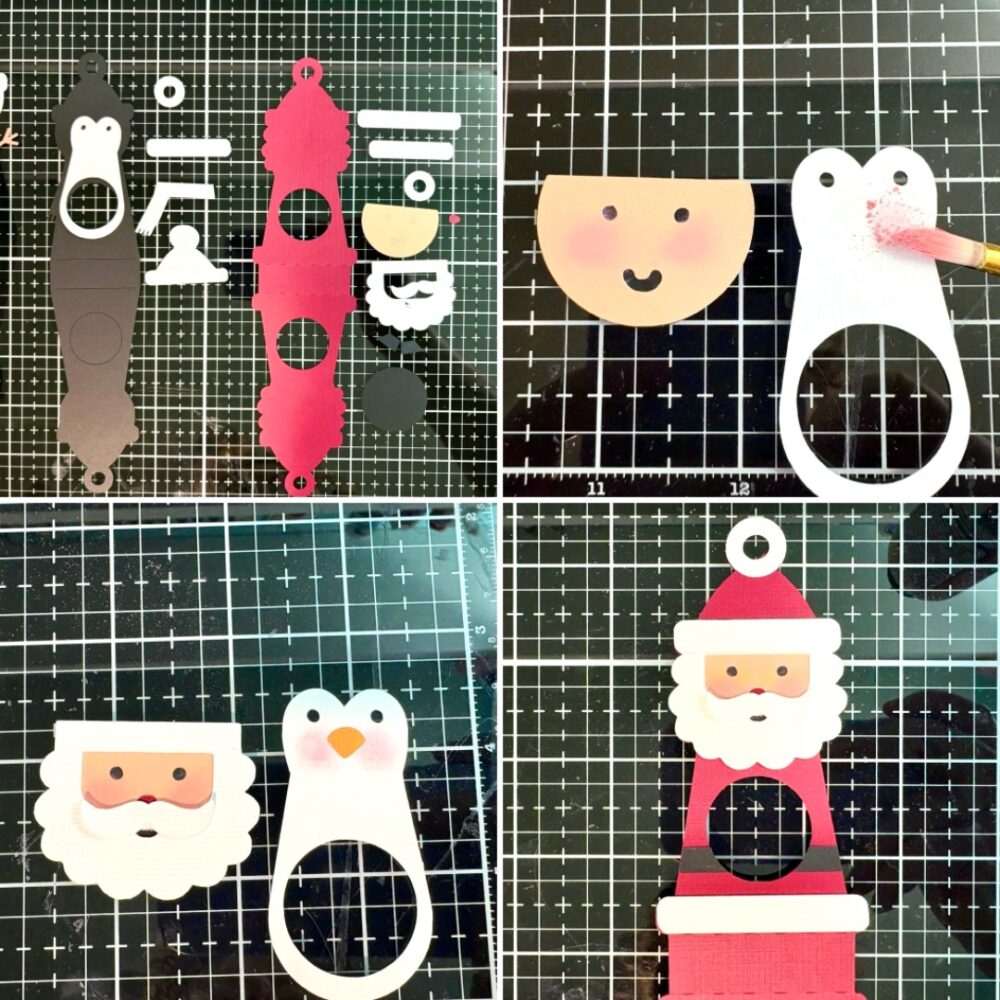
After I cut everything out I decided to discard the round cheeks for some pink chalk that I applied with a paint brush. I then assembled the faces of my characters. The front of the Santa also has a belt, a white ruffle for the hat, an additional cover for the top of the hanger and a white ruffle for the bottom of his jacket.

With the front of the characters done I folded the score line into mountain folds. Before tucking the candy into the belly of the ornament, I used some glue dots to secure the wrapper onto the back of the candy. I then added glue to just the top of the inside of the ornament. Creating a little A-Frame shape with the ornament. The chocolate then slides right into the belly of the ornament.

I added a sticker and tied some bakers twine to the top.

These are a cute fun project. Thanks for stopping by today!
Brandie

New A2 Box Card Mail Box Cards

 Lori Whitlock Monday Inspiration

Today, it’s my turn to share a bit of holiday inspiration. Such cute new files!

A2 Box Card Mailbox Christmas Bundle


A2 Box Card Mailbox Reindeer (Lori WhitlockSilhouette)

A2 Box Card Mailbox Birds(Lori WhitlockSilhouette)

A2 Box Card Mailbox Presents(Lori WhitlockSilhouette)

I used a fun cobblestone stencil from Hero Arts on the outside of each mailbox and added a few glittery berries to the all of the wreaths for an extra bit of bling.

I hope you enjoyed my projects today!

💕Sue Kment

Quick Tips for Last Minute Gift Tags

Hello there! My tutorial today is not on construction of a file but is more about time savings! We are all busy this time of year so I am going to show you how I whip up a few cute Lori Whitlock gift tags in minutes!
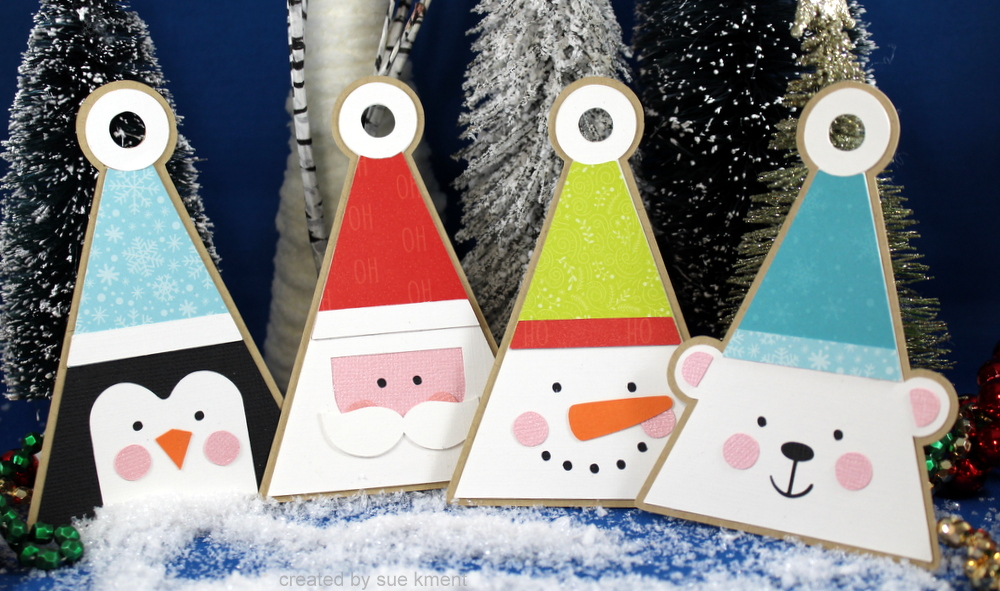
I chose a set of tags that were same style, different design. That’s not necessary but makes for fast tracking your project if your time is limited and you want to add a special touch to your gifts. I doubled all the pieces to make 2 sets of tags.
Christmas Tag Santa (Lori Whitlock SVGSilhouette)
Christmas Tag Penguin  (Lori Whitlock SVG, Silhouette)
Christmas Tag Polar Bear  (Lori Whitlock SVG, Silhouette)
Christmas Tag Snowman  (Lori Whitlock SVGSilhouette)
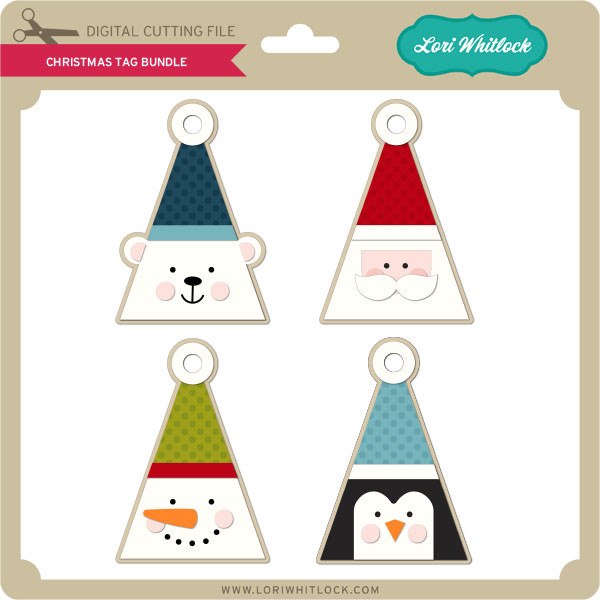
In the Lori Whitlock Store you can also buy all of these tags as a bundle HERE.

Christmas Tag Bundle


I opened each tag file and made a copy of each one. (Ctrl + arrow button). One of them I keep grouped and resize it very small  and pull it off to the side(will use for reference only). The second one I ungroup (rt click on file, choose ungroup)
Once ungrouped, I pull each color off to the side. Repeat 3 more times with the other files.
You can see above that I have all 4 grouped files resized to a very small size and set off to the side for reference. This allows you to refer to them after cutting so you can re-group the misc pieces back to the Santa, penguin, snowman and polar bear tag. In this instance, the bear is the only one that has ears, so he’s easy to spot! All the other tan backgrounds are exactly the same size and shape. Very convenient!
By doing this, you can cut one mat of tan and another of white, pink, orange, and black. You can see I also used  four different colored 6×6 patterned papers on my first mat -all my hats done at once. Another space saver! I normally have two mats ready for a project so that I can have the second mat ready to load and cut while I am clearing the other mat off. Quite a time saver.
As usual, I always make duplicate of the small pieces in case I lose one. Never fails something disappears! Also if you want your hat bands to be white, add them to the white group.
From there just match up the pieces of each different design and glue up. It takes minutes to glue them all up. I timed myself to see how long it took me- literally less than 2 minutes for each one, and that was while being distracted watching a Hallmark movie LOL! I think it took me 15 minutes to glue up all 8 tags.
I hope you can find a few minutes to make some cute little  gift tags-Lori has so many cute sets to choose from!
💕Sue Kment