Silhouette Tutorial by Traci

Hi everyone!  I’m excited to be sharing a neat tutorial with you today.  Have you ever thought about using photos in your Silhouette software?  I had never given this much thought until recently when I wanted a banner to match my pictures.  I will walk you through this technique today, and give you three different shape ideas for using photos with your Silhouette or Cameo machine.
First, choose a photo and a shape that you want to use.  For my layout, I knew I wanted a banner at the top of the page that matched my pictures. I work on a MAC, so I can just drag my photo into the software, but another option is to click on “File” at the top, hit “Open” and then choose a picture from your computer.
Once you have both your photo and shape(s) open, drag the shapes off to the side, ungroup and resize as necessary.
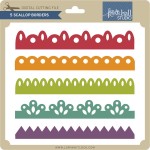
(For my banner, I didn’t want the little holes at the top of each piece so when I ungrouped them, I deleted the holes).
Enlarge your photo if needed to accommodate the size shape you want to cut out.
In order for you to see everything better, I made my shape lines black and thicker…but you don’t have to do this.
Move your shape(s) over on to your photo and place everything where you want to cut it out.
For mine, I wanted the varying leaf colors on each of my banners, as shown below.
I zoomed back out on this screen shot, but once all of your shapes are in place, go to the “Modify” window (little icon in upper right corner with the M).
With all pieces highlighted (photo and shape), click on “Crop” — this removes all areas which are not shared by at least two shapes.
Once you click “Crop”, you are left with the shape filled with your photo.
Here is another example that I used for this project.  I cut this cute picture of my son into a tag by following the same directions as above.
Once you have your shaped photos, you will want to highlight everything and open the cut style window (little scissor icon).
Be sure that the cut lines around your shapes are red by clicking on “cut” on the “Cut Style” menu.
Now you will treat this just like a Print and Cut.  (See an earlier tutorial on Lori’s website for Print and Cut directions).
Here is the layout.  As you can see, I also created offsets for the banners and tag to help them pop off the page a bit.
The offset feature can also be found in another tutorial on Lori’s site.
I hope you enjoyed this tutorial.
Here is another example using a photo to create a matching title 🙂
Have fun with this technique!  I’d love to hear how you will use photos in your Silhouette software so
please visit my blog at www.artsyalbums.com and share your ideas with me!
Traci
Lori’s Cutting files used in this project:

DCWV Giveaway!

DCWV has graciously offered to host a GIVEAWAY for my readers! You can enter to WIN $150 WORTH OF PAPER STACKS at the bottom of the post. Wouldn’t you LOVE to add a few of their cute stacks to your stash? And, be sure to keep an eye out for some of their gorgeous pattern papers to show up in projects here on my blog!

You can learn more about DCWV by visiting their Blog, FB page, and Website. To enter to WIN $150 worth of pattern paper stacks from DCWV use the Rafflecopter form below. You can earn as many entries as you’d like. ENTER BY SUNDAY 10/6/13 AT MIDNIGHT! I’ll announce the winner on Monday 10/7/13. Good luck!!

a Rafflecopter giveaway

$1 Wednesday at Jessica Sprague

One Dollar Wednesday at JessicaSprague.com!

It’s Wednesday again and that means TODAY ONLY you can snag two digital kits for an amazing deal… TODAY for JUST $1 you can grab this awesome set: Autumn Afternoon Collection. This kit is regularly priced at $6.99 and TODAY ONLY it’s just $1!

AUTUMN AFTERNOON COLLECTION

And, you can get the following awesome product for HALF OFF, Fall Masking Set.

FALL MASKING SET

While you are at jessicasprague.com getting your kits, be sure to check out the samples made with each of these kits at the bottom of each listing.

New in SVG Shop + Tuesday Freebie

TODAY ONLY, the BOO BANNER SVG file is FREE with purchase.

This is one of my favorite banners so I thought I would share it with you on this first day of October. With your $3.00 purchase this $1.98 file will be free. Just add coupon code: BANNER at checkout and $1.98 will be deducted from your purchase making your total be $1.02. This freebie is good until midnight tonight!

ALL new shapes in the shop are discounted 25%
and will remain so until Sunday, October 6 when the sale ends. Watch for the a new shapes to be on SALE each Tuesday! We have many requests for the PDF file for hand cutting, class room projects etc, so many of new shapes will also include a line art PDF as well. Check the description on each shape before making your purchase.

Here are some of Lori’s and Kolette’s newest shapes added to the SVG shop and their Silhouette Portfolios. Thanks for stopping by… Lisa

Only a purchase in Lori’s SVG shop will qualify for the free cutting file.

Silhouette Winner + CT Call for Digital Scrapbookers

CONGRATS Alexandra W, you are our newest Silhouette Portrait WINNER! Please send your contact info to info@loriwhitlock.com so we can get your prize to you. Thank you to everyone who participated in the giveaway. We feel so honored to have you all with us here on the blog and on Facebook. There are more giveaways in the future so stay posted.

It is that time of year again at LoriWhitlock.com when we are on the lookout for some talented digital scrapbookers to add to our DIGITAL Creative Team. This team is showcased using Lori’s products at JessicaSprague.com, here on the blog each Friday, and Creative Team blog hops. There is a weekly commitment required on this team. If you can keep up with the schedule and feel you have what it takes, please send the required info NO LATER THAN MIDNIGHT OCTOBER 7, 2013 MST to info@loriwhitlock.com.

Lori Whitlock’s Creative Team is one of the best teams to work with and we would love to have you join us.


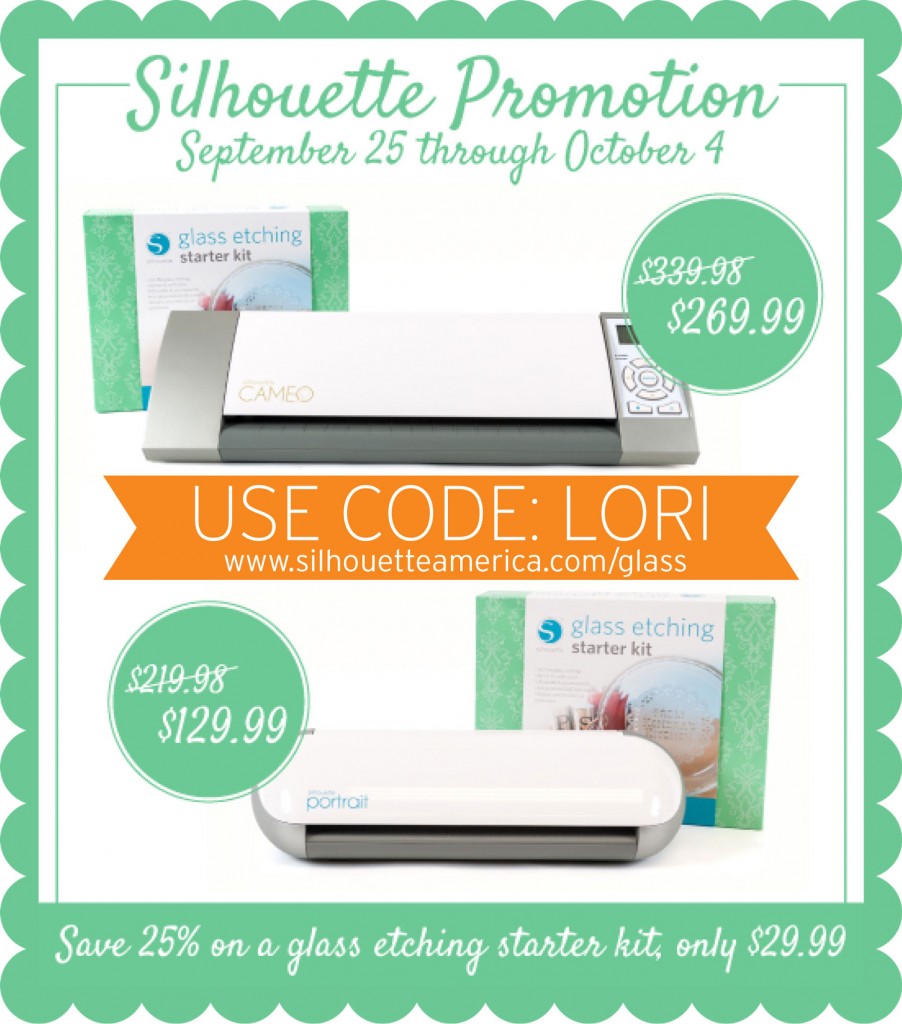
Last but not least… You have until Friday to cash in on the Glass Etching Promotion. To take advantage of these great prices, be sure to use coupon code LORI at checkout and shop through this link: www.silhouetteamerica.com/glass