Tuesday Freebie + New in Shop

TODAY & TOMORROW, this Friend’s Set SVG file is FREE with Purchase.

We have an adorable free file with purchase today! Simply add this file: Friend’s Set to your shopping cart along with any $2 purchase from www.loriwhitlock.com/shop and these files are yours FREE. Your cart must reach at least $4.98 before the coupon will be applied and then $2.98 will be subtracted from your total at checkout. The files will be available for immediate download after you pay for your order.  Be sure to use Coupon Code: FRIENDS (case sensitive) at checkout. Hurry! This offer is good until Wednesday (tomorrow) at midnight!

KH-Friends-Set

We have many requests for the PDF file for hand cutting. Now many of new shapes will include a line art PDF. Also, all or our files now come Cricut friendly. If you need measurements for an older file please don’t hesitate to ask by emailing us HERE. As we update the files, we are replacing them in the shop for future customers.

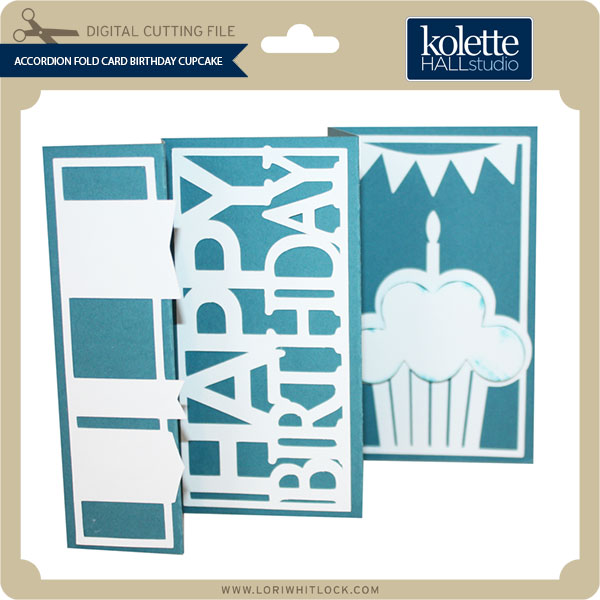
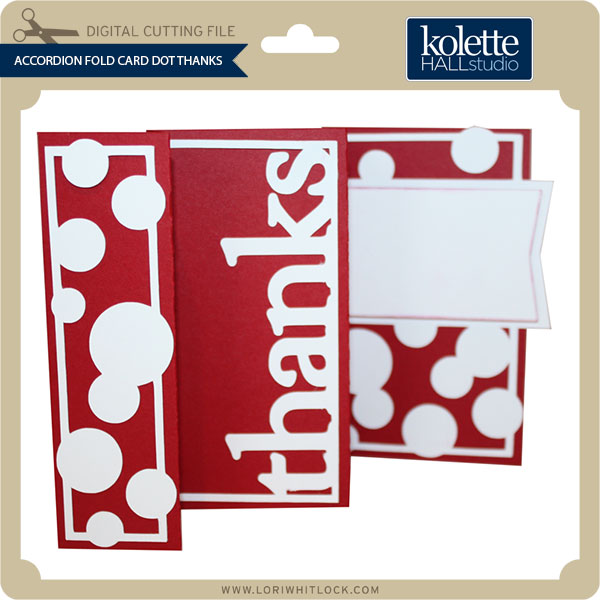
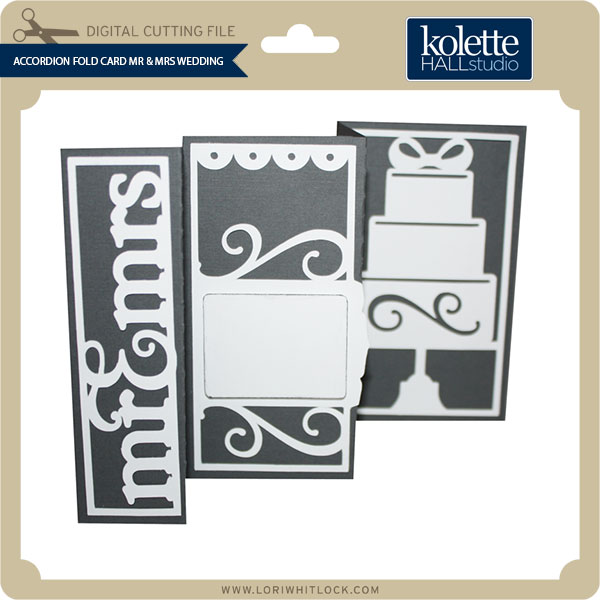
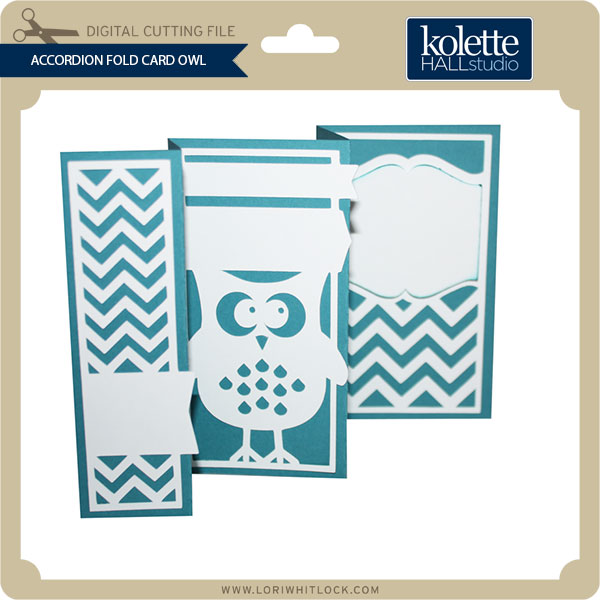
Finally… we have some super fun NEW files in the  SVG Shop this week, and they are ALL on SALE 25% OFF through the weekend!!! These downloads include SVG files. 3D files include cut size information and a PDF for hand cutting if desired. Read description before making your purchase.

To find these files in the Silhouette Design Store click HERE.

3×3″ Pop-up cards with Traci
Hi Lori fans!  It’s Traci from Artsy Albums and I’m back to share Lori’s new pop-up cards with you.  These are quick and easy to make, and will be perfect little notecards for gifts.    Lori designed them as Valentine’s cards … but I wanted to show you how easily they can be turned into birthday, thank you, thinking of you cards, etc.
The base of the card is 3″x 3″ and it cuts out in one piece that folds up.  Lori has a simple instruction sheet for folding these little gems here.

There are several designs to choose from … the dinosaur is my favorite!  Check out those little spikes down his back!  How cute is that!?

Lori added a notch on the card so that they can stay closed, as well as base cover pieces that you can cut and then embellish the front as you wish.

As you can see, I had fun adding stickers and gems to mine!  I hope I’ve inspired you today!  I know you’ll have fun with these!

New at Snap Click Supply: Vintage Brushes

Today I have a brand NEW digital product to share with you called “Vintage Brushes.” This is an awesome collection of vintage ephemera in brush (.abr) format.  You can pick it up now at Snap Click Supply Co. for 25% OFF all weekend!

Vintage Brushes

LW-Vintage-Brushes-Preview

Check out these great layouts by our talented Creative Team members using these new brushes…

RSheedy_Vintage-Brushes cguidoNEWYORK02122015-LWCT

Don’t forget about the sale going on in the SVG shop. 30% off all purchases through the weekend. Use coupon code: FEBRUARY  (case sensitive) at checkout.

2015-02-LW-Blog-Hop-Sale-Feb-630px

Have a great weekend!! Happy Valentine’s Day!

Using Glitter Heat Transfer Vinyl with Kathy

Hi Everyone!  It’s Kathy today with a fun tutorial using the new Silhouette Glitter Heat Transfer Vinyl.  This medium is perfect for making custom t-shirts, and bags but I thought it would be fun to do a pillow for a friend!  Take a peek…

I found a great, easy tutorial to make an envelope pillow cover here on YouTube.  I followed the directions but before I stitched the pillow cover together, I did the following to decorate the front.

 First, I decided on my design and laid it all out in the Silhouette Studio.  I used the word “love” and some hearts from Lori’s Homespun Hearts collection.  When cutting words from heat transfer material, make sure to mirror the image (select Object from the menu, then Mirror) because you cut the back of the transfer material.

I chose to work with the White Silver, Red and Hot pink Glitter Heat Transfer.

If you like, you can load the Glitter Heat Transfer material directly into your Silhouette without a mat, using the Load Media button.  I chose to use my mat, since I was using smaller pieces of the material.  The load media is great if your cut is larger than 12 x 12.    Change your cut settings to Heat Transfer Material, Flocked. (It’s the same for the Glitter) and your blade to a depth of 3.  Be sure to put your material on your mat shiny side down (you’re cutting the back).

Once you’ve cut your image, you want to peel off the “negative” sections of your material so that only your image remains on the plastic transfer sheet.  If you have small sections that are hard to peel with your fingers, you can use a piercer or hook to snag those sections.  I did this with my letters, putting the image over a piercing mat to make it easier.

Next, I laid all my cut pieces out on the cover fabric to get the perfect placement.

A little trick…to make sure you leave space for your stitching seam allowance ( in my case 1/2 inch), put some 1/2 inch washi tape around the edges.  This way you can see exactly how much space you have!

Now for the fun part…Ironing the design to the front of the pillow cover!  I preheated my iron to the cotton setting. (no steam)  Place your design on your fabric.  When layering it is best to do one layer at a time starting with the bottom. (my silver heart for example).    Cover the transfer material with a scrap piece of fabric and iron the design for 45 – 60 seconds.

Check to make sure all of your design has transferred to the fabric by carefully lifting the transfer sheet. (it can be hot!!) If it doesn’t peel off easily, place it back down and iron for a bit more time.

Once your design is all ironed on, you can finish stitching your pillow cover together according to the instructions above.

Here is the finished pillow!  It was really easy to make, I don’t sew fabric a lot but it’s really just a series of straight lines!  My friend doesn’t know this is coming her way…I’m wondering if she’ll know it’s for her!!

That’s it for me today!  Thanks for stopping by!

$1 Wednesday at Snap Click Supply

One Dollar Wednesday at Snap Click Supply Co!

That means you can pick up 2 products at a great deal. Snap Click Supply Co. is home to ALL of Lori’s digital Scrapbooking kits, both Echo Park and exclusive designs by Lori Whitlock. These kits contain printable papers and/or embellishments (.JPG & .PNG formats), plus a few Photoshop brushes (.ABR).

For Lori’s digital cutting machine files, shop at Lori’s SVG Shop (.SVG format – most digital die cutting machines, including the new Cricut Design Space). Silhouette CAMEO & Portrait owners who have NOT upgraded to the Designer Edition software can find Lori’s files at the Silhouette Online Store (.STUDIO format only).

Today only Lori Whitlock’s Basics Life Cards is available for just $1. This kit is regularly priced at $9.99 and TODAY ONLY it’s just $1.

Basics Life Cards

The Basics Label Collection includes 132 LABELS in a variety of colors all ready to go!! Super cute!! They coordinate perfectly with the Basics Life Card set featured above.  And, you can pick it up HALF OFF today only…

Basics Label Collection

Yep, that’s right, 132 labels in a variety of colors

Be sure to go grab these great deals while you can. These offers will end at midnight.