Lori Whitlock Digital Files

Hi, Ashley here to give you some ideas about how to use Lori’s Digital Files that can be purchased at Snap, Click, Supply.  Another way you can use Digital Files involves saving to DropBox or emailing files to your phone, and using an App.  First download and unzip some Digital Files like Be Mine Valentine Collection.  Now transfer those files to your phone.  I used Dropbox–copied files into a folder in Dropbox on my computer.  Then on my phone I opened the DropBox app and selected a few Digital Cards and saved them to my Camera Roll.  Then I opened PicFrame App.

Select a Layout, and start inserting photos and cards.

You can adjust the corners of the frames to be rounded or square, and you can also adjust the shadow.  When finished, click on Share and save.  Now you can print it as a 12×12 or 8×8 at your favorite printer.


I hope you have a great weekend and Happy Valentine’s Day!


Valentine Birdhouse Tutorial with Kathy

Hi Everyone!  It’s Kathy today with a fun tutorial to show you how to put together the new Valentine Birdhouse.  (available here in the Silhouette Shop).  This is such a cute way to package some sweets or a small gift for a friend!

This is a relatively easy file to assemble…  First I cut the pieces.  There is a small rectangular piece in the cut file.  This is meant to be cut from a transparency to form the window of the box.  If you don’t have any transparencies, you can omit this piece, and place your goodies inside a small clear bag.

To start, tape the transparency piece (if using)  to the wrong side of the house body window.  Make sure your tape doesn’t overlap the opening.

Start assembling the house base by folding on the score lines, and gluing the house sides together, making sure the tab is on the inside of the house.

Next, glue the bottom of the house closed.  The smaller flaps go on the inside, and the larger flaps on the outside.

The roof is next.  Fold along the score lines as shown.

Fill your birdhouse with your treats or a gift.  If you are not using a transparency, make sure the goodies are in a small, clear bag.

Place the roof on top of the house.  This piece is not glued down, it is simply a “cover.”

A ribbon is used to hold the roof “cover” on the box.  The ribbon should be no more than 1/2″ wide.  Start by tipping the house and roof on the side, thread the ribbon around the bottom of the box and up through the slits in the roof.

Both ends f the ribbon should be pulled out through the top of the roof.

To finish it off, tie a nice bow!

That’s it for me today, thank you for stopping by to peek!


Cricut Explore Scoring Tutorial with Karin

20160205-_MG_5104-Edit

Hi everyone! It’s Karin and today I’m going to show you how to make an easel card in Design Space using Lori Whitlock’s baby elephant easel card design from her SVG Shop. In the tutorial, I will teach you how to change the usual perforated score lines you have in SVG files to the special score lines that Design Space uses. Also, I have some really good news about that — they have improved the scoring function of the machine by having the scoring stylus pass over all score lines twice. This now creates a really nice, deep score line. Wait till you see it in the video.

If you could see my office/studio/craft room, you would know that I really need to use up my stash. I have ridiculous amounts of patterned paper so that is exactly what I’m doing today.

The patterned paper I’m using today is from a Best Creations collection named Safari Boy. I did a quick search and found that you can find some pieces of it on eBay and Amazon, but not much. I’m sorry if you are hoping to find this paper, but I think we can all stand to use something from our stash (wink wink).

The blue card stock I’m using is from American Crafts Tropicals collection. The brown papers are Recollections brand from Michaels. All of these papers cut beautifully in the Cricut Explore.

In addition to teaching you how to upload and cut the pieces for this card, I will teach you how to change the perforated scoring lines to the Design Space scoring lines that are scored with the scoring stylus.

The video below takes you through all these steps.

For information on the products I used in this project, please visit my blog.


One Buck Wednesday at Snap Click Supply

Today at Snap Click Supply I have two items featured for $1 on Wednesday!. That means you can pick up 2 of my digital scrapbooking products at a steal.  TODAY ONLY!

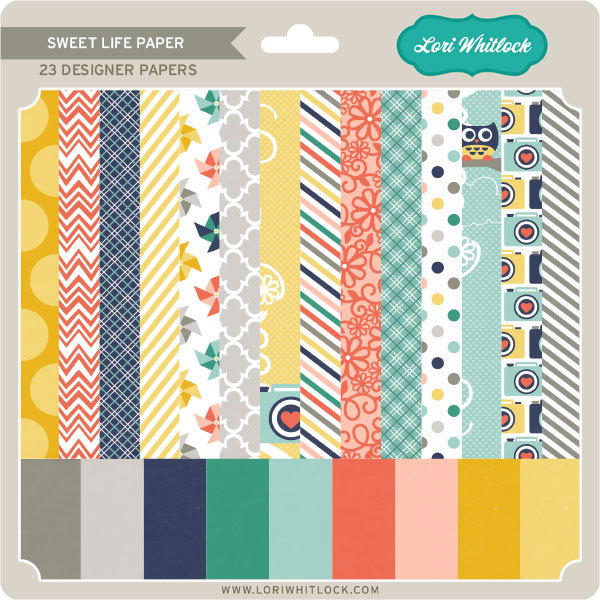
St. Patrick’s Day Papers


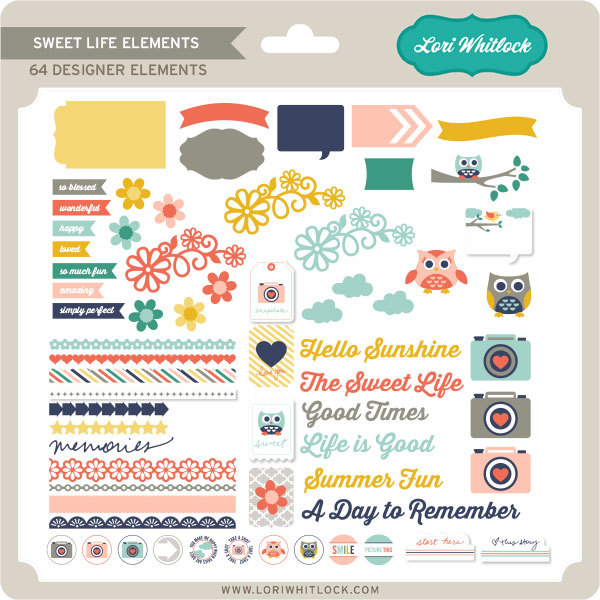
St. Patrick’s Day Elements

Be sure to go grab these great deals while you can. These offers will end at midnight!

And don’t forget, ALL FILES are 30% off in my SVG Shop !  It’s the perfect time to stock up!  This sale lasts through February 15th!

Have a great day!