Tuesday Freebie and New in Shop

ALL WEEK, this SVG file is FREE with any $1.99 purchase!

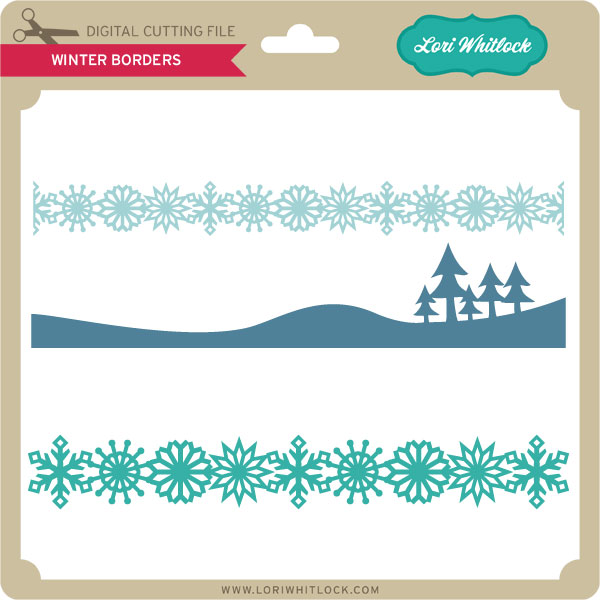
We have a FREE file with purchase all this week! Simply add this Winter Borders File to your shopping cart along with ANY $1.99+ purchase from the SVG Shop and this file is yours FREE. Be sure to use Coupon Code: SNOWFLAKE (case sensitive) at checkout. This offer is good through next Sunday.

(Your cart must reach at least $2.98 before the coupon will be applied and then $.99 will be subtracted from your total at checkout. The files will be available for immediate download after you pay for your order by visiting MY ACCOUNT>COMPLETED ORDERS>ORDER DETAILS inside of your account. Only one discount code per order allowed.)
In addition, don’t forget about this special ! You can get this Free Kit of the Month with any $20 purchase (Purchase must be in one transaction.) Simply add the December of the Month to your shopping cart along with ANY $20.00+ purchase from the SVG Shop and this file is yours FREE. Be sure to use Coupon Code: DECKOTM (case sensitive) at checkout. This offer is good through December 31st!

(Your cart must reach at least $27.95 before the coupon will be applied and then $7.95 will be subtracted from your total at checkout. The files will be available for immediate download after you pay for your order by visiting MY ACCOUNT>COMPLETED ORDERS>ORDER DETAILS inside of your account. Only one discount code per order allowed.)
 
 
Check out our awesome SVG files releasing this week! And, just like always, the NEW files are ON SALE 25% OFF through the weekend in the SVG Shop! These downloads include SVG files for sure and PNG or PDF files when appropriate. No coupon code necessary, the files are all discounted in the shop! Be sure to go get them while they are on SALE this week.
 

Thanks for visiting the blog today! Please let us know if you need any help with your files. We want to make sure everyone is happy with their purchase. Have a great week!
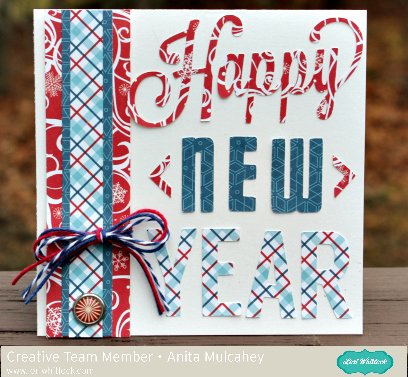
Happy New Year

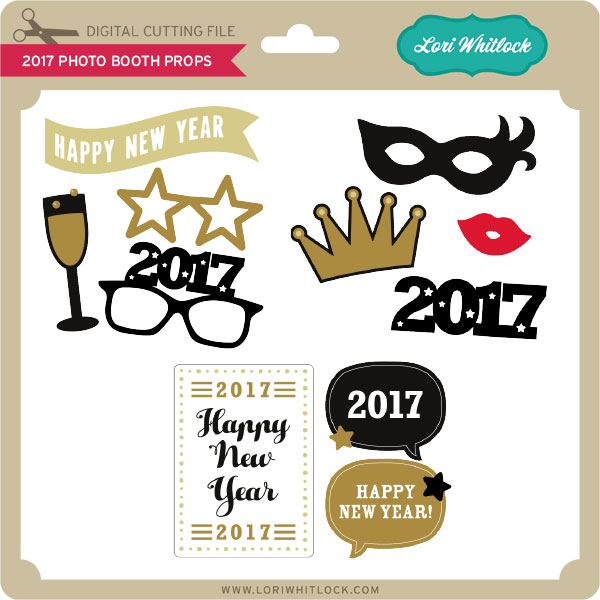
Anita here to share a New Year’s card with you.  I used Lori’s Happy New Year Phrase which you can find here in her store and here in the Silhouette store.  I used Lori’s Echo Park Collection called I Love Winter to complete my New Year’s Card.

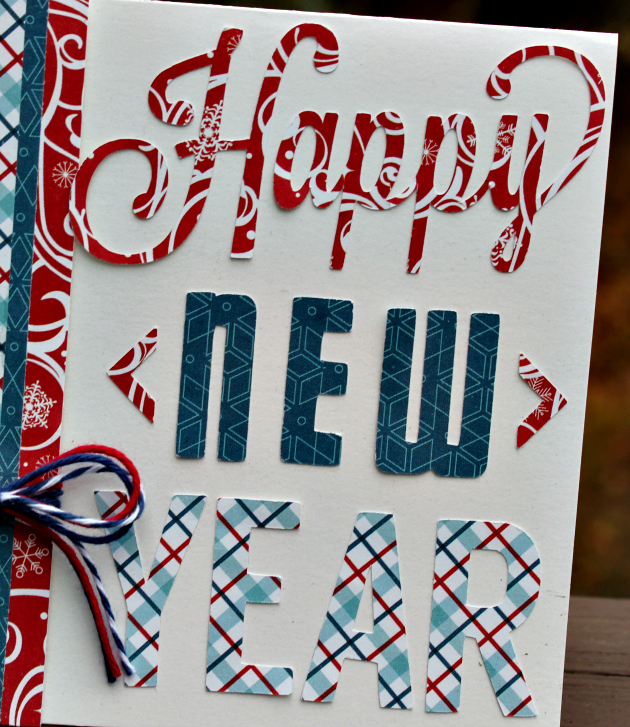
Here’s a close up of the words.  I hope that everyone had a wonderful holiday and will have a great new year.

Hugs,

Anita

Digital Inspiration with Tya

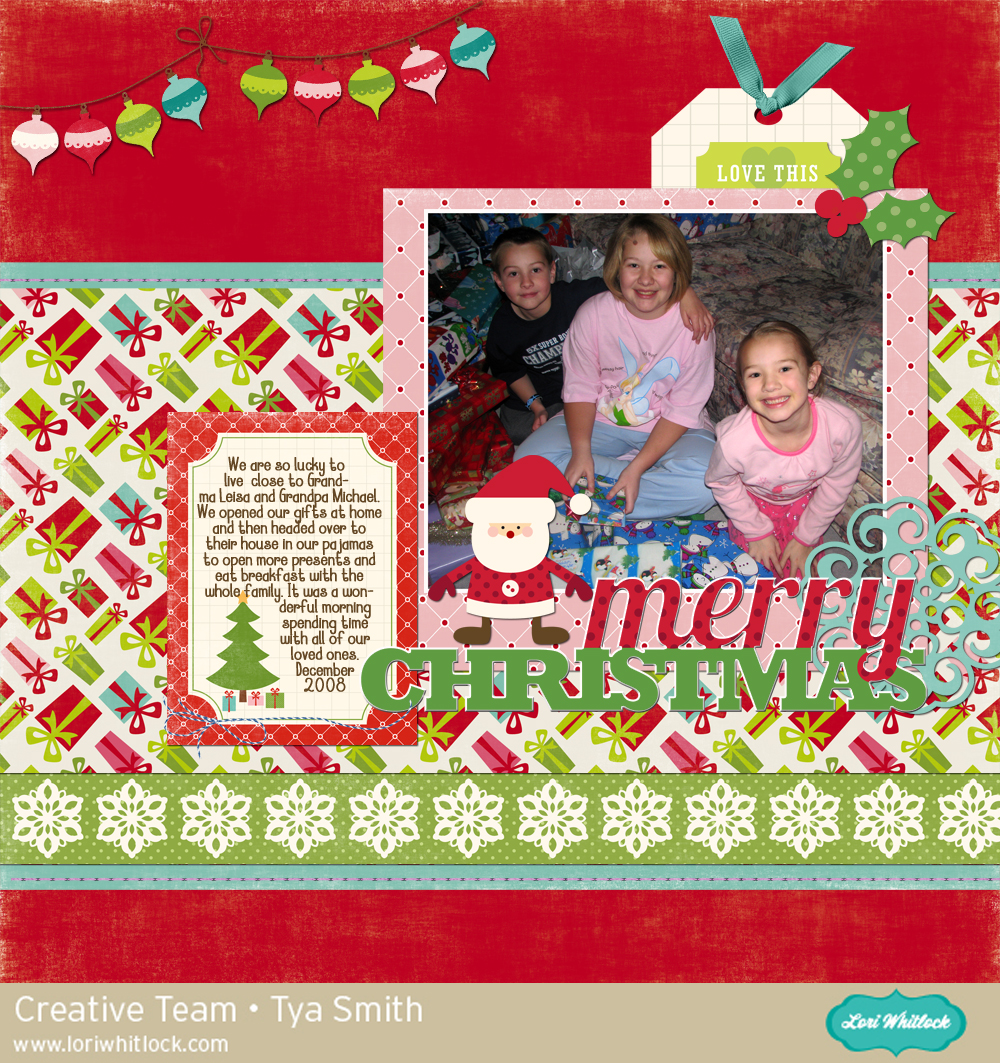
Hello Lori Whitlock fans – I have a digital page to share with you today. Lori has some adorable Christmas themed kits over on Snap Click Supply that are perfect for documenting you holiday celebrations.

I took this photo of my kids a few years back. They looked so cute in their Christmas PJs and they were so excited to open their gifts at their grandparents house. Here is the layout:

I used the following products :

Christmas Day Collection

Christmas Eve Collection

LW Apricot font

Basics Embellishment Set

Thanks for stopping by today! Hopefully I have inspired you to scrapbook those holiday photos!


50% OFF SVG Files – 7 Hours Left!!

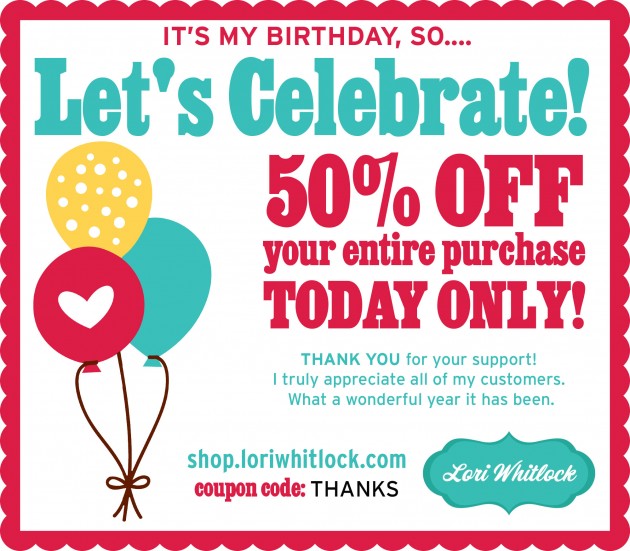
There are still a few more hours left to shop my birthday celebration 50% Off SALE in the Lori Whitlock SVG Shop!  It’s my way of saying thank you to all of my customers for a wonderful year! Use code THANKS at checkout!

We have some fun things planned for 2017 so keep your eyes open for another amazing new year with Lori Whitlock cut files and tutorials for Silhouette CAMEO, Cricut Explore, Sizzix Eclips, Brother Scan n Cut. Have a great day!

Lori

Print and Cut Christmas Tags Tutorial with Kathy

Hi Everyone it’s Kathy with you today!  Well, we are down to the wire with the holidays, and I will admit, I’m a last minute wrapper!  This year, I did think ahead a little and I created some fun tags using Lori’s Print and Cut Christmas Tag Bundle.  (Sold individually in the Silhouette Store here).  I know a lot of Silhouette users are unsure how to use the print and cut feature, but it really is pretty easy, and the results are awesome!  For Cricut users, Lori has a great Print and cut Tutorial here.

I started by loading all of the tags onto one mat in my Silhouette Software.

I do have a wide format printer and can print 12 x 12, but since most folks don’t, I wanted to show you how to set up your mat to print on 8.5 x 11 paper.  You want to first click on the Design Page Settings icon on the top right menu.  You then want to set your page size to 8.5 w x 11 tall.  This tells your Silhouette you’ll be working with a letter sized paper.

Next, you want to set up the Printer Registration Marks.  These are lines that will print on your page, along with your design, that the Silhouette can read, and enables the machine to cut your printed designs correctly.  To do this, click on the Registration Marks window on the upper right.  Select Type 1 registration marks for Cameo or Portrait.  You will see some marks appear on your page.  You want to make sure your print and cut designs are all inside these marks, or they will not print correctly.  I set mine to the lowest number which widens the area for printing and cutting.  I then added my print and cut designs to my page, making sure they were inside the registration marks.

Once everything was set, I sent the designs to my printer.

Here is what the page looks like when it comes out of the printer, you can see the registration marks in the 3 corners.

Now to cut, place this page on your mat, and load into your Silhouette.  Make sure the page is the correct orientation (how it looks in your Silhouette Software) going  into your Silhouette, if you put it in upside down the registration marks will not read correctly.

Send the file to your Silhouette.  The Silhouette will first read the registration marks, then proceed to cut the shapes.  You end up with these cuties!

I cut the actual tags from some patterned papers and added the print and cut designs using some foam tape for dimension.  You can embellish the tags more using Stickles, Glitter or enamel dots.  Here are some close ups of my individual, embellished tags.

How cute are these???  They will make the perfect addition to my gifts!  That’s it for me today, I hope you all have a safe and wonderful Holiday!!