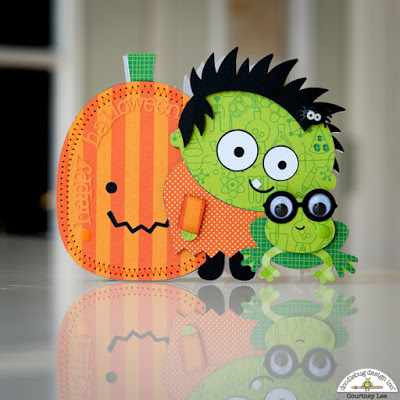
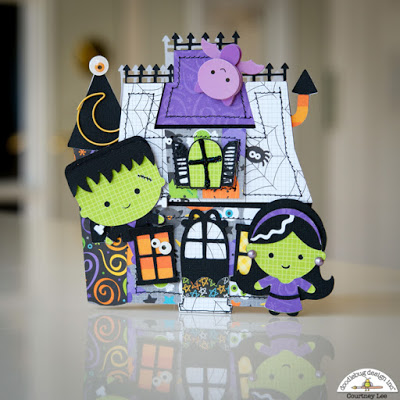
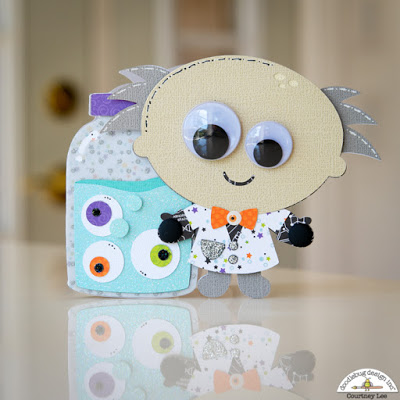
Hi Everyone! Today I’m showcasing another fabulous project using Doodlebug Design’s cut files! These ADORABLE Halloween Cards were created by Courtney Lee for Doodlebug Design.
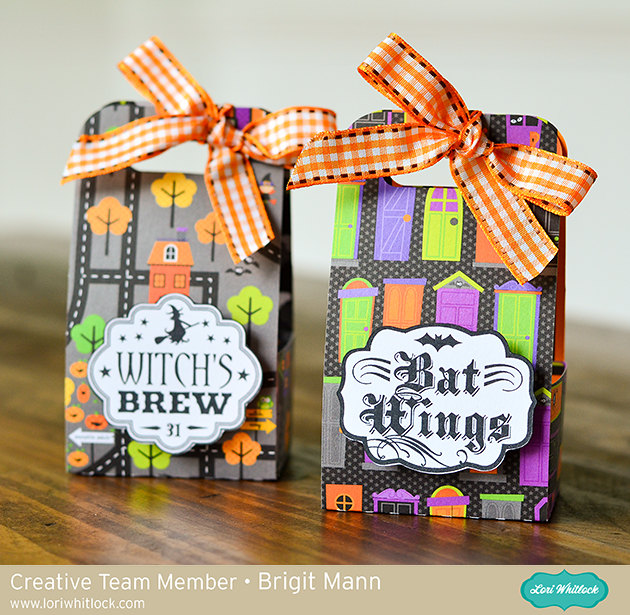
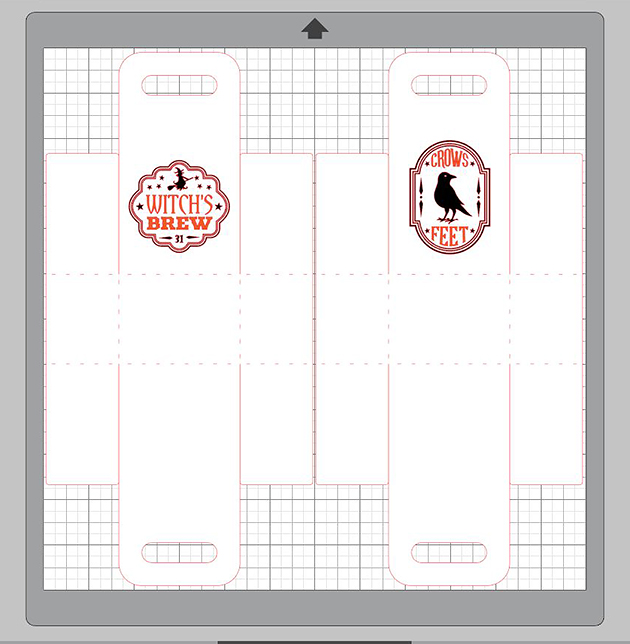
Hello there, it’s Brigit here, I have a quick tutorial on how I made these cute Halloween treat boxes. When I need a bunch of boxes I like to use the print and cut feature to create labels this way I can put them together very quickly. For these two I used two sheets from Doodlebug Design’s Halloween Parade paper collection.
For this project, I used the 2 on 12×12 Handle Ribbon Treat Box which you can get here at Lori’s shop or at the Silhouette Design Store here. As the name applies you can get two of these on one sheet of 12 x 12 paper so it’s a great little treat box if you need a bunch.
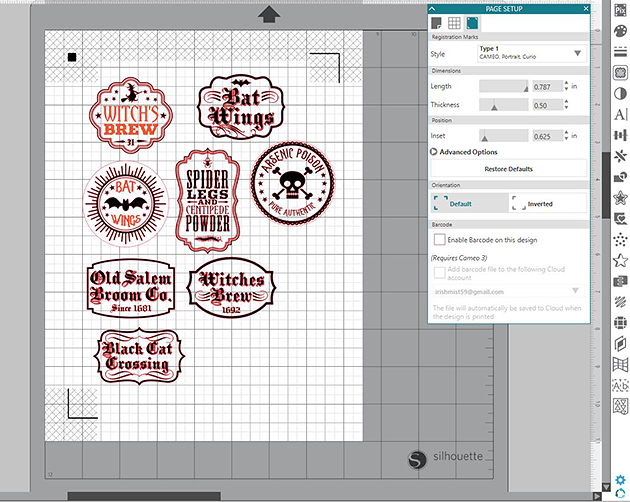
I printed out my sheet and cut them on my Brother ScanNCut 2 which is what I prefer to use cause I’m not limited to registration marks, but I do have a Cameo so if I was going to print n cut with it I would check the registration marks under the page setup.
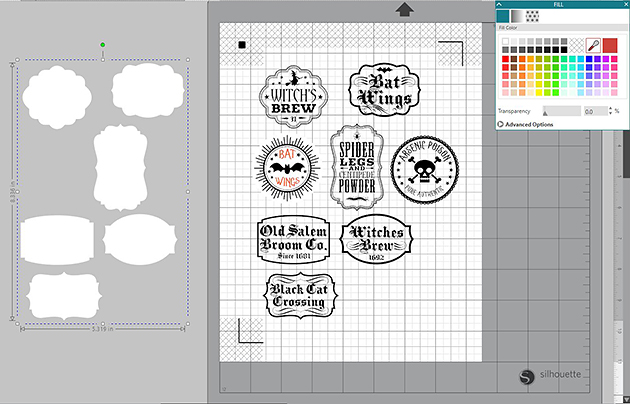
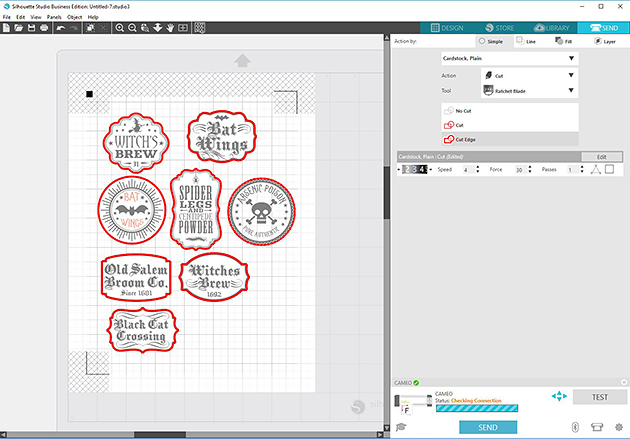
For the apothecary labels when I selected cut edge the inside pieces were still selected so I grouped them made a duplicate, released and changed the color to white then aligned them together.
I was able to select cut edge then and the inside pieces weren’t selected.
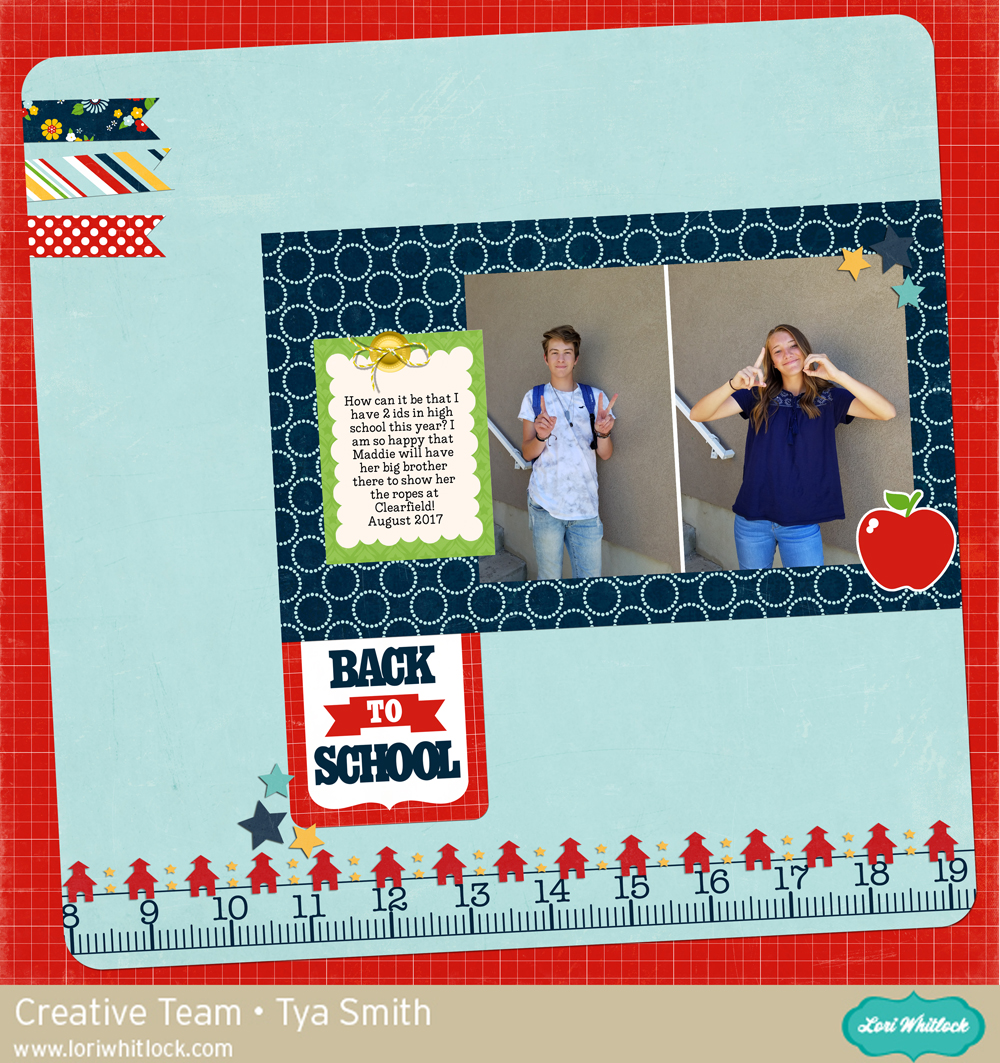
Hi there Lori Whitlock fans! It’s Tya and I am up on the blog today sharing some digital scrapbooking inspiration. It is Back to School time and I just love all of the cute school themed products that Lori has in her shop on Snap Click Supply. One of the products that I love is called a Quick Page. Basically – Lori has done all the design work for you – you just need to plug in your photos and any other embellishments you want to add and viola! You page is done! Quick pages are a great way to get your pages done fast! They are great! Here is my layout:
Today at Snap Click Supply I have two items featured for $1 on Wednesday!. That means you can pick up 2 of my digital scrapbookingproducts at a steal. TODAY ONLY!
Have you seen the latest from Cricut? The new Cricut BrightPad™ is an ultra-thin tracing pad/light table, and I think it’s one of the hottest new tools on the market and a must-have for all crafters! Guess what? We have a BrightPad to give away to one of our readers! Keep reading along to enter the giveaway at the end of the post. Here’s a little video review of the BrightPad that I did so you can get a closer look:
Cricut BrightPad™ is the brilliant crafting companion that illuminates projects for easier crafting and reduced eye strain. Use it for tracing, weeding, quilting, and more. It’s light, thin, and durable for comfort and portability. With its ultralow profile, you can trace sitting at a table or in your favorite chair. When weeding vinyl or iron-on, your design will be beautifully illuminated for quick and easy work. And paper piecing quilt blocks has never been easier!
If you’re interested in buying BrightPad or just taking a closer look you can do so HERE. Oh, and while you’re there, be sure to check out the new Cricut Maker cutting machine! It features a rotary blade to cut fabric that I’m super excited about. I’ll be doing a review on that machine soon. Also, be sure to enter the giveaway below for a chance to win a BrightPad. Good luck!