Hi Everyone! Today I wanted to share with you some of my all time FAVORITE crafting tools and supplies. Perhaps it will help you with your Christmas list and some of them are on Cyber Monday deals right now. I have tried a lot of different products over the years and these are ones that I use all the time – they are in my craft room and I couldn’t live without them.
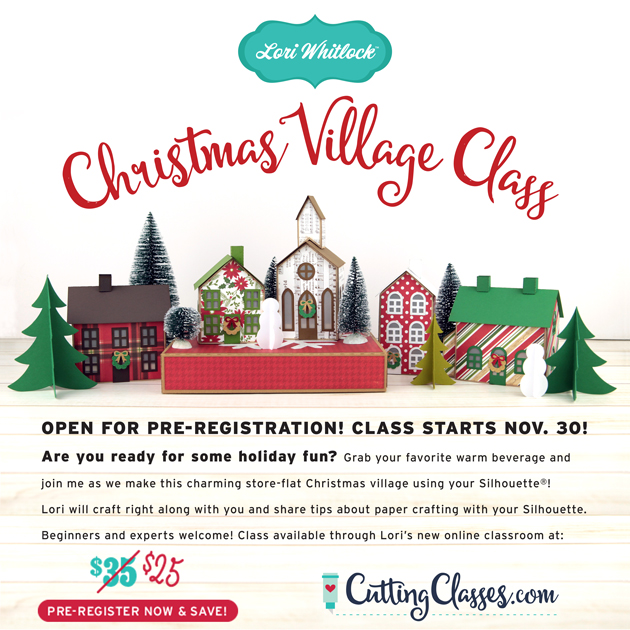
Before we get started, have you seen my new Christmas Village Class over at CuttingClasses.com? Join me as we make this beautiful, store-flat Christmas Village together! I think this is the perfect way to get in the holiday spirit! I’ll walk you through every step to make this Christmas Village with your Silhouette or Cricut Cutting Machine. All of the cutting files needed to make the project are included in the class along with a PDF and video instruction. This class is offered exclusively through my brand new online classroom at CuttingClasses.com. The cost for this class is $25 if you pre-register before November 30th. Once the class goes live, the price will be $35, so don’t wait! Click here to register! Watch for more classes in the coming months!
Now, on to the fun crafting tools and supplies that I simply can’t live without (well, I could, but I’d prefer not to)…
For a few years I’ve struggled with finding the perfect printer. I finally found one I love. The Canon Pixma printer has a rear feed tray for card stock. And, it works seamlessly with my Silhouette and Cricut for print and cut files. Worth every penny.
This is an amazing heat press with plenty of bells and whistles like time and temp gauge AND a shock mechanism so it opens smoothly. It feels really solid and works flawlessly. If you are looking for a really good heat press, I highly recommend this one. It’s the one I use.
I love this paper trimmer. It’s a rotary trimmer with a light so you can see exactly where you’re cutting. I use this daily.
If you want to give Heat Transfer Vinyl a try and space is a concern, the Cricut Easy Press is the way to go! Nice even heat with a large surface area make the Cricut Easy Press a perfect choice.
I love the BritePad for easy vinyl and HTV weeding! It also works great for tracing. I think you’ll love it too.
Silhouette Products:
You can’t beat these prices/bundles. Sale ends Dec 1.
use promo code: LORI
If you’re on a budget, you want a portable machine, or you want a back up machine, the Portrait 2 is an excellent choice. It functions the same as the CAMEO with a smaller cut mat. Most of my paper projects will work with the Portrait, just so you know.
use promo code: LORI
You can always use a fresh mat or 2 or 3.
use promo code: LORI
A sharp blade is essential to a great project. Keep extra blades on hand so you never end up waiting for one to ship when you need it. This is only usable with the CAMEO 3 or Portrait 2.
use promo code: LORI
You can use this blade with ALL Silhouette machines. You have to manually adjust the depth. Honestly, I use most of the time.
use promo code: LORI
I love the Silhouette tools. Great addition to your cutting supplies.
Worth every penny. Opens up all the design features so you can get creative.
Now more valuable than ever and totally worth it because it adds the ability to save SVG files, operate multiple machines simultaneously, and open embroidery files. Do it all with the Business edition.
Cricut Products:
The best Cricut machine for your money.
The high end Cricut machine which adds the ability to cut fabric with a rotary cutter.
A sharp blade is essential to a great project. Keep extra blades on hand so you never end up waiting for one to ship when you need it.
I love tools! Great addition to your cutting supplies.
You can always use a fresh mat or 2 or 3.
My go-to liquid adhesive. Pair it with the precision tip glue bottle (below) and you have a the perfect combo.
Load it with Scotch Tacky Glue (above) and you’ll be in adhesive heaven.
By far my favorite tape runner. It holds a ton and lasts forever. And, the best part… it actually sticks.
I love to add dimension to my projects. Use these foam dots to make a special piece or two pop out on your cards.
One of my favorite ways to add a professional touch to any paper crating project is to ink the edges with these little Chalk Inkpads.
Sometimes you need a few extra hands to hold a project together. These clamps are great at holding paper together so you can keep working.
And, you’ve just got to give vinyl a try. Here are some great starter packs with a variety of colors….
Happy Shopping!!!


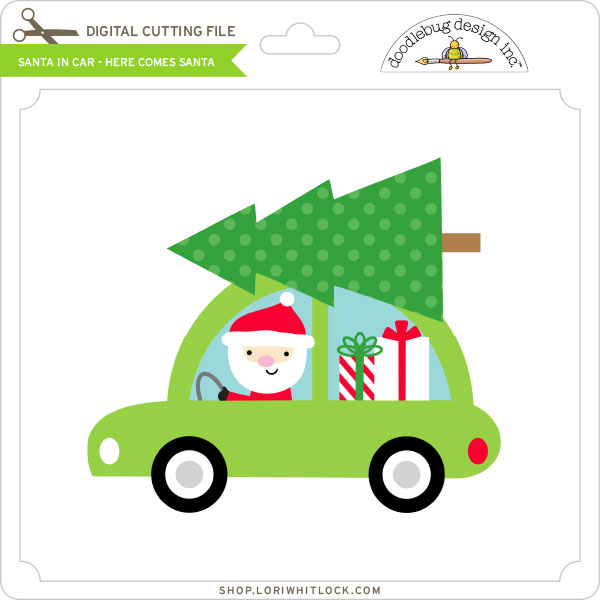
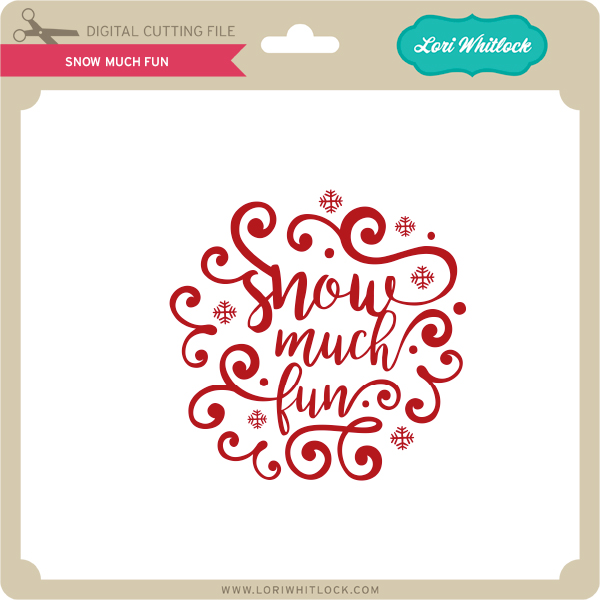
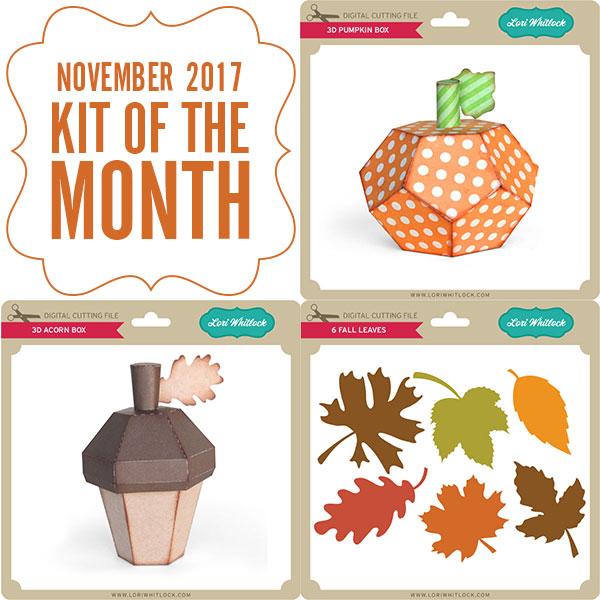 Check out our awesome SVG files releasing this week! And, just like always, the NEW SVG files are ON SALE 25% OFF through the weekend in the SVG Shop! These downloads include SVG files that may be used with Cricut Explore, Silhoeutte (DE upgrade required), Eclips, Brother Scan and Cut, and any other software that will open SVG files. No coupon code necessary, the files are all discounted in the shop! Be sure to go get them while they are on SALE this week.
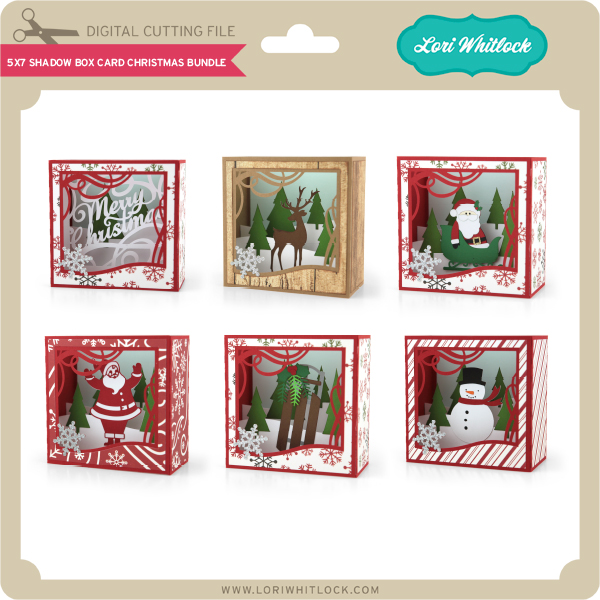
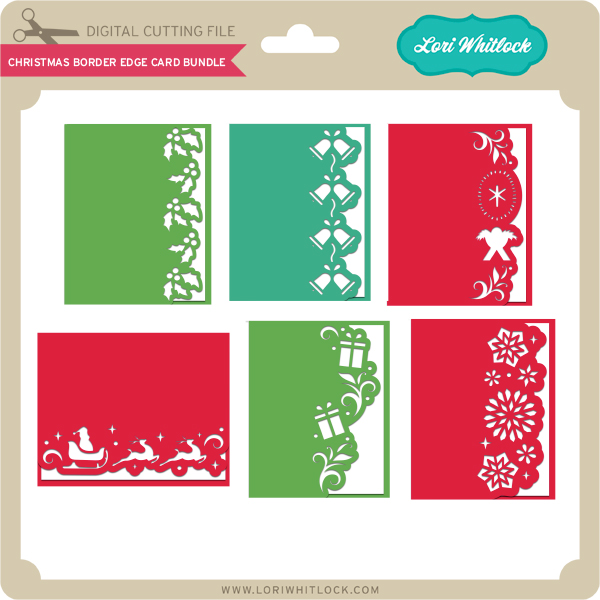
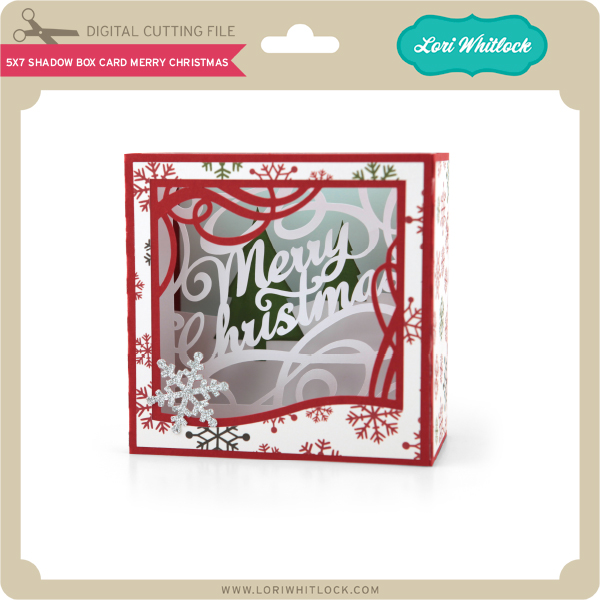
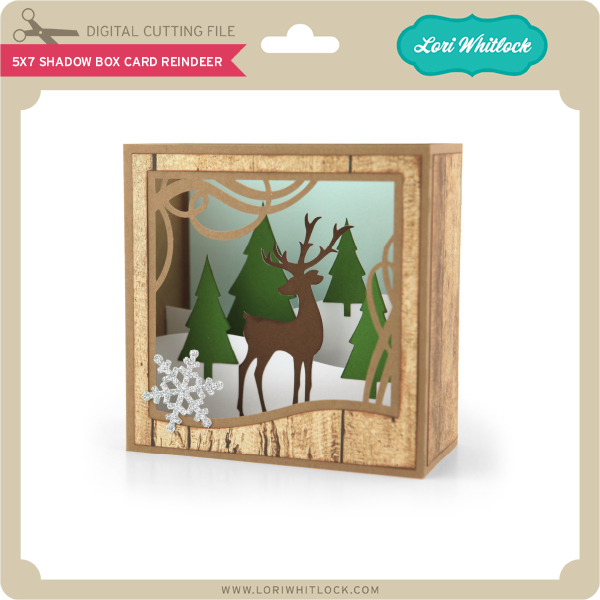
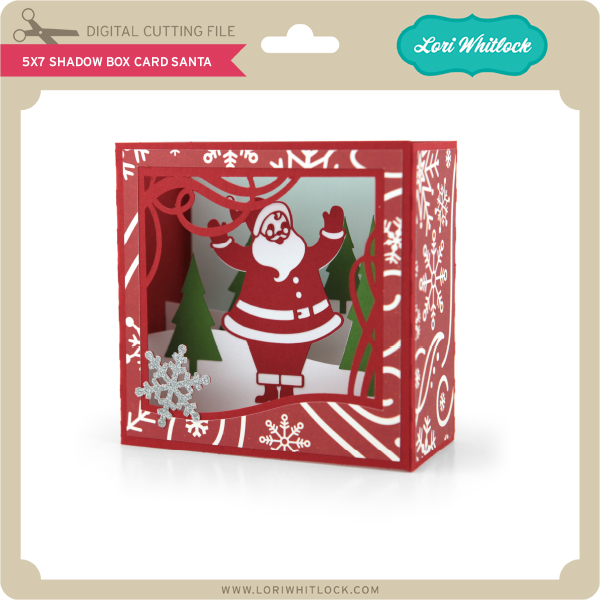
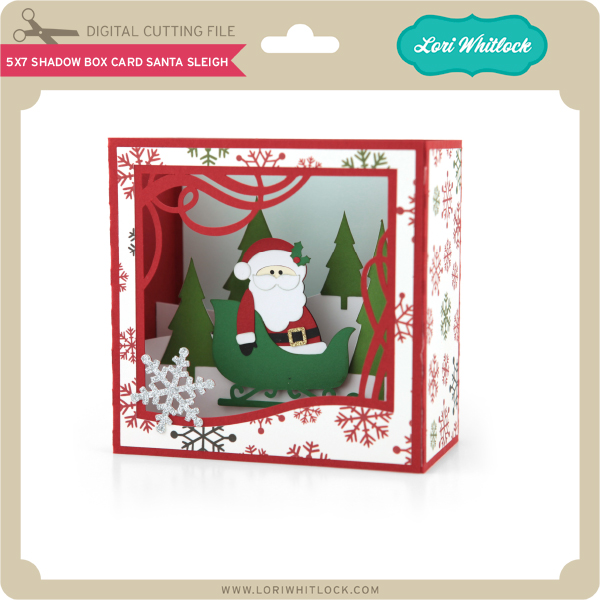
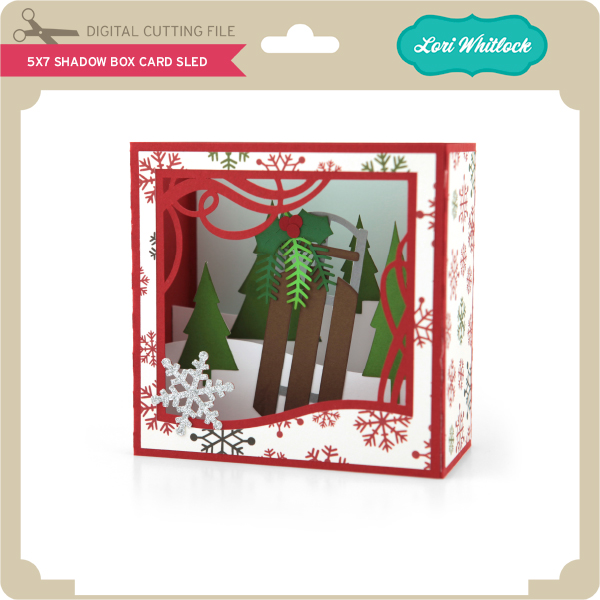
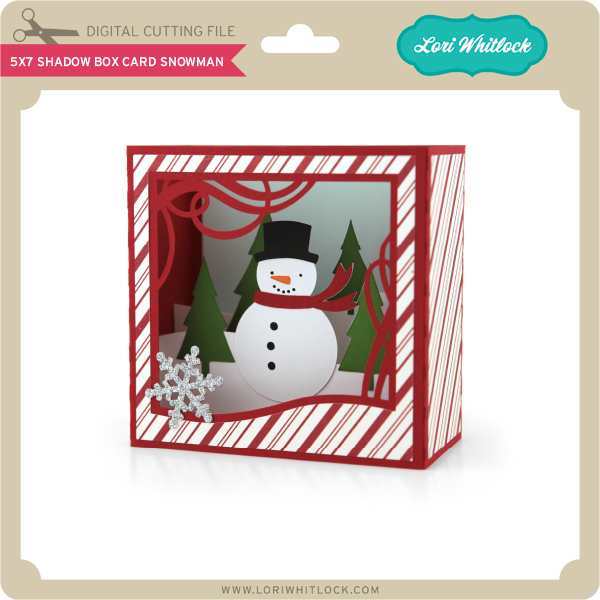
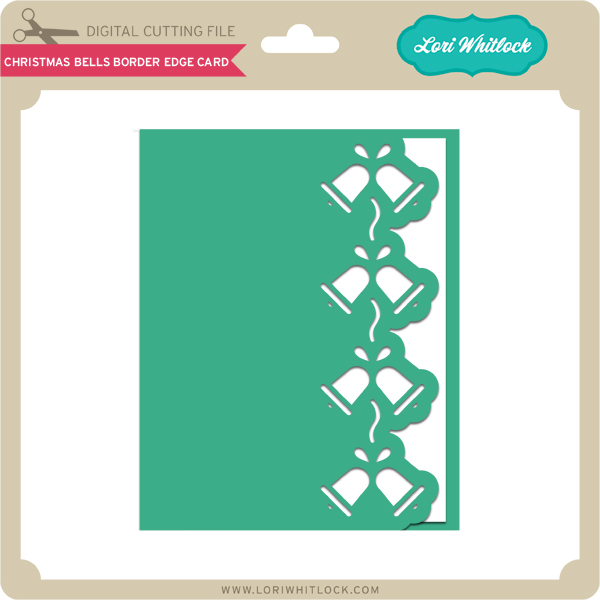
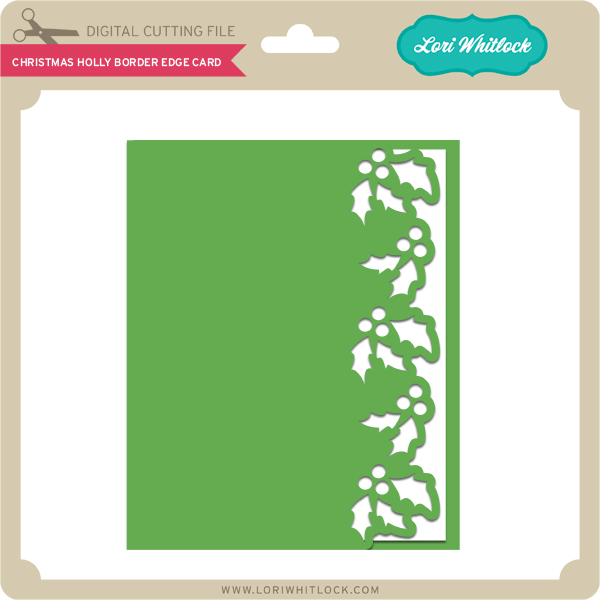
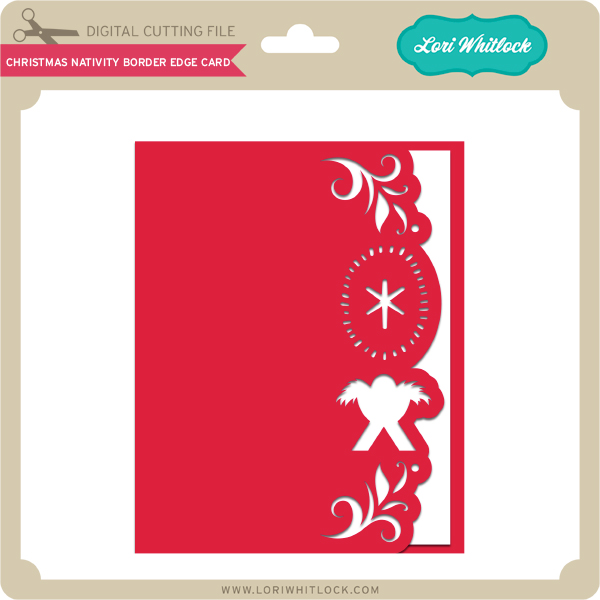
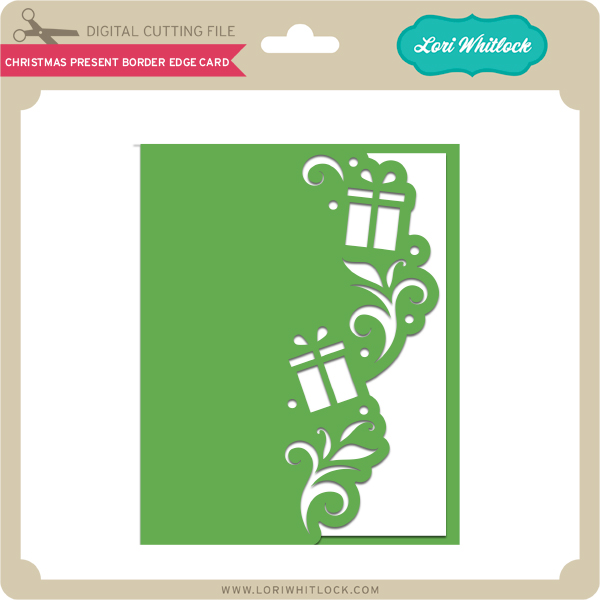
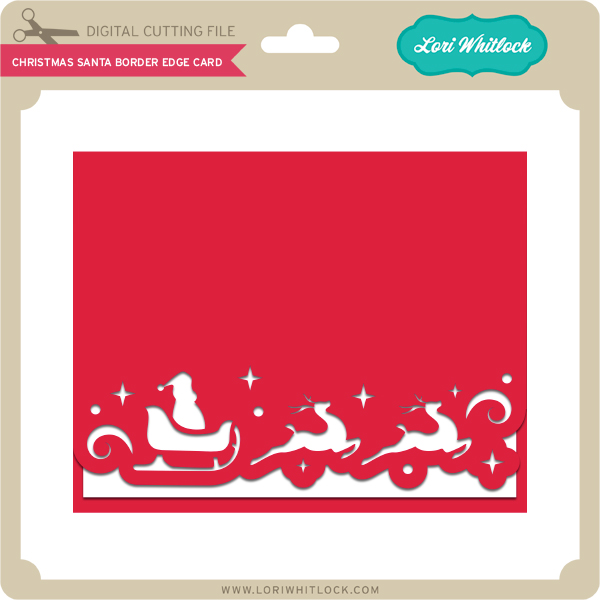
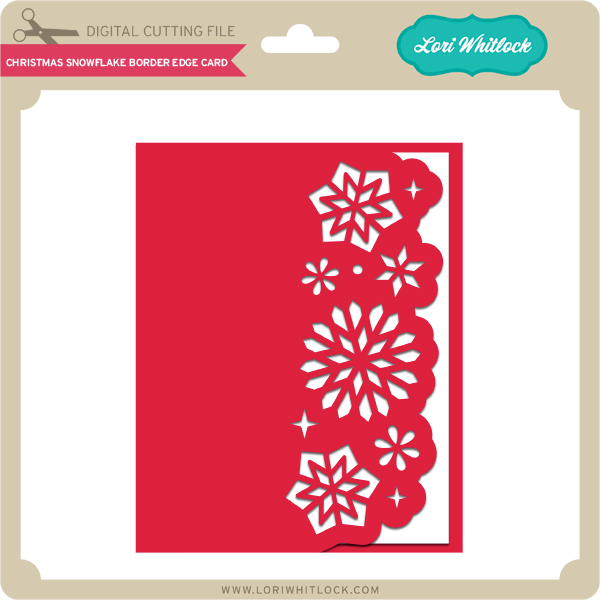
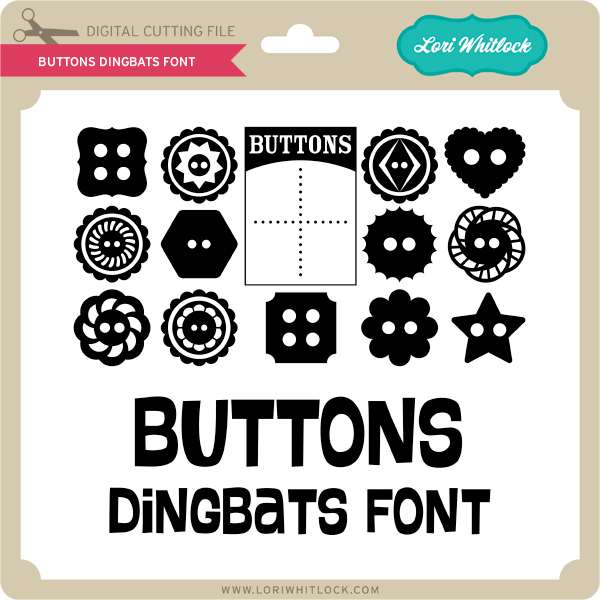
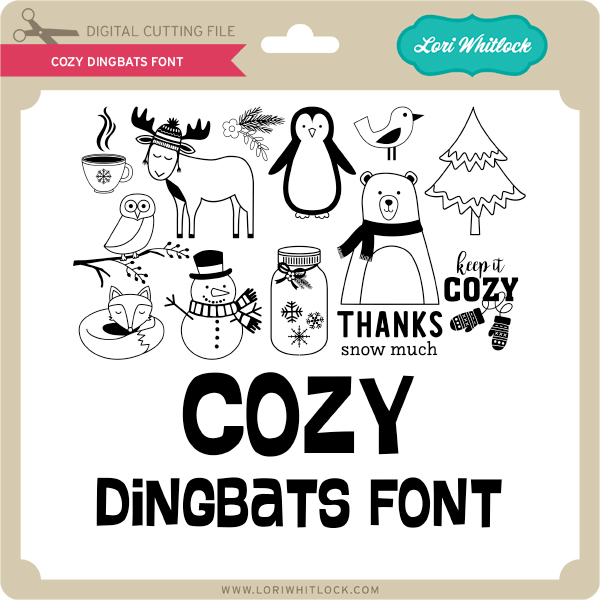
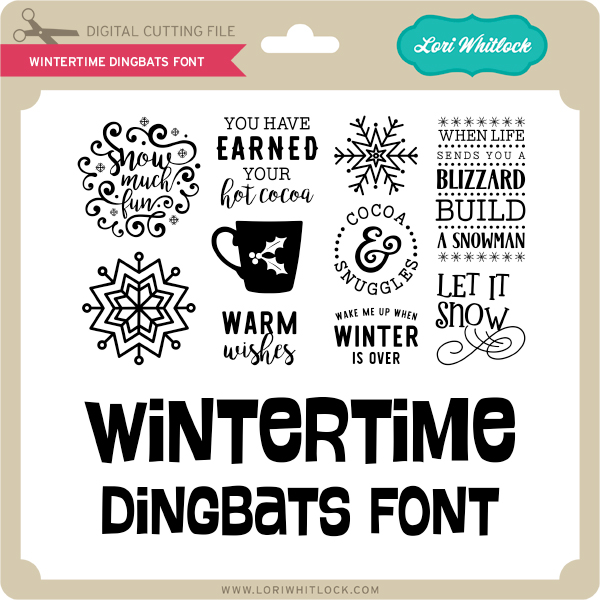
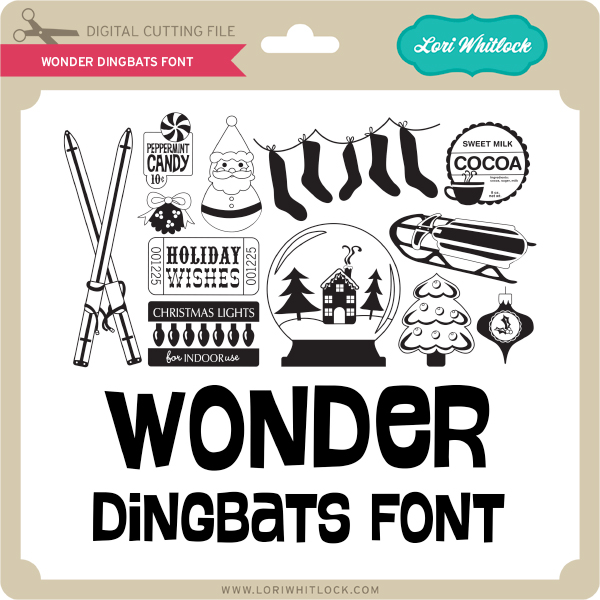
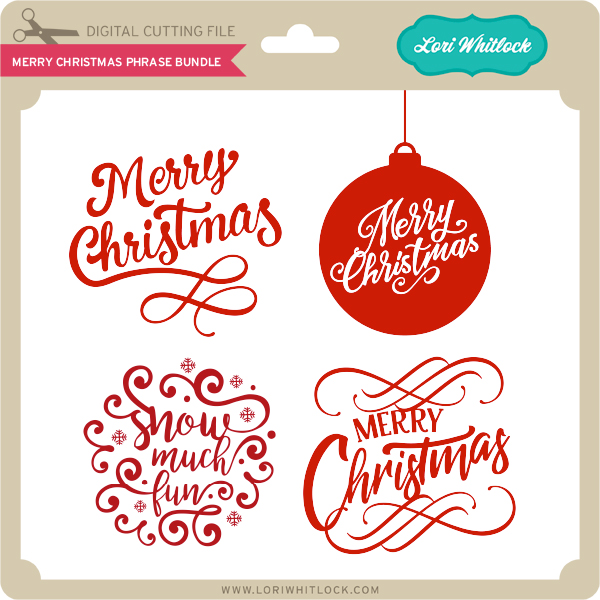
I have two Christmas Card Bundles this week and some fun new Dingbats Fonts!
Check out our awesome SVG files releasing this week! And, just like always, the NEW SVG files are ON SALE 25% OFF through the weekend in the SVG Shop! These downloads include SVG files that may be used with Cricut Explore, Silhoeutte (DE upgrade required), Eclips, Brother Scan and Cut, and any other software that will open SVG files. No coupon code necessary, the files are all discounted in the shop! Be sure to go get them while they are on SALE this week.
I have two Christmas Card Bundles this week and some fun new Dingbats Fonts!