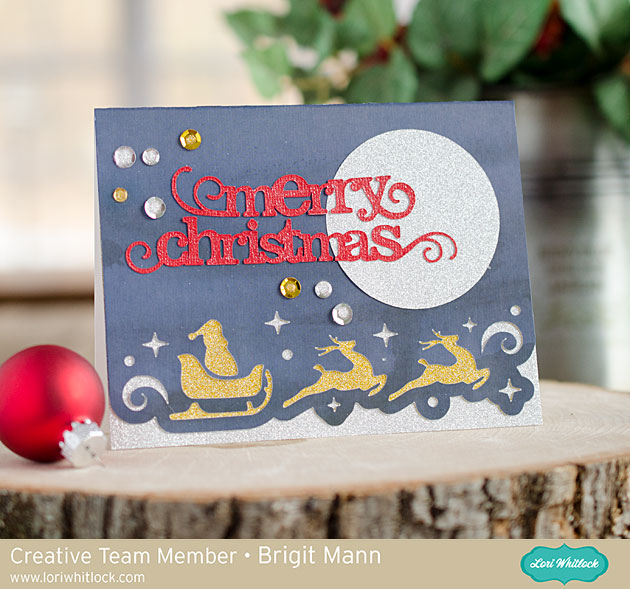
Hello there, it’s Brigit, I have a fun heat transfer vinyl project to share today. When I saw Lori’s homemade gingerbread phase (here in the Silhouette Design Store) I knew it would look so cute on one of the potholders from the Dollar Tree.

Perfectly Square Box Advent Calendar
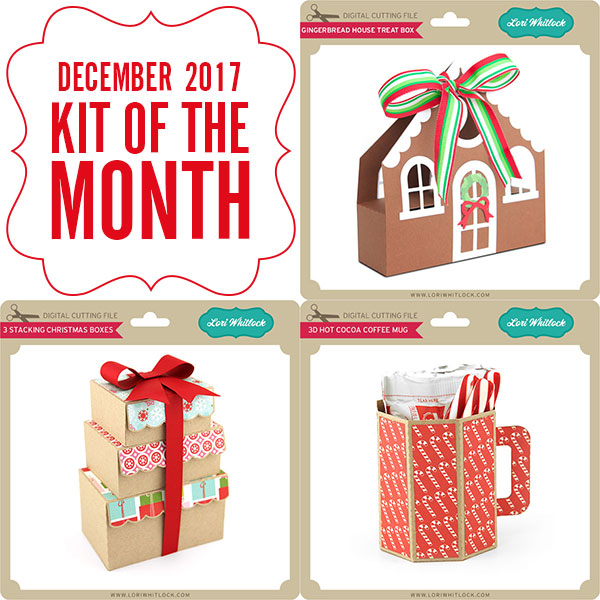
Hi Everyone! Today I have a different kind of Doodlebug Design Feature! Check out this fun Advent Countdown Calendar created by Kathy Skou for Doodlebug Design using my 2 on a 12 x 12 Perfectly Square Box File (in Silhouette Store here) …

Kathy pieced together 26 of my boxes, stacked them up and added Doodlebug’s Milk & Cookies Flannel Jammies Double Sided Cardstock countdown blocks (available where Doodlebug Design papers are sold) The boxes open to show a hidden treat!

What a fun way to countdown to the holiday! You can see her original post with the paper she used here.
Have a great day!
“Faux Stamping” with Dingbats Technique by Michelle
Cozy up with the Winter Dingbat Font and make these sweet little stocking-stuffer notebooks! This is Michelle Zerull and I’d like to share a pocket sized project that can made in practically no time at all. Perfect for stockings, classroom gifts and coworkers. Make one for yourself too!

For these mini notebooks, I used “A Perfect Winter” papers by Echo Park. The colors and patterns are great for the holidays and beyond. For the “Faux Stamped” covers, I downloaded the Winter Dingbat Font which can be found in the Silhouette Design Store and also at Lori Whitlock’s SVG Shop. The books themselves were made from the 2×2 Accordion Mini Album SVG files that can be found here in the Silhouette Design Store and also here at Lori Whitlock’s SVG Shop. Lori has an excellent Tutorial Video where she shows how to assemble the books. Be sure to watch the seven minute video for Lori’s tips and tricks! I’ll show you here, how to use the adorable Winter Dingbat Font to make the book covers.
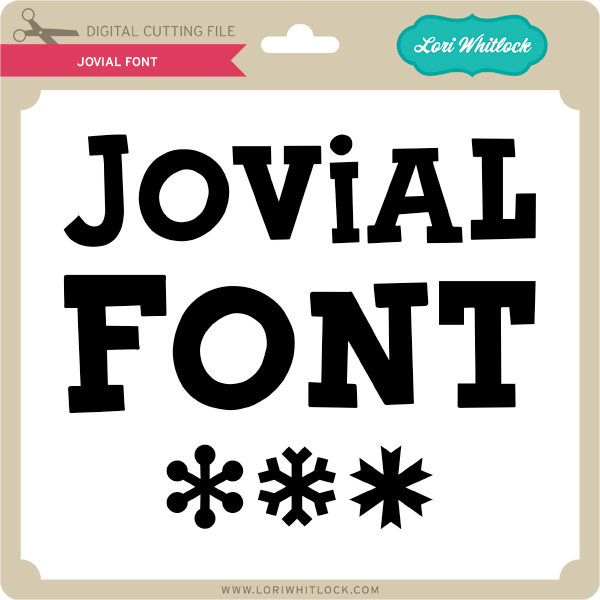
I’ve been a rubber stamper for over 20 years. I love the look, but I hate stamping on my favorite patterned papers. I’m always afraid that I’m going to get a bad impression and ruin them. Sadly, it happens. By using the Winter Dingbat Font, I know that I’m going to get a consistently perfect image every time without actually stamping. The Winter Dingbat Font contain 26 images and phrases that can be cut, colored and printed in any size your heart desires! Yes, that’s right…26 images…in ANY size! This “Faux Stamping” technique is so easy to do with the print and cut feature on my Silhouette Cameo. It’s my latest obsession!

After downloading your font and SVG design, open up your design area and type in the alphabet using your dingbat font. Look at all of those images! The hard part is choosing which ones to use! For this project, I’m going to use three of the phrases. I clicked on the designs, clicked on the fill tool and chose the color black. I ungrouped all 26 images and deleted the images that I was not going to use.
Next, I opened the 2×2 Accordion Mini Album files. I’m going to cut them all eventually, but right now, I’m working with the covers. I ungrouped the pieces and set them off to the side for later.
I copied the teal front cover piece and made three covers. (I made a lot of little books!) Move your phrases to the front of the covers and remove the cut lines by selecting “no cut.” Important! Remember to remove the teal color from your pieces and change it to transparent. At this time, I also changed my page setup. I don’t have a 12×12 printer, so I am going to cut my 12×12 patterned paper down to 8.5×11 so it will feed through my printer. In order for the Silhouette to read the registration marks, you will need to choose a light colored patterned paper.

Add your registration marks to your letter sized page setup. Place your light colored 8.5×11 patterned paper in your printer and hit “print.” Voila! Perfectly printed on patterned paper! Now you can put this sheet through the Silhouette Cameo for perfectly cut book covers that already have the phrases printed, or “Faux Stamped”on them.
Cut and assemble the other pieces like Lori shows in the tutorial video. Instead of using designer paper for the pages, I chose to use plain white pages so I could make them into mini notebooks.

I hope that you enjoyed my “Faux Stamping” with Dingbats technique. The dingbat fonts are so fun to play with!
Digital Inspiration with Tya
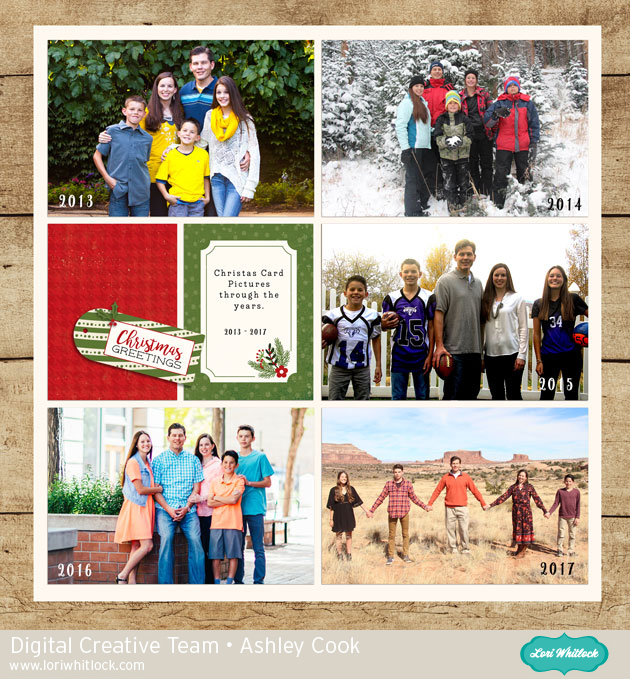
Hello there everyone! I have to admit – I just love this time of year! I look forward so much to gatherings with family over good food and good times. I went through some older pictures and wanted to record this fun Thanksgiving dinner we had. Whenever I have an event I want to scrapbook that has a lot of photos, I like to use a pocket style template. I used the lovely The Story of Fall collection designed by Lori for Echo Park. It was so fun to make! Here is the layout:
I used the following products :
The Story of Fall Mega Collection
Thanks so much for stopping by today! Happy Crafting!
One Buck Wednesday at Snap Click Supply Co.

Today at Snap Click Supply I have two items featured for $1 on Wednesday!. That means you can pick up 2 of my digital scrapbooking products at a steal. TODAY ONLY!
Christmas Day Papers

Christmas Day Elements

Be sure to go grab these great deals while you can. These offers will end at midnight!