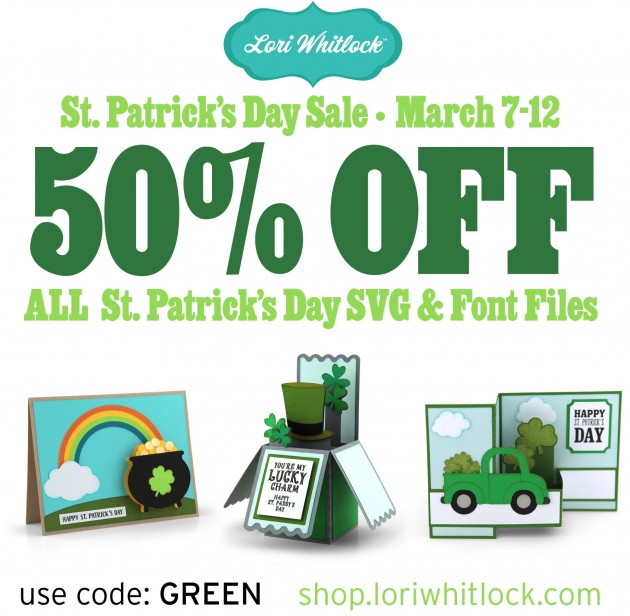
You’re in Luck! Now through Monday, March 12th All St. Patrick’s Day SVG and font files are 50% off when you use code GREEN at checkout! (Only one discount code per order allowed)
Don’t miss out, sale ends Monday!

You’re in Luck! Now through Monday, March 12th All St. Patrick’s Day SVG and font files are 50% off when you use code GREEN at checkout! (Only one discount code per order allowed)
Don’t miss out, sale ends Monday!

Today at Snap Click Supply I have two items featured for $1 on Wednesday!. That means you can pick up 2 of my digital scrapbooking products at a steal. TODAY ONLY!
Be sure to go grab these great deals while you can. These offers will end at midnight! And check out Ashley’s beautiful layouts featuring these collections…
Happy One Buck Wednesday. I have 2 layouts to share using Lori’s featured One Buck Wednesday collections. 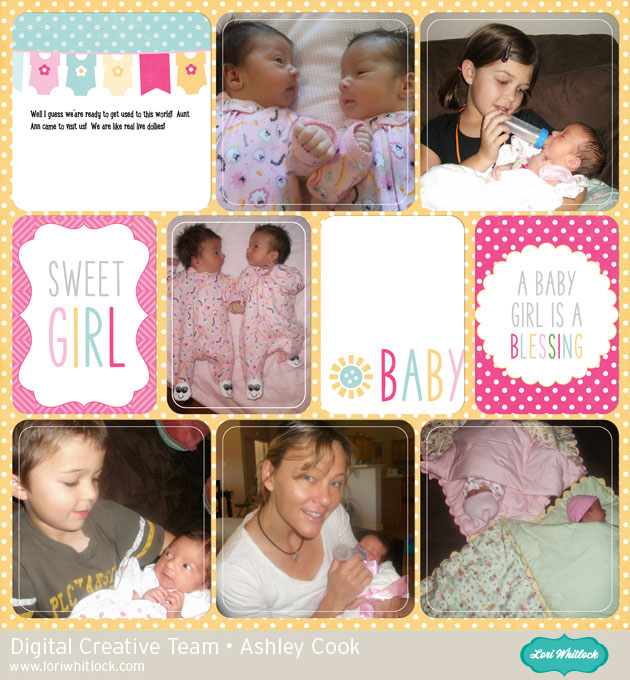
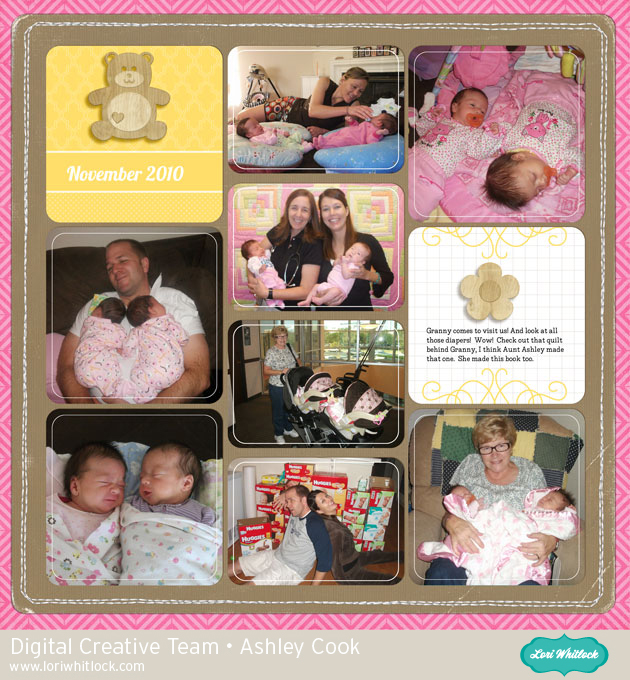
Double the fun! These babies are my nieces. I created an album for them cause when you have twins, someone needs to help!
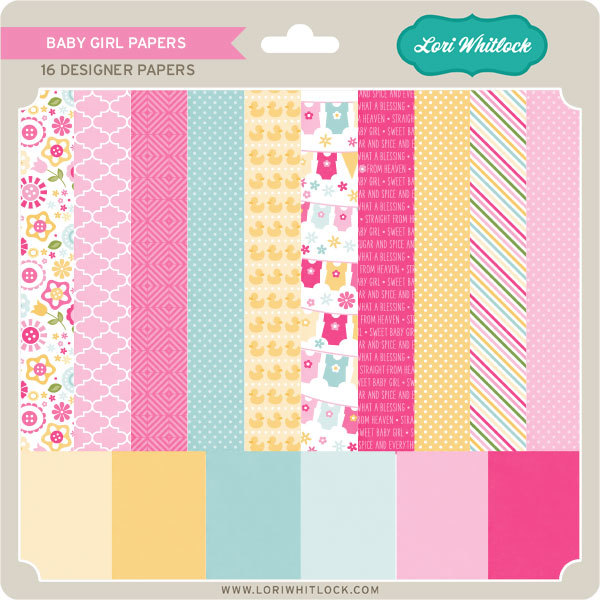
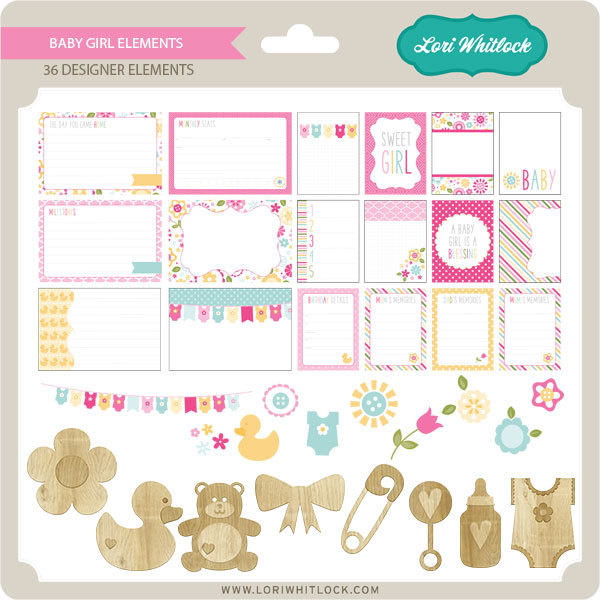
Baby Girl Papers and Baby Girl Elements. Get them today for $1.
We have a FREE file with purchase all this week! Simply add this Lucky Shamrock file to your shopping cart along with ANY $1.99+ purchase from the SVG Shop and this file is yours FREE. Be sure to use Coupon Code: LUCKY (case sensitive) at checkout. This offer is good through next Sunday.
(Your cart must reach at least $3.48 before the coupon will be applied and then $1.49 will be subtracted from your total at checkout. The files will be available for immediate download after you pay for your order by visiting MY ACCOUNT>COMPLETED ORDERS>ORDER DETAILS inside of your account. Only one discount code per order allowed.)

In addition, don’t forget about this special ! You can get this Free Kit of the Month with any $20 purchase (Purchase must be in one transaction.) Simply add the 2018 March Kit of the Month to your shopping cart along with ANY $20.00+ purchase from the SVG Shop and this file is yours FREE. Be sure to use Coupon Code: MAR18KOTM (case sensitive) at checkout. This offer is good through March 31, 2018!
(Your cart must reach at least $27.95 before the coupon will be applied and then $7.95 will be subtracted from your total at checkout. The files will be available for immediate download after you pay for your order by visiting MY ACCOUNT>COMPLETED ORDERS>ORDER DETAILS inside of your account. Only one discount code per order allowed.) Check out our exciting new SVG files releasing this week! And, just like always, the NEW SVG files are ON SALE 25% OFF through the weekend in the SVG Shop! These downloads include SVG files that may be used with Cricut Explore, Silhoeutte (DE upgrade required), Eclips, Brother Scan and Cut, and any other software that will open SVG files. No coupon code necessary, the files are all discounted in the shop! Be sure to go get them while they are on SALE this week.
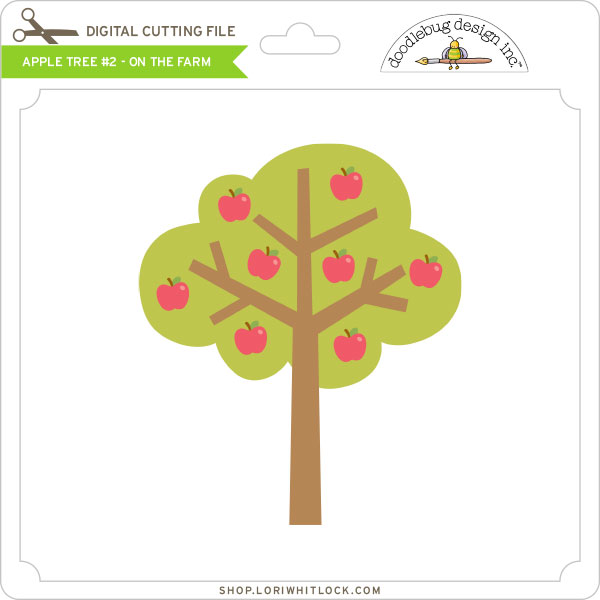
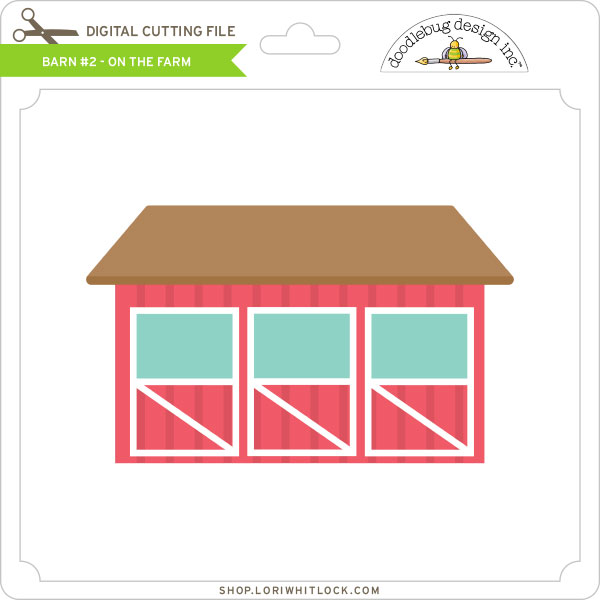
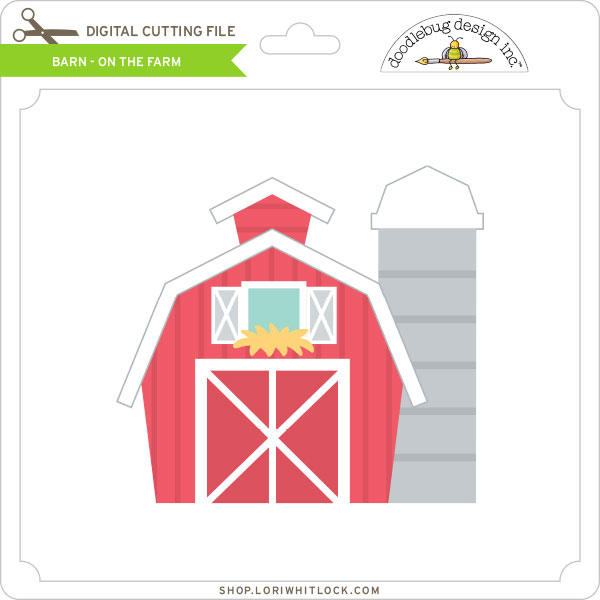
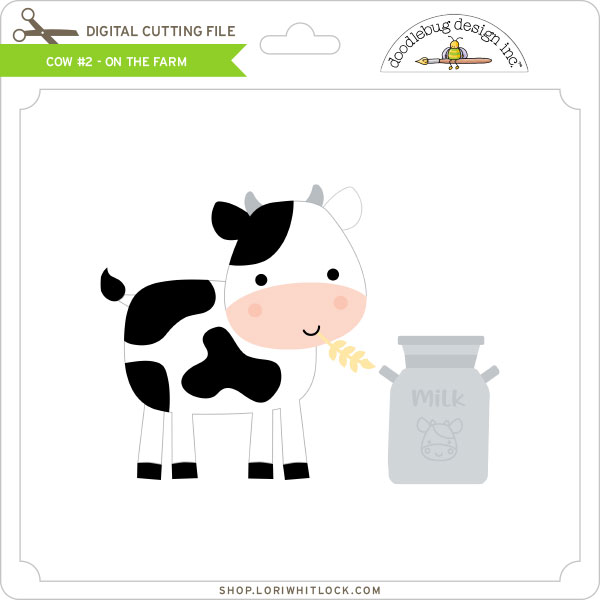
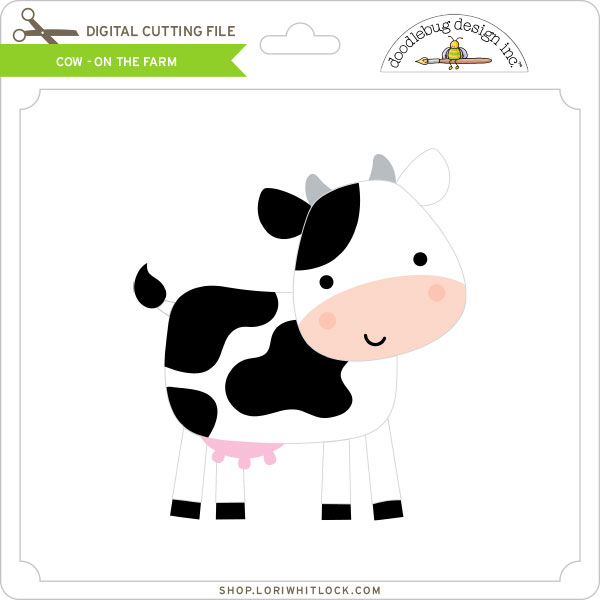
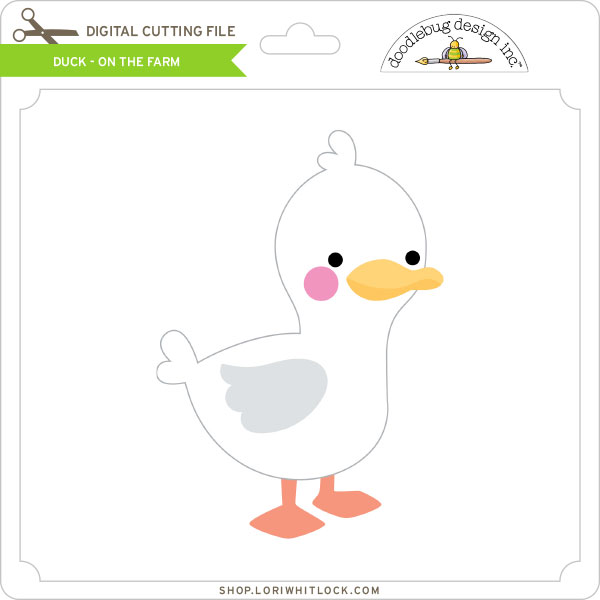
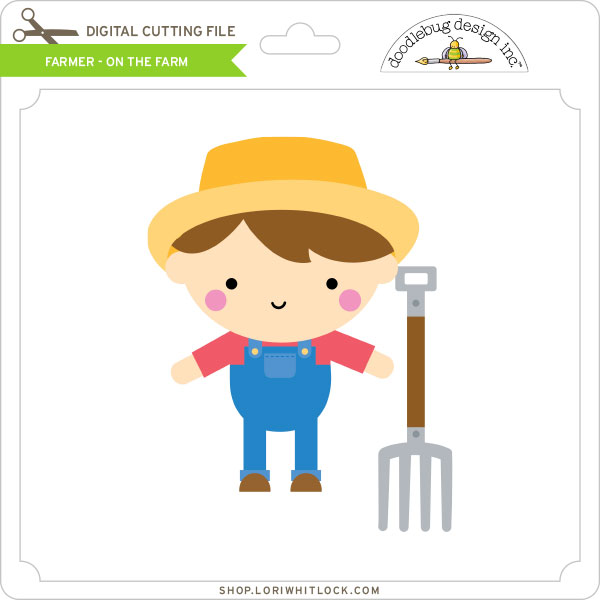
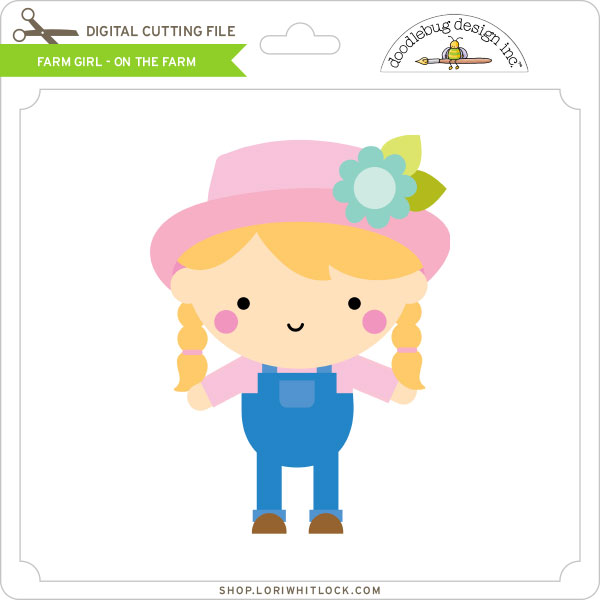
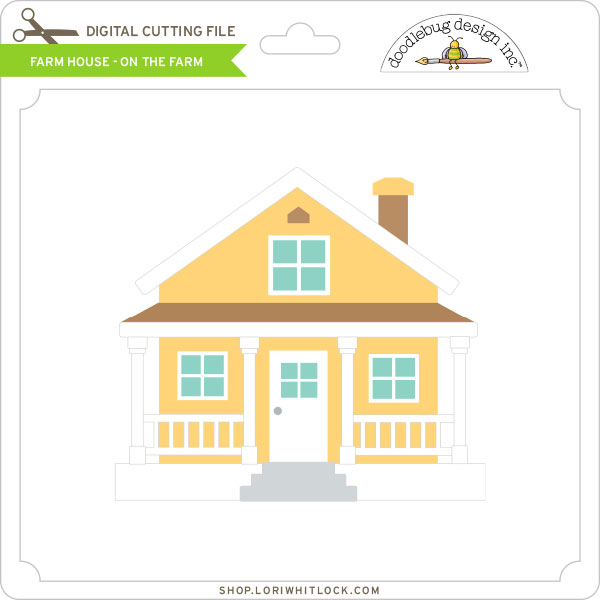
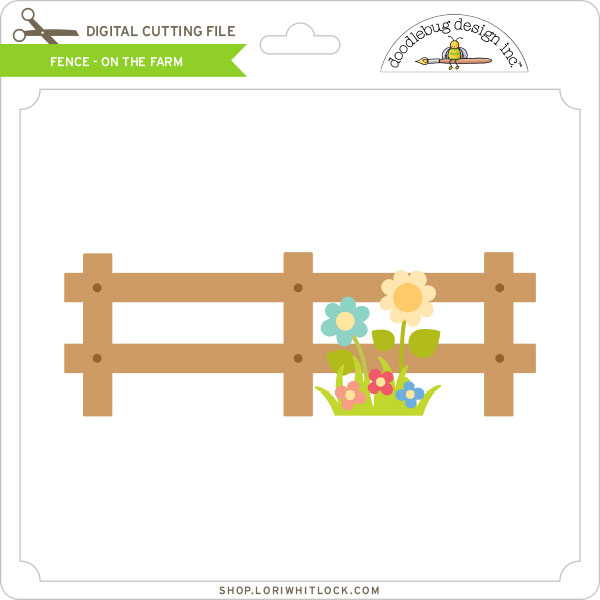
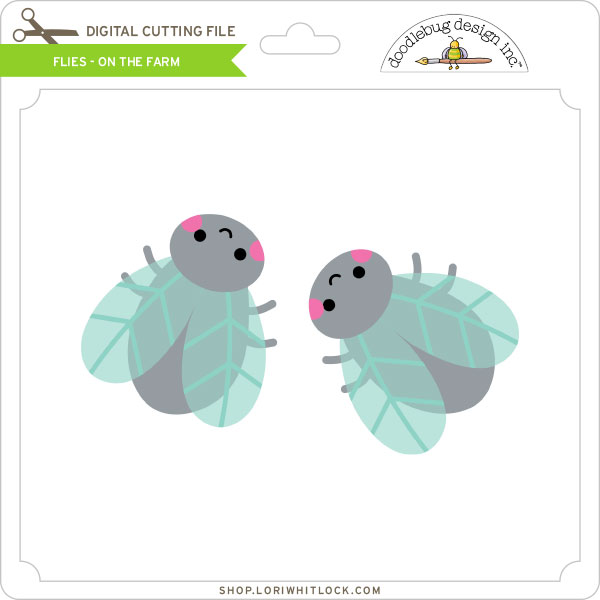
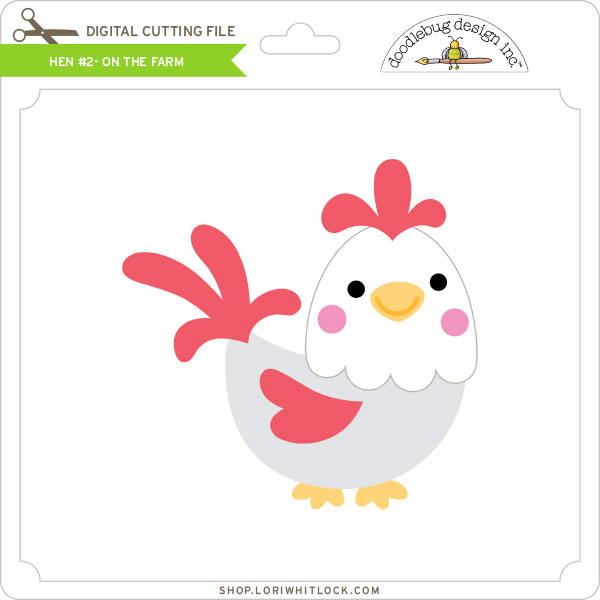
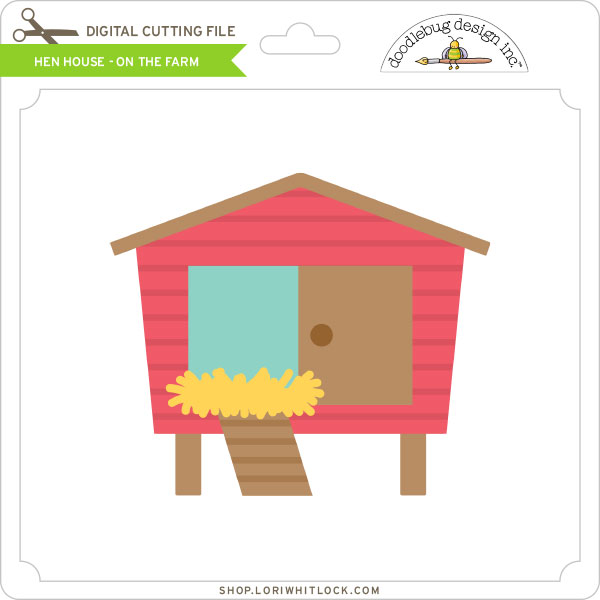
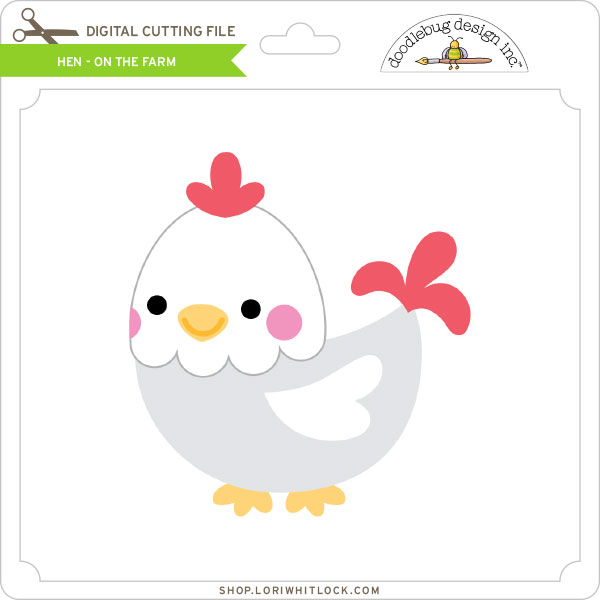
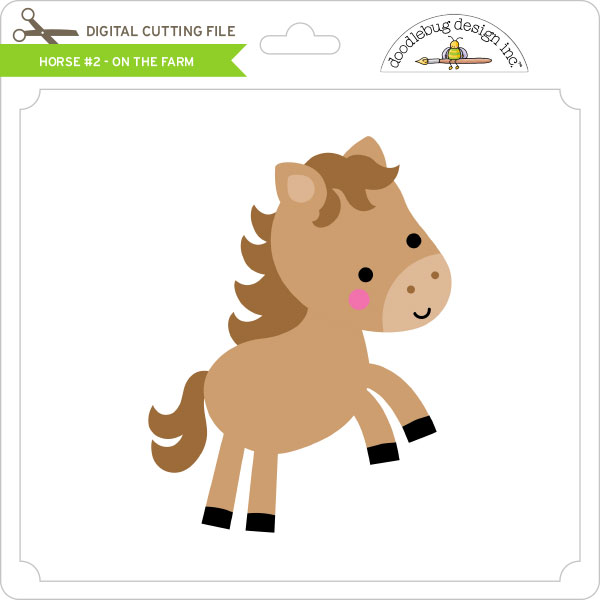
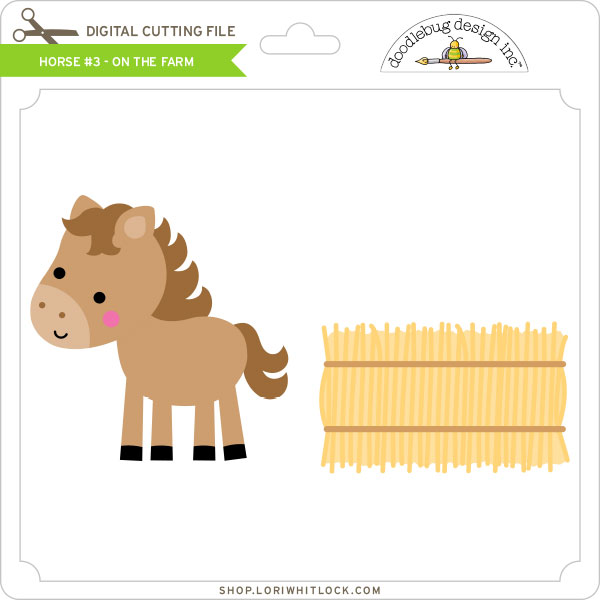
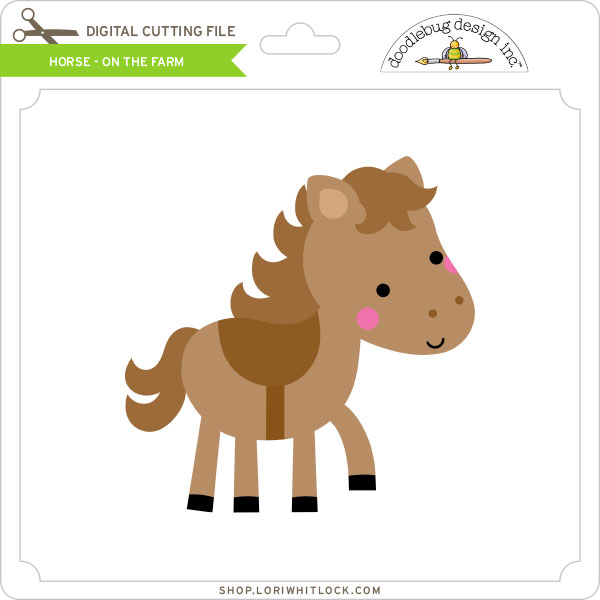
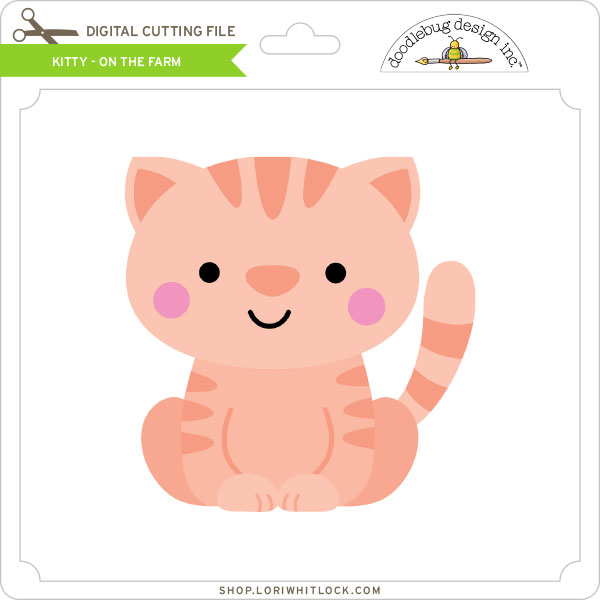
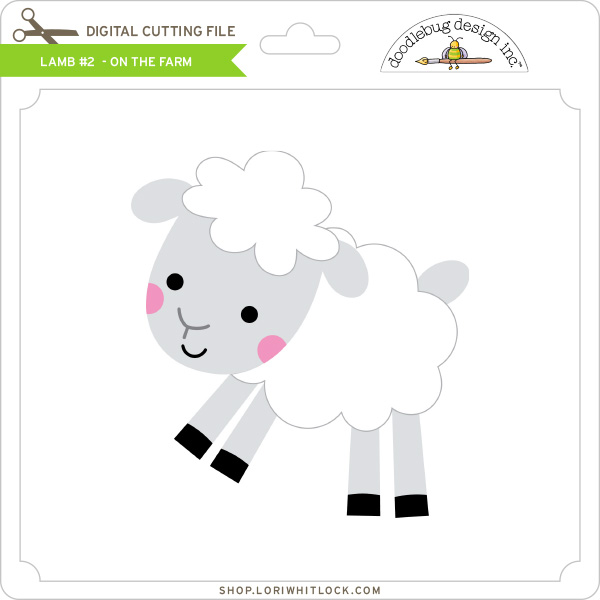
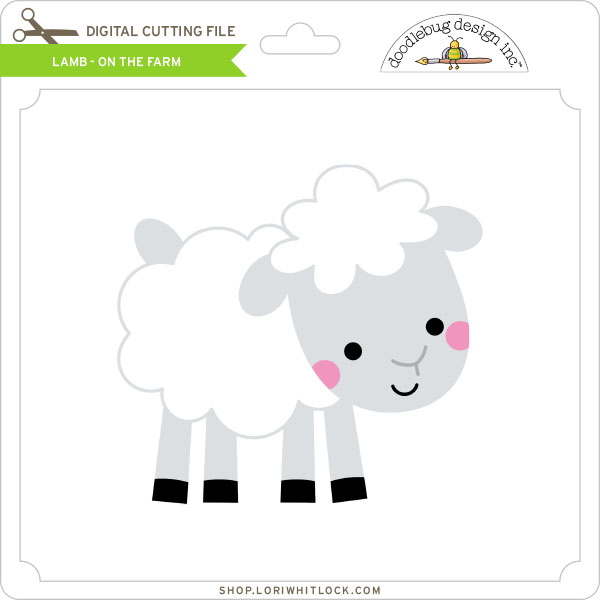
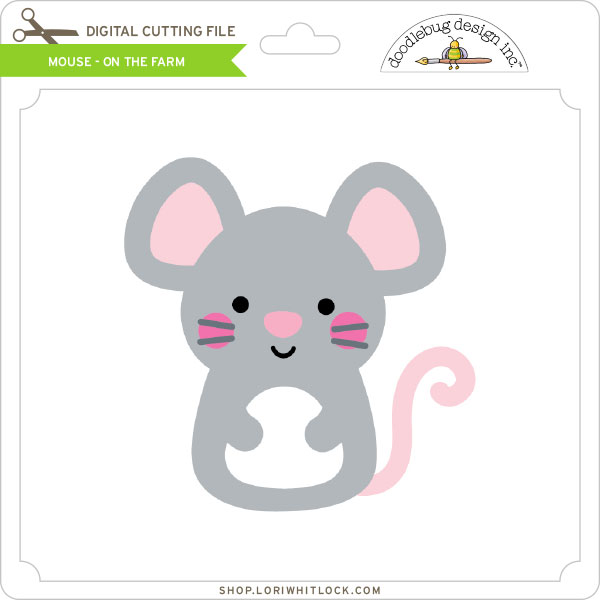
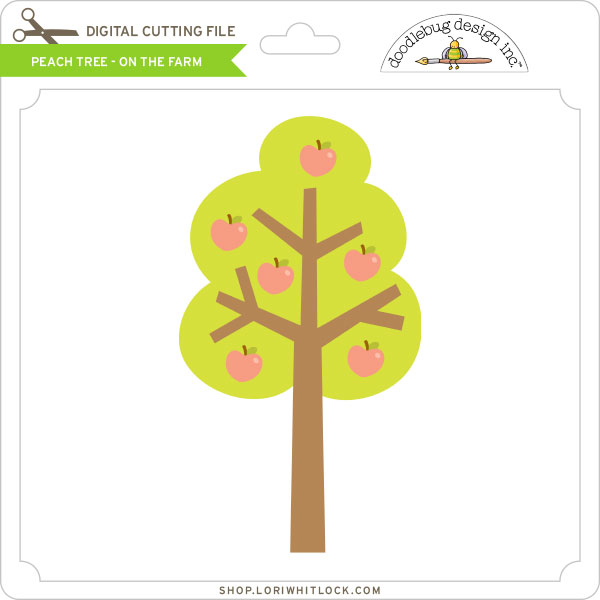
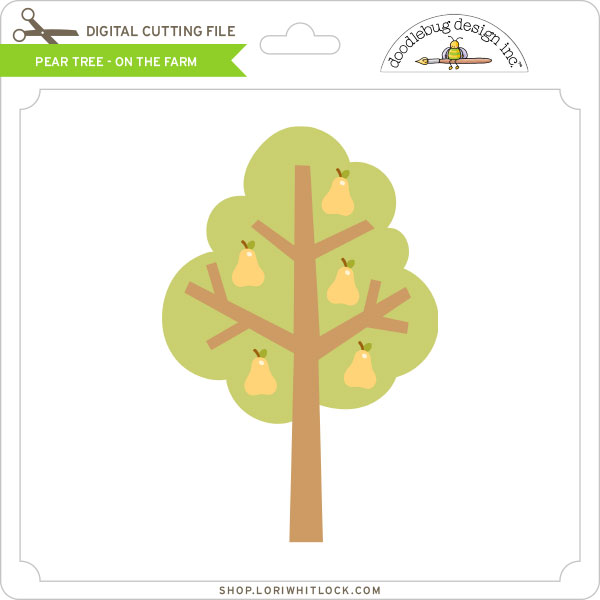
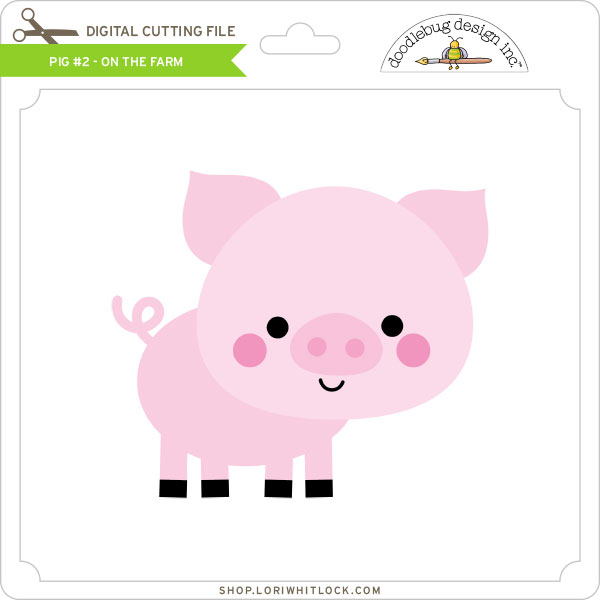
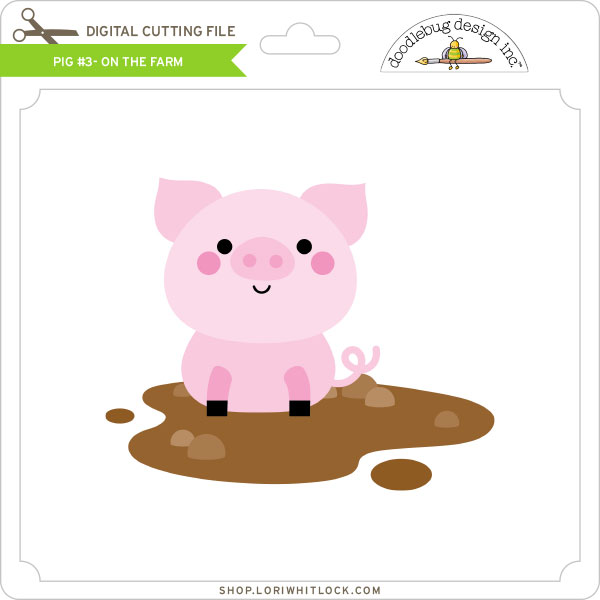
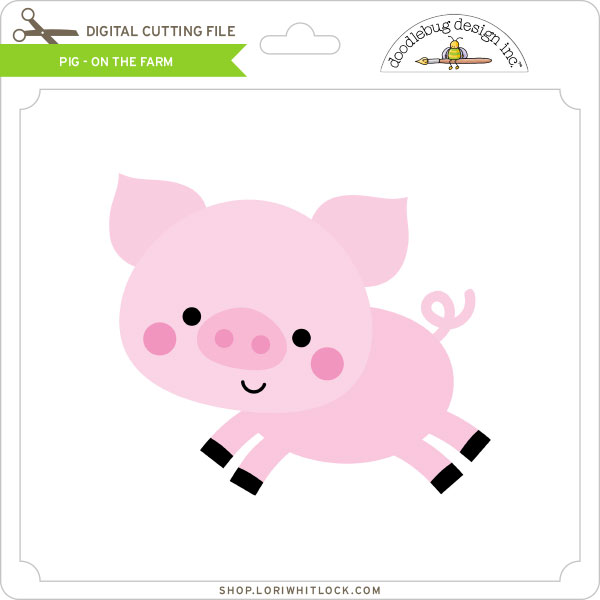
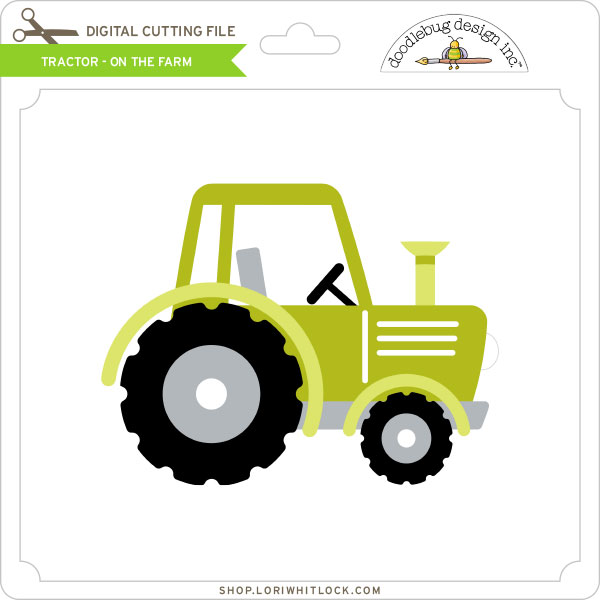
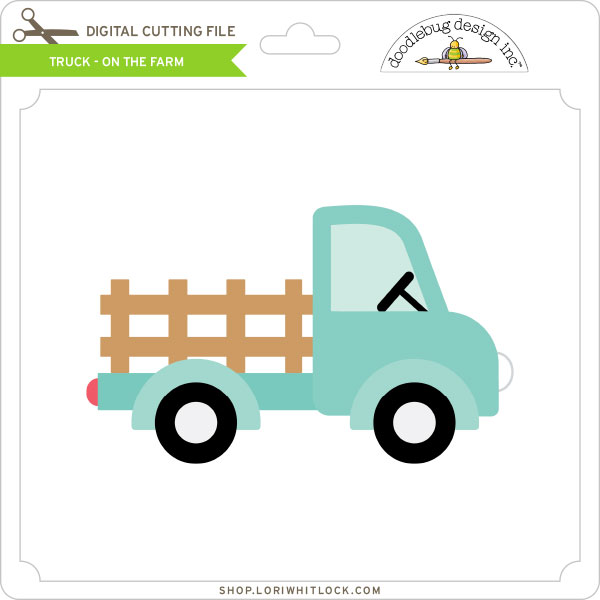
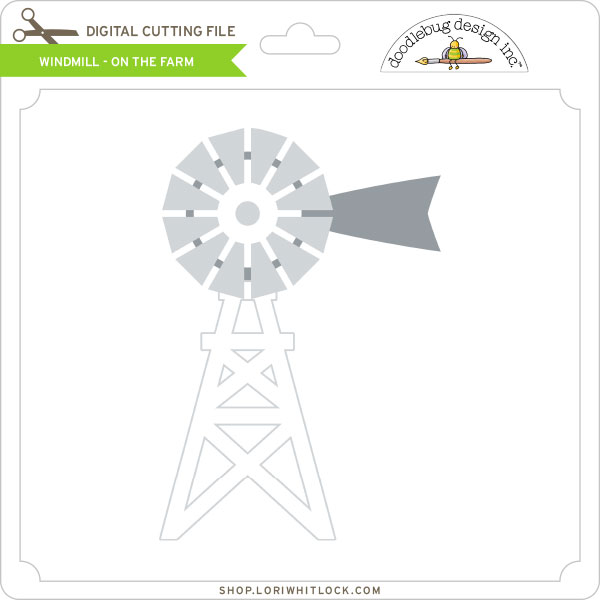
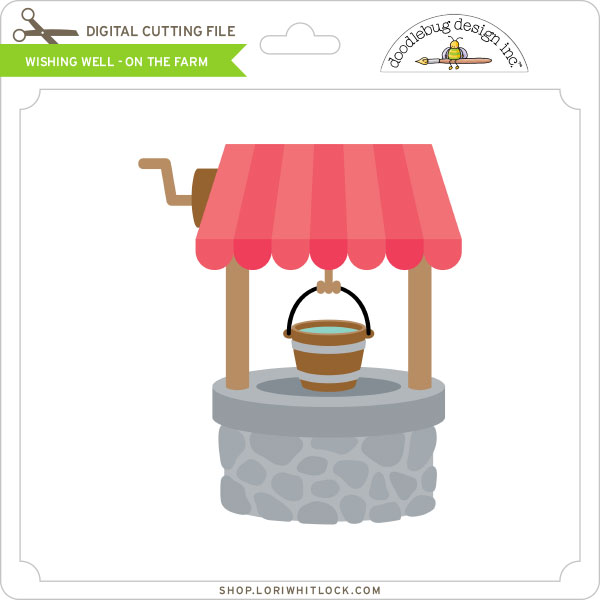
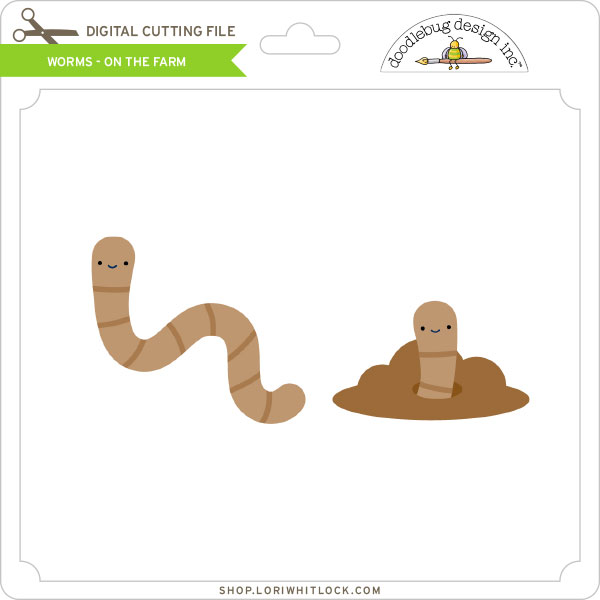
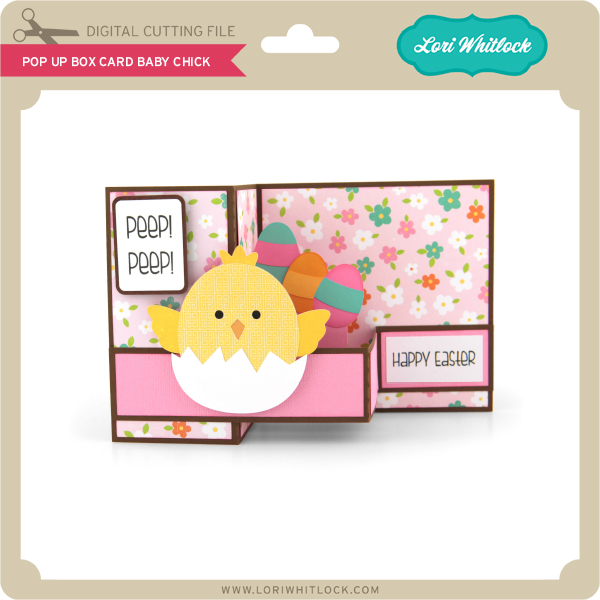
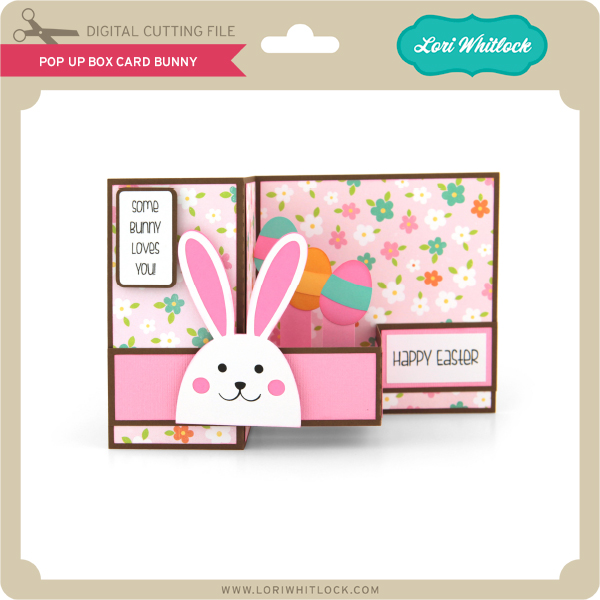
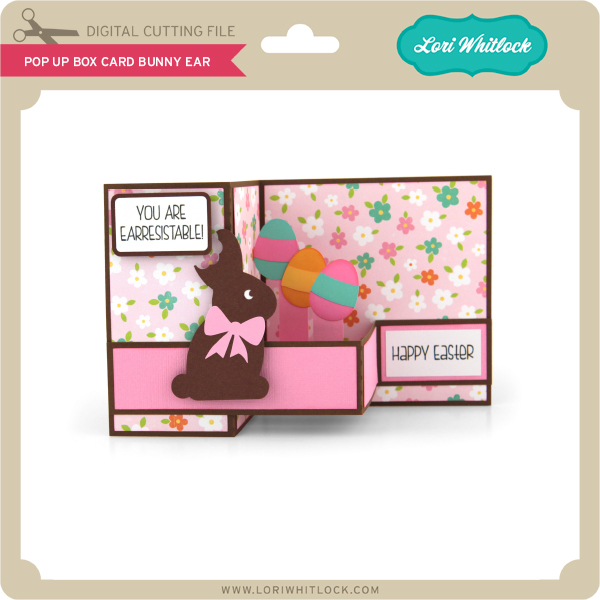
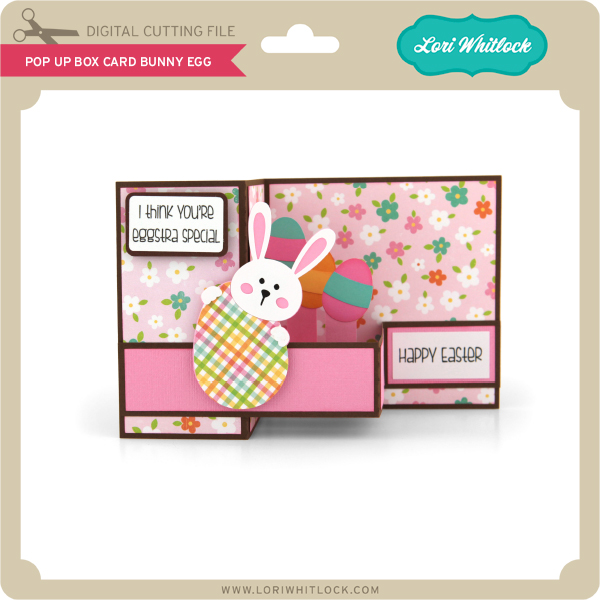
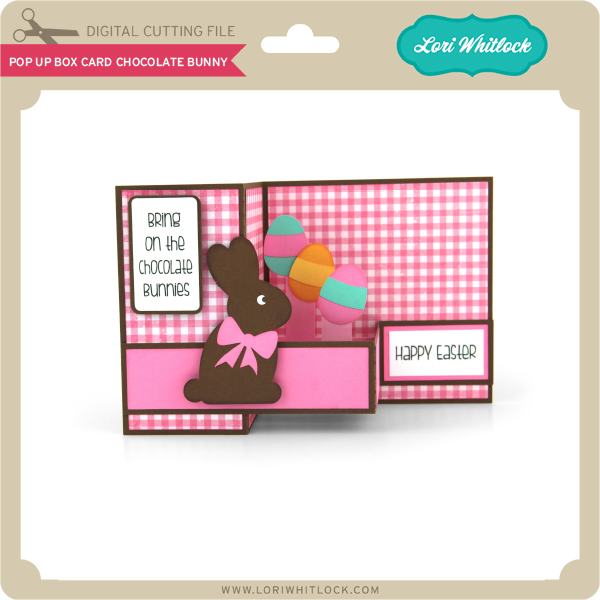
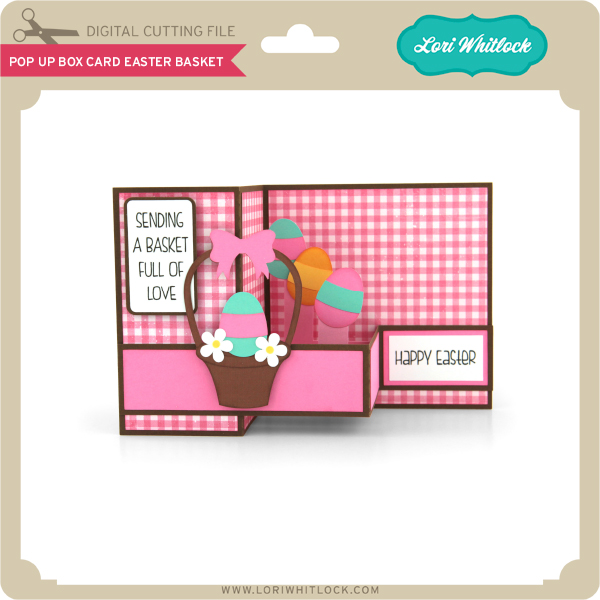
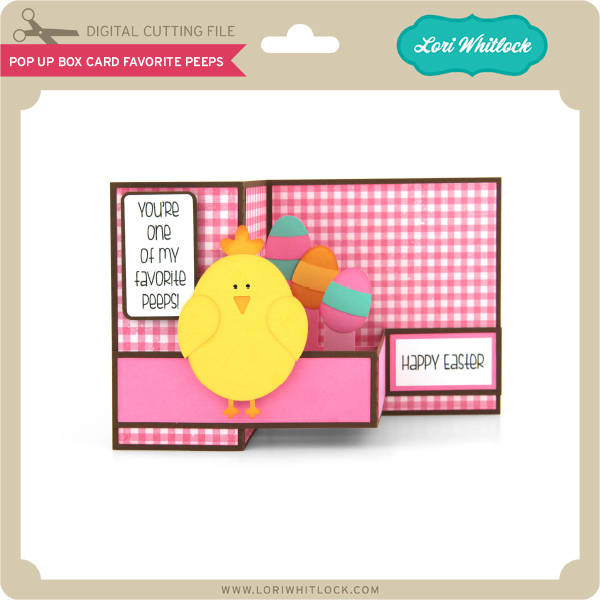
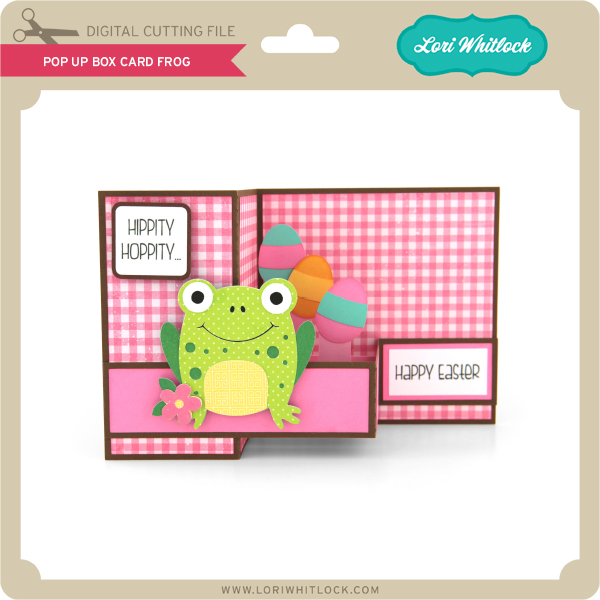
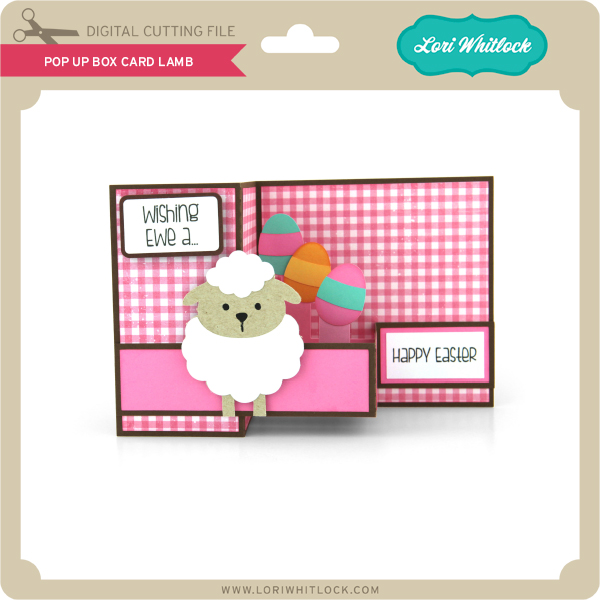
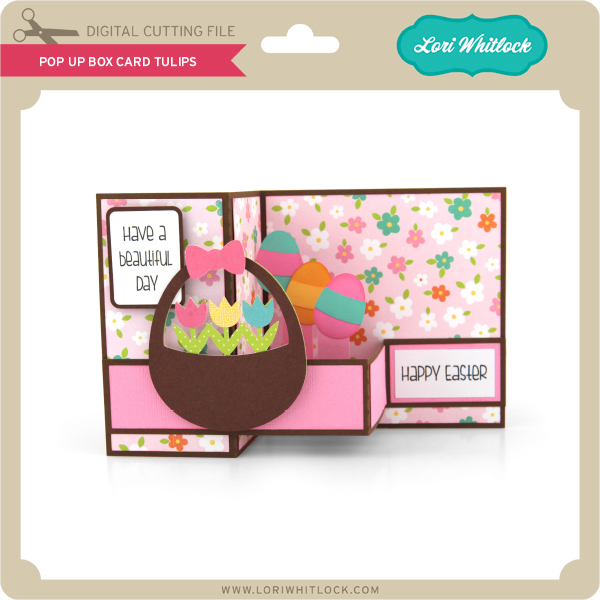
This week we have the new On the Farm Collection from Doodlebug Design and I have a new Pop Up Box Card Easter Bundle!
Check out our exciting new SVG files releasing this week! And, just like always, the NEW SVG files are ON SALE 25% OFF through the weekend in the SVG Shop! These downloads include SVG files that may be used with Cricut Explore, Silhoeutte (DE upgrade required), Eclips, Brother Scan and Cut, and any other software that will open SVG files. No coupon code necessary, the files are all discounted in the shop! Be sure to go get them while they are on SALE this week.
This week we have the new On the Farm Collection from Doodlebug Design and I have a new Pop Up Box Card Easter Bundle!


Hello Lori Whitlock Fans! Michelle here today to share some brand new 3D paper succulent designs that Lori has created. You are going to love how fun and easy these are to make!

Each miniature paper plant stands about 2 1/2 inches tall. Such tiny little treasures! These designs can be scaled up and made larger if you would like to create something bigger. I had so much fun putting these together and I know that I will be making more! There are five new succulent designs available. You can purchase The Succulent Bundle 2 at the Lori Whitlock SVG Shop, or you can purchase them individually. They are also available at the Silhouette Design Store.
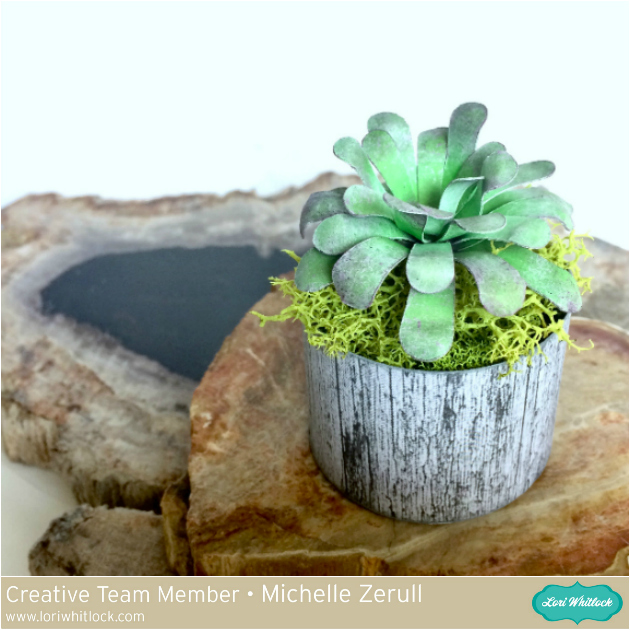
Each succulent comes complete with its own little planter. Feel free to mix and match them all to create your own garden! This plant, Succulent #8, can be purchased alone at the Lori Whitlock SVG Shop, or at the Silhouette Design Store. I loved using pastel chalks to give it color variations.

My second paper succulent was made with Succulent 11 files from the Lori Whitlock Store. You could also purchase these paper succulent files from the Silhouette Design Store. It originally came with a square planter, but like I mentioned before, they can easily be mixed and matched.

Succulent #10 can also be found by itself at the Lori Whitlock SVG Shop, or can be found at the Silhouette Design Store. I gave all of my plants unique shapes by using a kitchen kabob skewer.

I’ve really enjoyed creating my Miniature Succulent Garden and I hope that I’ve inspired you to create your own garden too!
Have a creative day!
Michelle
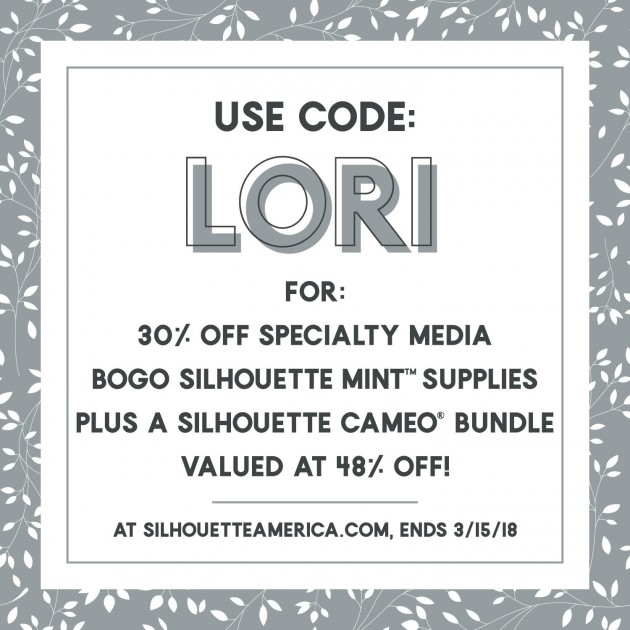
I have a Silhouette Special to share exclusively with my followers! From March 1st through Thursday, March 15th, Lori Whitlock followers can get a fabulously priced Cameo 3 Mint Bundle as well as 30% off Specialty Media and Buy One, Get One Mint Supplies when you use code LORI at checkout!
All Mint Stamp Kits come with 1 Stamp Sheet, 1 Stamp Mount, 1 Stamp Base, and 2 labels.