Doodlebug Design Cut File Feature: Flea Market

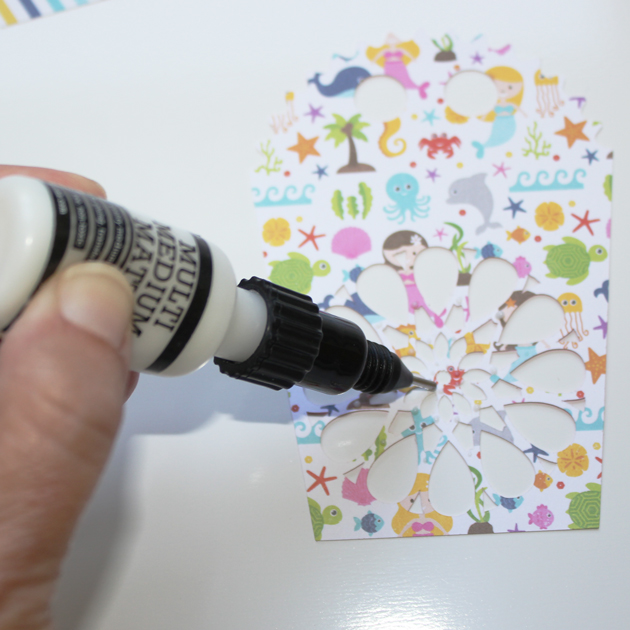
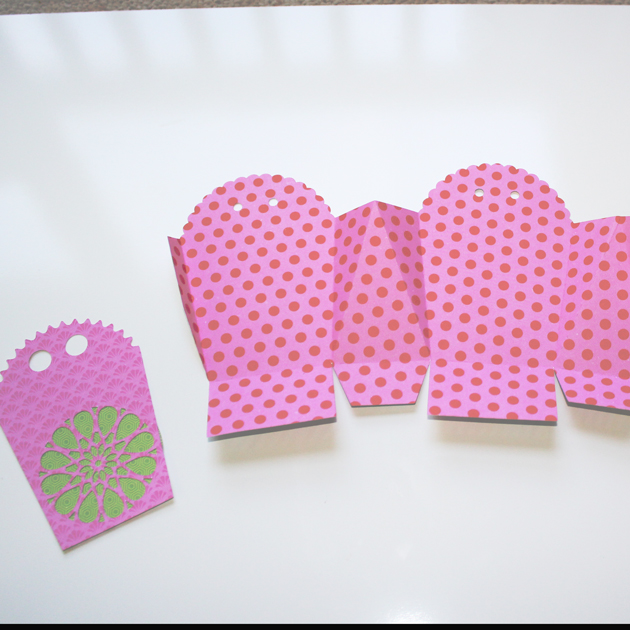
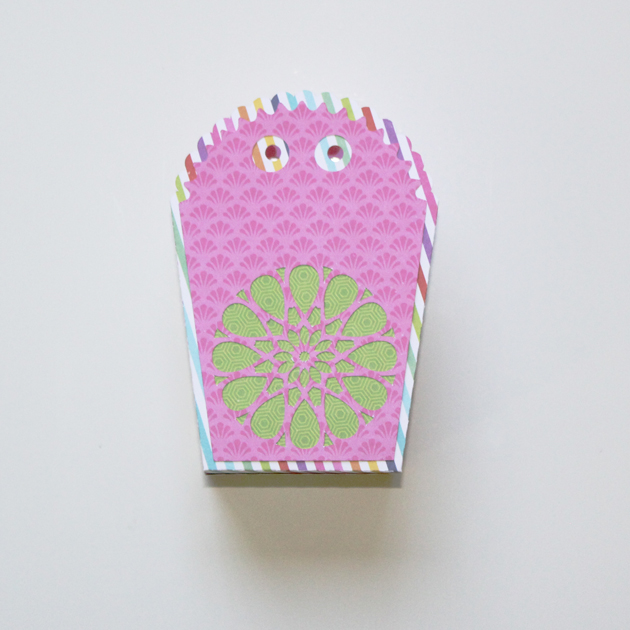
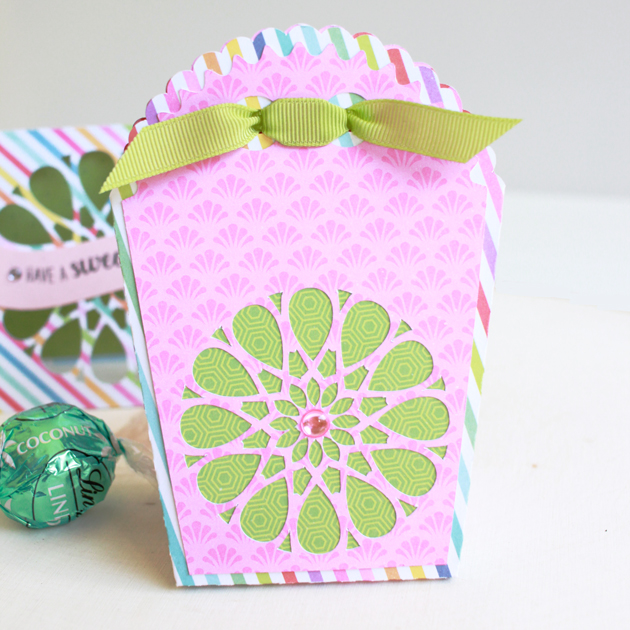
Hi Everyone!  Today I’m showcasing another fabulous project using Doodlebug Design’s cut files!  This fun shaker card was created by Kathy Skou for Doodlebug Design.


Kathy used the Jar of Hearts and Flower Cluster files  from the Flea Market Collection to piece this pretty card together.

For more views, see the original post here.   New Doodlebug Design SVG files are being added to the Lori Whitlock SVG Shop on a regular basis, so stop by to see all of the fun SVG files HERE!

Have a great day!

Print n Cut Teacher Cards Tutorial with Brigit

Hello there, here’s a quick tutorial on how I print n cut these Teacher thank you sentiments for cards in Cricut Design Space.

For the A2 shaped box card pencil I ungrouped the whole project, selected the thank you teacher and flatten it.

When it’s unflatten the outlines are gone, but it will still cut out just the oval.

When you make it, you will send to printer first and then place on mat to cut.

The A2 chalkboard teacher card I added one of the teacher thank you tags to the chalkboard piece. When I imported the tags they were black so I ungrouped, deleted the ones I wasn’t using, selected the top layer of the one I wanted, selected arrange at the top and moved to back and changed the color to white.

So now you can see everything on the tag.

I just wanted the thank you to print out on the chalkboard so I moved the apple and deleted the tag, selected the thank you and attached, and changed one of the letters on the thank you to white which changed all of the letters.

I ungrouped the chalkboard card, deleted what I didn’t want to use, resized and center aligned the thank you over the chalkboard leaving room for the apple. I selected both and flatten, now it will print n cut.

I cut out both projects together using my Cricut Maker, this way I could print both thank you sentiments at one time. You can see the two print n cuts below.

I love the ability to print n cut sentiments for my projects, you can create a nice custom fit and it’s super quick and easy.

Here’s a closer look at both cards.

Get the A2 pencil shaped box card at the Silhouette Design Store.

Get the A2 teacher chalkboard easel card at the Silhouette Design Store.

Get the thank you teacher favor tags from the Silhouette Design Store.

Thanks for stopping by and have a wonderful day!


One Buck Wednesday and Digital Inspiration with Ashley

Today at Snap Click Supply I have two items featured for $1 on Wednesday!. That means you can pick up 2 of my digital scrapbooking products at a steal. TODAY ONLY!

Basic Border Masks

Basic Label Collection


Be sure to go grab these great deals while you can. These offers will end at midnight!

Ashley used some of these files in this fabulous layout documenting her daughter’s graduation…

Welcome to One Buck Wednesday.  Last Wednesday, my oldest child graduated from High School.  It’s such an exciting time and a day when we took many pictures! Lori’s Basics Collections have great colors to use for your school pages.

I included some files that are features in the One Buck Wednesday sale:  Basic Border Masks, Basics Label Collection.

Other files are used: Basics Collection, Life Templates Square Set 7,  The Tassel was worth the Hassle 2.

Find a chance to document your important memories and enjoy the many milestones.

Tuesday Freebie and New in Shop

ALL WEEK, this SVG file is FREE with any $1.99 purchase!

We have a FREE file with purchase all this week! Simply add this Dad Pop Up Drawer Box  file  to your shopping cart along with ANY $1.99+ purchase from the SVG Shop and this file is yours FREE. Be sure to use Coupon Code: LOVEUDAD (case sensitive) at checkout. This offer is good through next Sunday.

(Your cart must reach at least $3.98 before the coupon will be applied and then $1.99 will be subtracted from your total at checkout. The files will be available for immediate download after you pay for your order by visiting MY ACCOUNT>COMPLETED ORDERS>ORDER DETAILS inside of your account. Only one discount code per order allowed.)


In addition, don’t forget about this special ! You can get this Free Kit of the Month with any $20 purchase (Purchase must be in one transaction.) Simply add the 2018 June Kit of the Month to your shopping cart along with ANY $20.00+ purchase from the SVG Shop and this file is yours FREE. Be sure to use Coupon Code: JUN18KOTM (case sensitive) at checkout. This offer is good through June 30, 2018!

(Your cart must reach at least $27.95 before the coupon will be applied and then $7.95 will be subtracted from your total at checkout. The files will be available for immediate download after you pay for your order by visiting MY ACCOUNT>COMPLETED ORDERS>ORDER DETAILS inside of your account. Only one discount code per order allowed.)
 
 
Check out the cute new SVG files releasing this week! We have a darling new set of bobble head cards and, some gorgeous mandala cards, and some fabulous new files from Paige and Dresden.  And, just like always, the NEW SVG files are ON SALE 25% OFF through the weekend in the SVG Shop! These downloads include SVG files that may be used with Cricut Explore, Silhoeutte (DE upgrade required), Eclips, Brother Scan and Cut, and any other software that will open SVG files. No coupon code necessary, the newly released files are all discounted in the shop! Be sure to go get them while they are on SALE this week. 


Thanks for visiting the blog today! Please let us know if you need any help with your files. We want to make sure everyone is happy with their purchase. Have a great week!

Apple Cards for Teacher by Aimee
Hello crafty friends! Aimee here with you today and I have a couple of year end apple shaped cards to let your child’s teacher know how special they are!
I combined a couple of Lori’s cuts to create these cards. For the card base I used the Gift Card Holder Apple (SVG or Silhouette) and sentiment is the new Big Heart Teach Little Minds (SVG or Silhouette).

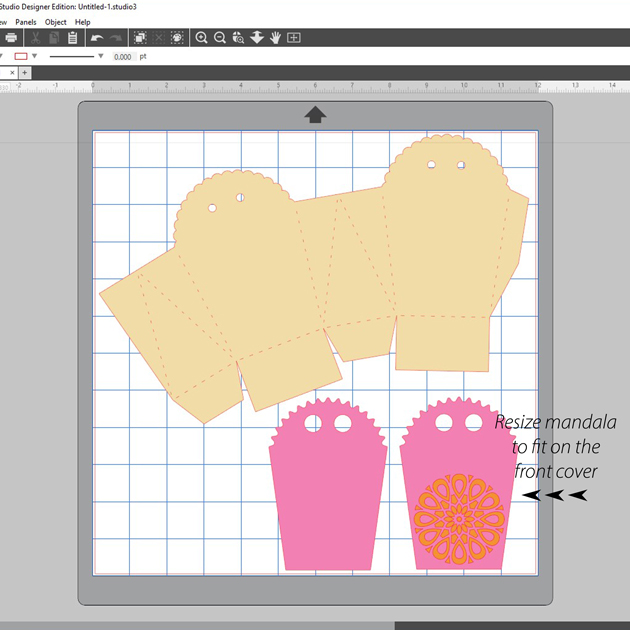
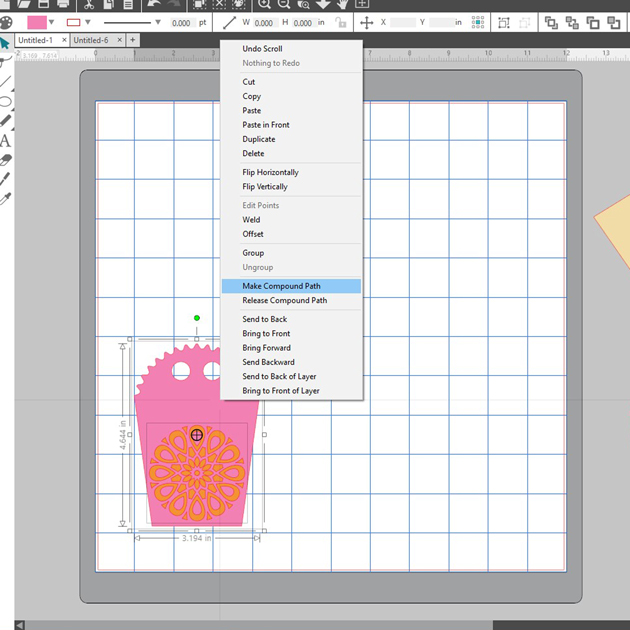
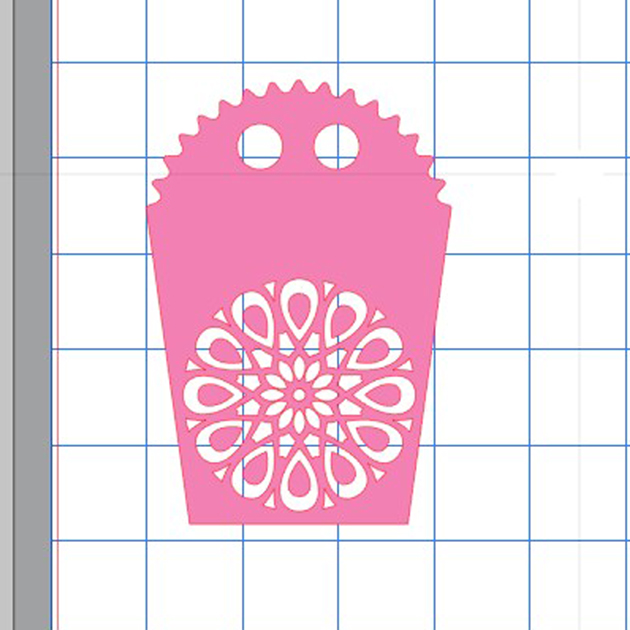
A little tip for you…I centered the sentiment on the apple and then highlighted the two cuts and clicked on “make compound path” to get this cut below. Then I cut it out and laid it on top of my card to know exactly where to glue my letters down.

Thanks for stopping by today!

Aimee