October 2019 Kit of the Month

We have a brand new special for the entire month of September ! You can get this Free Kit of the Month with any $20 purchase (Purchase must be in one transaction.) Simply add the 2019 September Kit of the Month to your shopping cart along with ANY $20.00+ purchase from the SVG Shop and this file is yours FREE. Be sure to use Coupon Code: OCT19KOTM (case sensitive) at checkout. This offer is good through October 31, 2019.


(Your cart must reach at least $27.95 before the coupon will be applied and then $7.95 will be subtracted from your total at checkout. The files will be available for immediate download after you pay for your order by visiting MY ACCOUNT>COMPLETED ORDERS>ORDER DETAILS inside of your account. Only one discount code per order allowed.)

Thanks for visiting the blog today! Please let us know if you need any help with your files. We want to make sure everyone is happy with their purchase. Have a great day!

 

Halloween Coffin Party Favor

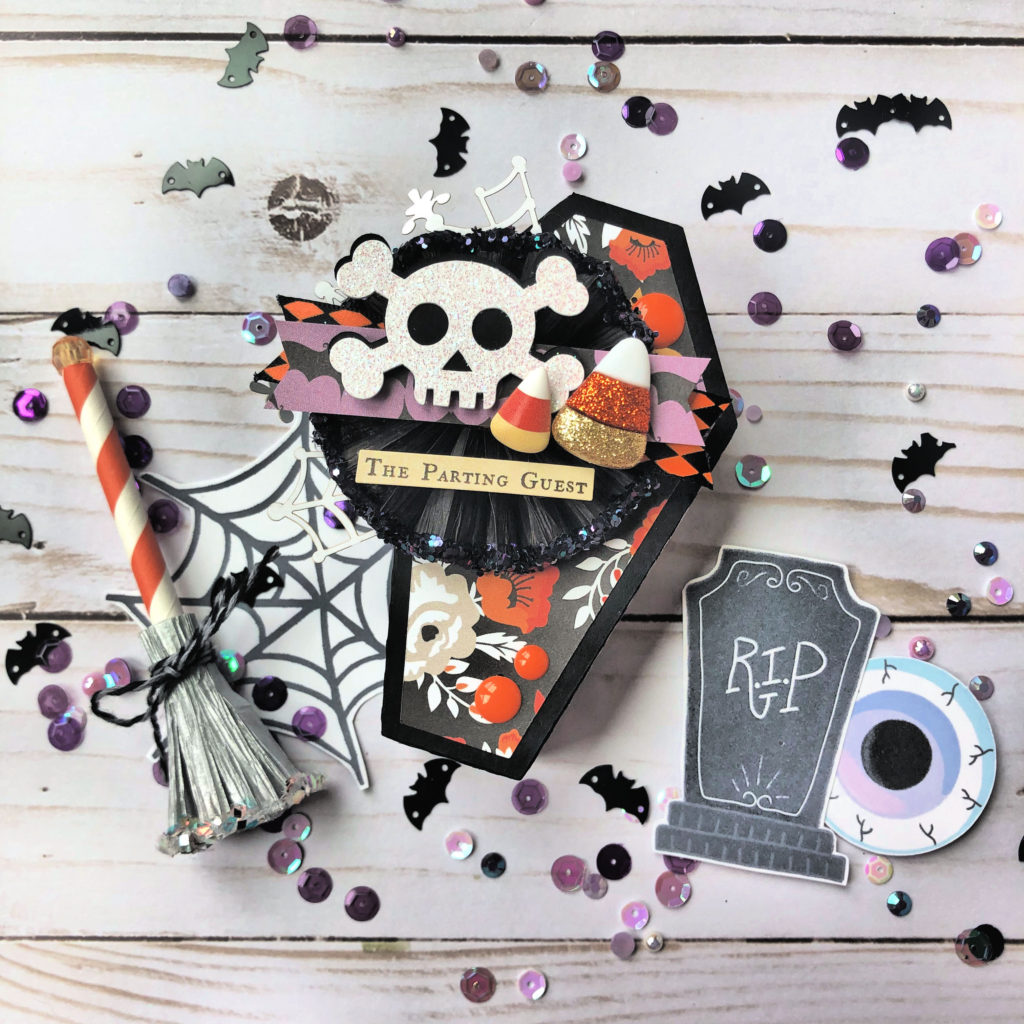
Hi friends and welcome!  Eeek! I’ve been wanting to show you these Halloween Coffin Party Favor Boxes for weeks now and today is the day!  Can you tell how excited I am?  The cut file is under Halloween Favor Box Coffin (SVGSilhouette), and you are going to love making these for all the friends, neighbors, teachers and kids in your life.

I love how Lori created the cut file with side panels for the lid of the box.  You can cut them out in coordinating designer paper to change up the look.  This file even comes with that adorable double layered skull and cross bones.

You can see the inside of the box holds several pieces of candy or other small gift.

I hope you have fun making and gifting these Halloween Coffin Party Favor Boxes. Can’t wait to see what you create!

xo,

Michelle H.

Doodlebug Cut File Feature: School Days

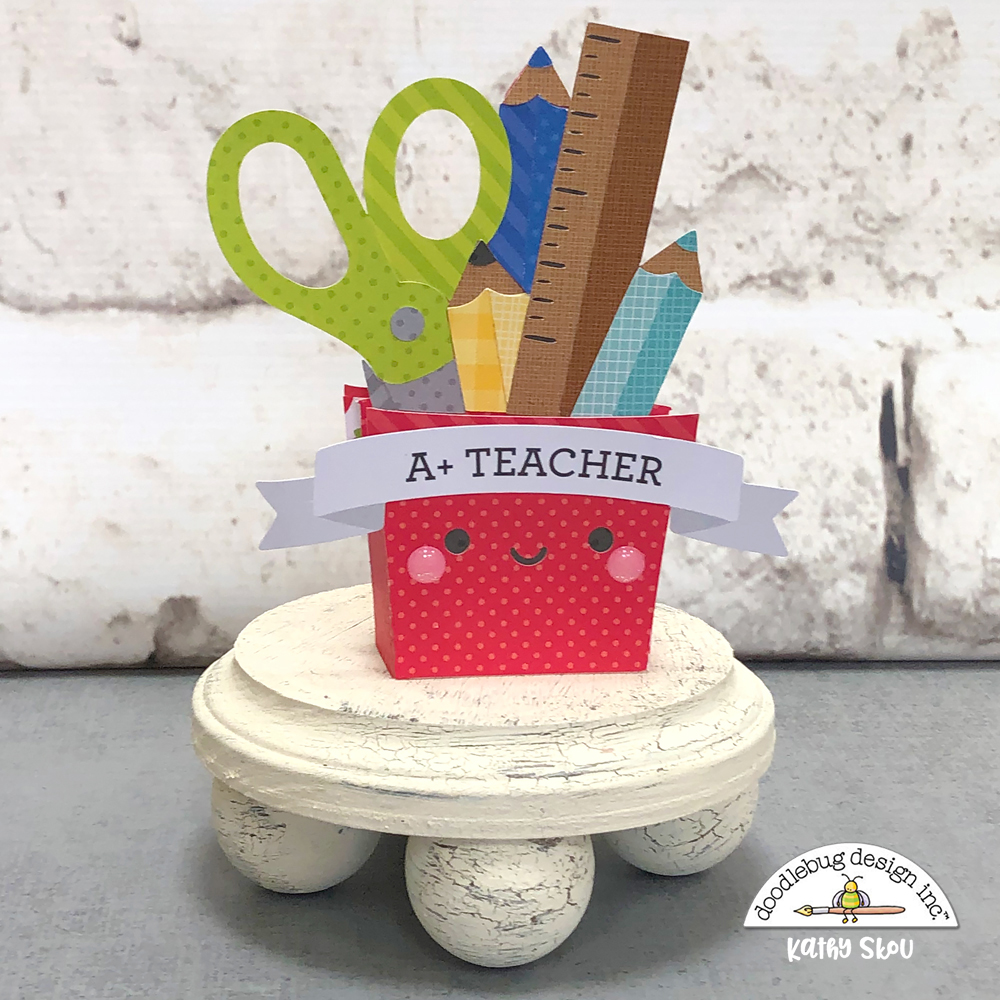
Hi Everyone!  Today I’m showcasing another fabulous project using Doodlebug Design’s cut files!  This  fun shaped box card was created by Kathy Skou for Doodlebug Design.

Kathy used the Teacher Jar from the School Days Collection as a starting point to create her box card.

For more details, you can see her original post here.   New Doodlebug Design SVG files are being added to the Lori Whitlock SVG Shop on a regular basis, so stop by to see all of the fun SVG files HERE!

Have a great day!

Pillar Sign Tutorial

Hi Everyone!  Corri here today with a quick assembly tutorial for the new Pillar Sign 4 x 4 (Silhouette, SVG).  This little sign is so cute and could be used for so many things!  You could use it for a buffet to mark the names of the food items, as part of your home decor or for a birthday party.

When you cut the sign you end up with these pieces plus some rectangles to cover the background if you choose.  I did not use those on my sign.

After you have the sign pieces cut, fold everything along the score lines.

Next, begin to apply glue to the glue tabs one section at a time.  Allow time for the glue to dry before moving on to the next set of tabs.

Continue gluing all the tabs in place until you have formed the pillar, sign background and top.

Next, glue the three pieces together and add your sign.  I trimmed one of the 4 x 4 cards from the Lori’s My Favorite Fall Collection from Echo Park.

This turned out so cute and was fun to put together!  There are so many uses for this project.  Head over to Lori’s Shop to see the other sizes!

Thanks so much for stopping by!

The New Silhouette Cameo 4

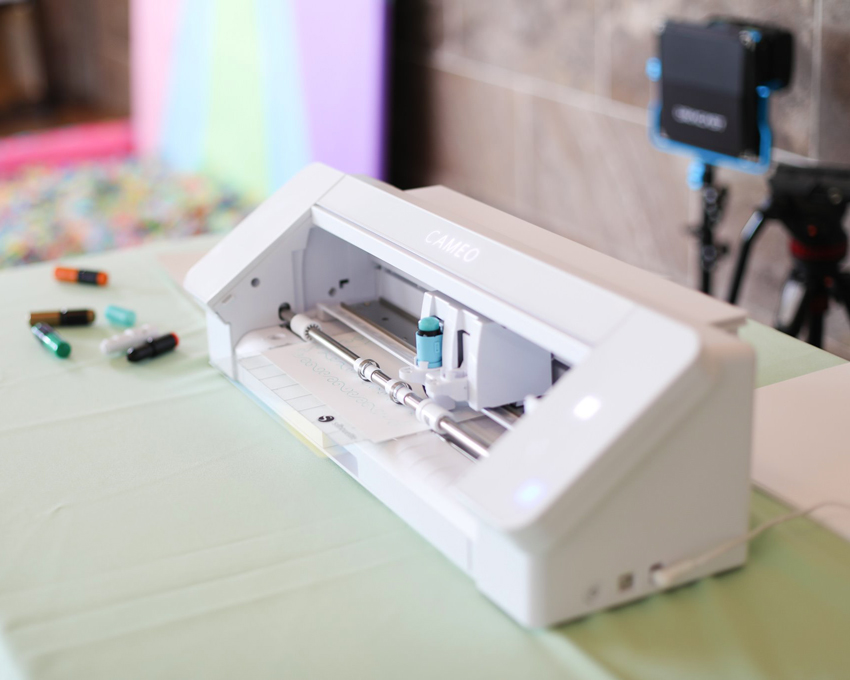
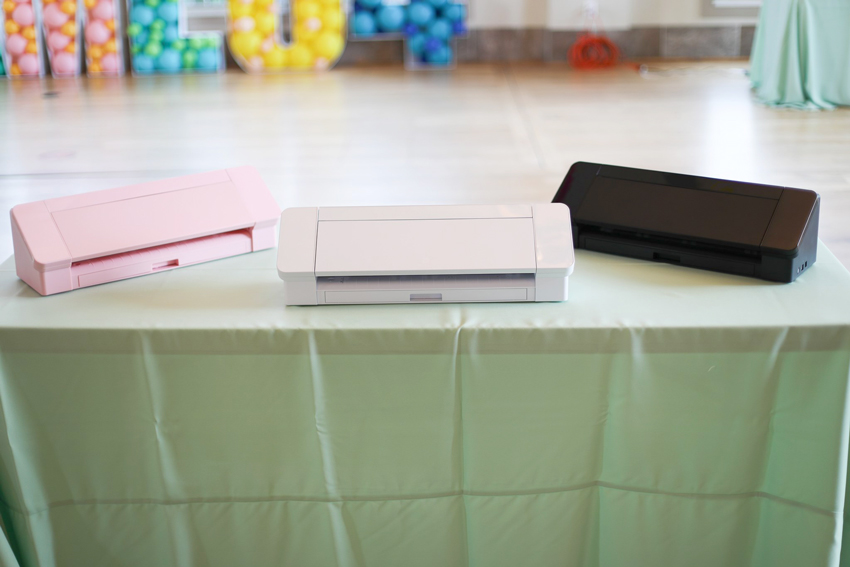
The much anticipated release of the Silhouette Cameo 4 is here!  I was able to attend a launch party for the new machine’s debut. You can now pre-order the Silhouette CAMEO 4, and shipping will start at the end of September!  I thought it would be helpful to give you an overview of some of the fabulous new capabilities and why you should be excited for them!

The Cameo 4 will have many of the same features as the Cameo 3 such as dual tool holders, print and cut and the ability to cut vinyl up to 10′ long.  In addition to these great features, the Cameo 4 will bring you more!  You will get

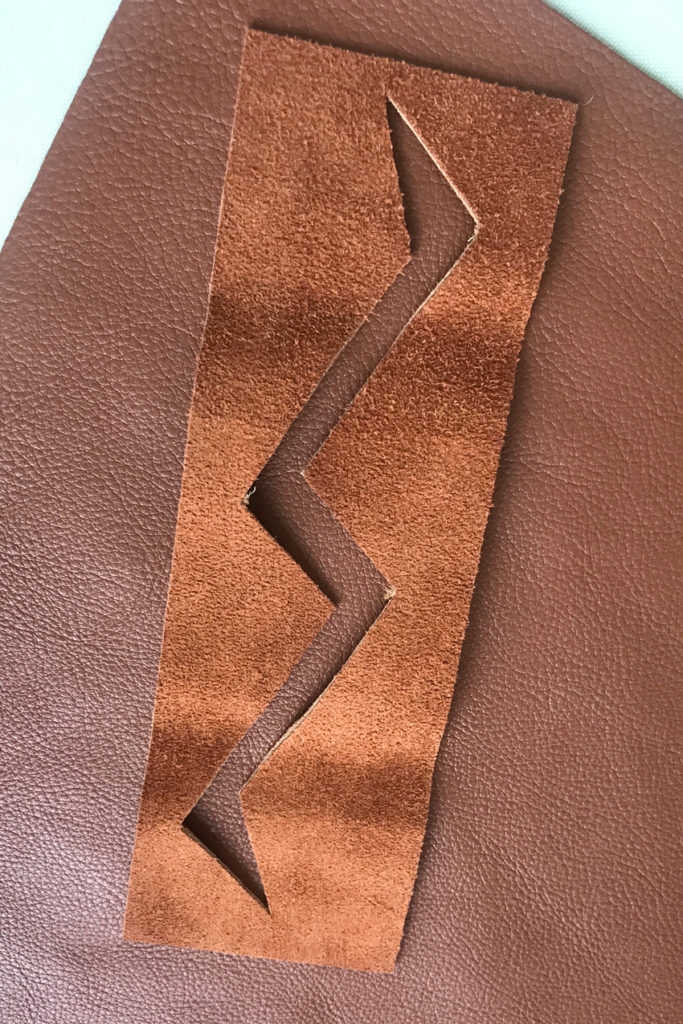
  • Increased Downward Force – up to 5kg (5000 g) .  This will allow the Cameo 4 to cut thicker materials such as mat board, leather, balsa wood and craft foam.
  • Increased Cutting Speed and Acceleration – About 3x Faster than CAMEO 3.  This is something Silhouette users have been asking for, and will come in handy for large projects and business applications.
  • Ability to use Silhouette Rotary Blade – Fabric cutting is now so much better on the Cameo 4!  With the Rotary Blade you can even cut felt!  This is great for crafting and quilting applications! (note, this blade will be available later this year)
  • Single tap AutoBlade – As Cameo 3 users know, using the autoblade requires a number of taps to reset the blade and then set it to the correct depth.  This new feature will reset the blade in one tap.
  • Four included tool adapters- Allows users to use all Silhouette tools that fit in the older Silhouette machines in the CAMEO 4 and even most of the third party tools – like the Foil Quill!
  • Auto Tool Detection – The Cameo 4 auto detects the tool that’s in the carriage and automatically changes the cut settings in Silhouette Studio accordingly. The tool detection sensors are both on the Automatic Blade as well as the adapters and will also be on the Punch Tool, Kraft Blade, and Rotary Blade.
  • Built-in Pull Out Roll Feeder Cross Cutter in back – No need to purchase a separate tool to feed in rolls of vinyl!
  • Retractable Cover – you don’t have to account for overhead
  • Redesigned Rollers and Tool Locks – better quality and easier to use!

The Cameo 4 runs on Silhouette Studio Software with a quick and easy software update and connects easily with Bluetooth. Another feature that I’ve been playing with is cutting yardstick without a mat! Yes, I said without a mat. It works, and I think it will come in handy when you’re trying to make several of one thing.

The cost of the new Silhouette Cameo 4 12″ cutter  is $299.  It is available for pre-order through Heat Press Nation and  Swing Design

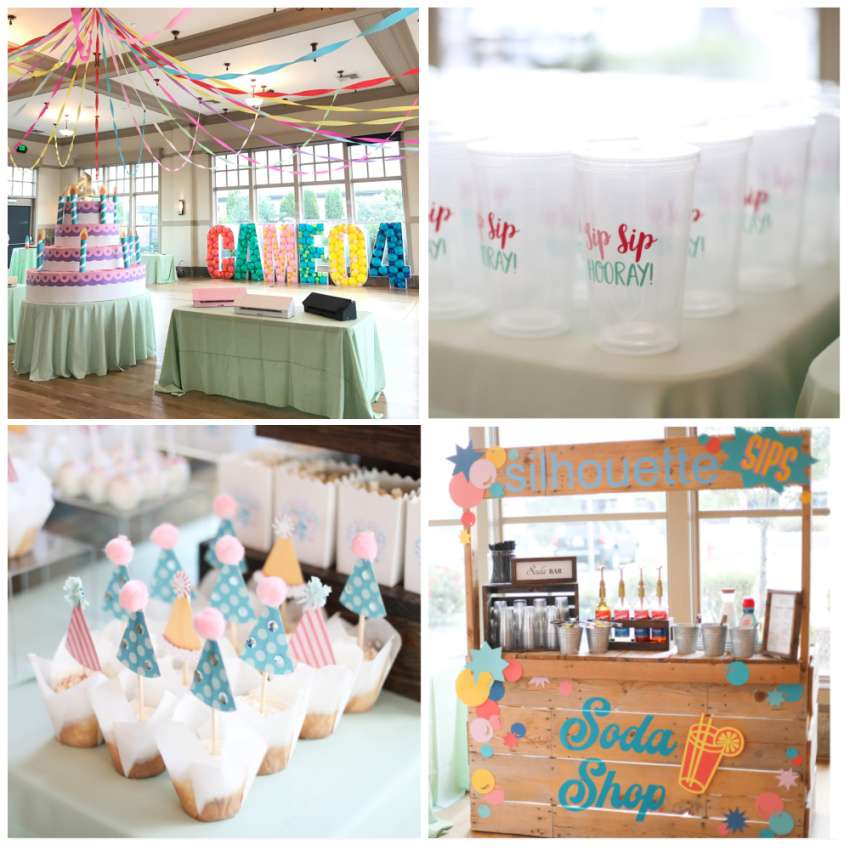
I have one of the CAMEO 4’s and will post an unboxing video soon. So, watch for that. I wanted to share some photos of the launch event….


If you’d like to order a Silhouette CAMEO 4, you can purchase it through Heat Press Nation and  Swing Design .

Have a great day!